
 14
14presentation
2036 Dragon Year Celebration Theme
Plan a memorable Lunar New Year campaign with the 2036 Dragon Year Celebration Theme, featuring bold red-and-yellow slides for lessons and events.
Google SlidesPowerPoint
presentation · English
Create memorable halloween costume award slides for party winners with retro black and purple designs, editable certificates, and PowerPoint or Google…
Design notes
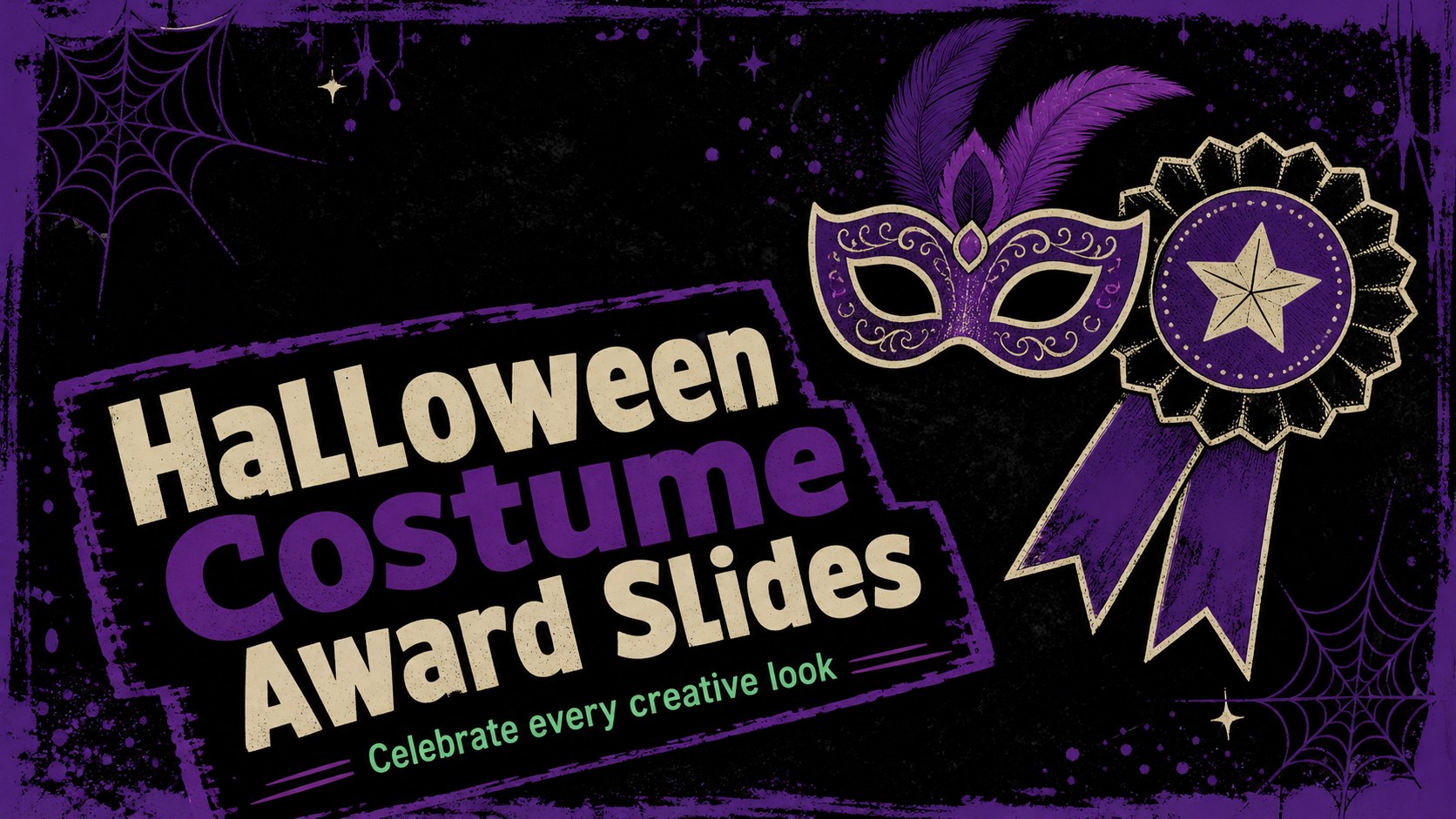
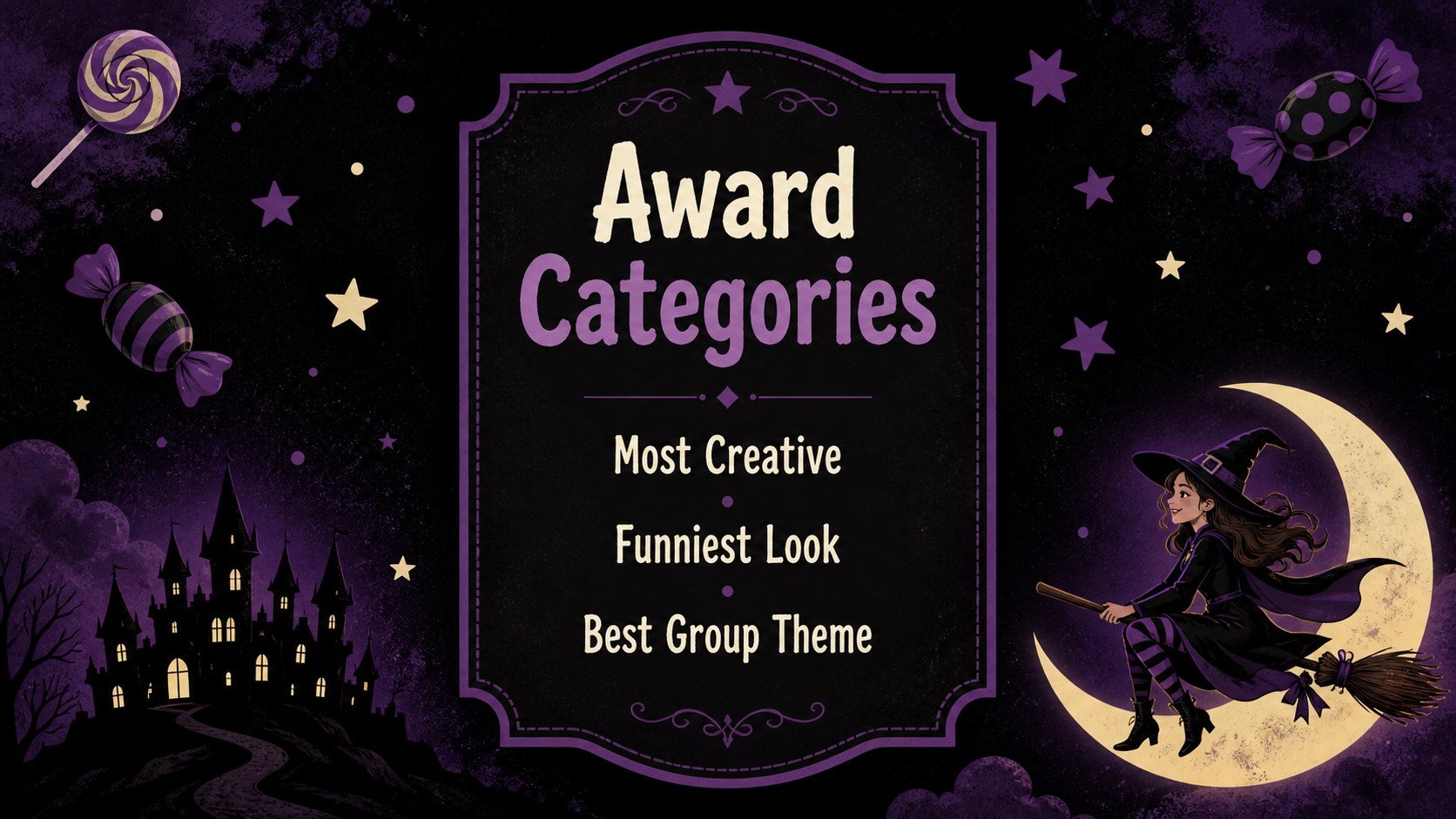
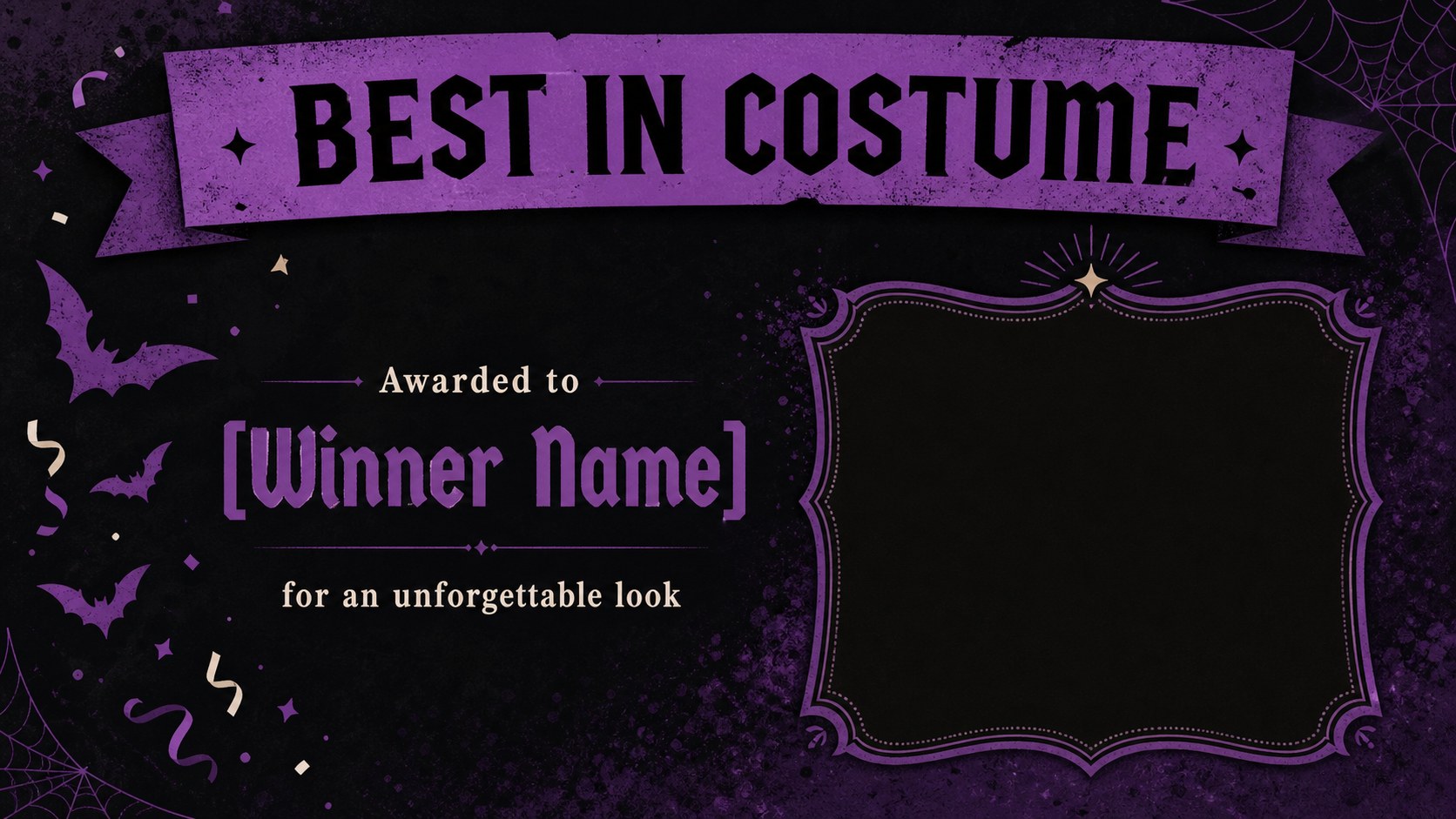
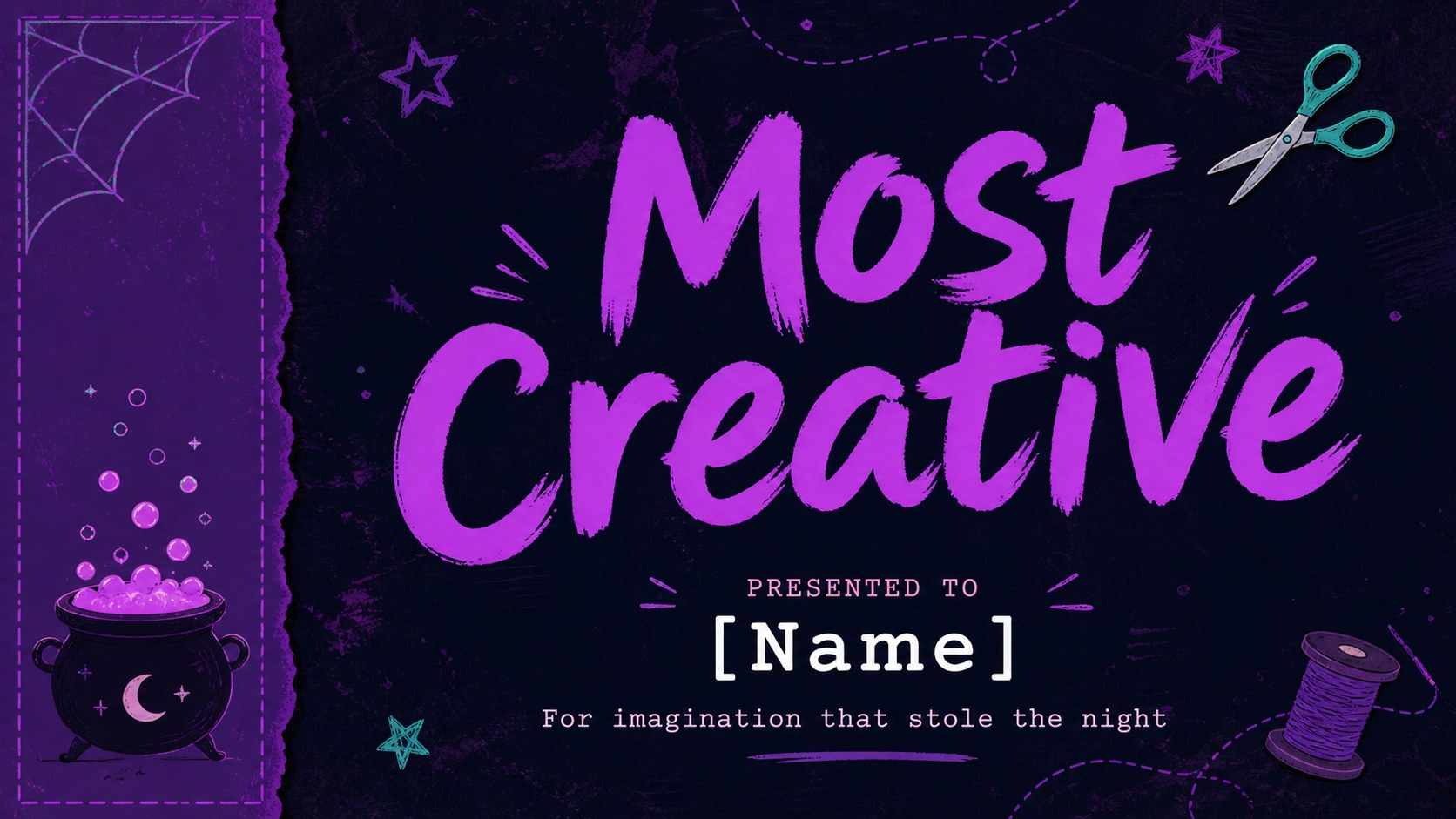
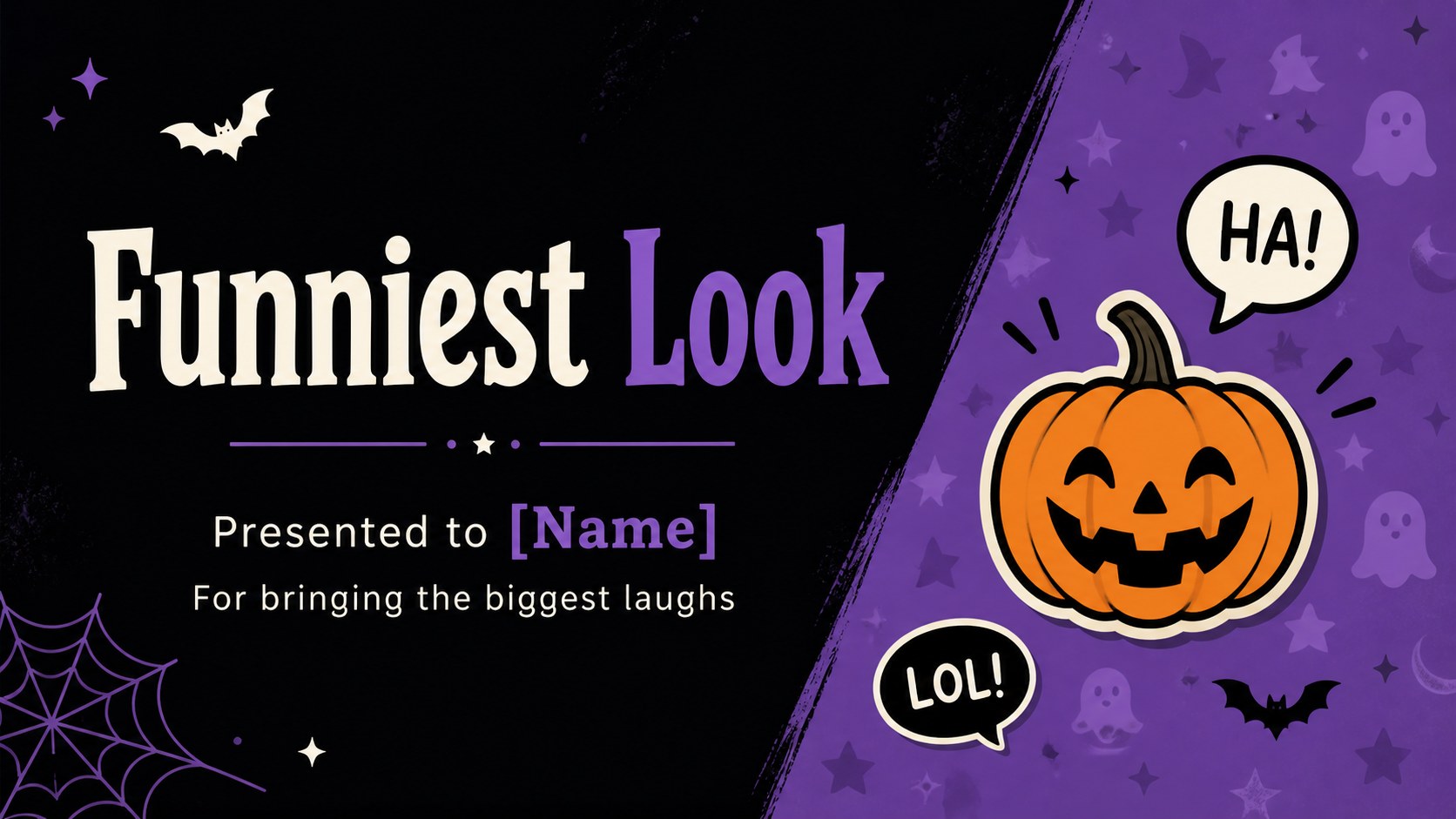
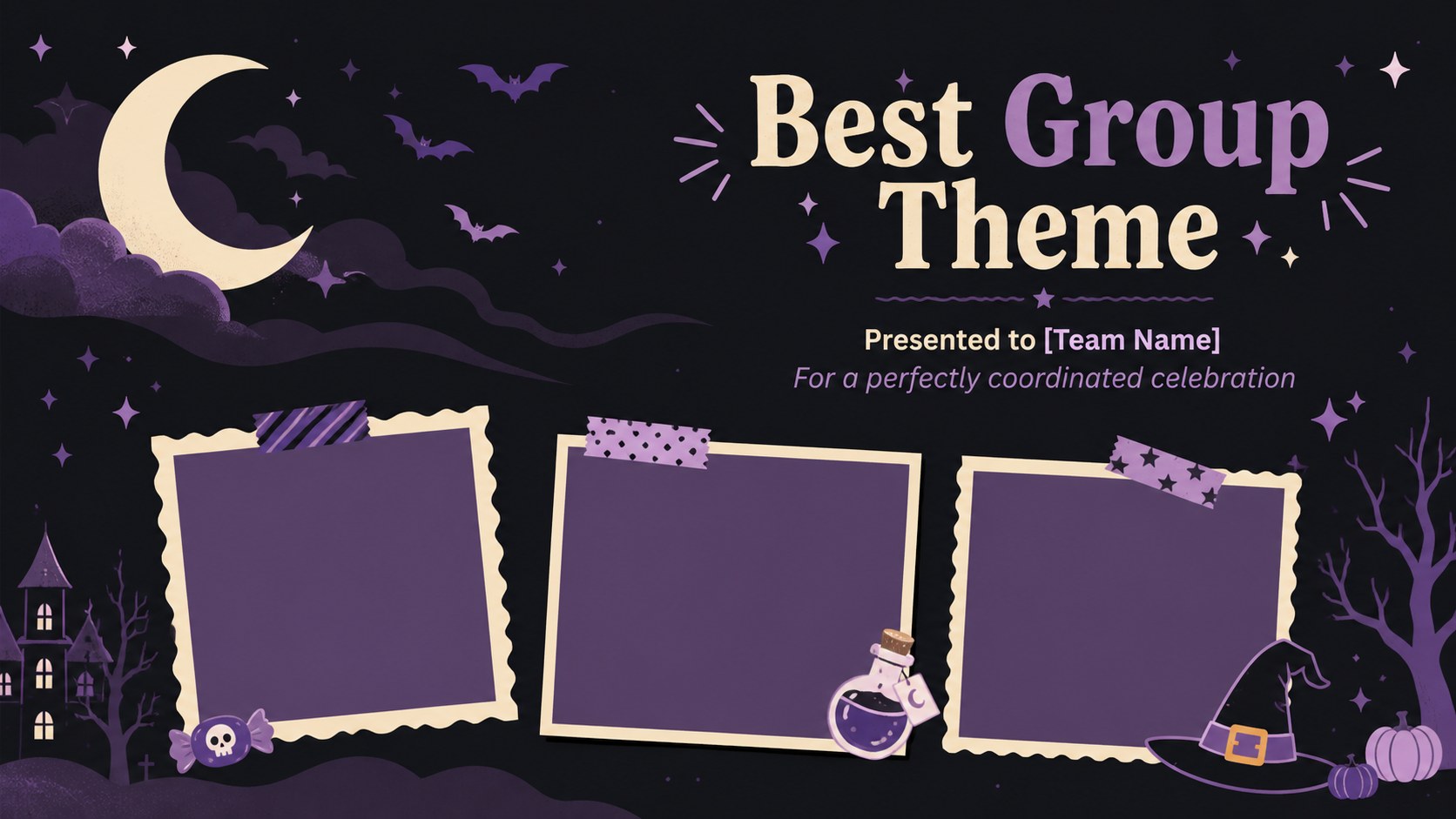
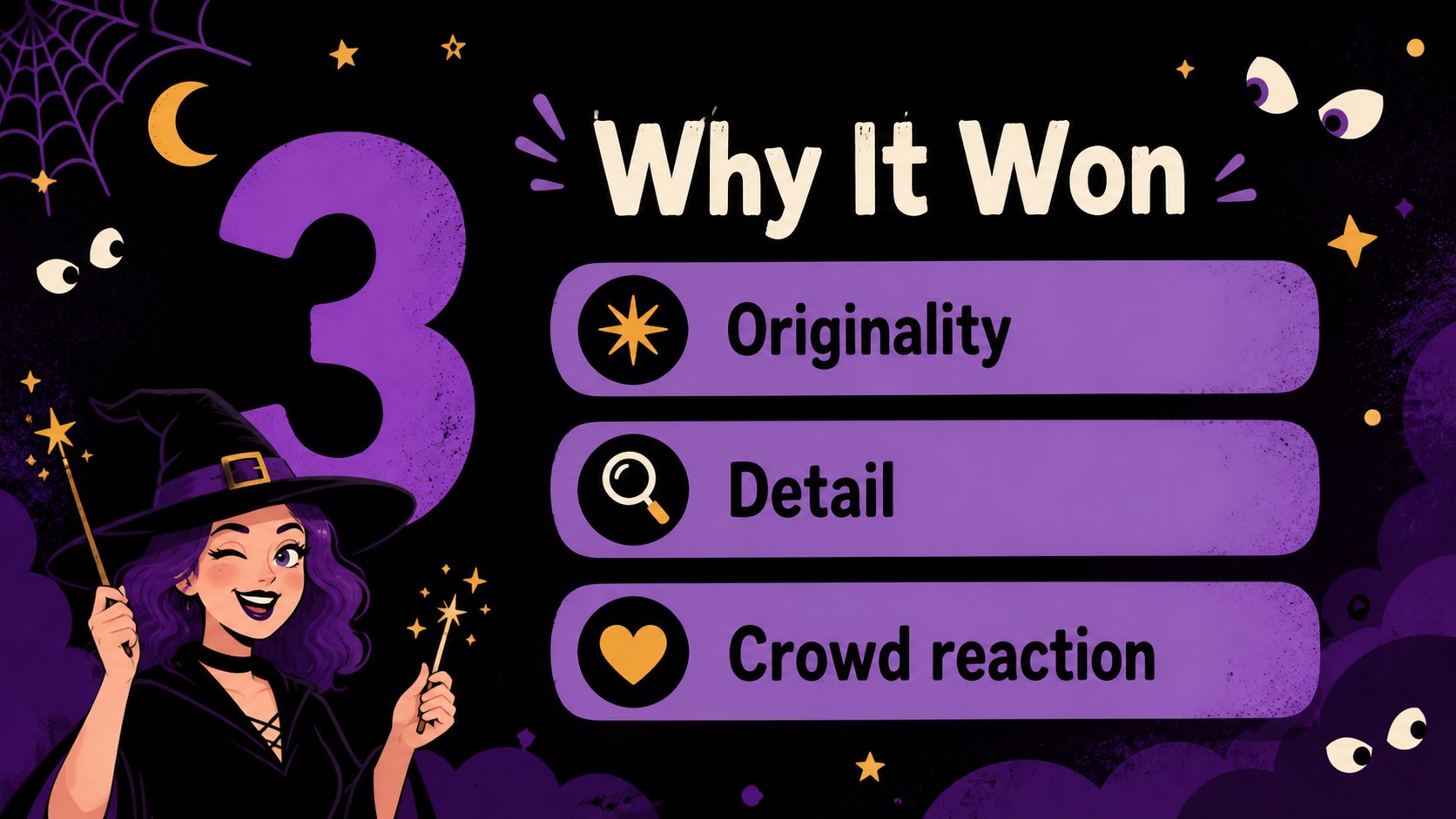
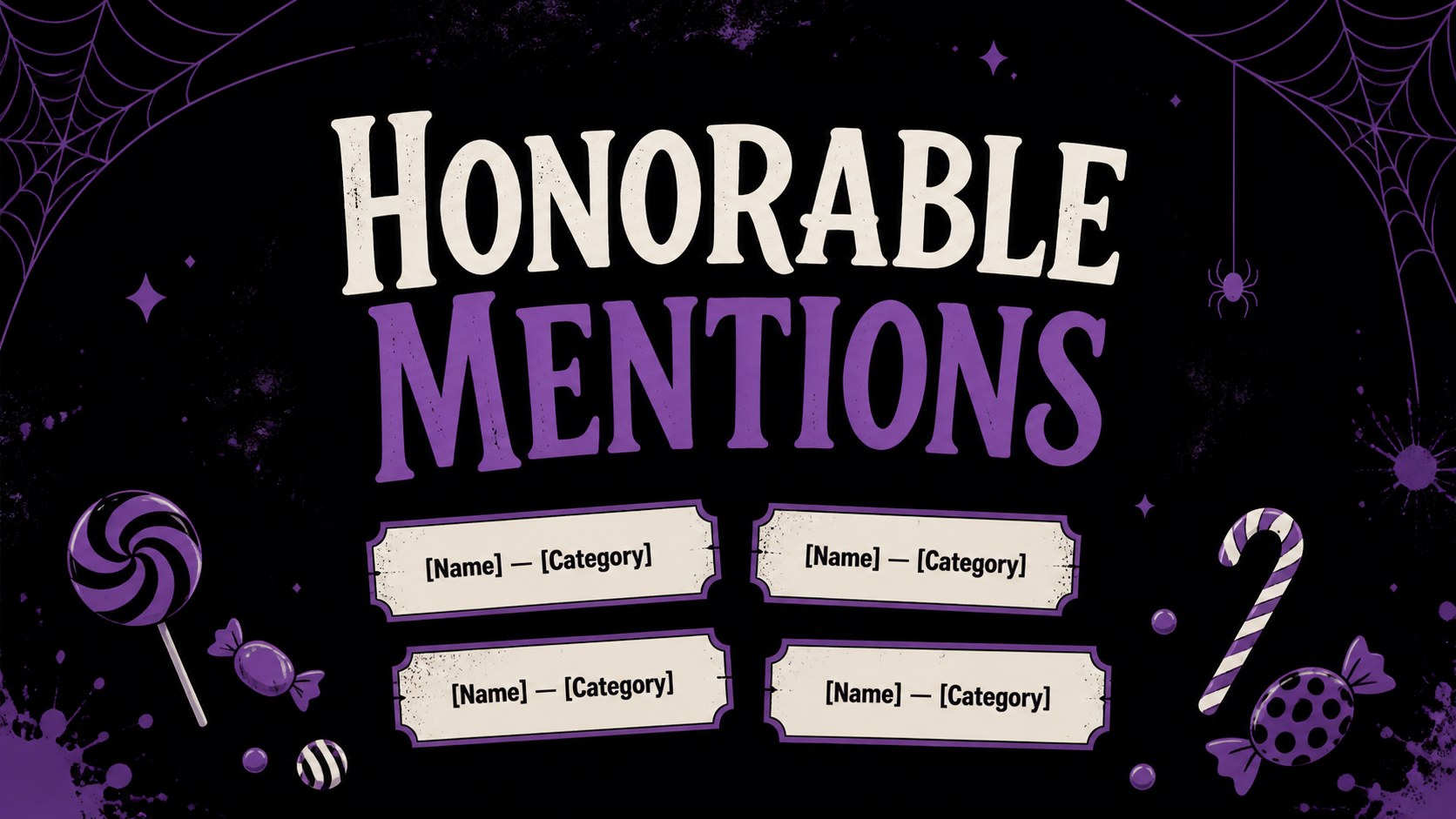
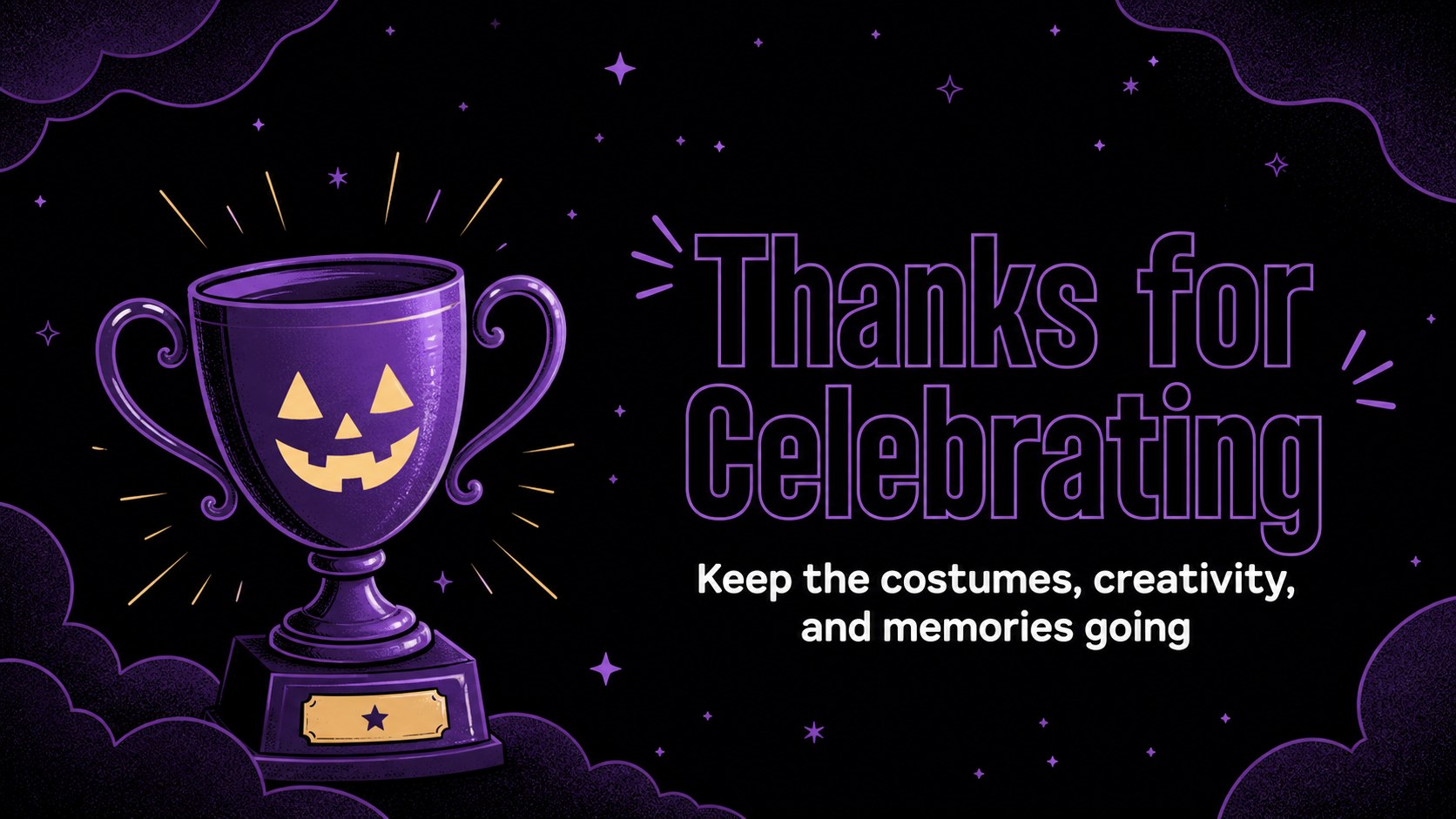
Make every costume contest feel like a headline event with halloween costume award slides designed for cheerful recognition. This retro-inspired presentation set combines deep black backgrounds, vivid purple accents, playful lettering, and illustrated Halloween details to create a fun ceremony for winners of every age. Use it to announce categories, spotlight creative outfits, or share a closing message after the festivities.
Inside, you’ll find nine editable 16:9 layouts that can be adapted for a printable Halloween award certificate, a digital announcement, or a projected awards ceremony. Add contestant names, award categories, photos, judging notes, and event details using PowerPoint or Google Slides. The layouts include cover, category reveal, winner spotlight, honorable mention, judging highlights, and thank-you screens, giving your event a consistent visual rhythm from opening to finale.
This costume contest certificate template suits school parties, office gatherings, community events, youth clubs, and family celebrations. It is especially useful for hosts who want a polished result without losing the playful spirit of Halloween. Customize fonts, illustrations, colors, and wording while keeping the bold black-and-purple retro look. Download, edit, and present your awards with a design that feels festive, friendly, and easy to share.
Perfect for: school costume contest; office Halloween party; family costume awards; community event ceremony; youth club celebration.
Frequently asked questions
Can I edit the award names and winner details? Yes. Replace the sample names, categories, dates, judging notes, and event information directly in PowerPoint or Google Slides. You can also adjust fonts, colors, shapes, and illustrations to match your celebration.
Practical details
Yes. Replace the sample names, categories, dates, judging notes, and event information directly in PowerPoint or Google Slides. You can also adjust fonts, colors, shapes, and illustrations to match your celebration.
The template is designed for PowerPoint and Google Slides. You can present it digitally, export pages for printing, or save finished slides as shareable files.
Yes. The layouts can be customized with recipient and award information, then exported or printed for physical handouts. Check your printer settings and page scaling before producing multiple copies.
The playful illustrated style works for classrooms, family gatherings, youth clubs, and workplace parties. Edit the wording and award categories to make the tone appropriate for your audience.
Keep exploring
14Plan a memorable Lunar New Year campaign with the 2036 Dragon Year Celebration Theme, featuring bold red-and-yellow slides for lessons and events.
 15
15Build playful lessons and party stories with a kid-friendly zombie celebration theme in purple, green and pastel blue for PowerPoint and Google Slides.
 15
15Build eerie lessons, campaigns, and story pitches with an undead survival scenario theme featuring editable slides for PowerPoint and Google Slides.
 3
3Share festive messages with a Lunar Horse New Year Wishes Theme, featuring bold red-and-yellow layouts for PowerPoint and Google Slides celebrations.
 15
15Bring zodiac traditions to life with a Lunar Snake Festival Presentation featuring 15 cheerful red illustrated slides for PowerPoint and Google Slides.
 6
6Honor teams and individuals with an Orange Year-End Recognition Certificate Set featuring six editable designs for PowerPoint and Google Slides.
 14
14Honor the people behind the headlines with a World Sports Press Appreciation Deck for PowerPoint and Google Slides, styled in crisp, modern green.
 15
15Teach, inspire, and celebrate with our Plant-Powered Vegetarian Day Lesson Deck, featuring cheerful editable visuals for PowerPoint and Google Slides.