
 14
14presentation
2036 Dragon Year Celebration Theme
Plan a memorable Lunar New Year campaign with the 2036 Dragon Year Celebration Theme, featuring bold red-and-yellow slides for lessons and events.
Google SlidesPowerPoint
presentation · English
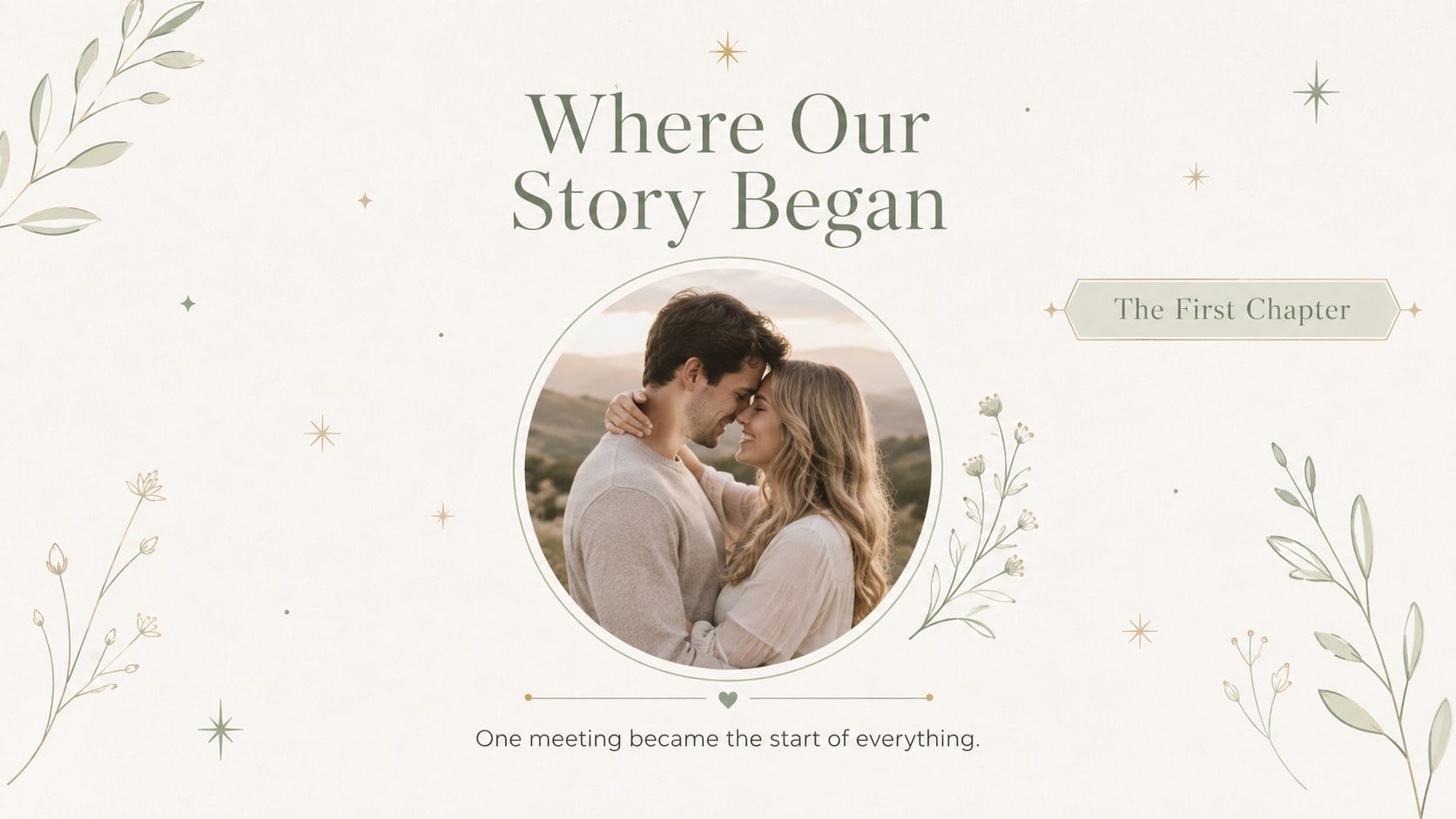
Create a heartfelt tribute with Green Anniversary Memory Book Slides, featuring elegant pastel layouts for photos, milestones, vows, and shared memories.






Design notes
Green Anniversary Memory Book Slides helps couples transform treasured moments into a polished, heartfelt presentation. The soft pastel green palette, spacious layouts, refined serif accents, and understated botanical details create a romantic setting without distracting from personal photos and stories. Use the deck as a romantic anniversary photo slideshow during an intimate dinner, family gathering, vow renewal, or milestone celebration.
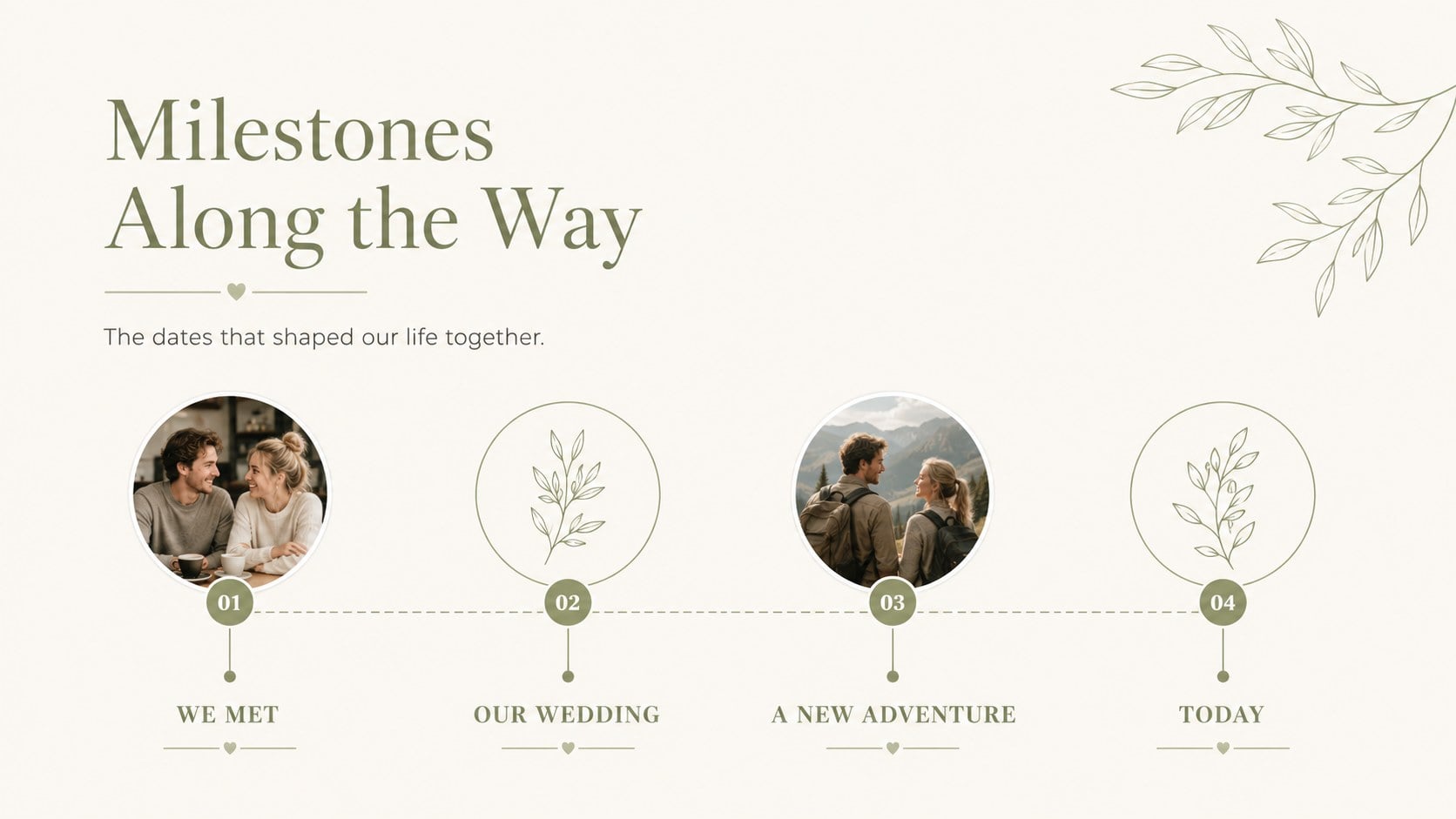
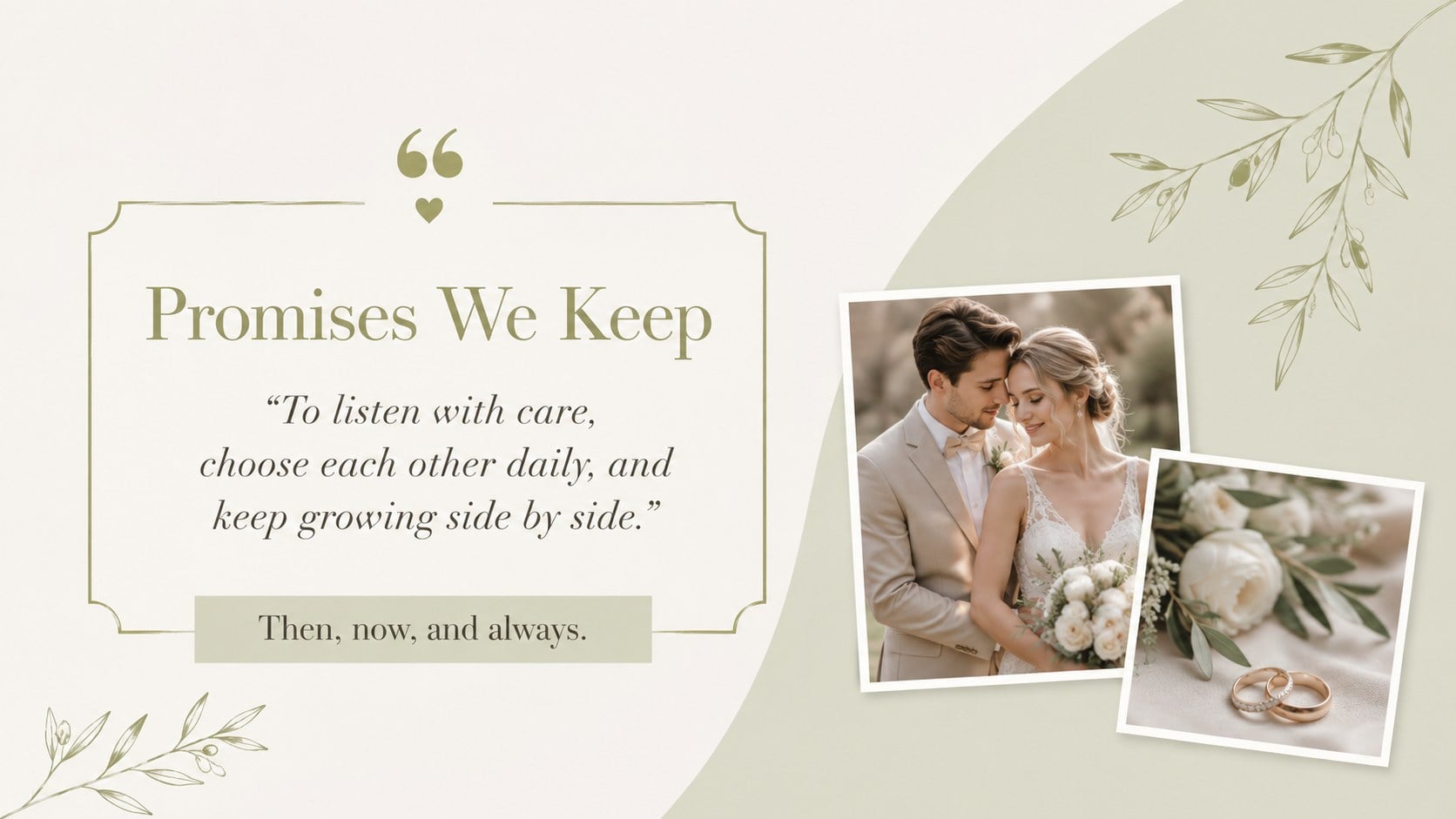
Inside, you will find coordinated layouts for an opening dedication, relationship milestones, favorite adventures, meaningful traditions, memorable quotations, photo collections, promises, and a closing toast. Anniversary timeline slides make it easy to arrange important dates in a clear sequence, while flexible image frames support portraits, travel snapshots, wedding photographs, and everyday memories. Every element can be adapted with personal wording, colors, images, and typography.
Designed for partners, relatives, event planners, and friends preparing a thoughtful surprise, this photo album slides for couples template works in both PowerPoint and Google Slides. It suits first anniversaries, silver and golden milestones, vow renewals, and informal celebrations at home. Add music or transitions within your chosen presentation platform, then present on screen or export the finished pages for sharing. The minimal visual system keeps the story cohesive while giving each memory enough space to feel personal.
Perfect for: milestone anniversary dinner; vow renewal reception; surprise tribute for a spouse; family anniversary gathering; couples photo retrospective.
Frequently asked questions
Can I edit these anniversary slides in PowerPoint and Google Slides? Yes. The layouts are designed for PowerPoint and Google Slides, where you can change the text, photographs, colors, and type styles. Some transitions or font substitutions may vary slightly between platforms.
Practical details
Yes. The layouts are designed for PowerPoint and Google Slides, where you can change the text, photographs, colors, and type styles. Some transitions or font substitutions may vary slightly between platforms.
Replace each image placeholder with a wedding portrait, travel photograph, family picture, or everyday snapshot. Crop images consistently and place them in chronological order when building a relationship timeline.
Yes. Update the theme colors to match flowers, invitations, venue decor, or a traditional anniversary color. Keep sufficient contrast between text and backgrounds so captions remain easy to read.
Yes. It can be adapted for first, tenth, silver, golden, or other milestone anniversaries. Edit the dates, number highlights, chapter labels, and closing toast to reflect the couple's history.
Keep exploring
14Plan a memorable Lunar New Year campaign with the 2036 Dragon Year Celebration Theme, featuring bold red-and-yellow slides for lessons and events.
 15
15Build playful lessons and party stories with a kid-friendly zombie celebration theme in purple, green and pastel blue for PowerPoint and Google Slides.
 15
15Build eerie lessons, campaigns, and story pitches with an undead survival scenario theme featuring editable slides for PowerPoint and Google Slides.
 3
3Share festive messages with a Lunar Horse New Year Wishes Theme, featuring bold red-and-yellow layouts for PowerPoint and Google Slides celebrations.
 15
15Bring zodiac traditions to life with a Lunar Snake Festival Presentation featuring 15 cheerful red illustrated slides for PowerPoint and Google Slides.
 6
6Honor teams and individuals with an Orange Year-End Recognition Certificate Set featuring six editable designs for PowerPoint and Google Slides.
 14
14Honor the people behind the headlines with a World Sports Press Appreciation Deck for PowerPoint and Google Slides, styled in crisp, modern green.
 15
15Teach, inspire, and celebrate with our Plant-Powered Vegetarian Day Lesson Deck, featuring cheerful editable visuals for PowerPoint and Google Slides.