
 14
14presentation
2036 Dragon Year Celebration Theme
Plan a memorable Lunar New Year campaign with the 2036 Dragon Year Celebration Theme, featuring bold red-and-yellow slides for lessons and events.
Google SlidesPowerPoint
presentation · English
Create a gothic bayou Halloween invitation in PowerPoint or Google Slides, with distressed textures and vivid red, green, yellow, and black accents.
Design notes
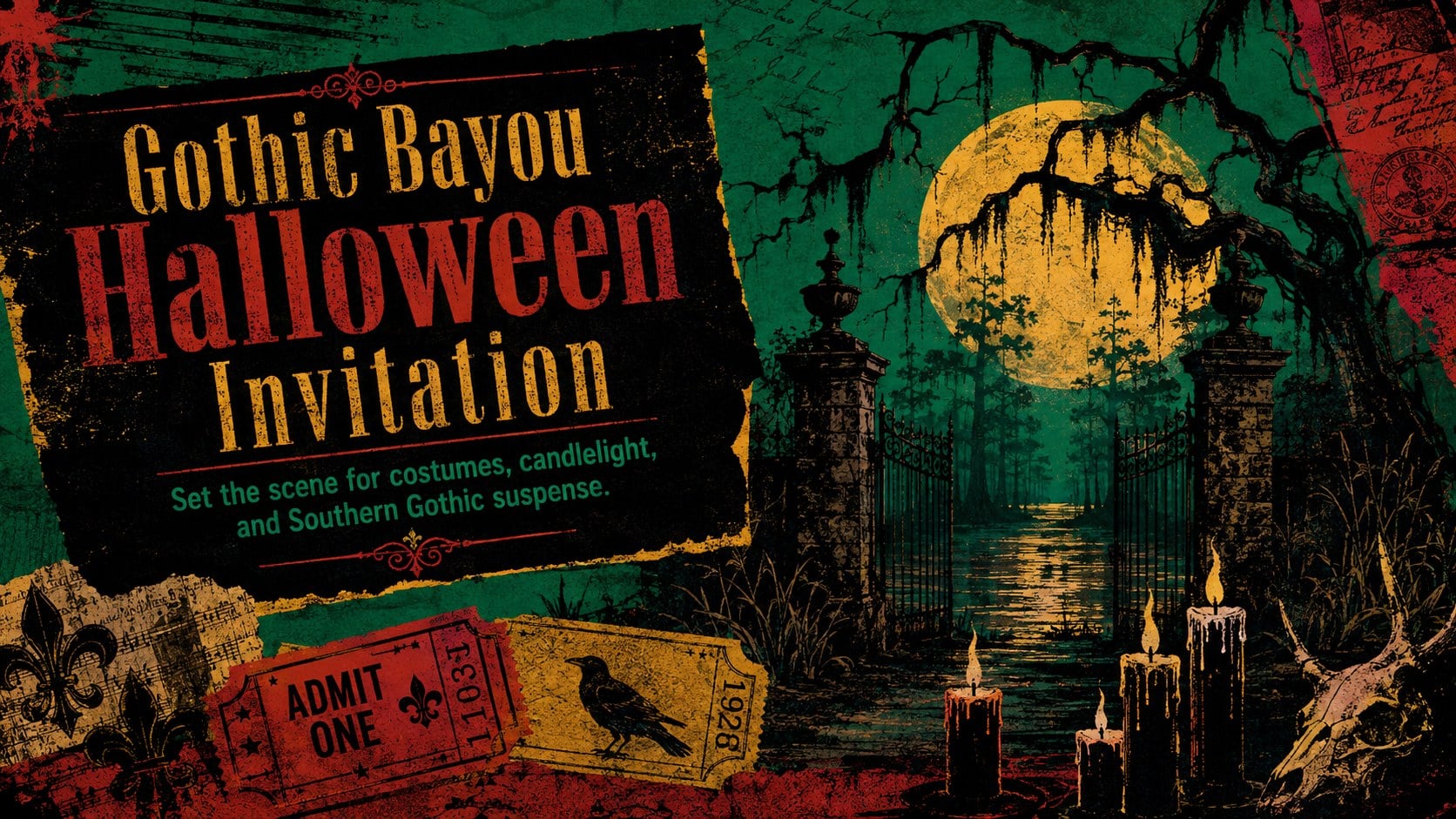
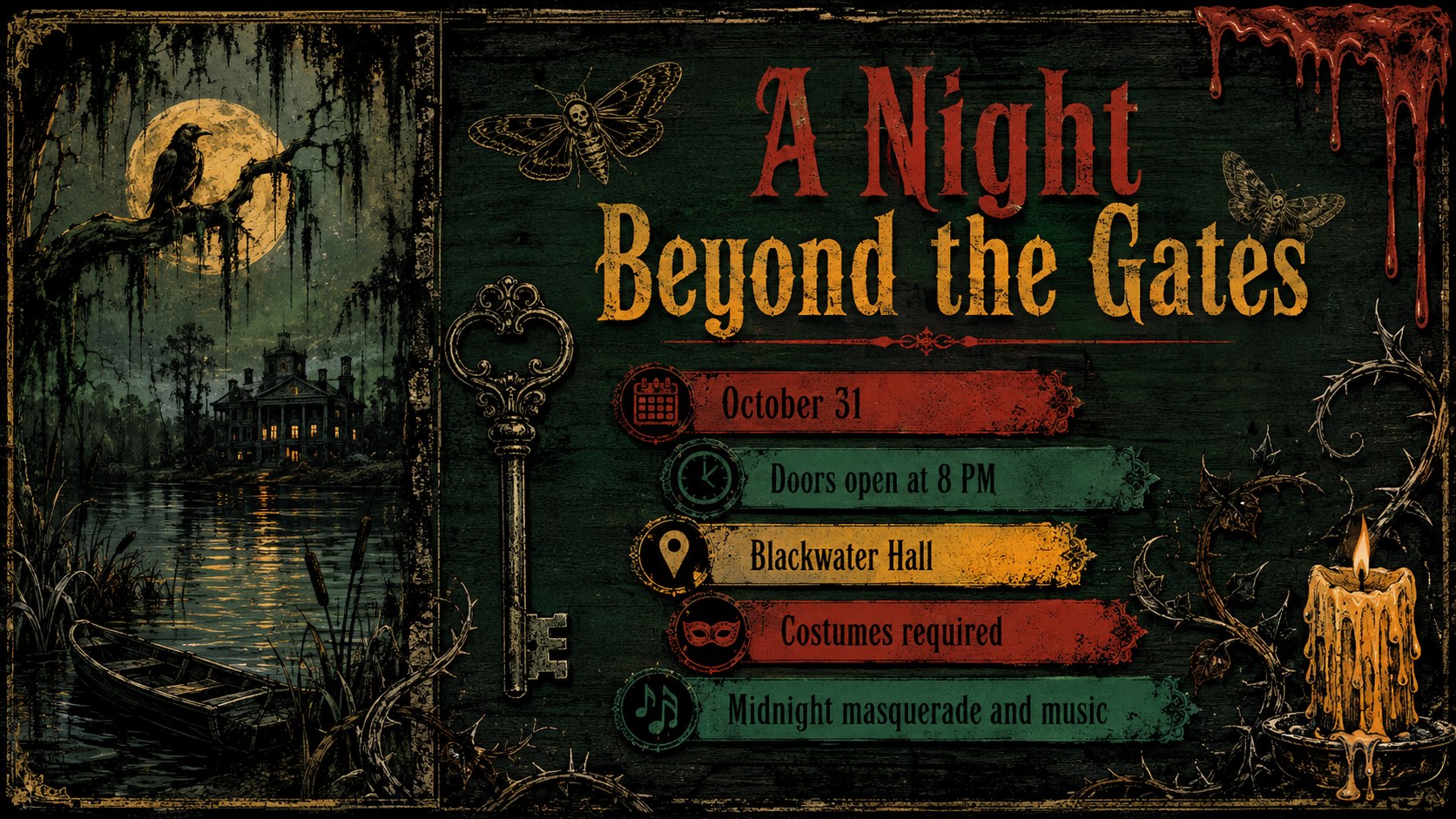
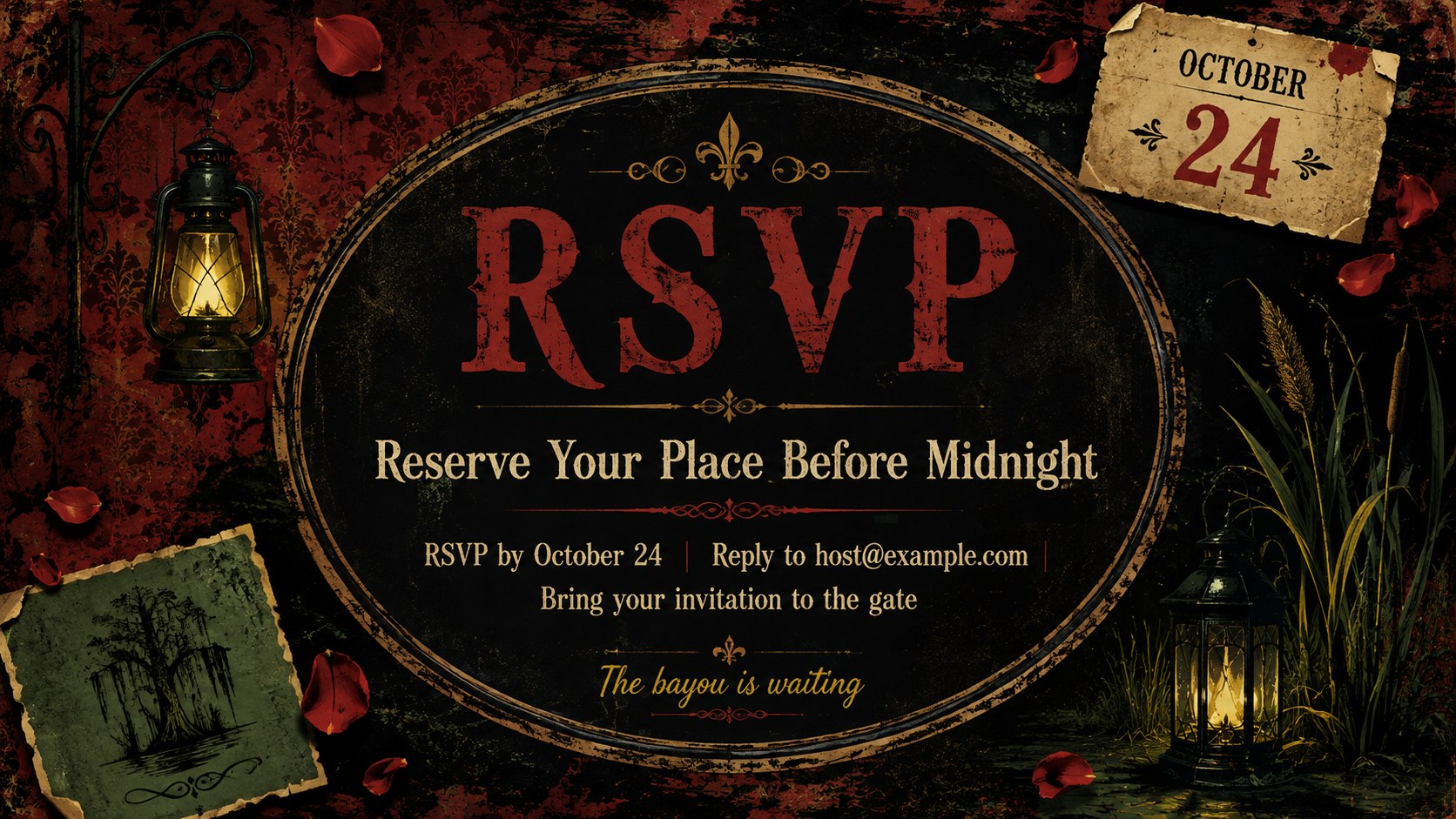
Create an eerie first impression with the Gothic Bayou Halloween Invitation, a bold event design inspired by moonlit wetlands, weathered signs, and old-world vampire lore. Distressed textures, theatrical typography, and sharp contrasts bring together red, green, yellow, and black for a look that feels mysterious, energetic, and unmistakably festive.
The three-slide set includes a striking event cover, a practical party-details layout, and an RSVP reminder. Each slide offers editable areas for the date, time, venue, dress code, contact information, and other essential details. Use the layouts together as a short vampire masquerade Halloween slides deck, or export individual designs for digital invitations, event screens, and social announcements. Decorative elements can be recolored, repositioned, or removed to suit your celebration.
This gothic bayou party invitation template is designed for hosts, event planners, student groups, nightlife venues, and community organizers arranging costume parties, haunted-house gatherings, or themed October events. It also works as an editable Halloween invitation PowerPoint for anyone who wants a polished announcement without building the visual concept from scratch. Customize the template in PowerPoint or Google Slides, replace the sample wording, and adapt the atmosphere from playfully spooky to dramatically sinister.
Perfect for: vampire costume party invitation; haunted house event announcement; Halloween masquerade promotion; nightclub theme party display; October community event invite.
Frequently asked questions
Can I edit the event details and invitation wording? Yes. Replace the sample date, time, venue, dress code, RSVP information, and headlines with your own text. You can also move or remove decorative elements to create a simpler layout.
Practical details
Yes. Replace the sample date, time, venue, dress code, RSVP information, and headlines with your own text. You can also move or remove decorative elements to create a simpler layout.
The template is designed for PowerPoint and Google Slides. Both platforms support editing the text, colors, shapes, and arrangement of the invitation elements.
Yes. The original palette combines red, green, yellow, and black, but every editable color can be adjusted. Dark burgundy, bone white, or muted violet can create a more formal masquerade look.
Present it on an event screen, share a viewable presentation link, or export the selected slide as an image or PDF. Check the final export to confirm that small details such as the address and RSVP deadline remain readable.
Keep exploring
14Plan a memorable Lunar New Year campaign with the 2036 Dragon Year Celebration Theme, featuring bold red-and-yellow slides for lessons and events.
 15
15Build playful lessons and party stories with a kid-friendly zombie celebration theme in purple, green and pastel blue for PowerPoint and Google Slides.
 15
15Build eerie lessons, campaigns, and story pitches with an undead survival scenario theme featuring editable slides for PowerPoint and Google Slides.
 3
3Share festive messages with a Lunar Horse New Year Wishes Theme, featuring bold red-and-yellow layouts for PowerPoint and Google Slides celebrations.
 15
15Bring zodiac traditions to life with a Lunar Snake Festival Presentation featuring 15 cheerful red illustrated slides for PowerPoint and Google Slides.
 6
6Honor teams and individuals with an Orange Year-End Recognition Certificate Set featuring six editable designs for PowerPoint and Google Slides.
 14
14Honor the people behind the headlines with a World Sports Press Appreciation Deck for PowerPoint and Google Slides, styled in crisp, modern green.
 15
15Teach, inspire, and celebrate with our Plant-Powered Vegetarian Day Lesson Deck, featuring cheerful editable visuals for PowerPoint and Google Slides.