
 14
14presentation
2036 Dragon Year Celebration Theme
Plan a memorable Lunar New Year campaign with the 2036 Dragon Year Celebration Theme, featuring bold red-and-yellow slides for lessons and events.
Google SlidesPowerPoint
presentation · English
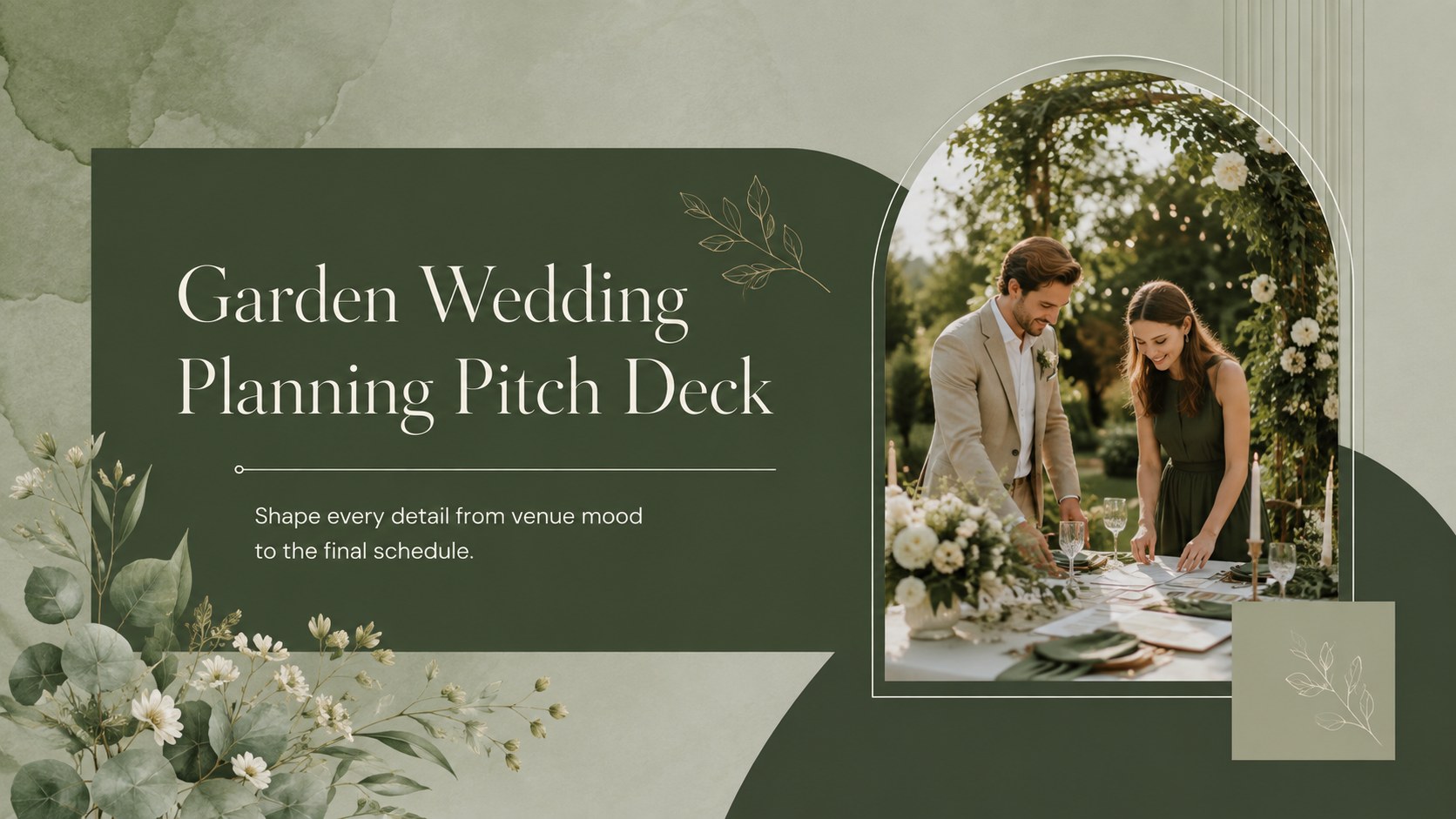
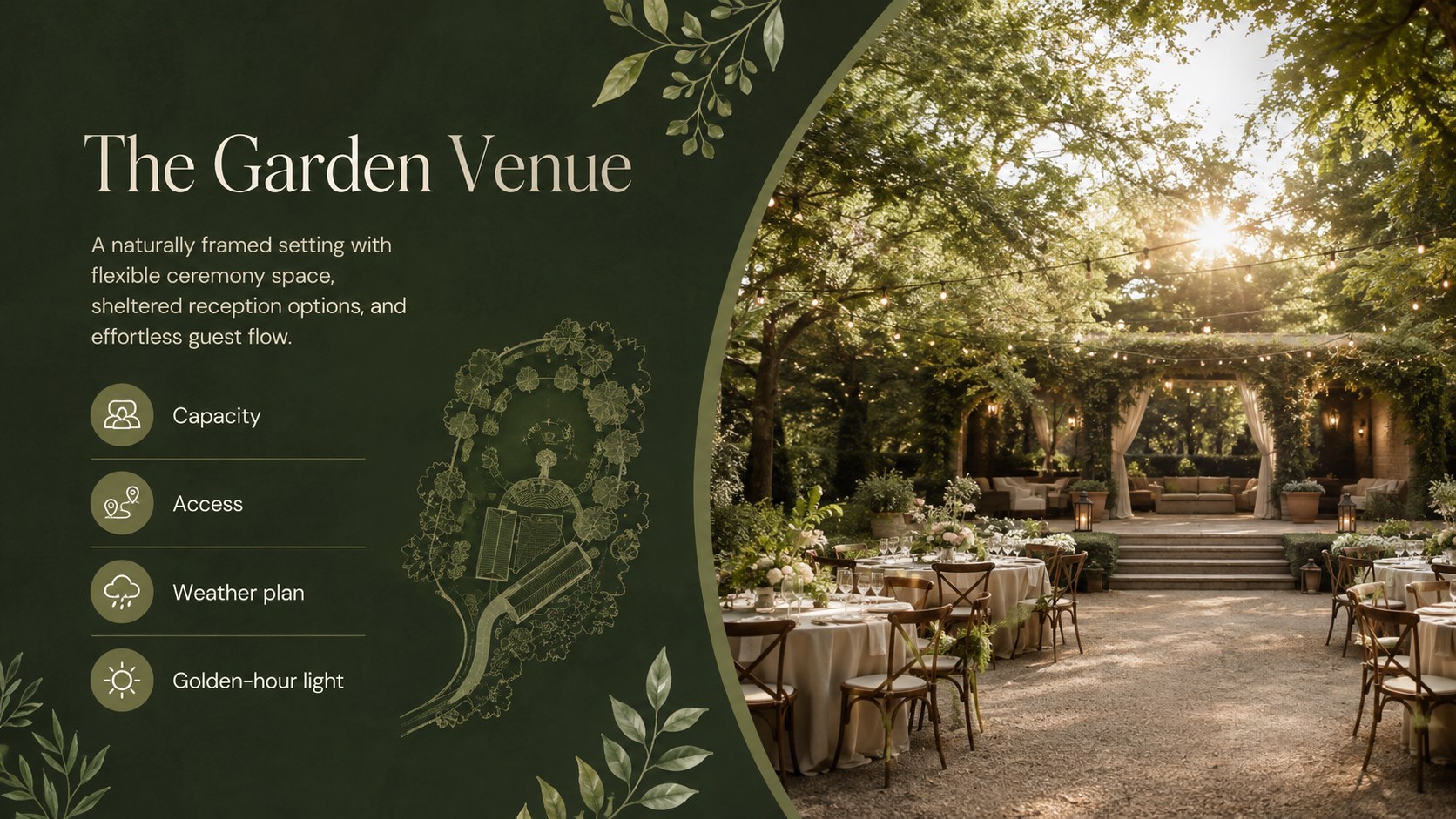
Build a polished client vision with this Garden Wedding Planning Pitch Deck, featuring elegant green layouts for timelines, styling, budgets, and venues.
Design notes
Turn early ideas into a confident, client-ready story with the Garden Wedding Planning Pitch Deck. Designed for marketing professionals, wedding planners, venue teams, and creative studios, this presentation pairs airy spacing with restrained green accents and polished outdoor imagery. It helps communicate a ceremony concept clearly while keeping the atmosphere elegant, modern, and personal.
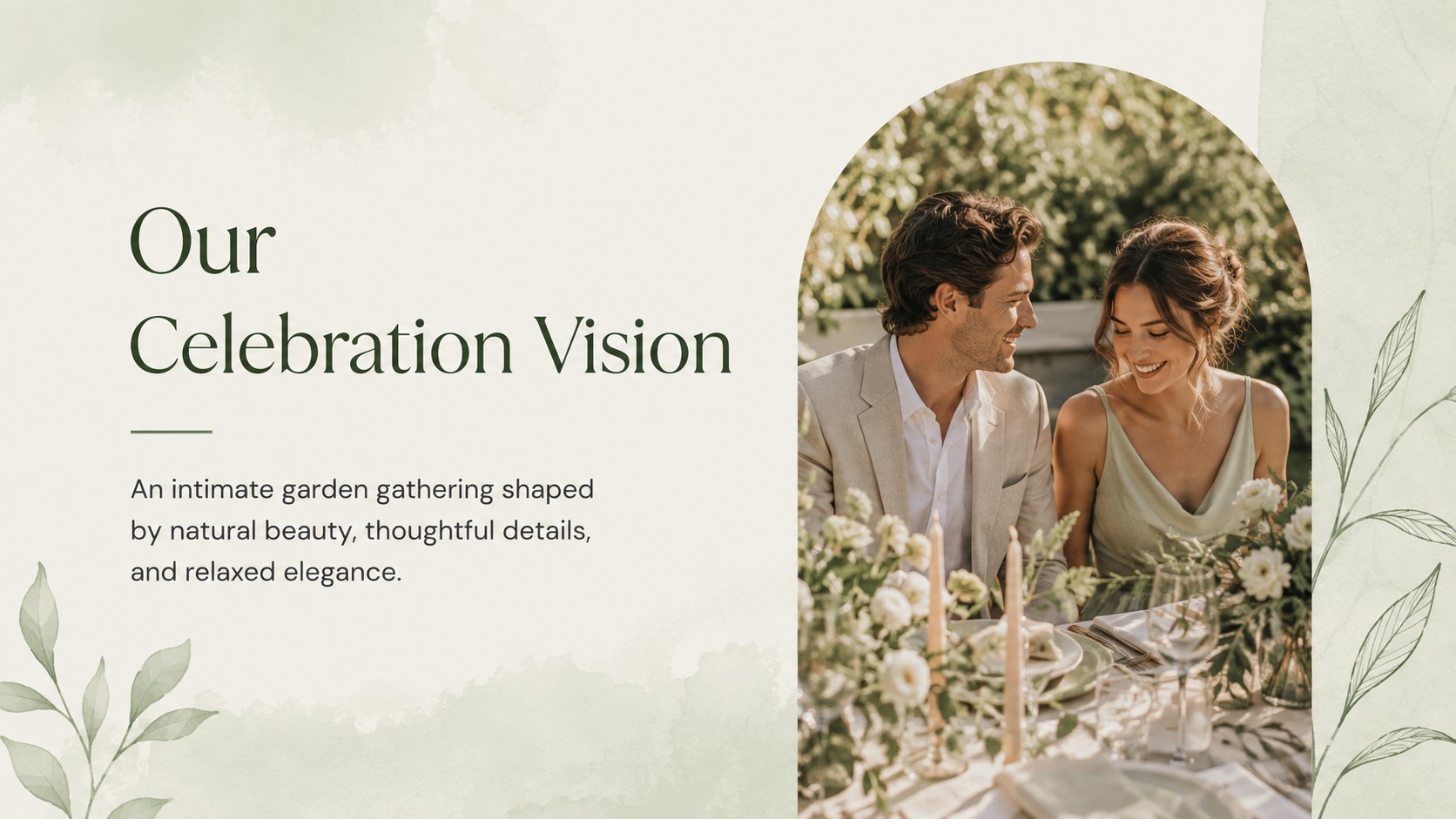
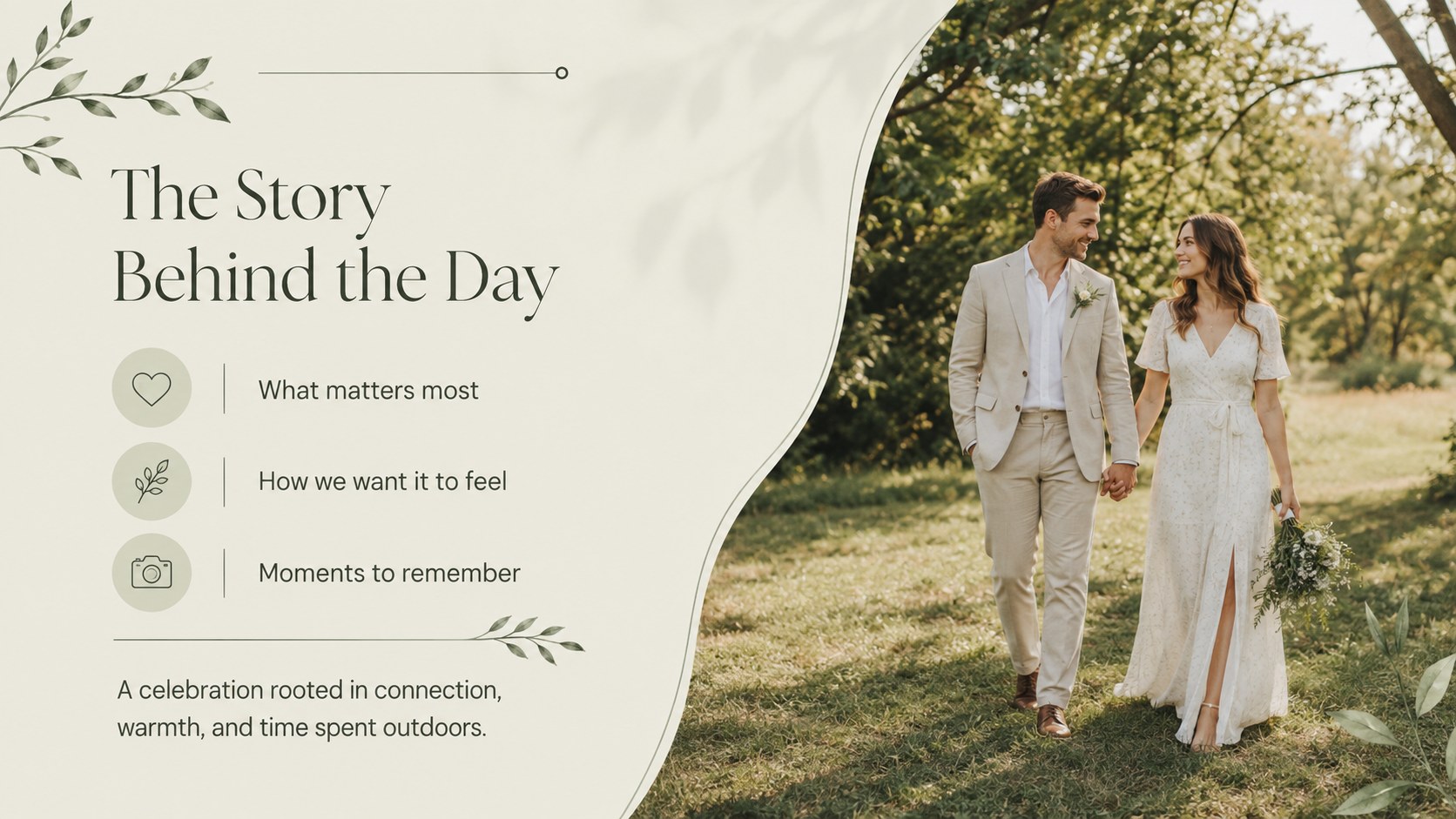
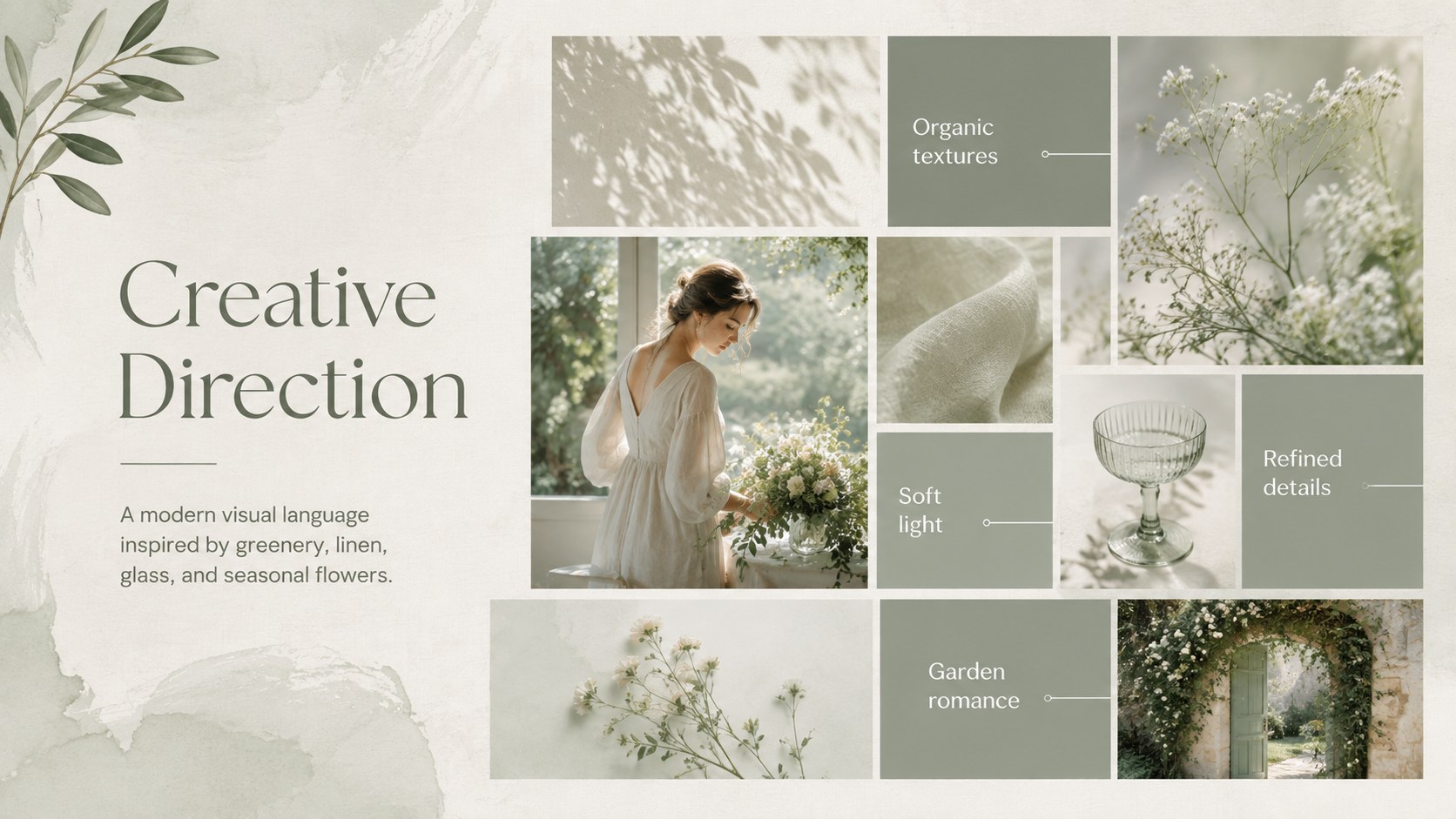
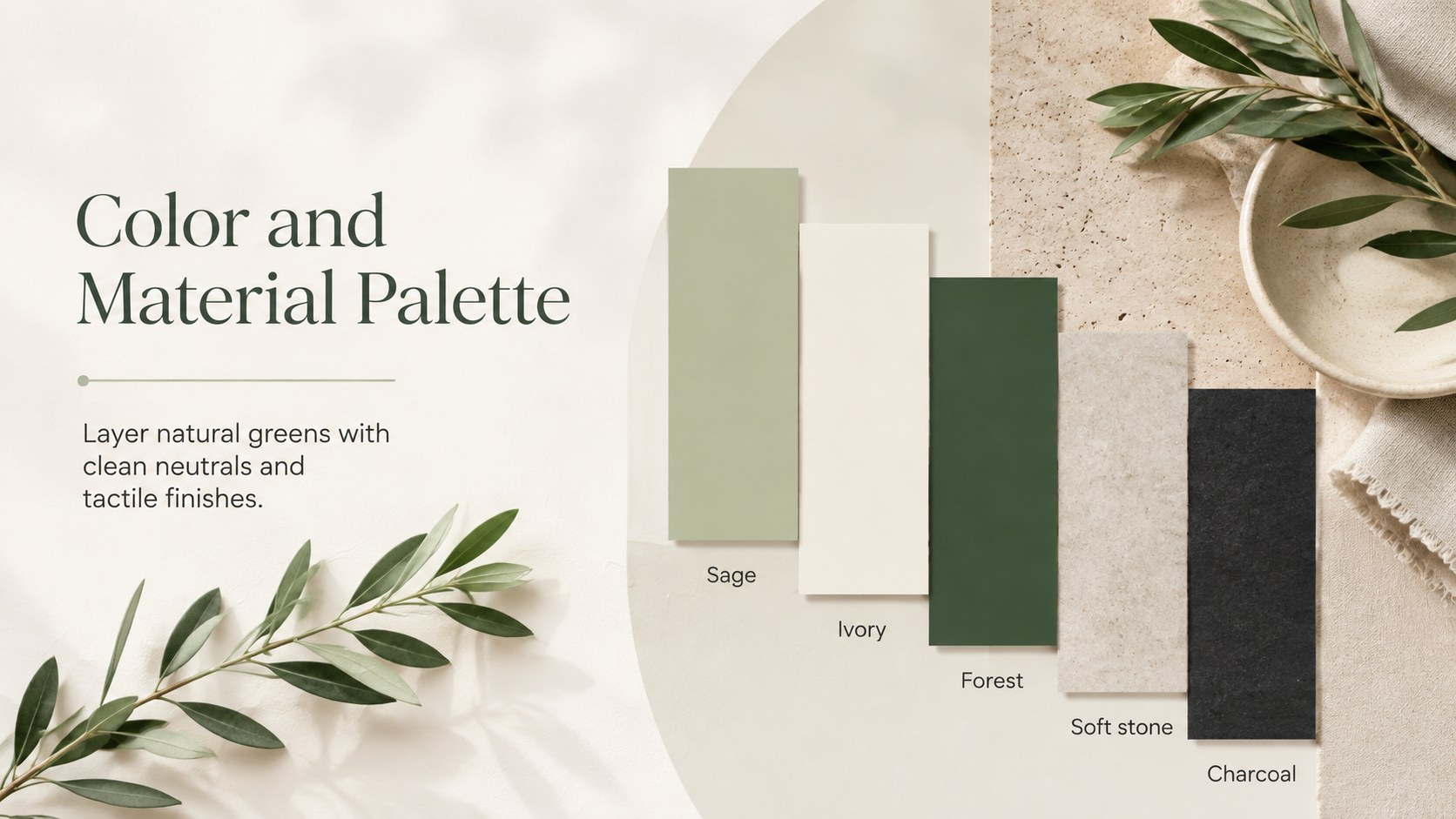
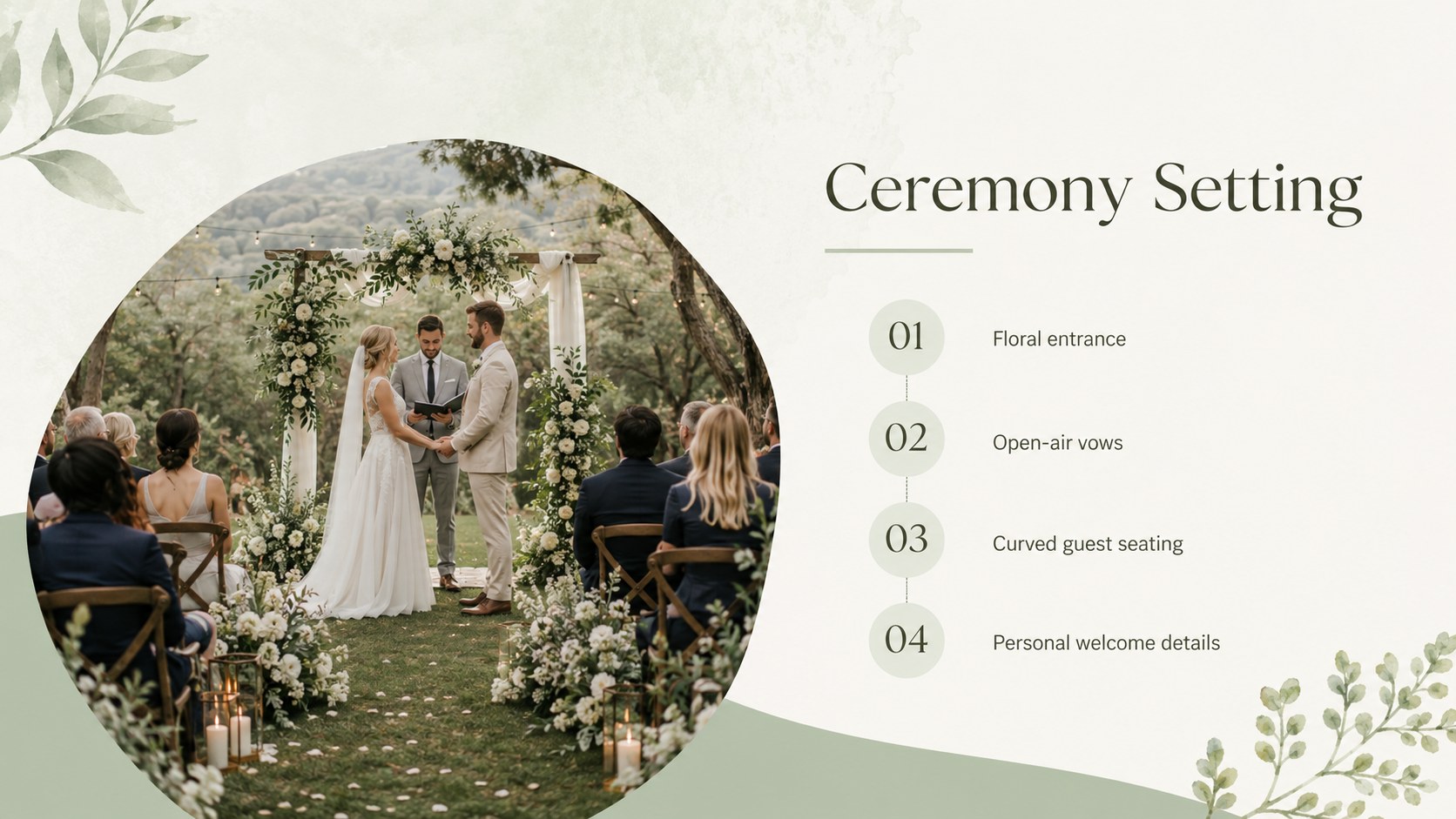
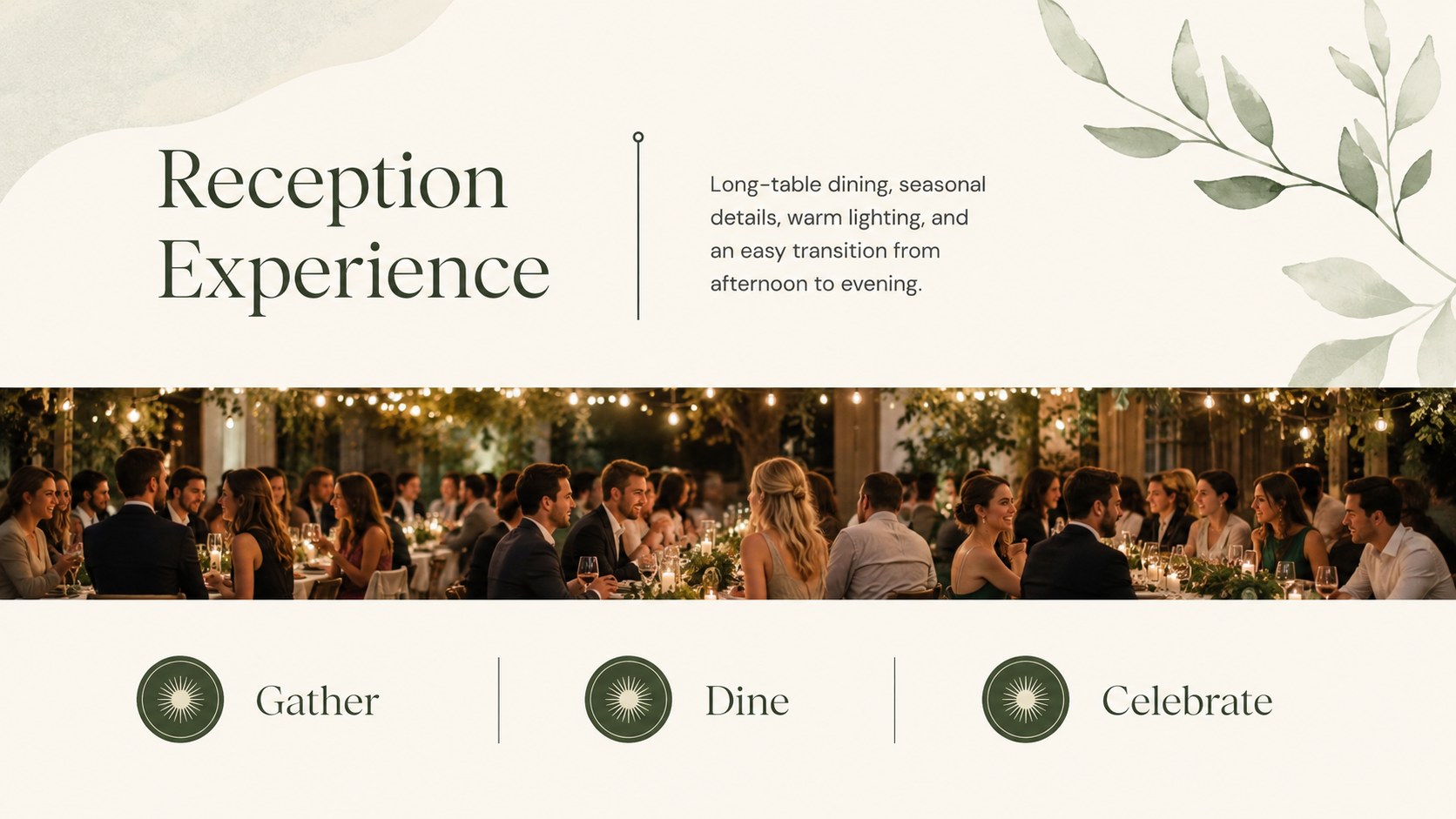
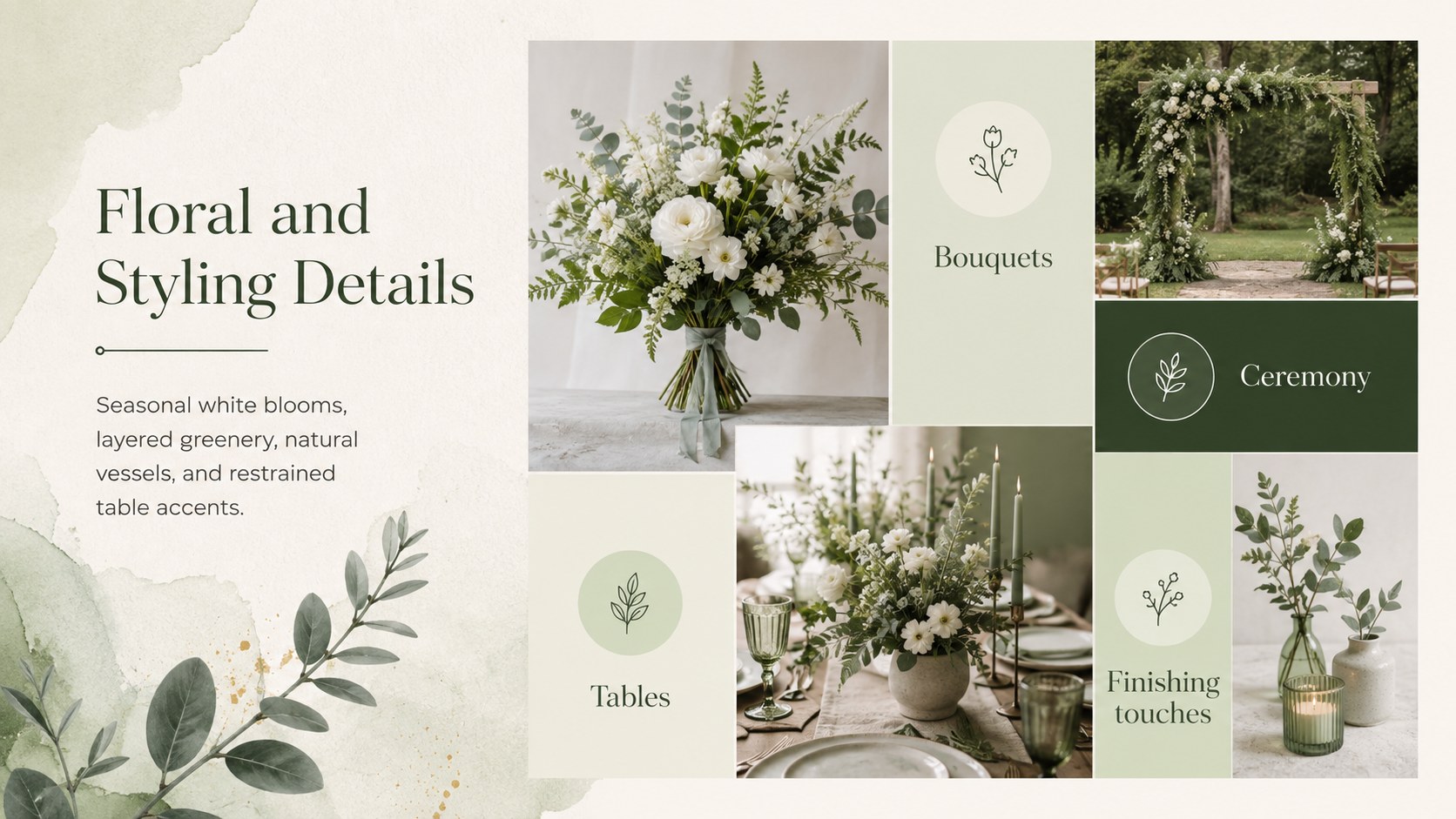
The editable layouts cover the event vision, couple story, creative direction, venue selection, color palette, ceremony setting, reception styling, floral details, guest experience, planning schedule, and estimated investment. Flexible image areas, concise text sections, timelines, and comparison layouts make it easy to organize inspiration without overwhelming the audience. Use it as a wedding planner client pitch deck, a modern garden ceremony presentation, or a visual brief for coordinating vendors and internal teams.
Built for PowerPoint and Google Slides, the deck can be adapted with your own photography, wording, colors, and service details. The green botanical wedding slides suit intimate gatherings, destination celebrations, venue consultations, and refined outdoor events. Replace the sample content, adjust the slide order, and present a cohesive plan that guides clients from the opening concept through approval and next steps.
Perfect for: wedding planner client pitch; garden venue consultation; ceremony design proposal; vendor coordination meeting; wedding budget review.
Frequently asked questions
Which presentation platforms support this template? The template is designed for PowerPoint and Google Slides. Open it in your preferred platform to edit the text, images, colors, and slide order.
Practical details
The template is designed for PowerPoint and Google Slides. Open it in your preferred platform to edit the text, images, colors, and slide order.
Yes. Replace the sample photographs and venue details with material from a garden, vineyard, estate, park, or other outdoor setting.
Use the theme color controls in PowerPoint or Google Slides to update the green accents consistently. Choose a small set of supporting neutrals to preserve the deck's clean, elegant character.
Yes. The service overview and investment layouts can be edited for packages, optional upgrades, payment stages, or vendor estimates.
Keep exploring
14Plan a memorable Lunar New Year campaign with the 2036 Dragon Year Celebration Theme, featuring bold red-and-yellow slides for lessons and events.
 15
15Build playful lessons and party stories with a kid-friendly zombie celebration theme in purple, green and pastel blue for PowerPoint and Google Slides.
 15
15Build eerie lessons, campaigns, and story pitches with an undead survival scenario theme featuring editable slides for PowerPoint and Google Slides.
 3
3Share festive messages with a Lunar Horse New Year Wishes Theme, featuring bold red-and-yellow layouts for PowerPoint and Google Slides celebrations.
 15
15Bring zodiac traditions to life with a Lunar Snake Festival Presentation featuring 15 cheerful red illustrated slides for PowerPoint and Google Slides.
 6
6Honor teams and individuals with an Orange Year-End Recognition Certificate Set featuring six editable designs for PowerPoint and Google Slides.
 14
14Honor the people behind the headlines with a World Sports Press Appreciation Deck for PowerPoint and Google Slides, styled in crisp, modern green.
 15
15Teach, inspire, and celebrate with our Plant-Powered Vegetarian Day Lesson Deck, featuring cheerful editable visuals for PowerPoint and Google Slides.