
 15
15presentation
Yoga Workshop Marketing Presentation
Promote classes with a yoga workshop marketing presentation featuring playful beige, pink, and purple illustrations for PowerPoint and Google Slides.
Google SlidesPowerPoint
presentation · English
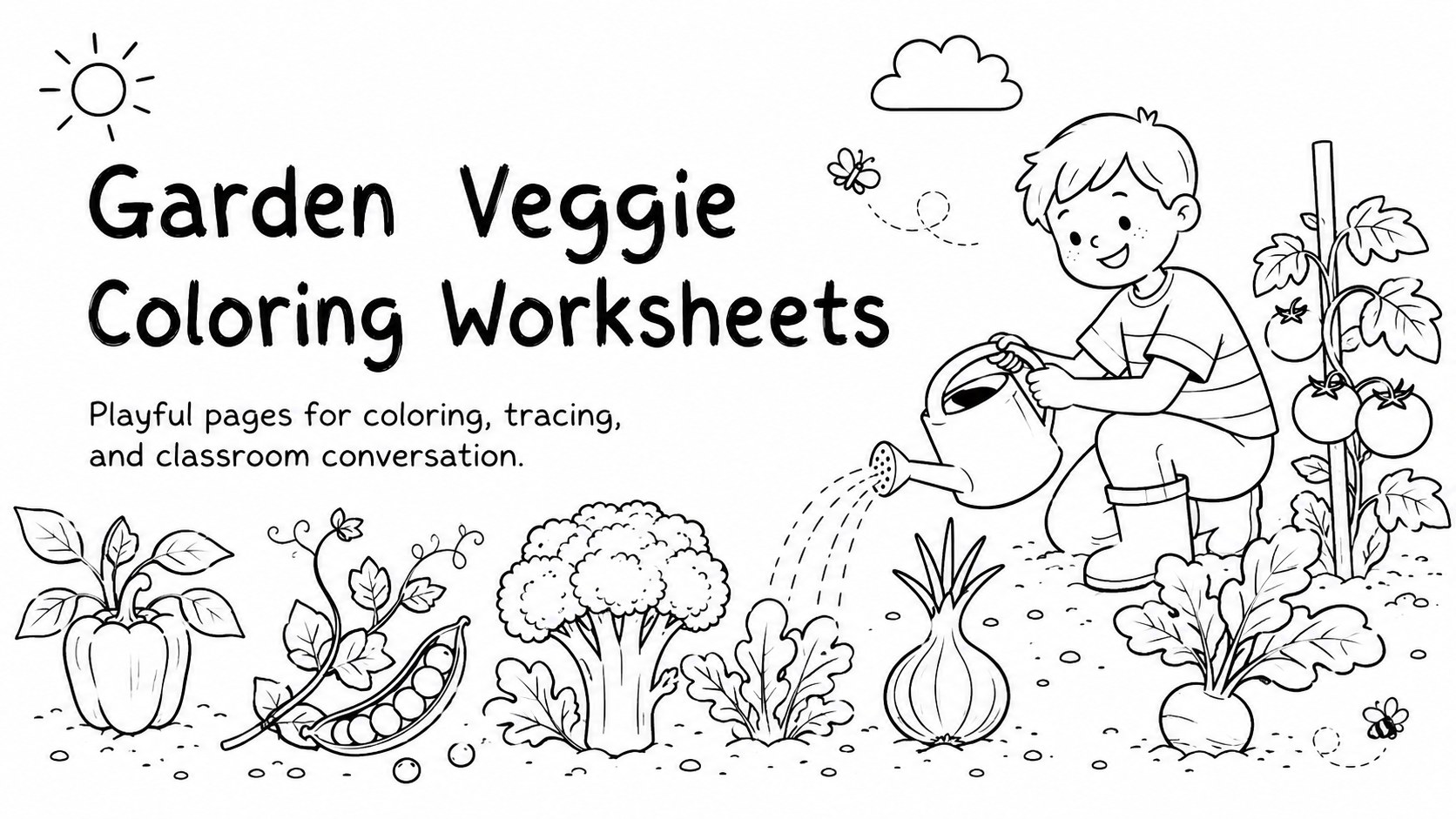
Turn nutrition lessons into hands-on art with Garden Veggie Coloring Worksheets, an editable black-and-white activity deck for PowerPoint and Google Slides.
Design notes
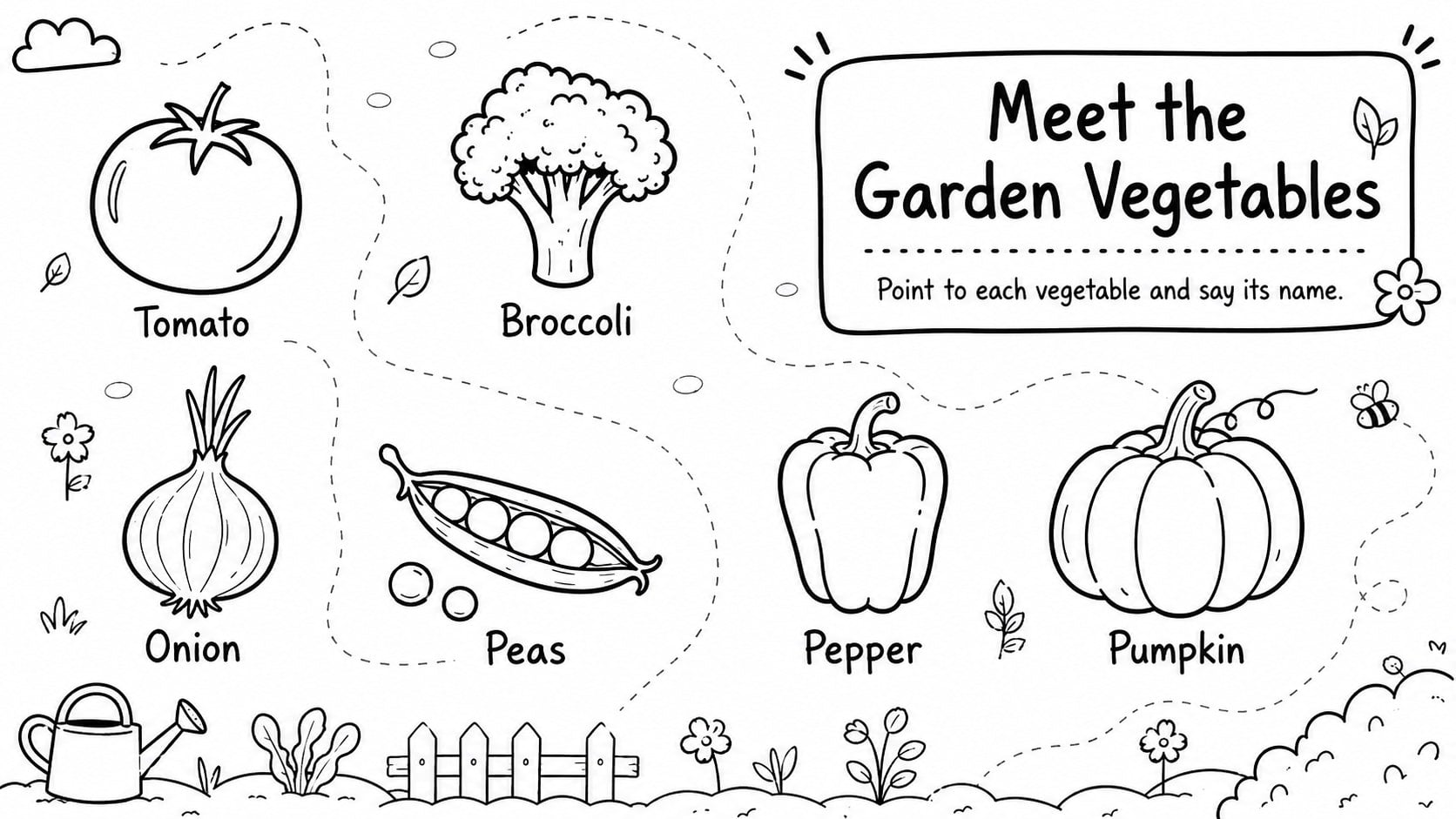
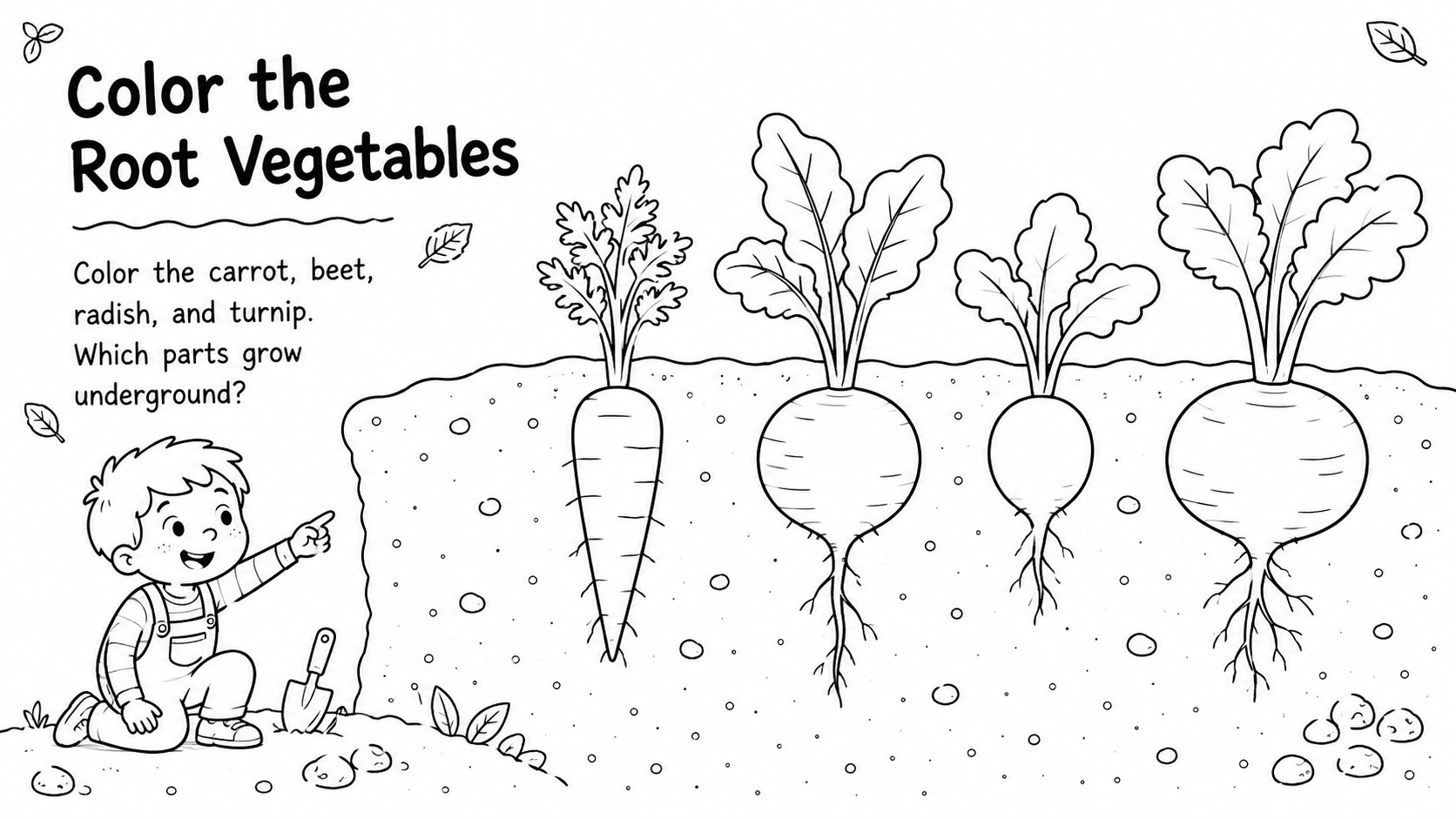
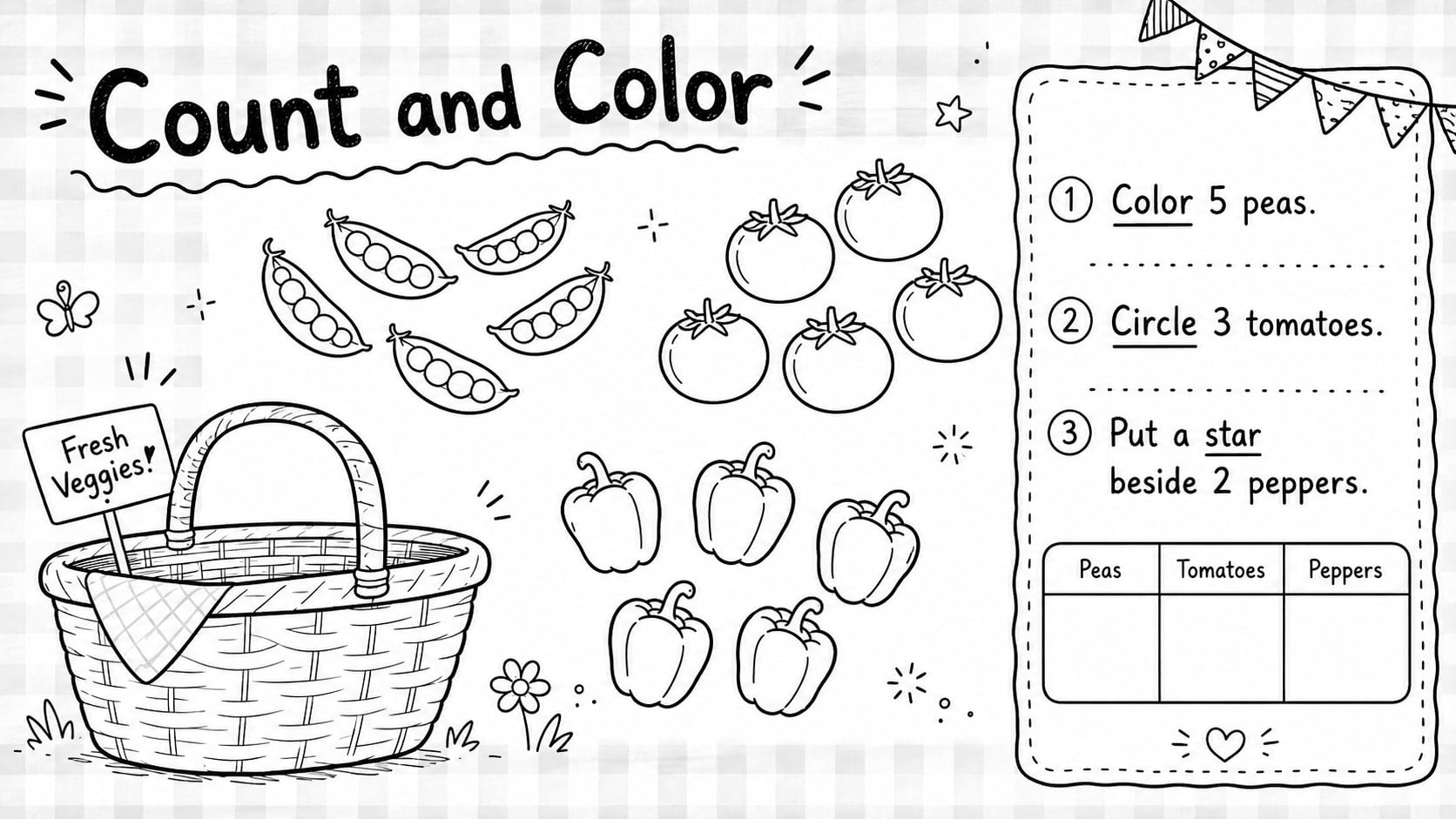
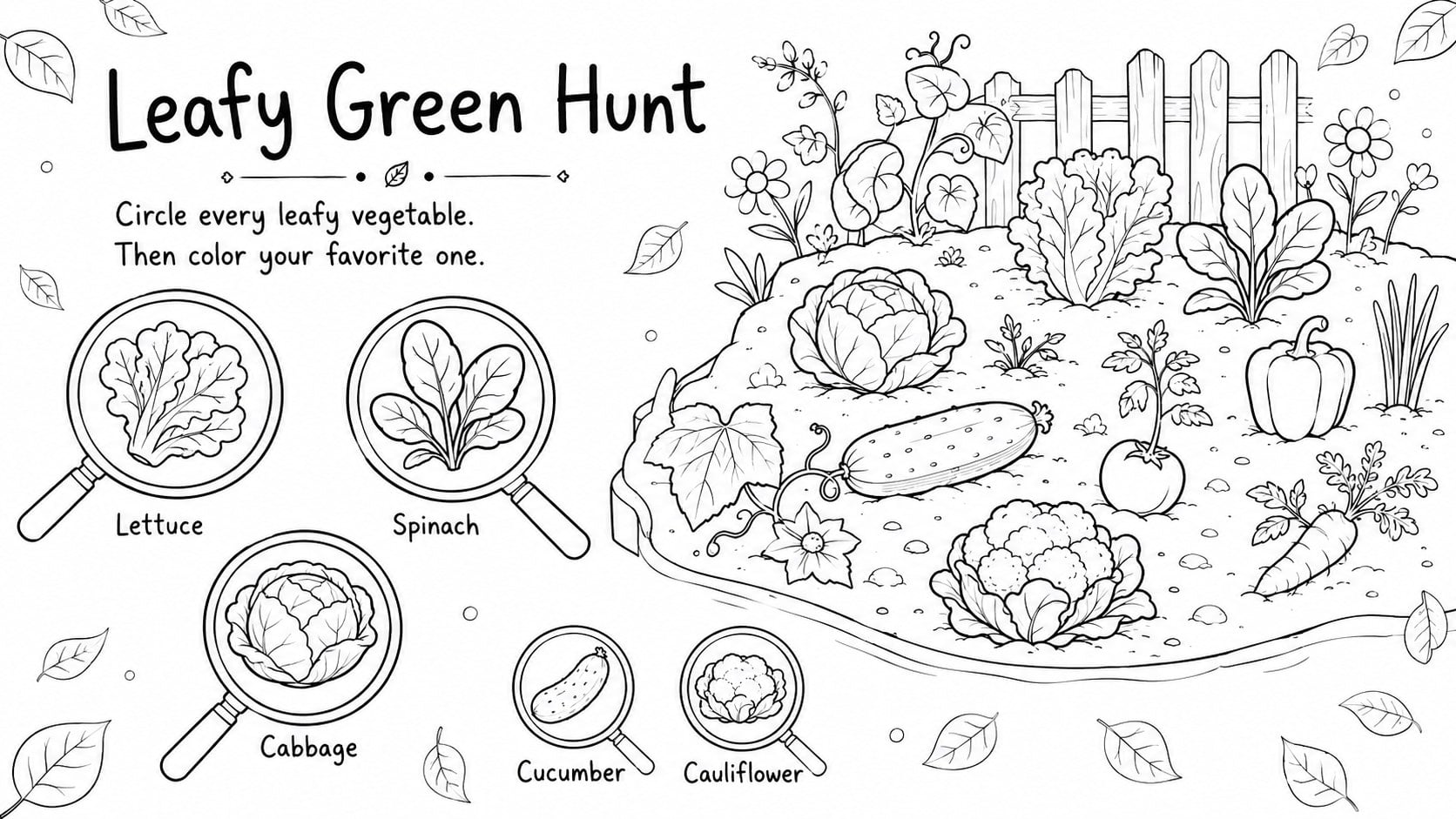
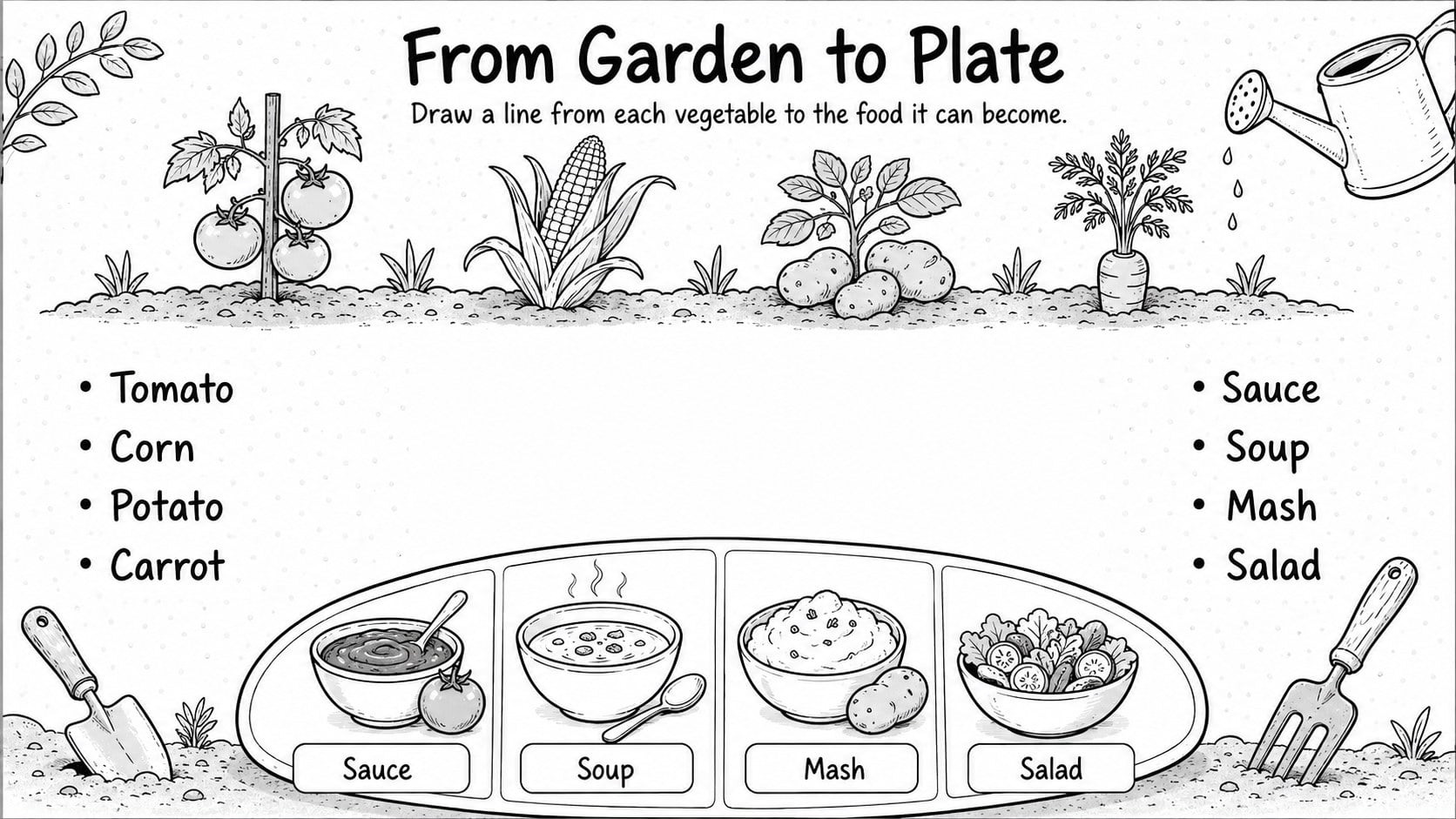
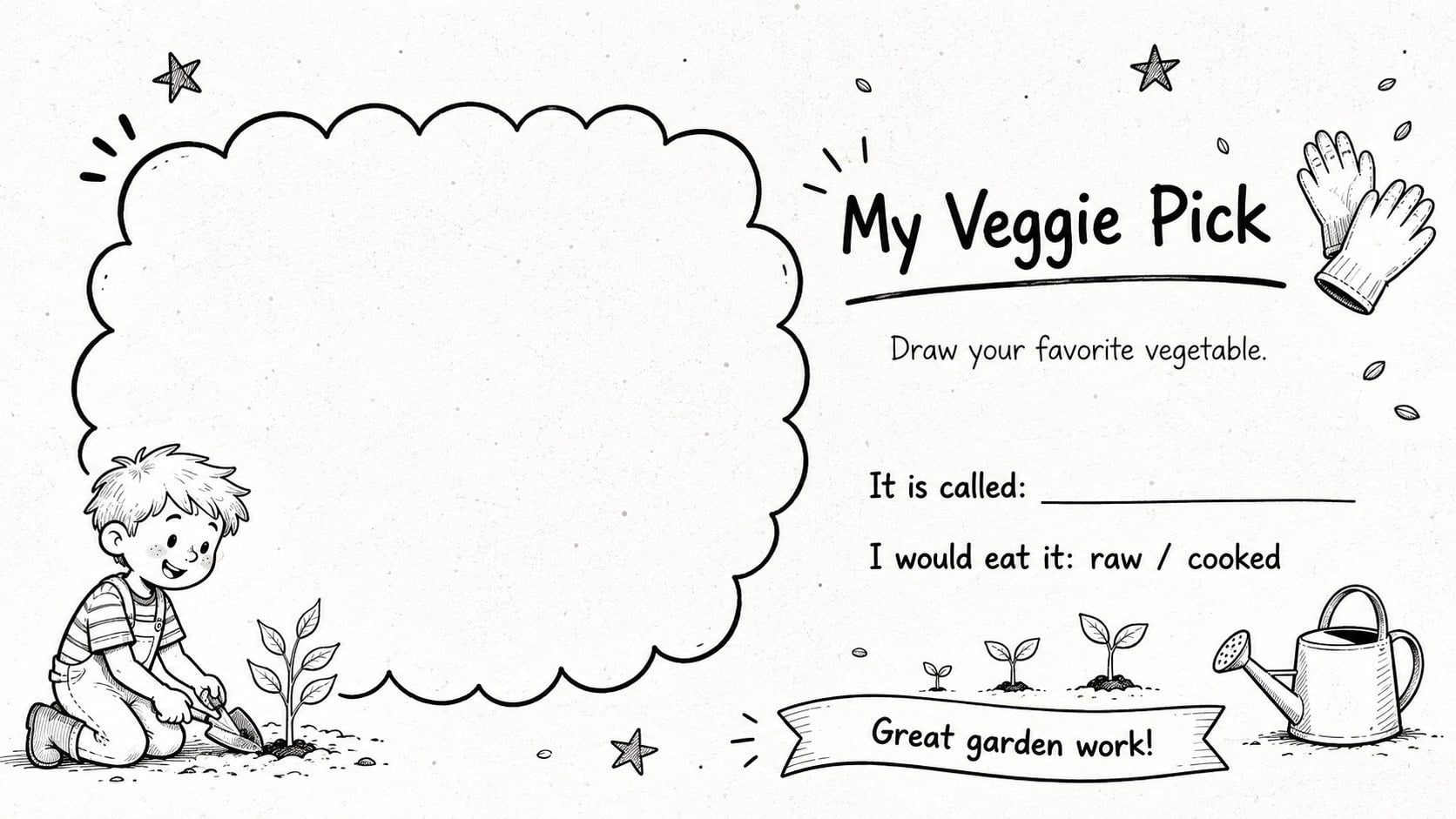
Garden Veggie Coloring Worksheets turn a simple food lesson into an inviting art session. Designed for early learners, the black-and-white pages pair clear produce outlines with short prompts that encourage observation, vocabulary, and healthy choices. Use the deck as a healthy eating classroom activity, a quiet station, or a take-home practice pack.
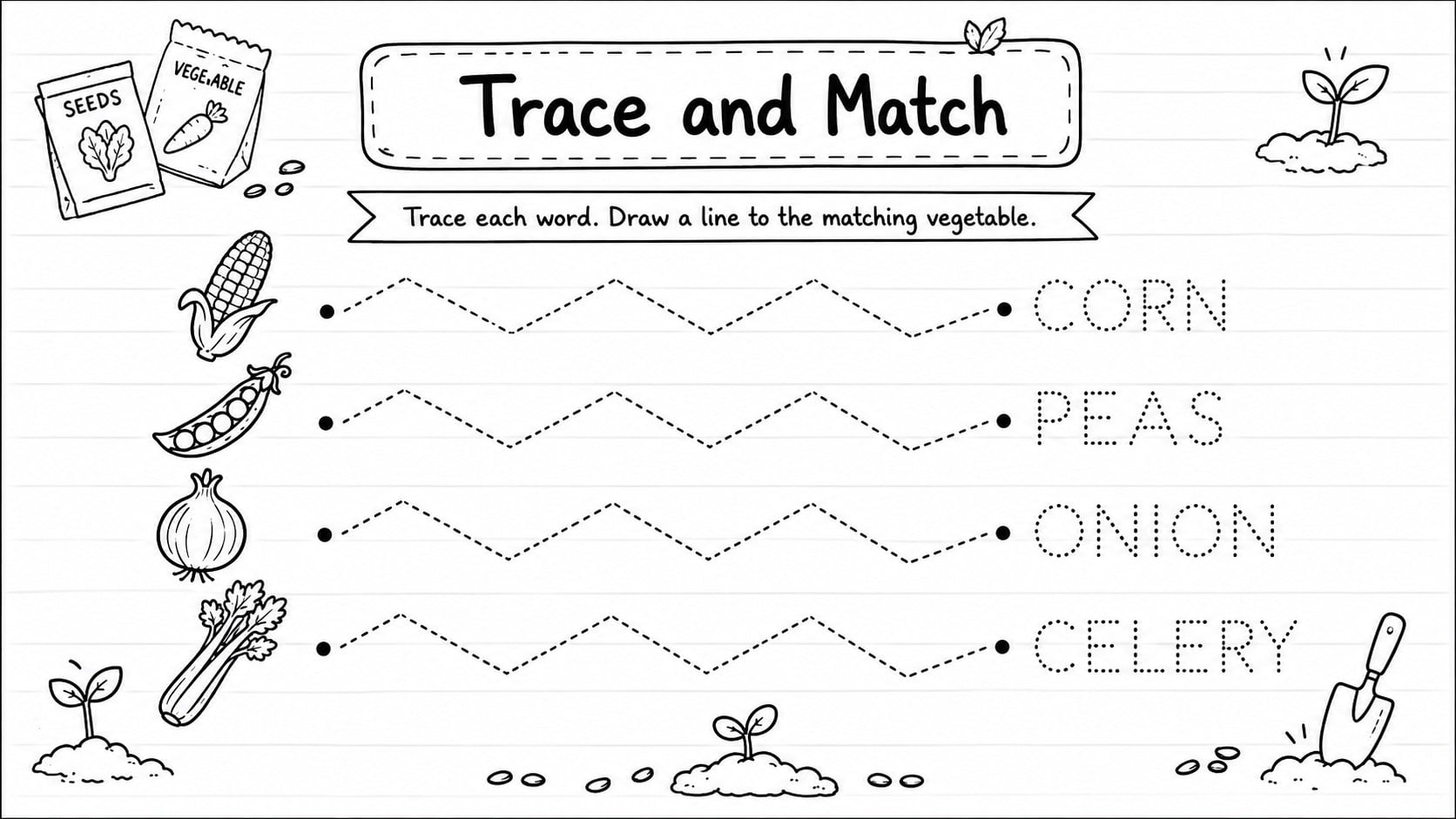
Inside are eight coordinated layouts: a welcoming cover, vegetable recognition pages, tracing and labeling tasks, color-and-count practice, a garden matching challenge, and a closing reflection. Each page leaves generous white space for crayons or pencils, while bold black outlines keep printing clear. Teachers can replace instructions, duplicate activities, resize illustrations, and adjust type in PowerPoint or Google Slides. The result works equally well as printable vegetable coloring worksheets or as projected prompts for guided discussion.
The set is made for preschool, kindergarten, and early elementary classrooms, as well as homeschool groups, library programs, and family learning events. Its friendly hand-drawn look stays playful without visual clutter, helping children focus on vegetable names, shapes, and simple nutrition ideas. It also complements preschool nutrition lesson slides, sensory food units, farm-to-table topics, and seasonal garden themes.
Perfect for: preschool nutrition lesson; kindergarten coloring station; vegetable recognition practice; healthy eating classroom activity; take-home learning pack.
Frequently asked questions
Can I edit the worksheet instructions? Yes. You can replace the prompts, change vegetable labels, resize illustrations, and duplicate pages in PowerPoint or Google Slides.
Practical details
Yes. You can replace the prompts, change vegetable labels, resize illustrations, and duplicate pages in PowerPoint or Google Slides.
Yes. The high-contrast black-and-white artwork is suitable for classroom printing and coloring with crayons, pencils, or markers. Check your printer settings and scale each page to the paper size you plan to use.
The simple illustrations and short directions work best for preschool, kindergarten, and early elementary learners. Teachers can simplify or expand the wording to suit different reading levels.
The template is editable in Microsoft PowerPoint and Google Slides. Text, shapes, and activity layouts can be adapted in either platform.
Keep exploring
15Promote classes with a yoga workshop marketing presentation featuring playful beige, pink, and purple illustrations for PowerPoint and Google Slides.
 15
15Build a clear breast cancer awareness bulletin with bold pink-and-red slides for campaign news, screening reminders, impact data, and community updates.
 15
15Build a clear World Cancer Day message with this global cancer awareness campaign deck, featuring editable blue-green layouts for PowerPoint and Google Slides.
 4
4Document wound findings, treatment decisions, and healing progress with clinical wound evaluation slides for nurses in PowerPoint and Google Slides.
 14
14Plan a clear donor campaign with this blood donation awareness presentation, featuring editable beige-and-red visuals for PowerPoint and Google Slides.
 15
15Build a Kidney Health Awareness Campaign Deck with blue illustrated slides for prevention tips, risk education, screening events, and outreach.
 15
15Build an actionable training session with this fitness program workshop deck, using energetic yellow geometry and editable PowerPoint and Google Slides layouts.
 15
15Equip health teams with this malaria prevention education deck for workshops, community outreach, and policy briefings in PowerPoint or Google Slides.