
 14
14presentation
2036 Dragon Year Celebration Theme
Plan a memorable Lunar New Year campaign with the 2036 Dragon Year Celebration Theme, featuring bold red-and-yellow slides for lessons and events.
Google SlidesPowerPoint
presentation · English
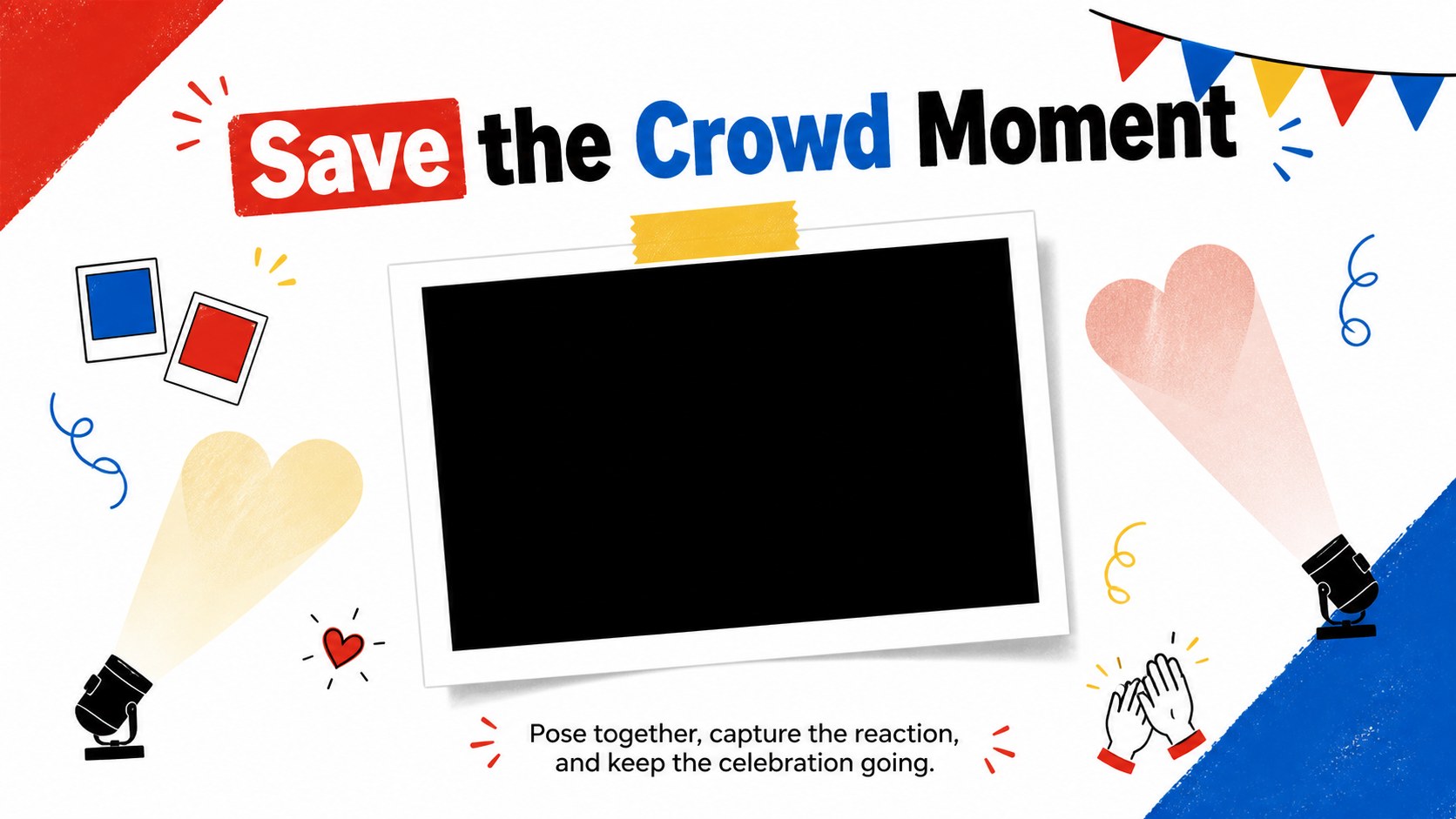
Build a playful crowd-photo moment with this game day kiss cam photo prop, featuring bold illustrated color and easy PowerPoint or Google Slides edits.


Design notes
Turn spontaneous crowd reactions into memorable photos with the Game Day Kiss Cam Photo Prop. Designed for energetic events, this bold visual combines red, blue, yellow, white, and black with playful illustrated textures. The result is a lively centerpiece that works equally well on a venue screen, at a photo station, or as a printable kiss cam event sign.
Inside are three coordinated widescreen designs: an attention-grabbing cover frame, a cheering prompt for live crowd participation, and a closing layout for capturing or sharing the moment. Every slide includes editable headlines, supporting text, colors, and graphic elements. Adjust the wording for your event, insert a logo-free photo area, or adapt the design into a romantic game day photo booth display. The layouts can be presented digitally or exported for printing after customization.
This template is made for sports organizers, wedding planners, school event teams, party hosts, and community coordinators who want a cheerful audience activity without building graphics from scratch. It also suits a wedding reception crowd camera sign or a themed Valentine's celebration. Edit the slides in PowerPoint or Google Slides, personalize the prompts, and match the finished prop to your venue while retaining its vivid illustrated character.
Perfect for: stadium kiss cam display; wedding reception photo booth; school spirit event; Valentine's party activity; community sports night.
Frequently asked questions
Can I edit the wording and colors? Yes. Change the headlines, prompts, supporting copy, and color accents to suit your venue or event theme in PowerPoint or Google Slides.
Practical details
Yes. Change the headlines, prompts, supporting copy, and color accents to suit your venue or event theme in PowerPoint or Google Slides.
Yes. Customize the layout first, then export it as a PDF or high-resolution image for printing. Confirm the final dimensions and trim requirements with your printer.
The template is designed for PowerPoint and Google Slides. Both platforms allow you to edit the text, reposition graphics, and present the designs on a widescreen display.
Yes. Replace designated image areas with your own crowd photos and add approved event details where needed. Keep sponsor information outside the main photo opening so faces remain visible.
Keep exploring
14Plan a memorable Lunar New Year campaign with the 2036 Dragon Year Celebration Theme, featuring bold red-and-yellow slides for lessons and events.
 15
15Build playful lessons and party stories with a kid-friendly zombie celebration theme in purple, green and pastel blue for PowerPoint and Google Slides.
 15
15Build eerie lessons, campaigns, and story pitches with an undead survival scenario theme featuring editable slides for PowerPoint and Google Slides.
 3
3Share festive messages with a Lunar Horse New Year Wishes Theme, featuring bold red-and-yellow layouts for PowerPoint and Google Slides celebrations.
 15
15Bring zodiac traditions to life with a Lunar Snake Festival Presentation featuring 15 cheerful red illustrated slides for PowerPoint and Google Slides.
 6
6Honor teams and individuals with an Orange Year-End Recognition Certificate Set featuring six editable designs for PowerPoint and Google Slides.
 14
14Honor the people behind the headlines with a World Sports Press Appreciation Deck for PowerPoint and Google Slides, styled in crisp, modern green.
 15
15Teach, inspire, and celebrate with our Plant-Powered Vegetarian Day Lesson Deck, featuring cheerful editable visuals for PowerPoint and Google Slides.