
 14
14presentation
2036 Dragon Year Celebration Theme
Plan a memorable Lunar New Year campaign with the 2036 Dragon Year Celebration Theme, featuring bold red-and-yellow slides for lessons and events.
Google SlidesPowerPoint
presentation · English
Build a heartfelt friendship memory book slides deck for Friendship Day, photo stories, party plans, and social posts in soft pink and green.





Design notes
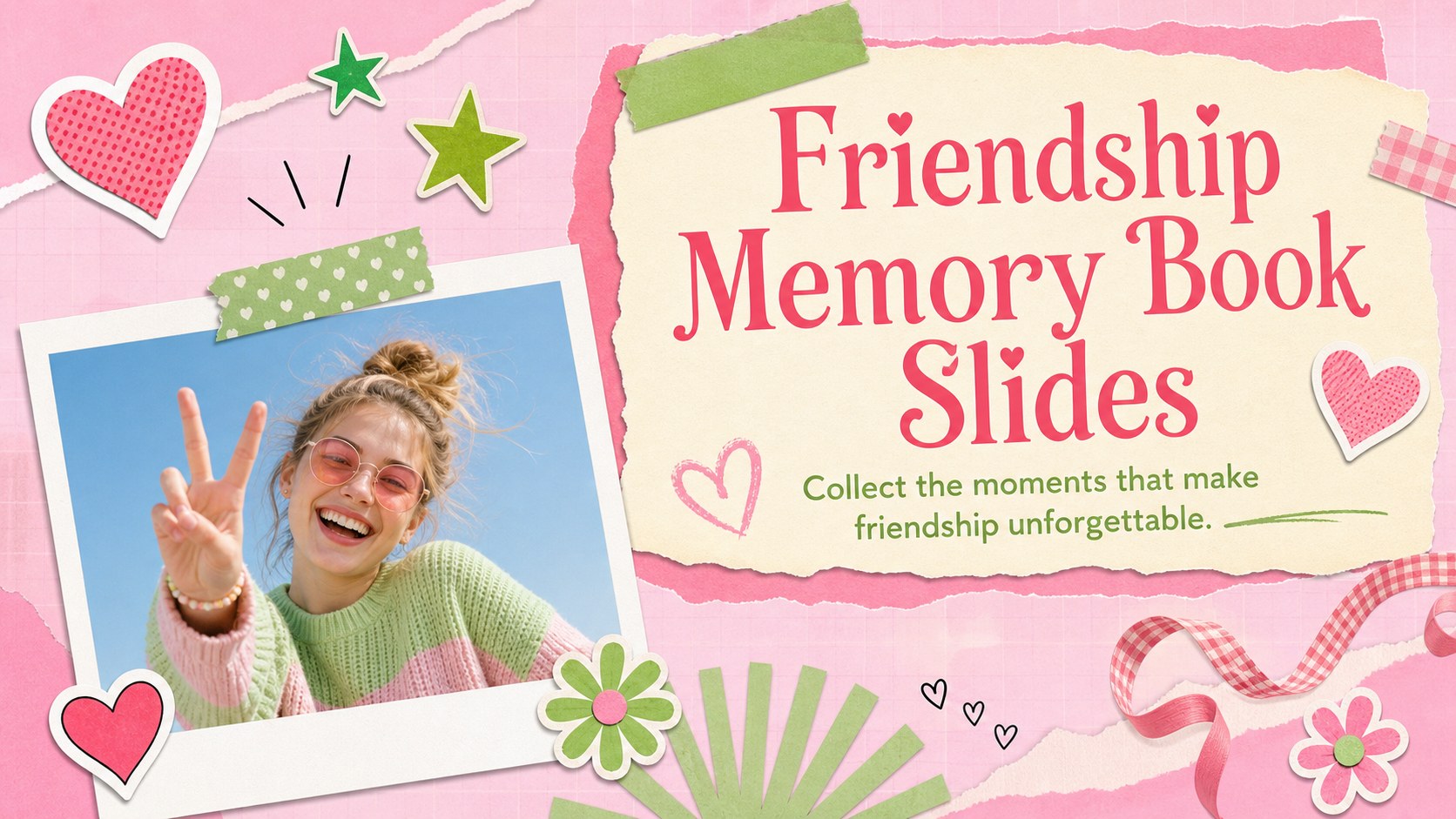
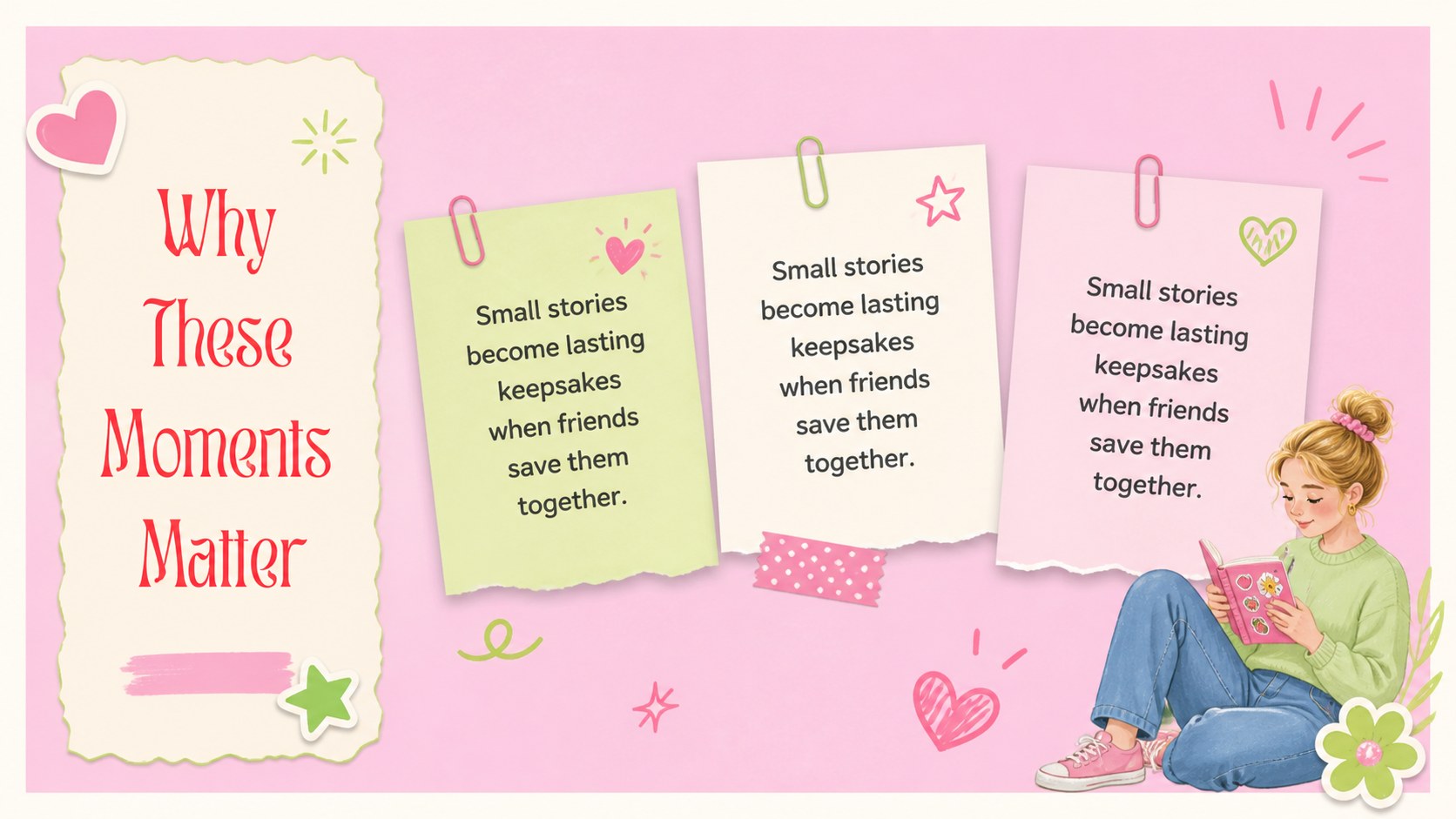
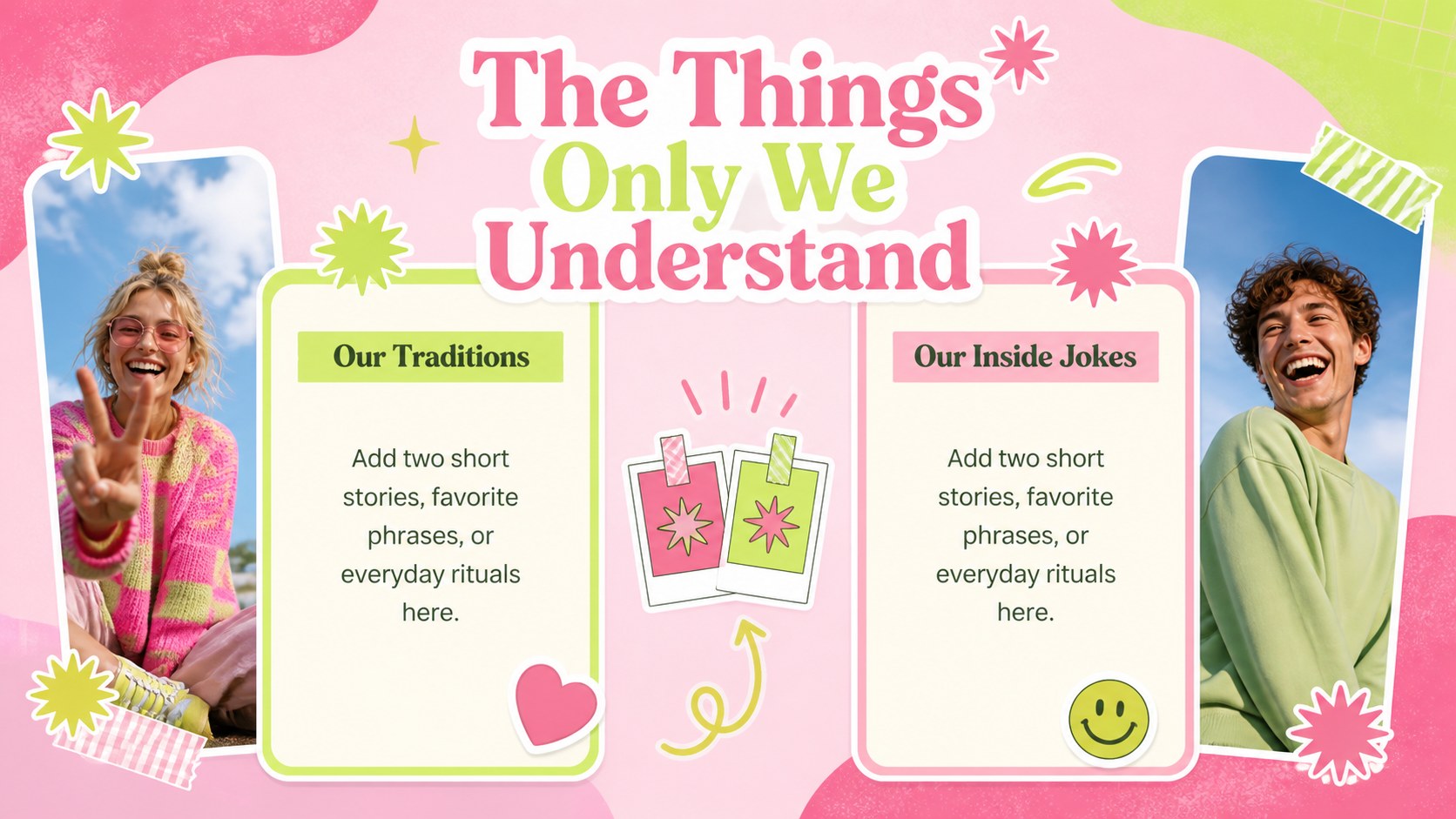
Friendship memory book slides give you a warm, playful way to celebrate the people and moments that make a friendship meaningful. The design combines soft pink and fresh green with sticker-inspired shapes, cheerful accents, and an editorial pairing of Montserrat and Playfair Display. Use the layouts to build a Friendship Day tribute, collect favorite photos, or present a thoughtful story about a close-knit group.
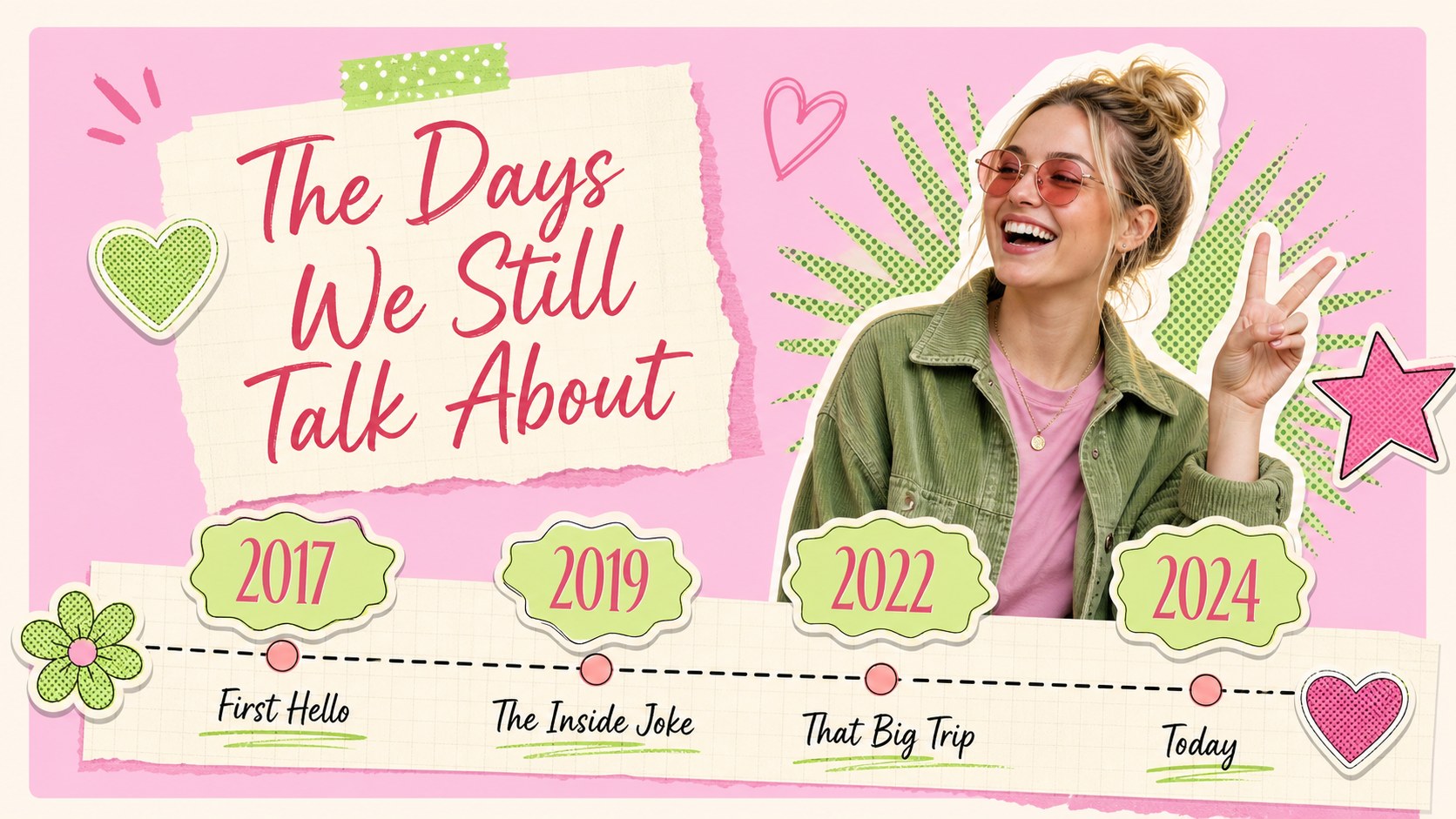
Inside, you will find 15 editable 16:9 slides for cover pages, friendship profiles, memory collections, quote pages, event schedules, photo collages, checklists, and closing messages. The flexible layouts work well for digital keepsakes, classroom activities, party invitations, club recaps, and social media planning. Replace the sample copy, adjust the palette, and add your own images in PowerPoint or Google Slides.
This friendship photo collage presentation is designed for students, teachers, friends, event organizers, and anyone preparing a personal celebration. Use the timeline and gallery pages to organize shared milestones, while the note and quote layouts help create an emotional closing. The result is a cute friendship celebration deck that feels personal without requiring advanced design skills.
Perfect for: Friendship Day tribute; Best-friend memory slideshow; School friendship activity; Friendship party invitation; Club or group photo recap.
Frequently asked questions
Can I edit these slides in PowerPoint? Yes. The deck is designed for PowerPoint and can be customized with your own text, photos, colors, and fonts. You can also rearrange or duplicate layouts as your story grows.
Practical details
Yes. The deck is designed for PowerPoint and can be customized with your own text, photos, colors, and fonts. You can also rearrange or duplicate layouts as your story grows.
Yes. Upload the PowerPoint file to Google Drive and open it with Google Slides to create an editable copy. Review fonts and image placements after importing, since some elements may shift slightly.
You can replace every sample headline, caption, image, shape, and color accent. Add personal photos, friendship quotes, dates, names, or event details while keeping the original pink-and-green design system.
The slides are formatted in 16:9 for screens, presentations, and digital sharing. For printing, export selected pages as PDFs and test the margins before producing multiple copies.
Keep exploring
14Plan a memorable Lunar New Year campaign with the 2036 Dragon Year Celebration Theme, featuring bold red-and-yellow slides for lessons and events.
 15
15Build playful lessons and party stories with a kid-friendly zombie celebration theme in purple, green and pastel blue for PowerPoint and Google Slides.
 15
15Build eerie lessons, campaigns, and story pitches with an undead survival scenario theme featuring editable slides for PowerPoint and Google Slides.
 3
3Share festive messages with a Lunar Horse New Year Wishes Theme, featuring bold red-and-yellow layouts for PowerPoint and Google Slides celebrations.
 15
15Bring zodiac traditions to life with a Lunar Snake Festival Presentation featuring 15 cheerful red illustrated slides for PowerPoint and Google Slides.
 6
6Honor teams and individuals with an Orange Year-End Recognition Certificate Set featuring six editable designs for PowerPoint and Google Slides.
 14
14Honor the people behind the headlines with a World Sports Press Appreciation Deck for PowerPoint and Google Slides, styled in crisp, modern green.
 15
15Teach, inspire, and celebrate with our Plant-Powered Vegetarian Day Lesson Deck, featuring cheerful editable visuals for PowerPoint and Google Slides.