
 14
14presentation
2036 Dragon Year Celebration Theme
Plan a memorable Lunar New Year campaign with the 2036 Dragon Year Celebration Theme, featuring bold red-and-yellow slides for lessons and events.
Google SlidesPowerPoint
presentation · English
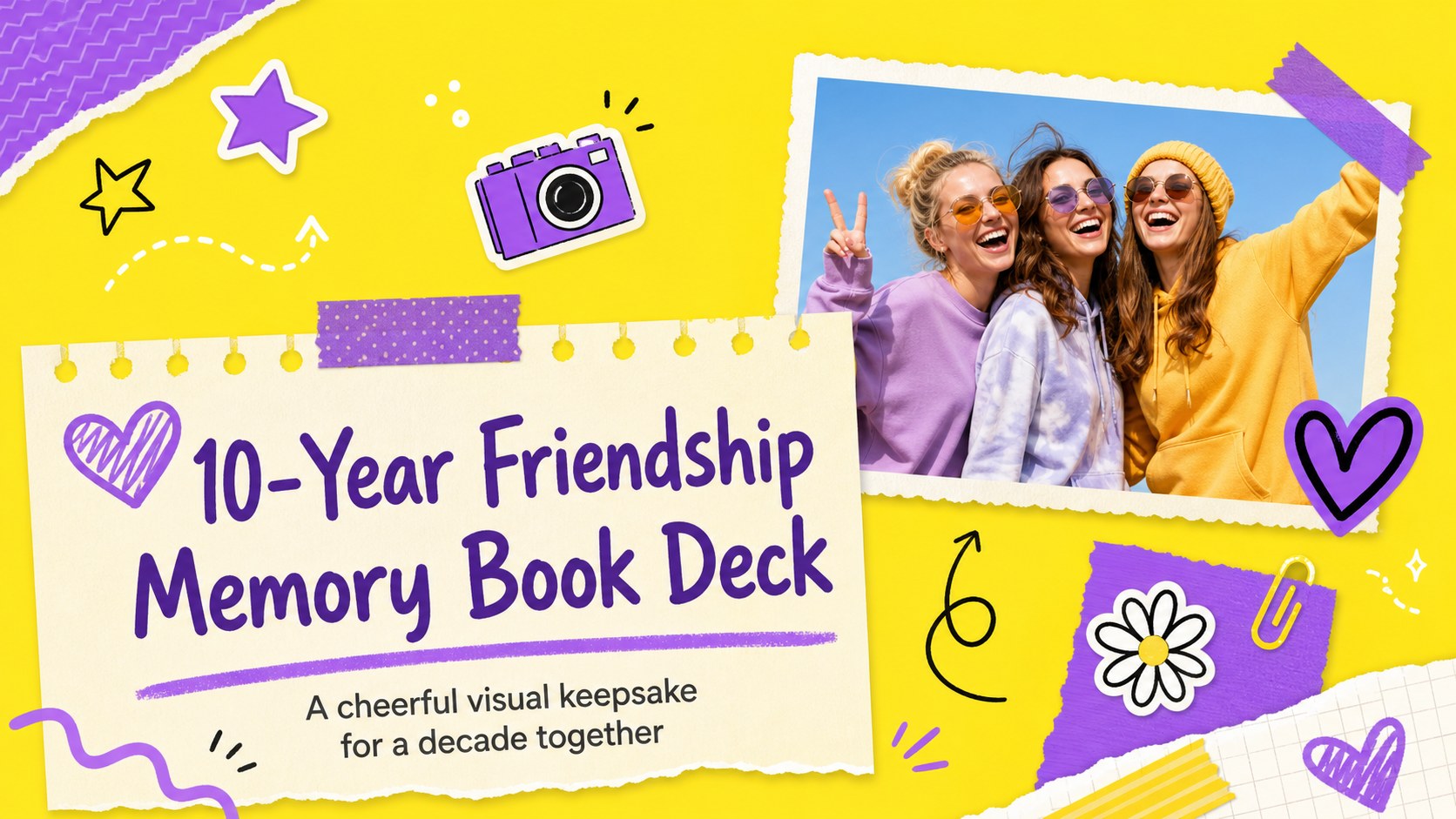
Create a 10-year friendship memory book with cheerful yellow and purple slides for reunions, birthdays, photo stories, and heartfelt anniversary celebrations.



Design notes
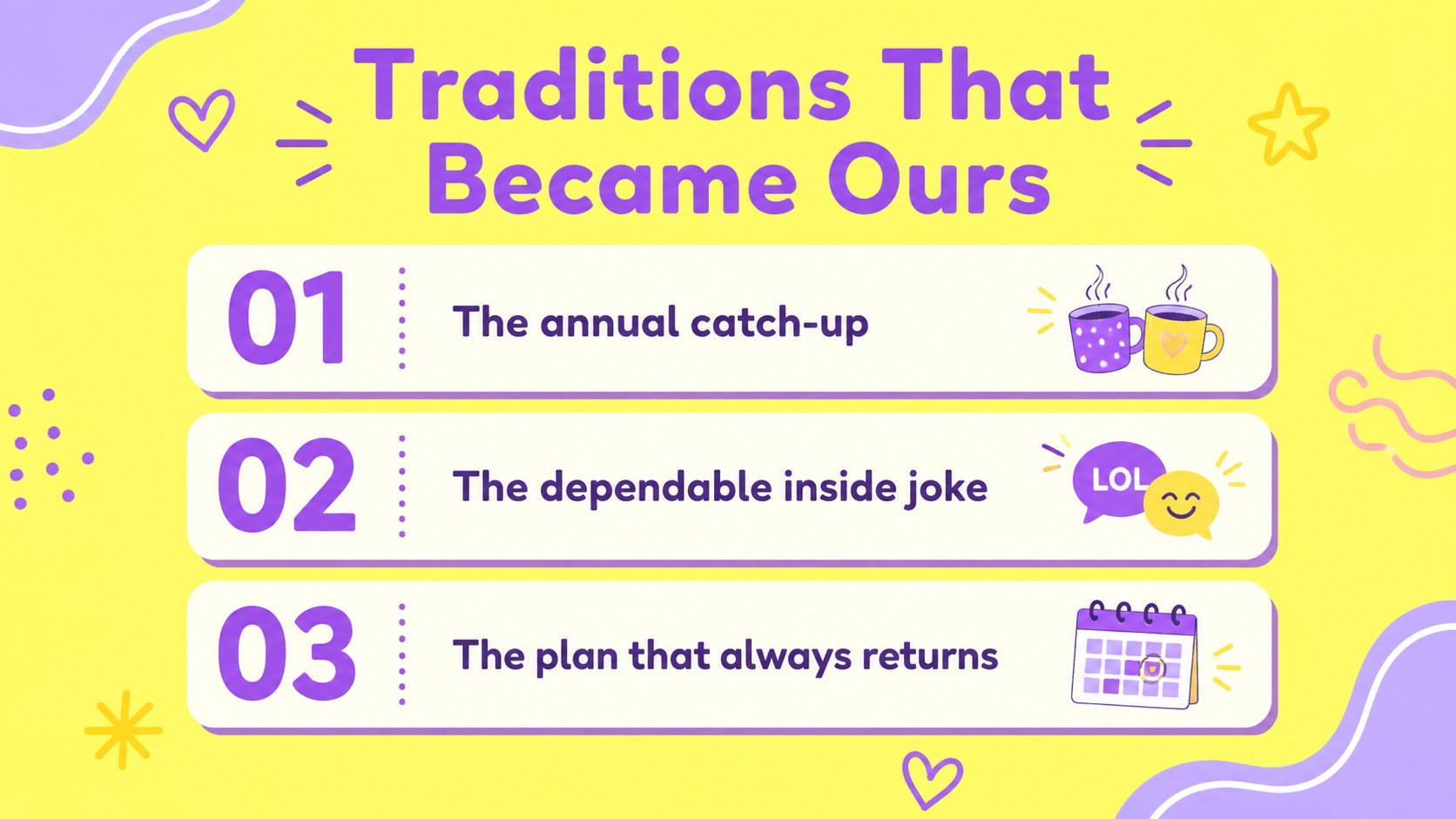
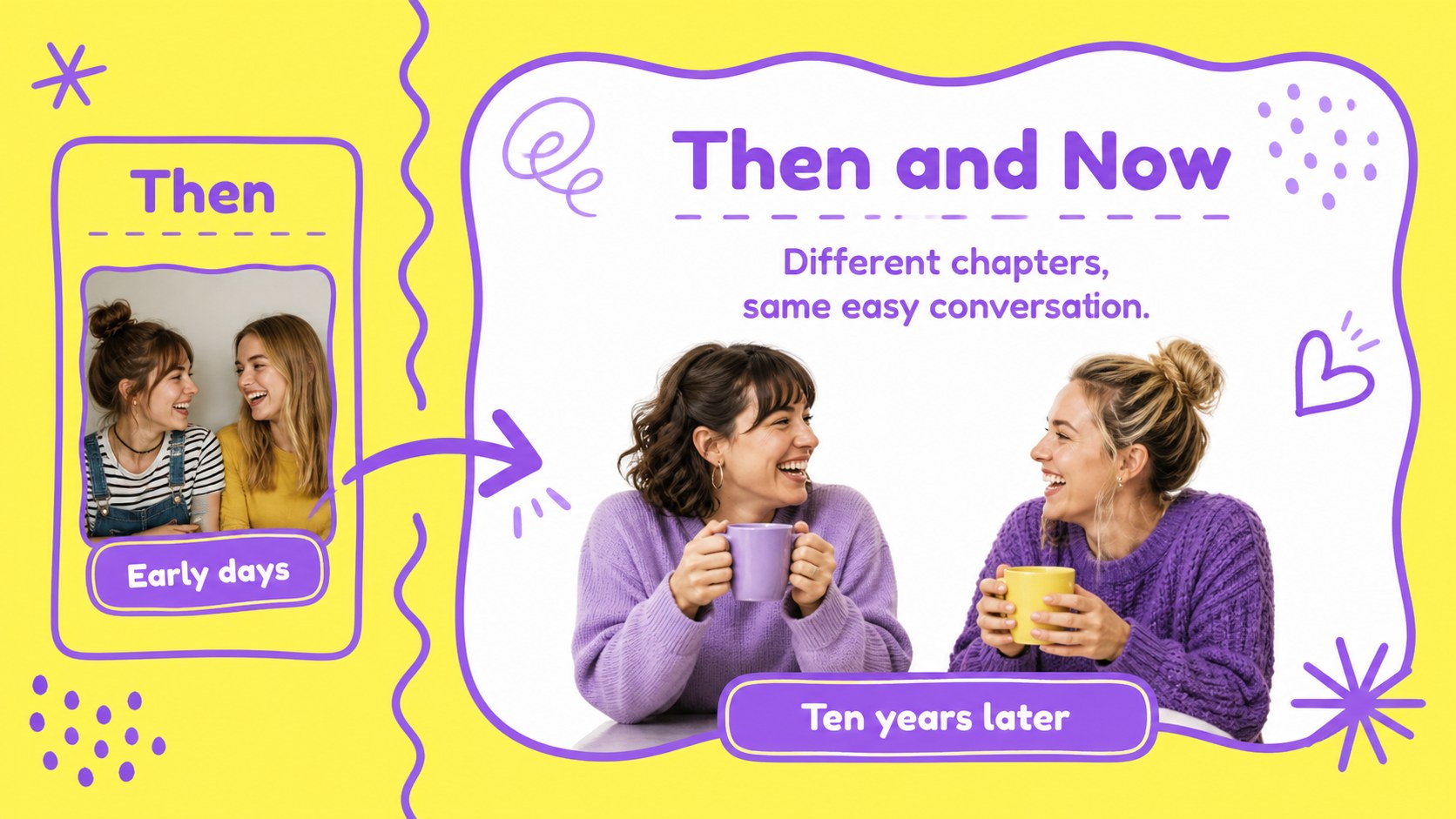
Create a 10-year friendship memory book that feels personal, upbeat, and easy to present. This cheerful illustrated deck gives a decade of shared adventures a clear visual story, from the first meeting to the traditions, trips, jokes, and everyday moments that made the friendship last. Yellow and purple accents, playful shapes, and friendly typography create a warm celebration without making the slides feel crowded.
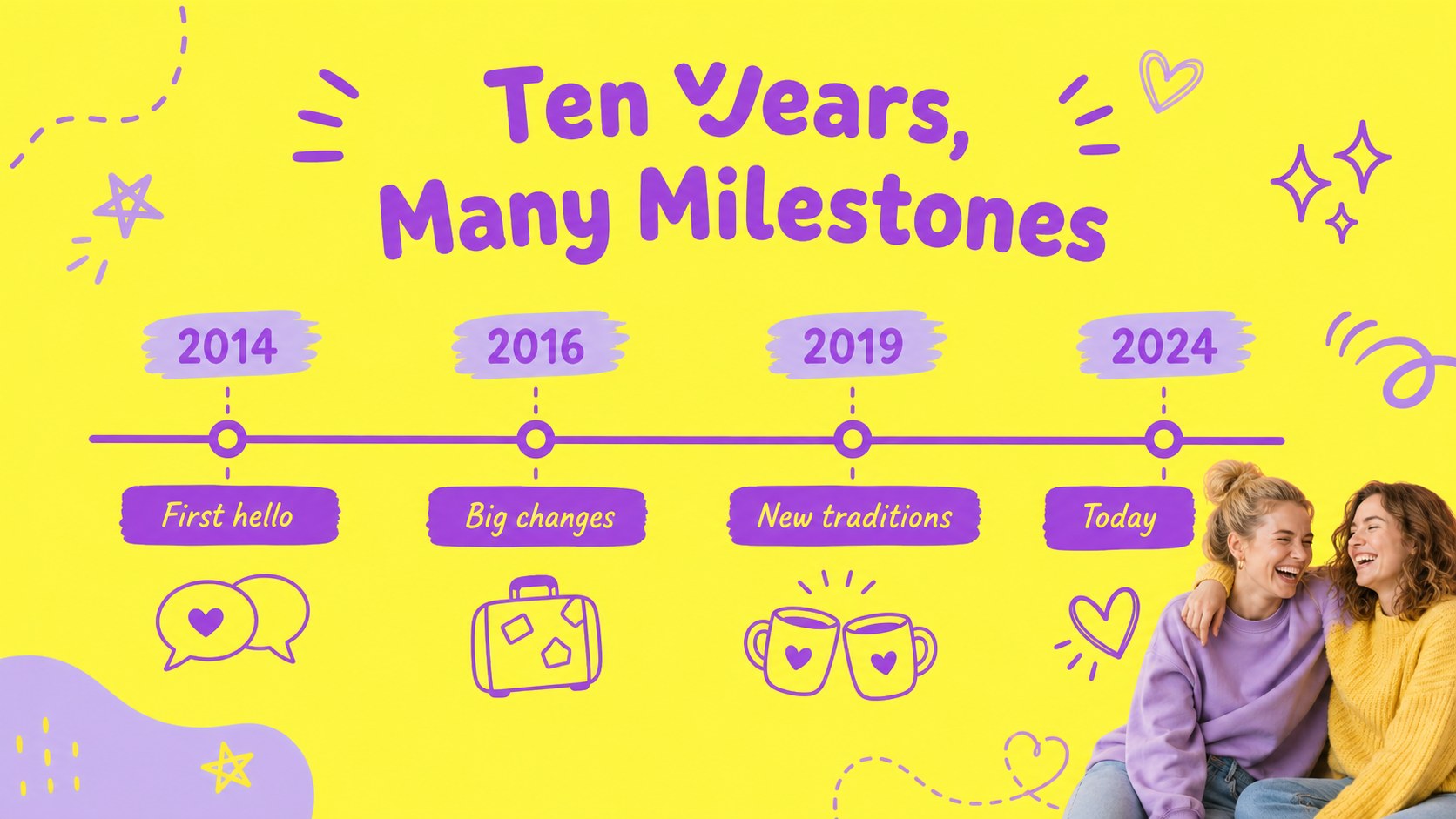
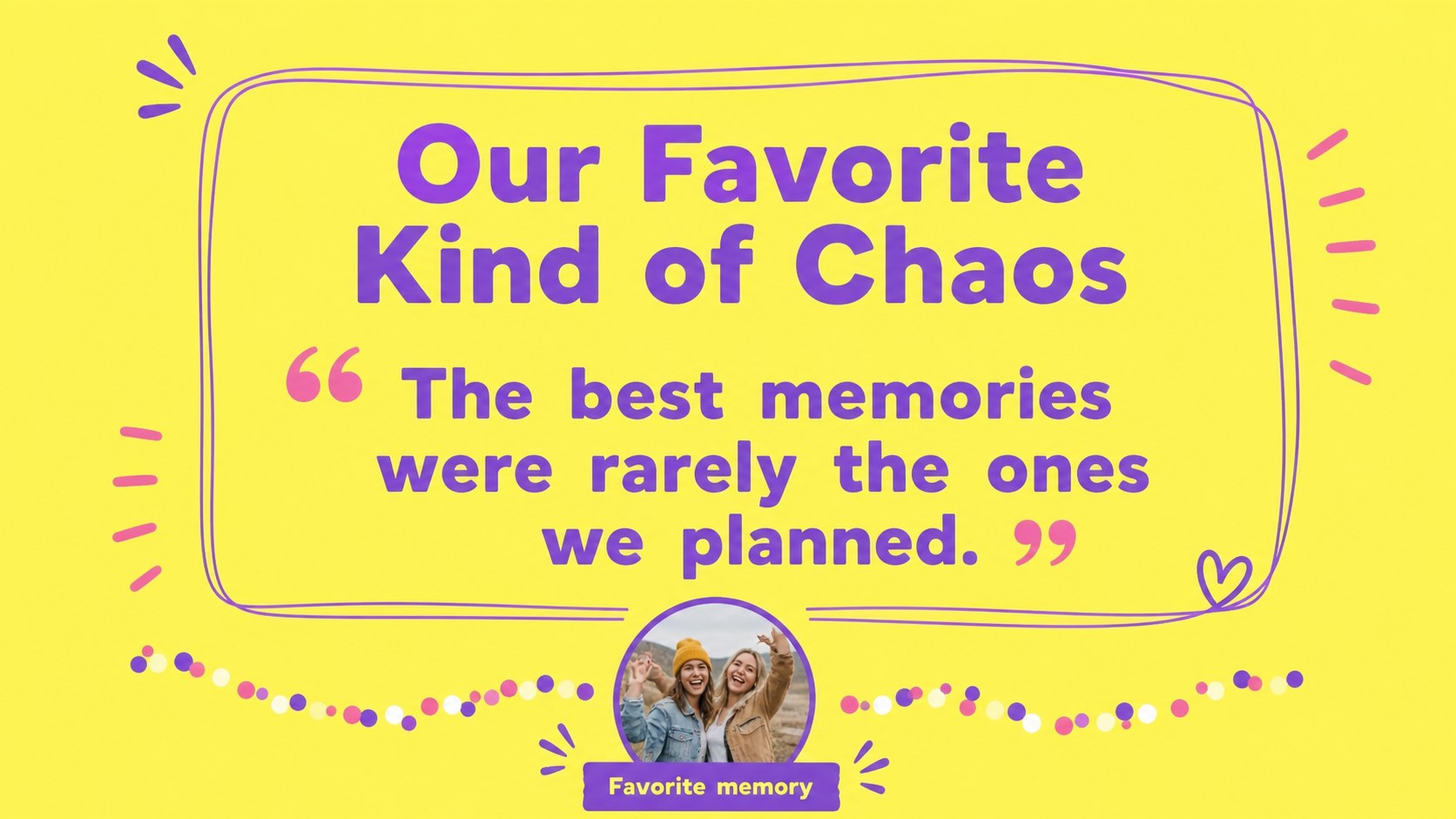
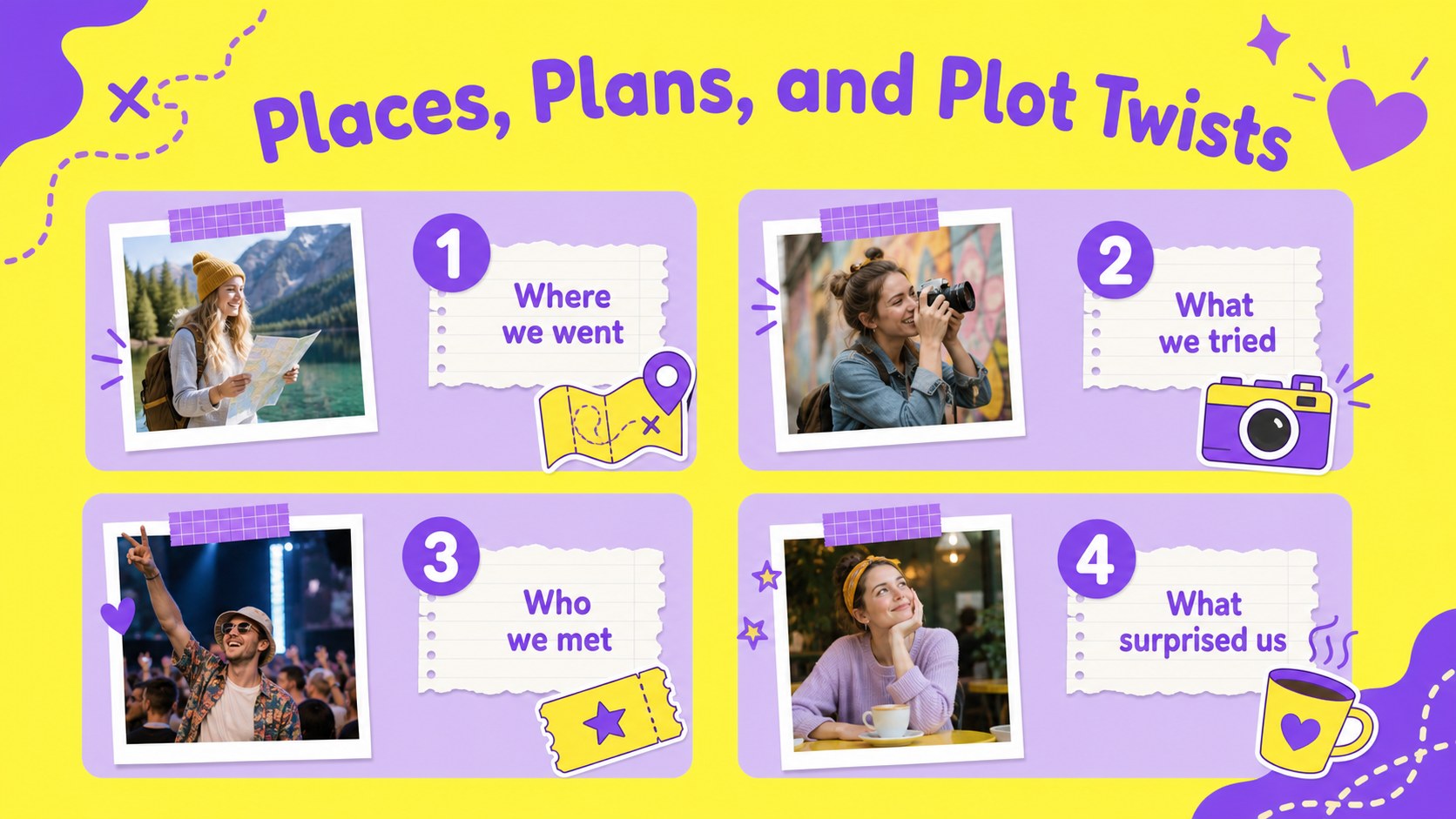
Inside are 15 editable 16:9 layouts for a cover, friendship timeline, photo collages, favorite memories, milestone highlights, quote pages, story prompts, comparison layouts, and a closing message. Use the photo frames for snapshots, the card layouts for short anecdotes, and the visual timeline for key dates or annual traditions. The Fredoka and Nunito font pairing supports a lively, readable presentation style.
This 10-year friendship memory book works well for a reunion slideshow, birthday surprise, anniversary gathering, or digital scrapbook shared with a close group. Edit it in PowerPoint or Google Slides, replace the sample copy with your own stories, and adjust the illustrations, colors, images, and captions to match your friends. It is especially useful for anyone who wants a polished friendship anniversary slideshow without building every page from scratch.
Perfect for: friendship anniversary celebration; reunion photo slideshow; birthday surprise for a best friend; digital scrapbook project; shared travel memories presentation.
Frequently asked questions
Can I edit this deck in PowerPoint? Yes. The layouts are designed for PowerPoint editing, including text, photos, shapes, and colors. Replace the sample content with your own memories and export the finished presentation in your preferred format.
Practical details
Yes. The layouts are designed for PowerPoint editing, including text, photos, shapes, and colors. Replace the sample content with your own memories and export the finished presentation in your preferred format.
Yes, you can open and edit the presentation in Google Slides. After importing it, check the font availability and make small spacing adjustments if your account substitutes a typeface.
You can change headlines, captions, dates, photos, illustrations, background colors, and decorative shapes. The yellow and purple palette can also be adapted while keeping the original playful visual character.
The preview contains 15 editable 16:9 layouts. It includes storytelling pages, image-focused compositions, milestone formats, and a closing slide that can be reordered or duplicated for a longer presentation.
Keep exploring
14Plan a memorable Lunar New Year campaign with the 2036 Dragon Year Celebration Theme, featuring bold red-and-yellow slides for lessons and events.
 15
15Build playful lessons and party stories with a kid-friendly zombie celebration theme in purple, green and pastel blue for PowerPoint and Google Slides.
 15
15Build eerie lessons, campaigns, and story pitches with an undead survival scenario theme featuring editable slides for PowerPoint and Google Slides.
 3
3Share festive messages with a Lunar Horse New Year Wishes Theme, featuring bold red-and-yellow layouts for PowerPoint and Google Slides celebrations.
 15
15Bring zodiac traditions to life with a Lunar Snake Festival Presentation featuring 15 cheerful red illustrated slides for PowerPoint and Google Slides.
 6
6Honor teams and individuals with an Orange Year-End Recognition Certificate Set featuring six editable designs for PowerPoint and Google Slides.
 14
14Honor the people behind the headlines with a World Sports Press Appreciation Deck for PowerPoint and Google Slides, styled in crisp, modern green.
 15
15Teach, inspire, and celebrate with our Plant-Powered Vegetarian Day Lesson Deck, featuring cheerful editable visuals for PowerPoint and Google Slides.