
 15
15presentation
Yoga Workshop Marketing Presentation
Promote classes with a yoga workshop marketing presentation featuring playful beige, pink, and purple illustrations for PowerPoint and Google Slides.
Google SlidesPowerPoint
presentation · English
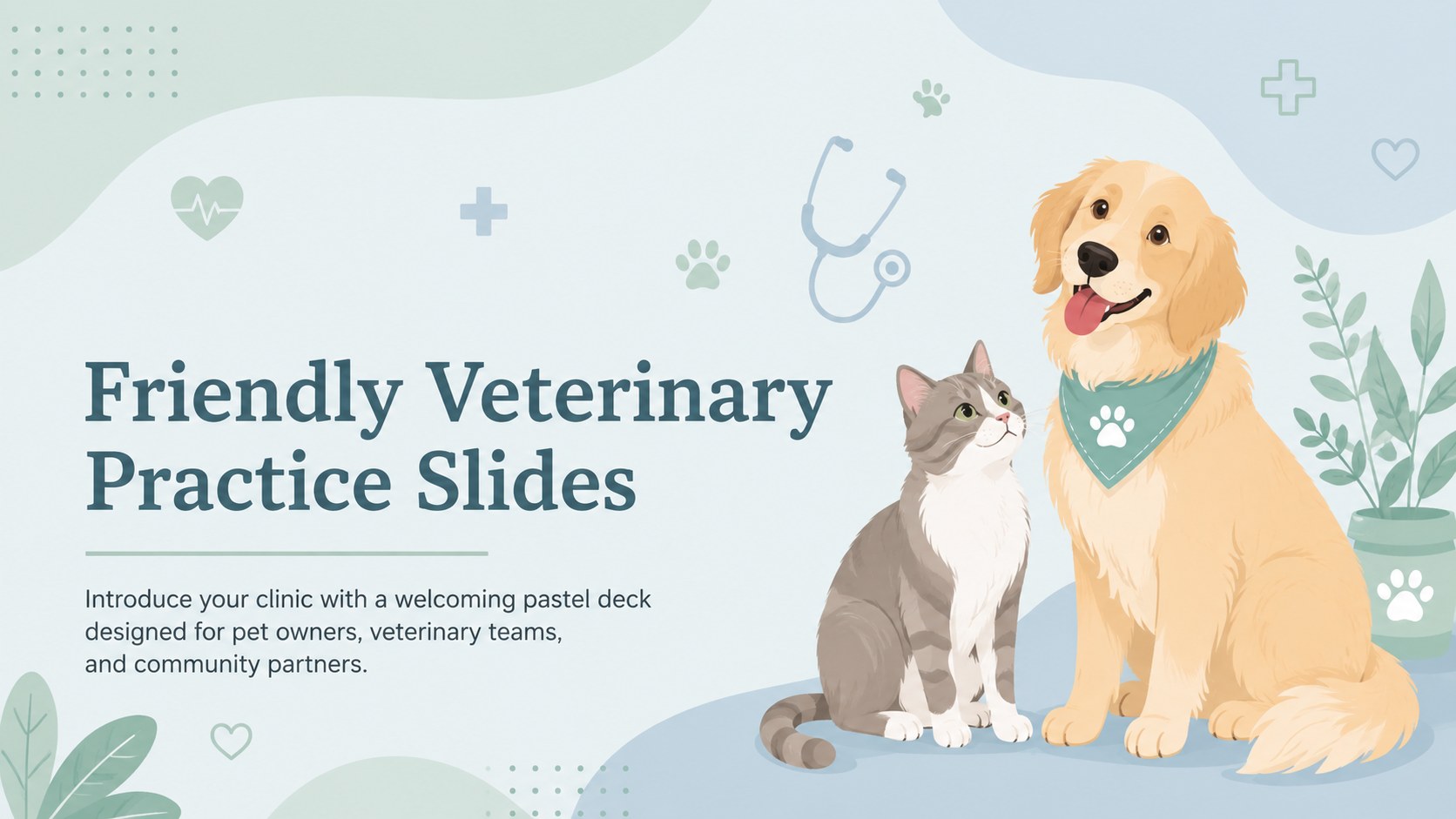
Friendly veterinary practice slides make it easy to introduce clinic services, staff, and pet care guidance in PowerPoint or Google Slides with pastel…




Design notes
Friendly veterinary practice slides give animal care teams a warm, polished way to introduce their clinic and communicate with pet owners. The soft green, pastel blue, and friendly illustrated design creates a reassuring atmosphere without making professional information feel clinical or impersonal. Use the deck in PowerPoint or Google Slides for consultations, community events, staff meetings, and clinic presentations.
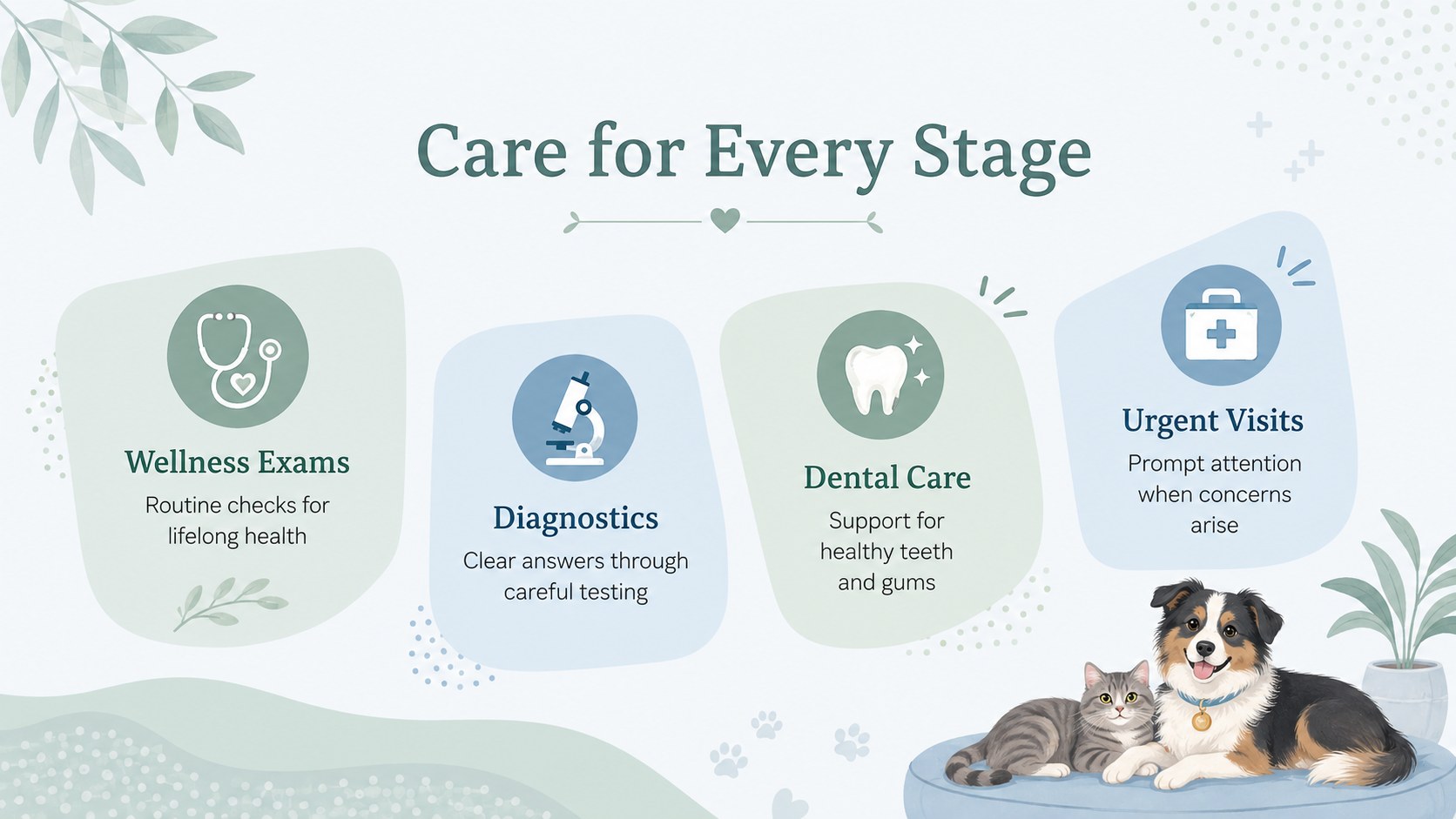
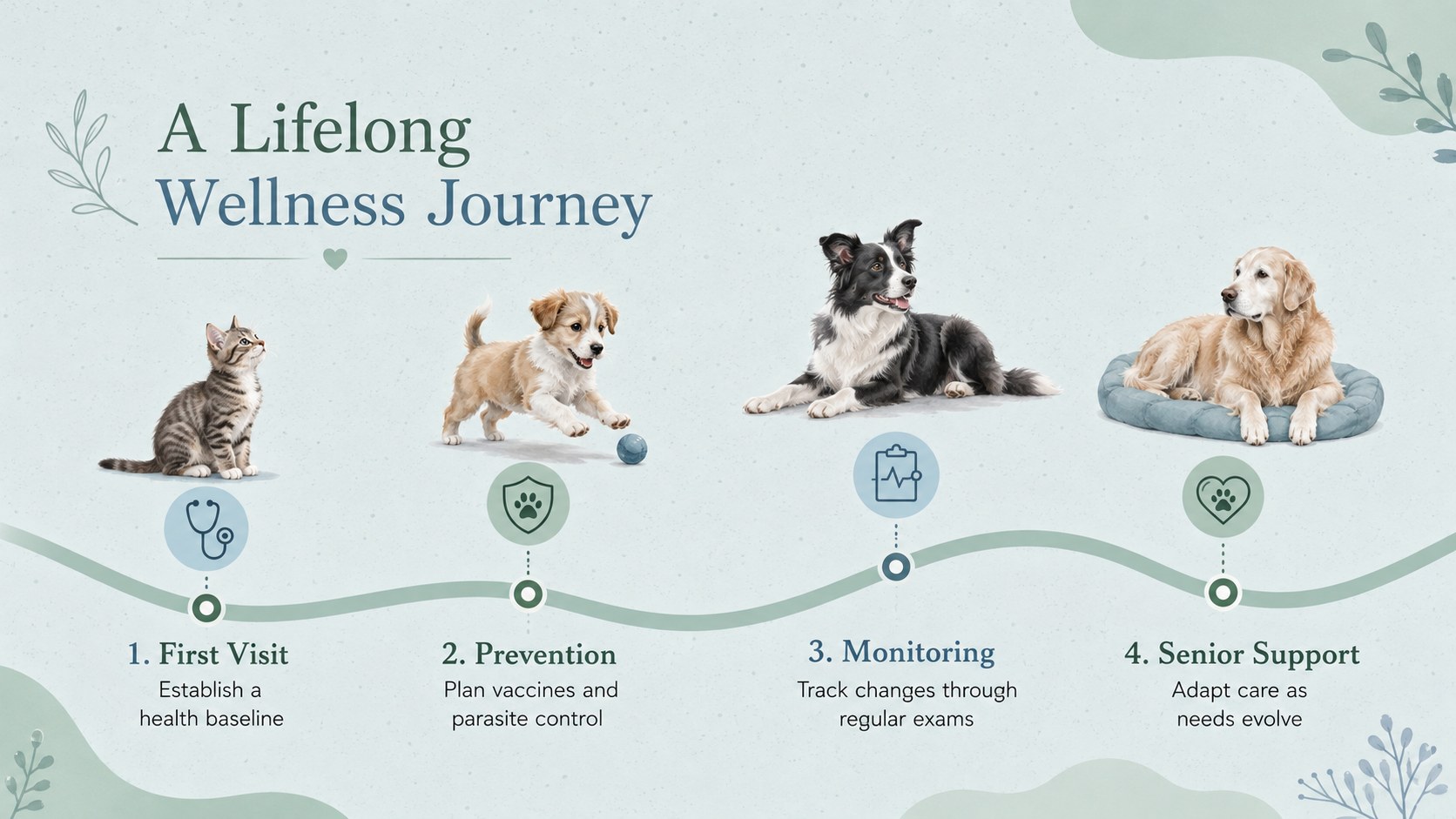
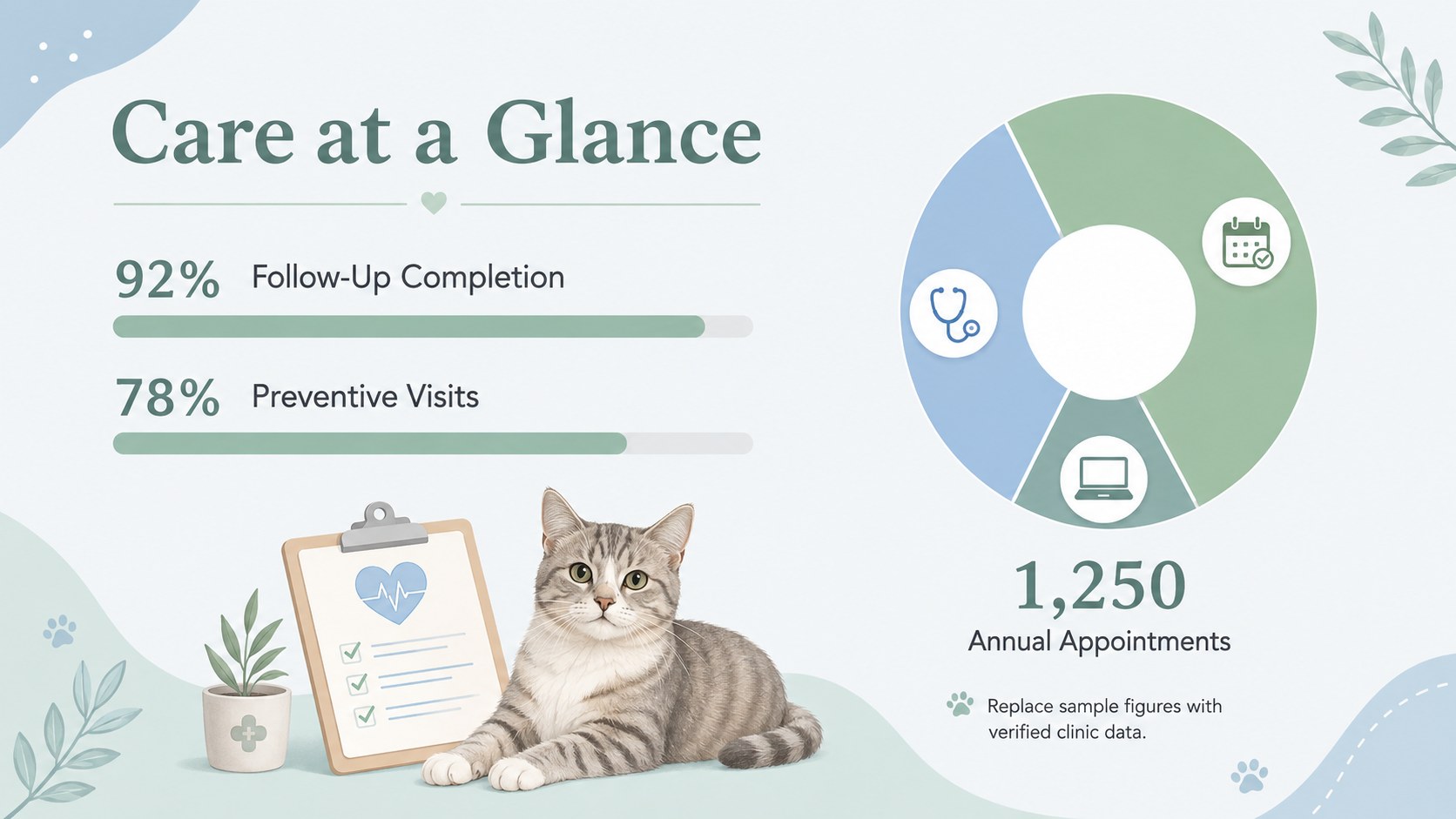
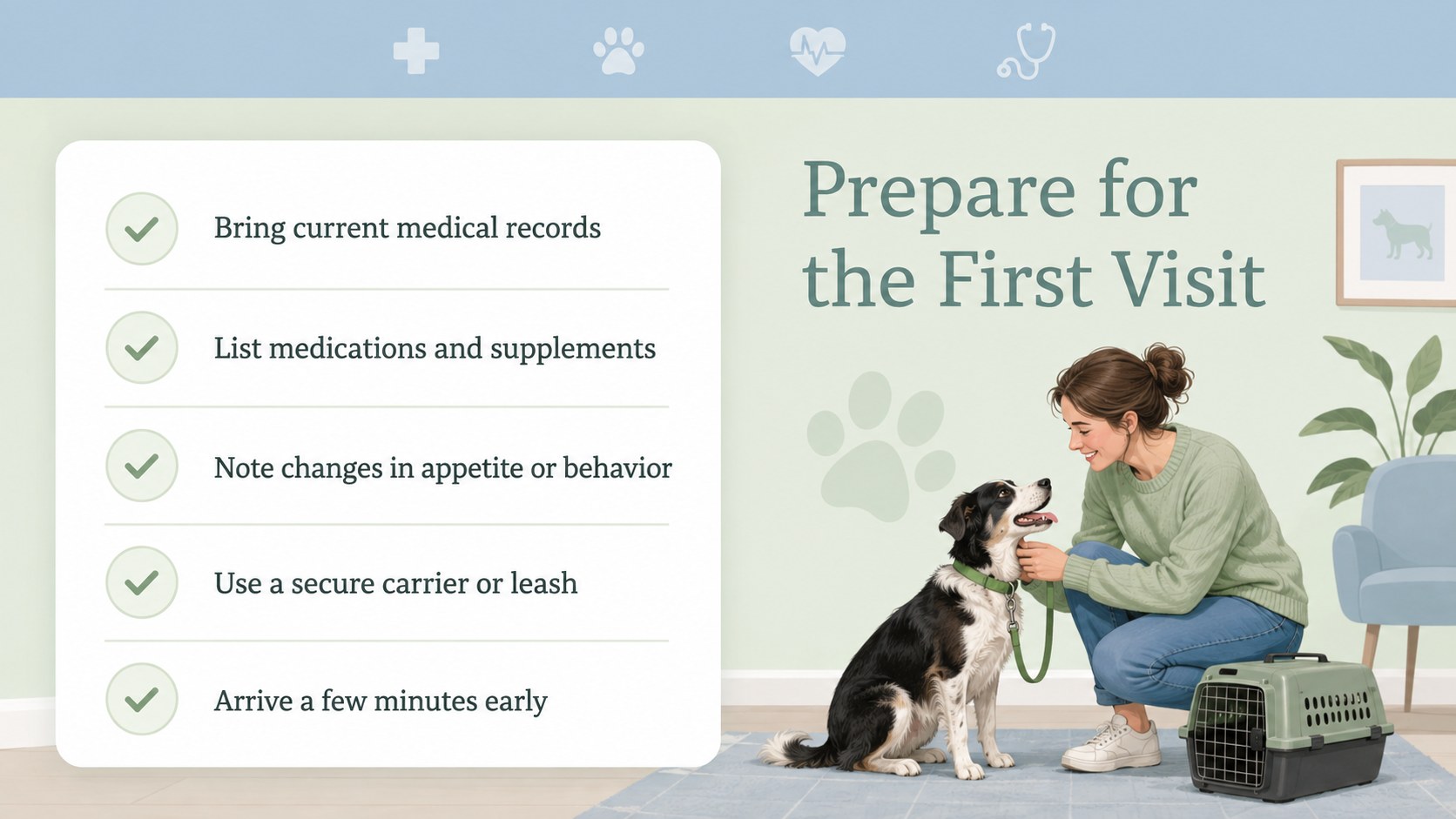
This pastel veterinary clinic presentation includes layouts for an introduction, service overview, veterinary team profiles, clinic values, appointment steps, wellness timelines, patient statistics, testimonials, preventive care guidance, and new-patient checklists. Flexible text areas, charts, icons, photos, and illustrated pet graphics help you adapt each slide to your practice. Colors and fonts can be adjusted to match your visual identity, while slides may be duplicated, reordered, or removed as needed.
Veterinarians, practice managers, veterinary nurses, reception teams, and animal welfare educators can use this animal hospital introduction deck to explain services with clarity. It also works as pet wellness education slides for vaccination talks, adoption events, school visits, and client onboarding. The ready-made structure keeps information organized while leaving room for your own photos, policies, contact details, and care recommendations.
Perfect for: veterinary clinic introduction; new pet owner orientation; preventive care workshop; animal hospital staff meeting; community pet health talk; clinic services proposal.
Frequently asked questions
Can I edit these slides in PowerPoint and Google Slides? Yes. The presentation is designed for editing in both PowerPoint and Google Slides. You can update text, rearrange layouts, replace images, and duplicate or remove slides.
Practical details
Yes. The presentation is designed for editing in both PowerPoint and Google Slides. You can update text, rearrange layouts, replace images, and duplicate or remove slides.
Replace the sample clinic details with your services, team biographies, contact information, and care policies. You can also adjust the pastel colors, typography, icons, and pet imagery to suit your clinic identity.
Yes. Replace the sample visuals with clinic, patient, facility, or team photographs while keeping the existing layout proportions. Use images only when you have the appropriate permission from staff members and pet owners.
Yes. The layouts can present vaccination schedules, appointment preparation, preventive care tips, and follow-up instructions. Edit all medical information so it reflects your practice protocols and current professional guidance.
Keep exploring
15Promote classes with a yoga workshop marketing presentation featuring playful beige, pink, and purple illustrations for PowerPoint and Google Slides.
 15
15Build a clear breast cancer awareness bulletin with bold pink-and-red slides for campaign news, screening reminders, impact data, and community updates.
 15
15Build a clear World Cancer Day message with this global cancer awareness campaign deck, featuring editable blue-green layouts for PowerPoint and Google Slides.
 4
4Document wound findings, treatment decisions, and healing progress with clinical wound evaluation slides for nurses in PowerPoint and Google Slides.
 14
14Plan a clear donor campaign with this blood donation awareness presentation, featuring editable beige-and-red visuals for PowerPoint and Google Slides.
 15
15Build a Kidney Health Awareness Campaign Deck with blue illustrated slides for prevention tips, risk education, screening events, and outreach.
 15
15Build an actionable training session with this fitness program workshop deck, using energetic yellow geometry and editable PowerPoint and Google Slides layouts.
 15
15Equip health teams with this malaria prevention education deck for workshops, community outreach, and policy briefings in PowerPoint or Google Slides.