
 14
14presentation
2036 Dragon Year Celebration Theme
Plan a memorable Lunar New Year campaign with the 2036 Dragon Year Celebration Theme, featuring bold red-and-yellow slides for lessons and events.
Google SlidesPowerPoint
presentation · English
Create cheerful festive greeting card slides in PowerPoint or Google Slides, with cute retro details and editable green, red, pink, and white layouts.



Design notes
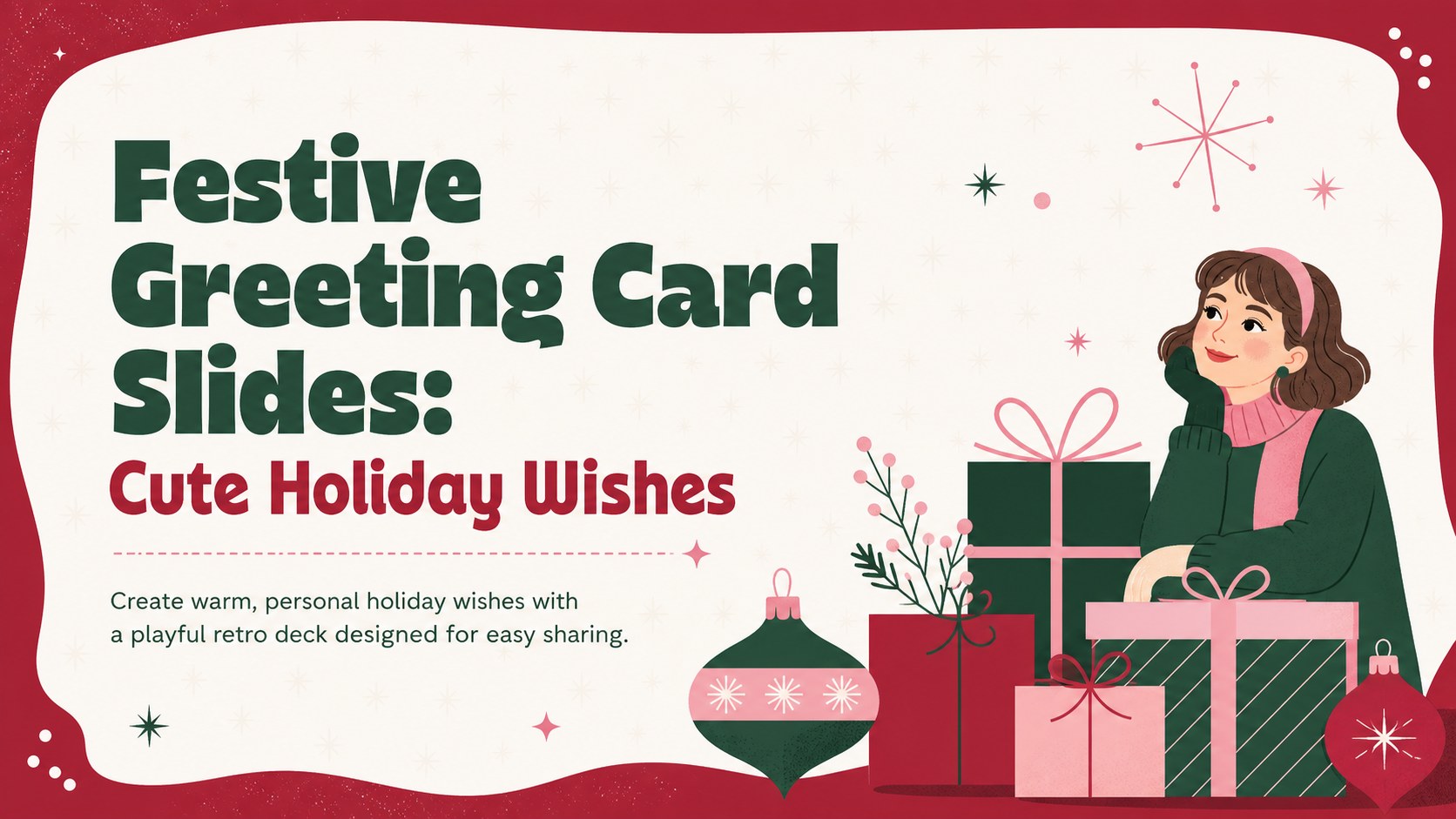
Turn seasonal messages into a cheerful visual keepsake with these festive greeting card slides. The playful retro design combines rich red, evergreen, soft pink, and crisp white with bold typography and charming holiday decorations. Each layout gives your words plenty of room while maintaining a lively, polished look for recipients of all ages.
Inside, you will find an opening greeting, a longer personal-message layout, a gift-themed holiday wish, and a closing card for names or family signatures. Use the deck as editable Christmas greeting slides, adapt it into a retro holiday card presentation, or export individual pages for digital delivery. Text, colors, photos, and decorative elements can be adjusted in PowerPoint or Google Slides, making it simple to personalize the design without changing its cozy visual character.
These slides work well for families sending annual greetings, teachers sharing classroom holiday messages, small businesses thanking customers, or community groups celebrating volunteers. They can also serve as a family holiday message template for distant relatives and friends. Add a favorite photograph, write a short note, or create several versions for different recipients. Whether presented on screen, attached to an email, or printed as a keepsake, the layouts provide a warm and memorable way to share seasonal joy.
Perfect for: family Christmas greeting; customer holiday thank-you; classroom seasonal message; community volunteer appreciation; digital card for friends.
Frequently asked questions
Can I edit the greeting and names? Yes. Replace the sample wording with your own greeting, family name, business message, or recipient details, then adjust the font size and placement as needed.
Practical details
Yes. Replace the sample wording with your own greeting, family name, business message, or recipient details, then adjust the font size and placement as needed.
The template is designed for PowerPoint and Google Slides. Both platforms allow you to edit text, colors, images, and decorative elements.
Yes. Insert your photos into the available image areas, then crop or resize them to fit the layout. You can also remove image placeholders when you prefer a text-only card.
Yes. Present the deck on screen or export selected slides as images or PDF pages for email and digital sharing. For printing, confirm the chosen paper size and printer margins before producing the final cards.
Keep exploring
14Plan a memorable Lunar New Year campaign with the 2036 Dragon Year Celebration Theme, featuring bold red-and-yellow slides for lessons and events.
 15
15Build playful lessons and party stories with a kid-friendly zombie celebration theme in purple, green and pastel blue for PowerPoint and Google Slides.
 15
15Build eerie lessons, campaigns, and story pitches with an undead survival scenario theme featuring editable slides for PowerPoint and Google Slides.
 3
3Share festive messages with a Lunar Horse New Year Wishes Theme, featuring bold red-and-yellow layouts for PowerPoint and Google Slides celebrations.
 15
15Bring zodiac traditions to life with a Lunar Snake Festival Presentation featuring 15 cheerful red illustrated slides for PowerPoint and Google Slides.
 6
6Honor teams and individuals with an Orange Year-End Recognition Certificate Set featuring six editable designs for PowerPoint and Google Slides.
 14
14Honor the people behind the headlines with a World Sports Press Appreciation Deck for PowerPoint and Google Slides, styled in crisp, modern green.
 15
15Teach, inspire, and celebrate with our Plant-Powered Vegetarian Day Lesson Deck, featuring cheerful editable visuals for PowerPoint and Google Slides.