
 14
14presentation
2036 Dragon Year Celebration Theme
Plan a memorable Lunar New Year campaign with the 2036 Dragon Year Celebration Theme, featuring bold red-and-yellow slides for lessons and events.
Google SlidesPowerPoint
presentation · English
Build a father daughter walking day presentation theme for school talks, community events, and family celebrations with editable PowerPoint and Google…
Design notes
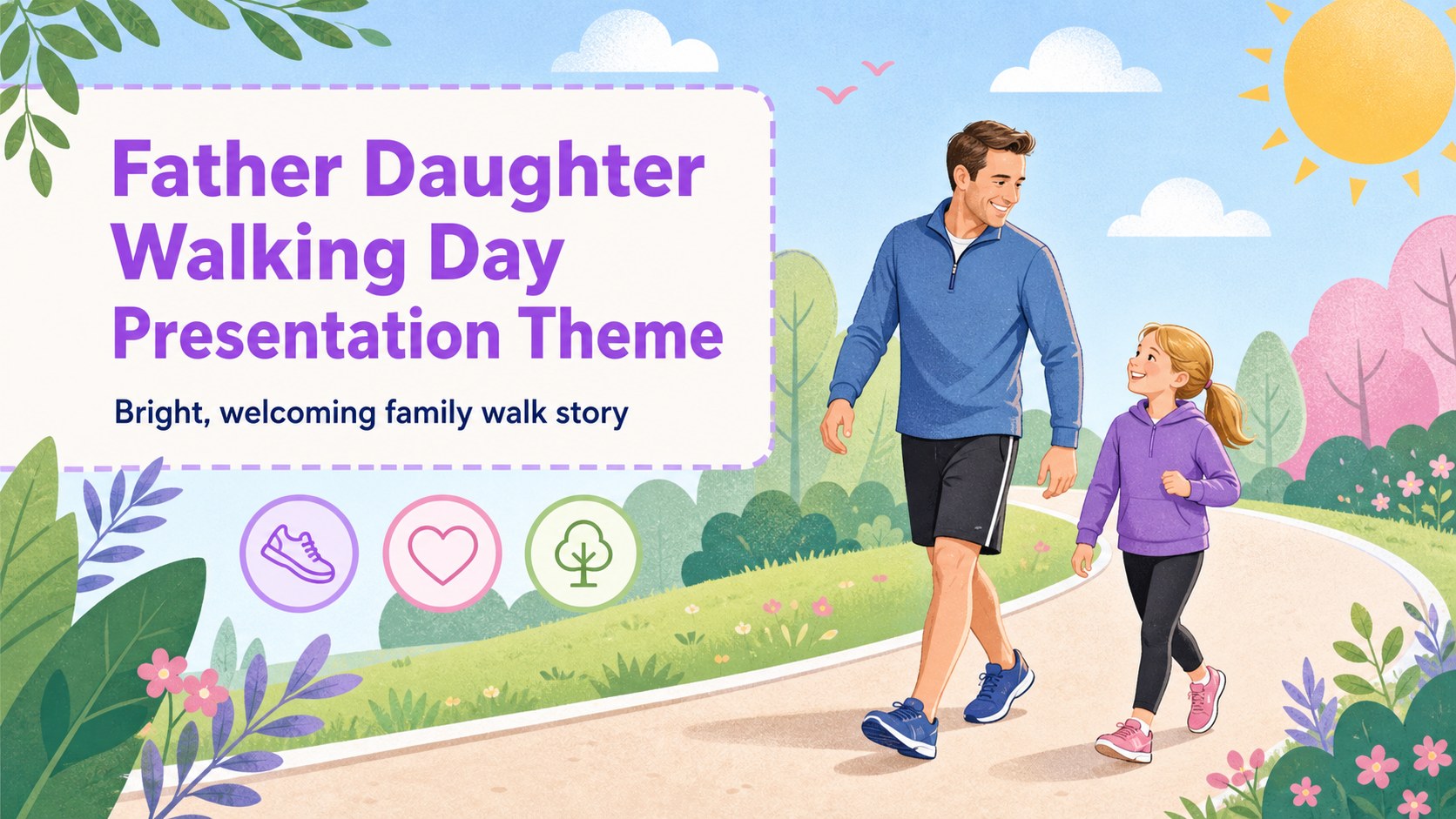
Make a family walk feel like a shared story with this father daughter walking day presentation theme. Its cheerful illustrated style, friendly character scenes, and lively palette suit announcements that should feel personal, positive, and easy to follow. Use it to introduce a family activity, celebrate a special day, or present a community event with warmth.
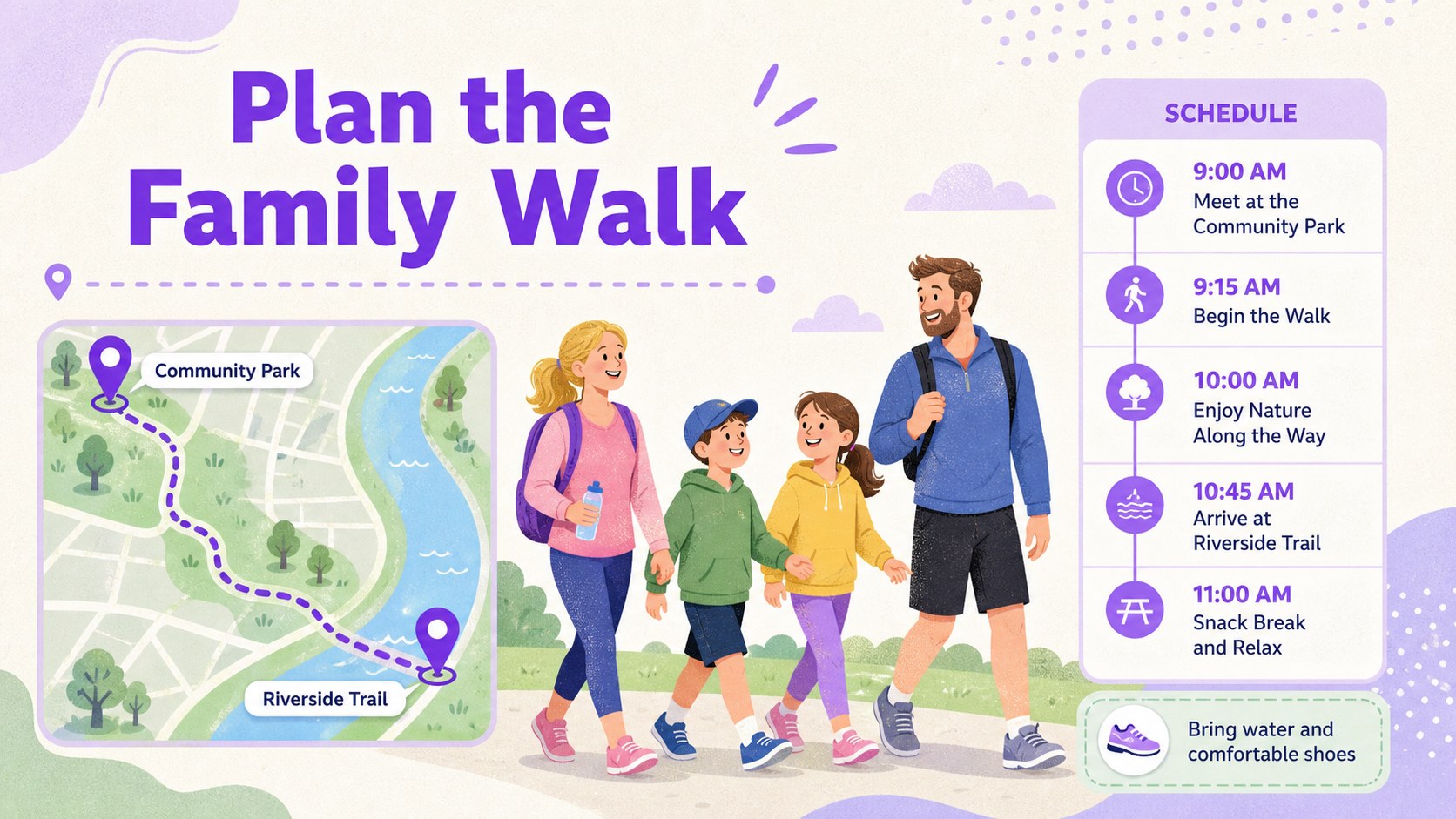
Inside the deck are four adaptable preview layouts with space for a title, event details, photos, short messages, schedules, and practical walking tips. The visual system can support a family event announcement, a classroom presentation about intergenerational relationships, or a neighborhood wellness program. Replace the sample artwork, adjust the colors, and add your own images or text without rebuilding the composition.
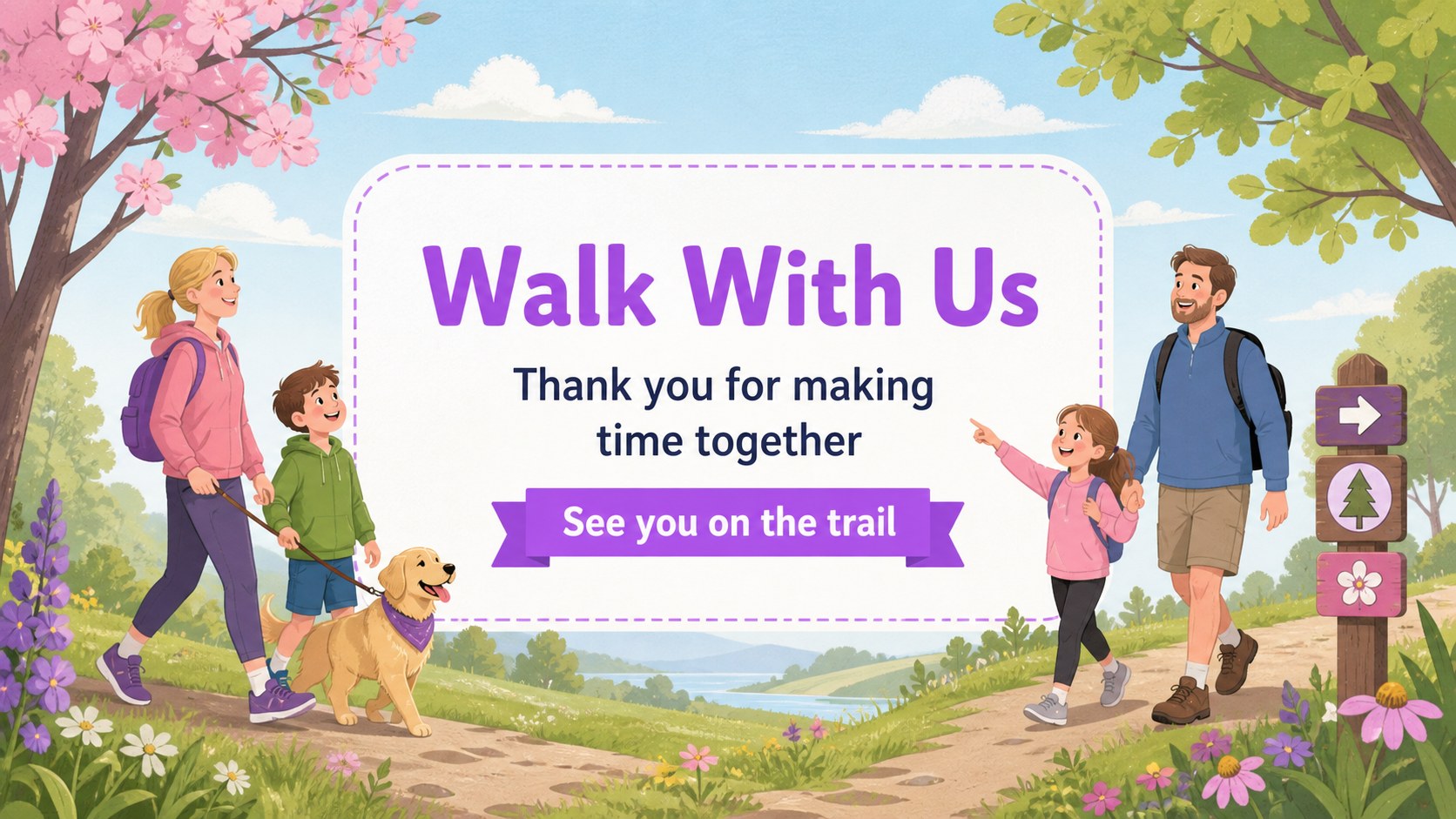
The files work in PowerPoint and Google Slides, making them useful for teachers, parents, community organizers, and students. They are also suited to a father daughter activity presentation, a family day event slideshow, or a children’s community celebration. Use the layouts as a compact story sequence: introduce the occasion, explain the plan, share memorable moments, and close with an invitation or thank-you message.
Perfect for: school family activity presentation; community walking event announcement; Father’s Day speech; neighborhood wellness program; family memory photo story.
Frequently asked questions
Can I edit this deck in PowerPoint? Yes. The layouts are designed for PowerPoint editing, including text, colors, shapes, and image areas. Replace the sample content with your event information and family photos.
Practical details
Yes. The layouts are designed for PowerPoint editing, including text, colors, shapes, and image areas. Replace the sample content with your event information and family photos.
Yes, you can open and customize the presentation in Google Slides. Check the imported fonts and image placements before presenting, since small layout adjustments may be needed.
You can change headlines, body copy, colors, illustrations, photos, icons, and event details. The layouts are flexible enough for announcements, speeches, classroom storytelling, and community programs.
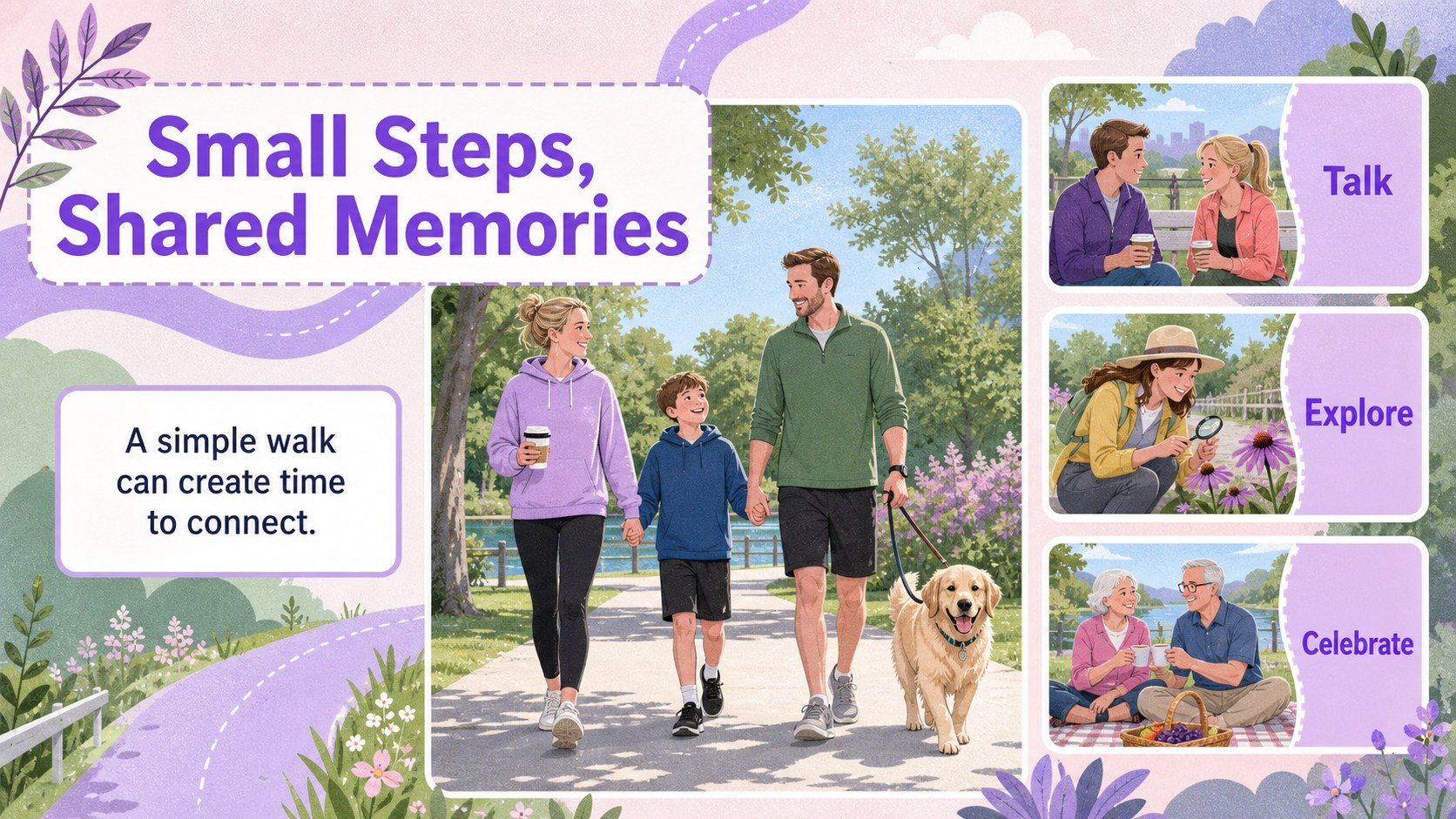
The preview gallery contains four 16:9 presentation slides showing a cover, event information layout, activity story layout, and closing invitation. Use them as a visual starting point for a longer presentation.
Keep exploring
14Plan a memorable Lunar New Year campaign with the 2036 Dragon Year Celebration Theme, featuring bold red-and-yellow slides for lessons and events.
 15
15Build playful lessons and party stories with a kid-friendly zombie celebration theme in purple, green and pastel blue for PowerPoint and Google Slides.
 15
15Build eerie lessons, campaigns, and story pitches with an undead survival scenario theme featuring editable slides for PowerPoint and Google Slides.
 3
3Share festive messages with a Lunar Horse New Year Wishes Theme, featuring bold red-and-yellow layouts for PowerPoint and Google Slides celebrations.
 15
15Bring zodiac traditions to life with a Lunar Snake Festival Presentation featuring 15 cheerful red illustrated slides for PowerPoint and Google Slides.
 6
6Honor teams and individuals with an Orange Year-End Recognition Certificate Set featuring six editable designs for PowerPoint and Google Slides.
 14
14Honor the people behind the headlines with a World Sports Press Appreciation Deck for PowerPoint and Google Slides, styled in crisp, modern green.
 15
15Teach, inspire, and celebrate with our Plant-Powered Vegetarian Day Lesson Deck, featuring cheerful editable visuals for PowerPoint and Google Slides.