
 15
15presentation
Yoga Workshop Marketing Presentation
Promote classes with a yoga workshop marketing presentation featuring playful beige, pink, and purple illustrations for PowerPoint and Google Slides.
Google SlidesPowerPoint
presentation · English
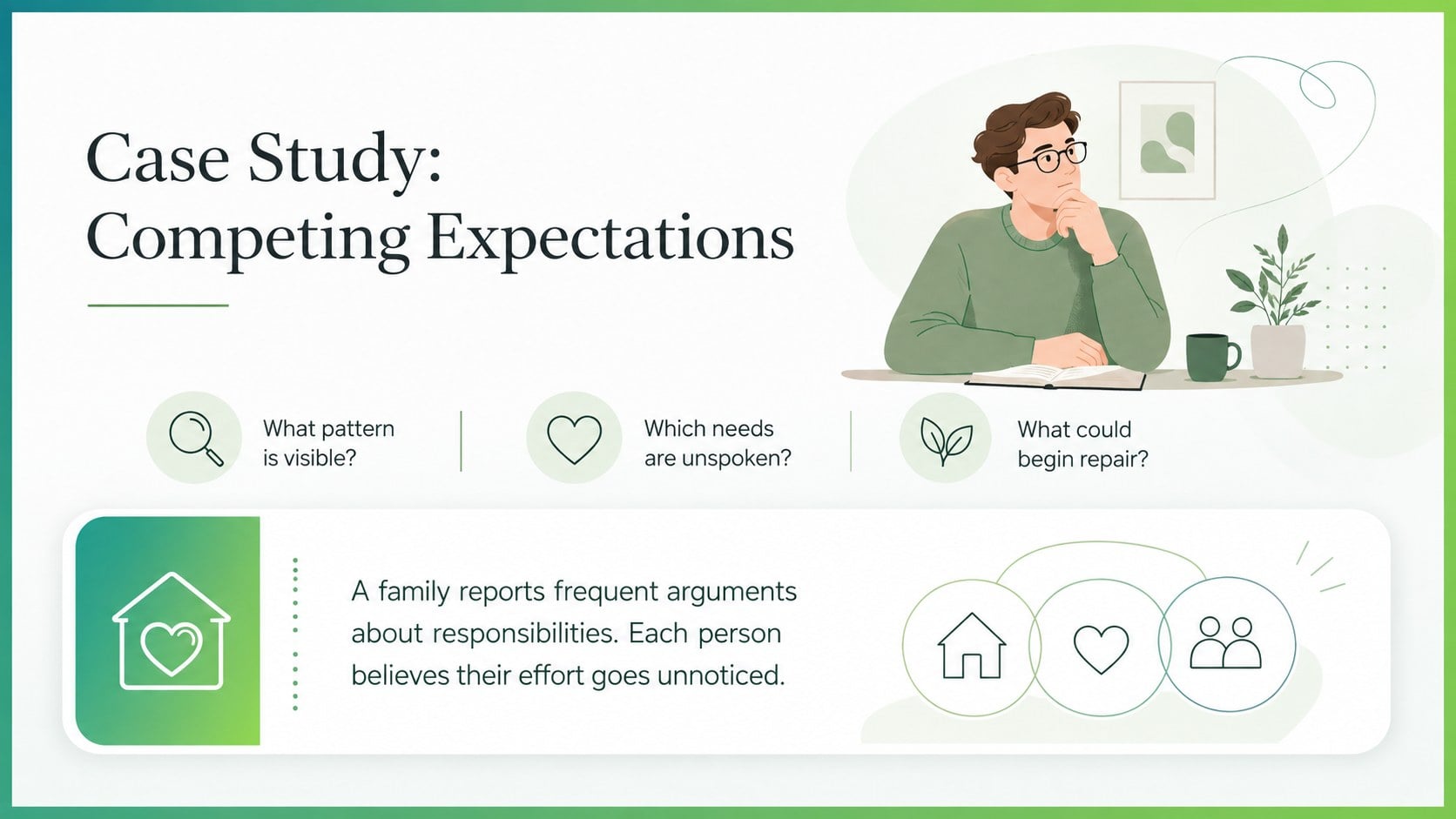
Teach family dynamics with a calm family therapy teaching deck for PowerPoint and Google Slides, featuring editable layouts for supportive lessons.
Design notes
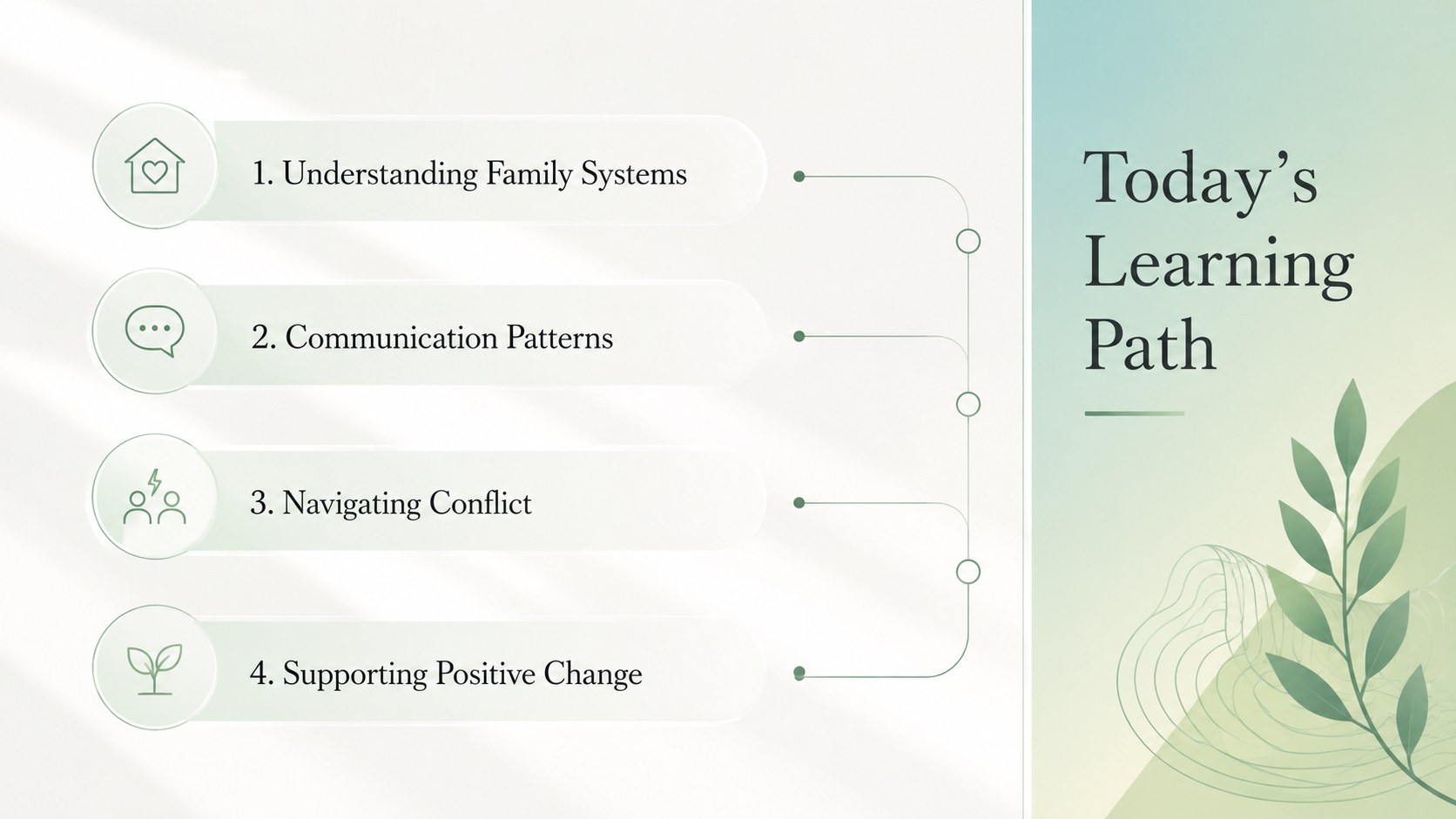
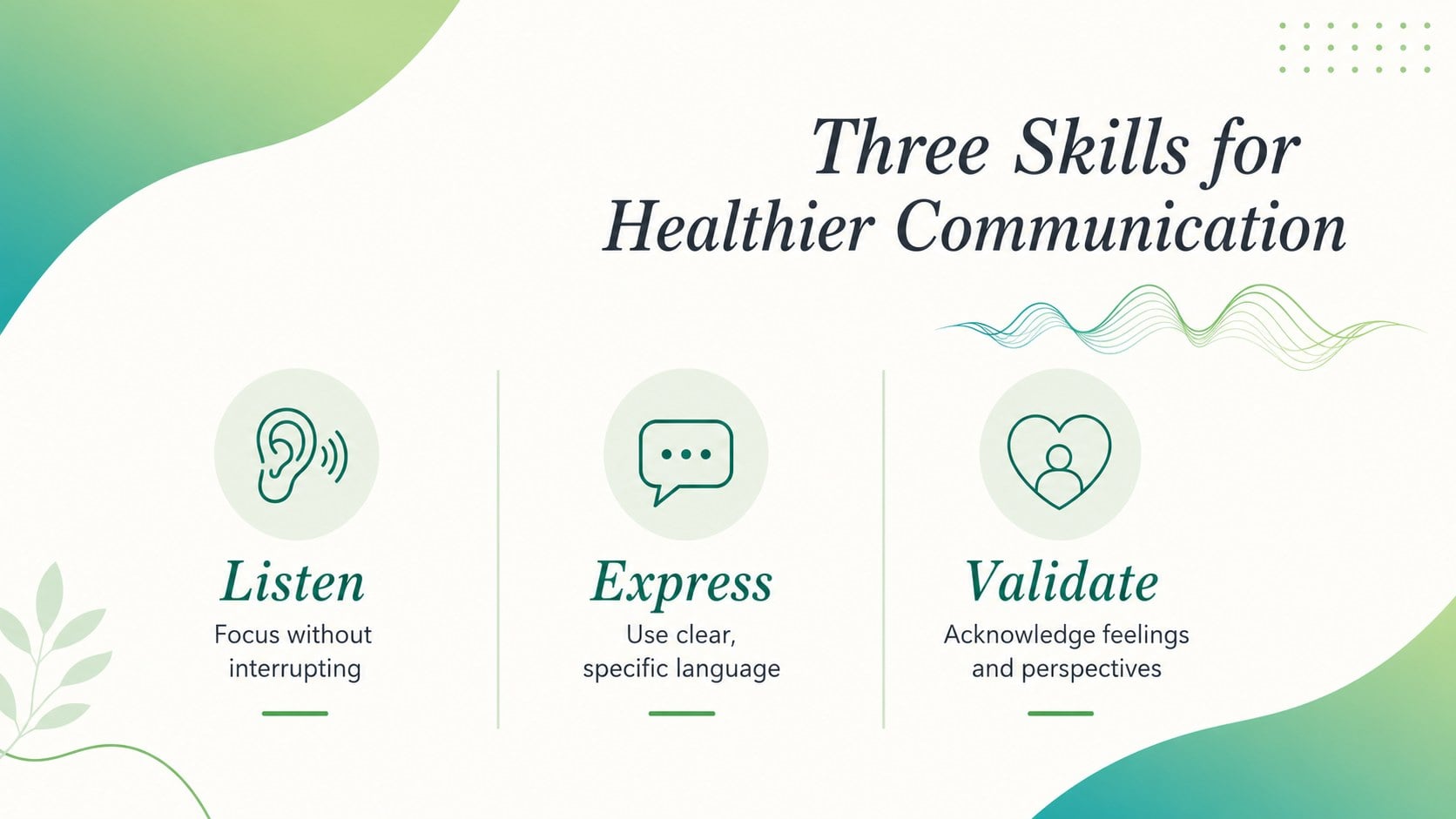
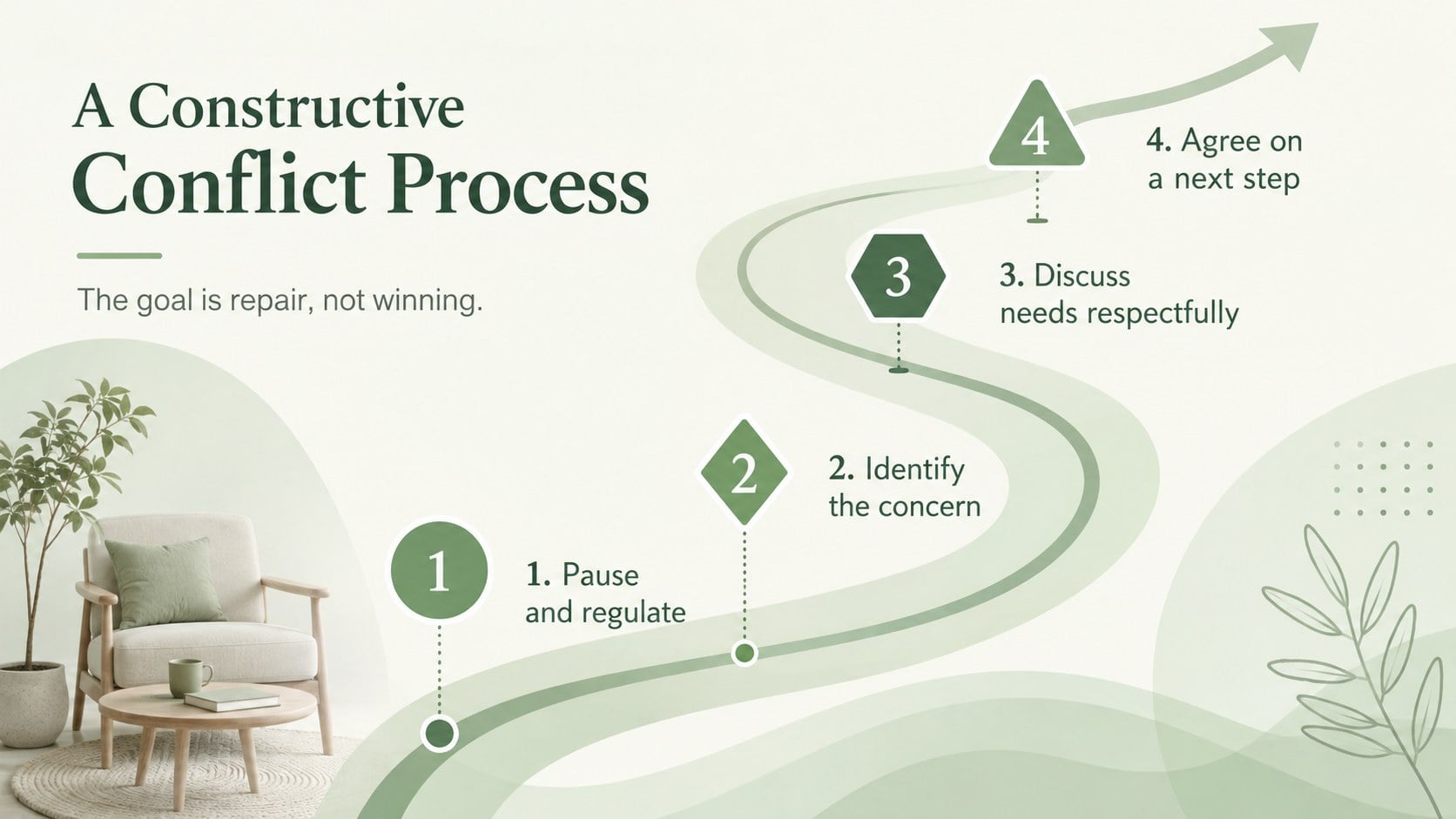
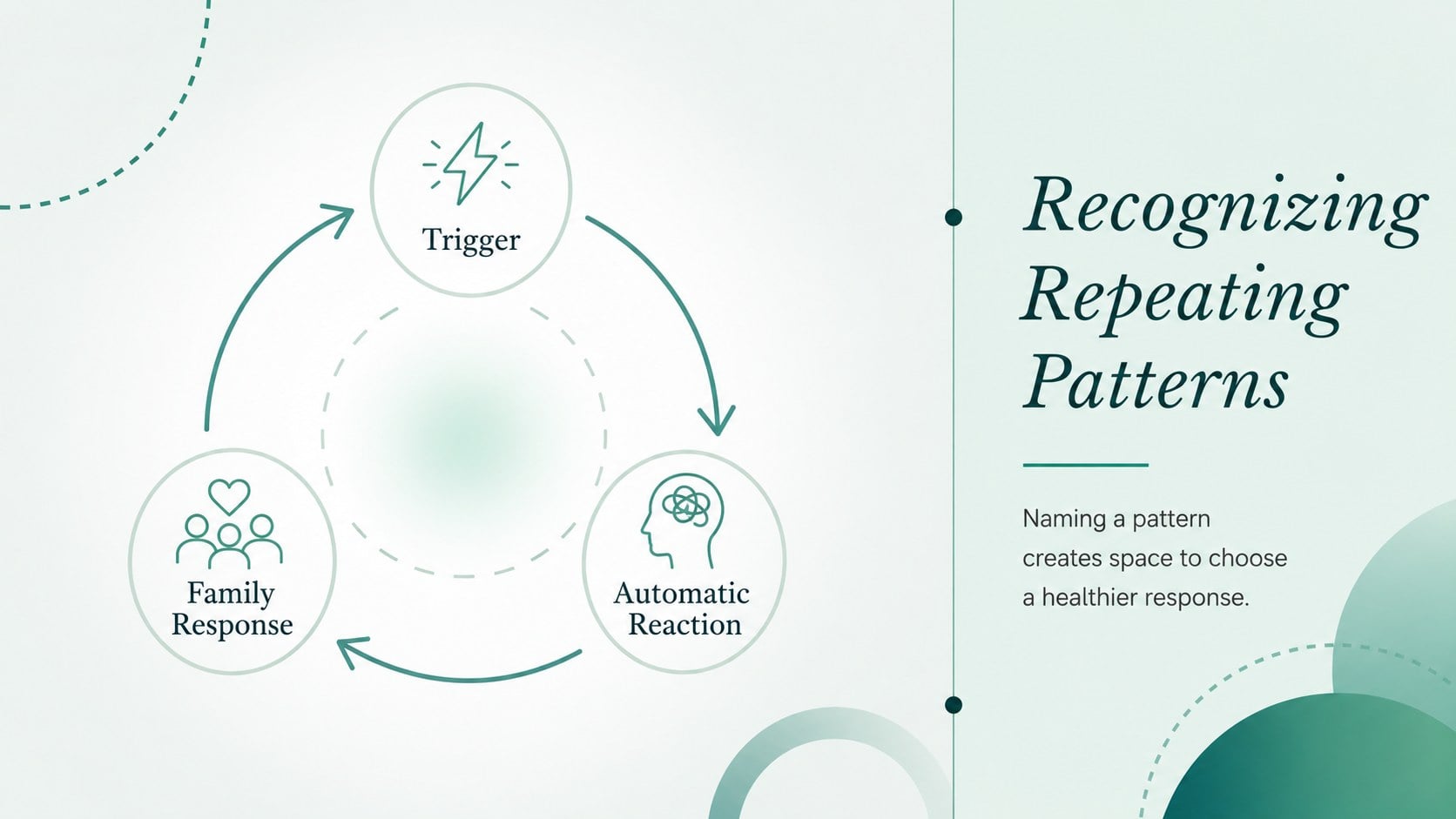
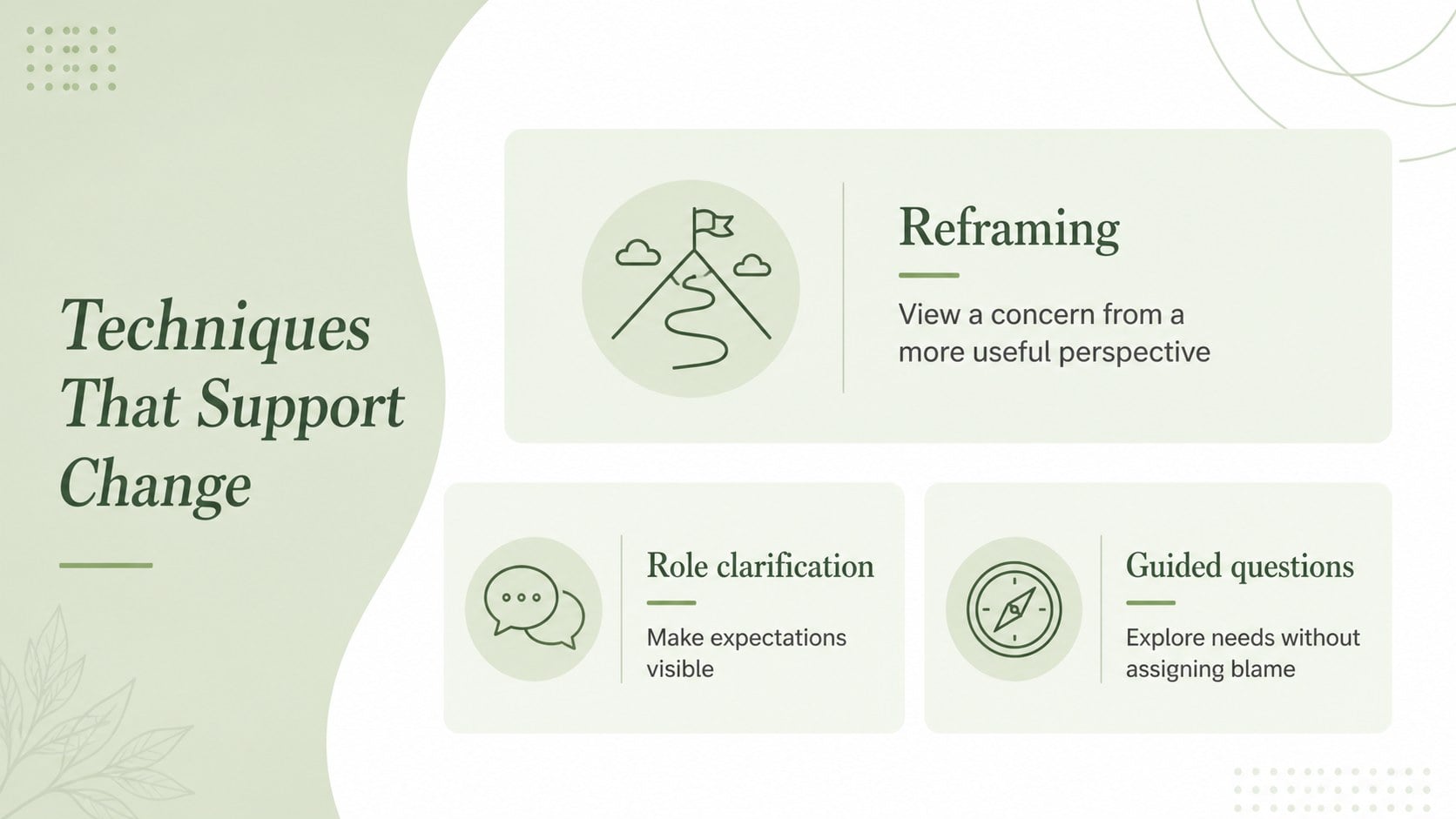
The Family Therapy Teaching Deck for Stronger Connections helps educators introduce family relationships, communication patterns, and counseling concepts with clarity and sensitivity. Its modern minimalist style, soft green gradients, generous spacing, and refined typography create a calm setting for conversations that may feel personal or complex.
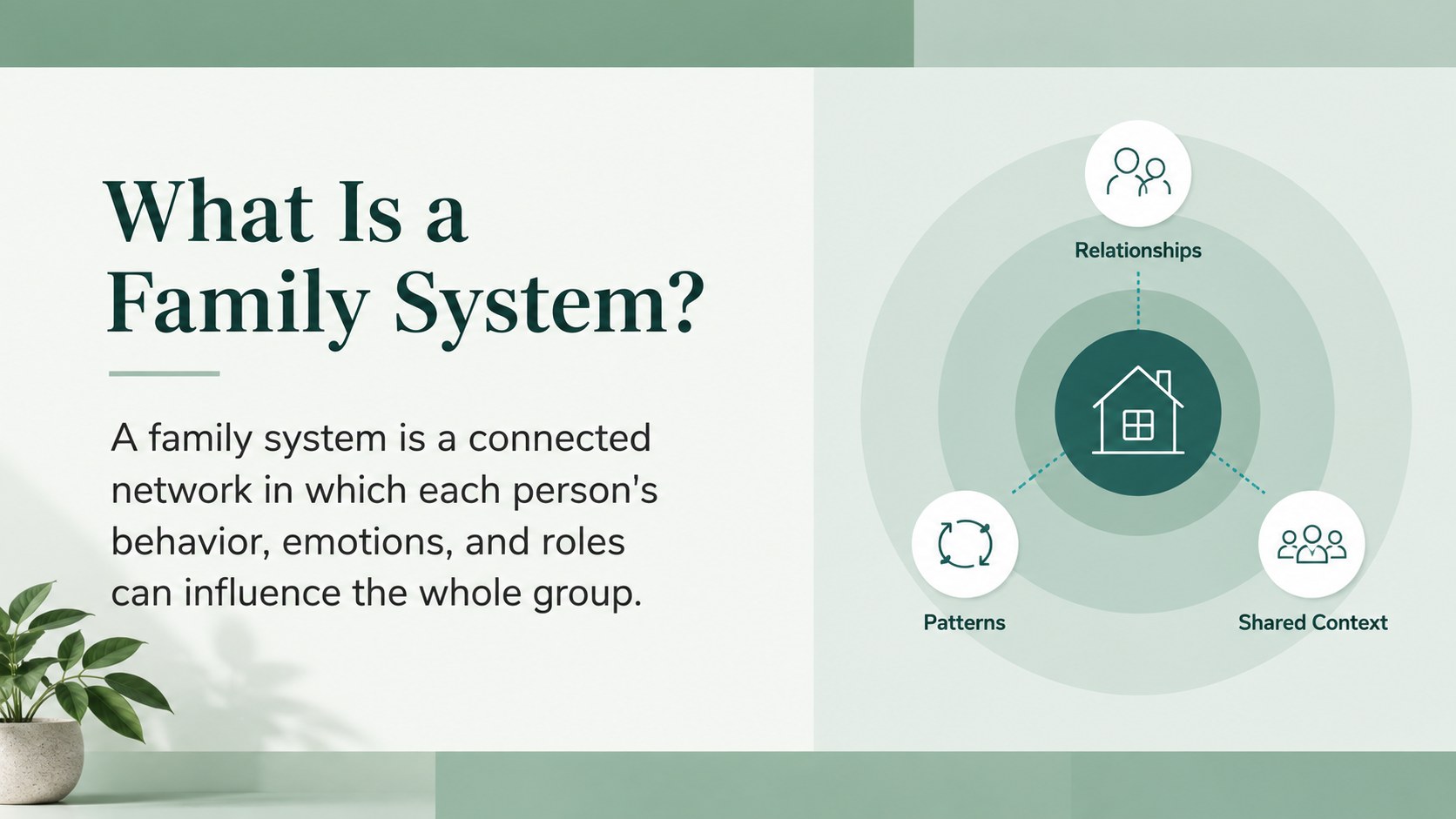
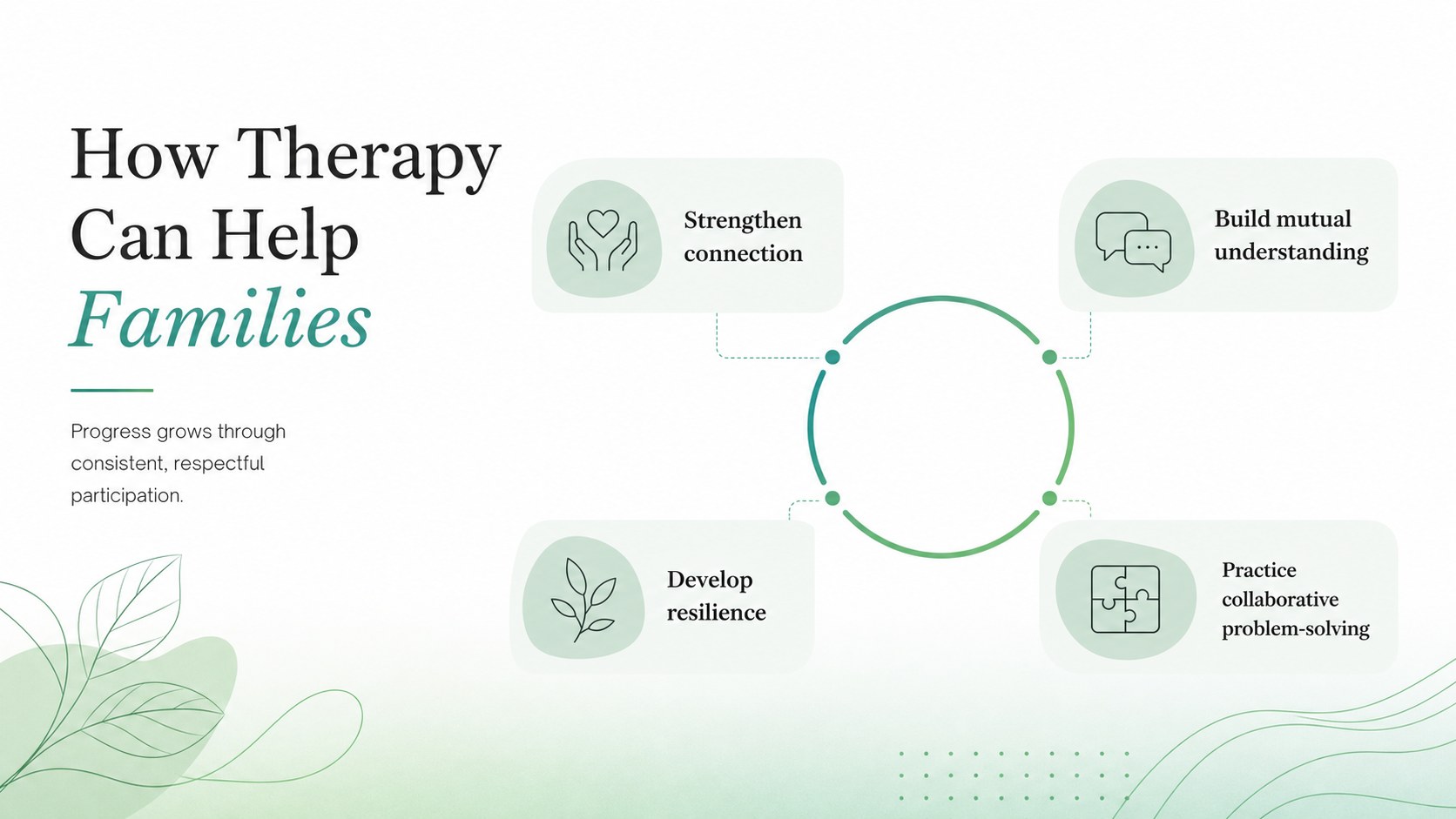
Use the editable layouts to explain family systems, identify common sources of conflict, compare communication styles, and introduce practical strategies for healthier interaction. The deck includes space for lesson objectives, discussion questions, relationship diagrams, therapeutic techniques, reflection activities, progress indicators, and key takeaways. This family systems classroom presentation can be adapted for a single lesson, a workshop series, or a professional training session. It also works as a healthy family communication lesson slides resource for guided class discussions.
Designed for teachers, school counselors, psychology instructors, social work educators, and workshop facilitators, the presentation supports both introductory and more focused learning. Adjust the wording, examples, colors, and diagrams in PowerPoint or Google Slides to match the age, experience, and needs of your audience. The balanced layouts keep information easy to scan while leaving room for facilitator notes and audience participation. Use this family counseling presentation for educators to encourage respectful dialogue, connect theory with realistic scenarios, and give learners practical tools they can apply beyond the classroom.
Perfect for: psychology classroom lesson; school counselor workshop; social work training session; family communication seminar; conflict resolution discussion.
Frequently asked questions
Can I edit the lesson content and diagrams? Yes. You can revise the text, rearrange sections, replace examples, and customize diagrams to suit your lesson objectives. Colors and typography can also be adjusted while preserving the minimalist visual system.
Practical details
Yes. You can revise the text, rearrange sections, replace examples, and customize diagrams to suit your lesson objectives. Colors and typography can also be adjusted while preserving the minimalist visual system.
The deck is designed for Microsoft PowerPoint and Google Slides. Both platforms support editing, presenting, and sharing the layouts with students or workshop participants.
Yes. Simplify the terminology and scenarios for younger learners, or add theory, research, and detailed case studies for university or professional audiences. Review sensitive examples before presenting them to any group.
Yes. The clear 16:9 layouts are suitable for screen sharing, recorded lessons, and live online sessions. Discussion prompts and reflection slides can be used for chat responses, breakout activities, or guided conversation.
Keep exploring
15Promote classes with a yoga workshop marketing presentation featuring playful beige, pink, and purple illustrations for PowerPoint and Google Slides.
 15
15Build a clear breast cancer awareness bulletin with bold pink-and-red slides for campaign news, screening reminders, impact data, and community updates.
 15
15Build a clear World Cancer Day message with this global cancer awareness campaign deck, featuring editable blue-green layouts for PowerPoint and Google Slides.
 4
4Document wound findings, treatment decisions, and healing progress with clinical wound evaluation slides for nurses in PowerPoint and Google Slides.
 14
14Plan a clear donor campaign with this blood donation awareness presentation, featuring editable beige-and-red visuals for PowerPoint and Google Slides.
 15
15Build a Kidney Health Awareness Campaign Deck with blue illustrated slides for prevention tips, risk education, screening events, and outreach.
 15
15Build an actionable training session with this fitness program workshop deck, using energetic yellow geometry and editable PowerPoint and Google Slides layouts.
 15
15Equip health teams with this malaria prevention education deck for workshops, community outreach, and policy briefings in PowerPoint or Google Slides.