
 14
14presentation
2036 Dragon Year Celebration Theme
Plan a memorable Lunar New Year campaign with the 2036 Dragon Year Celebration Theme, featuring bold red-and-yellow slides for lessons and events.
Google SlidesPowerPoint
presentation · English
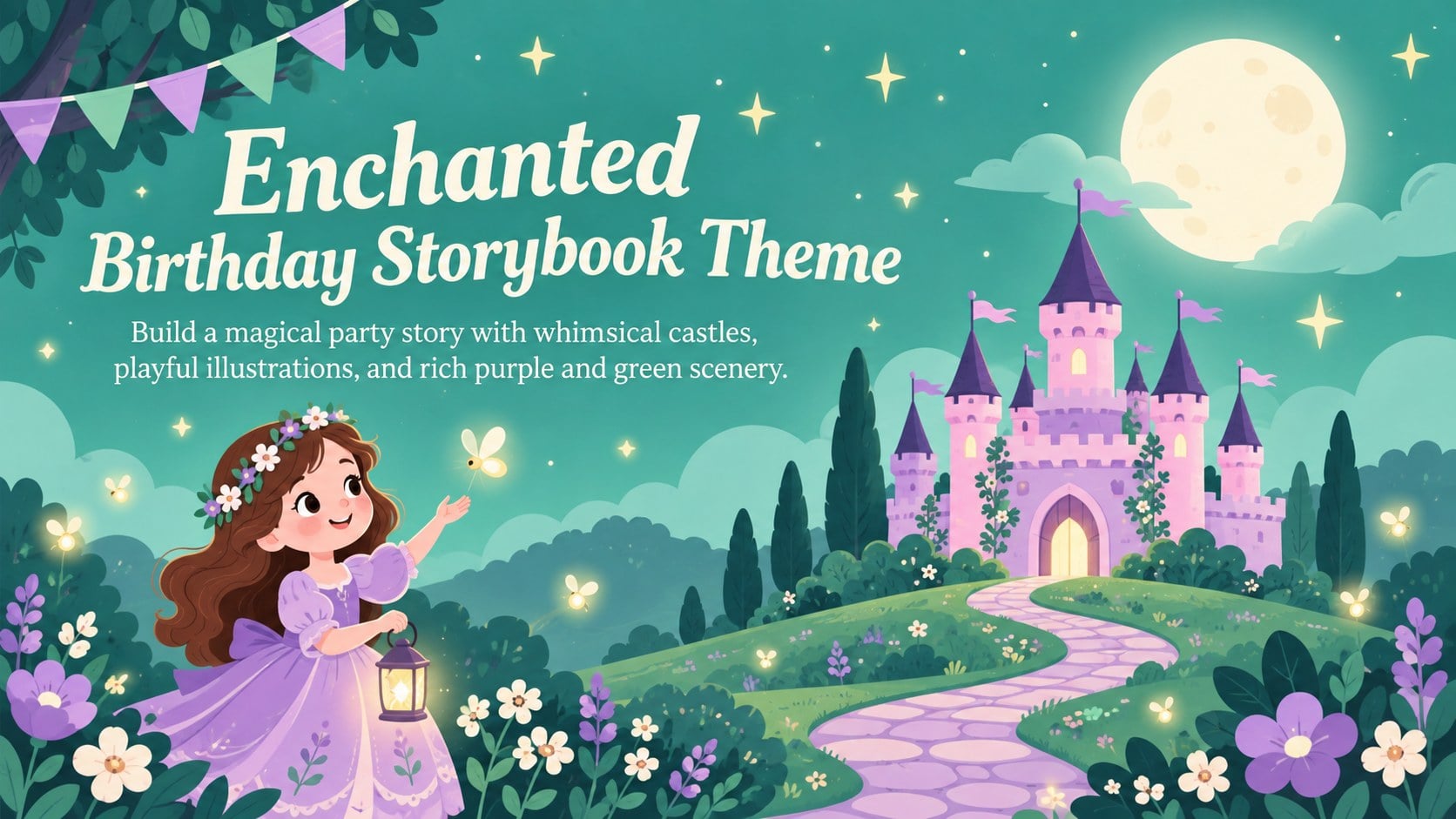
Turn party plans into a magical tale with this enchanted birthday storybook theme, featuring purple and green castles for PowerPoint and Google Slides.
Design notes
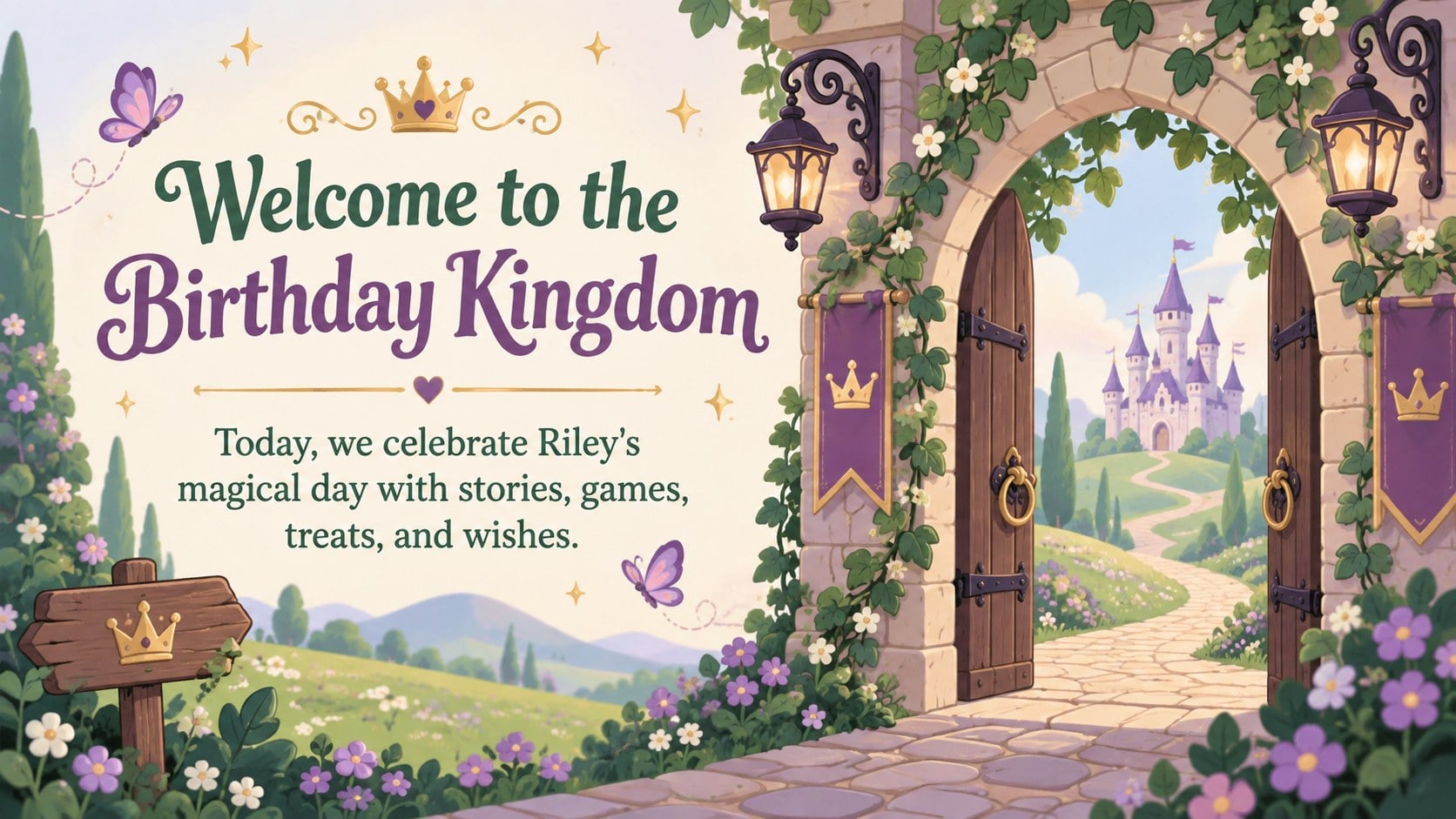
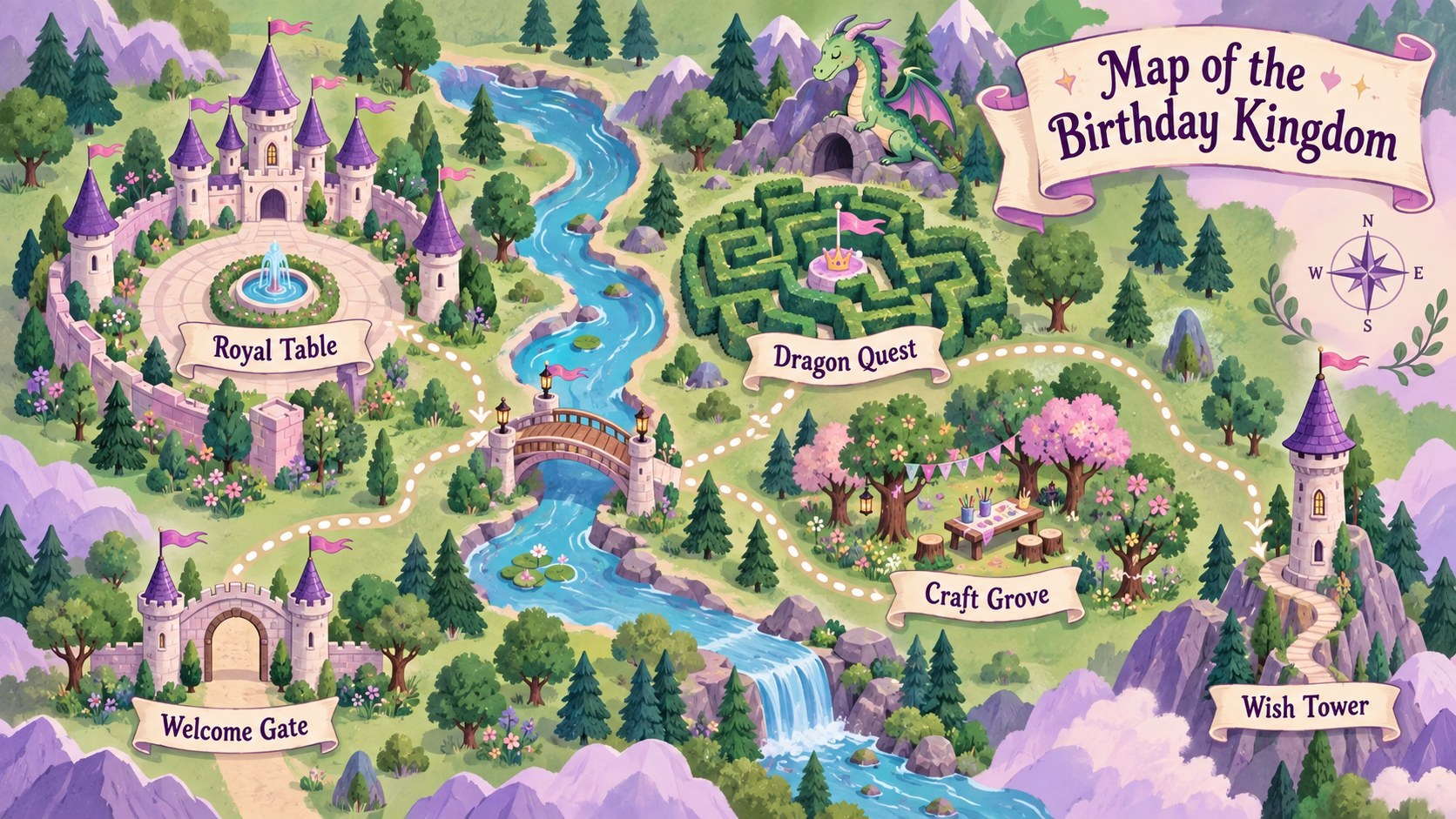
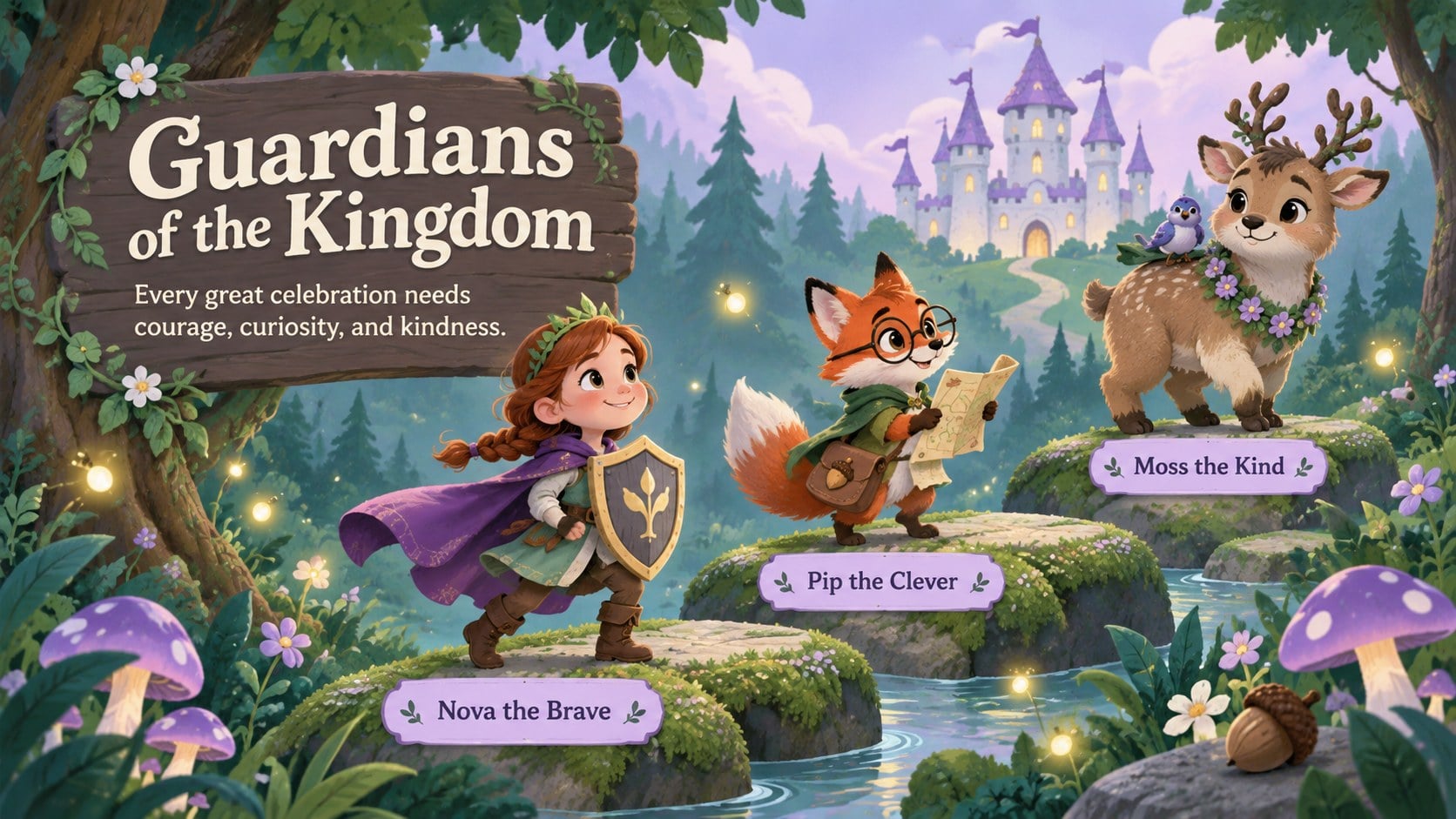
Turn a special celebration into a fairytale adventure with this enchanted birthday storybook theme. Whimsical castle landscapes, playful details, and a lively purple and green palette give every page the atmosphere of an illustrated tale while keeping party information clear and easy to follow.
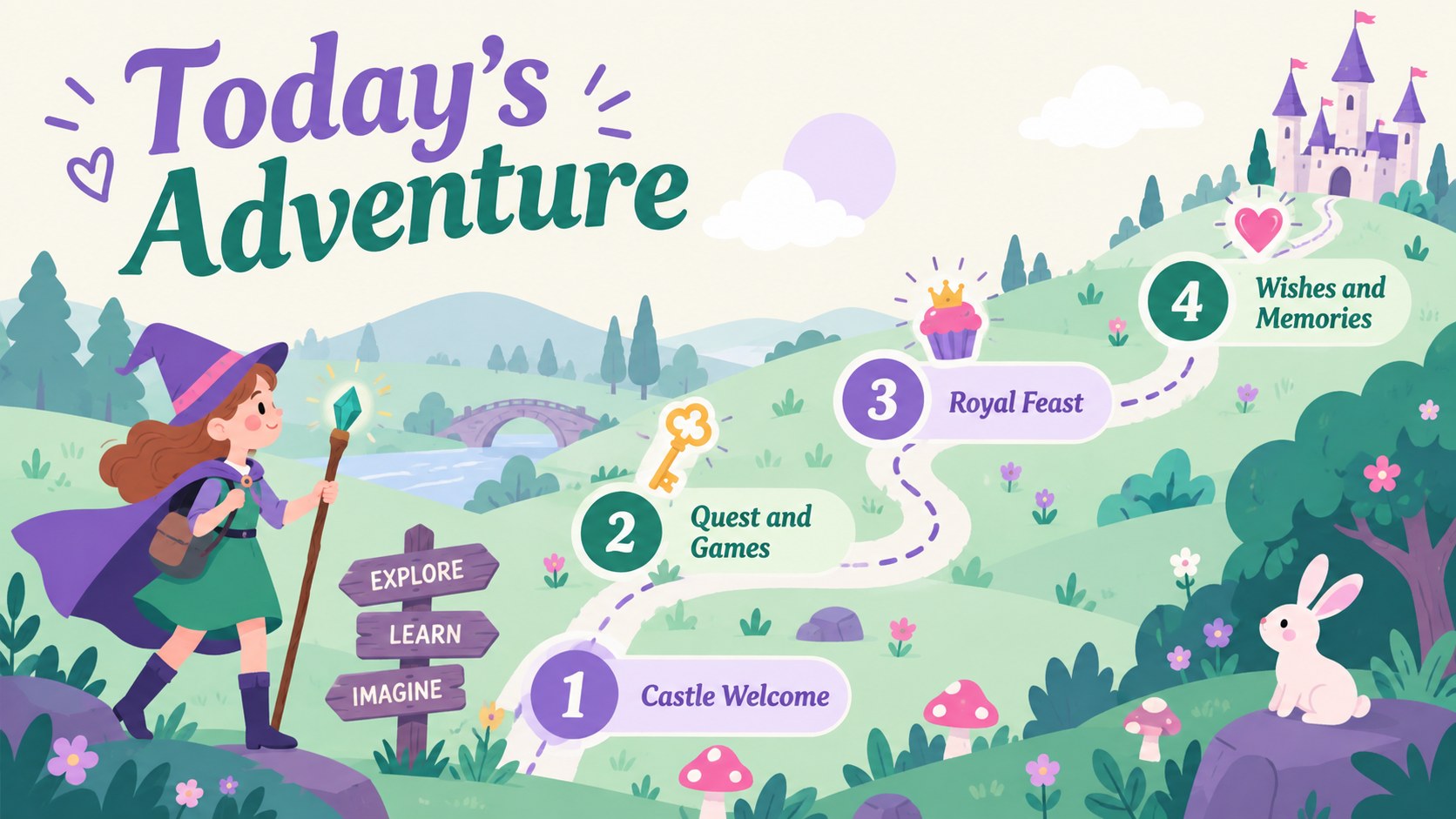
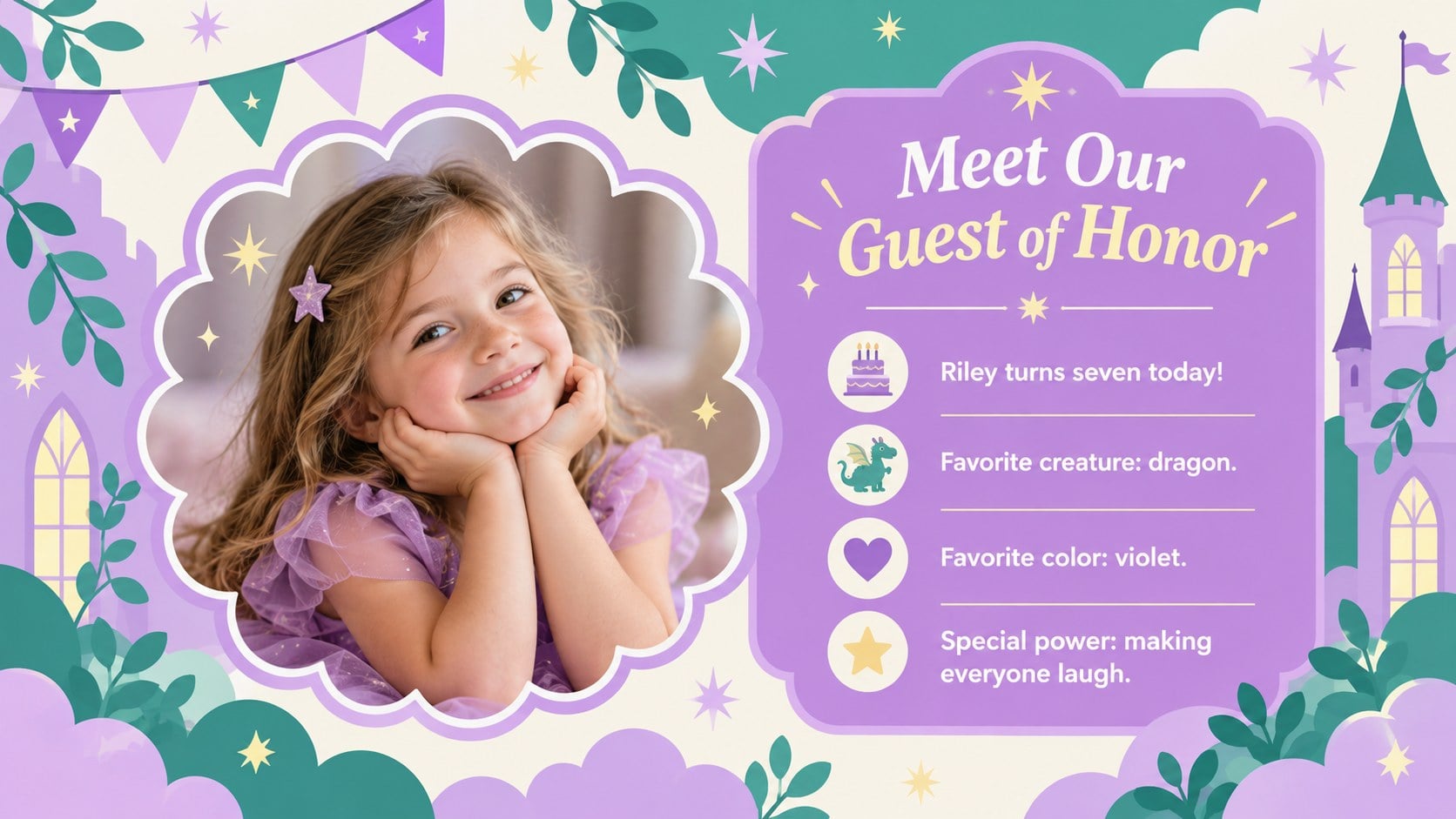
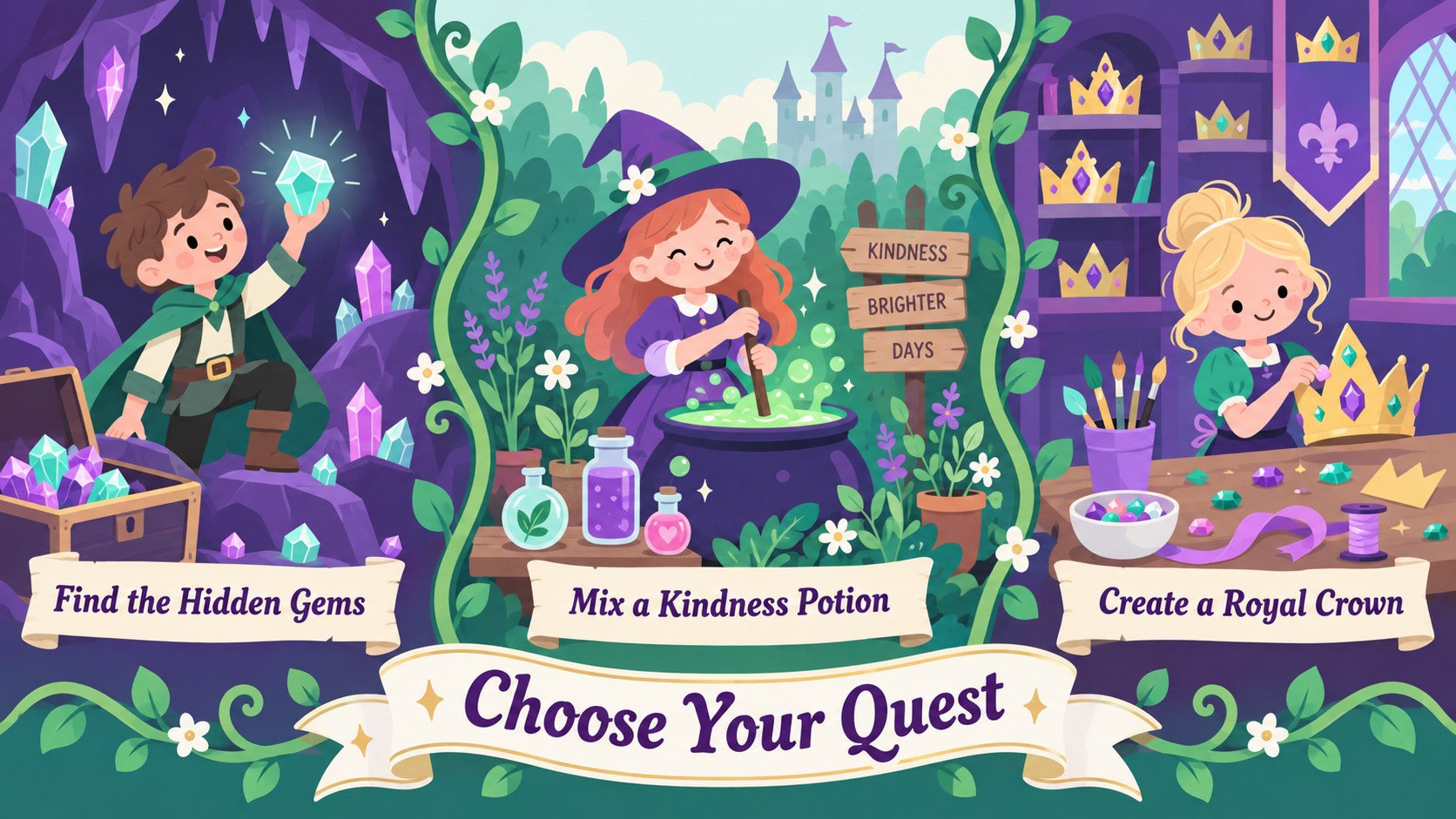
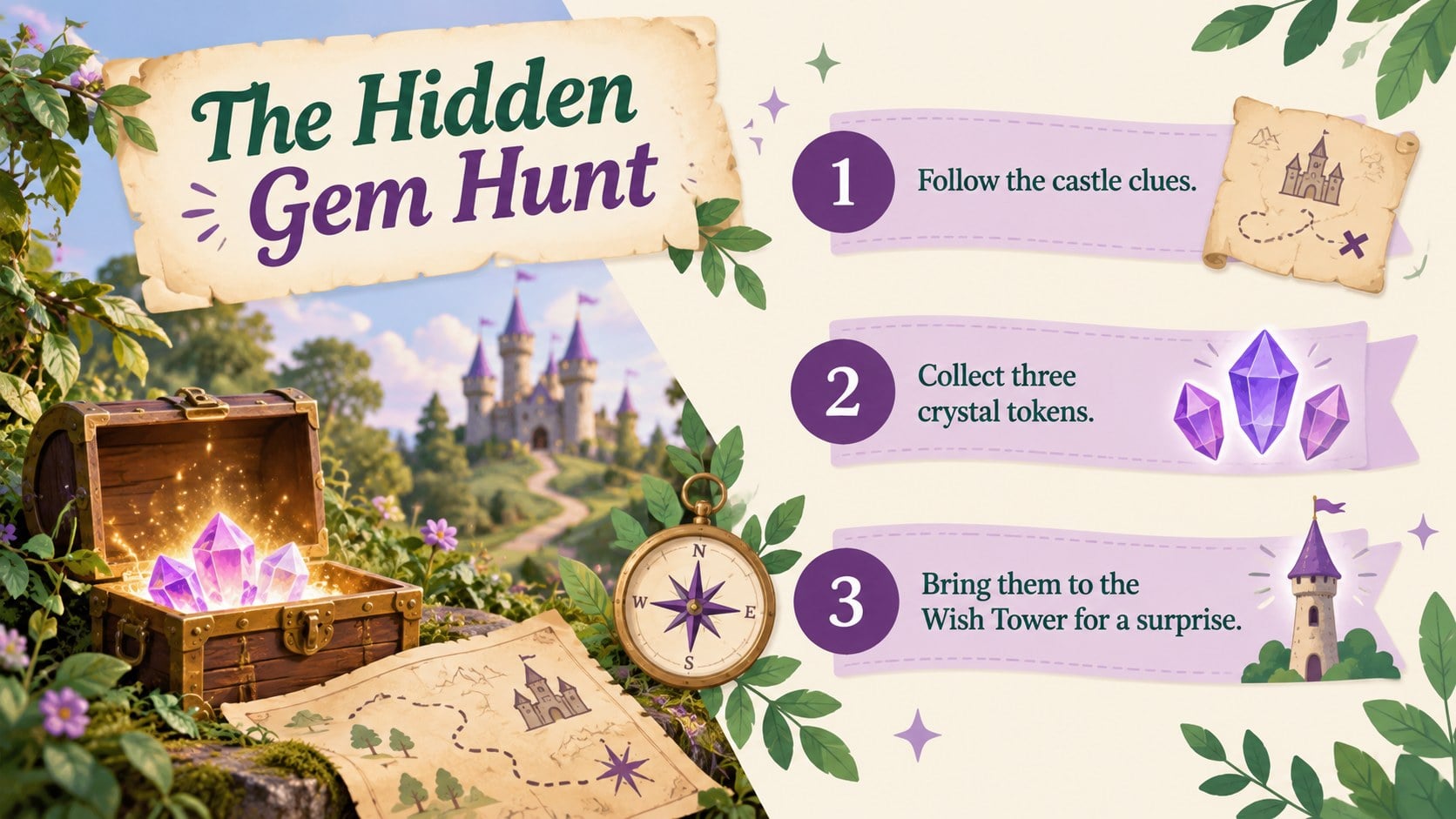
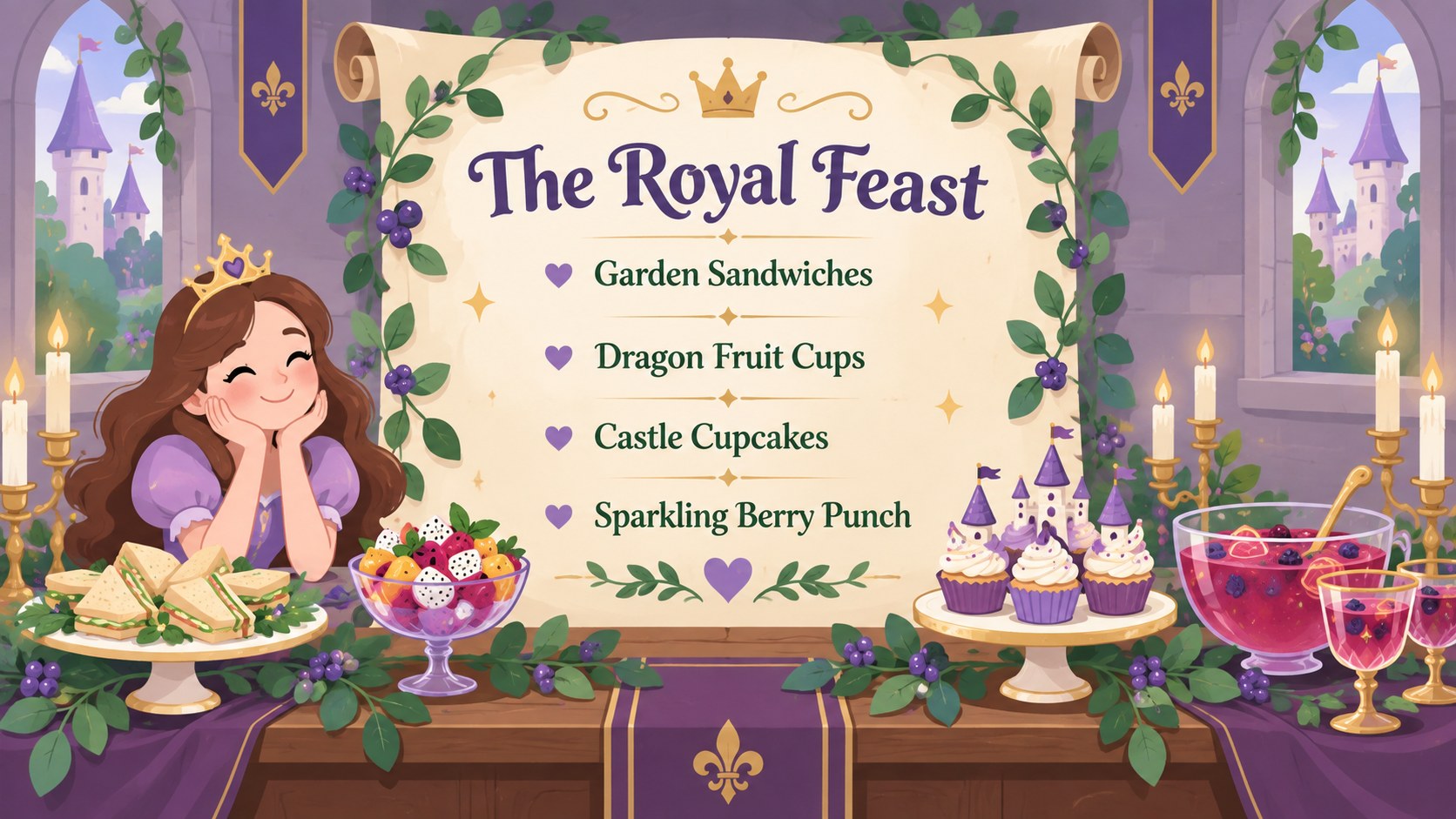
The deck includes layouts for a welcome message, celebration schedule, guest of honor introduction, fantasy map, character profiles, activity instructions, menu, wish list, photo memories, and a warm closing. These magical birthday storybook slides can be adapted for invitations, party displays, classroom celebrations, family events, or a narrated keepsake. Use the ready-made sections as a complete story or select individual pages for signs and announcements.
Designed as a fairytale birthday presentation template, the theme works in both PowerPoint and Google Slides. Replace the sample wording, adjust colors, add photographs, and move illustrated elements to suit the age group or party format. Purple and green castle party slides provide a strong visual foundation for children’s birthdays, fantasy-themed gatherings, baby celebrations, and imaginative event planning. Presenters can also add transitions, speaker notes, and simple animations using the tools available in their chosen platform.
Perfect for: fantasy birthday invitation; kids party schedule; enchanted celebration slideshow; birthday photo story; classroom birthday event; fairytale party planning.
Frequently asked questions
Can I edit this theme in PowerPoint and Google Slides? Yes. All slide text, colors, images, and layout elements can be edited in PowerPoint or Google Slides. Some transitions and fonts may display slightly differently between the two platforms.
Practical details
Yes. All slide text, colors, images, and layout elements can be edited in PowerPoint or Google Slides. Some transitions and fonts may display slightly differently between the two platforms.
Replace the sample name, age, party details, and story text with your own information. You can also add photos, change castle colors, and rearrange decorative elements to match the celebration.
Yes. Customize the welcome or event-details layout with the date, time, location, and RSVP information. The finished slide can be presented digitally or exported from your chosen presentation software for sharing.
Yes. The gallery includes planning, storytelling, activity, menu, memory, timeline, and closing layouts. They can be reordered or duplicated to create a shorter invitation or a complete party presentation.
Keep exploring
14Plan a memorable Lunar New Year campaign with the 2036 Dragon Year Celebration Theme, featuring bold red-and-yellow slides for lessons and events.
 15
15Build playful lessons and party stories with a kid-friendly zombie celebration theme in purple, green and pastel blue for PowerPoint and Google Slides.
 15
15Build eerie lessons, campaigns, and story pitches with an undead survival scenario theme featuring editable slides for PowerPoint and Google Slides.
 3
3Share festive messages with a Lunar Horse New Year Wishes Theme, featuring bold red-and-yellow layouts for PowerPoint and Google Slides celebrations.
 15
15Bring zodiac traditions to life with a Lunar Snake Festival Presentation featuring 15 cheerful red illustrated slides for PowerPoint and Google Slides.
 6
6Honor teams and individuals with an Orange Year-End Recognition Certificate Set featuring six editable designs for PowerPoint and Google Slides.
 14
14Honor the people behind the headlines with a World Sports Press Appreciation Deck for PowerPoint and Google Slides, styled in crisp, modern green.
 15
15Teach, inspire, and celebrate with our Plant-Powered Vegetarian Day Lesson Deck, featuring cheerful editable visuals for PowerPoint and Google Slides.