
 14
14presentation
2036 Dragon Year Celebration Theme
Plan a memorable Lunar New Year campaign with the 2036 Dragon Year Celebration Theme, featuring bold red-and-yellow slides for lessons and events.
Google SlidesPowerPoint
presentation · English
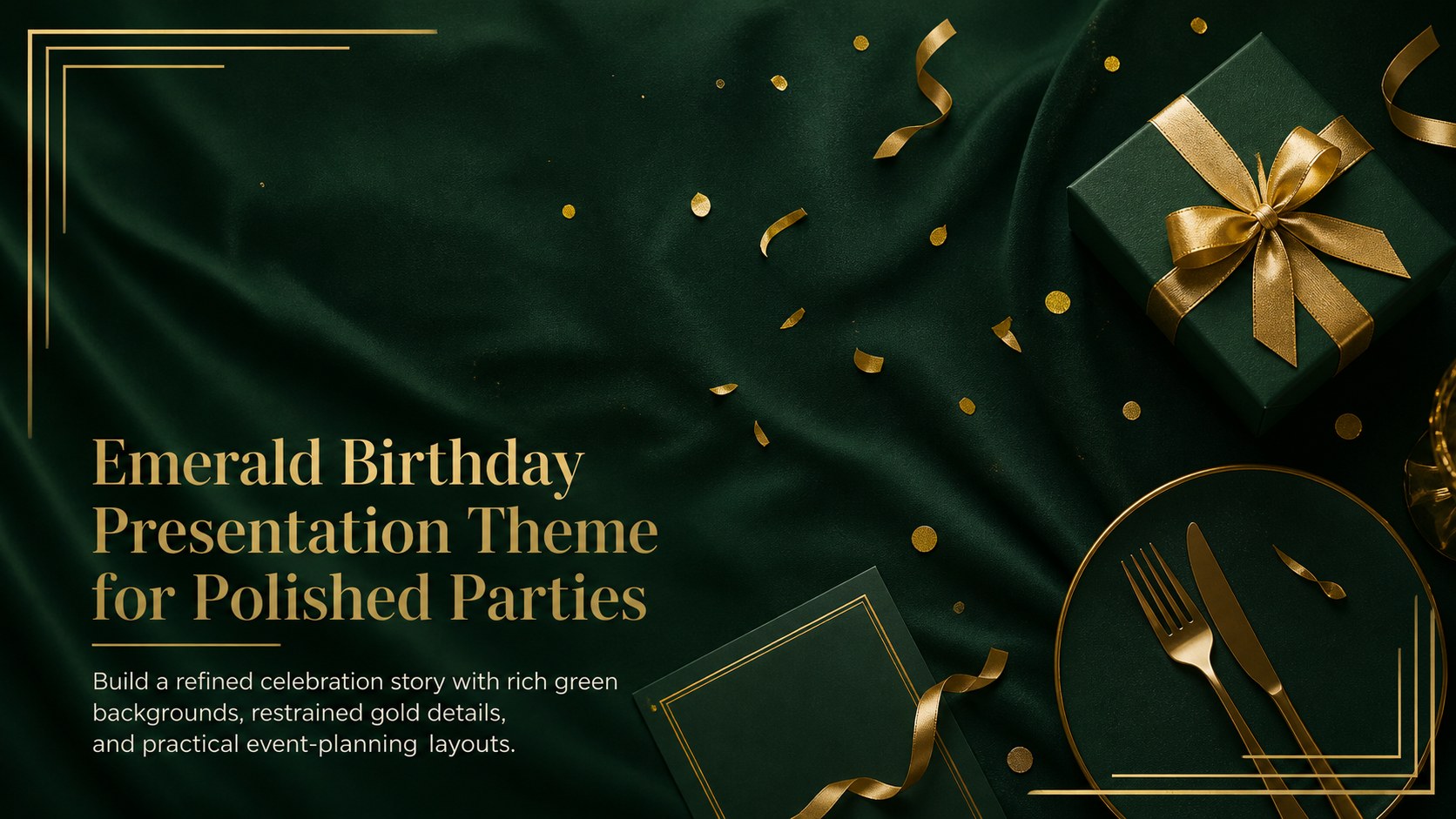
Plan a polished event with an emerald birthday presentation theme featuring gold accents and flexible layouts for PowerPoint and Google Slides.

Design notes
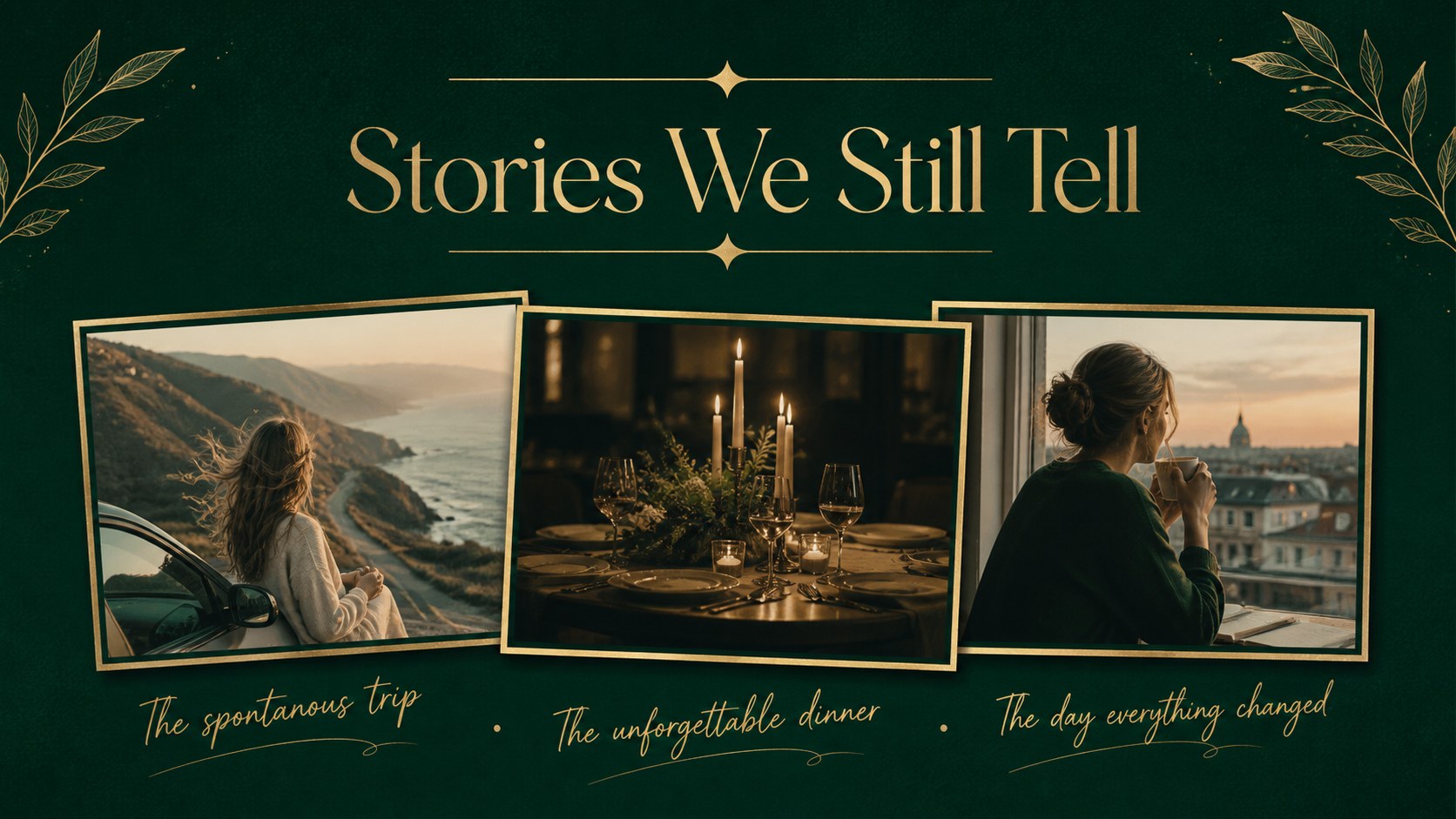
Create a memorable event narrative with this emerald birthday presentation theme, designed around deep green backgrounds, polished gold accents, and clean modern typography. Its understated luxury makes announcements, plans, photographs, and milestone messages feel coordinated without overwhelming the occasion.
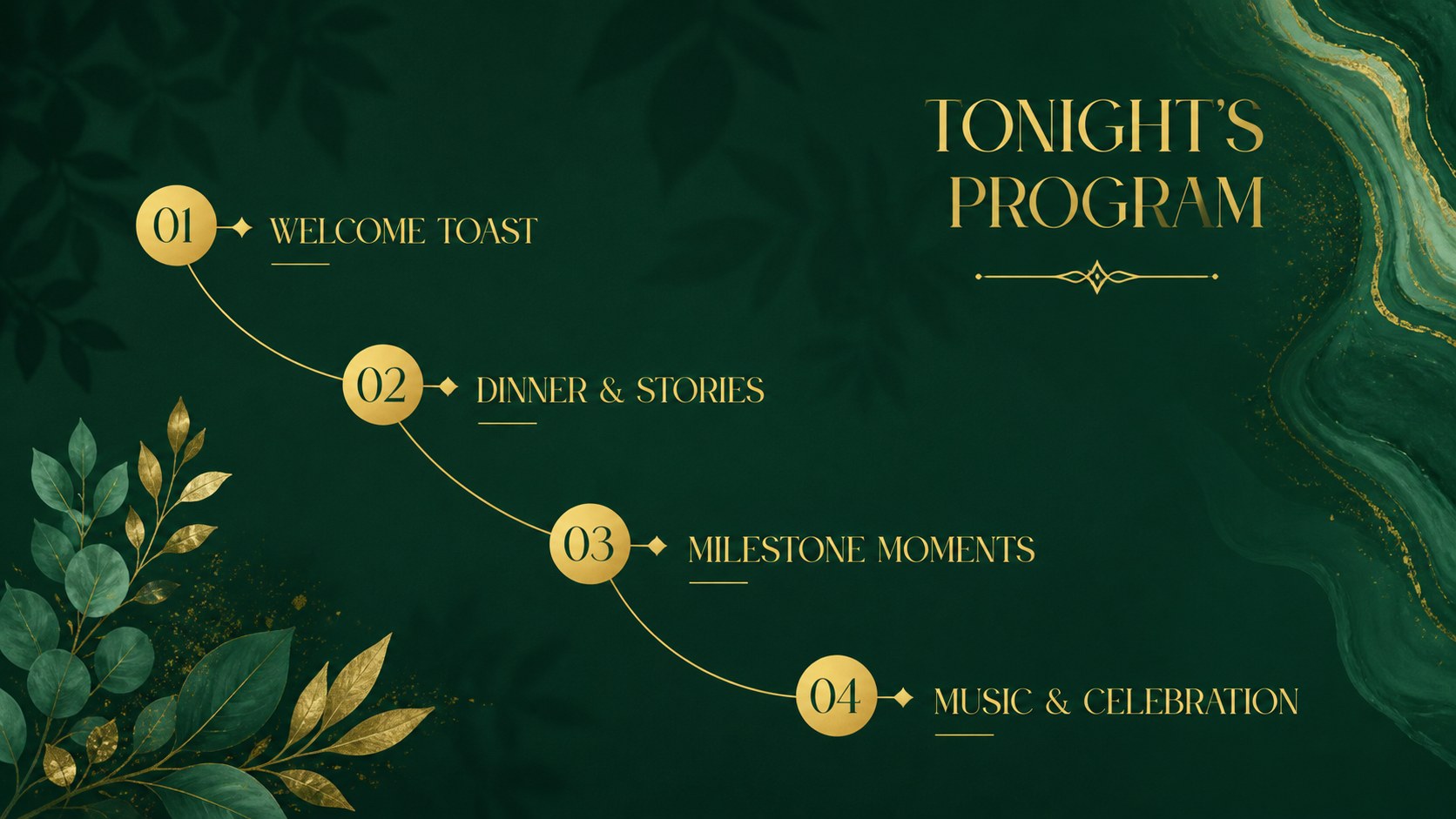
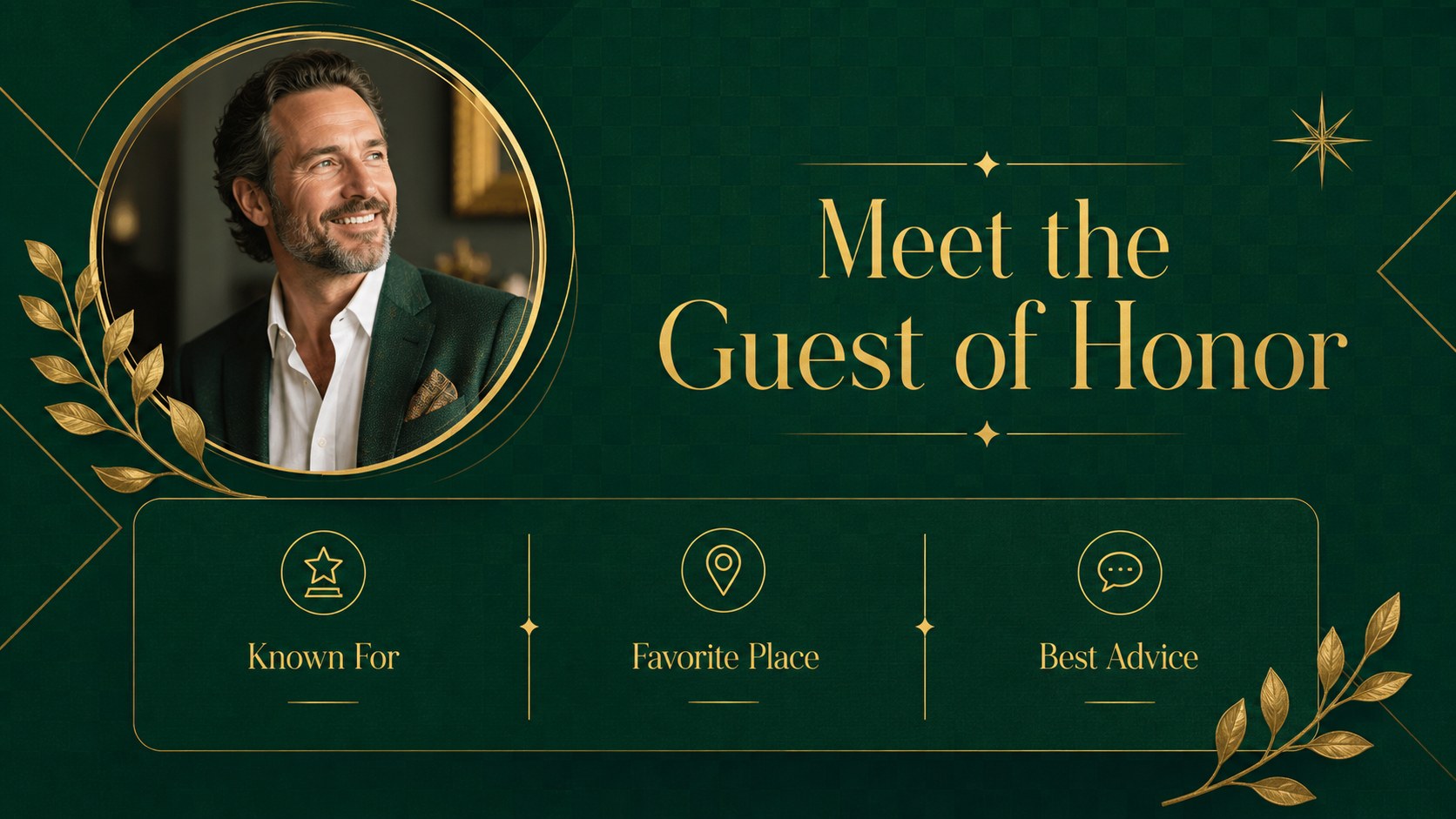
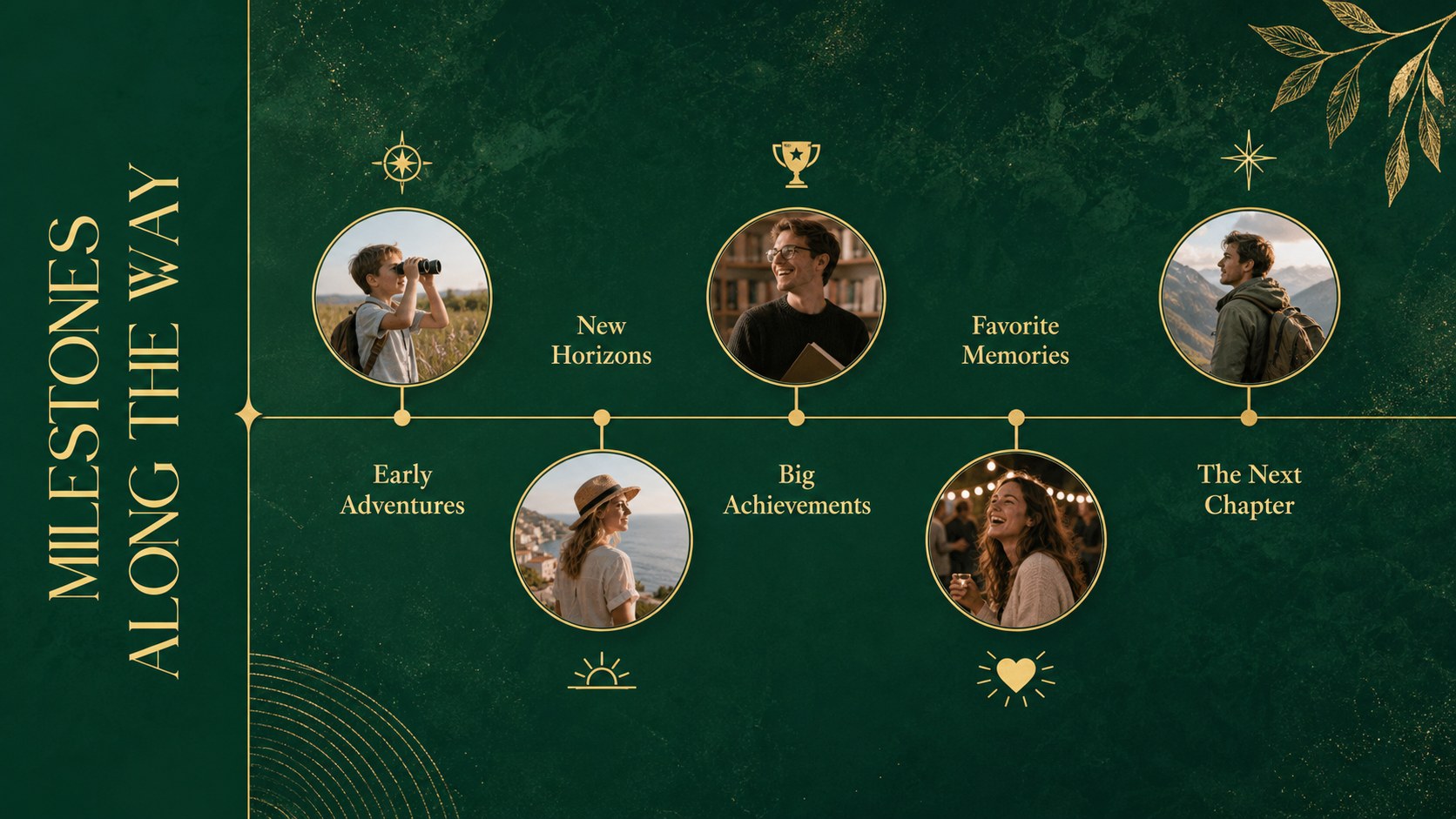
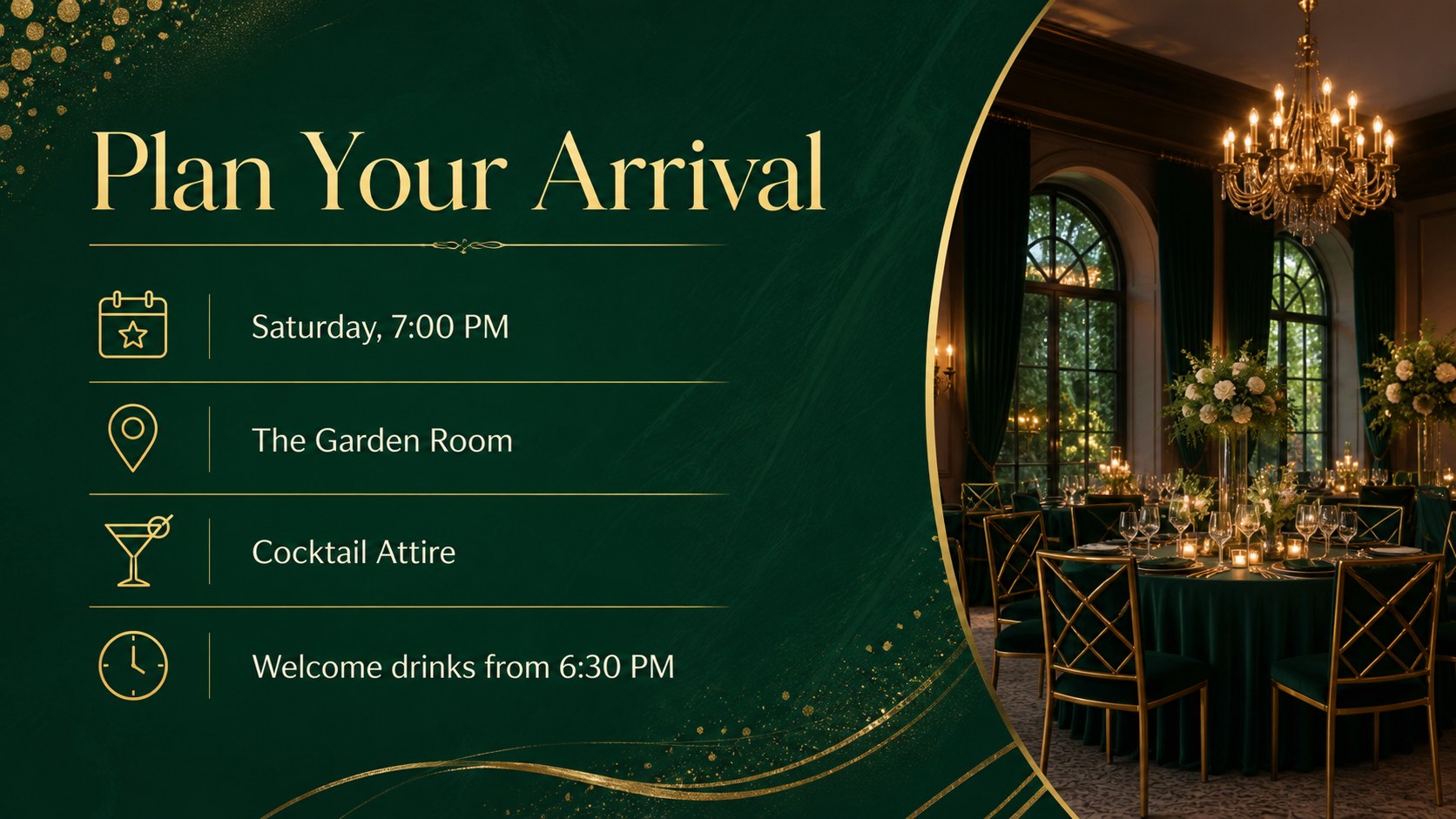
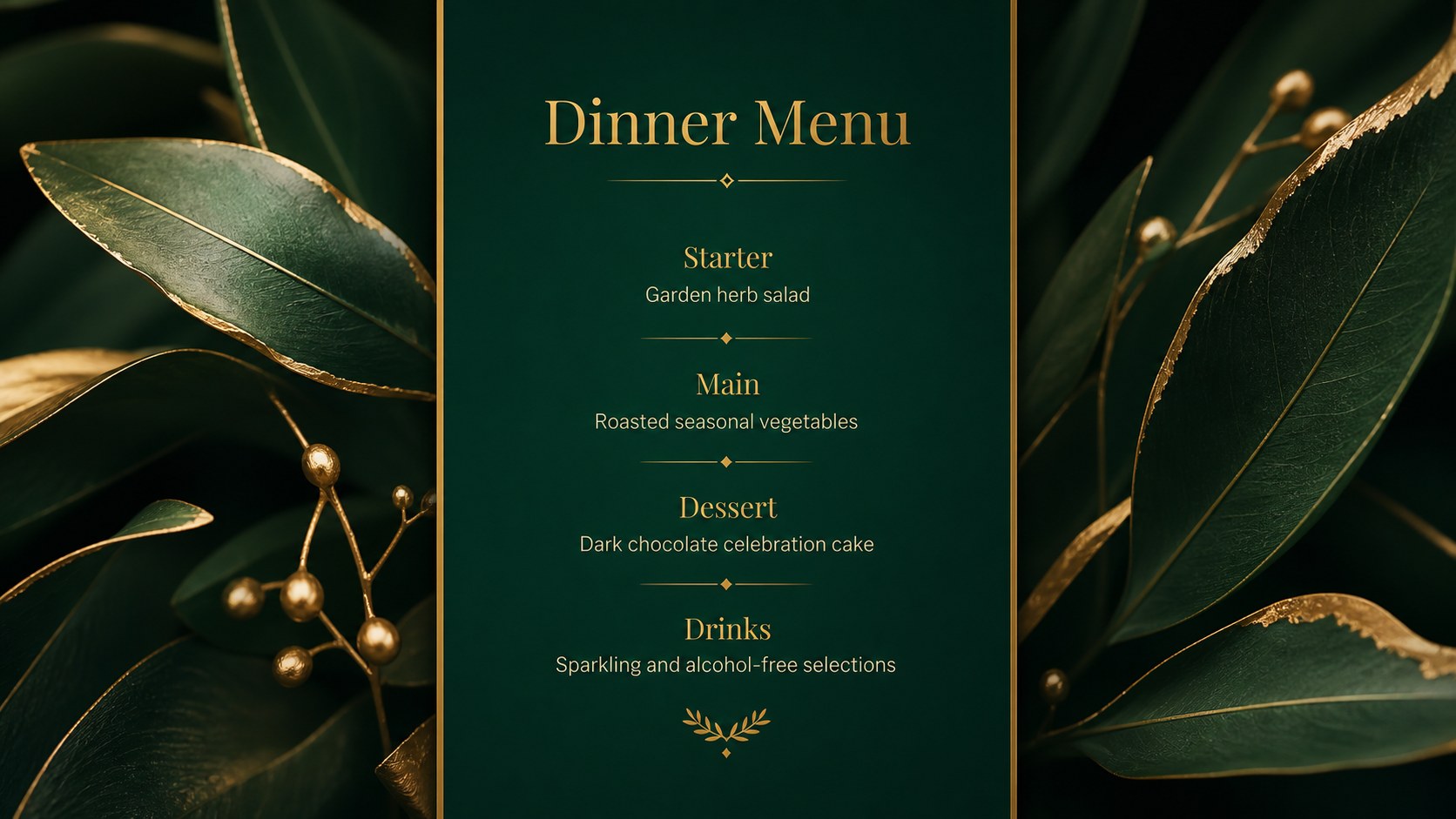
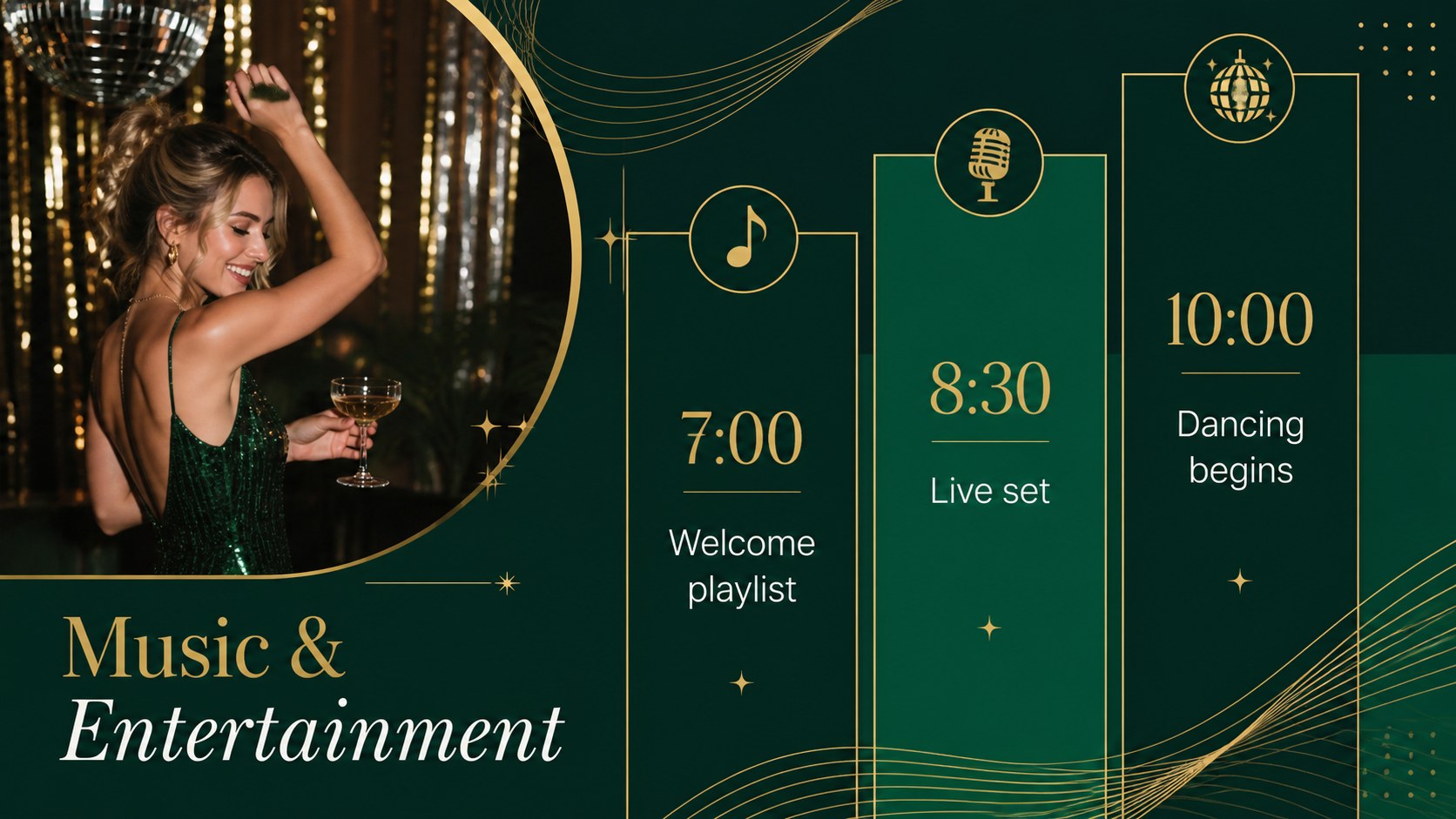
The deck includes more than 25 customizable layouts for invitations, event agendas, guest introductions, photo stories, birthday timelines, venue details, menus, entertainment plans, gift notes, budgets, and closing messages. Charts, image frames, icons, and editable shapes help you turn the design into an elegant birthday party slide deck or a luxury birthday event presentation. Thoughtful spacing keeps every page easy to scan, while the emerald and gold birthday slides maintain a consistent visual identity from the opening announcement to the final thank-you.
Use the template for an adult milestone party, an executive celebration, a client event, a family gathering, or a premium venue proposal. Event planners can adapt it for concept presentations and vendor briefings, while hosts can build a personal keepsake filled with photographs and messages. Every slide can be edited in PowerPoint or Google Slides, including colors, fonts, text, images, and layout elements. Add transitions where they support the story, duplicate useful pages, remove unneeded sections, and tailor the presentation to the guest of honor.
Perfect for: adult milestone birthday; executive celebration; party planning proposal; birthday photo story; venue and vendor briefing; formal dinner program.
Frequently asked questions
Can I edit this template in PowerPoint and Google Slides? Yes. The layouts are designed for editing in PowerPoint and Google Slides, where you can update text, colors, images, and shapes. Some font spacing or transitions may need minor adjustment after switching platforms.
Practical details
Yes. The layouts are designed for editing in PowerPoint and Google Slides, where you can update text, colors, images, and shapes. Some font spacing or transitions may need minor adjustment after switching platforms.
Replace the sample wording and image placeholders with personal photographs, dates, memories, and messages. You can also adjust the emerald and gold tones while preserving the deck's refined visual hierarchy.
Yes. The deck provides layouts for schedules, venue information, menus, entertainment, budgets, guest details, and thank-you messages. Duplicate or remove pages to match the size and format of your event.
Yes. Its minimal typography and restrained gold detailing suit executive gatherings, client celebrations, and formal venue presentations. Keep photographs polished and use concise wording for a more corporate finish.
Keep exploring
14Plan a memorable Lunar New Year campaign with the 2036 Dragon Year Celebration Theme, featuring bold red-and-yellow slides for lessons and events.
 15
15Build playful lessons and party stories with a kid-friendly zombie celebration theme in purple, green and pastel blue for PowerPoint and Google Slides.
 15
15Build eerie lessons, campaigns, and story pitches with an undead survival scenario theme featuring editable slides for PowerPoint and Google Slides.
 3
3Share festive messages with a Lunar Horse New Year Wishes Theme, featuring bold red-and-yellow layouts for PowerPoint and Google Slides celebrations.
 15
15Bring zodiac traditions to life with a Lunar Snake Festival Presentation featuring 15 cheerful red illustrated slides for PowerPoint and Google Slides.
 6
6Honor teams and individuals with an Orange Year-End Recognition Certificate Set featuring six editable designs for PowerPoint and Google Slides.
 14
14Honor the people behind the headlines with a World Sports Press Appreciation Deck for PowerPoint and Google Slides, styled in crisp, modern green.
 15
15Teach, inspire, and celebrate with our Plant-Powered Vegetarian Day Lesson Deck, featuring cheerful editable visuals for PowerPoint and Google Slides.