
 14
14presentation
2036 Dragon Year Celebration Theme
Plan a memorable Lunar New Year campaign with the 2036 Dragon Year Celebration Theme, featuring bold red-and-yellow slides for lessons and events.
Google SlidesPowerPoint
presentation · English
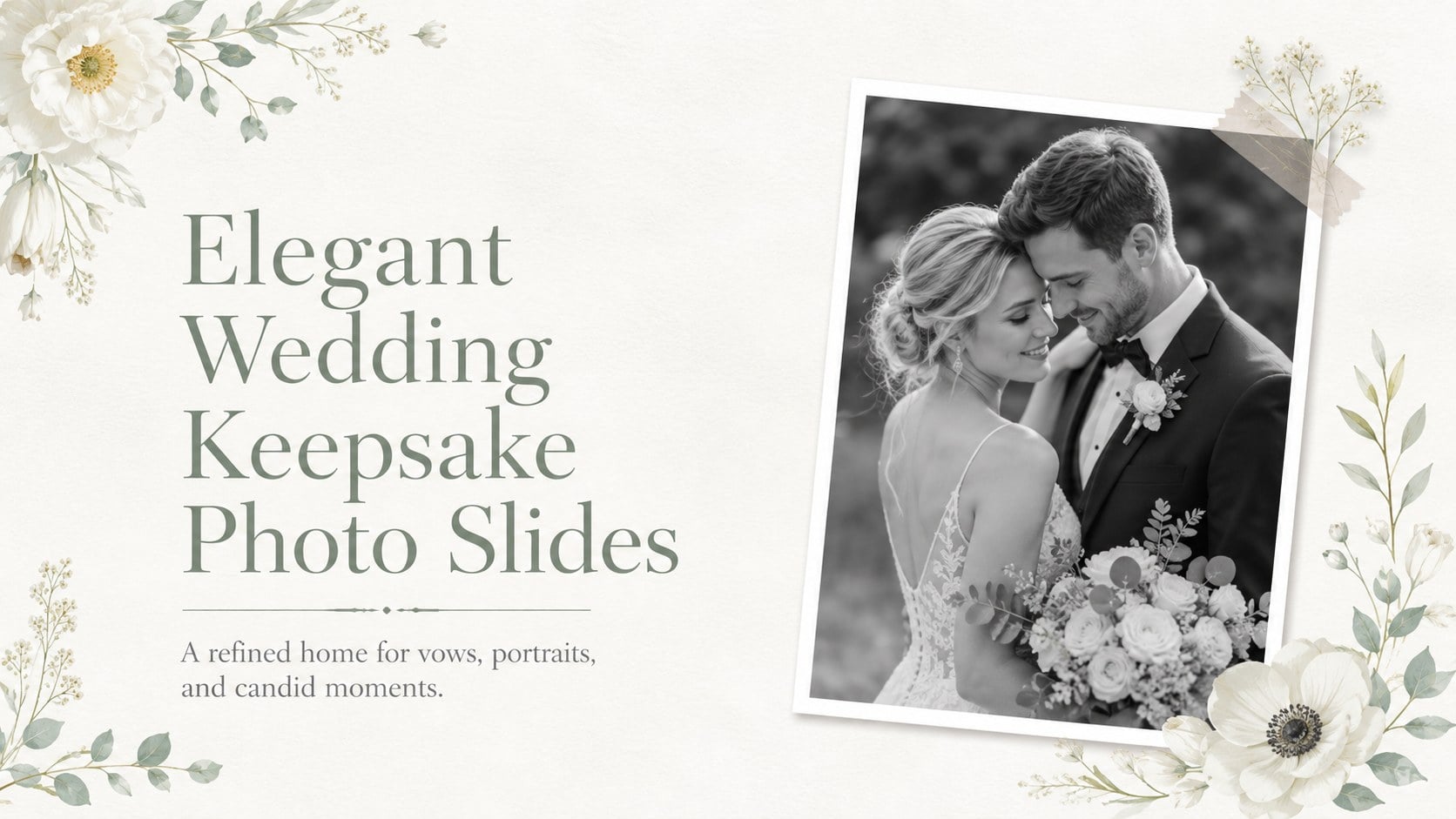
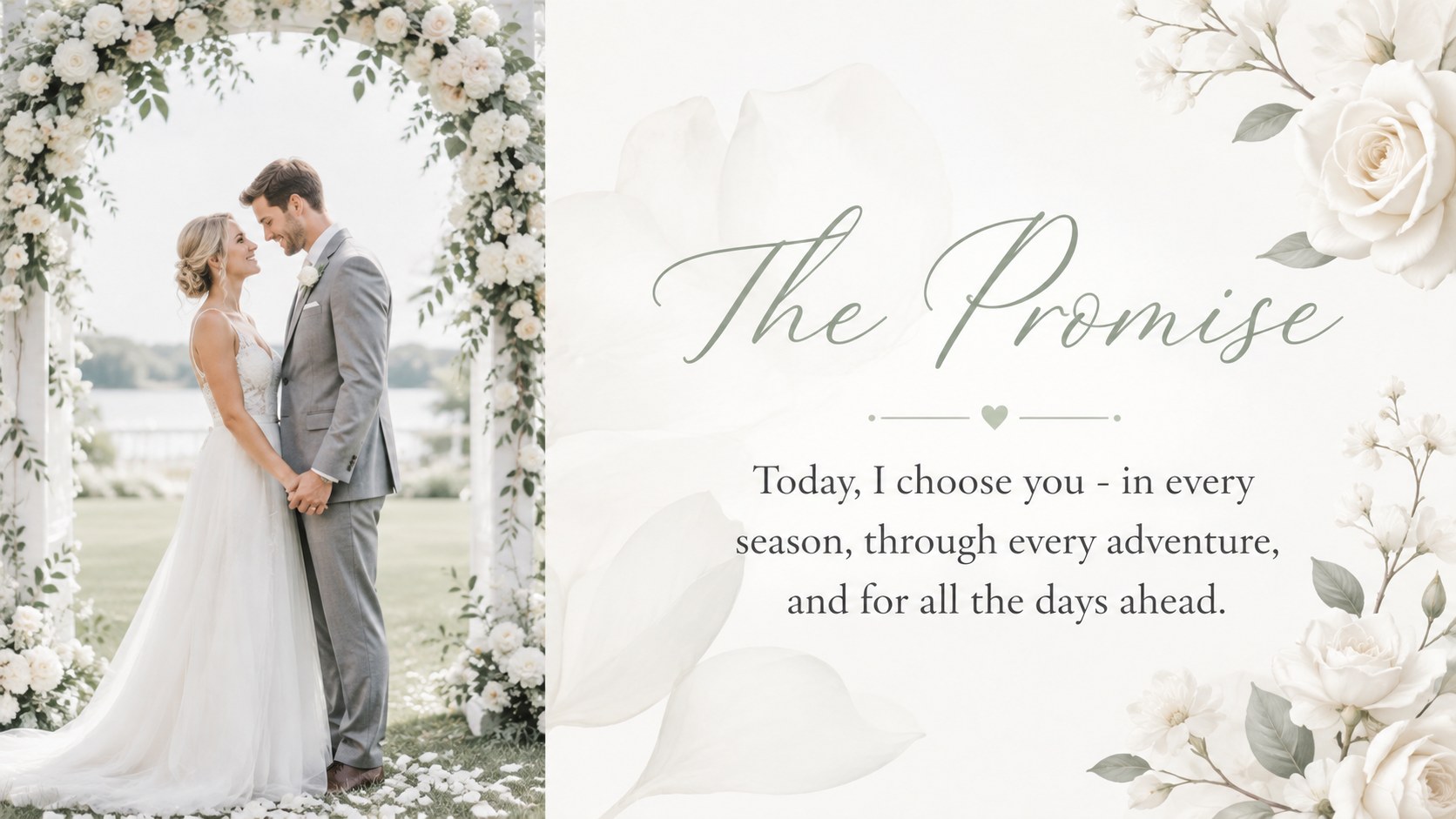
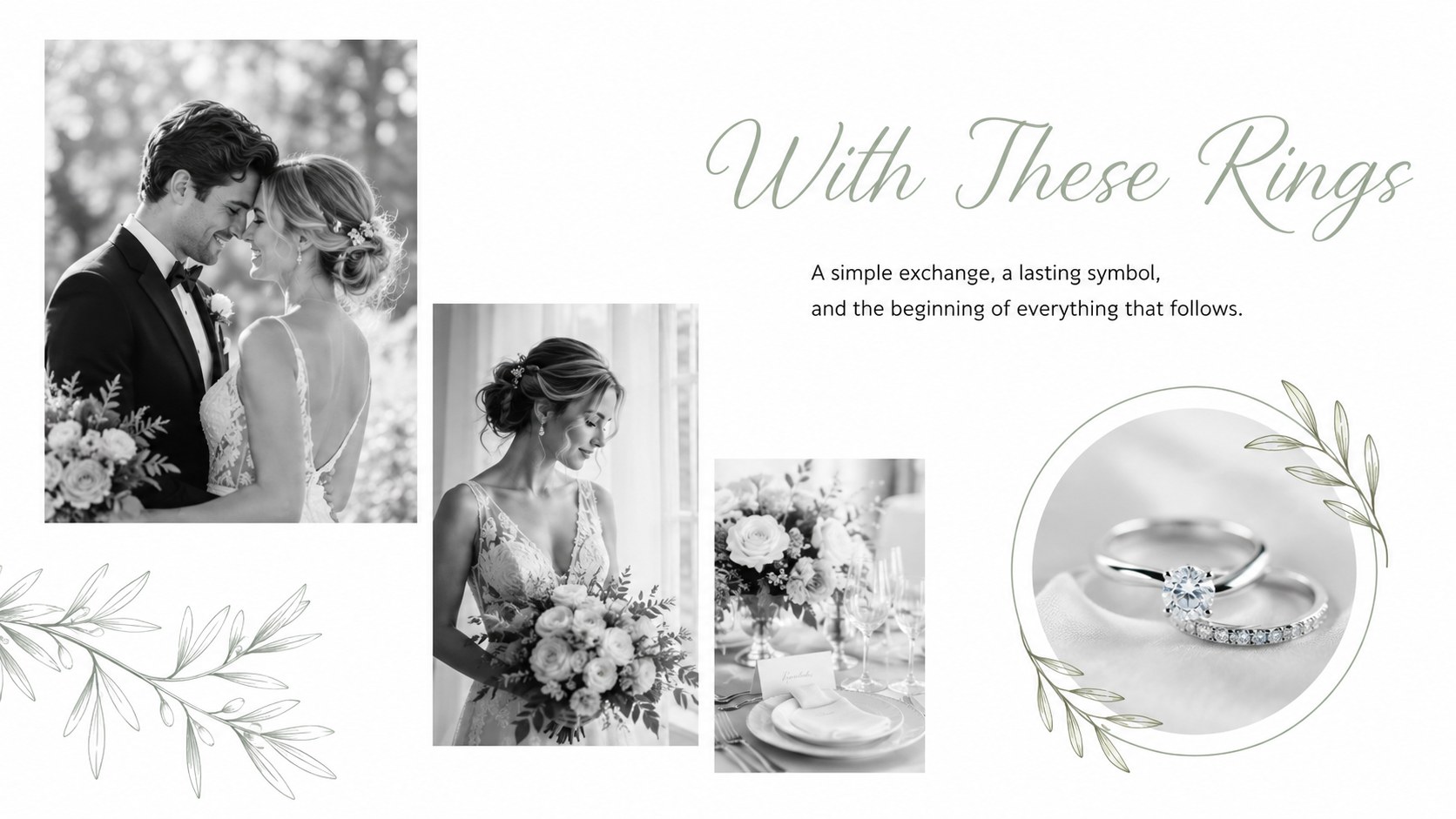
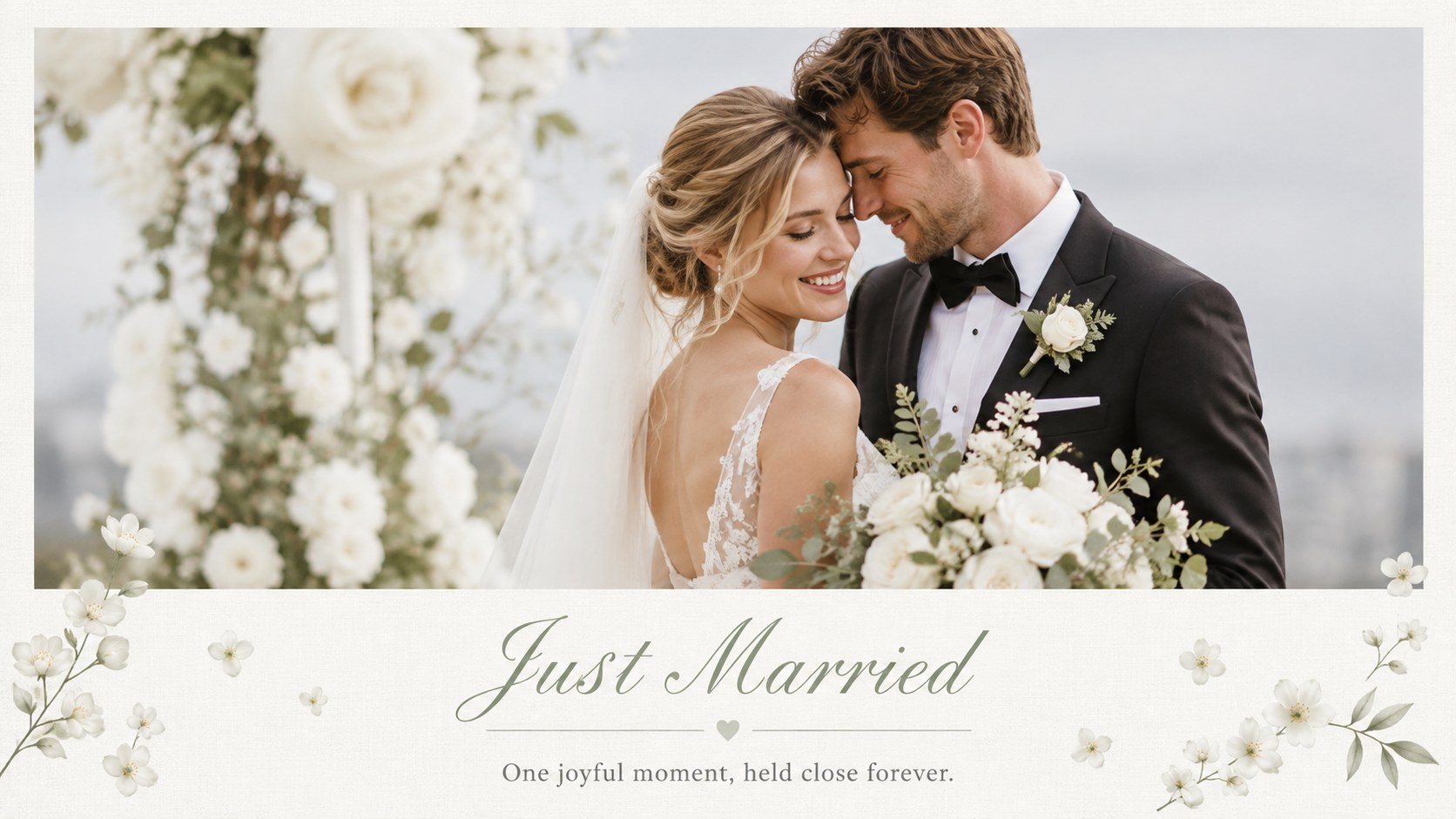
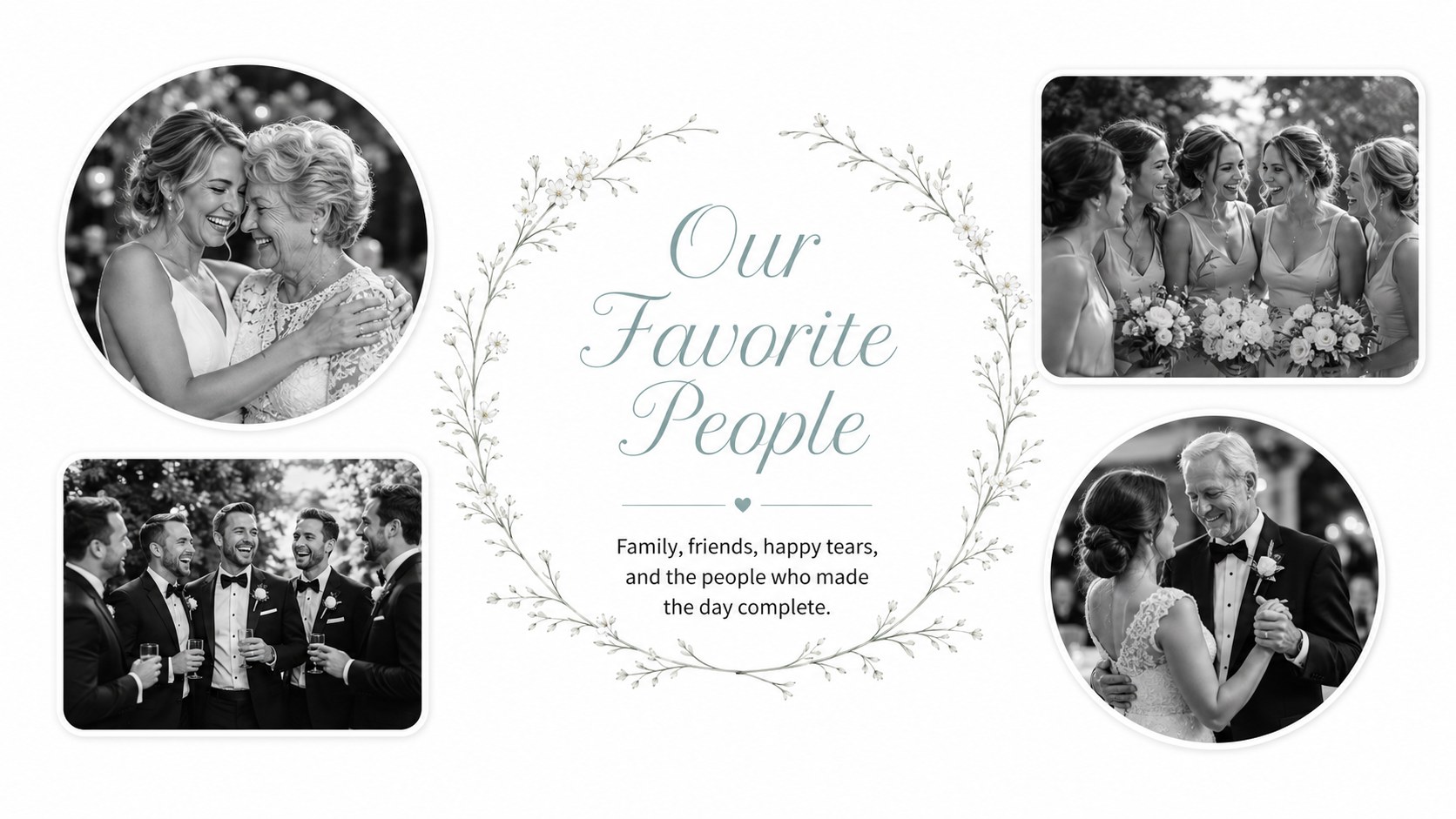
Preserve vows, portraits, and candid moments with Elegant Wedding Keepsake Photo Slides, an editable white floral deck for PowerPoint and Google Slides.
Design notes
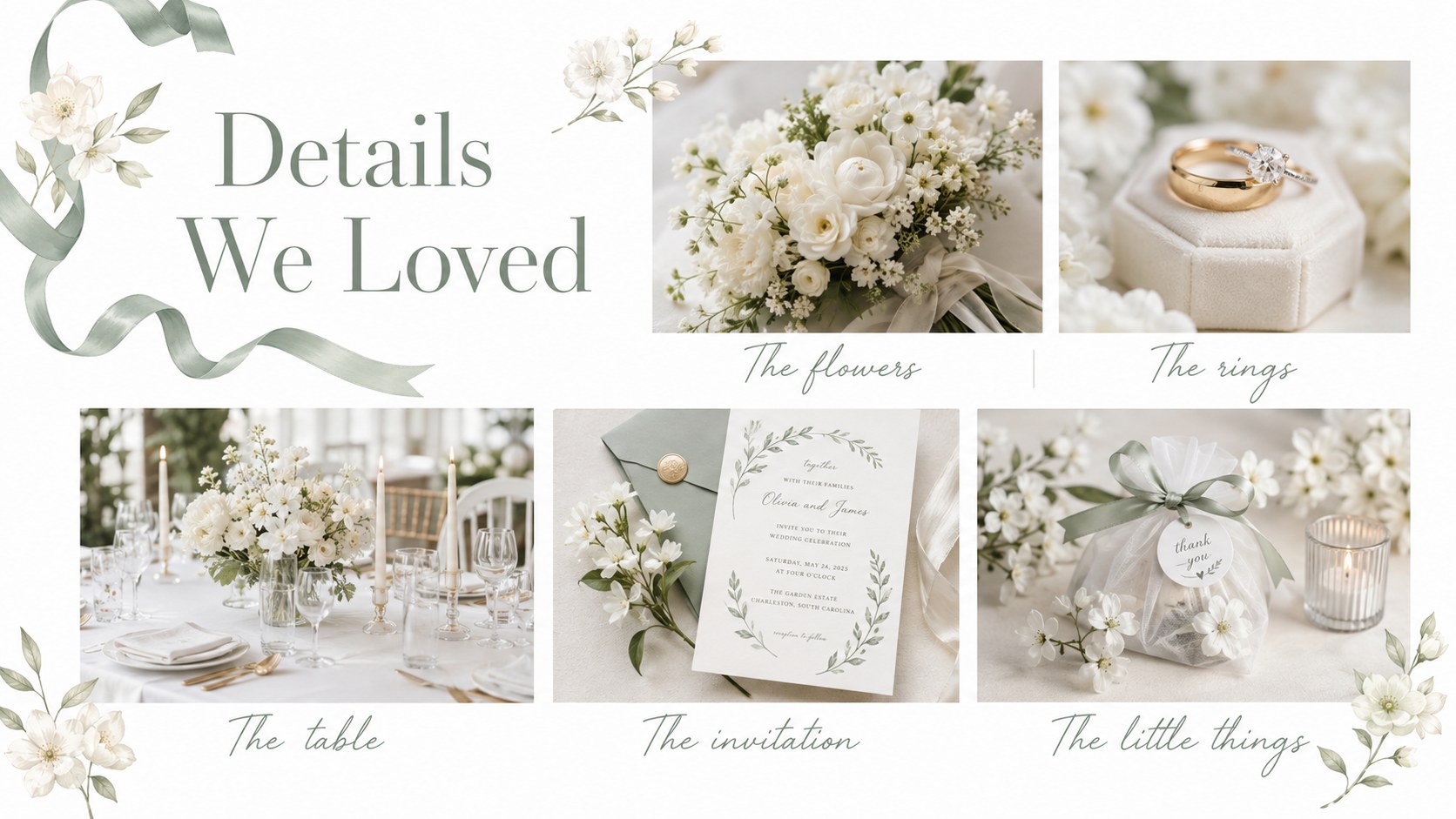
Elegant Wedding Keepsake Photo Slides offer a polished way to collect the moments, people, and details that made a celebration unforgettable. The airy white canvas, delicate botanical accents, and refined typography create an intimate setting for ceremony portraits, candid photographs, handwritten notes, and favorite quotations. Every layout keeps attention on the images while maintaining a consistent romantic style.
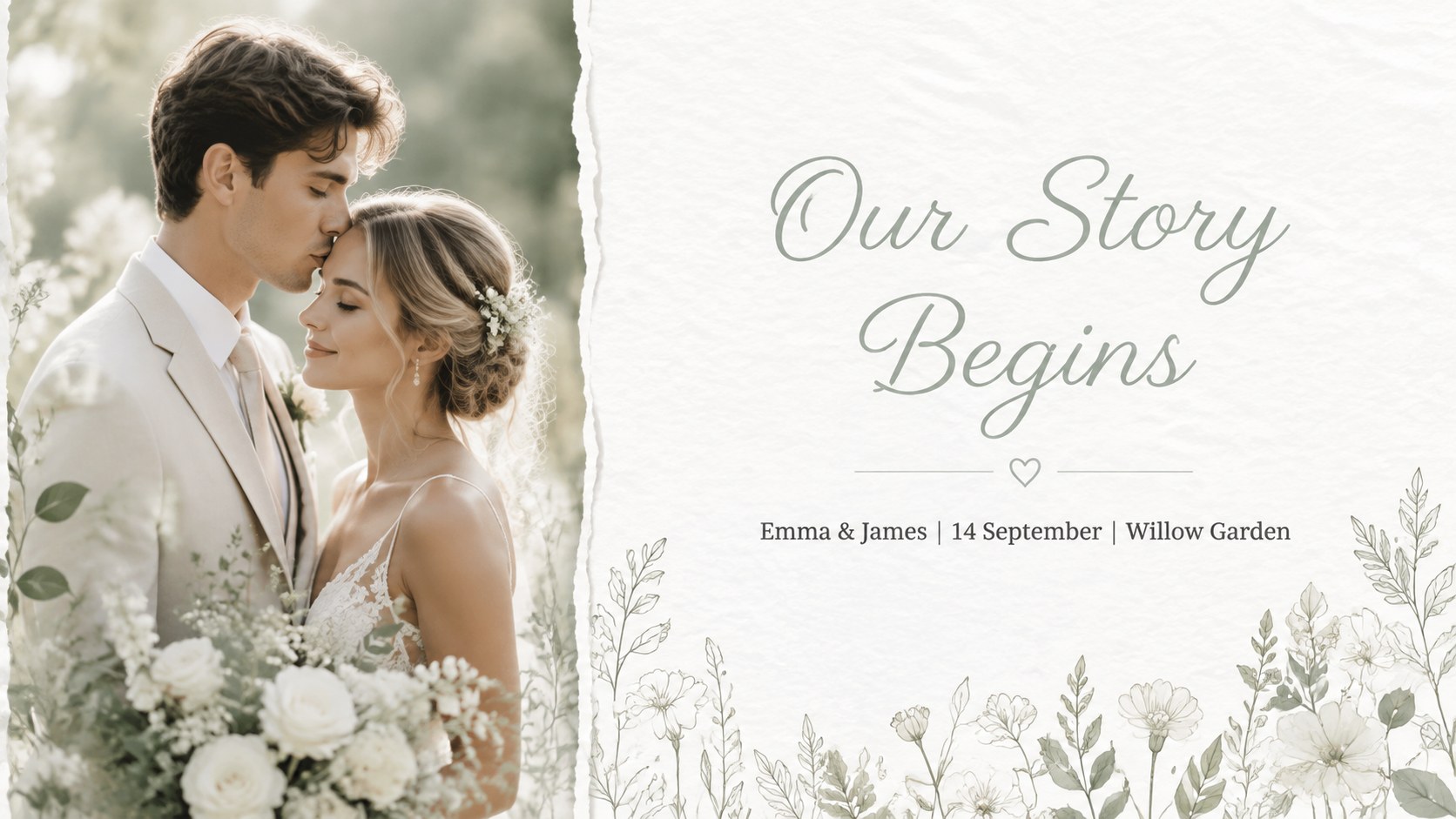
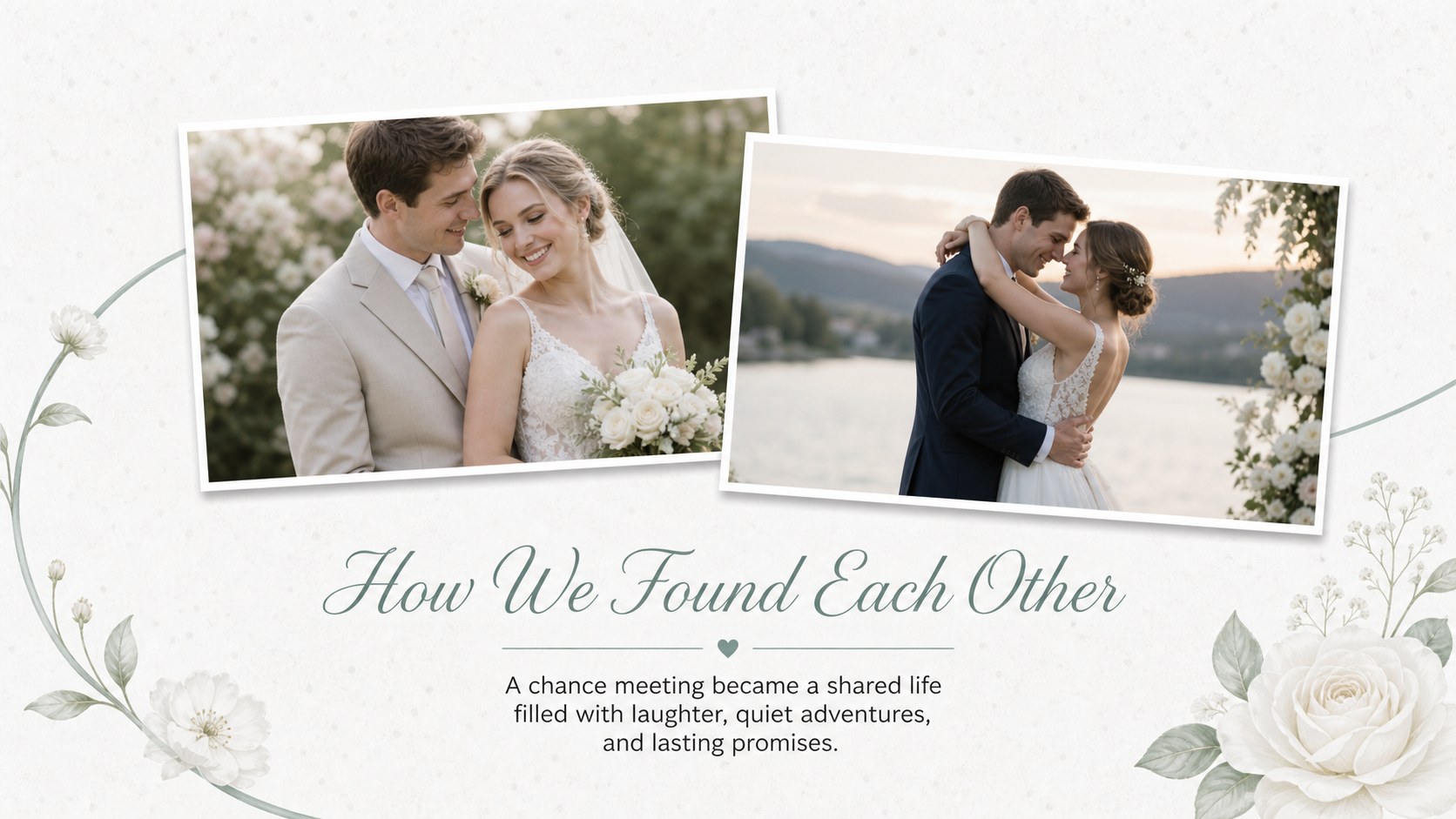
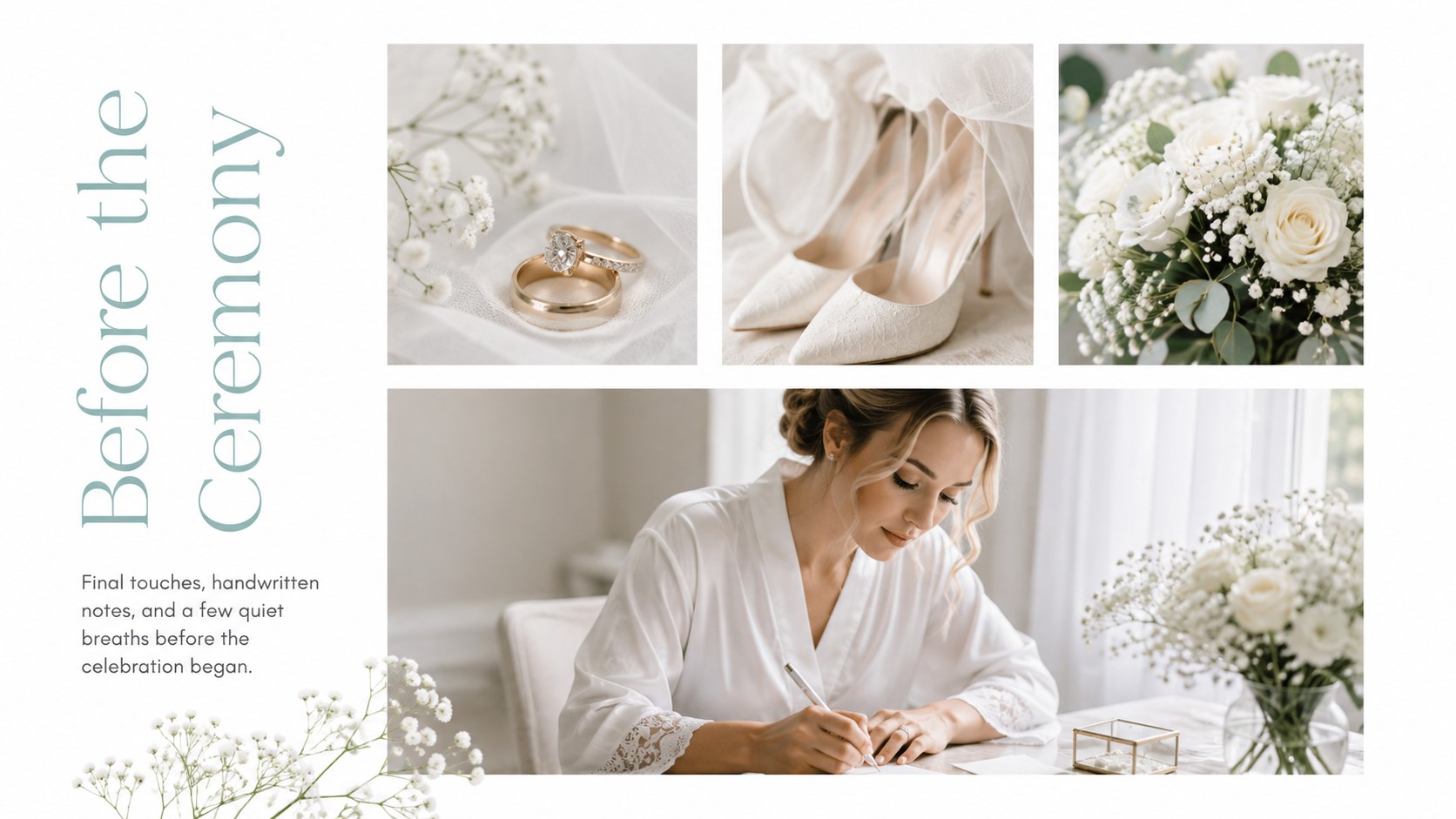
Inside, you will find adaptable compositions for a couple's introduction, getting-ready memories, the ceremony, wedding-party portraits, reception highlights, meaningful details, and closing reflections. Full-photo pages sit alongside collages, captions, timelines, and quotation layouts, giving you the flexibility of a wedding day photo story template without making the presentation feel repetitive. The format also works as a white floral wedding slideshow for an anniversary gathering or private viewing.
Couples can turn the deck into a digital keepsake, while photographers and planners can adapt it as a minimal bridal photography presentation for clients. Replace the sample images, update names and dates, adjust the type, and reorder sections in PowerPoint or Google Slides. The restrained design suits formal ceremonies, garden weddings, and understated modern celebrations, with enough room to let each photograph speak for itself.
Perfect for: couple's digital wedding keepsake; photographer client gallery; anniversary celebration slideshow; wedding planner portfolio; reception memory screening.
Frequently asked questions
Can I replace every photograph with my own images? Yes. Replace the sample photography with ceremony portraits, candid moments, venue details, or scanned keepsakes, then crop each image to suit its frame.
Practical details
Yes. Replace the sample photography with ceremony portraits, candid moments, venue details, or scanned keepsakes, then crop each image to suit its frame.
The slides are designed for PowerPoint and Google Slides. Text, photographs, colors, and layout elements remain editable in both platforms.
Yes. Recolor the botanical accents, update the typography, and adjust the background tones to coordinate with your flowers, stationery, or venue decor.
Yes. Reorder the story chronologically and combine wedding-day photographs with later milestones to create an anniversary keepsake or family screening.
Keep exploring
14Plan a memorable Lunar New Year campaign with the 2036 Dragon Year Celebration Theme, featuring bold red-and-yellow slides for lessons and events.
 15
15Build playful lessons and party stories with a kid-friendly zombie celebration theme in purple, green and pastel blue for PowerPoint and Google Slides.
 15
15Build eerie lessons, campaigns, and story pitches with an undead survival scenario theme featuring editable slides for PowerPoint and Google Slides.
 3
3Share festive messages with a Lunar Horse New Year Wishes Theme, featuring bold red-and-yellow layouts for PowerPoint and Google Slides celebrations.
 15
15Bring zodiac traditions to life with a Lunar Snake Festival Presentation featuring 15 cheerful red illustrated slides for PowerPoint and Google Slides.
 6
6Honor teams and individuals with an Orange Year-End Recognition Certificate Set featuring six editable designs for PowerPoint and Google Slides.
 14
14Honor the people behind the headlines with a World Sports Press Appreciation Deck for PowerPoint and Google Slides, styled in crisp, modern green.
 15
15Teach, inspire, and celebrate with our Plant-Powered Vegetarian Day Lesson Deck, featuring cheerful editable visuals for PowerPoint and Google Slides.