
 15
15presentation
Yoga Workshop Marketing Presentation
Promote classes with a yoga workshop marketing presentation featuring playful beige, pink, and purple illustrations for PowerPoint and Google Slides.
Google SlidesPowerPoint
presentation · English
Lead clear, age-appropriate discussions with a drug misuse awareness workshop theme for PowerPoint and Google Slides in warm illustrated colors.
Design notes
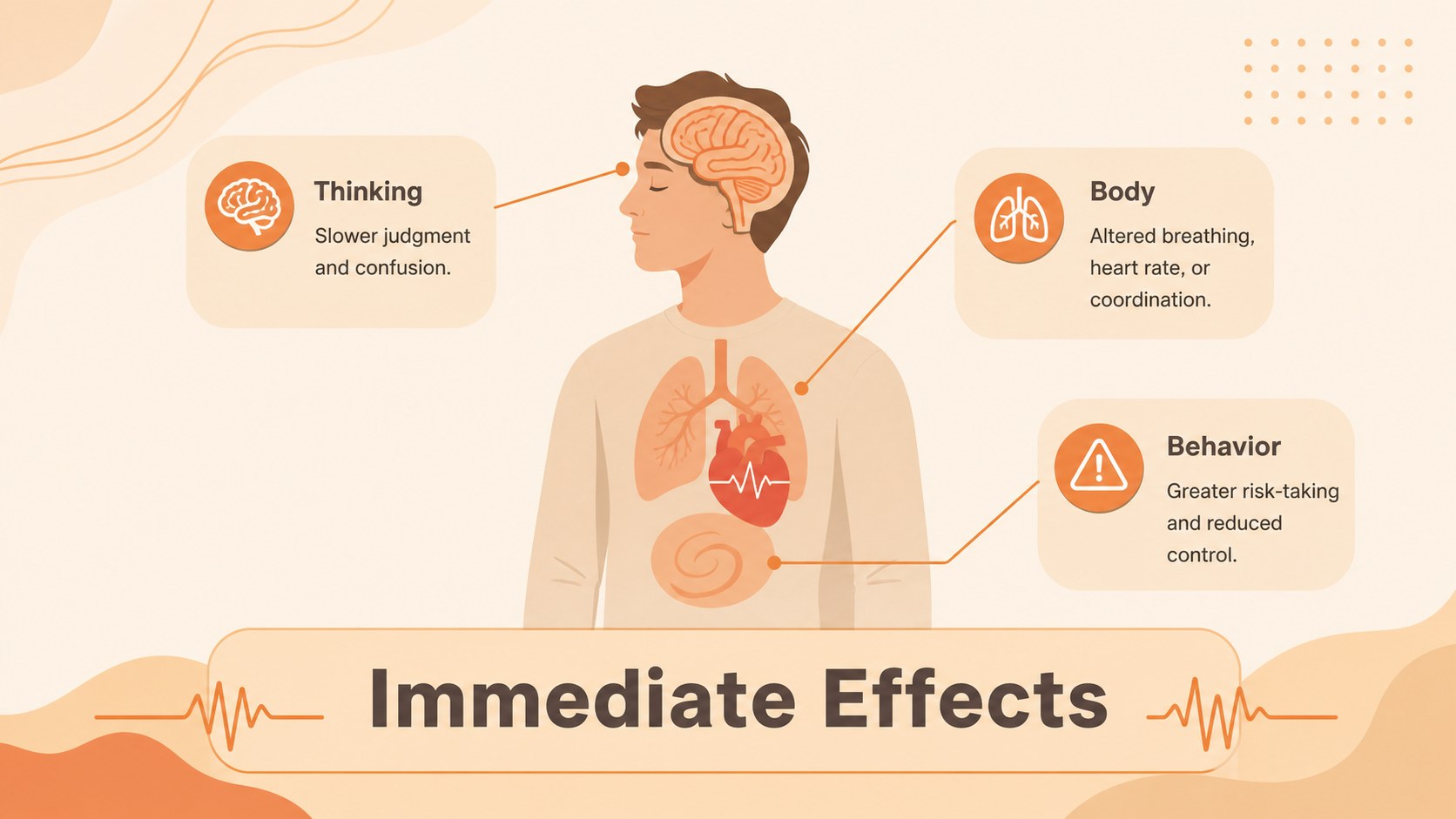
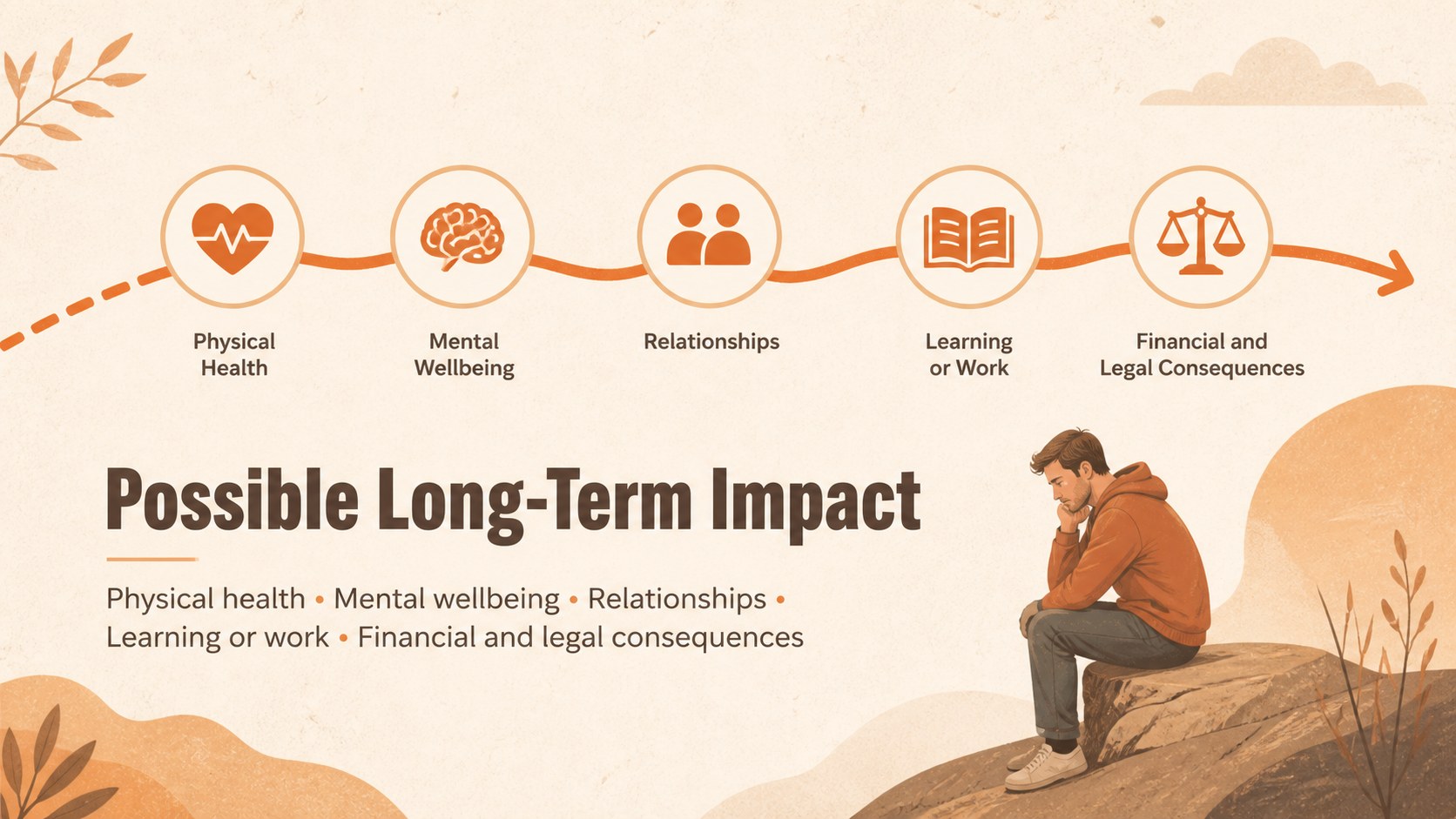
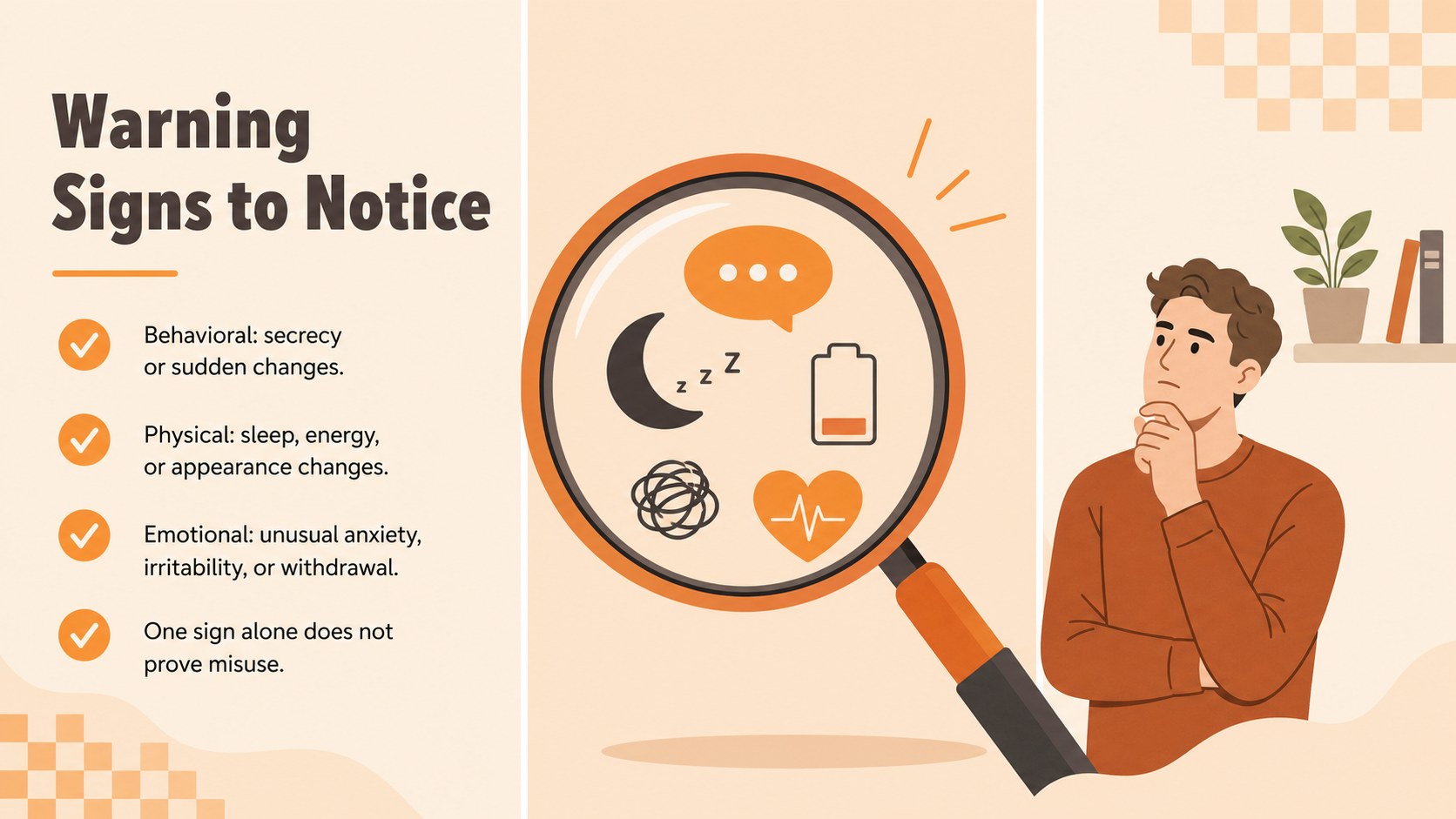
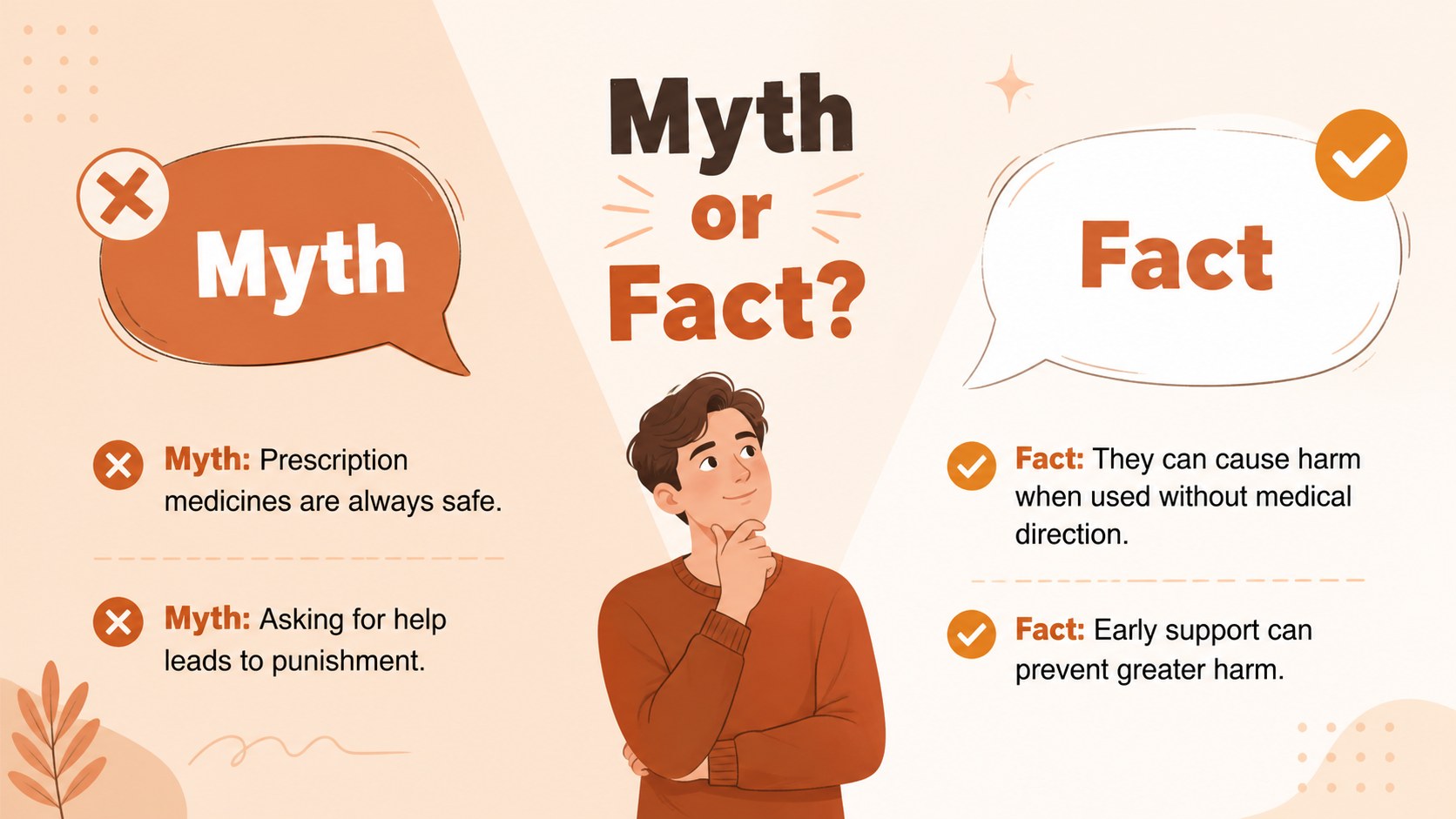
The Drug Misuse Awareness Workshop Theme helps presenters introduce a sensitive health topic with clarity and care. Warm beige and orange colors, original illustrations, and structured layouts create an approachable setting for discussing harmful substance use without making the material feel overwhelming. Every slide can be adapted in PowerPoint or Google Slides to match the audience, session length, and learning goals.
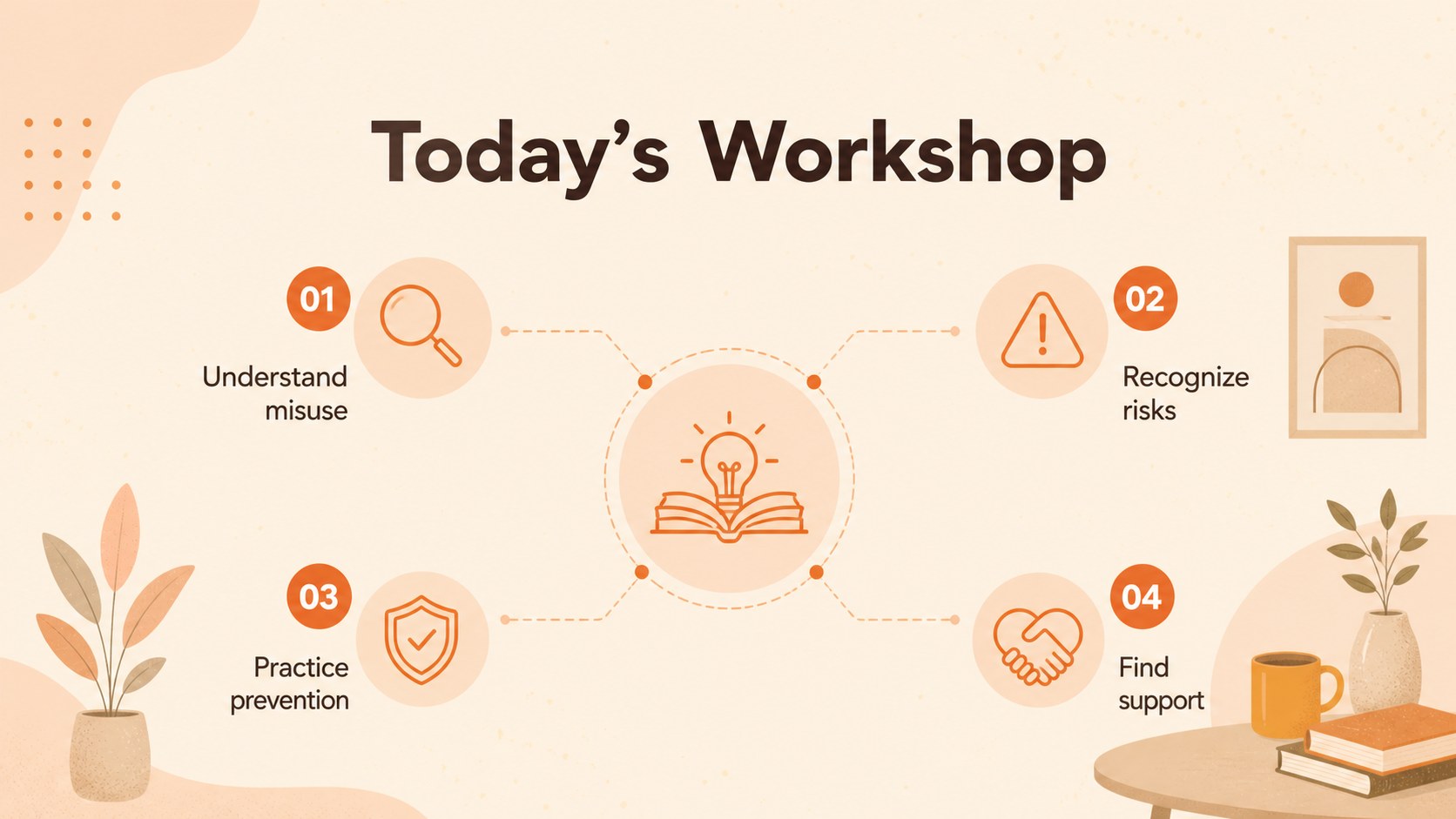
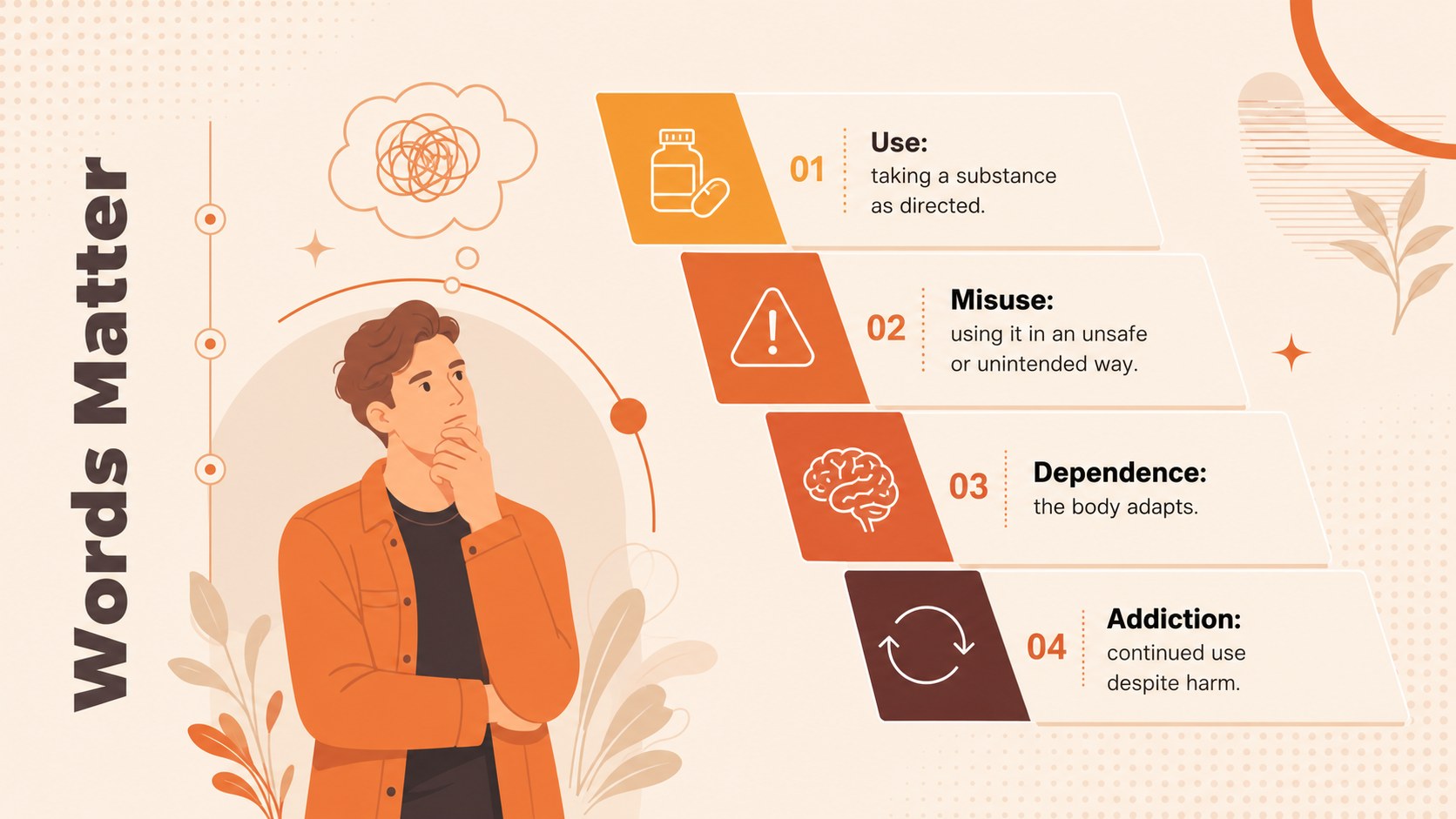
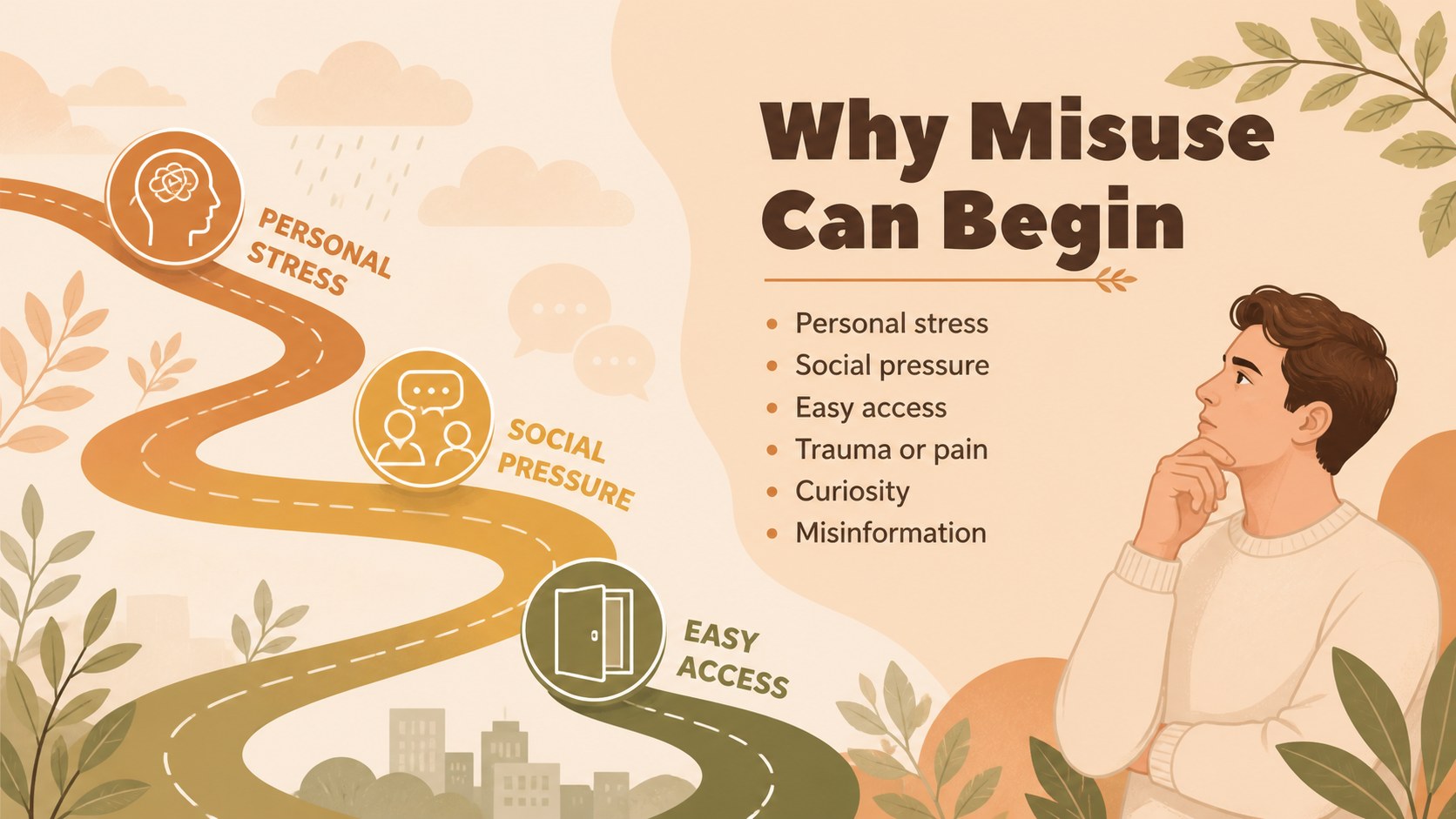
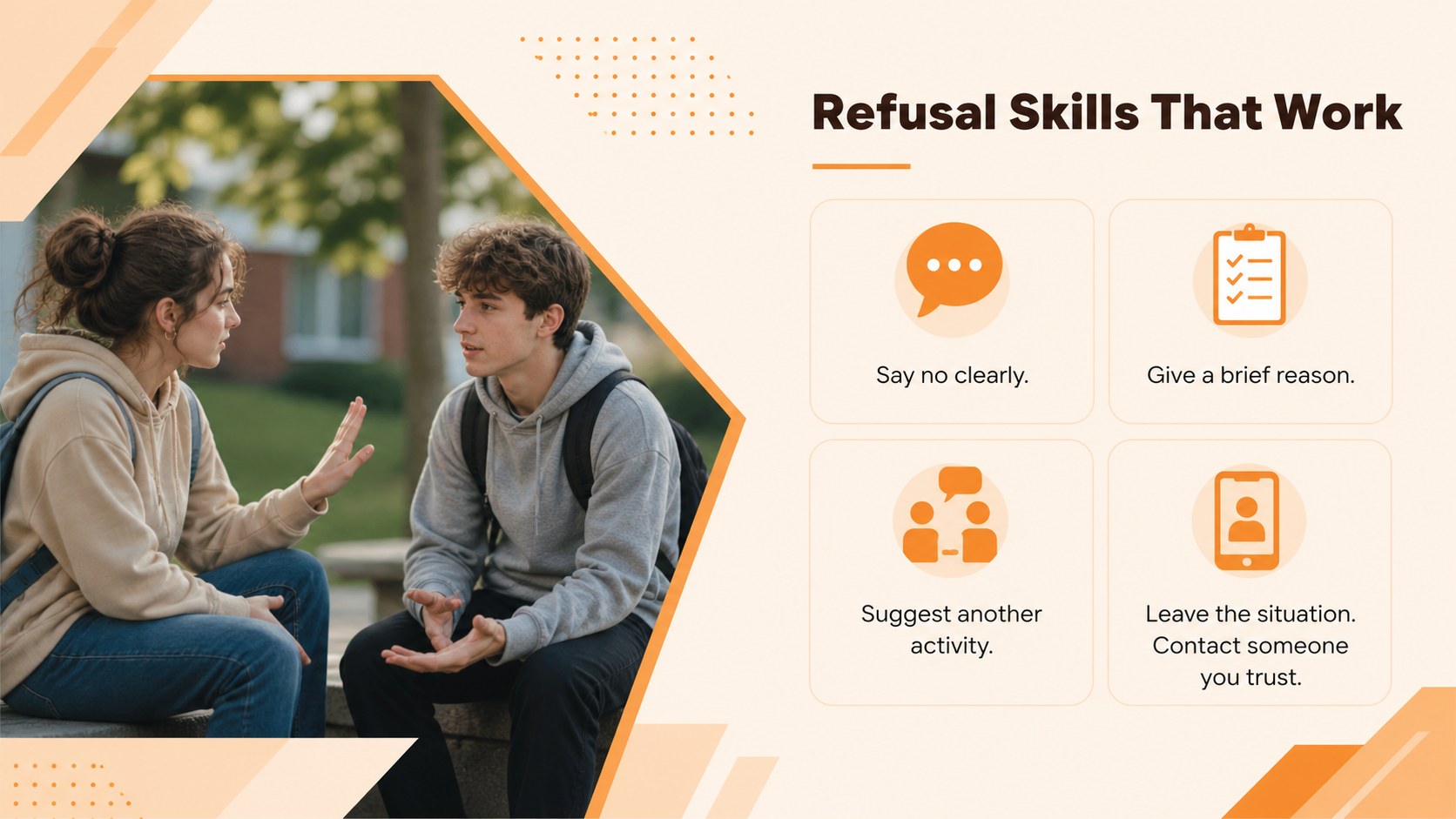
The 15-slide sequence includes an opening overview, key definitions, reasons people may misuse substances, short- and long-term effects, common warning signs, prevention strategies, refusal skills, and routes to professional support. It also provides a misconception check, a guided scenario, an action-planning timeline, and a closing resource page. Use the layouts as a substance misuse prevention presentation, a drug education workshop template, or a starting point for school drug safety lesson slides.
This theme is intended for teachers, school counselors, healthcare educators, youth program leaders, workplace trainers, and community outreach teams. Its visual hierarchy supports both live instruction and self-paced review, while editable text, charts, icons, colors, and image areas make localization straightforward. Presenters can replace examples, add local support contacts, adjust terminology for different age groups, and include organization-specific policies while preserving a consistent illustrated design.
Perfect for: middle school health lesson; high school prevention workshop; parent information evening; community health seminar; counselor-led awareness session; workplace wellbeing training.
Frequently asked questions
Can I edit the slides for different age groups? Yes. All text, colors, illustrations, charts, and layouts can be adjusted in PowerPoint or Google Slides. Replace examples and terminology to suit younger students, teenagers, adults, or professional audiences.
Practical details
Yes. All text, colors, illustrations, charts, and layouts can be adjusted in PowerPoint or Google Slides. Replace examples and terminology to suit younger students, teenagers, adults, or professional audiences.
The template is designed for PowerPoint and Google Slides. Some font rendering, animation timing, or object spacing may vary slightly between the two platforms, so review the deck before presenting.
Yes. The resource and closing layouts include editable areas for local helplines, counseling services, school contacts, and healthcare providers. Confirm that all contact details are current before sharing the presentation.
No. The slides provide an educational structure that presenters can customize with verified information. Have qualified professionals review medical, legal, and safeguarding content when appropriate.
Keep exploring
15Promote classes with a yoga workshop marketing presentation featuring playful beige, pink, and purple illustrations for PowerPoint and Google Slides.
 15
15Build a clear breast cancer awareness bulletin with bold pink-and-red slides for campaign news, screening reminders, impact data, and community updates.
 15
15Build a clear World Cancer Day message with this global cancer awareness campaign deck, featuring editable blue-green layouts for PowerPoint and Google Slides.
 4
4Document wound findings, treatment decisions, and healing progress with clinical wound evaluation slides for nurses in PowerPoint and Google Slides.
 14
14Plan a clear donor campaign with this blood donation awareness presentation, featuring editable beige-and-red visuals for PowerPoint and Google Slides.
 15
15Build a Kidney Health Awareness Campaign Deck with blue illustrated slides for prevention tips, risk education, screening events, and outreach.
 15
15Build an actionable training session with this fitness program workshop deck, using energetic yellow geometry and editable PowerPoint and Google Slides layouts.
 15
15Equip health teams with this malaria prevention education deck for workshops, community outreach, and policy briefings in PowerPoint or Google Slides.