
 15
15presentation
Yoga Workshop Marketing Presentation
Promote classes with a yoga workshop marketing presentation featuring playful beige, pink, and purple illustrations for PowerPoint and Google Slides.
Google SlidesPowerPoint
document · English
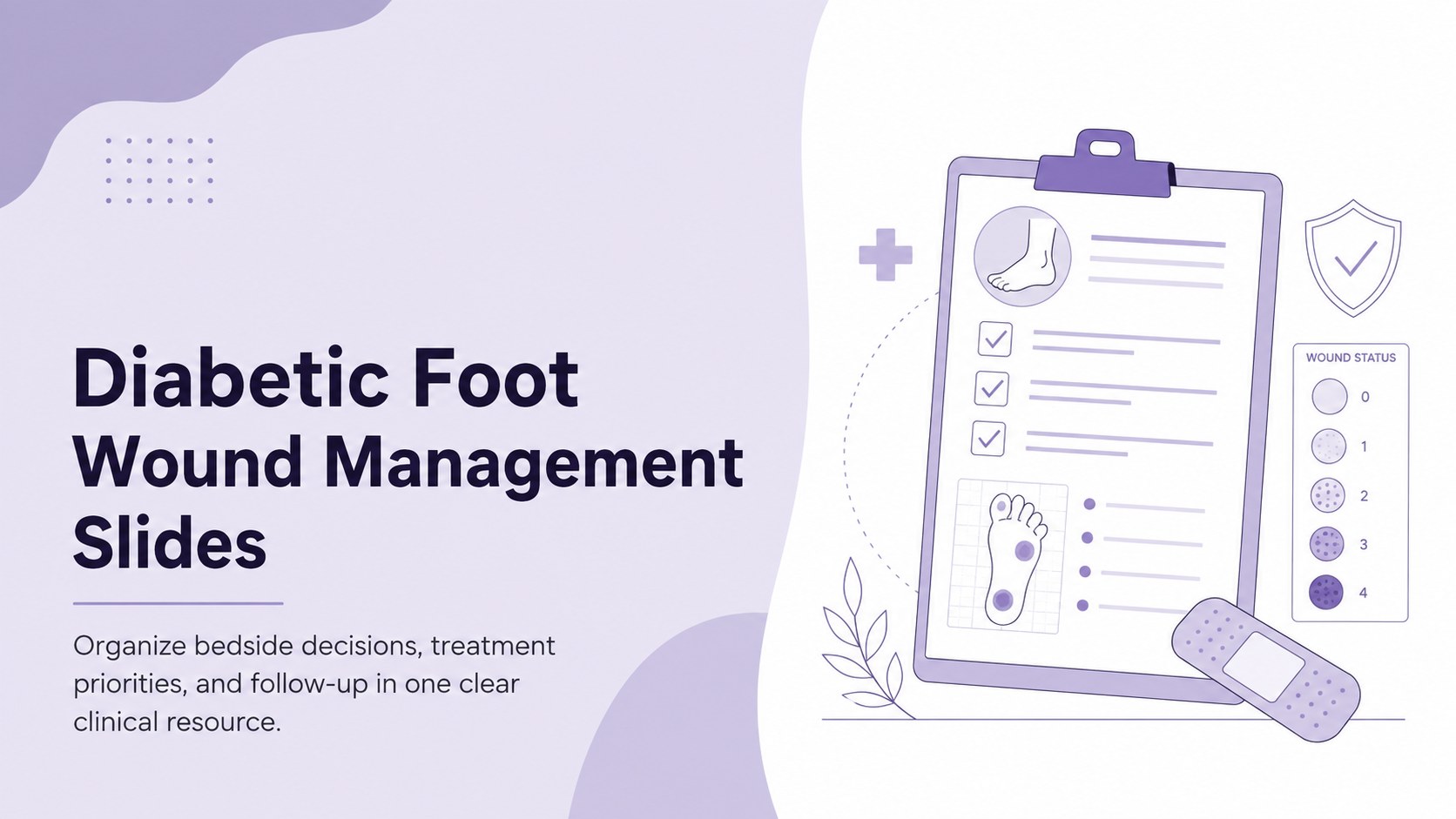
Coordinate assessments, interventions, and follow-up with diabetic foot wound management slides for nurses using PowerPoint or Google Slides.
Design notes
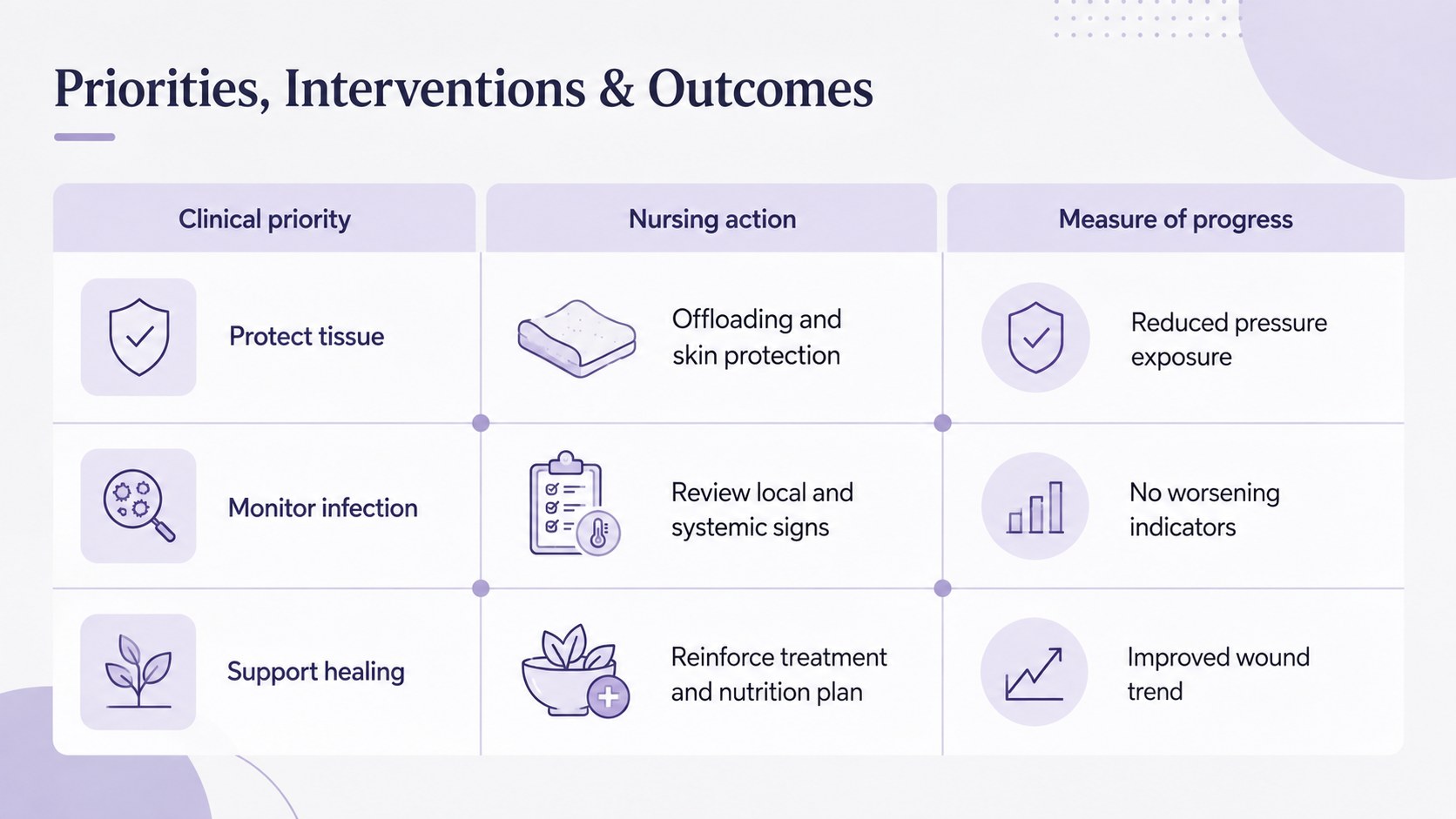
Diabetic foot wound management slides give nursing teams a structured way to present patient findings, clinical priorities, interventions, and follow-up plans. The clear layouts help transform detailed observations into an accessible care overview for handoffs, case discussions, training sessions, or multidisciplinary reviews.
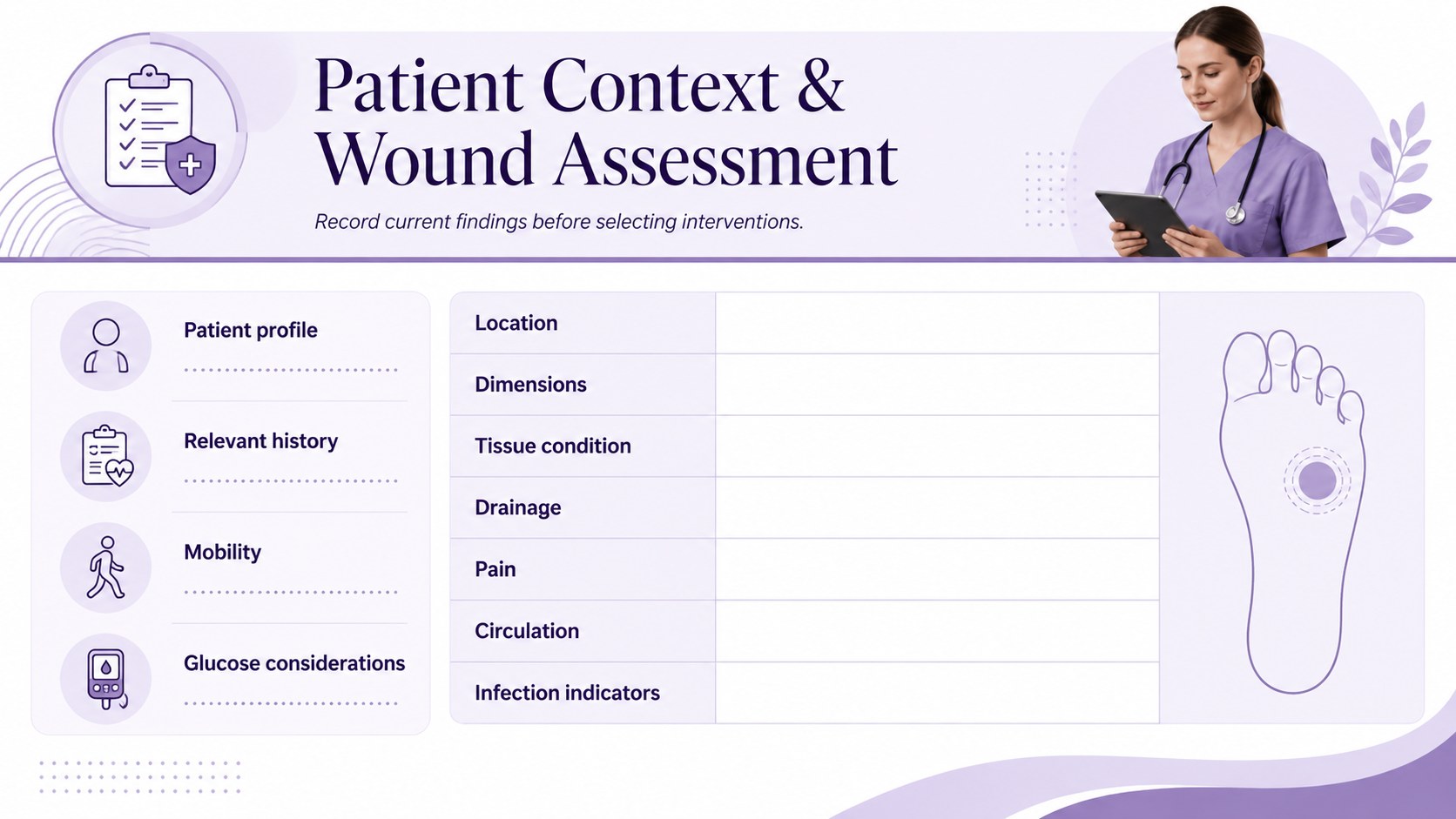
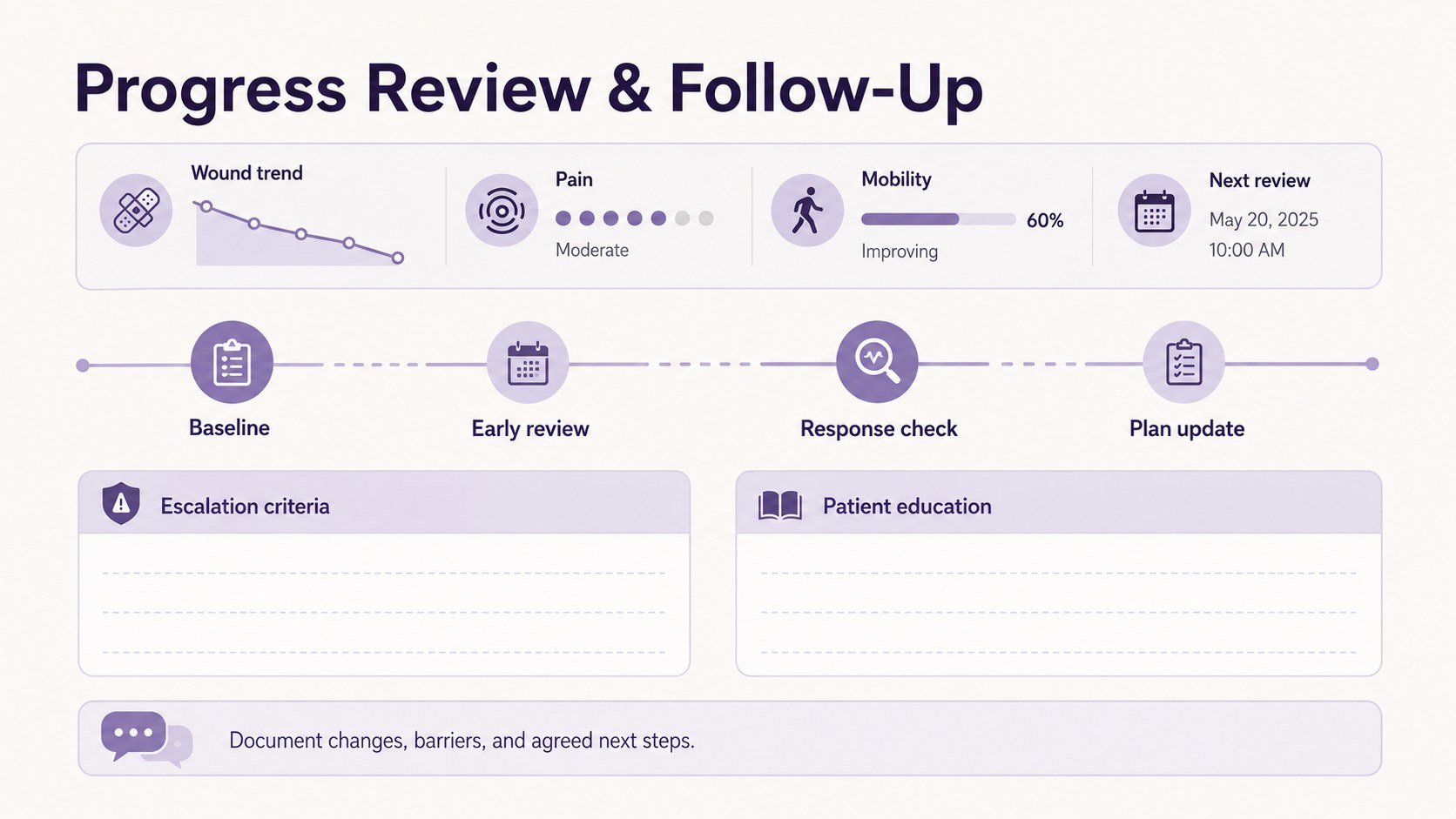
Inside the deck, you will find dedicated areas for patient context, wound assessment, nursing diagnoses, measurable outcomes, treatment actions, and progress monitoring. Use the diabetic foot ulcer nursing presentation layout to document wound location, tissue condition, drainage, infection indicators, pain, circulation, glucose-related concerns, and mobility risks. A wound assessment and intervention deck format also makes it easier to connect each identified problem with a practical action and evaluation schedule.
Designed for nurses, nursing students, clinical educators, wound-care specialists, and healthcare teams, the template combines a simple professional structure with soothing purple accents. Tables, timelines, checklists, and text fields can be adapted to local documentation standards without overcrowding the slides. Edit the content in PowerPoint or Google Slides, replace sample details with de-identified case information, and adjust colors or typography to suit your organization. The result is a polished visual care-planning resource for clinical communication, education, and ongoing patient review.
Perfect for: nursing care plan review; diabetic wound case conference; clinical student assignment; patient progress handoff; wound-care staff training.
Frequently asked questions
Can I edit these slides for a specific patient case? Yes. Replace the sample wording, assessment fields, interventions, and review dates with de-identified case information. You can also add or remove sections to match your clinical documentation process.
Practical details
Yes. Replace the sample wording, assessment fields, interventions, and review dates with de-identified case information. You can also add or remove sections to match your clinical documentation process.
The template is designed for Microsoft PowerPoint and Google Slides. Formatting may vary slightly between platforms, so review fonts, tables, and spacing after importing the file.
Yes. Colors, typefaces, icons, tables, and section labels can be adjusted to follow your institution's visual standards. Maintain strong contrast and readable type sizes when changing the palette.
No. It is a presentation and planning aid rather than a diagnostic tool or treatment protocol. All content should be reviewed against current clinical guidance and your organization's policies.
Keep exploring
15Promote classes with a yoga workshop marketing presentation featuring playful beige, pink, and purple illustrations for PowerPoint and Google Slides.
 15
15Build a clear breast cancer awareness bulletin with bold pink-and-red slides for campaign news, screening reminders, impact data, and community updates.
 15
15Build a clear World Cancer Day message with this global cancer awareness campaign deck, featuring editable blue-green layouts for PowerPoint and Google Slides.
 4
4Document wound findings, treatment decisions, and healing progress with clinical wound evaluation slides for nurses in PowerPoint and Google Slides.
 14
14Plan a clear donor campaign with this blood donation awareness presentation, featuring editable beige-and-red visuals for PowerPoint and Google Slides.
 15
15Build a Kidney Health Awareness Campaign Deck with blue illustrated slides for prevention tips, risk education, screening events, and outreach.
 15
15Build an actionable training session with this fitness program workshop deck, using energetic yellow geometry and editable PowerPoint and Google Slides layouts.
 15
15Equip health teams with this malaria prevention education deck for workshops, community outreach, and policy briefings in PowerPoint or Google Slides.