
 15
15presentation
Yoga Workshop Marketing Presentation
Promote classes with a yoga workshop marketing presentation featuring playful beige, pink, and purple illustrations for PowerPoint and Google Slides.
Google SlidesPowerPoint
presentation · English
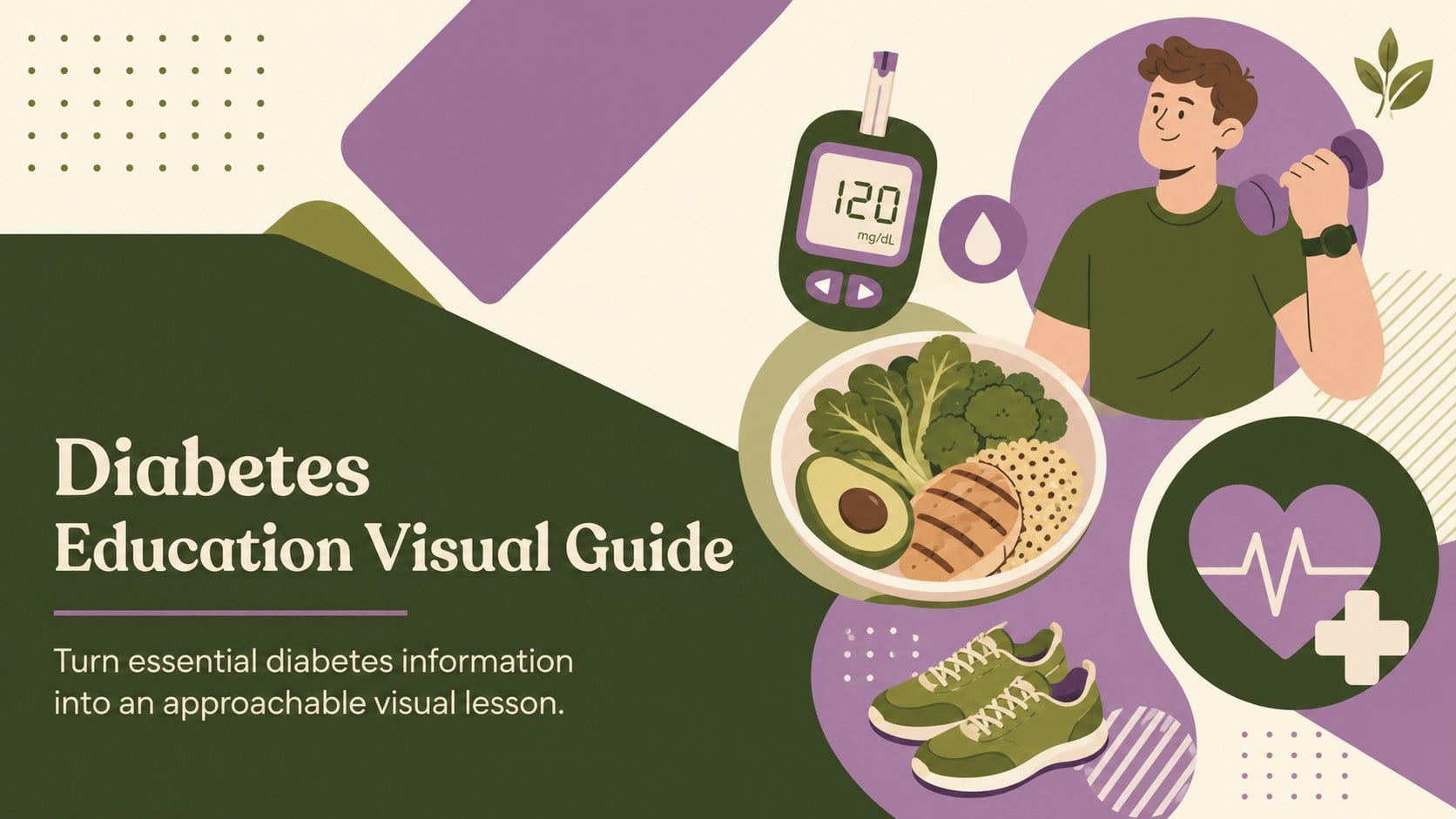
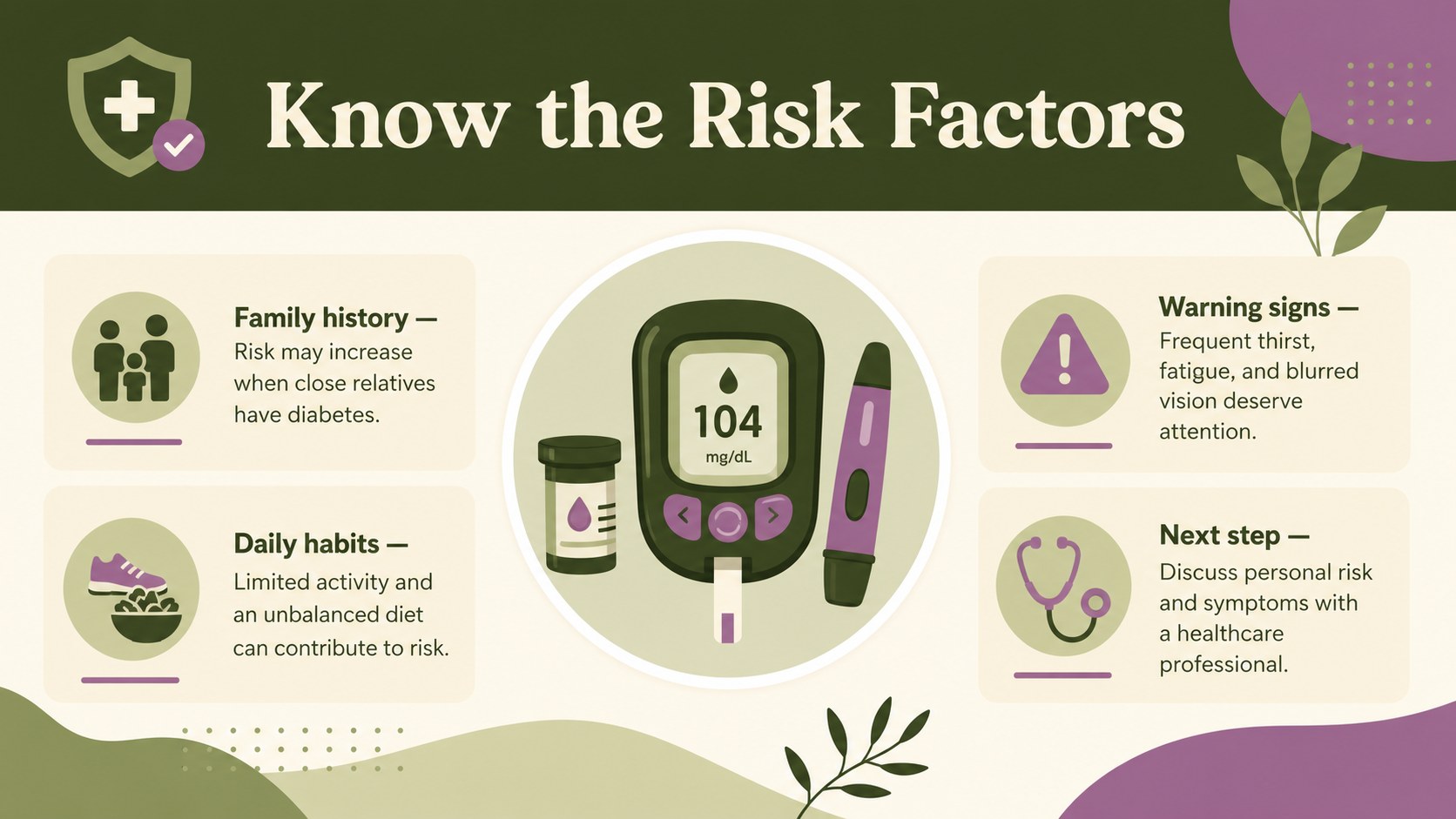
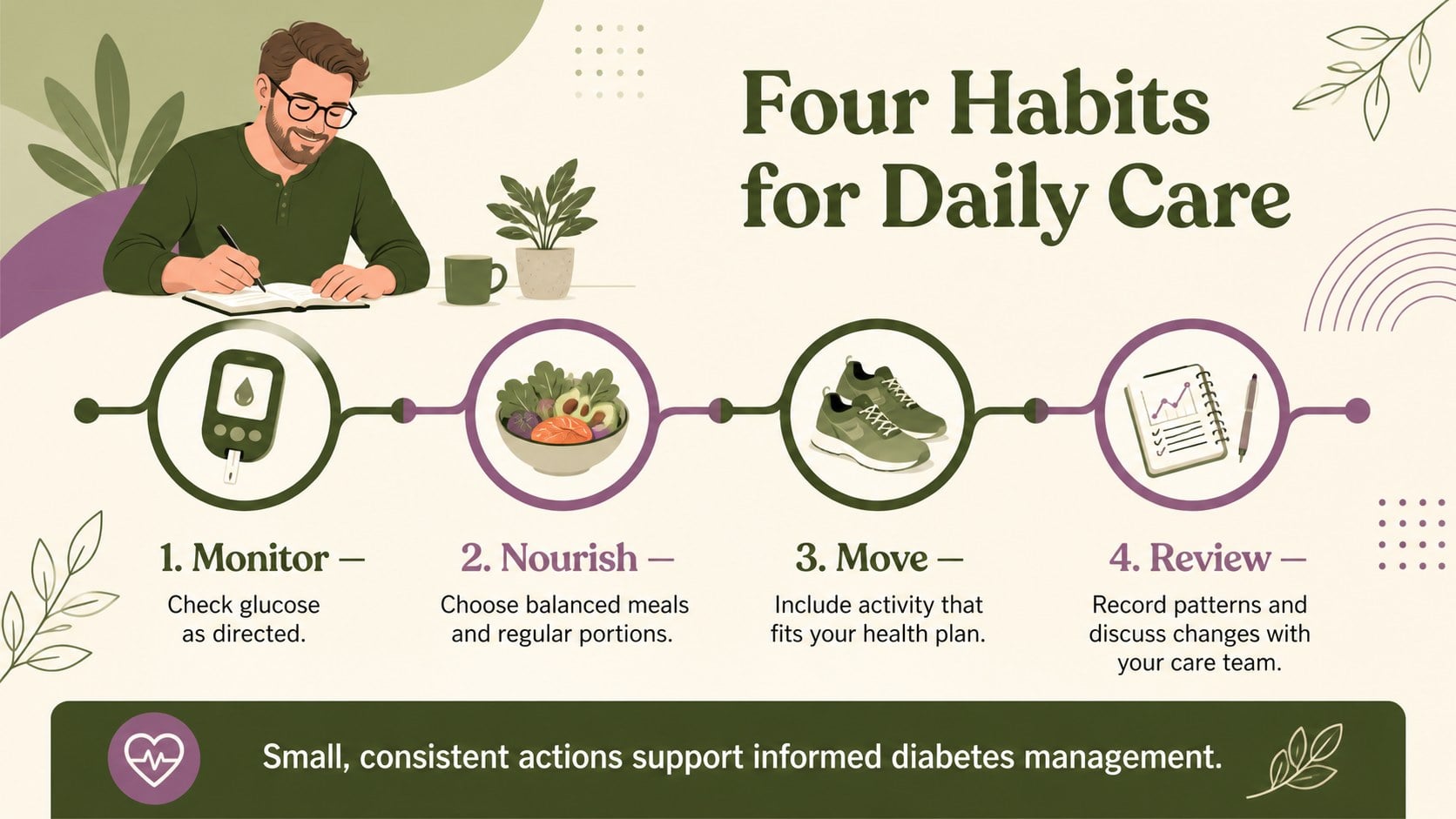
Use this diabetes education visual guide to explain risk factors, daily care, and prevention with bold green-and-purple visuals for classes and clinics.
Design notes
The Diabetes Education Visual Guide helps presenters explain a complex health topic through clear language, memorable illustrations, and focused data points. Its energetic green-and-purple palette keeps medical information approachable while providing enough visual contrast for classrooms, workshops, clinics, and community programs.
Inside, you will find layouts for introducing diabetes, outlining common risk factors, presenting prevention habits, and discussing daily glucose monitoring. Adapt the diagrams, callouts, icons, and fact blocks to create blood sugar management slides for a short lesson or a complete diabetes prevention presentation. The structured hierarchy makes statistics and practical recommendations easy to scan without overwhelming the audience.
This template is designed for health educators, nurses, school staff, nonprofit coordinators, wellness teams, and students preparing patient education diabetes slides. Replace the sample wording with local guidance, add verified statistics, and adjust the illustrations to suit different age groups or learning settings. Every slide can be edited in PowerPoint or Google Slides, including colors, text, shapes, and chart values. Use the deck for an in-person seminar, a virtual health session, a classroom assignment, or a printable reference handout. The result is a flexible teaching resource that supports informed conversations about risk reduction, symptom recognition, monitoring routines, and healthy daily choices.
Perfect for: community diabetes workshop; patient education session; school health lesson; employee wellness seminar; nursing student presentation.
Frequently asked questions
Can I edit the medical facts and statistics? Yes. All headings, fact blocks, chart values, labels, and recommendations can be replaced with information from your chosen clinical sources. Review the finished material with a qualified healthcare professional before presenting it as medical guidance.
Practical details
Yes. All headings, fact blocks, chart values, labels, and recommendations can be replaced with information from your chosen clinical sources. Review the finished material with a qualified healthcare professional before presenting it as medical guidance.
The template works with Microsoft PowerPoint and Google Slides. Text, colors, illustrations, shapes, and layouts remain editable on both platforms.
Yes. You can adjust the green-and-purple palette, replace icons, recolor shapes, and substitute illustrations to match your organization or audience. Maintain strong contrast so labels and health information remain readable.
Yes. Export selected slides as PDF files or print them directly from PowerPoint or Google Slides. Check the page scaling and font size before distributing printed copies.
Keep exploring
15Promote classes with a yoga workshop marketing presentation featuring playful beige, pink, and purple illustrations for PowerPoint and Google Slides.
 15
15Build a clear breast cancer awareness bulletin with bold pink-and-red slides for campaign news, screening reminders, impact data, and community updates.
 15
15Build a clear World Cancer Day message with this global cancer awareness campaign deck, featuring editable blue-green layouts for PowerPoint and Google Slides.
 4
4Document wound findings, treatment decisions, and healing progress with clinical wound evaluation slides for nurses in PowerPoint and Google Slides.
 14
14Plan a clear donor campaign with this blood donation awareness presentation, featuring editable beige-and-red visuals for PowerPoint and Google Slides.
 15
15Build a Kidney Health Awareness Campaign Deck with blue illustrated slides for prevention tips, risk education, screening events, and outreach.
 15
15Build an actionable training session with this fitness program workshop deck, using energetic yellow geometry and editable PowerPoint and Google Slides layouts.
 15
15Equip health teams with this malaria prevention education deck for workshops, community outreach, and policy briefings in PowerPoint or Google Slides.