
 15
15presentation
Yoga Workshop Marketing Presentation
Promote classes with a yoga workshop marketing presentation featuring playful beige, pink, and purple illustrations for PowerPoint and Google Slides.
Google SlidesPowerPoint
presentation · English
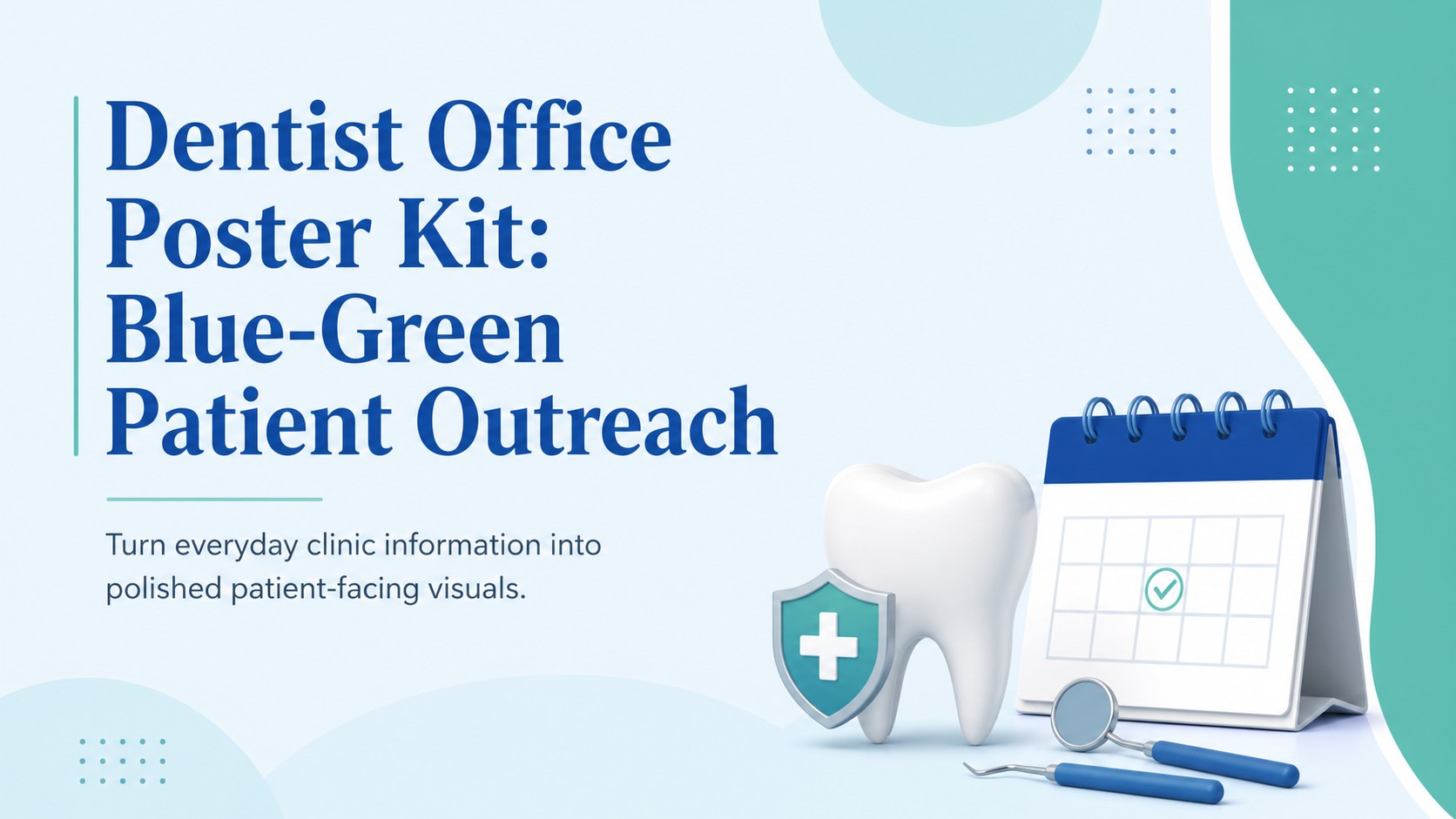
Promote services and welcome patients with a dentist office poster kit in crisp blue and green, customizable in PowerPoint or Google Slides.


Design notes
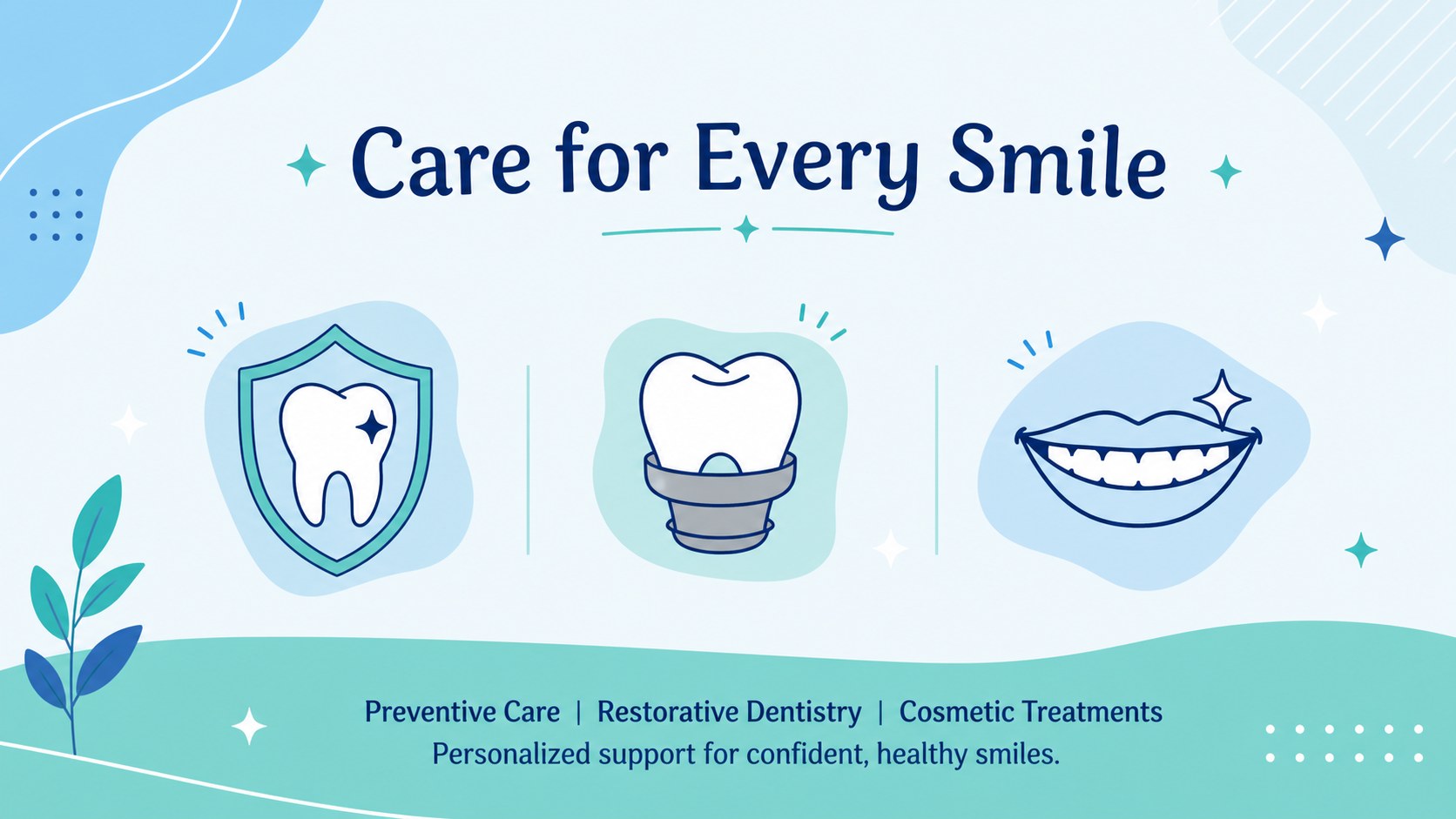
The dentist office poster kit gives dental teams a clear, professional way to promote treatments, share practical information, and create a more welcoming patient experience. Its fresh blue and green palette, simple geometric accents, illustrated dental details, and uncluttered typography suit modern practices without making important messages feel clinical or overwhelming.
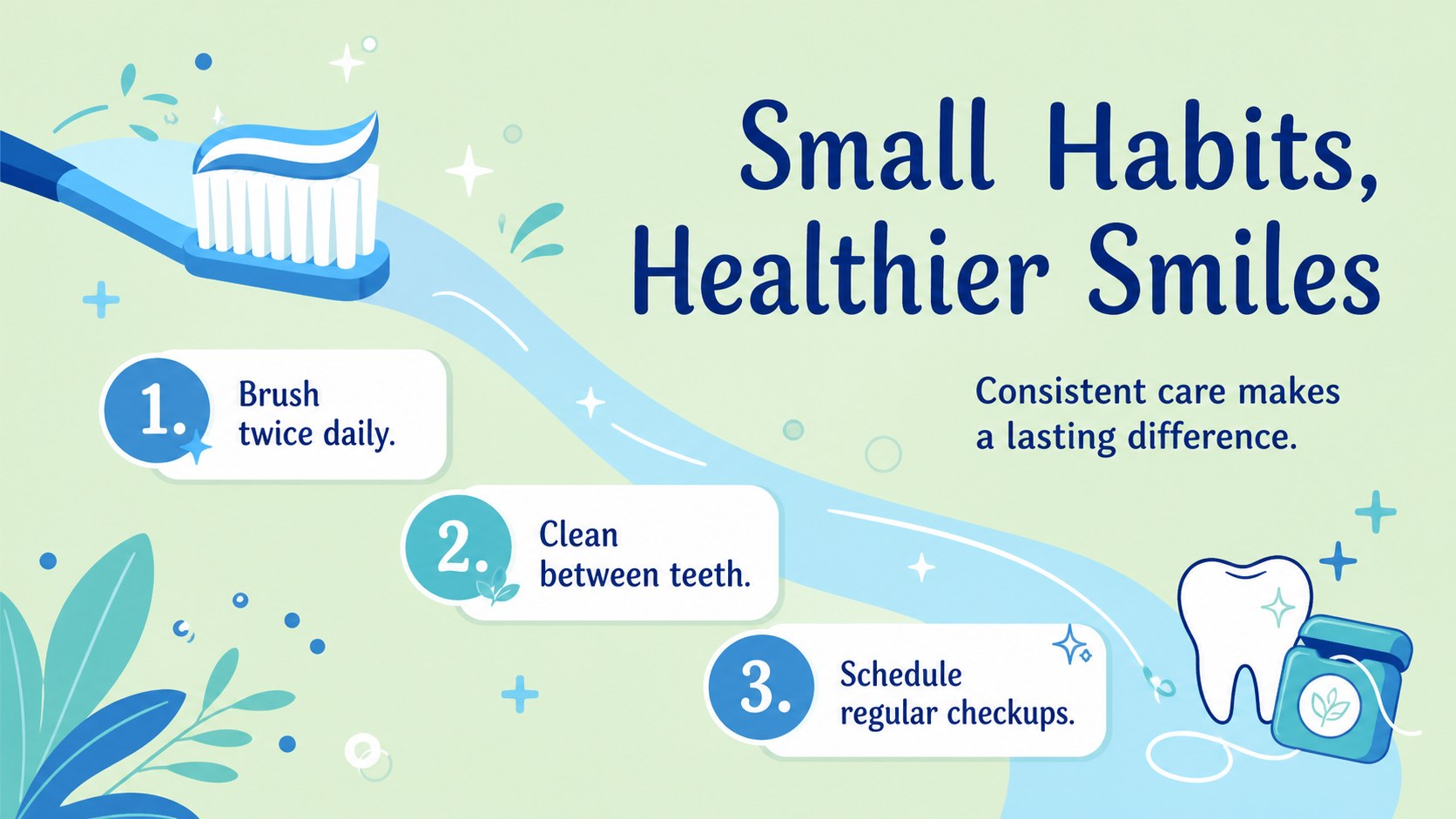
Inside are five coordinated layouts for introducing a practice, highlighting popular services, encouraging appointment bookings, sharing office hours, and presenting patient reminders. Use them together as a consistent dental practice marketing poster series or customize each design for a separate campaign. Editable text, colors, shapes, image areas, and service lists make it straightforward to adapt the collection to your clinic. The layouts can also work as a patient welcome poster template for reception screens, waiting-room displays, community outreach, or internal announcements.
This dentist office poster kit is intended for dentists, hygienists, orthodontic teams, practice managers, and healthcare marketers who need attractive communications without starting from a blank page. It is especially useful when creating an oral health services poster, promoting preventive care, or directing patients toward online and telephone booking options. Open the template in PowerPoint or Google Slides, add your practice details, and adjust the visual hierarchy to match your message. The clean structure keeps calls to action readable while leaving enough flexibility for contact information, treatment descriptions, and scheduling notes.
Perfect for: waiting room welcome display; dental services promotion; appointment booking campaign; community oral health outreach; clinic hours announcement.
Frequently asked questions
Can I edit the poster layouts for my own dental practice? Yes. You can replace the sample wording, update contact details, change colors, move graphics, and add your practice logo using standard editing tools.
Practical details
Yes. You can replace the sample wording, update contact details, change colors, move graphics, and add your practice logo using standard editing tools.
The template is designed for PowerPoint and Google Slides. Both platforms allow you to edit the layouts, present them on a screen, and export finished designs for distribution.
Yes. After customization, export the required layout as a PDF or high-quality image and configure the final print dimensions with your print provider. Check margins and image resolution before producing large-format copies.
Replace the blue and green accents with your approved brand colors, then apply your preferred fonts and photography. Keep strong contrast between headlines, service details, and calls to action so patients can scan the poster quickly.
Keep exploring
15Promote classes with a yoga workshop marketing presentation featuring playful beige, pink, and purple illustrations for PowerPoint and Google Slides.
 15
15Build a clear breast cancer awareness bulletin with bold pink-and-red slides for campaign news, screening reminders, impact data, and community updates.
 15
15Build a clear World Cancer Day message with this global cancer awareness campaign deck, featuring editable blue-green layouts for PowerPoint and Google Slides.
 4
4Document wound findings, treatment decisions, and healing progress with clinical wound evaluation slides for nurses in PowerPoint and Google Slides.
 14
14Plan a clear donor campaign with this blood donation awareness presentation, featuring editable beige-and-red visuals for PowerPoint and Google Slides.
 15
15Build a Kidney Health Awareness Campaign Deck with blue illustrated slides for prevention tips, risk education, screening events, and outreach.
 15
15Build an actionable training session with this fitness program workshop deck, using energetic yellow geometry and editable PowerPoint and Google Slides layouts.
 15
15Equip health teams with this malaria prevention education deck for workshops, community outreach, and policy briefings in PowerPoint or Google Slides.