
 15
15presentation
Yoga Workshop Marketing Presentation
Promote classes with a yoga workshop marketing presentation featuring playful beige, pink, and purple illustrations for PowerPoint and Google Slides.
Google SlidesPowerPoint
presentation · English
Build a polished dental supply marketing deck for product launches, clinic partnerships, and sales meetings with editable PowerPoint and Google Slides…





Design notes
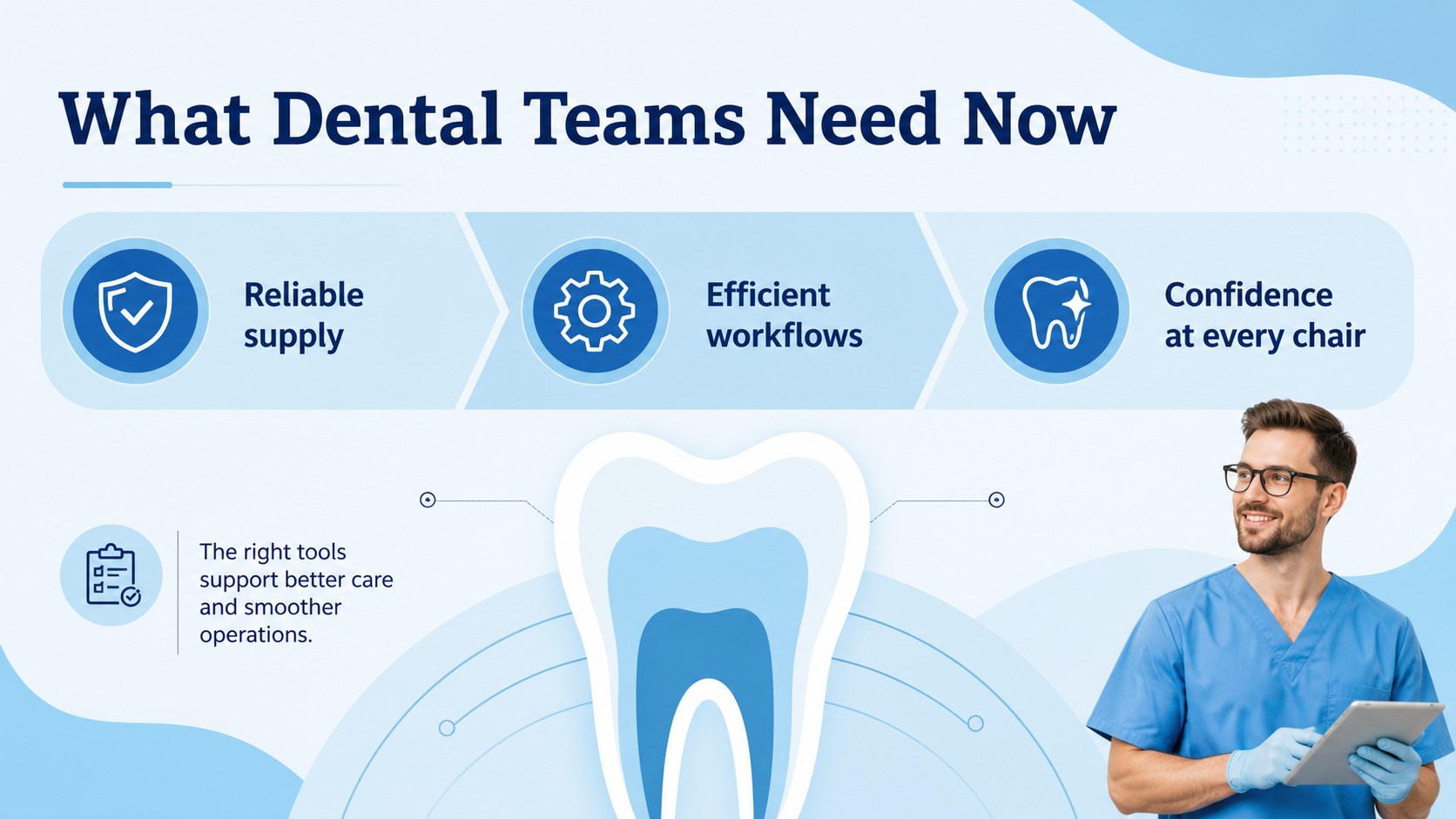
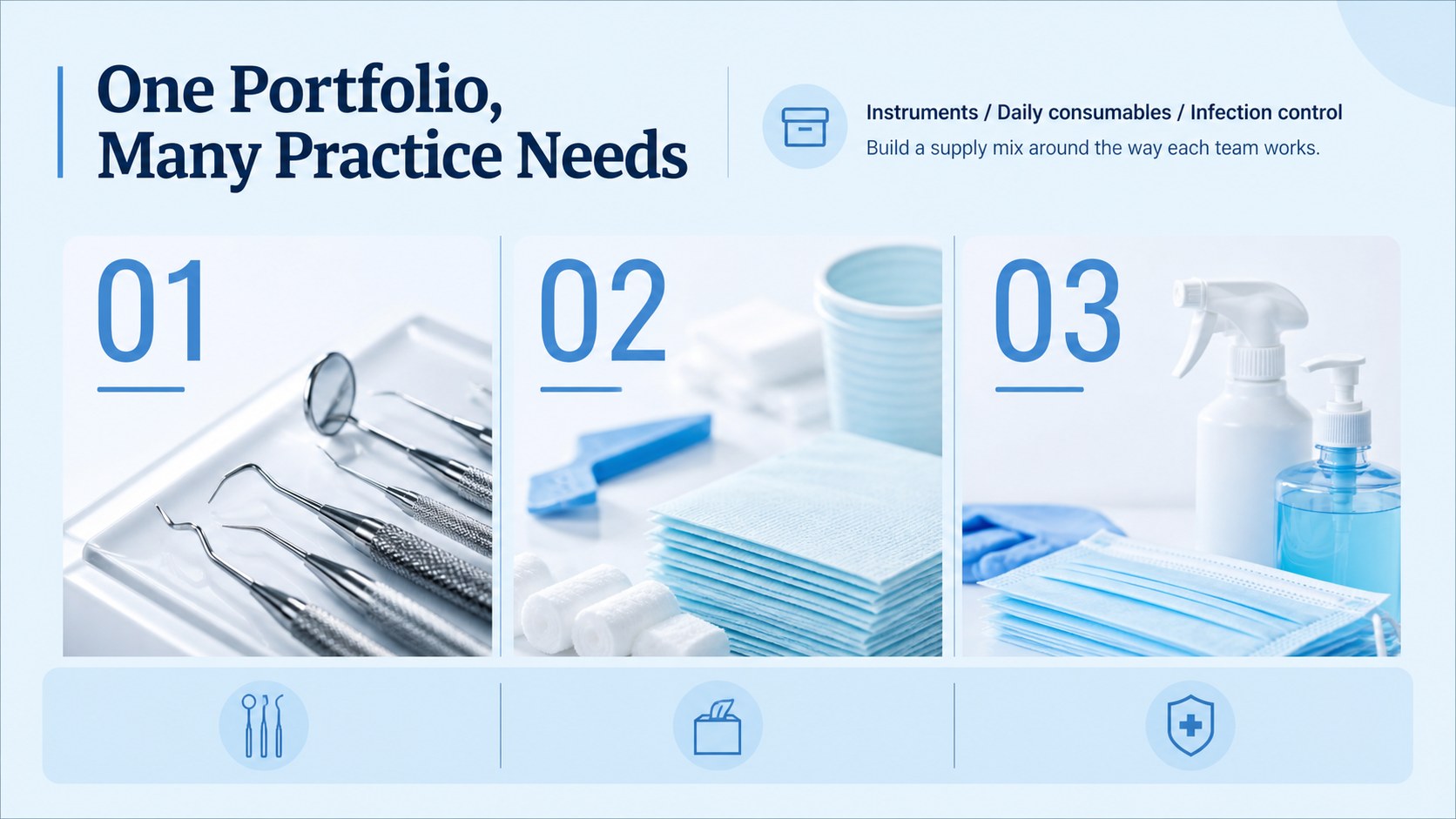
Present dental products with a clean, confident visual system designed for healthcare buyers and business partners. This dental supply marketing deck helps you explain product value, highlight differentiators, and guide viewers from market context to a clear call to action. Its light blue palette, spacious layouts, and modern typography create a fresh professional impression without overwhelming technical information.
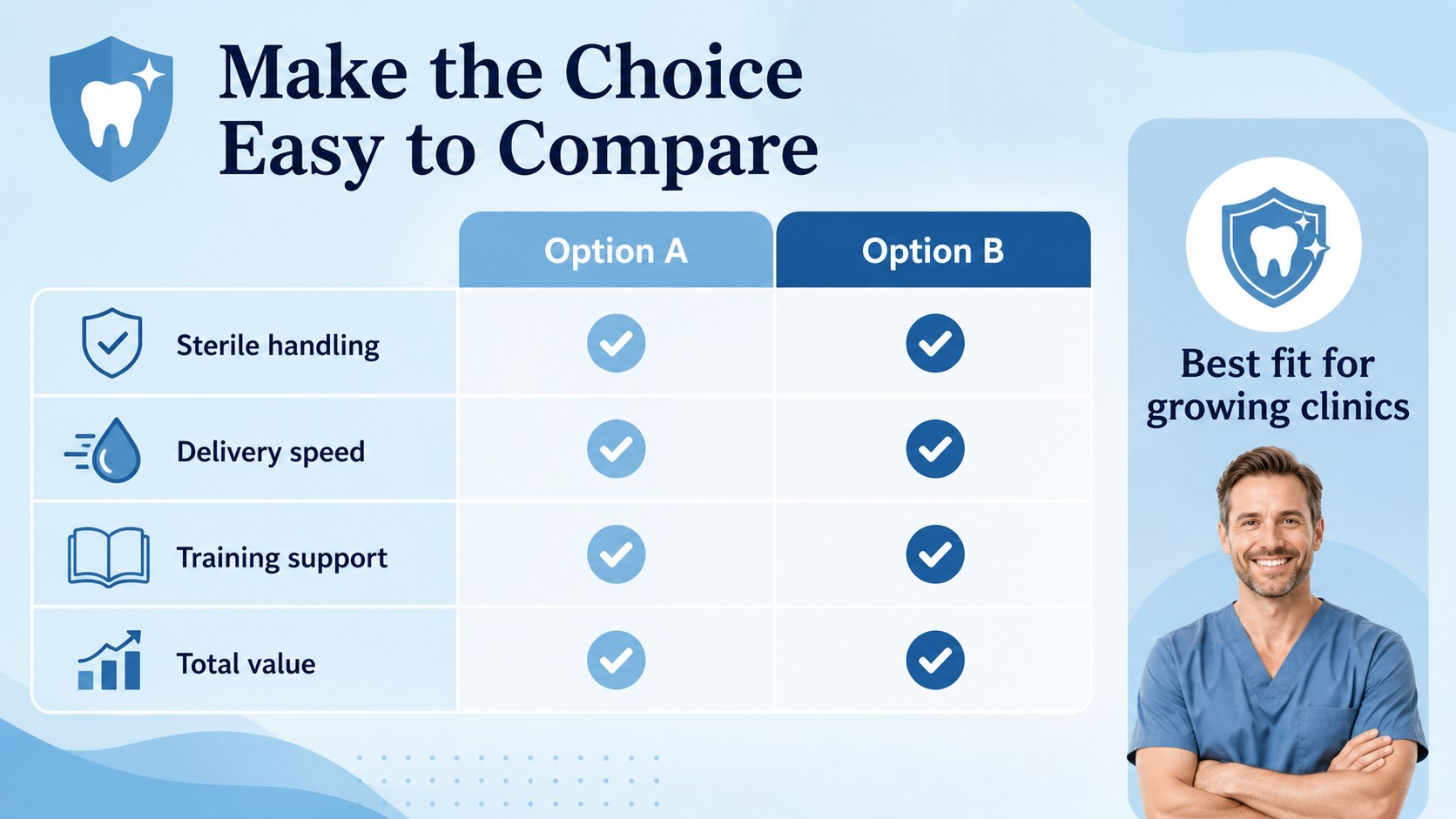
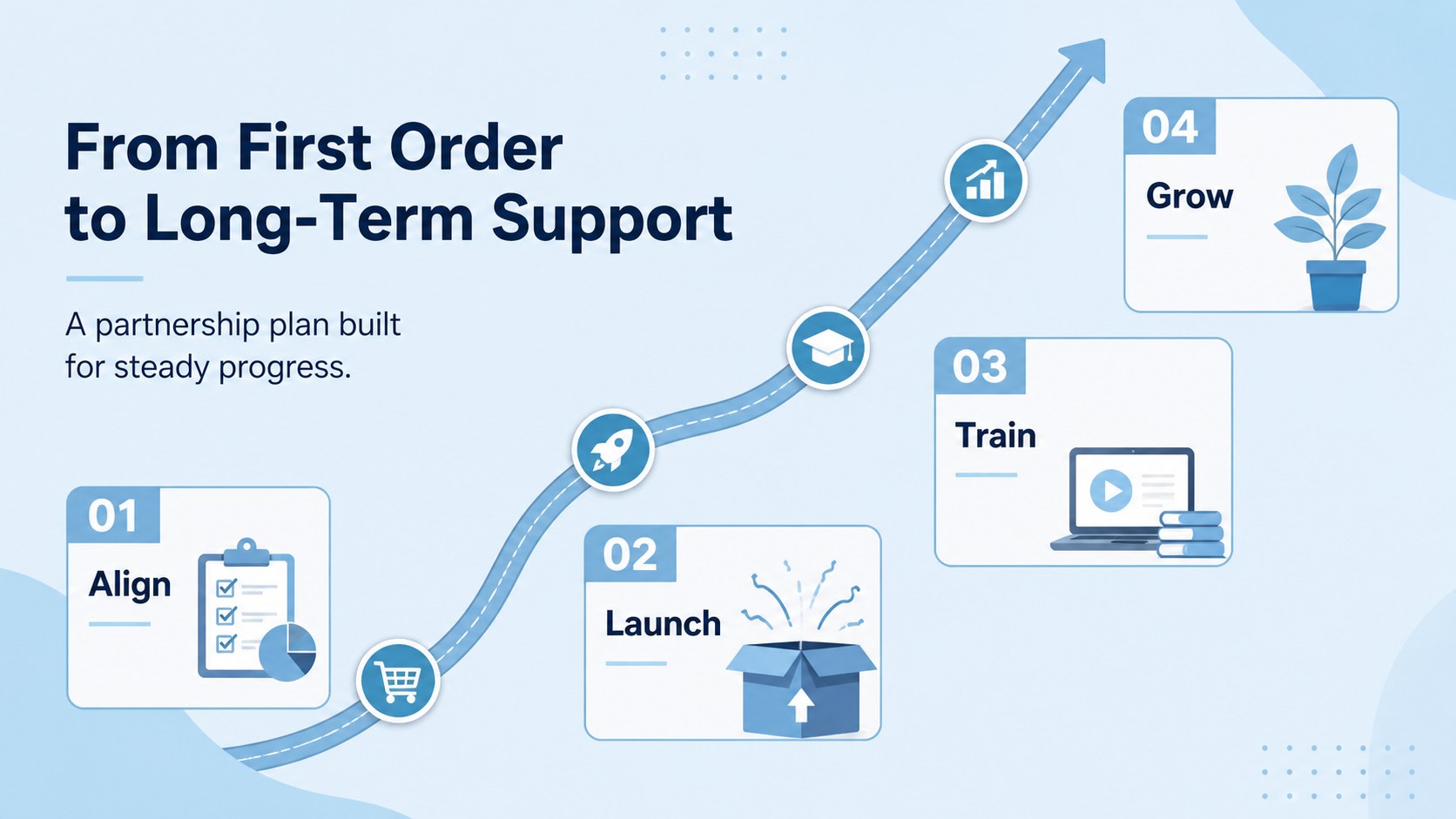
Inside, you’ll find ready-made slides for an introduction, agenda, product portfolio, customer needs, market statistics, launch milestones, service benefits, team profiles, testimonials, comparison tables, and a final contact page. Reorder, duplicate, or remove layouts to shape a focused narrative for a dental product launch presentation, distributor briefing, or clinic sales pitch. Add your own photography, icons, charts, brand colors, and supporting data while keeping the visual language consistent.
The template is useful for dental manufacturers, oral care startups, medical supply distributors, sales teams, consultants, and clinic partnership managers. Edit it in PowerPoint or Google Slides, then present digitally or export it as a PDF for follow-up conversations. The restrained blue design also works well for oral care brand strategy, product education, procurement proposals, and professional training sessions.
Perfect for: dental product launch; clinic partnership pitch; distributor sales meeting; healthcare procurement proposal; oral care team training.
Frequently asked questions
Can I edit this deck in PowerPoint? Yes. The layouts are designed for editing in Microsoft PowerPoint. Replace text, images, charts, colors, and logos with your own brand materials.
Practical details
Yes. The layouts are designed for editing in Microsoft PowerPoint. Replace text, images, charts, colors, and logos with your own brand materials.
Yes, you can open and customize the presentation in Google Slides. Check fonts and image placement after importing, then adjust them if your organization uses different brand settings.
Yes. The deck includes layouts for product introductions, benefits, market data, milestones, testimonials, and calls to action. Combine those slides into a focused launch story for clinics, distributors, or buyers.
Update the theme colors and fonts to align with your identity while preserving the spacious layout system. Use product photography, clinical diagrams, icons, and verified statistics to make the presentation specific to your offer.
Keep exploring
15Promote classes with a yoga workshop marketing presentation featuring playful beige, pink, and purple illustrations for PowerPoint and Google Slides.
 15
15Build a clear breast cancer awareness bulletin with bold pink-and-red slides for campaign news, screening reminders, impact data, and community updates.
 15
15Build a clear World Cancer Day message with this global cancer awareness campaign deck, featuring editable blue-green layouts for PowerPoint and Google Slides.
 4
4Document wound findings, treatment decisions, and healing progress with clinical wound evaluation slides for nurses in PowerPoint and Google Slides.
 14
14Plan a clear donor campaign with this blood donation awareness presentation, featuring editable beige-and-red visuals for PowerPoint and Google Slides.
 15
15Build a Kidney Health Awareness Campaign Deck with blue illustrated slides for prevention tips, risk education, screening events, and outreach.
 15
15Build an actionable training session with this fitness program workshop deck, using energetic yellow geometry and editable PowerPoint and Google Slides layouts.
 15
15Equip health teams with this malaria prevention education deck for workshops, community outreach, and policy briefings in PowerPoint or Google Slides.