
 15
15presentation
Yoga Workshop Marketing Presentation
Promote classes with a yoga workshop marketing presentation featuring playful beige, pink, and purple illustrations for PowerPoint and Google Slides.
Google SlidesPowerPoint
document · English
Coordinate specialist visits with a polished dental specialist handoff sheet for PowerPoint and Google Slides, built for clear, efficient patient…
Design notes
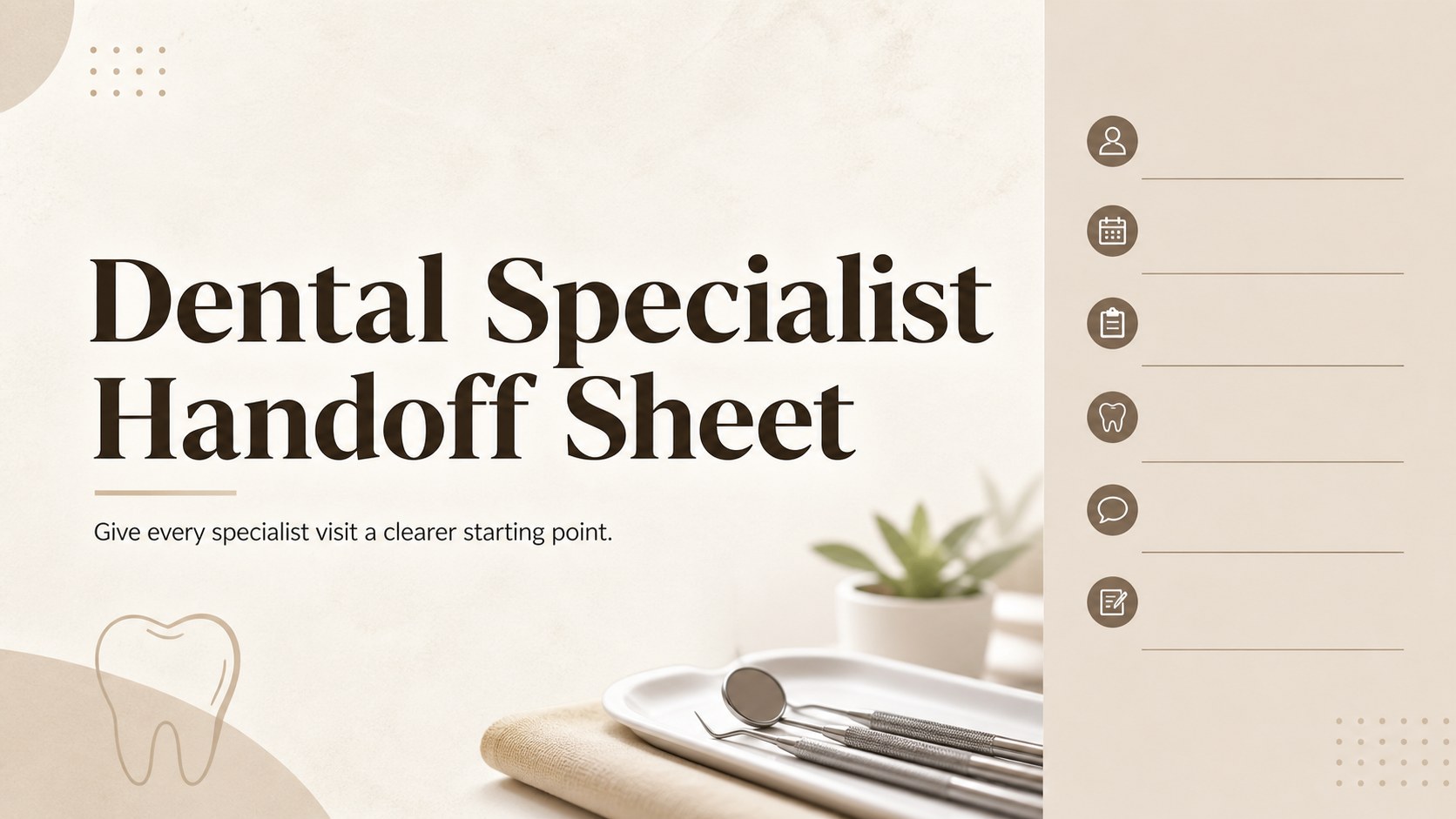
Give every specialist visit a clearer starting point with the Dental Specialist Handoff Sheet. Its neutral beige-and-brown design presents essential patient information in a calm, professional format that supports accurate communication between dental offices and specialty providers. Use it to organize treatment context, relevant history, clinical notes, and next-step requests before a patient moves into specialist care.
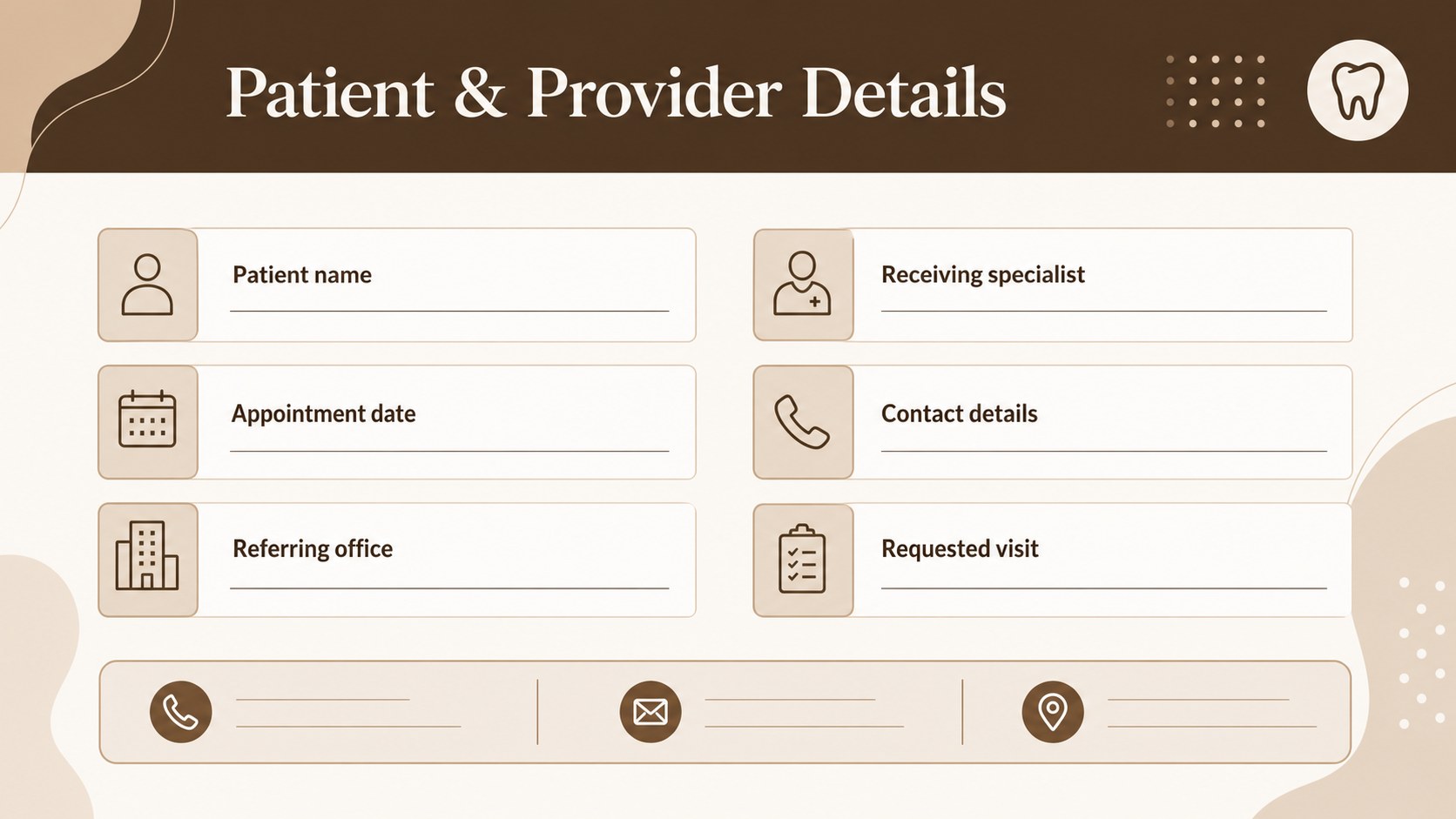
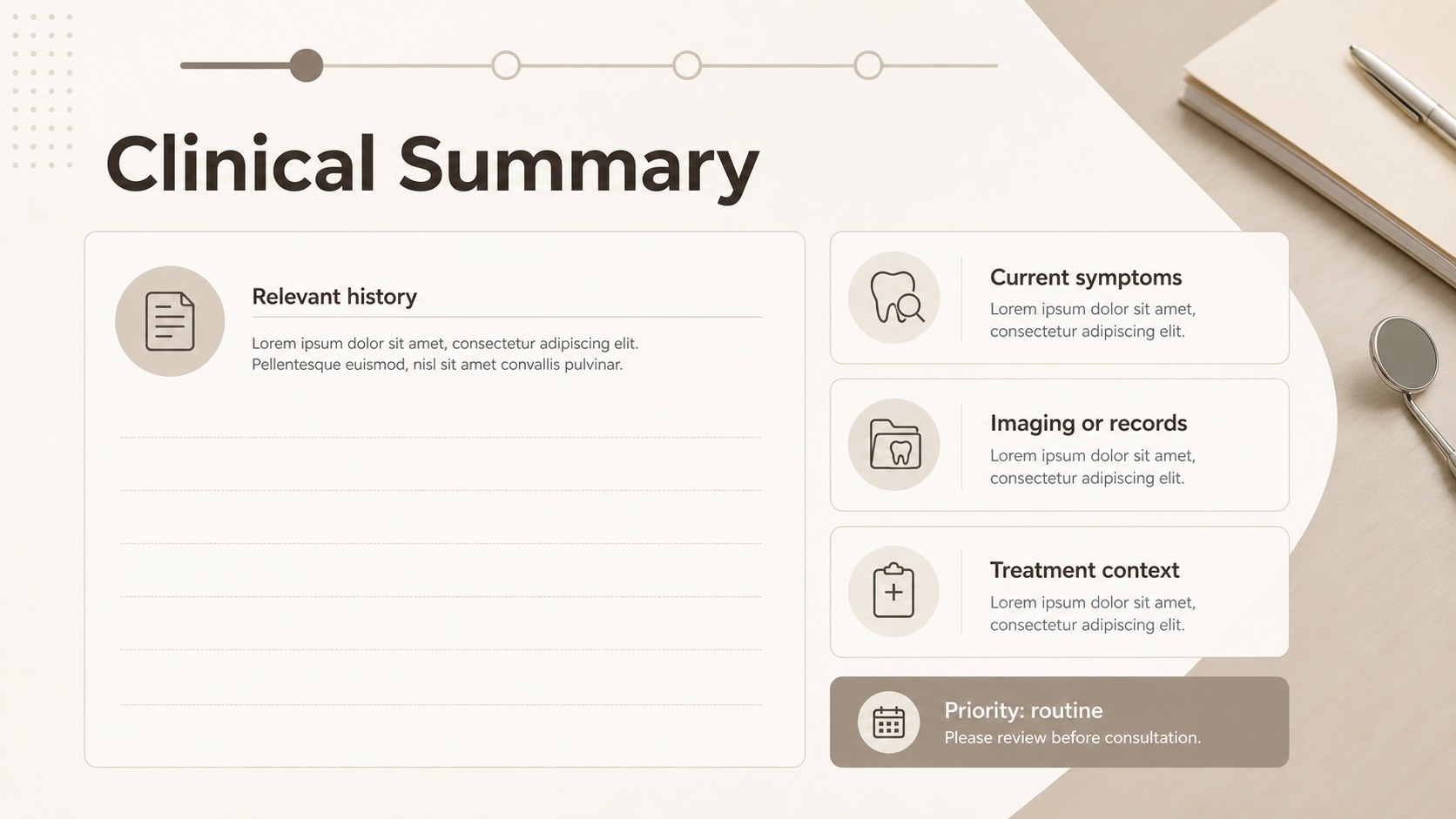
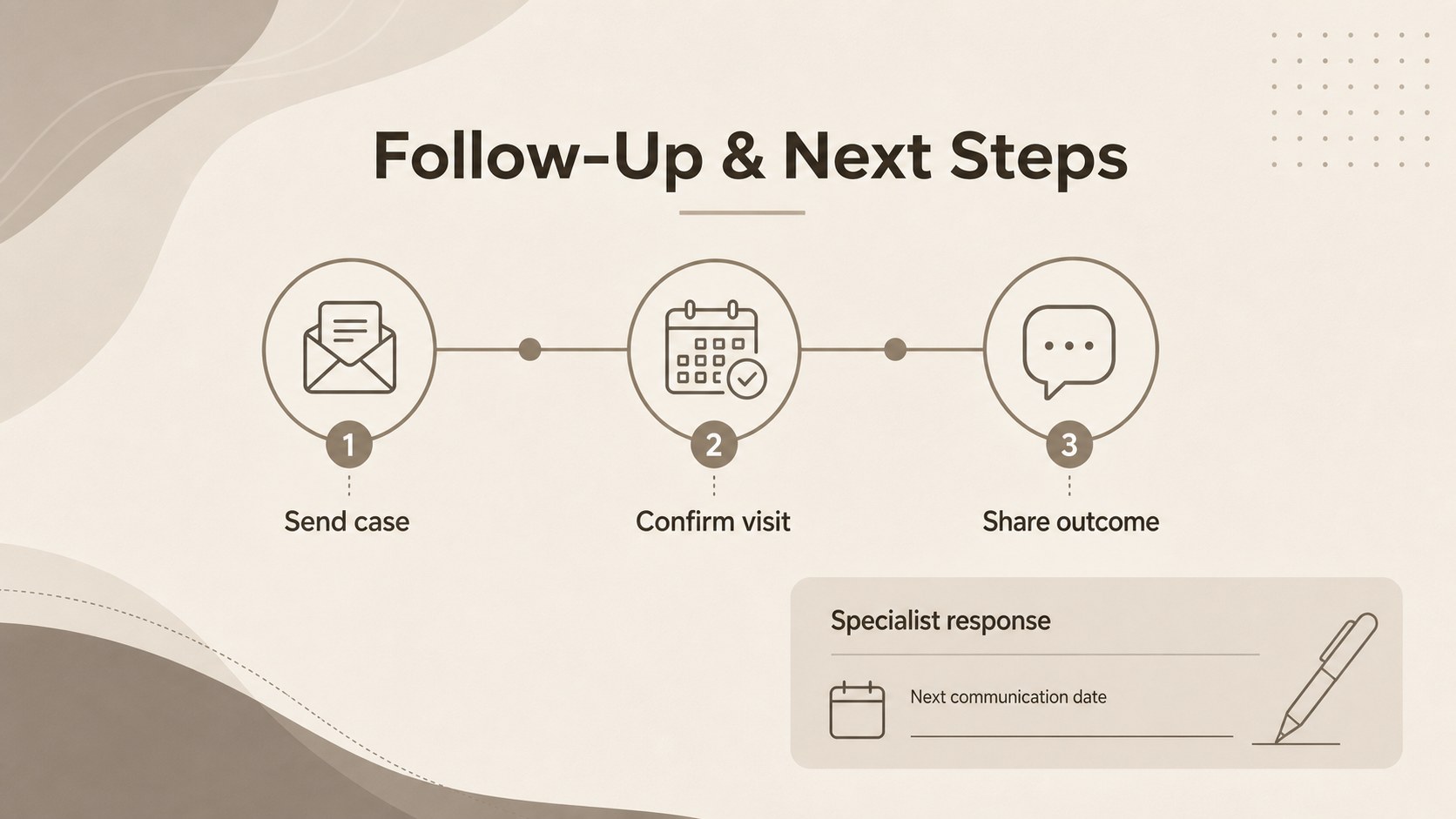
Inside, you will find a clean cover layout, a structured patient-information page, an organized clinical-summary slide, and a follow-up handoff page. The layouts are easy to adapt for an editable dental referral workflow, including practice details, appointment information, provider contacts, symptoms, imaging notes, and requested services. A dedicated specialist handoff form for dentists can also help teams reduce missing details during inter-office communication.
This template is designed for dentists, orthodontists, oral surgeons, hygienists, practice managers, and front-office teams. Edit it in PowerPoint or Google Slides, replace sample copy, adjust typography, and apply your practice colors while preserving the restrained medical style. It also works as a dental patient transfer presentation when staff need a concise visual record for internal review, case coordination, or specialist consultation.
Perfect for: specialist consultation handoff; orthodontic case coordination; oral surgery patient transfer; inter-office dental communication; internal clinical review.
Frequently asked questions
Can I edit this template in PowerPoint? Yes. The layouts can be customized in PowerPoint, including text, colors, fonts, tables, and practice details. Replace the sample information with your own clinical and administrative content.
Practical details
Yes. The layouts can be customized in PowerPoint, including text, colors, fonts, tables, and practice details. Replace the sample information with your own clinical and administrative content.
Yes, you can open and edit the template in Google Slides. Review font substitutions and spacing after import, then update provider information and patient fields as needed.
Add patient identifiers, appointment details, referring and receiving provider contacts, relevant history, symptoms, imaging notes, treatment context, and requested follow-up. Keep only the information appropriate for your office's privacy and documentation policies.
Yes. Update the beige and brown accents, typography, and practice details to fit your brand while keeping the clean medical presentation style. You can also duplicate or remove sections for different specialties.
Keep exploring
15Promote classes with a yoga workshop marketing presentation featuring playful beige, pink, and purple illustrations for PowerPoint and Google Slides.
 15
15Build a clear breast cancer awareness bulletin with bold pink-and-red slides for campaign news, screening reminders, impact data, and community updates.
 15
15Build a clear World Cancer Day message with this global cancer awareness campaign deck, featuring editable blue-green layouts for PowerPoint and Google Slides.
 4
4Document wound findings, treatment decisions, and healing progress with clinical wound evaluation slides for nurses in PowerPoint and Google Slides.
 14
14Plan a clear donor campaign with this blood donation awareness presentation, featuring editable beige-and-red visuals for PowerPoint and Google Slides.
 15
15Build a Kidney Health Awareness Campaign Deck with blue illustrated slides for prevention tips, risk education, screening events, and outreach.
 15
15Build an actionable training session with this fitness program workshop deck, using energetic yellow geometry and editable PowerPoint and Google Slides layouts.
 15
15Equip health teams with this malaria prevention education deck for workshops, community outreach, and policy briefings in PowerPoint or Google Slides.