
 15
15presentation
Yoga Workshop Marketing Presentation
Promote classes with a yoga workshop marketing presentation featuring playful beige, pink, and purple illustrations for PowerPoint and Google Slides.
Google SlidesPowerPoint
spreadsheet · English
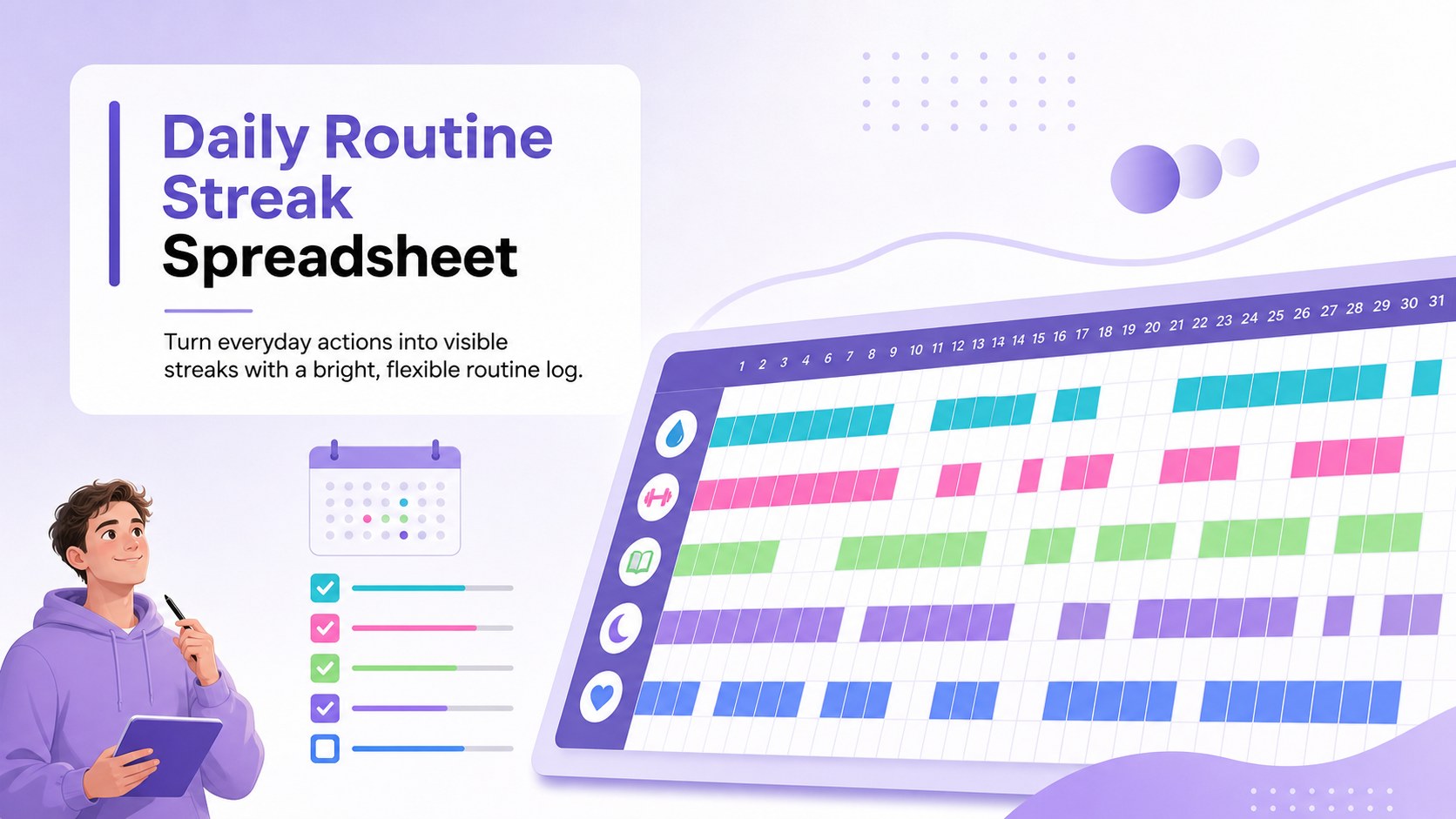
Build lasting routines with a daily routine streak spreadsheet featuring colorful gradient check-ins, flexible goals, and clear progress views.
Design notes
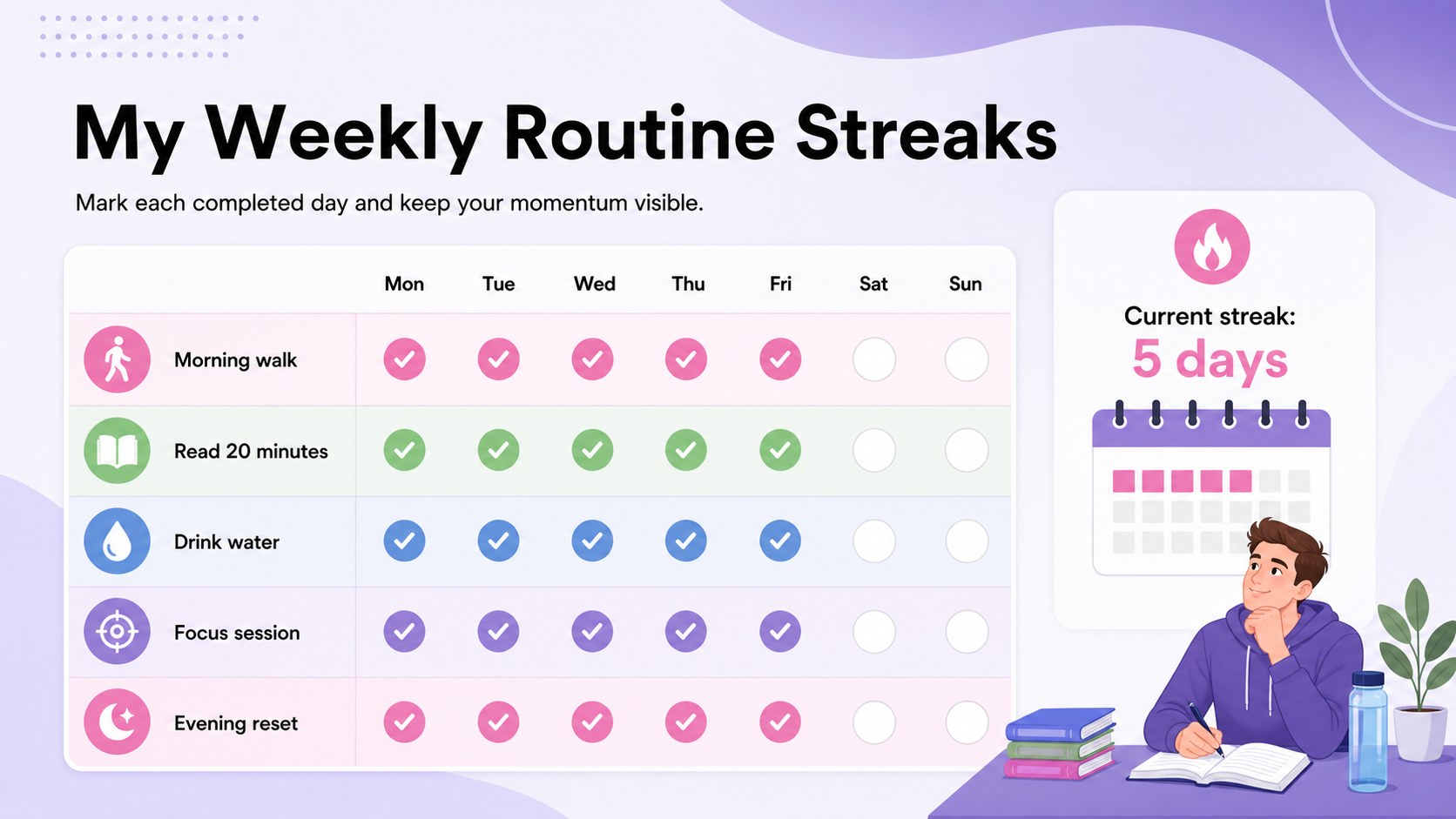
Build consistency one check-in at a time with this daily routine streak spreadsheet. Its colorful gradient design combines purple, pink, green, blue, white, and black accents in a clear landscape layout, making repeated tasks easy to scan without turning routine planning into a chore. Use it for exercise, hydration, reading, mindfulness, study sessions, household tasks, or any activity you want to repeat regularly.
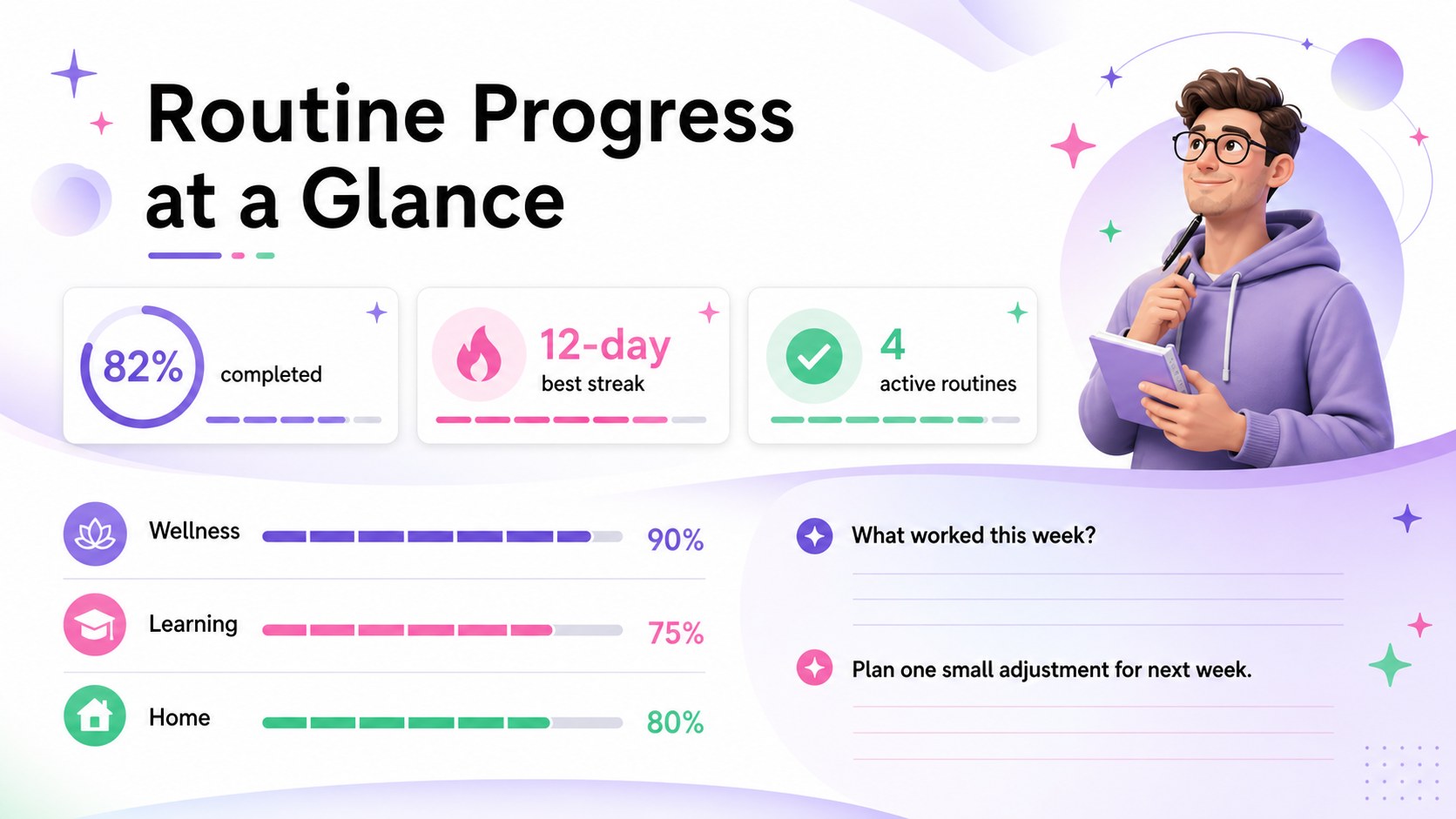
Inside, you will find an editable tracking grid, space for naming routines, daily completion markers, weekly reflections, and a simple progress summary. Adapt the weekly habit streak planner by changing labels, adding rows, adjusting the tracking period, or assigning colors to different areas of your life. The colorful routine progress spreadsheet works equally well for a focused seven-day challenge or a longer personal improvement program.
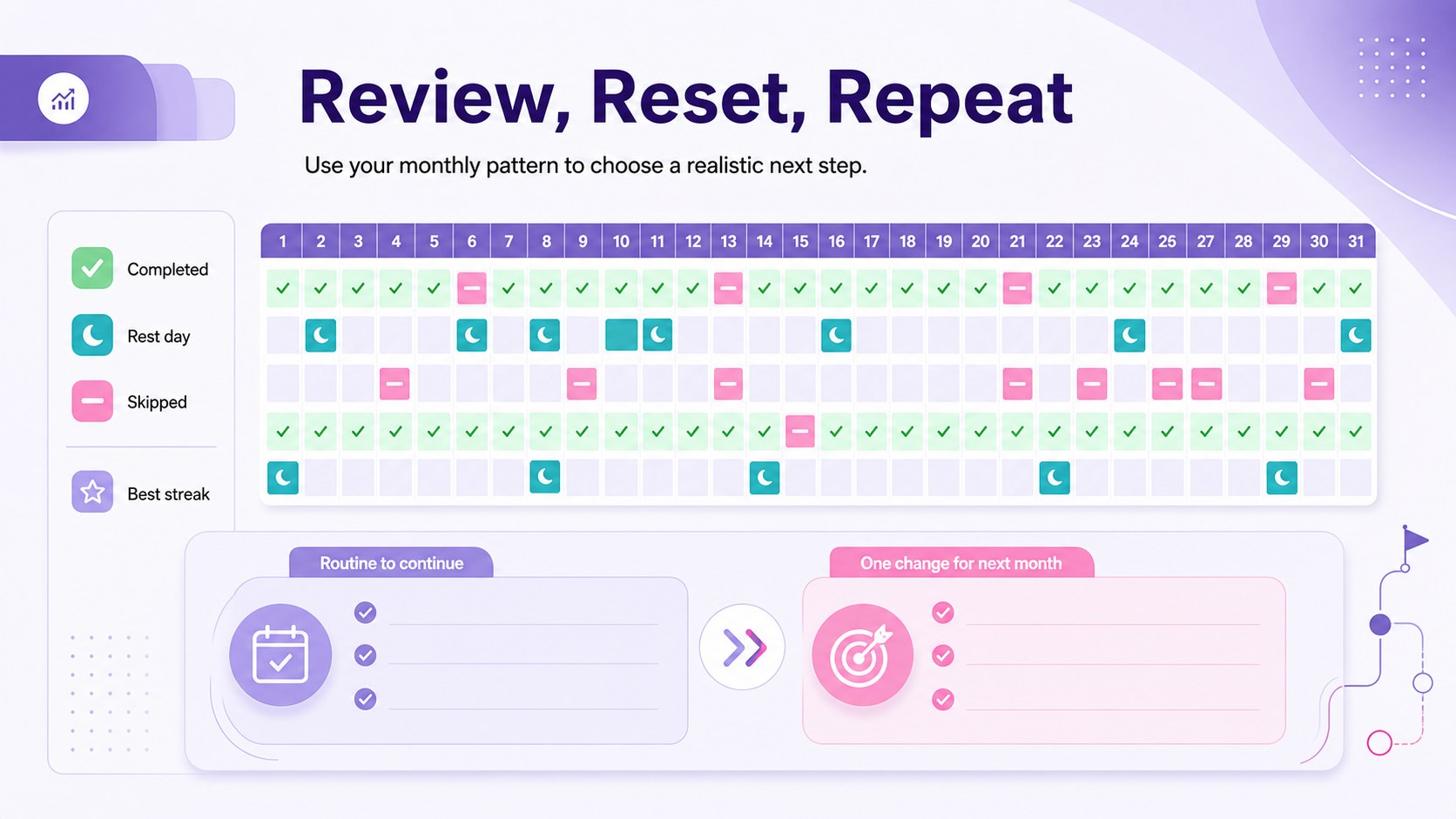
This template suits students, professionals, families, wellness coaches, teachers, and anyone building more dependable routines. Edit the visual slides in PowerPoint or Google Slides, and use the spreadsheet layouts in Excel or Google Sheets. Charts, shapes, type styles, and color coding can be customized to match your goals. Whether you are monitoring a single behavior or balancing several priorities, the structured format helps you spot missed days, celebrate active streaks, and make informed adjustments to your schedule.
Perfect for: 30-day wellness challenge; student study routine tracking; fitness and hydration check-ins; family chore consistency log; personal productivity review.
Frequently asked questions
Which platforms support this template? The presentation elements can be opened and edited in PowerPoint or Google Slides. Spreadsheet-based tracking layouts are compatible with Excel and Google Sheets.
Practical details
The presentation elements can be opened and edited in PowerPoint or Google Slides. Spreadsheet-based tracking layouts are compatible with Excel and Google Sheets.
Yes. Rename the routine rows, add or remove activities, and adjust the date columns for weekly or monthly tracking.
Select the relevant cells, shapes, or chart elements and replace their fill colors with your preferred palette. You can also create separate colors for completed, skipped, and rest days.
Yes. The layout can be adapted for classroom participation, household responsibilities, team routines, recurring wellness tasks, or short-term challenges.
Keep exploring
15Promote classes with a yoga workshop marketing presentation featuring playful beige, pink, and purple illustrations for PowerPoint and Google Slides.
 15
15Build a clear breast cancer awareness bulletin with bold pink-and-red slides for campaign news, screening reminders, impact data, and community updates.
 15
15Build a clear World Cancer Day message with this global cancer awareness campaign deck, featuring editable blue-green layouts for PowerPoint and Google Slides.
 4
4Document wound findings, treatment decisions, and healing progress with clinical wound evaluation slides for nurses in PowerPoint and Google Slides.
 14
14Plan a clear donor campaign with this blood donation awareness presentation, featuring editable beige-and-red visuals for PowerPoint and Google Slides.
 15
15Build a Kidney Health Awareness Campaign Deck with blue illustrated slides for prevention tips, risk education, screening events, and outreach.
 15
15Build an actionable training session with this fitness program workshop deck, using energetic yellow geometry and editable PowerPoint and Google Slides layouts.
 15
15Equip health teams with this malaria prevention education deck for workshops, community outreach, and policy briefings in PowerPoint or Google Slides.