
 15
15presentation
Yoga Workshop Marketing Presentation
Promote classes with a yoga workshop marketing presentation featuring playful beige, pink, and purple illustrations for PowerPoint and Google Slides.
Google SlidesPowerPoint
spreadsheet · English
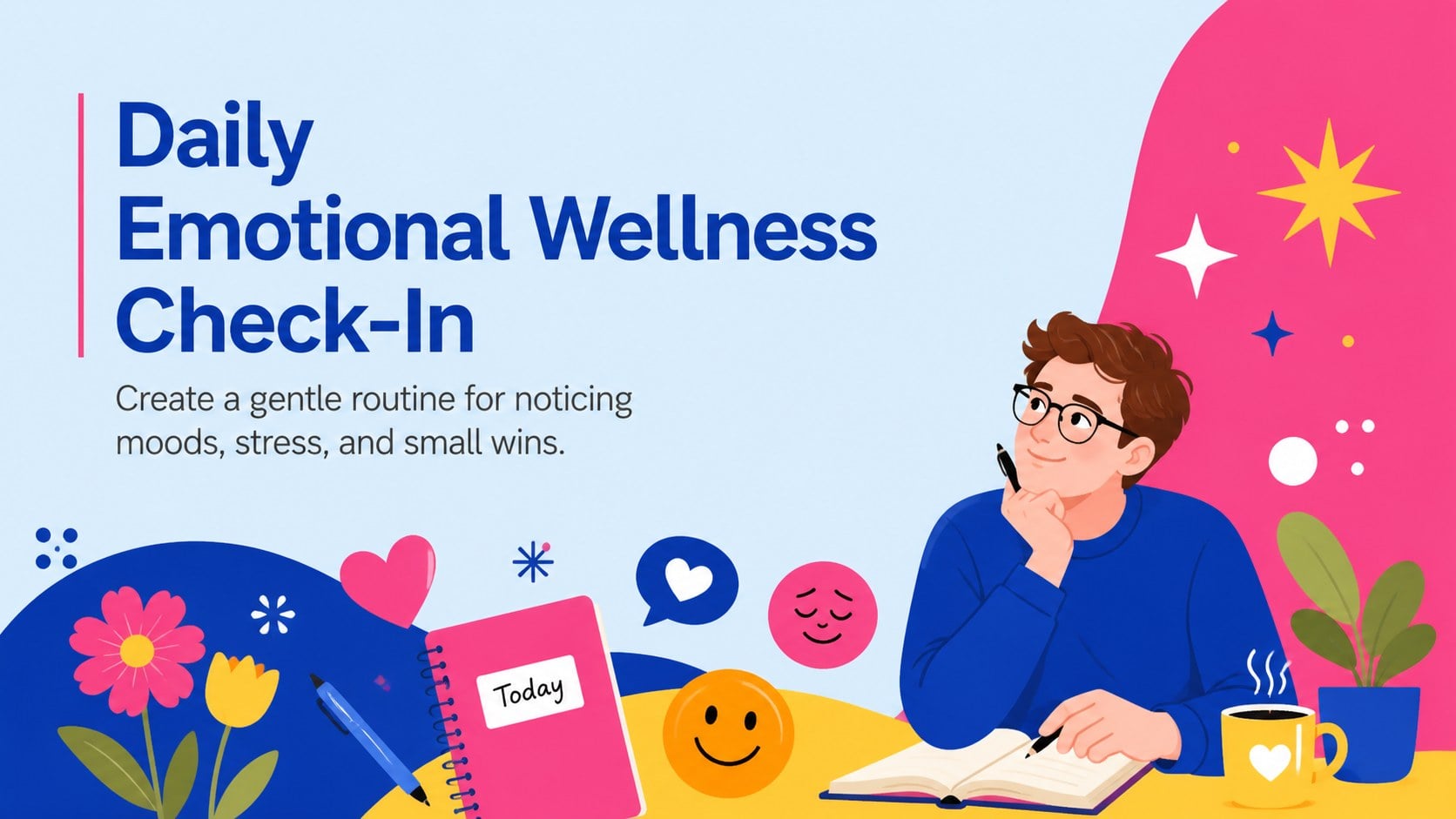
Build a mindful reflection routine with this daily emotional wellness check-in, featuring editable mood logs for PowerPoint and Google Slides.
Design notes
The Daily Emotional Wellness Check-In turns personal reflection into a clear, manageable routine. Designed with cheerful blue, orange, pink, and yellow accents, this editable resource offers a welcoming place to record feelings, recognize patterns, and pause for a moment of self-awareness. Its playful illustrations and uncluttered layouts keep the experience supportive without making it feel clinical.
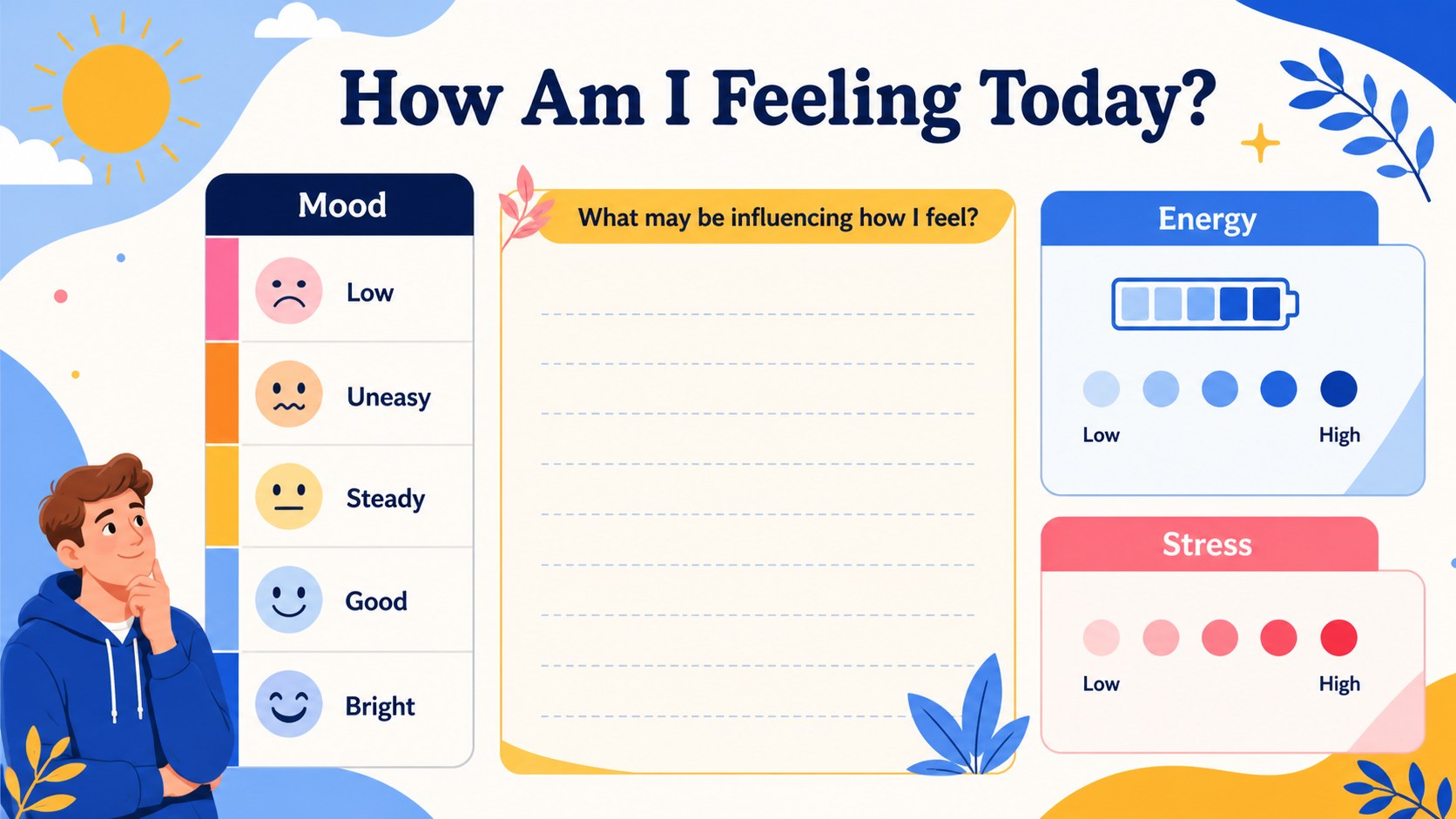
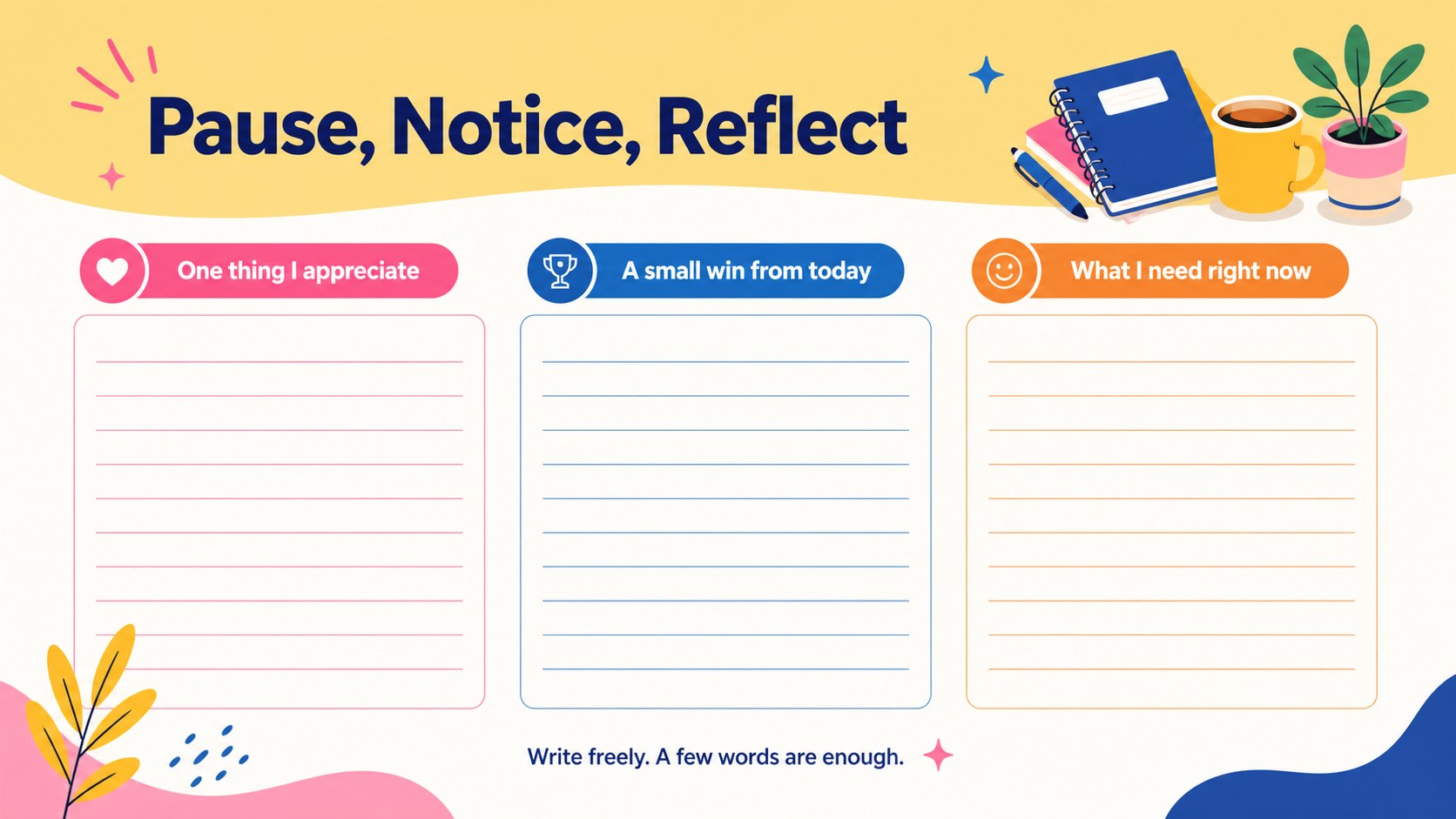
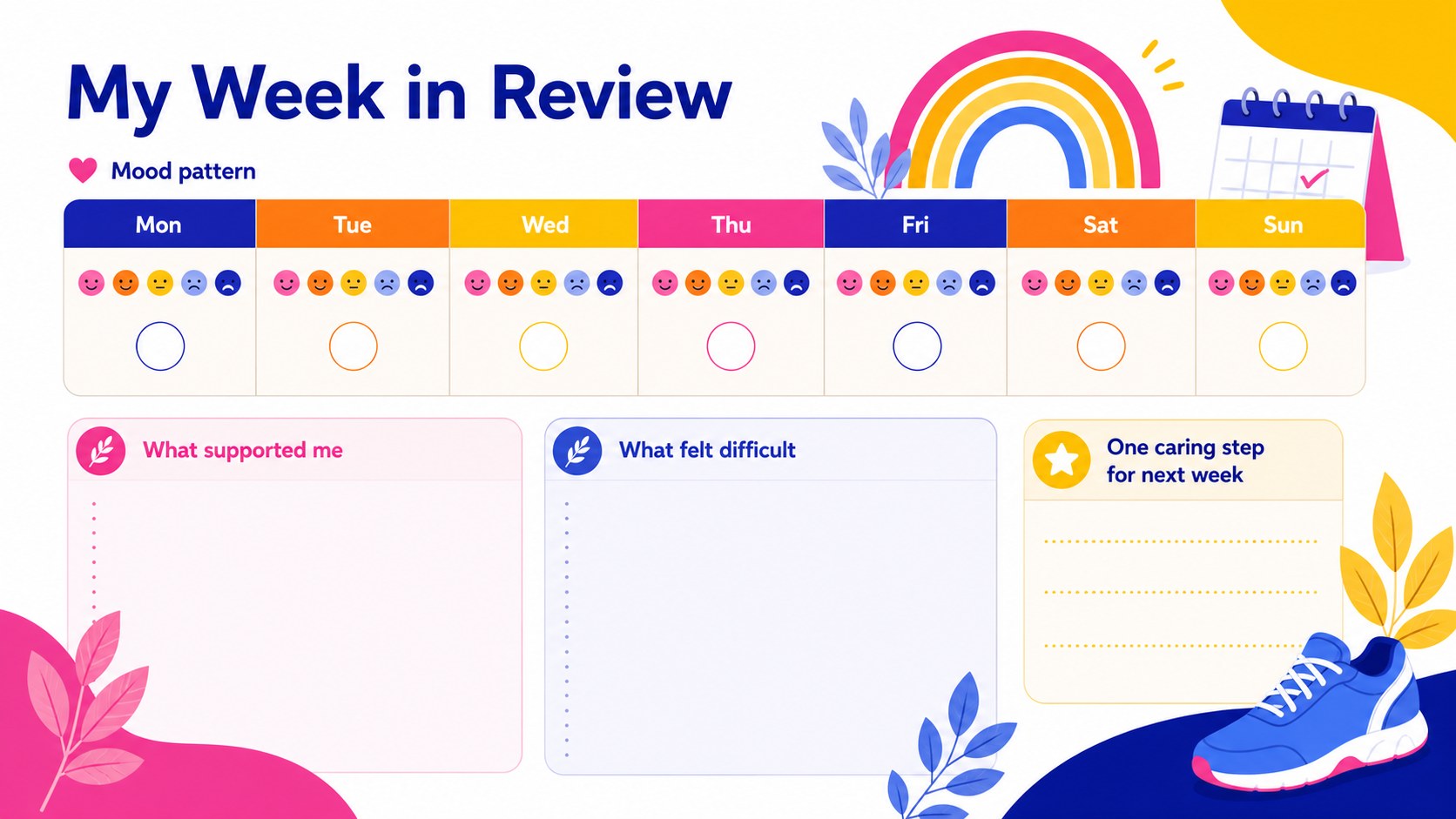
Inside, you will find a visual mood scale, daily reflection prompts, space for gratitude and personal wins, a stress and energy check, and a simple self-care planning page. Use the editable mood tracking slides to customize labels, colors, questions, and response areas for different ages or settings. The deck also works as a printable emotional wellness journal when exported to PDF, giving users the choice to type responses or write by hand.
This daily emotional wellness check-in is suitable for students, adults, counselors, educators, support groups, and workplace wellness facilitators. It can support individual routines, classroom social-emotional learning, counseling conversations, or a weekly wellbeing review template. Every page can be adapted in PowerPoint or Google Slides, making it straightforward to create a private daily feelings check-in or a guided activity for a group. The colorful illustrated style brings warmth to serious reflection while leaving enough open space for honest, useful notes.
Perfect for: daily personal reflection; student emotion check-in; counseling session notes; workplace wellness activity; weekly wellbeing review.
Frequently asked questions
Can I edit the check-in questions and mood labels? Yes. All headings, prompts, mood labels, and response areas can be edited in PowerPoint or Google Slides to fit your audience and reflection routine.
Practical details
Yes. All headings, prompts, mood labels, and response areas can be edited in PowerPoint or Google Slides to fit your audience and reflection routine.
Yes. Export the completed or blank slides as a PDF, then print individual pages for handwritten responses. Check your printer settings before printing to preserve the intended colors and proportions.
The template is designed for Microsoft PowerPoint and Google Slides. Fonts or spacing may vary slightly between platforms, so review each page after opening the file.
Change the accent colors, typefaces, icons, illustrations, and prompt categories using the built-in editing tools. You can also duplicate pages to create a longer daily or weekly reflection sequence.
Keep exploring
15Promote classes with a yoga workshop marketing presentation featuring playful beige, pink, and purple illustrations for PowerPoint and Google Slides.
 15
15Build a clear breast cancer awareness bulletin with bold pink-and-red slides for campaign news, screening reminders, impact data, and community updates.
 15
15Build a clear World Cancer Day message with this global cancer awareness campaign deck, featuring editable blue-green layouts for PowerPoint and Google Slides.
 4
4Document wound findings, treatment decisions, and healing progress with clinical wound evaluation slides for nurses in PowerPoint and Google Slides.
 14
14Plan a clear donor campaign with this blood donation awareness presentation, featuring editable beige-and-red visuals for PowerPoint and Google Slides.
 15
15Build a Kidney Health Awareness Campaign Deck with blue illustrated slides for prevention tips, risk education, screening events, and outreach.
 15
15Build an actionable training session with this fitness program workshop deck, using energetic yellow geometry and editable PowerPoint and Google Slides layouts.
 15
15Equip health teams with this malaria prevention education deck for workshops, community outreach, and policy briefings in PowerPoint or Google Slides.