
 15
15presentation
Yoga Workshop Marketing Presentation
Promote classes with a yoga workshop marketing presentation featuring playful beige, pink, and purple illustrations for PowerPoint and Google Slides.
Google SlidesPowerPoint
presentation · English
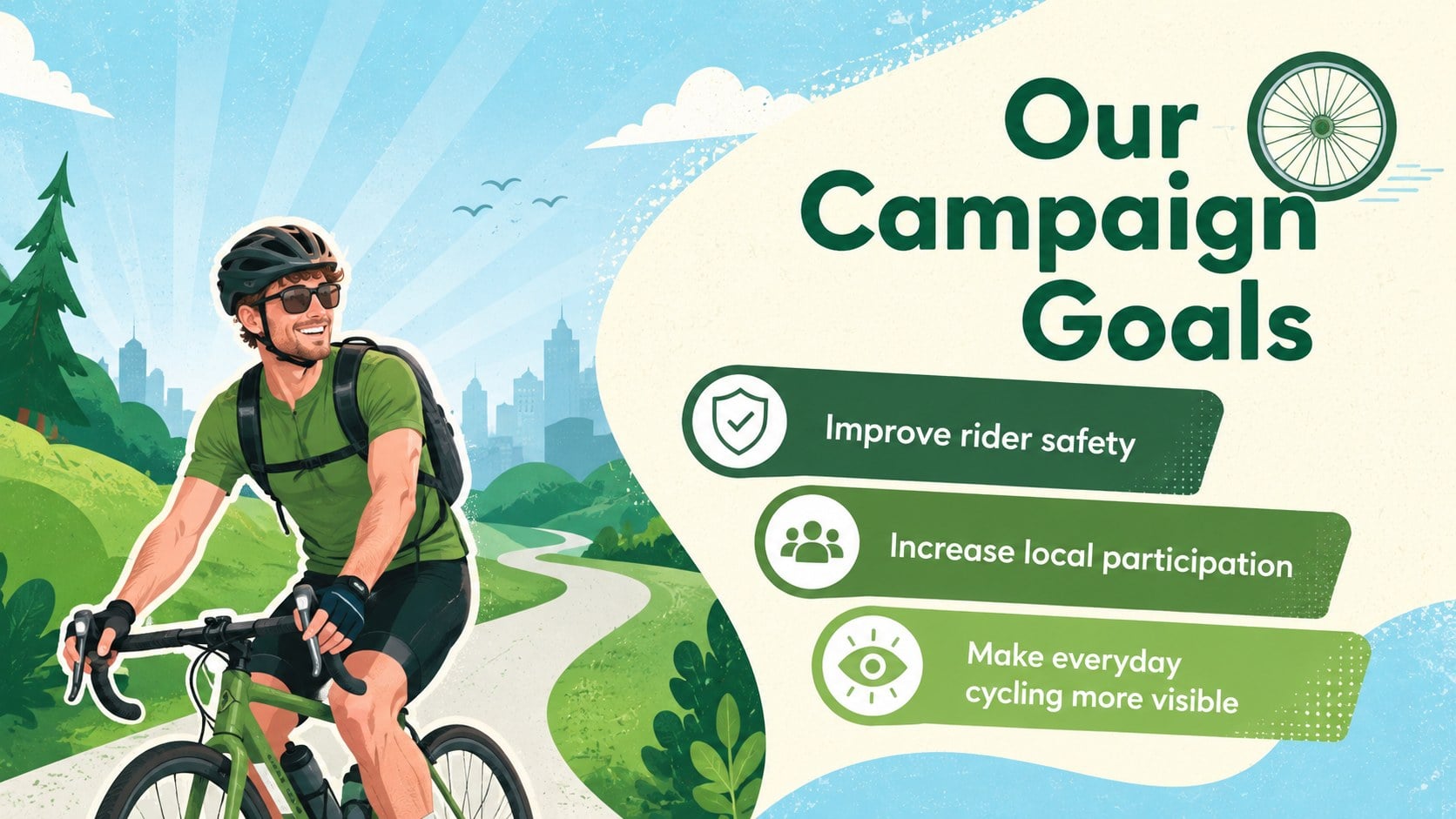
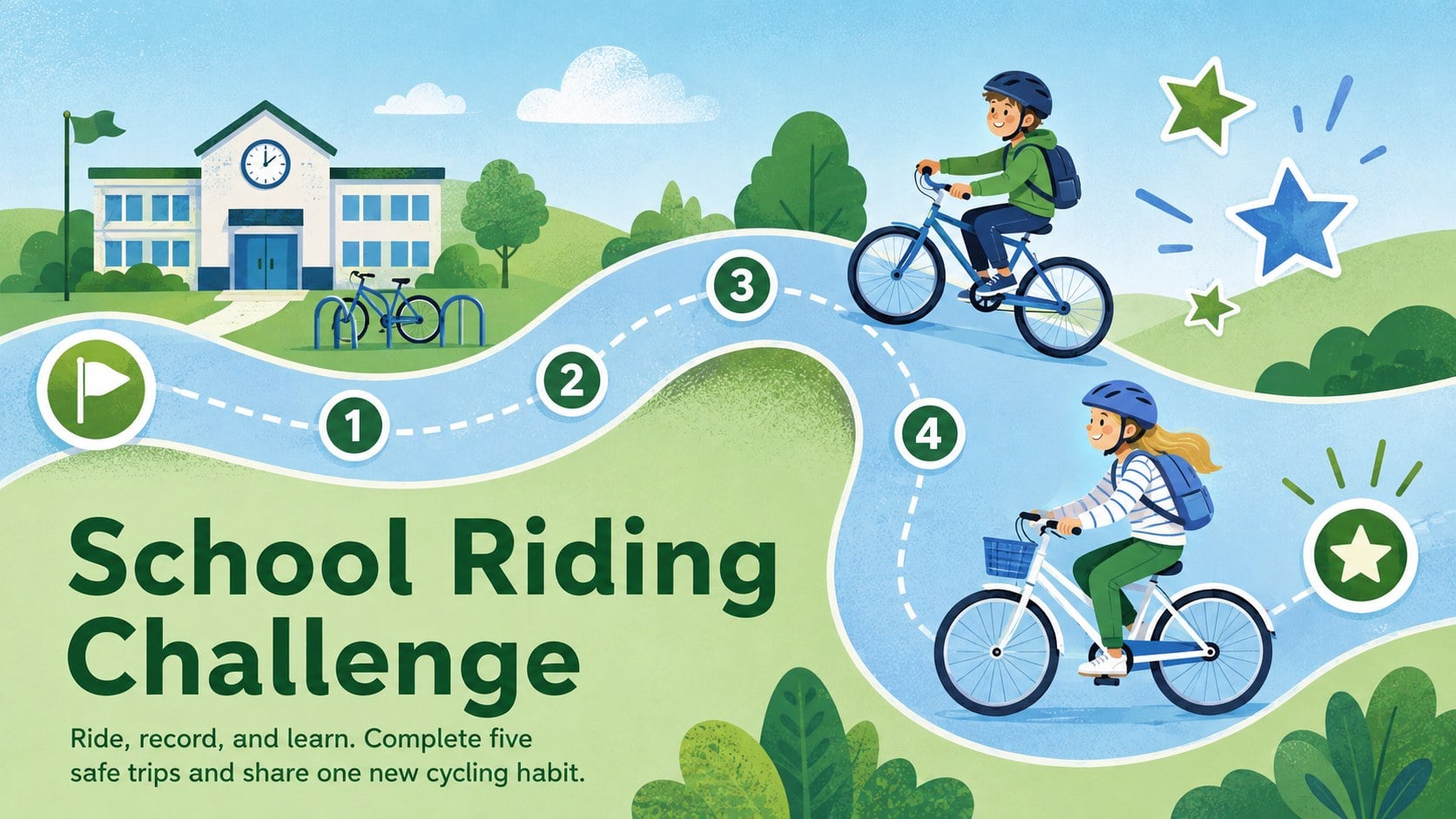
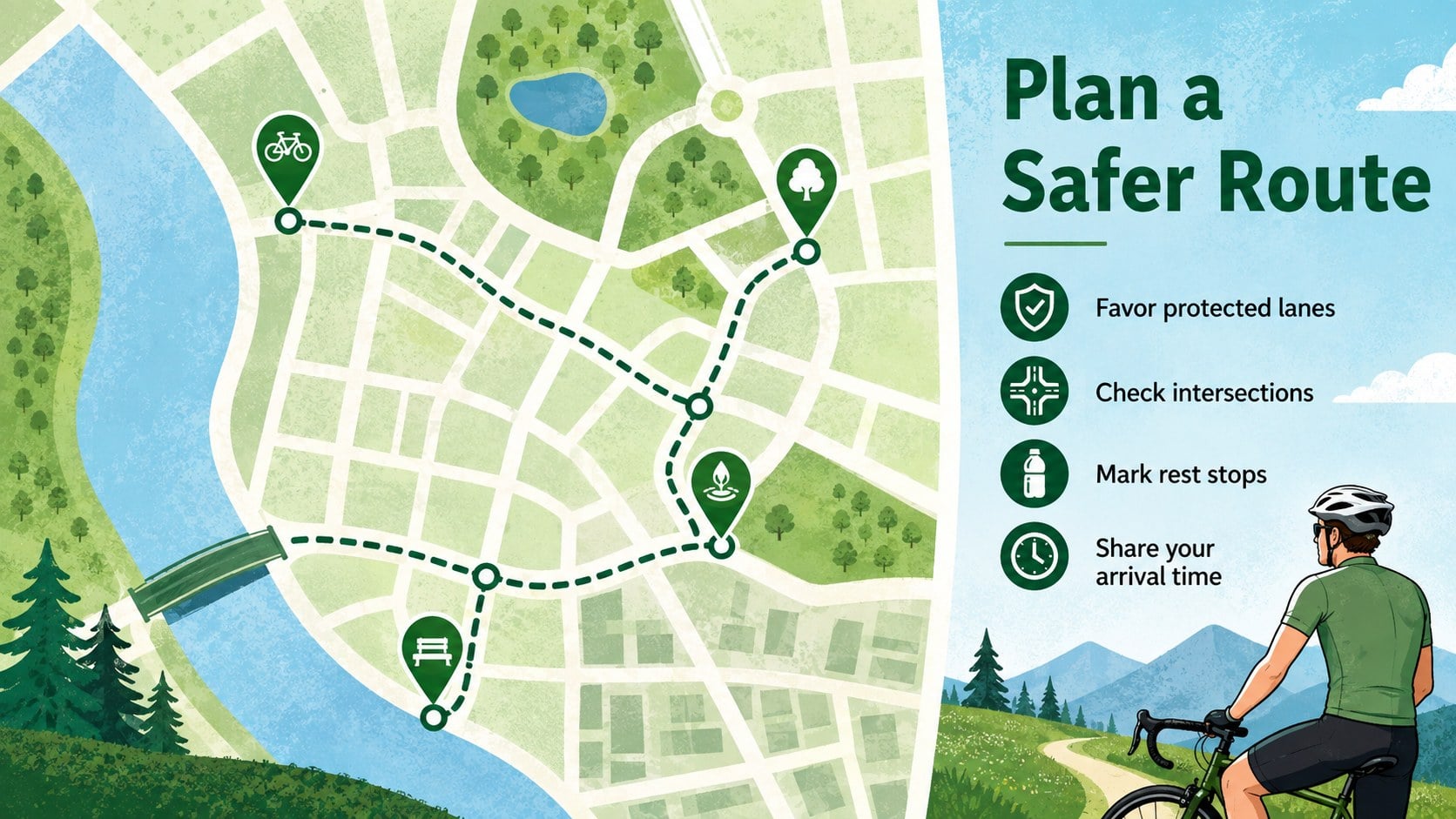
Plan safer rides and stronger outreach with this Cycling Awareness Campaign Deck, featuring editable green-and-blue slides for PowerPoint and Google Slides.



Design notes
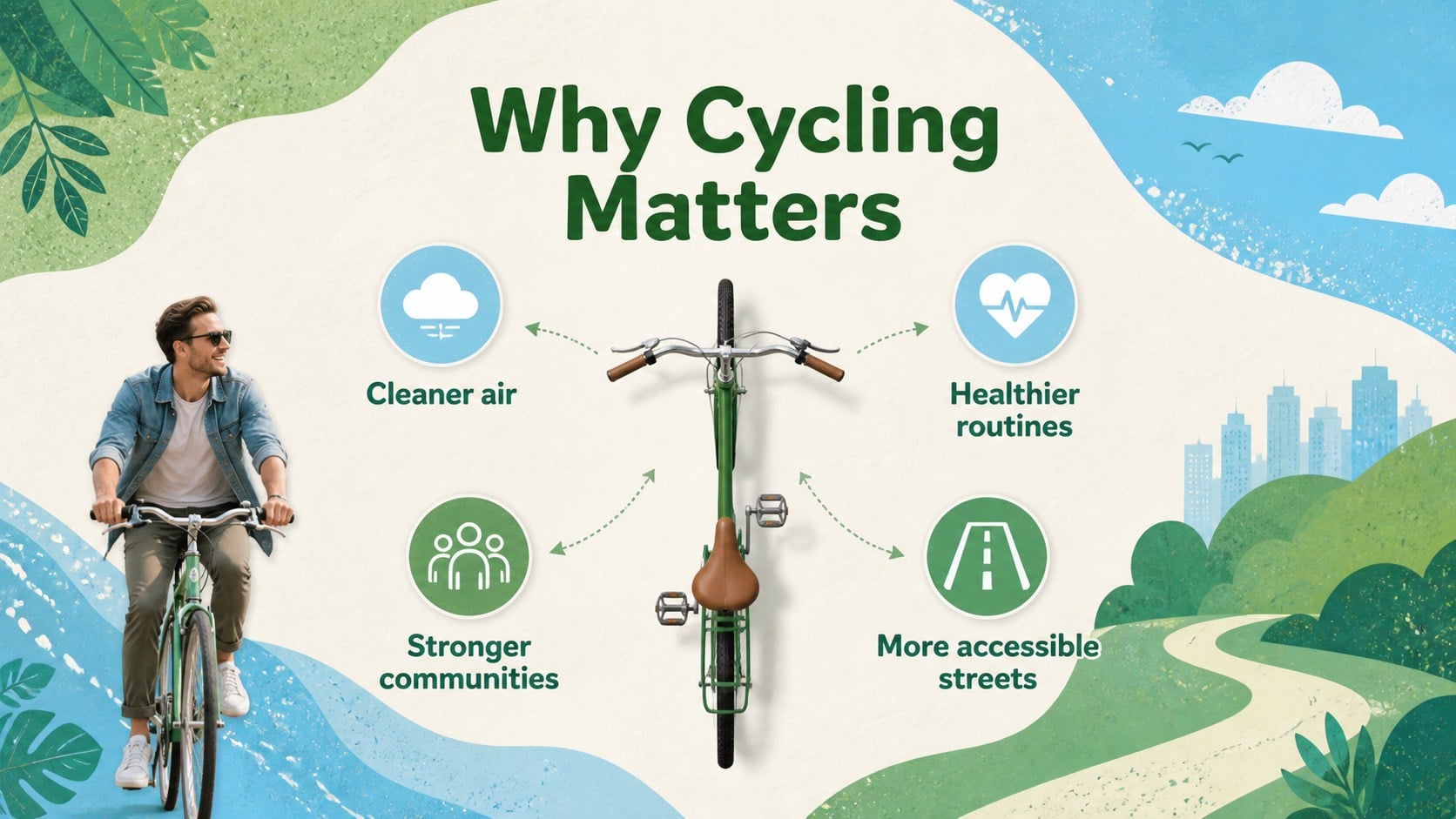
Turn cycling ideas into a focused public campaign with this Cycling Awareness Campaign Deck. Its lively cutout aesthetic, outdoor-inspired illustrations, and fresh green-and-blue palette create an approachable setting for safety guidance, event announcements, and active transportation advocacy. The layouts balance playful energy with clear organization, helping audiences absorb practical information quickly.
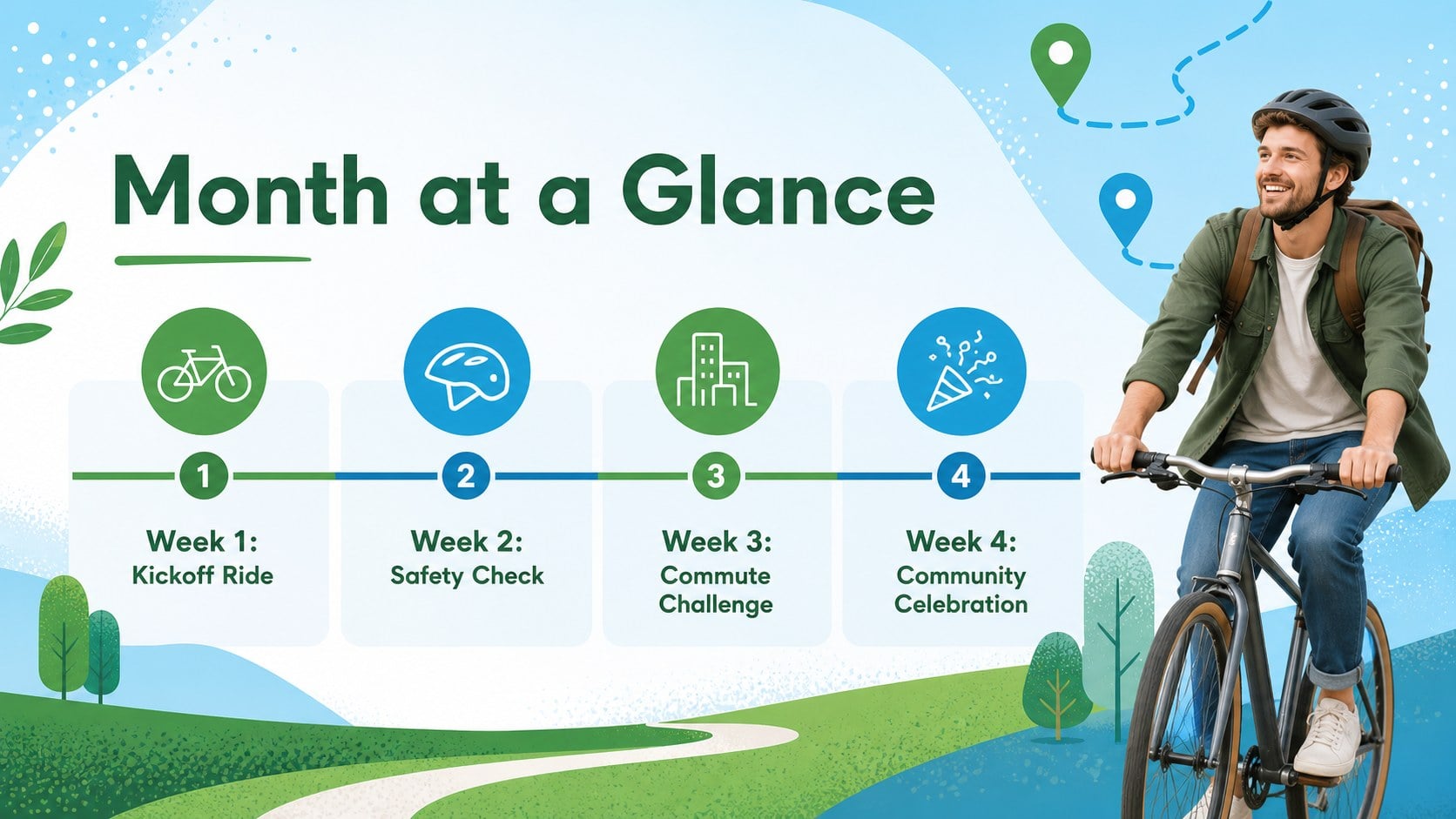
Inside, you will find 15 editable slides covering campaign goals, cycling benefits, a monthly activity schedule, rider safety, route planning, community events, participation data, partnerships, and calls to action. Use the designs as National Bike Month campaign slides, a cycling safety awareness presentation, or a community bike event slide deck. Charts, checklists, timelines, and promotional layouts provide enough variety to build a complete story without losing visual consistency.
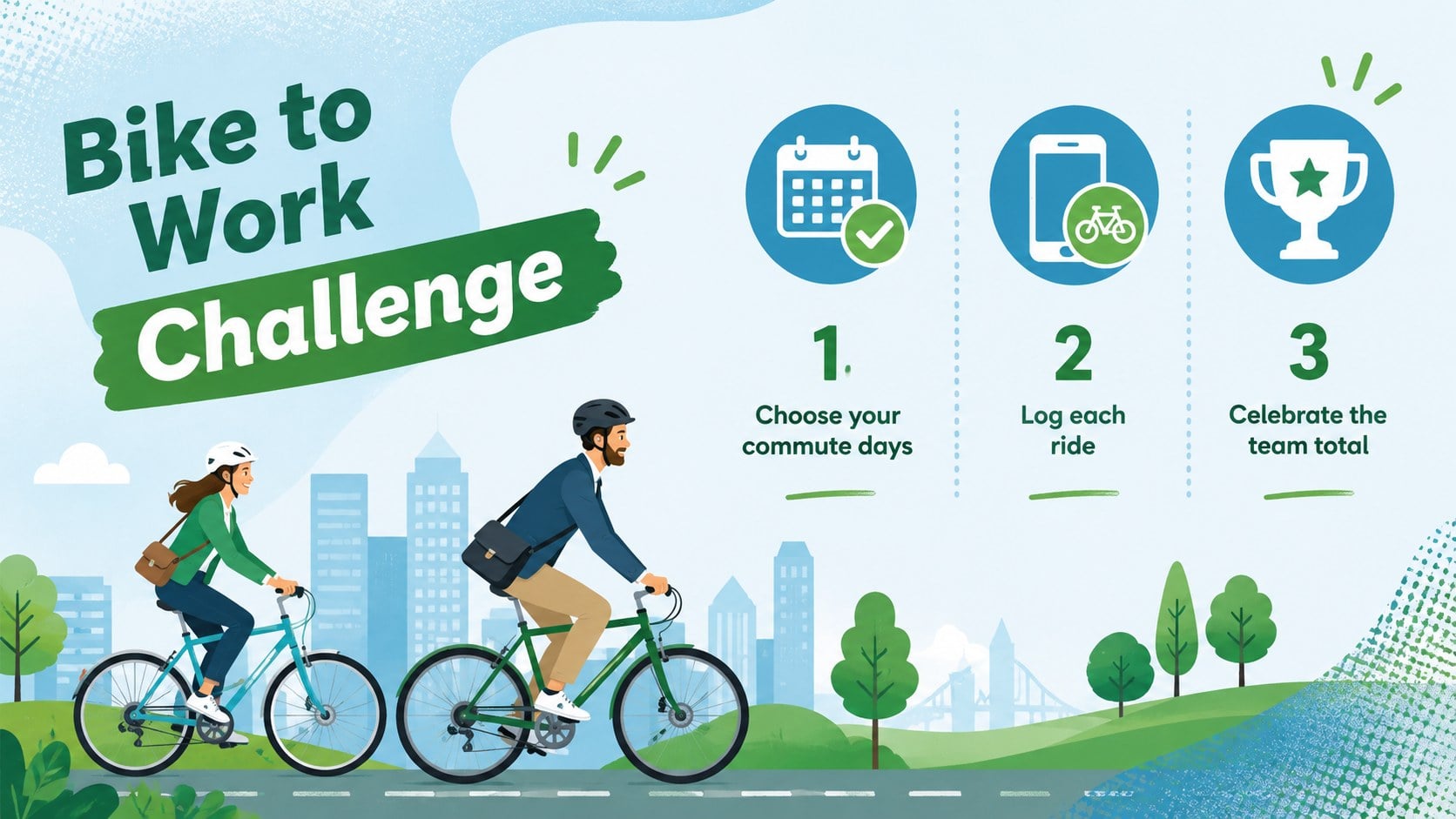
The template is suitable for educators, municipal teams, nonprofit organizations, workplace wellness coordinators, bicycle clubs, and event planners. Customize the wording, colors, photographs, icons, and data in PowerPoint or Google Slides. Whether you are encouraging bike-to-work participation, organizing a school riding challenge, or promoting safer streets, the deck offers a flexible framework for presenting plans and motivating riders.
Perfect for: National Bike Month campaign; community group ride briefing; school cycling safety lesson; workplace bike-to-work initiative; active transportation outreach; bicycle advocacy presentation.
Frequently asked questions
Can I edit every part of the presentation? Yes. The headings, body copy, colors, illustrations, charts, and image placeholders can be adjusted to match your campaign. You can also duplicate or remove slides as your program changes.
Practical details
Yes. The headings, body copy, colors, illustrations, charts, and image placeholders can be adjusted to match your campaign. You can also duplicate or remove slides as your program changes.
The deck is designed for PowerPoint and Google Slides. Review fonts and transitions after importing so they display consistently on the device used for presenting.
Yes. Replace the sample campaign activities with age-appropriate lessons, employee challenges, commute goals, or local event details. The schedule, checklist, and data layouts work across both educational and professional settings.
Swap the included imagery for photographs or illustrations of local routes, riders, bicycles, and landmarks. Keep the green-and-blue palette or apply your organization's approved colors for a branded campaign.
Keep exploring
15Promote classes with a yoga workshop marketing presentation featuring playful beige, pink, and purple illustrations for PowerPoint and Google Slides.
 15
15Build a clear breast cancer awareness bulletin with bold pink-and-red slides for campaign news, screening reminders, impact data, and community updates.
 15
15Build a clear World Cancer Day message with this global cancer awareness campaign deck, featuring editable blue-green layouts for PowerPoint and Google Slides.
 4
4Document wound findings, treatment decisions, and healing progress with clinical wound evaluation slides for nurses in PowerPoint and Google Slides.
 14
14Plan a clear donor campaign with this blood donation awareness presentation, featuring editable beige-and-red visuals for PowerPoint and Google Slides.
 15
15Build a Kidney Health Awareness Campaign Deck with blue illustrated slides for prevention tips, risk education, screening events, and outreach.
 15
15Build an actionable training session with this fitness program workshop deck, using energetic yellow geometry and editable PowerPoint and Google Slides layouts.
 15
15Equip health teams with this malaria prevention education deck for workshops, community outreach, and policy briefings in PowerPoint or Google Slides.