
 14
14presentation
2036 Dragon Year Celebration Theme
Plan a memorable Lunar New Year campaign with the 2036 Dragon Year Celebration Theme, featuring bold red-and-yellow slides for lessons and events.
Google SlidesPowerPoint
presentation · English
Create a cozy winter celebration presentation for family gatherings, school events, or seasonal parties, with layouts for PowerPoint and Google Slides.


Design notes
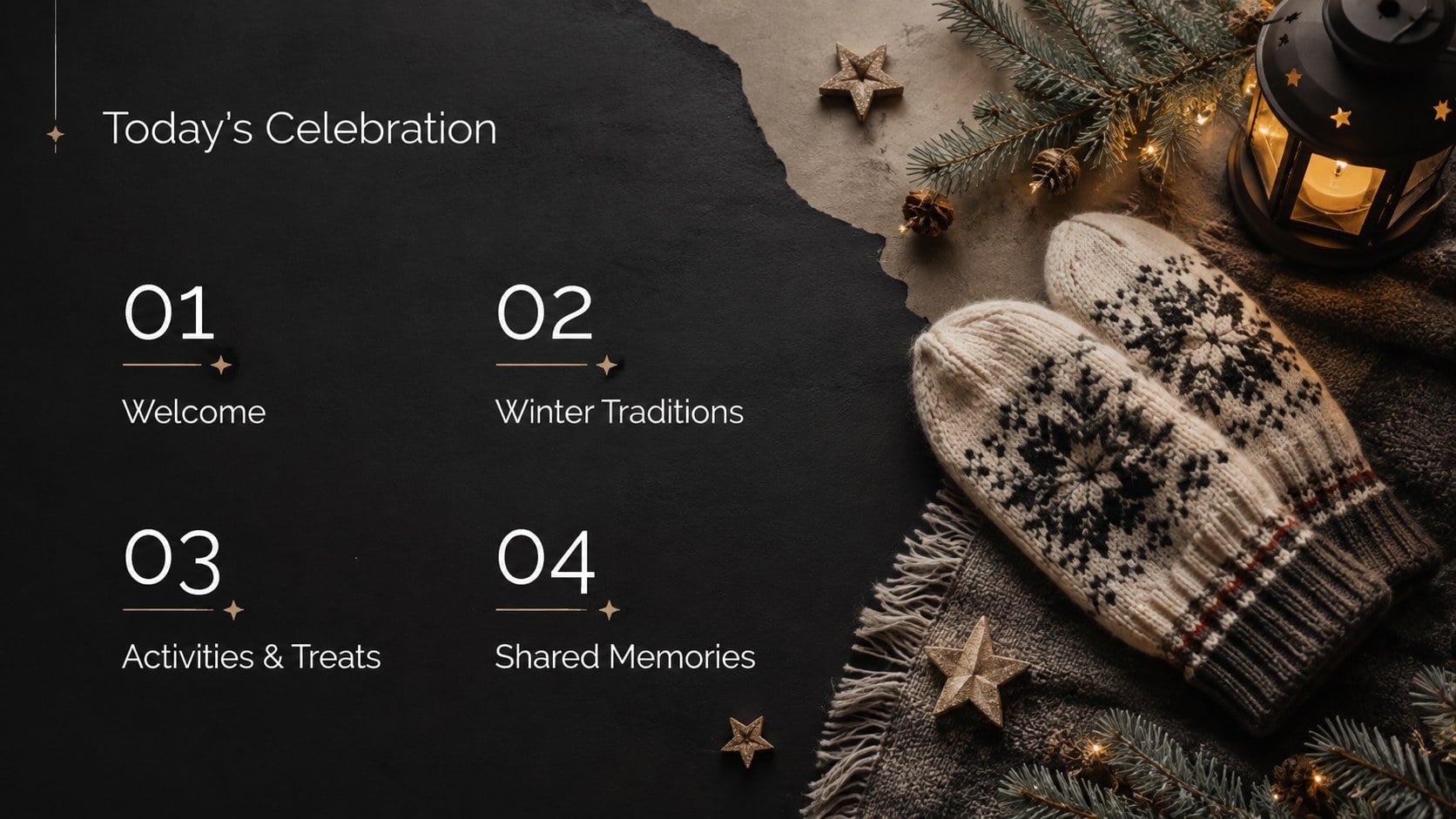
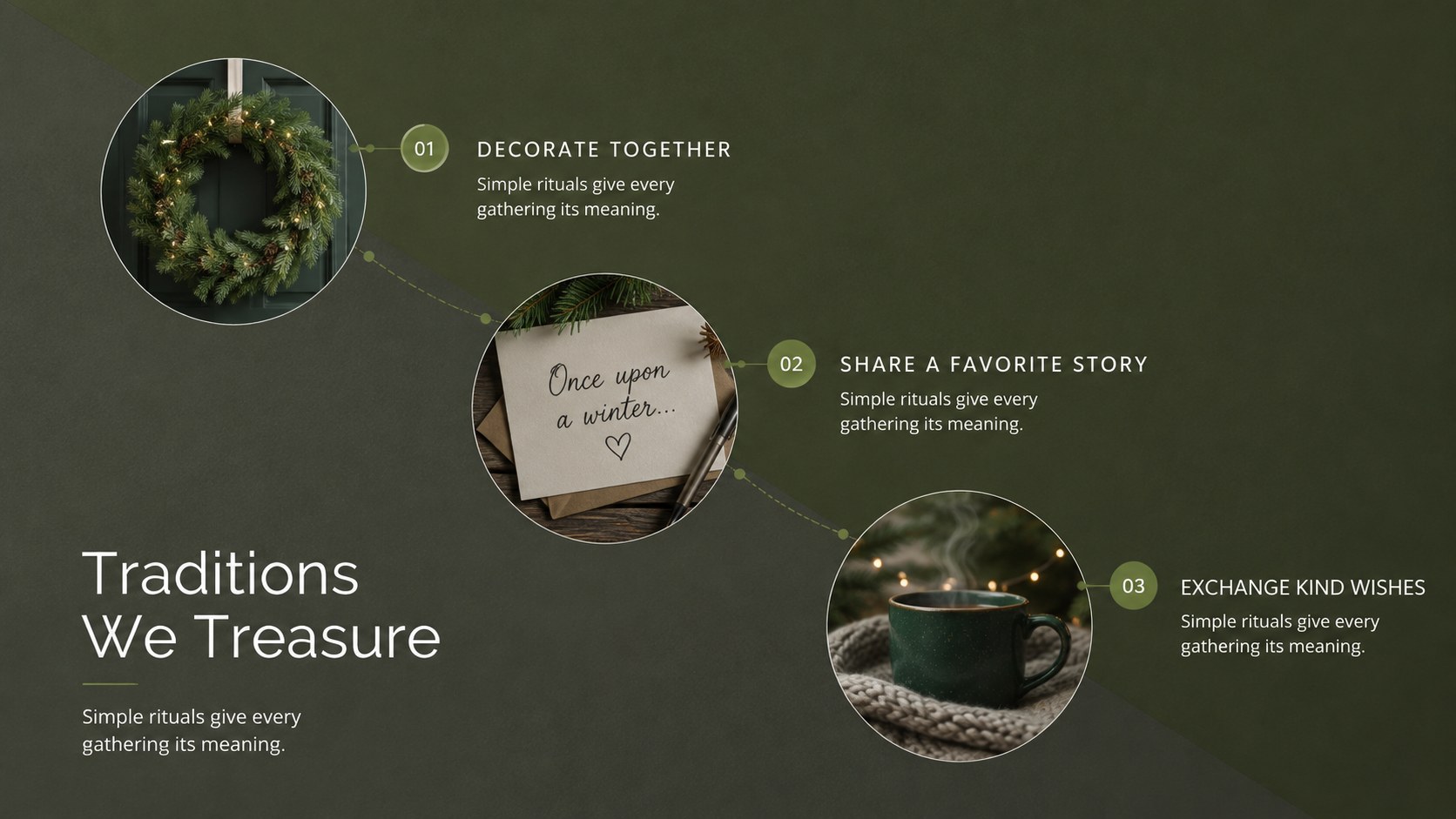
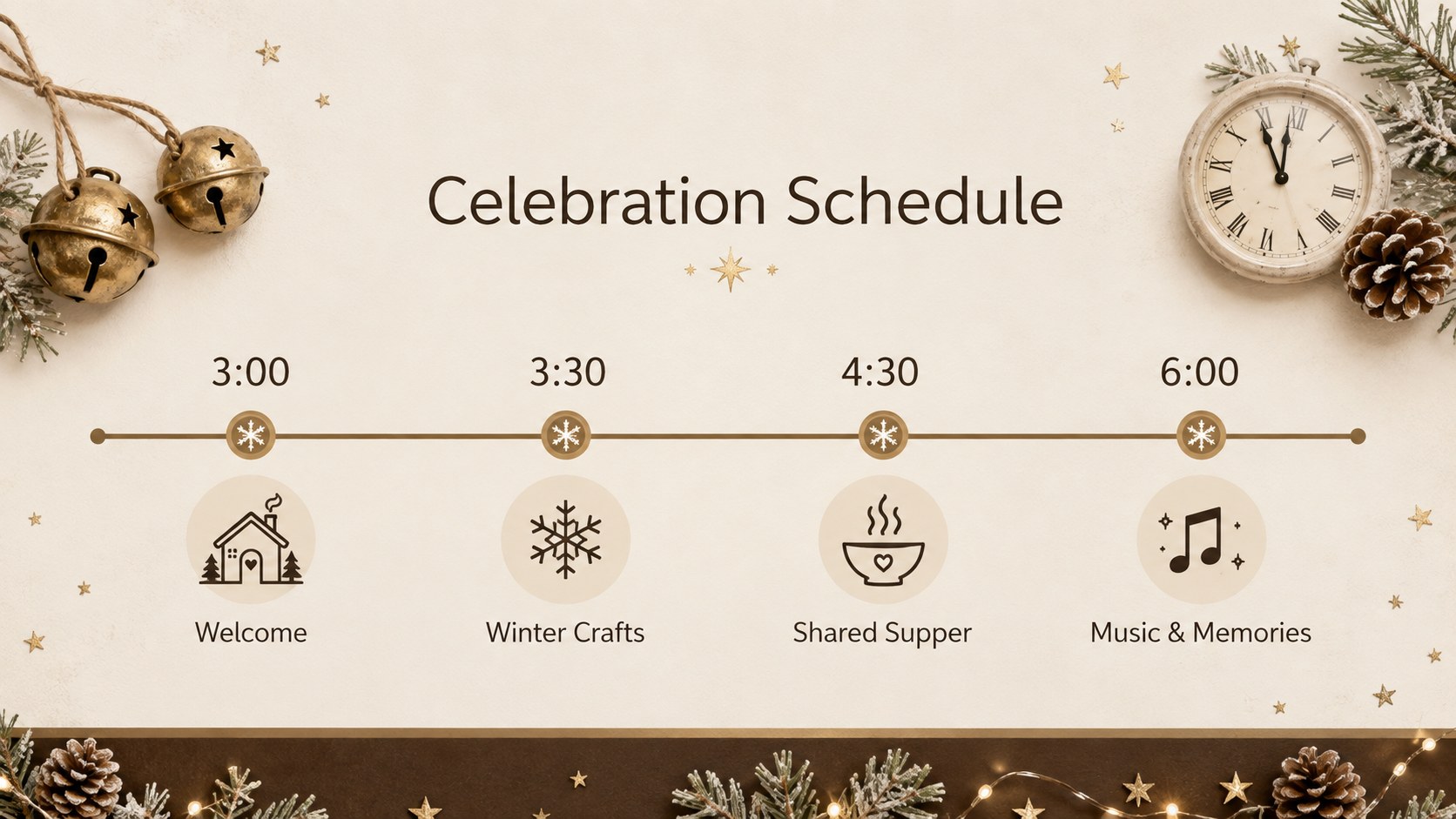
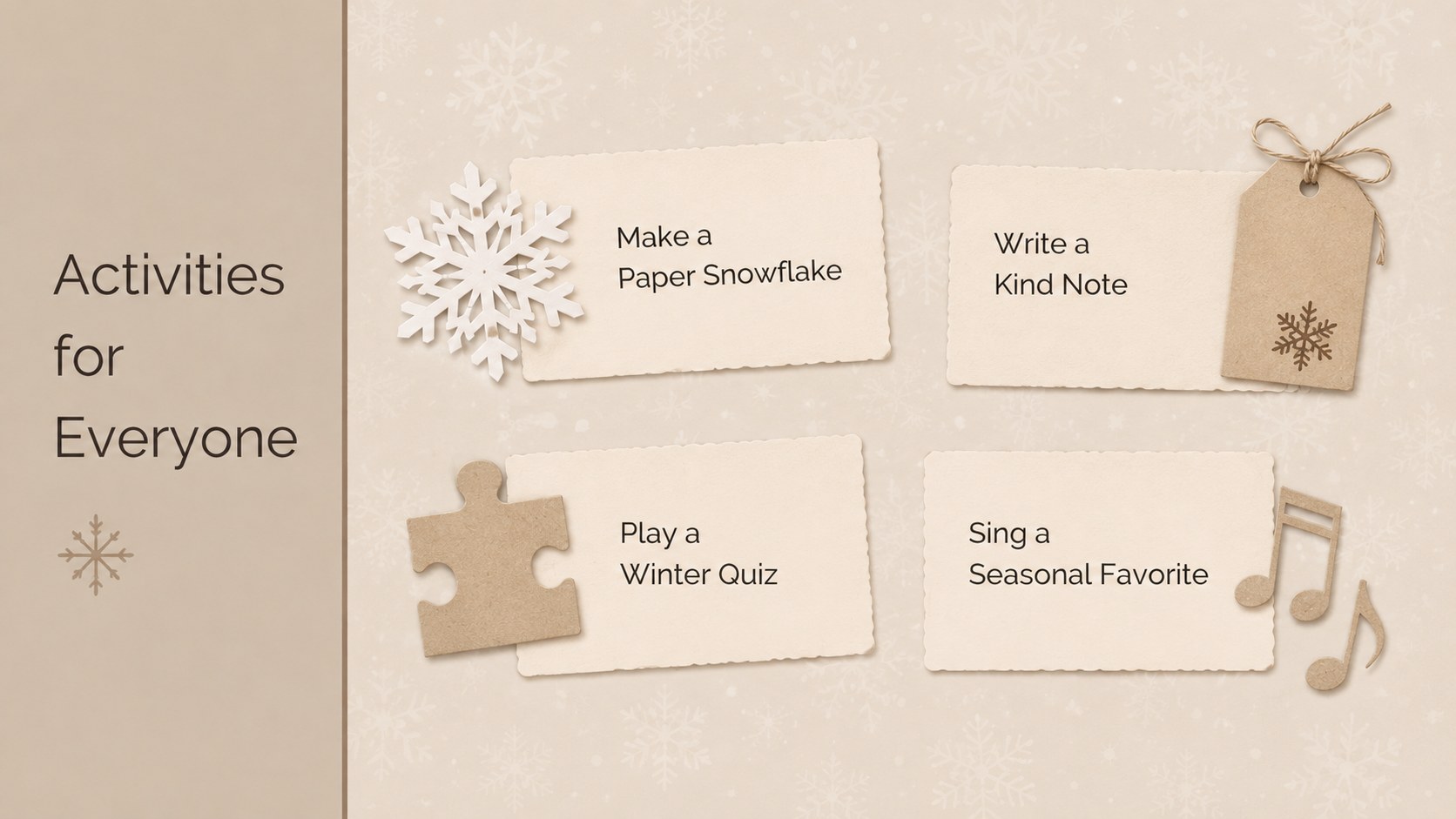
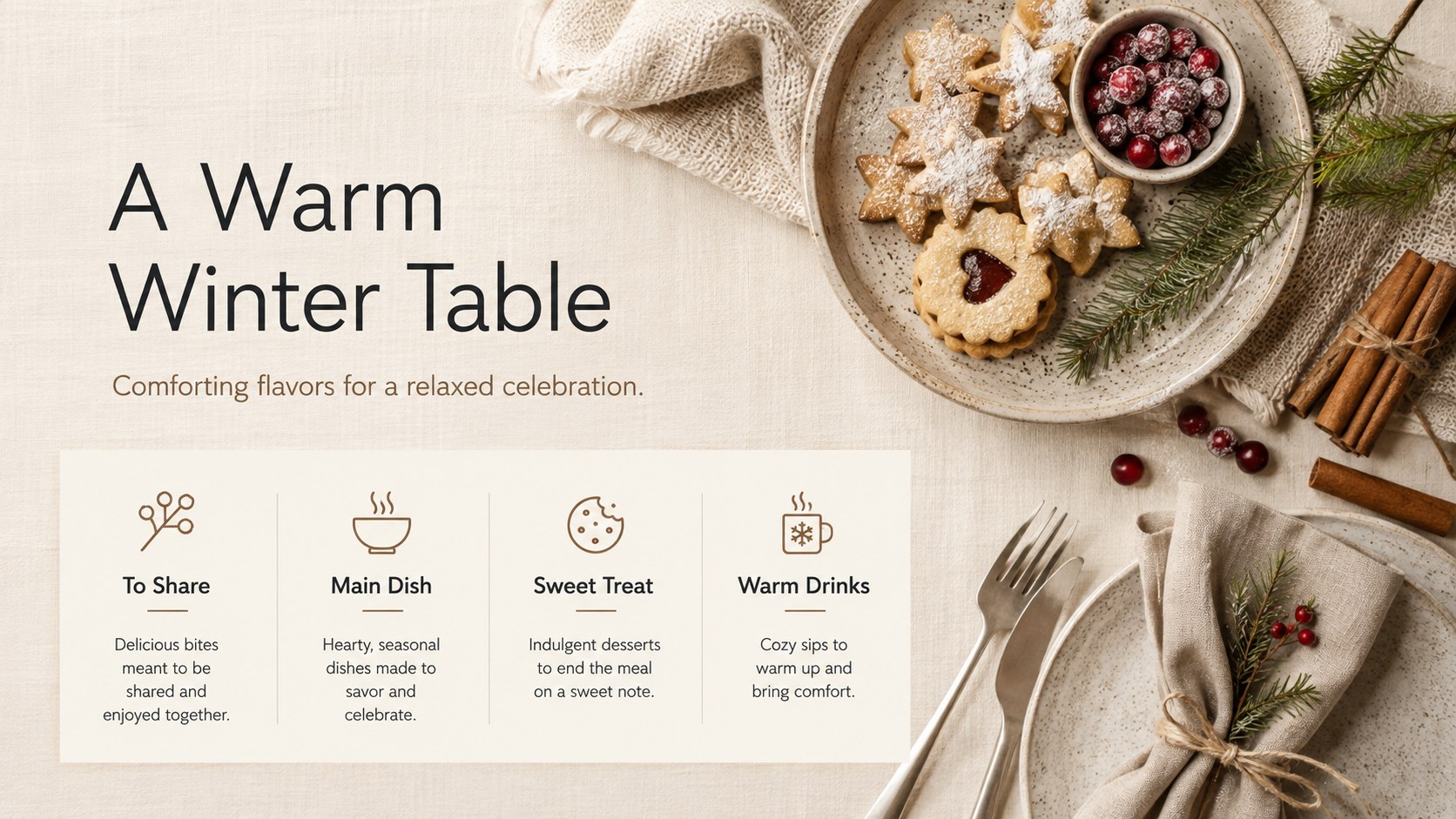
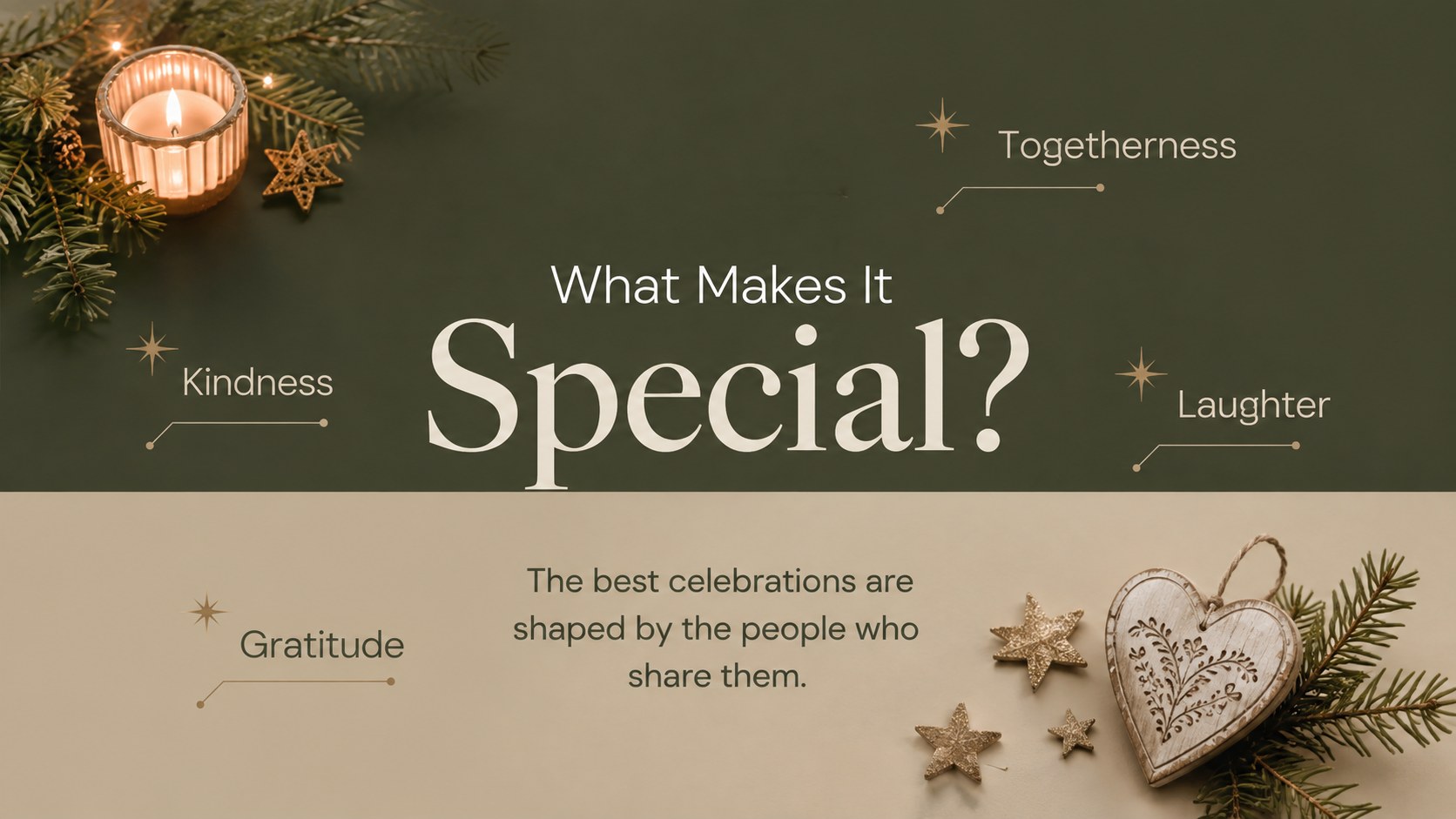
Set a welcoming seasonal tone with this cozy winter celebration presentation, a flexible deck for sharing event plans, favorite traditions, festive activities, and memorable moments. Its refined mix of snowy neutrals, warm accents, elegant typography, and playful seasonal details works equally well for adults, children, and mixed-age audiences.
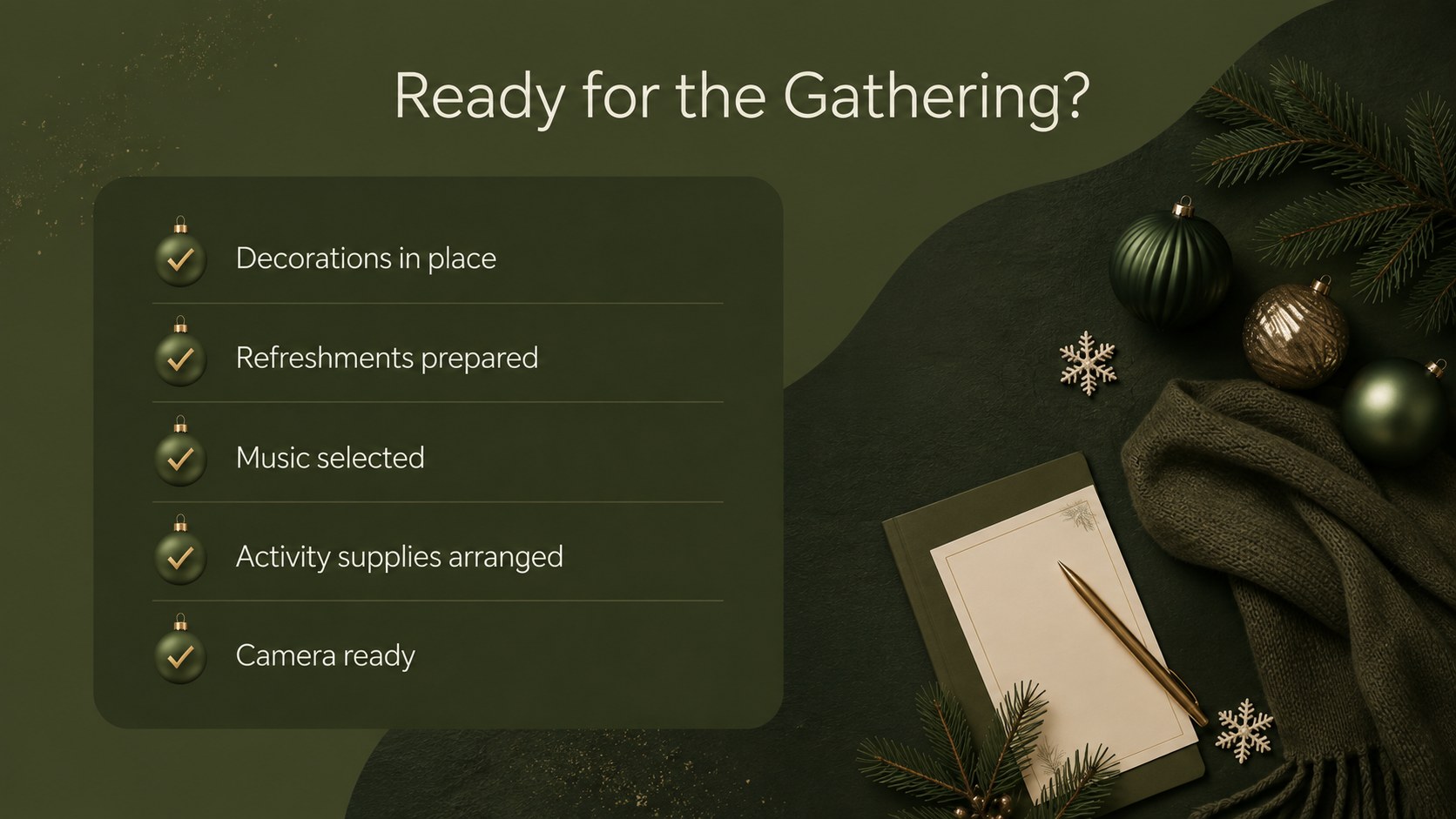
The deck includes more than 25 editable layouts for introductions, schedules, announcements, activity lists, menus, photo stories, winter traditions, timelines, quotes, and closing wishes. Use it as a winter holiday event presentation, a family Christmas gathering slideshow, or seasonal classroom party slides. Rearrange content blocks, replace sample photographs, adjust the color scheme, and add icons or illustrations that suit your occasion. Resource and guidance slides make customization straightforward, while the structured layouts keep information clear and visually consistent.
Created for teachers, event organizers, community groups, families, and workplace hosts, this presentation supports both practical planning and festive storytelling. Every layout can be edited in PowerPoint or Google Slides, shared with collaborators, and exported as a PDF or image file. Open Sans and Raleway provide clean, readable type across announcements, schedules, captions, and photo-led pages.
Perfect for: family holiday gathering; school winter celebration; community seasonal event; office holiday party; winter traditions lesson; festive photo recap.
Frequently asked questions
Can I edit every part of the presentation? Yes. Text, photographs, icons, colors, and layout elements can be changed to match your event or audience. You can also duplicate, reorder, or remove slides as needed.
Practical details
Yes. Text, photographs, icons, colors, and layout elements can be changed to match your event or audience. You can also duplicate, reorder, or remove slides as needed.
The template is designed for PowerPoint and Google Slides. Formatting may vary slightly between platforms, so review fonts and image placement after importing.
Replace the sample wording with your schedule, traditions, menu, activities, or announcements. Add your own photographs and adjust accent colors while retaining the core seasonal palette.
Yes. Export the completed deck as a PDF for distribution or save individual slides as image files. You can also share an editable Google Slides link with collaborators.
Keep exploring
14Plan a memorable Lunar New Year campaign with the 2036 Dragon Year Celebration Theme, featuring bold red-and-yellow slides for lessons and events.
 15
15Build playful lessons and party stories with a kid-friendly zombie celebration theme in purple, green and pastel blue for PowerPoint and Google Slides.
 15
15Build eerie lessons, campaigns, and story pitches with an undead survival scenario theme featuring editable slides for PowerPoint and Google Slides.
 3
3Share festive messages with a Lunar Horse New Year Wishes Theme, featuring bold red-and-yellow layouts for PowerPoint and Google Slides celebrations.
 15
15Bring zodiac traditions to life with a Lunar Snake Festival Presentation featuring 15 cheerful red illustrated slides for PowerPoint and Google Slides.
 6
6Honor teams and individuals with an Orange Year-End Recognition Certificate Set featuring six editable designs for PowerPoint and Google Slides.
 14
14Honor the people behind the headlines with a World Sports Press Appreciation Deck for PowerPoint and Google Slides, styled in crisp, modern green.
 15
15Teach, inspire, and celebrate with our Plant-Powered Vegetarian Day Lesson Deck, featuring cheerful editable visuals for PowerPoint and Google Slides.