
 15
15presentation
Yoga Workshop Marketing Presentation
Promote classes with a yoga workshop marketing presentation featuring playful beige, pink, and purple illustrations for PowerPoint and Google Slides.
Google SlidesPowerPoint
presentation · English
Build a welcoming couples communication workshop deck for counseling sessions, with editable PowerPoint and Google Slides layouts for goals, dialogue, and…
Design notes
Create a warmer, more structured counseling experience with this couples communication workshop deck. Its playful doodle accents, bright abstract shapes, and pink-and-white palette make sensitive relationship topics feel approachable without losing a professional tone. The layout works well for therapists, relationship coaches, counseling centers, educators, and facilitators leading guided conversations.
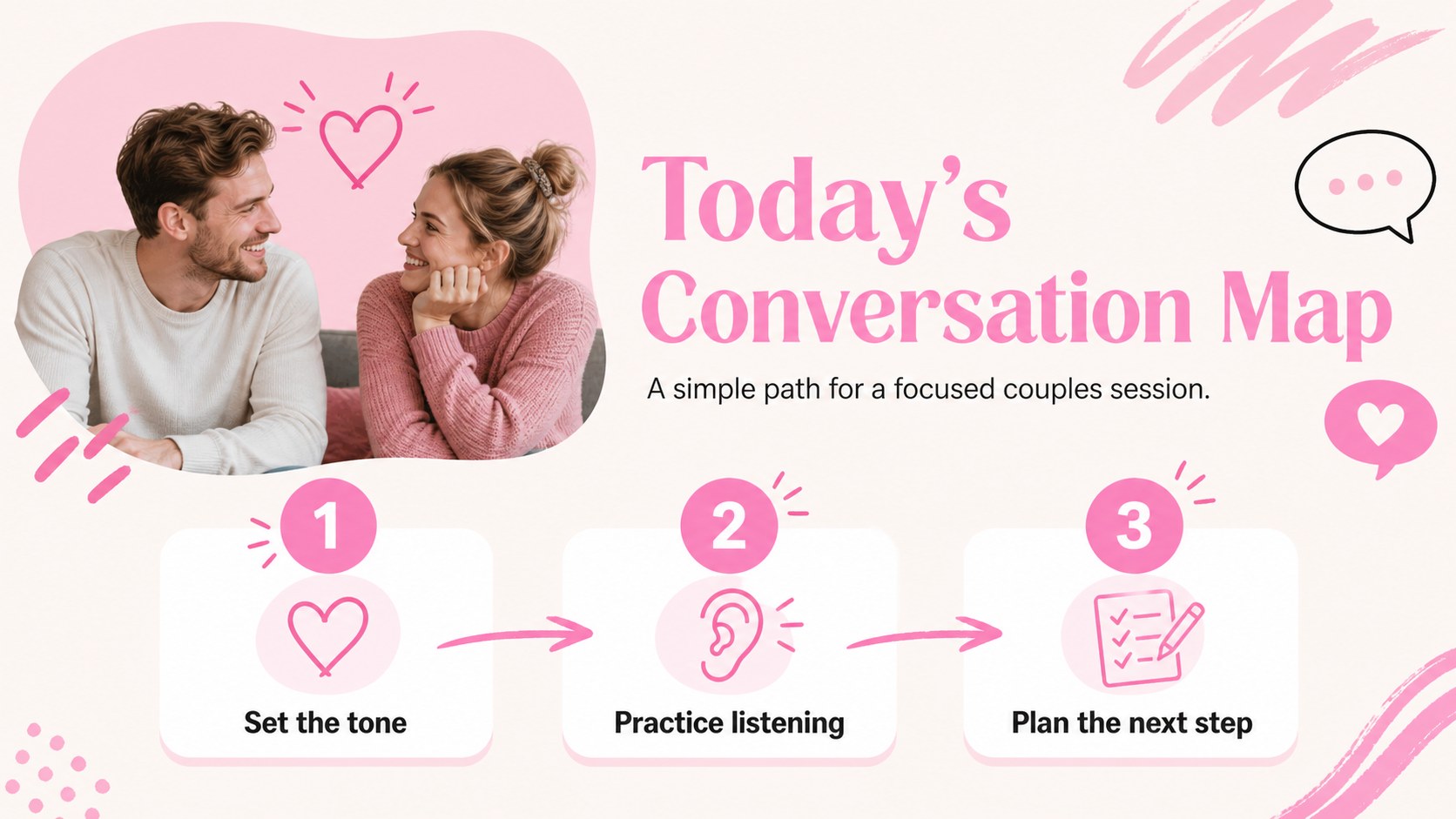
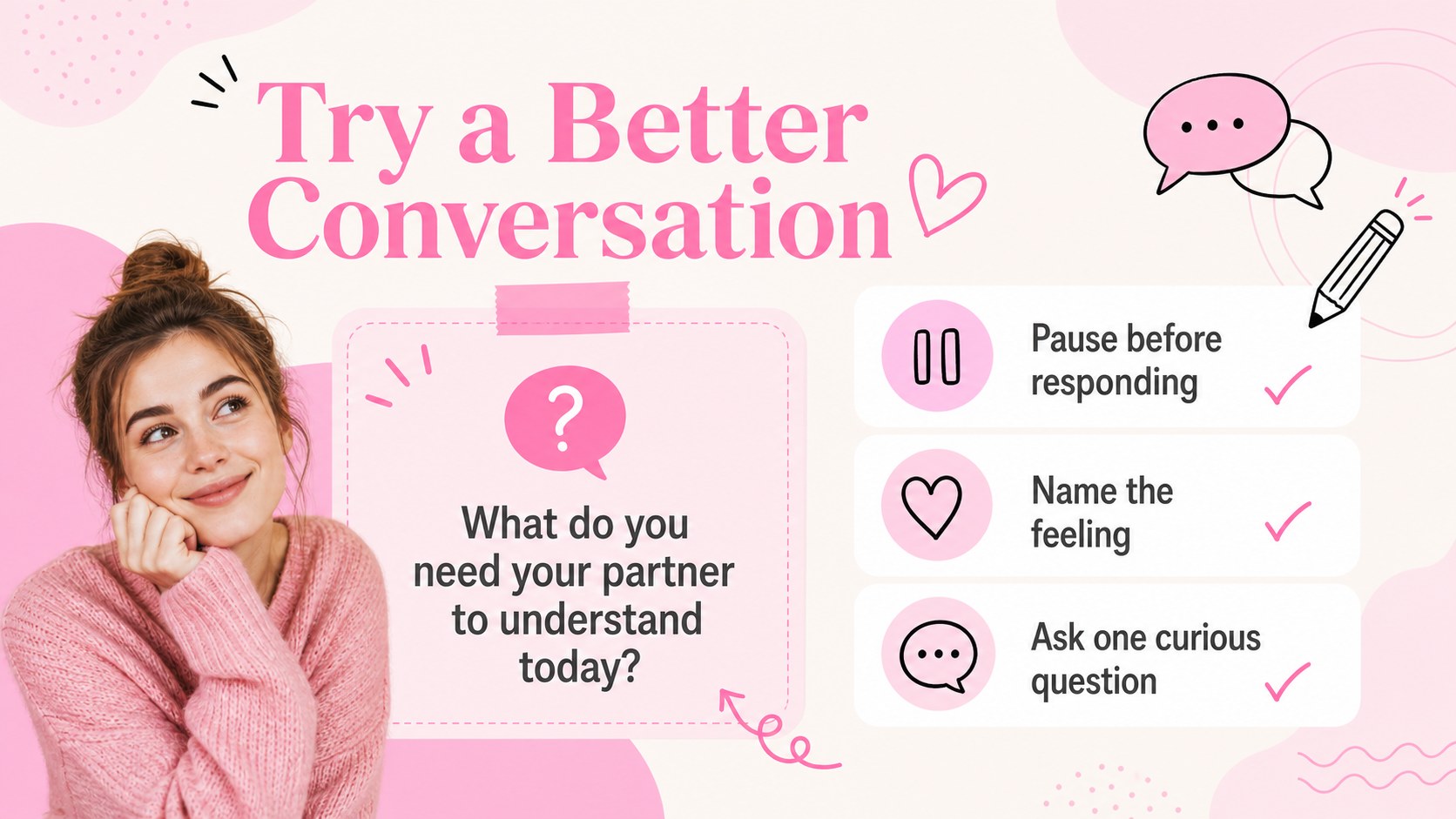
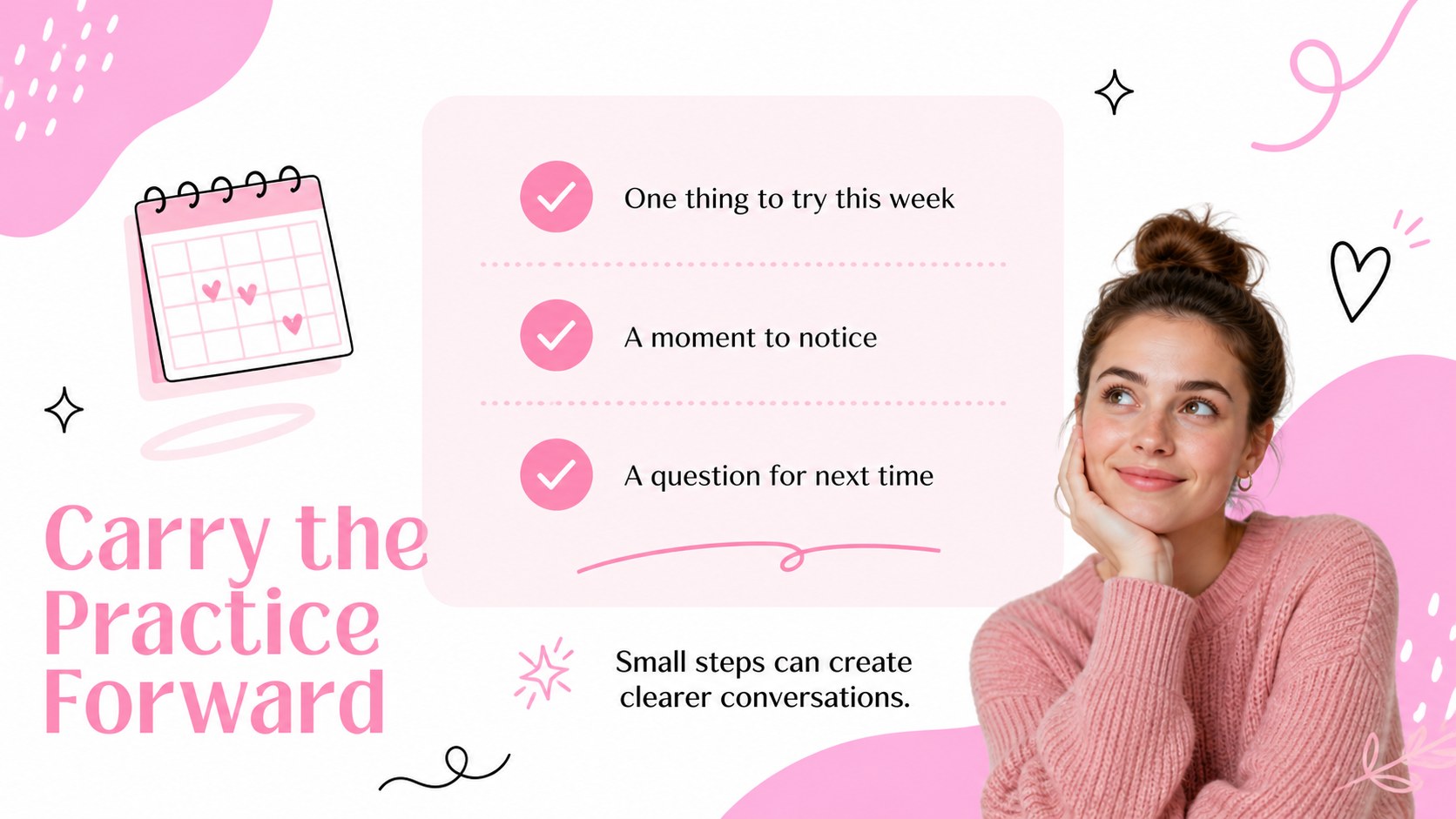
Inside, you will find opening slides for setting expectations, a session agenda, shared relationship goals, communication exercises, conflict reflection prompts, listening guidelines, progress check-ins, and a practical follow-up plan. Use the therapy session agenda template layout to establish a calm rhythm, then duplicate question cards or checklist pages for longer programs. The deck can also support a relationship coaching presentation, workshop handout, or small-group discussion.
Update the wording, icons, colors, typography, and illustrations to match your practice. Add anonymized examples, client worksheets, or custom exercises while keeping the visual system consistent. Every page is editable in PowerPoint and Google Slides, and the widescreen format is ready for presenting online or in person. This pink counseling presentation template helps reduce preparation time while giving each session a clear, welcoming structure.
Perfect for: couples counseling session; relationship coaching workshop; communication skills class; therapy center orientation; premarital discussion group.
Frequently asked questions
Can I edit the deck in PowerPoint? Yes. The layouts, text, colors, shapes, and illustrations can be adjusted in PowerPoint. You can also remove or duplicate slides to fit the length of your session.
Practical details
Yes. The layouts, text, colors, shapes, and illustrations can be adjusted in PowerPoint. You can also remove or duplicate slides to fit the length of your session.
Yes, the presentation is compatible with Google Slides. Upload the file, then update the copy and visual details directly in your browser.
You can include session rules, relationship goals, dialogue prompts, conflict reflections, communication exercises, and follow-up actions. Use anonymized examples whenever client information is involved.
Yes. Replace the accent colors and adjust the typography to match your practice or organization. Keeping one consistent accent color and a clear contrast level will preserve readability.
Keep exploring
15Promote classes with a yoga workshop marketing presentation featuring playful beige, pink, and purple illustrations for PowerPoint and Google Slides.
 15
15Build a clear breast cancer awareness bulletin with bold pink-and-red slides for campaign news, screening reminders, impact data, and community updates.
 15
15Build a clear World Cancer Day message with this global cancer awareness campaign deck, featuring editable blue-green layouts for PowerPoint and Google Slides.
 4
4Document wound findings, treatment decisions, and healing progress with clinical wound evaluation slides for nurses in PowerPoint and Google Slides.
 14
14Plan a clear donor campaign with this blood donation awareness presentation, featuring editable beige-and-red visuals for PowerPoint and Google Slides.
 15
15Build a Kidney Health Awareness Campaign Deck with blue illustrated slides for prevention tips, risk education, screening events, and outreach.
 15
15Build an actionable training session with this fitness program workshop deck, using energetic yellow geometry and editable PowerPoint and Google Slides layouts.
 15
15Equip health teams with this malaria prevention education deck for workshops, community outreach, and policy briefings in PowerPoint or Google Slides.