
 15
15presentation
Yoga Workshop Marketing Presentation
Promote classes with a yoga workshop marketing presentation featuring playful beige, pink, and purple illustrations for PowerPoint and Google Slides.
Google SlidesPowerPoint
presentation · English
Build a community charity run presentation for Sunday services, nonprofit campaigns, and school fundraisers with bright geometric slides for PowerPoint and…
Design notes
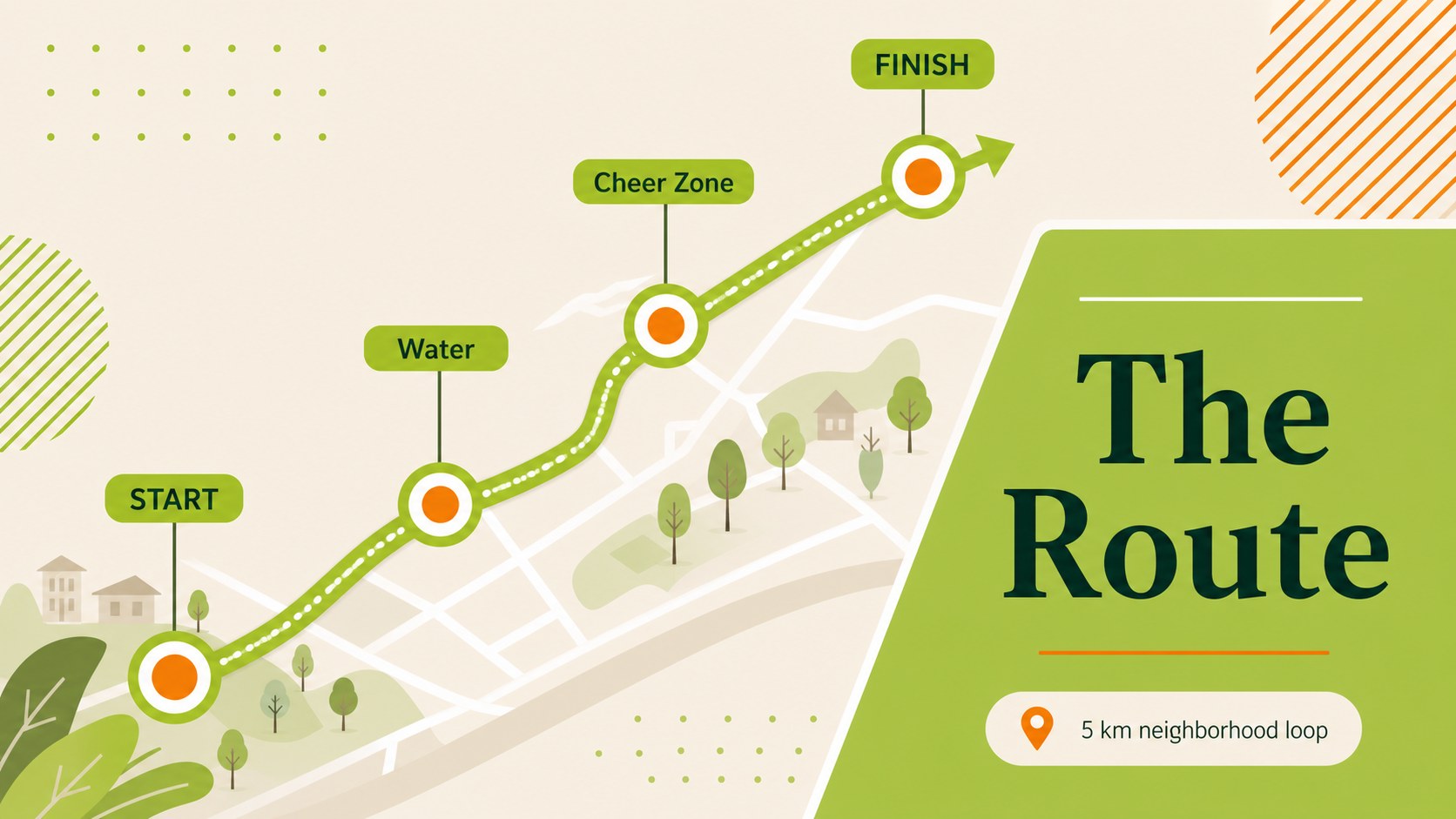
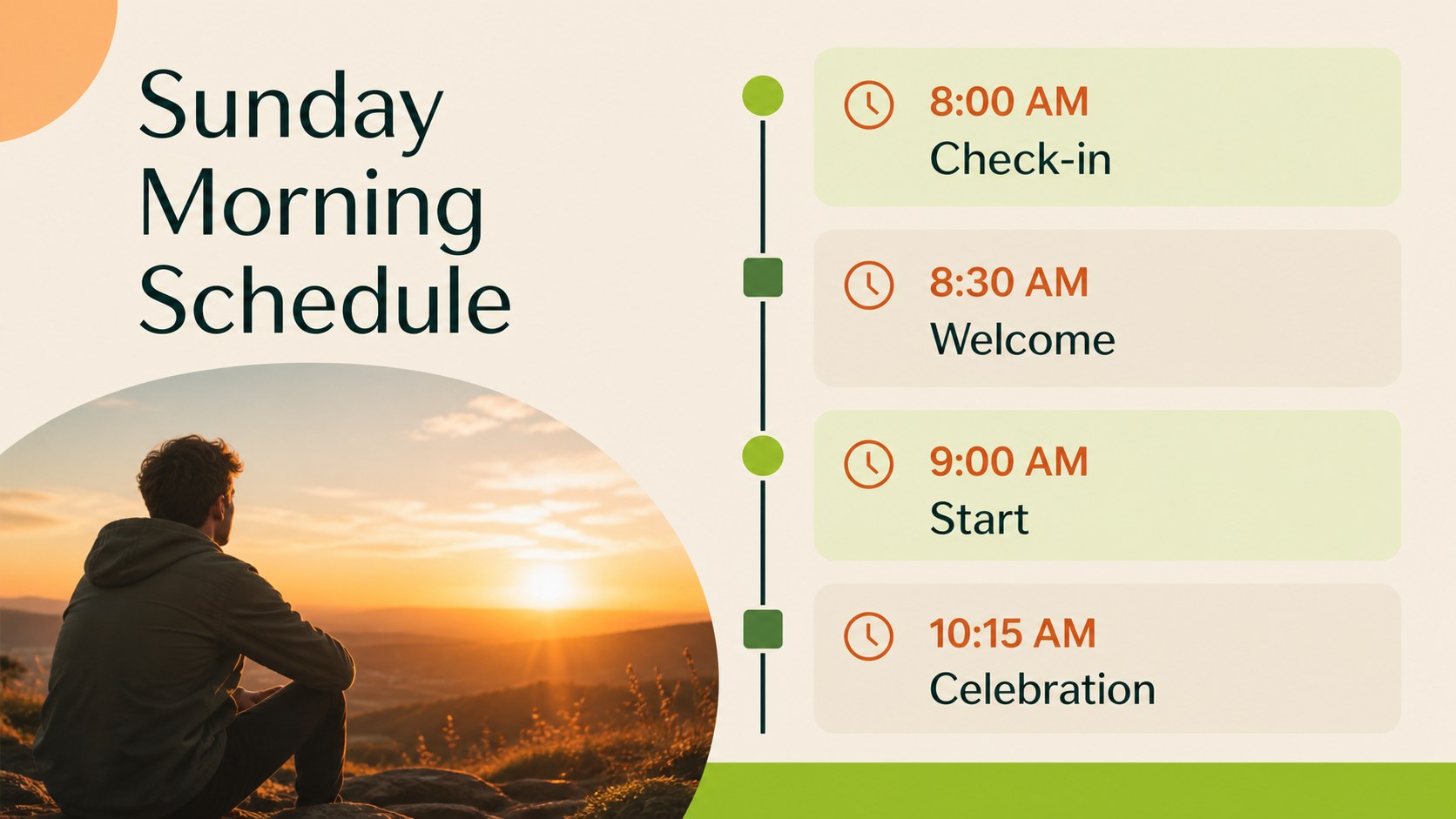
Create a welcoming community charity run presentation for a Sunday service, nonprofit campaign, school fundraiser, or neighborhood wellness event. The refreshed deck uses playful geometric forms, clean spacing, and a lively cream, green, lime, and orange palette to make practical information feel energetic without becoming cluttered. Its friendly visual language suits faith communities, volunteer teams, youth groups, and local organizers.
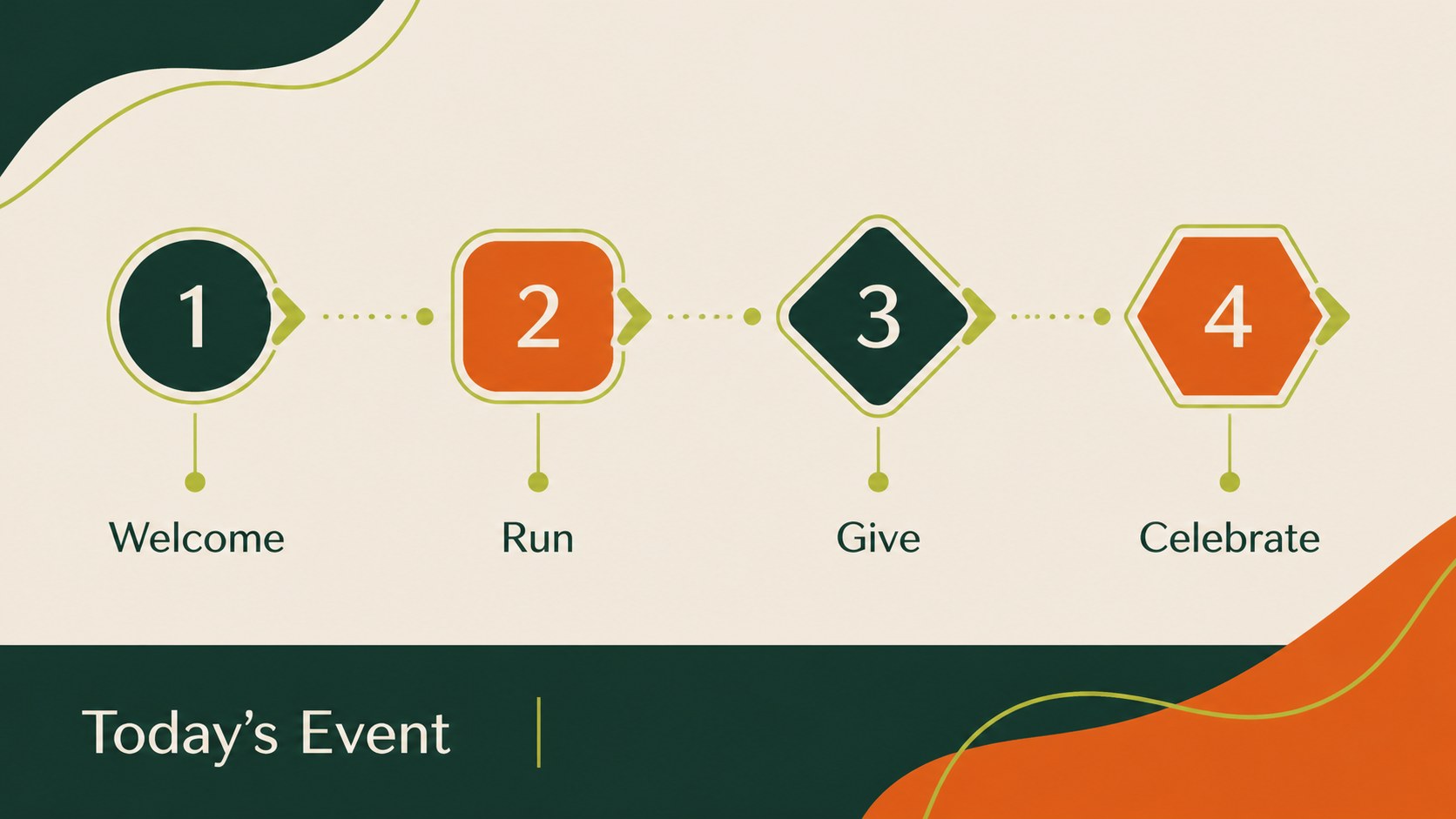
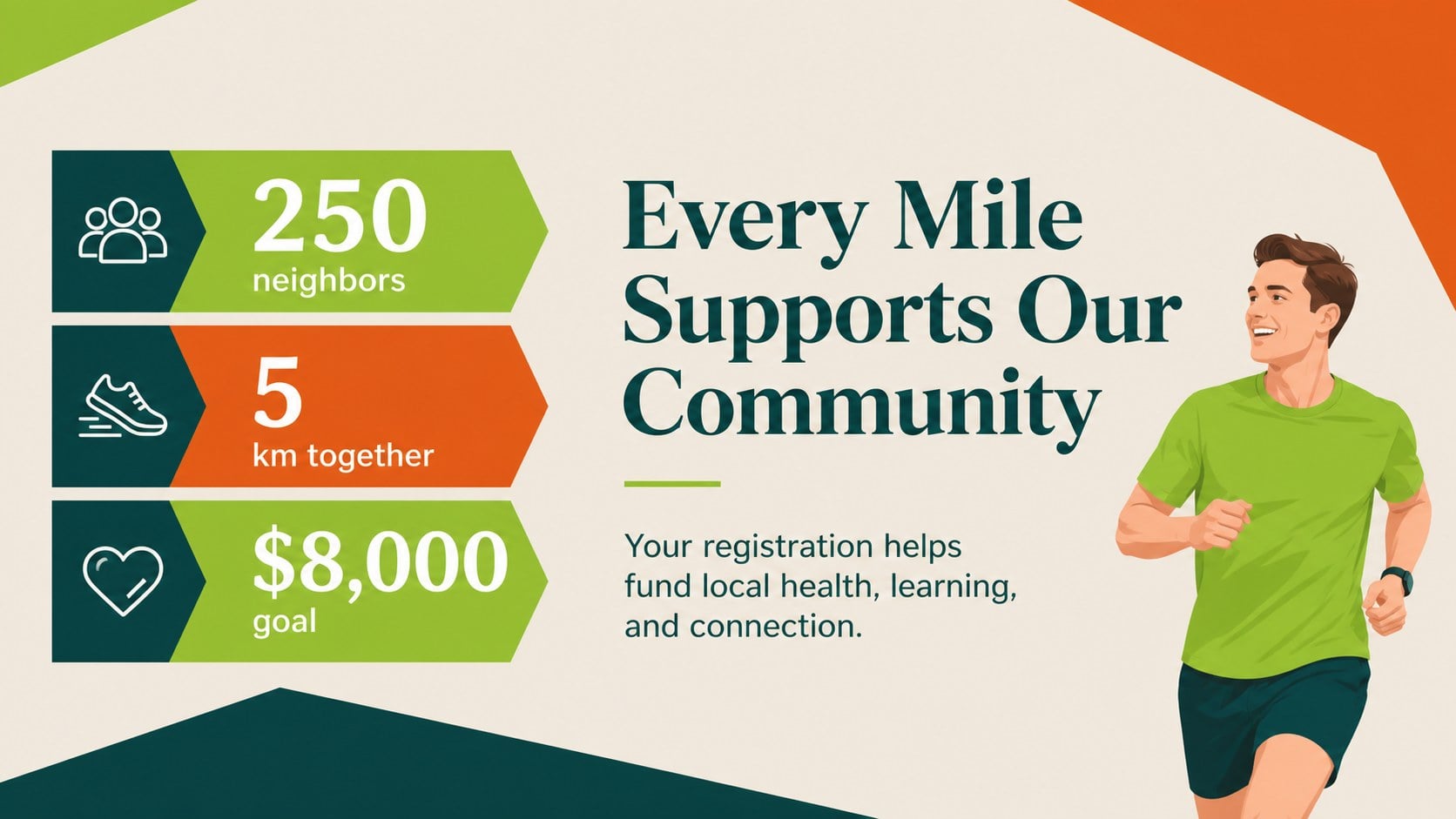
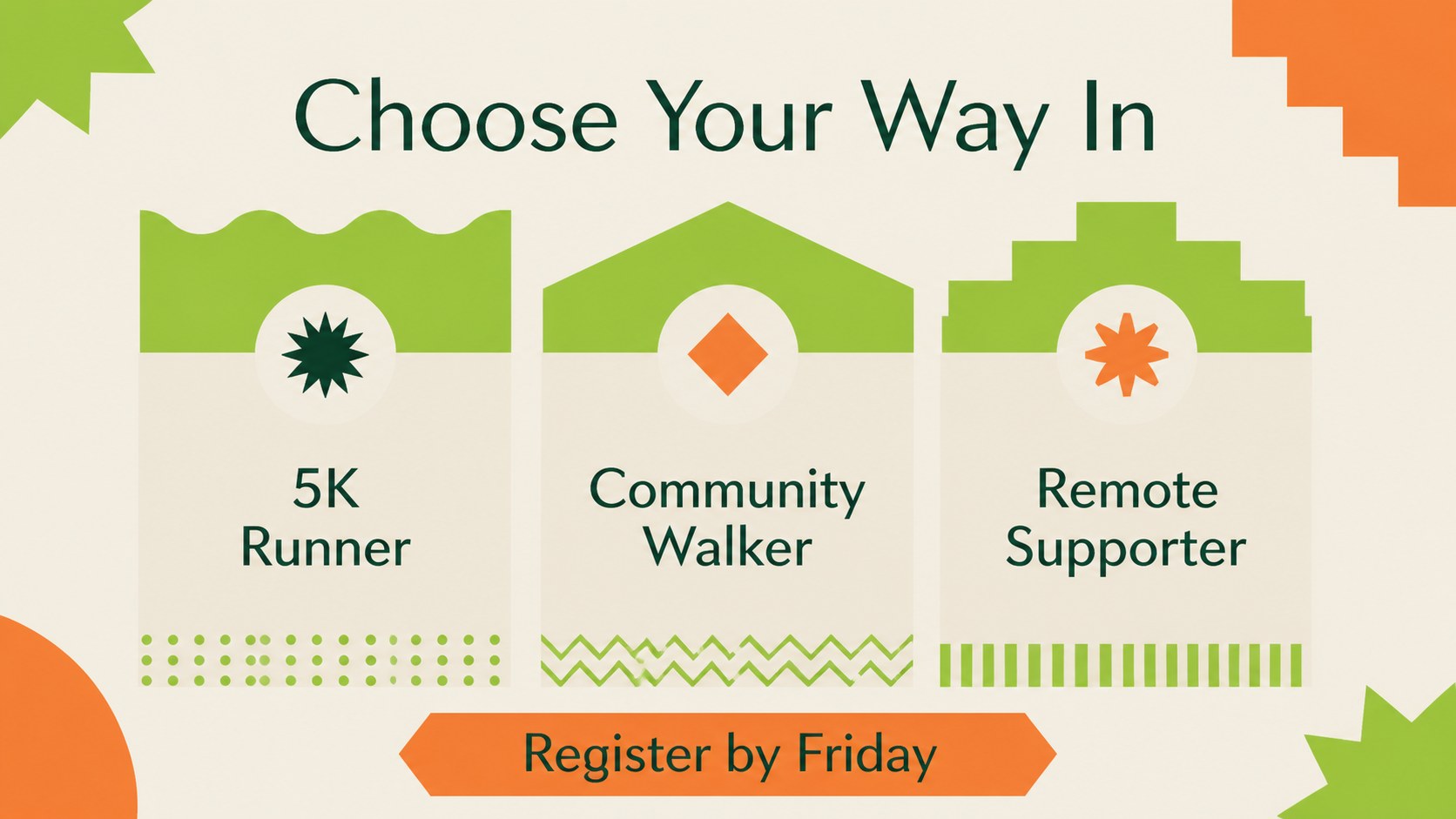
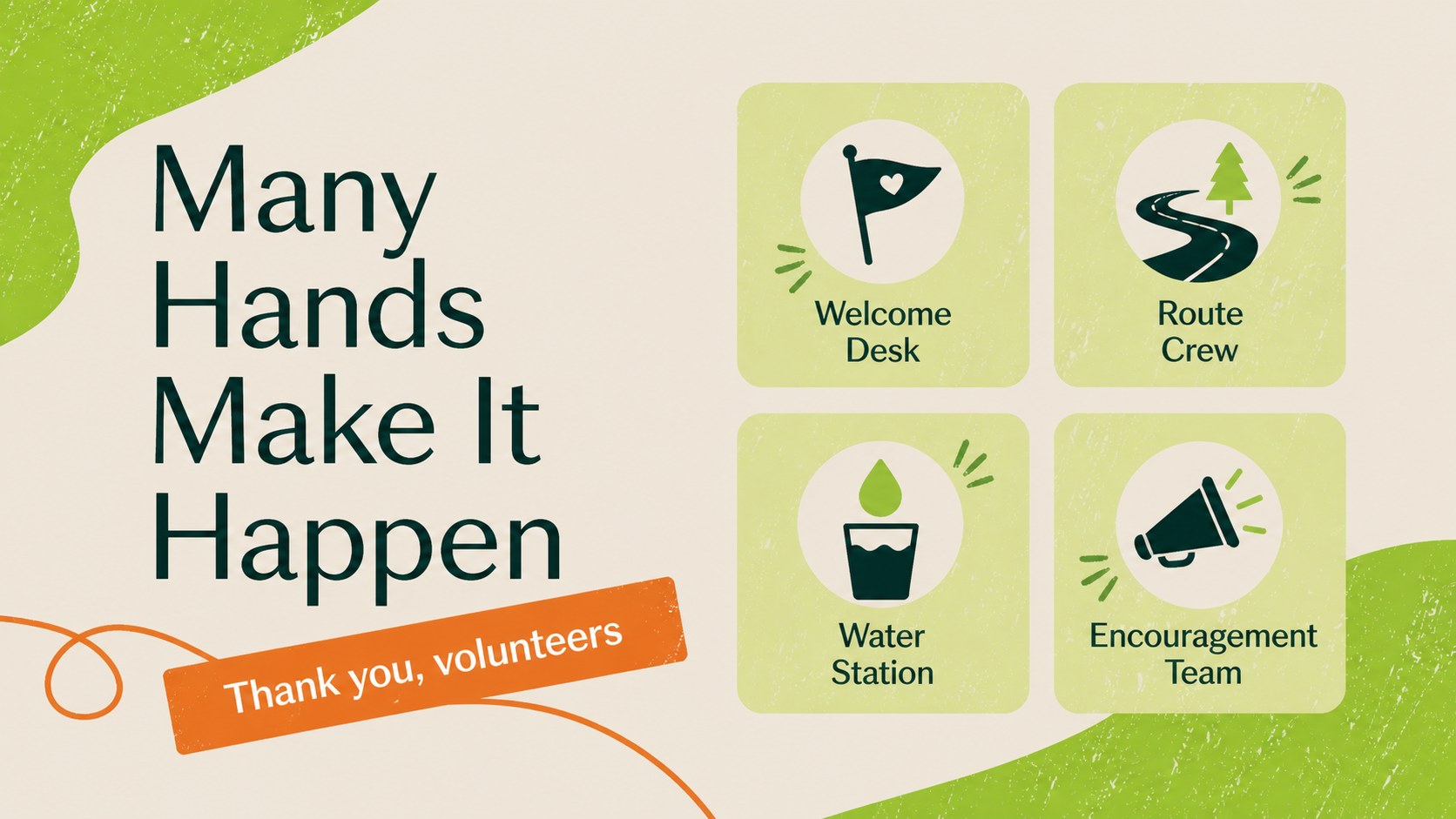
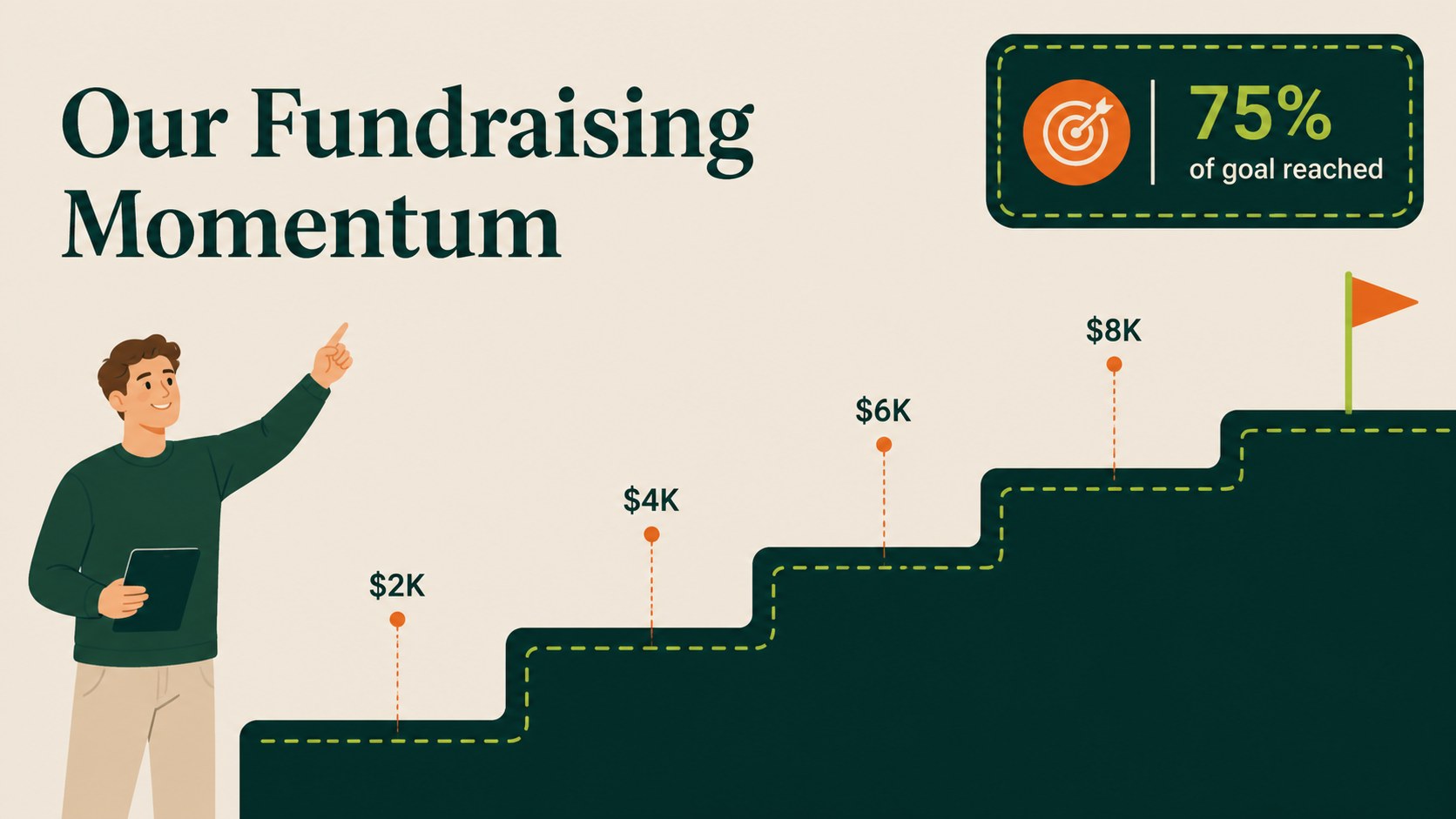
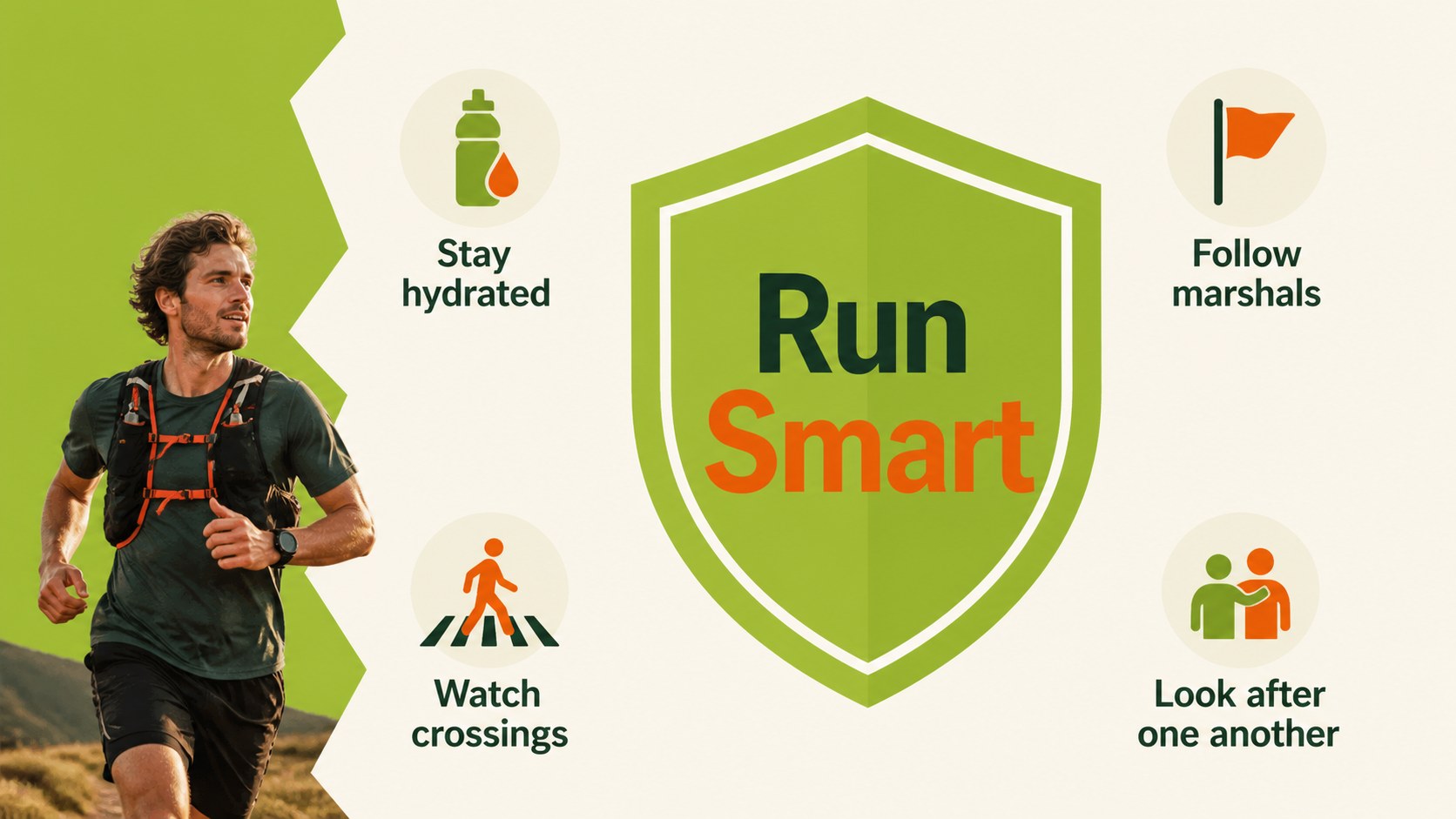
Inside, you will find a polished cover, event overview, cause statement, registration details, route information, schedule, participation options, volunteer roles, fundraising targets, safety reminders, sponsor recognition, and a clear closing invitation. The layouts are designed for quick editing in PowerPoint and Google Slides, with room for charts, icons, photos, maps, and short announcements. Use the structure as a Sunday service event presentation, a charity race briefing, or a community wellness campaign deck.
The template supports a range of audiences and event sizes. Adapt the wording for a five-kilometer neighborhood run, a school fun run, a church outreach morning, or a nonprofit awareness drive. Add your own logo-free event identity, registration link, donation details, and local route notes while preserving the bold geometric rhythm and approachable tone.
Perfect for: church fundraiser briefing; school charity race; nonprofit awareness campaign; neighborhood wellness event; volunteer orientation; community donation drive.
Frequently asked questions
Can I edit this community charity run presentation in PowerPoint? Yes. The layouts are designed for editing in PowerPoint, including text, colors, charts, shapes, and image areas. Replace the sample event details with your own route, schedule, registration link, and donation information.
Practical details
Yes. The layouts are designed for editing in PowerPoint, including text, colors, charts, shapes, and image areas. Replace the sample event details with your own route, schedule, registration link, and donation information.
Yes, it can be used in Google Slides as well as PowerPoint. After importing it, review fonts, spacing, and transitions to make sure they display as intended in your workspace.
Use the slides for the cause, registration process, route, timing, volunteer assignments, safety guidance, sponsor recognition, and fundraising goals. The flexible layouts also leave room for maps, participant numbers, donation milestones, and local announcements.
Yes. The geometric style and bright palette can support school charity races, church outreach events, neighborhood runs, and nonprofit campaigns. Adjust the language and imagery while keeping the clear, welcoming structure.
Keep exploring
15Promote classes with a yoga workshop marketing presentation featuring playful beige, pink, and purple illustrations for PowerPoint and Google Slides.
 15
15Build a clear breast cancer awareness bulletin with bold pink-and-red slides for campaign news, screening reminders, impact data, and community updates.
 15
15Build a clear World Cancer Day message with this global cancer awareness campaign deck, featuring editable blue-green layouts for PowerPoint and Google Slides.
 4
4Document wound findings, treatment decisions, and healing progress with clinical wound evaluation slides for nurses in PowerPoint and Google Slides.
 14
14Plan a clear donor campaign with this blood donation awareness presentation, featuring editable beige-and-red visuals for PowerPoint and Google Slides.
 15
15Build a Kidney Health Awareness Campaign Deck with blue illustrated slides for prevention tips, risk education, screening events, and outreach.
 15
15Build an actionable training session with this fitness program workshop deck, using energetic yellow geometry and editable PowerPoint and Google Slides layouts.
 15
15Equip health teams with this malaria prevention education deck for workshops, community outreach, and policy briefings in PowerPoint or Google Slides.