
 14
14presentation
2036 Dragon Year Celebration Theme
Plan a memorable Lunar New Year campaign with the 2036 Dragon Year Celebration Theme, featuring bold red-and-yellow slides for lessons and events.
Google SlidesPowerPoint
presentation · English
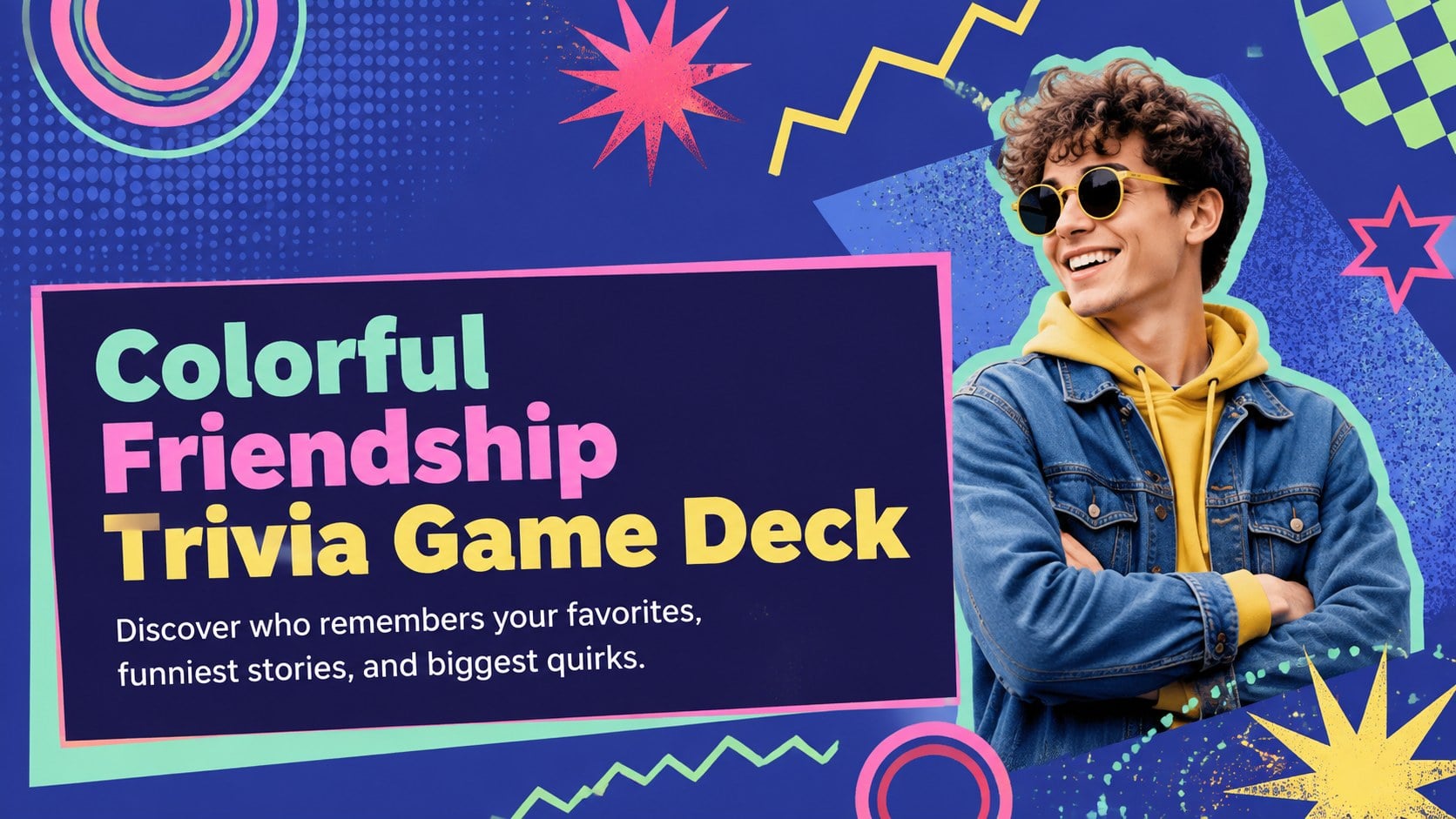
Turn any party into a lively showdown with this colorful friendship trivia game deck, featuring editable quiz rounds for PowerPoint and Google Slides.
Design notes
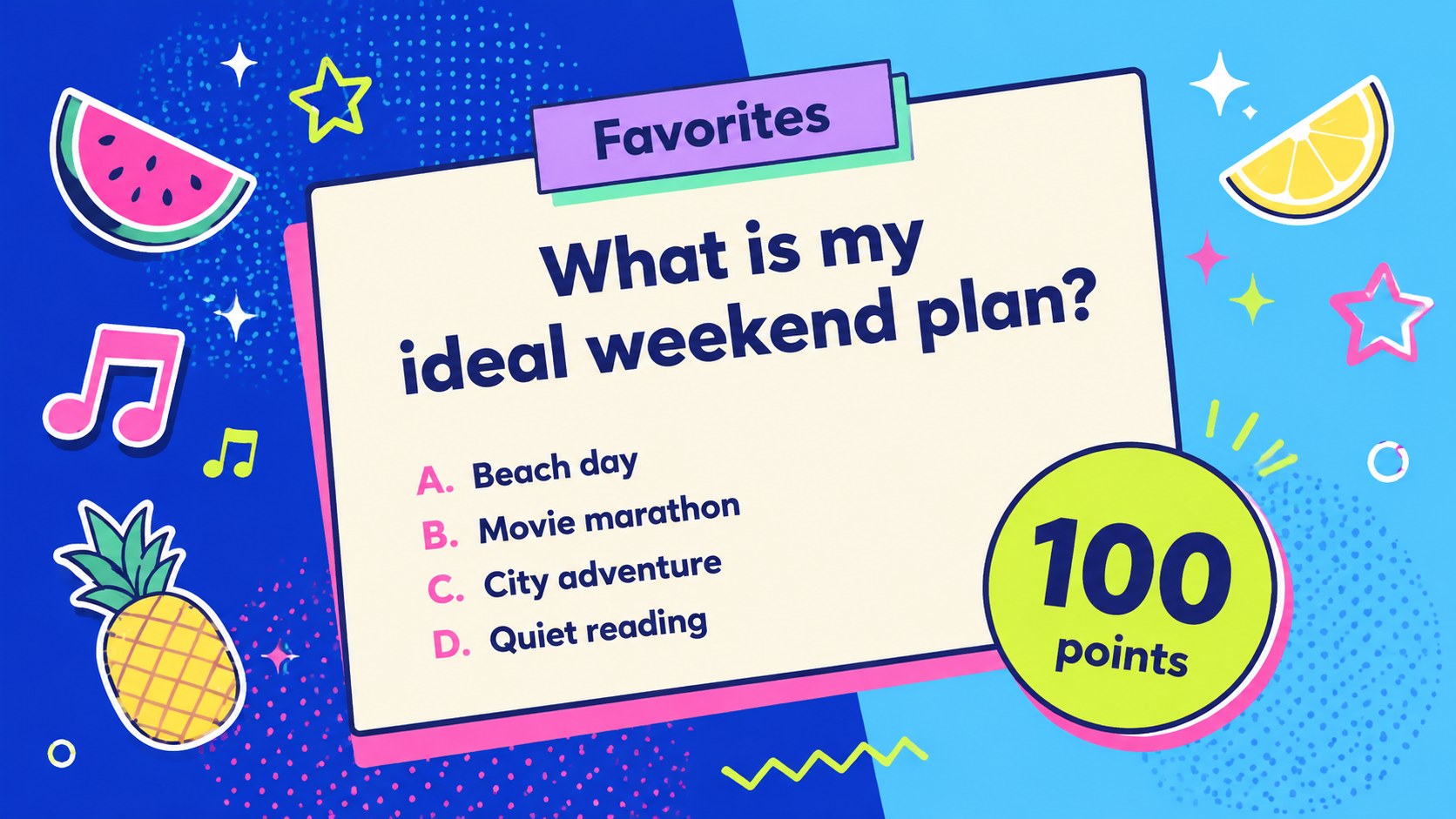
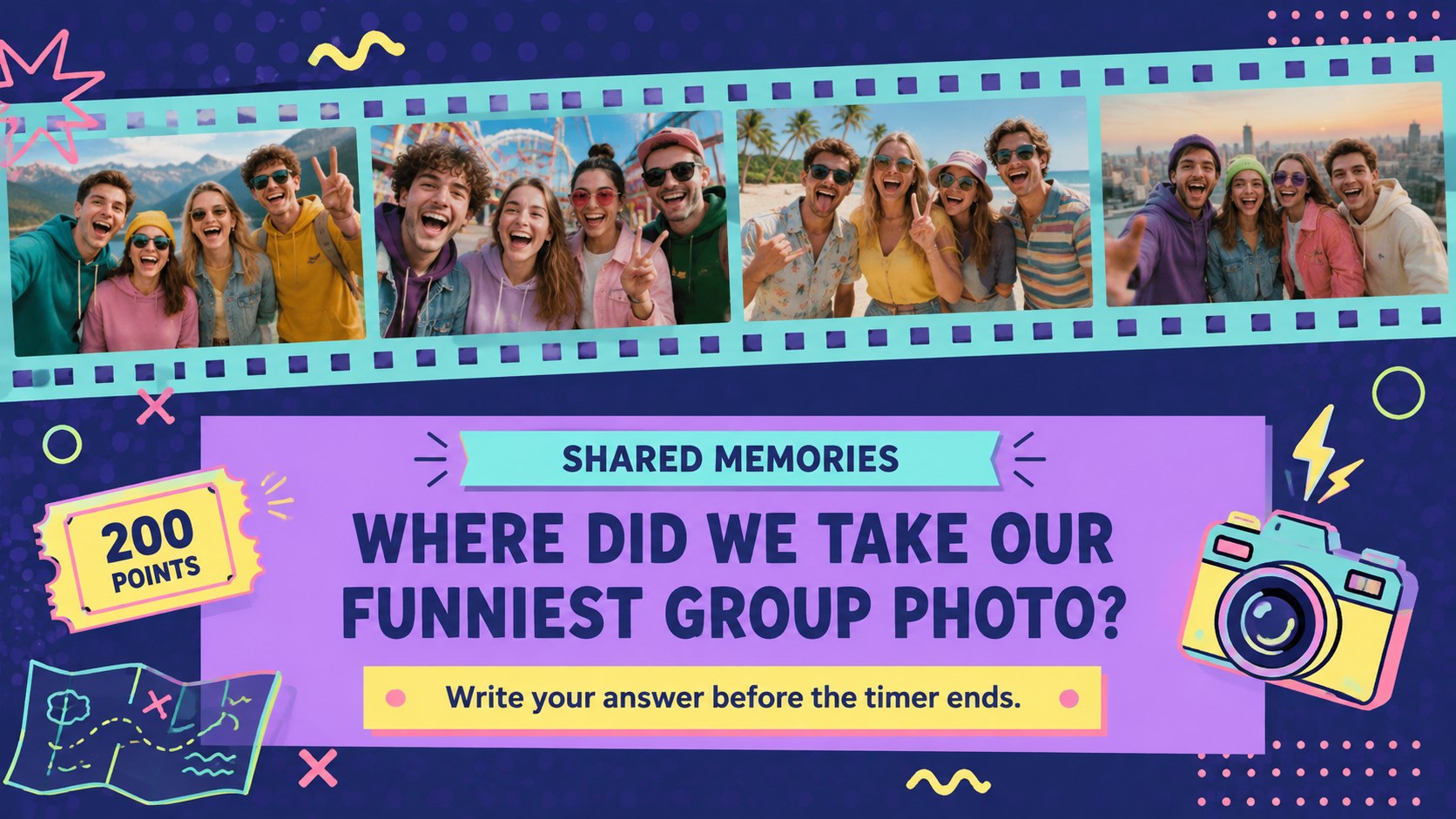
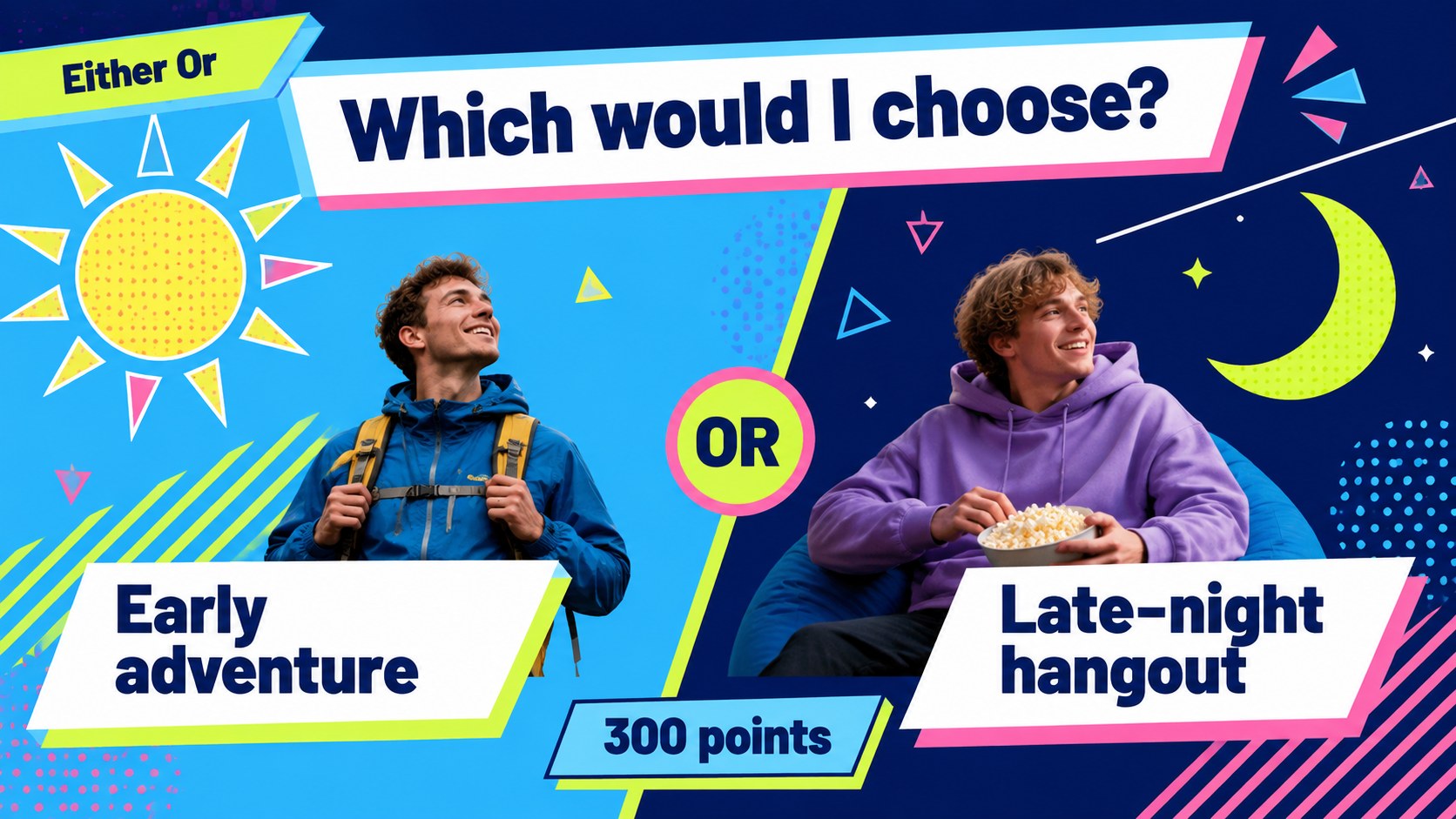
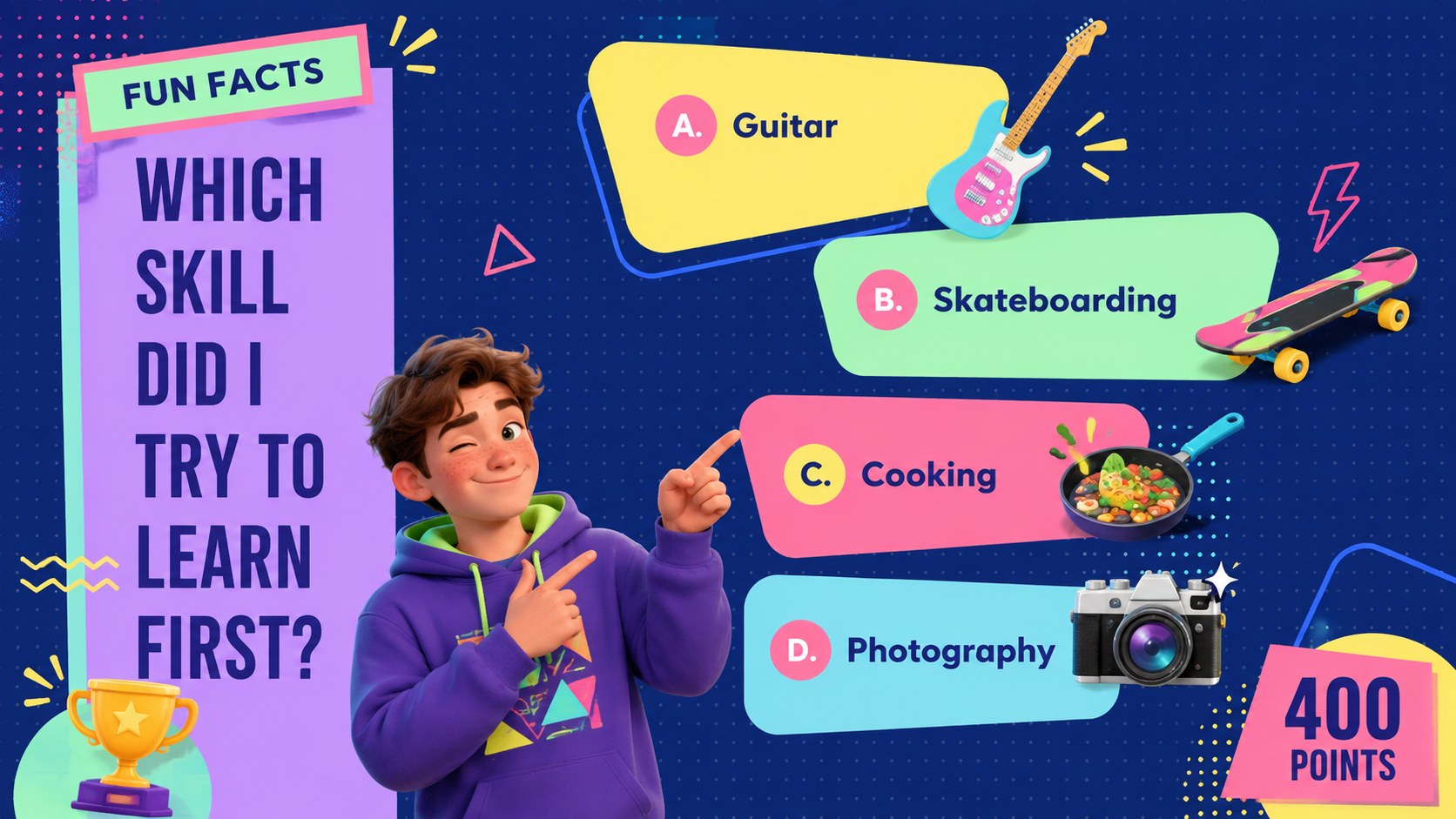
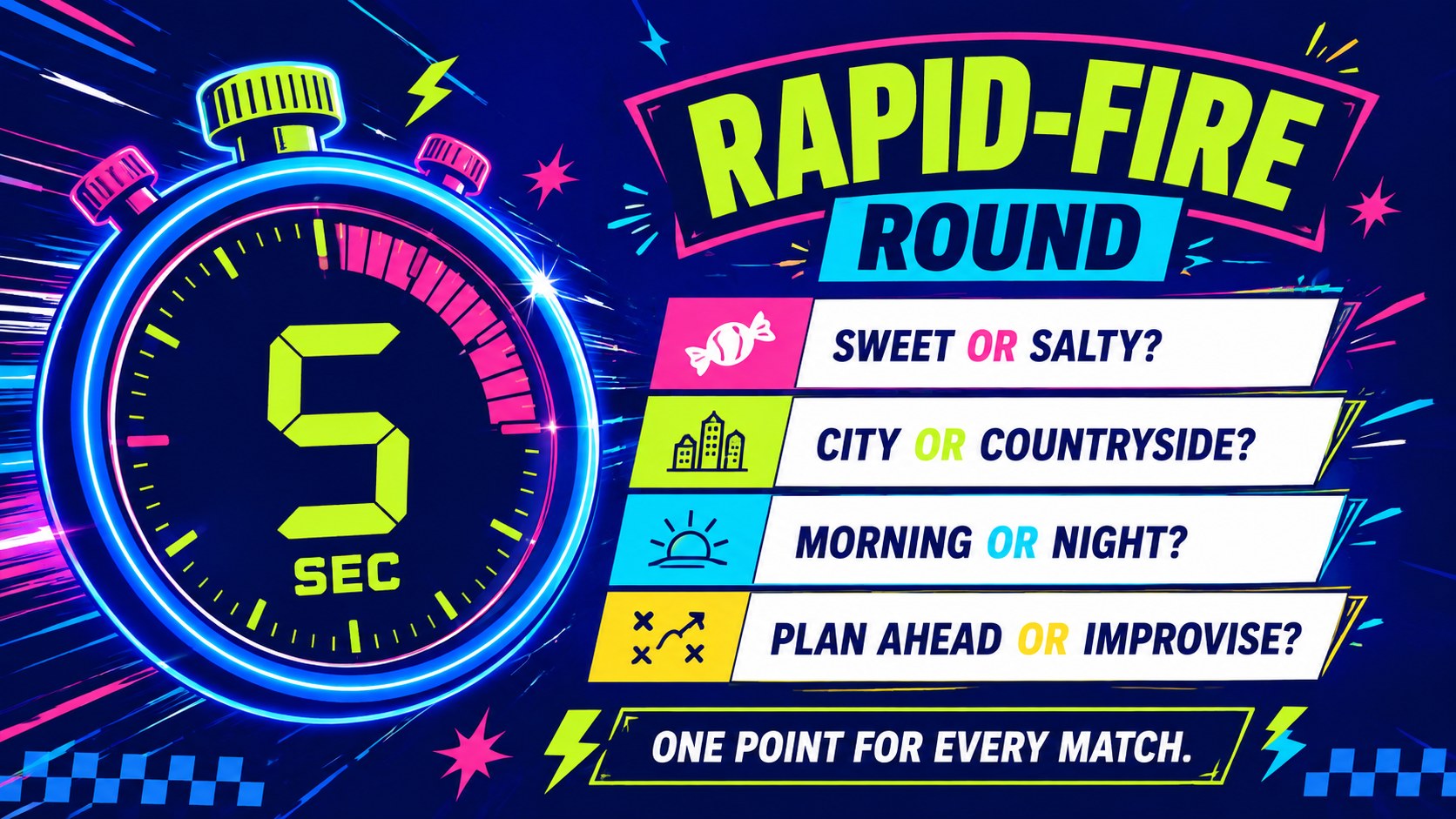
Find out who really knows you best with this colorful friendship trivia game deck. Designed for playful competition, it turns personal facts, favorite things, shared memories, and unexpected choices into an energetic quiz experience. The vivid blue palette, neon accents, bold typography, and lively geometric shapes create a retro-inspired look that feels right at home at birthdays, reunions, and casual game nights.
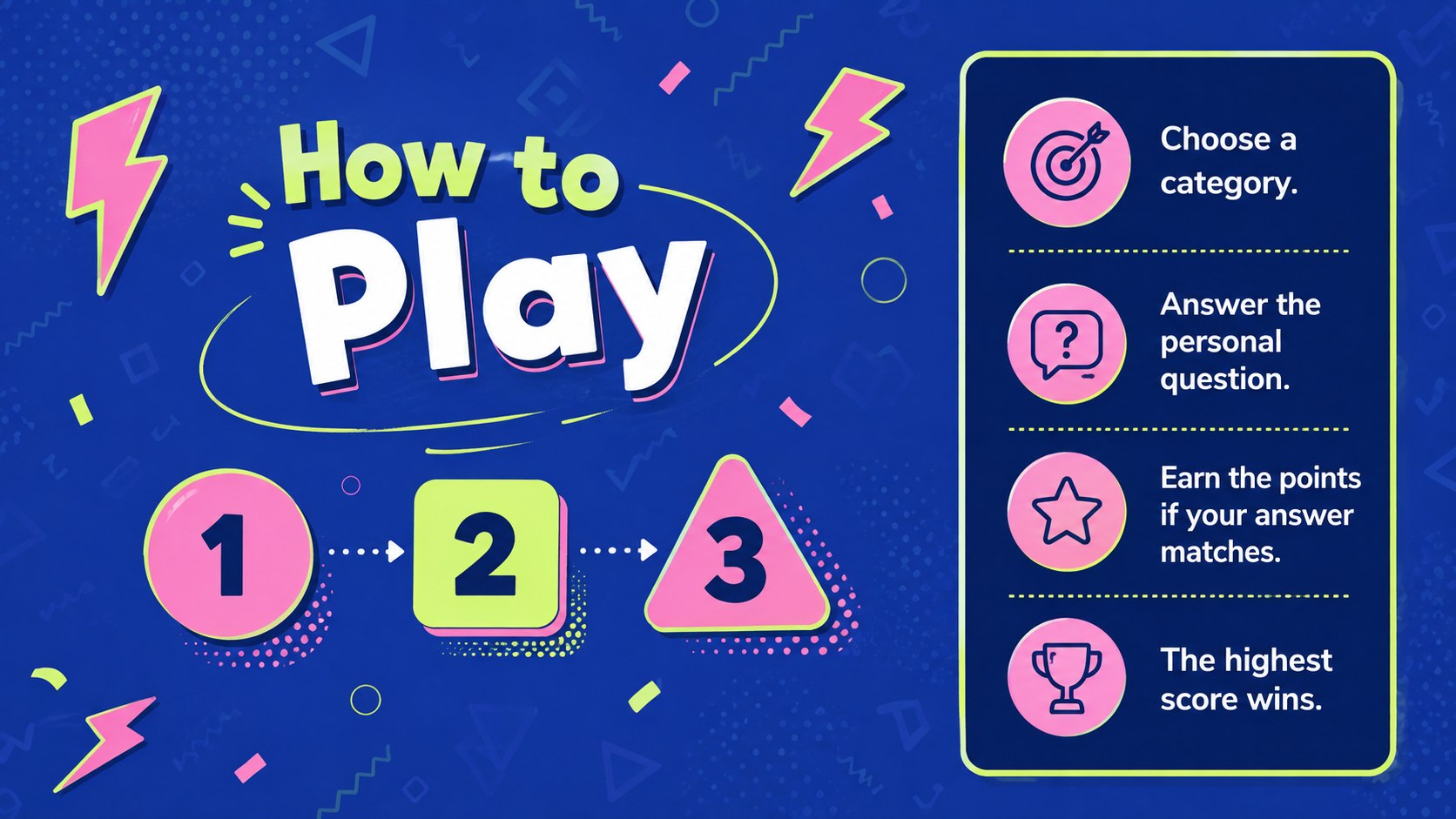
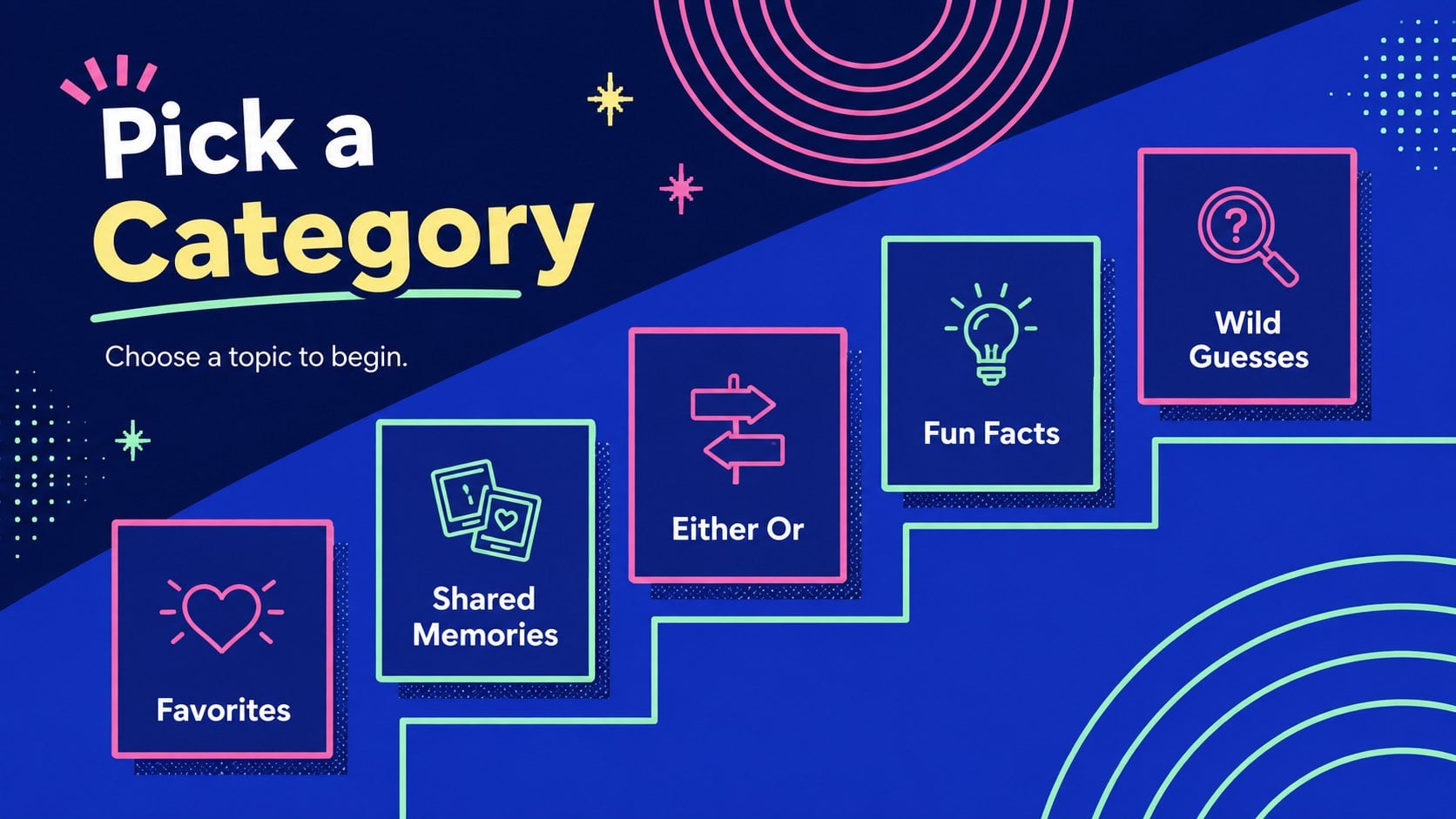
The deck provides a complete structure for a friendship quiz game for parties, including an opening screen, instructions, category selection, question layouts, answer reveals, scoreboards, a final wager, and a tie-breaker. Every slide can be adapted in PowerPoint or Google Slides, so you can replace the sample questions, adjust point values, change colors, and add photos. Animations and transitions can also be edited to match your preferred hosting style.
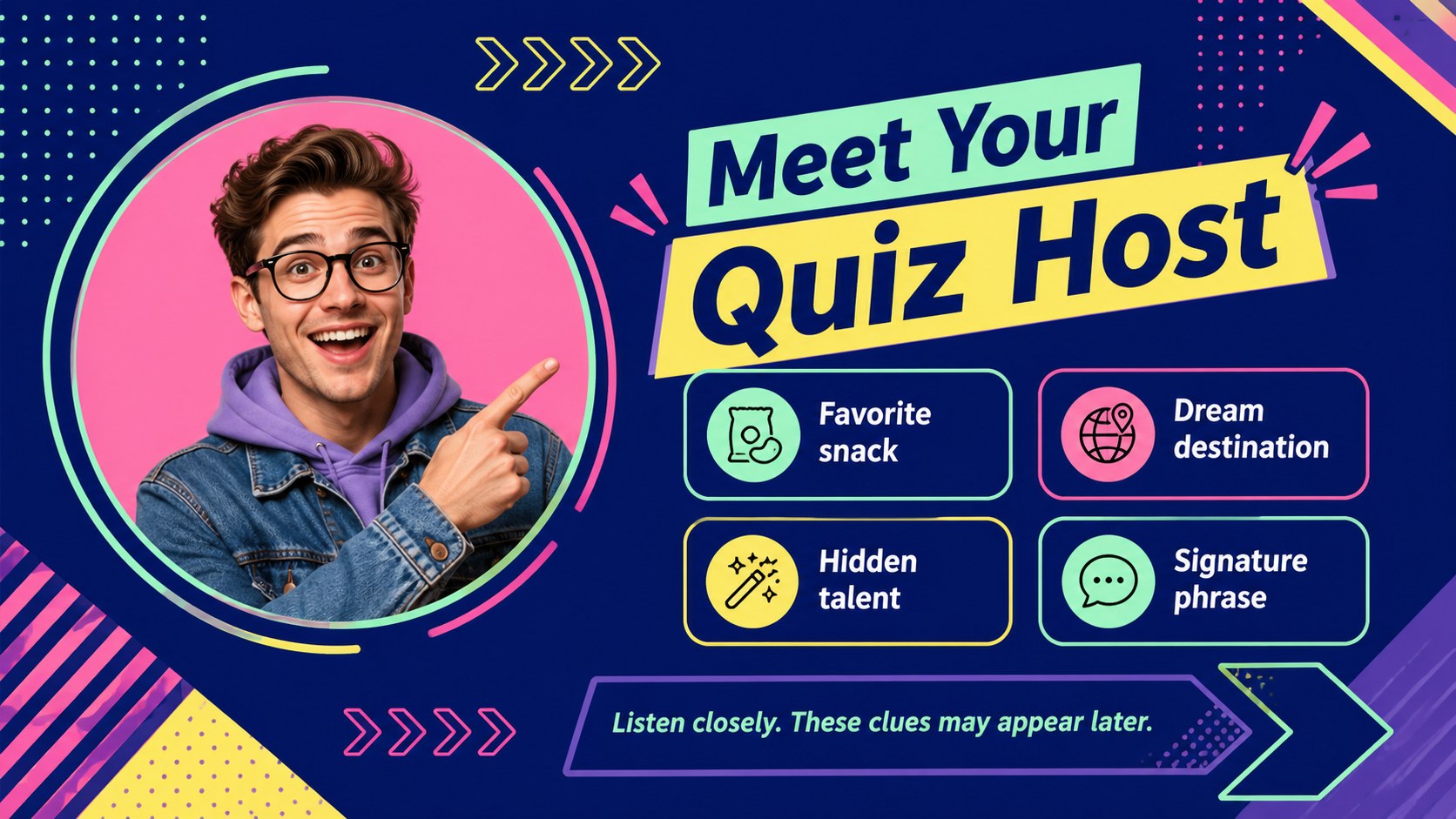
Use this who knows me best PowerPoint game with close friends, relatives, classmates, coworkers, or couples. It also works as an interactive friend trivia Google Slides activity for virtual gatherings and classroom icebreakers. Blinker and League Spartan-inspired typography keeps prompts clear, while the flexible 16:9 layouts support projectors, televisions, and online presentation screens. Customize the rounds with personal details, invite players to choose categories, and keep scores until one person earns the title of ultimate friend expert.
Perfect for: birthday party friend challenge; family reunion trivia night; classroom friendship icebreaker; virtual group game; couples quiz evening; team social activity.
Frequently asked questions
Can I replace every question with my own trivia? Yes. All question prompts, category names, answers, and point values are editable, allowing you to build a completely personal game.
Practical details
Yes. All question prompts, category names, answers, and point values are editable, allowing you to build a completely personal game.
The template is designed for Microsoft PowerPoint and Google Slides. You can present it locally, share it online, or display it through a projector.
Yes. You can adjust the blue and neon palette, switch typefaces, resize text, and recolor geometric decorations without changing the game structure.
Yes. The layouts cover question rounds, answer reveals, score tracking, a final wager, and a tie-breaker so you can run a complete trivia session.
Keep exploring
14Plan a memorable Lunar New Year campaign with the 2036 Dragon Year Celebration Theme, featuring bold red-and-yellow slides for lessons and events.
 15
15Build playful lessons and party stories with a kid-friendly zombie celebration theme in purple, green and pastel blue for PowerPoint and Google Slides.
 15
15Build eerie lessons, campaigns, and story pitches with an undead survival scenario theme featuring editable slides for PowerPoint and Google Slides.
 3
3Share festive messages with a Lunar Horse New Year Wishes Theme, featuring bold red-and-yellow layouts for PowerPoint and Google Slides celebrations.
 15
15Bring zodiac traditions to life with a Lunar Snake Festival Presentation featuring 15 cheerful red illustrated slides for PowerPoint and Google Slides.
 6
6Honor teams and individuals with an Orange Year-End Recognition Certificate Set featuring six editable designs for PowerPoint and Google Slides.
 14
14Honor the people behind the headlines with a World Sports Press Appreciation Deck for PowerPoint and Google Slides, styled in crisp, modern green.
 15
15Teach, inspire, and celebrate with our Plant-Powered Vegetarian Day Lesson Deck, featuring cheerful editable visuals for PowerPoint and Google Slides.