
 14
14presentation
2036 Dragon Year Celebration Theme
Plan a memorable Lunar New Year campaign with the 2036 Dragon Year Celebration Theme, featuring bold red-and-yellow slides for lessons and events.
Google SlidesPowerPoint
presentation · English
Build a colorful 2026 countdown poster for parties, classrooms, and announcements, with playful type, editable layouts, and PowerPoint or Google Slides…



Design notes
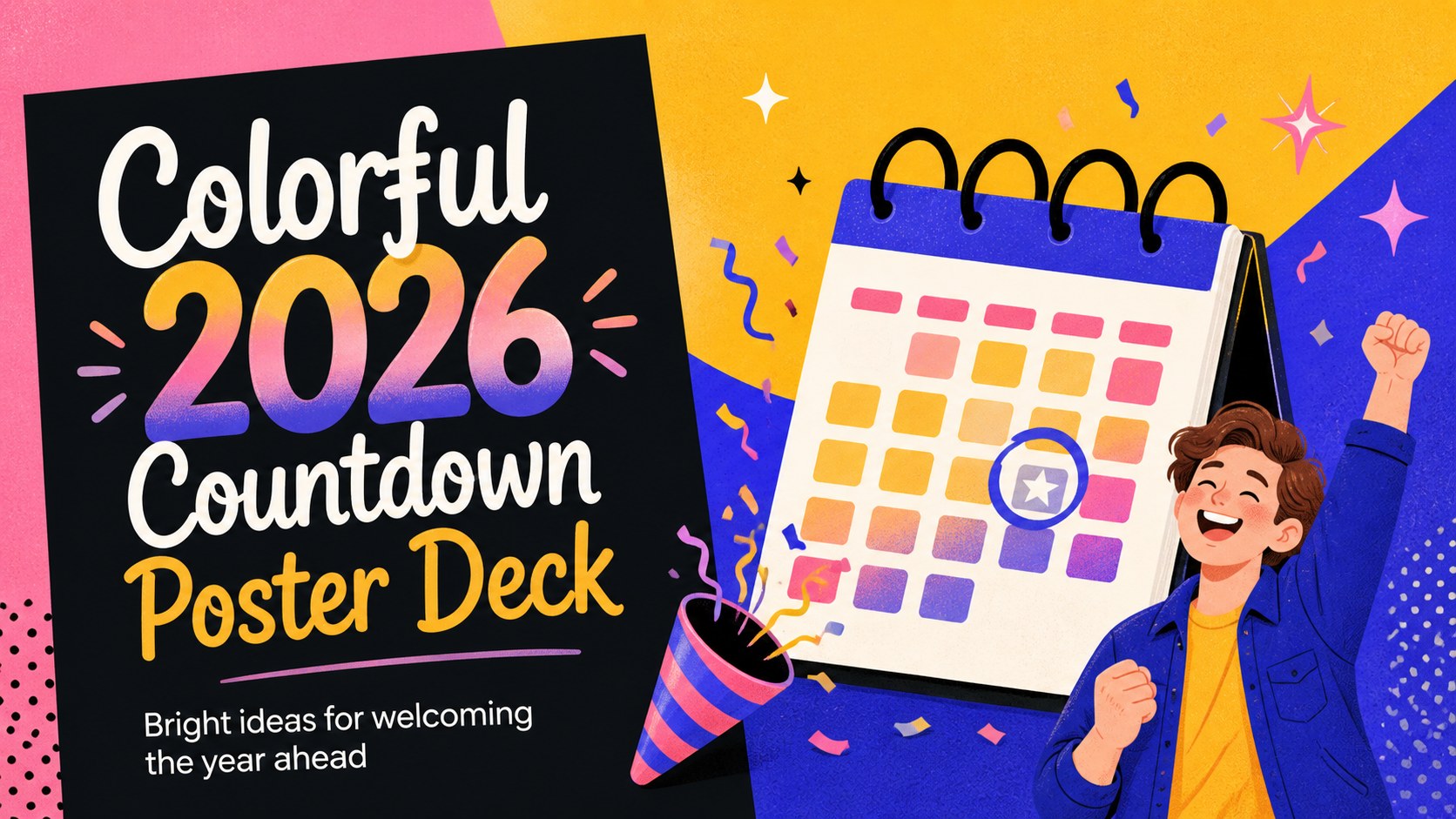
Make your next celebration announcement instantly noticeable with this colorful 2026 countdown poster deck. Designed around playful typography, lively color blocks, and cheerful illustrated accents, it gives event organizers, teachers, marketers, and families a flexible way to welcome the new year. Use the cover as a party announcement, or reshape the layouts into a countdown series, resolutions board, or year-in-review display.
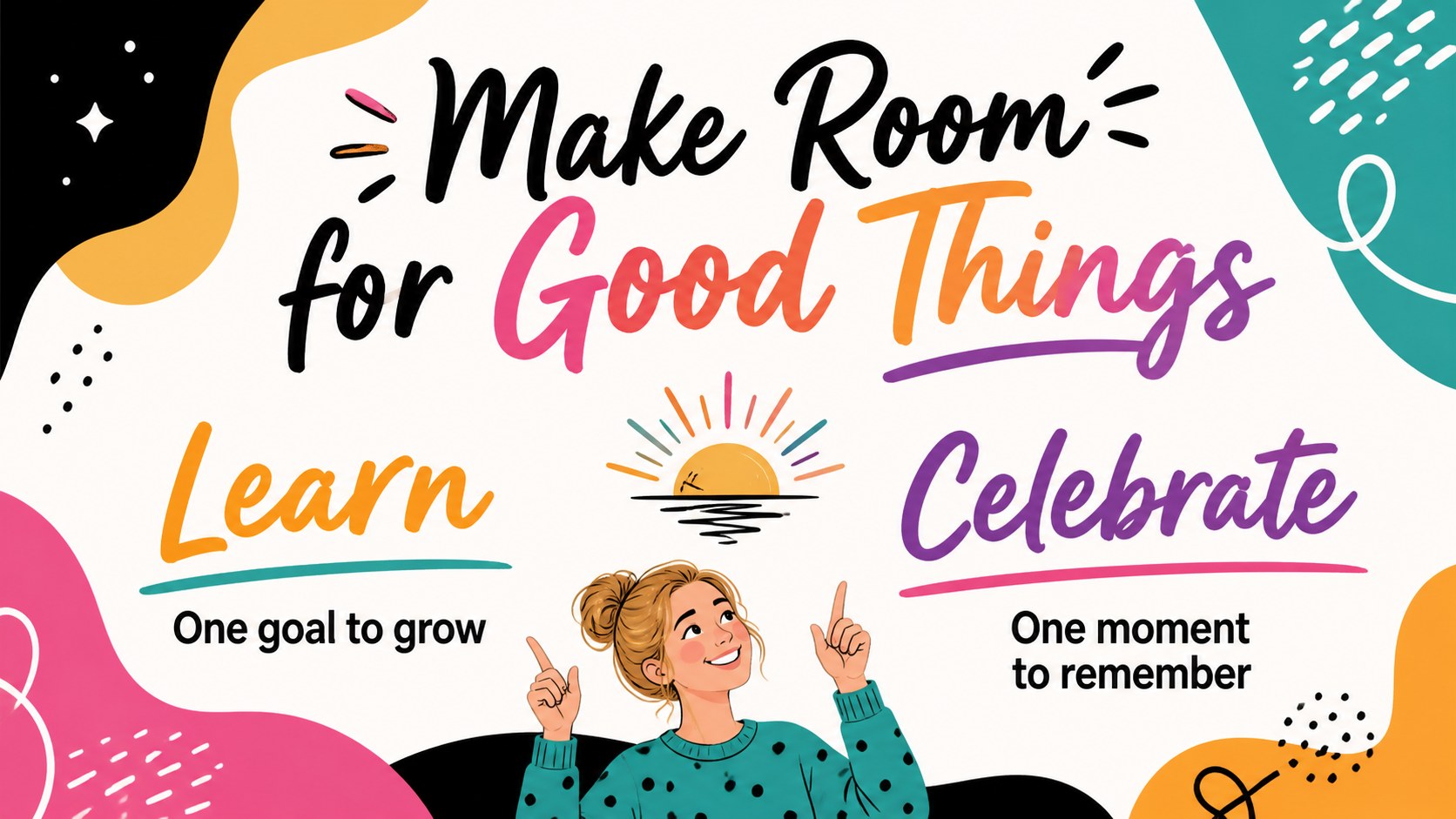
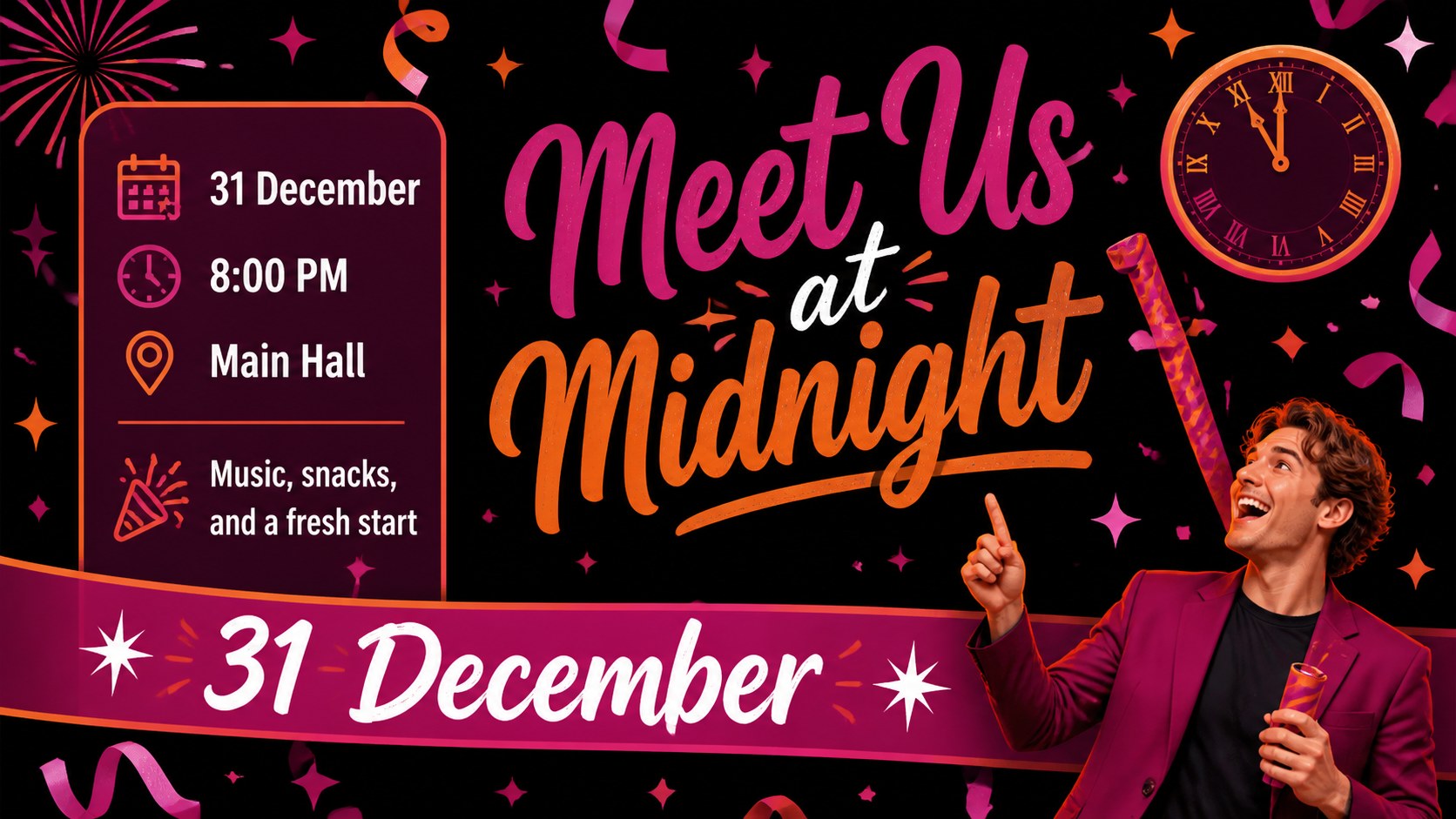
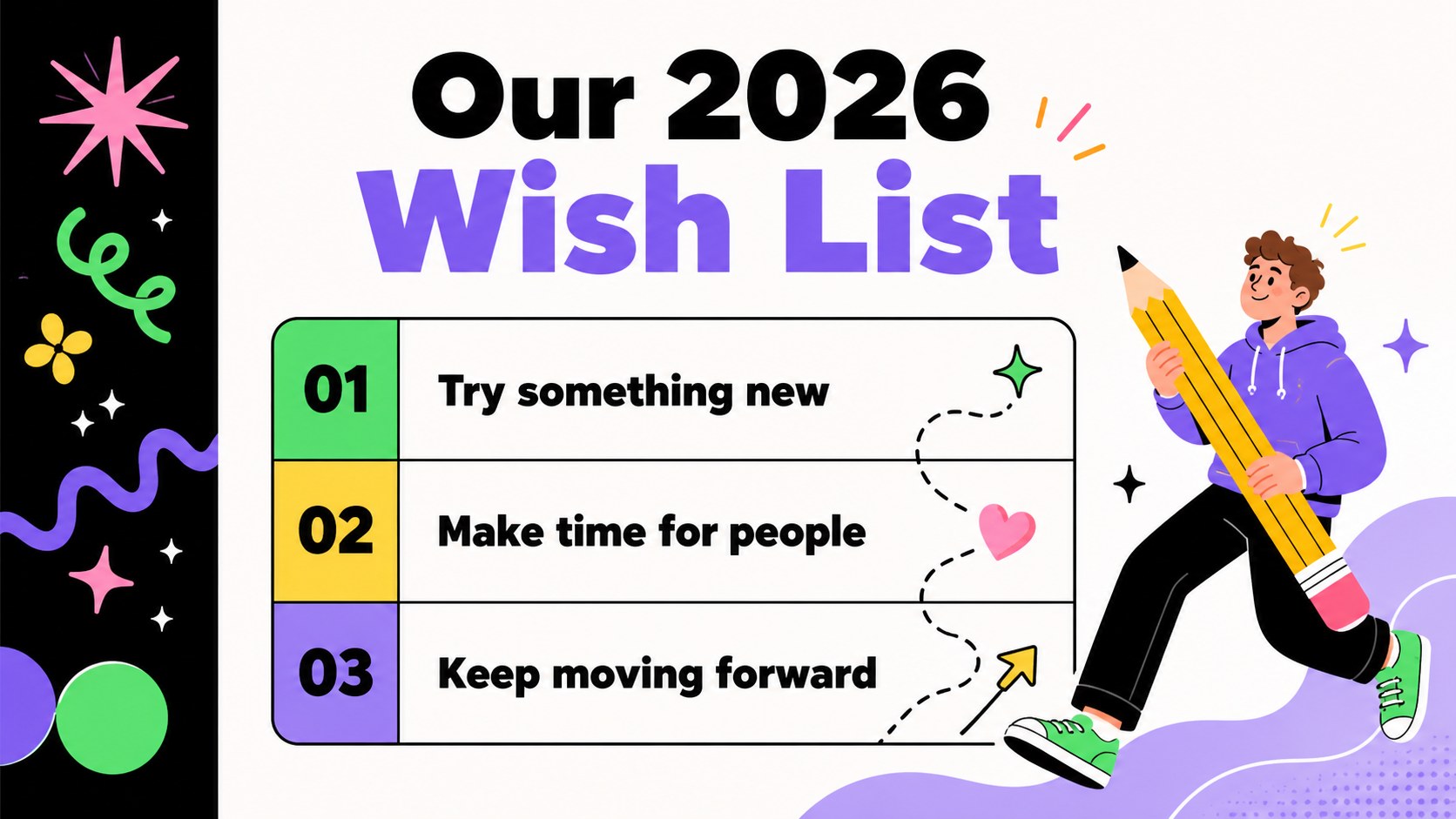
Inside are 7 editable 16:9 slides with a poster-inspired visual system that works on screens, in digital invitations, and as printable artwork. The layouts include a bold opening announcement, countdown milestones, resolution prompts, event details, celebration highlights, and a closing message. Black grounding elements keep the vivid palette readable, while the Archivo Black and Josefin Sans pairing adds contrast between headlines and supporting copy. The deck is suitable for a new year countdown poster template, school activities, office celebrations, community events, and social announcement graphics.
Edit the wording, colors, shapes, and imagery in PowerPoint or Google Slides. Add venue information, schedules, RSVP instructions, photographs, or personal goals to make the presentation fit your occasion. The layouts are easy to adapt for both formal announcements and kid-friendly celebration materials.
Perfect for: New Year party announcement; school countdown activity; office year-end celebration; community event promotion; family resolutions presentation.
Frequently asked questions
Can I edit this deck in PowerPoint? Yes. The layouts can be opened and customized in PowerPoint, including the text, colors, shapes, and images. Use the editable elements to add event details or replace the sample messages.
Practical details
Yes. The layouts can be opened and customized in PowerPoint, including the text, colors, shapes, and images. Use the editable elements to add event details or replace the sample messages.
Yes, you can import the presentation into Google Slides and continue editing there. Check the fonts after import and replace any unavailable typefaces with a similar bold display font if needed.
Yes. Adjust the page setup or export the finished design as a PDF for printing. Keep important text inside the main content area so it remains visible when the poster is trimmed.
You can change the date, countdown numbers, venue, schedule, RSVP details, illustrations, and resolution prompts. The bright palette and playful type can also be adapted while preserving the original visual character.
Keep exploring
14Plan a memorable Lunar New Year campaign with the 2036 Dragon Year Celebration Theme, featuring bold red-and-yellow slides for lessons and events.
 15
15Build playful lessons and party stories with a kid-friendly zombie celebration theme in purple, green and pastel blue for PowerPoint and Google Slides.
 15
15Build eerie lessons, campaigns, and story pitches with an undead survival scenario theme featuring editable slides for PowerPoint and Google Slides.
 3
3Share festive messages with a Lunar Horse New Year Wishes Theme, featuring bold red-and-yellow layouts for PowerPoint and Google Slides celebrations.
 15
15Bring zodiac traditions to life with a Lunar Snake Festival Presentation featuring 15 cheerful red illustrated slides for PowerPoint and Google Slides.
 6
6Honor teams and individuals with an Orange Year-End Recognition Certificate Set featuring six editable designs for PowerPoint and Google Slides.
 14
14Honor the people behind the headlines with a World Sports Press Appreciation Deck for PowerPoint and Google Slides, styled in crisp, modern green.
 15
15Teach, inspire, and celebrate with our Plant-Powered Vegetarian Day Lesson Deck, featuring cheerful editable visuals for PowerPoint and Google Slides.