
 15
15presentation
Yoga Workshop Marketing Presentation
Promote classes with a yoga workshop marketing presentation featuring playful beige, pink, and purple illustrations for PowerPoint and Google Slides.
Google SlidesPowerPoint
document · English
Coordinate provider handoffs with clinical referral intake slides featuring editable patient details, urgency notes, and contact fields for clearer care.

Design notes
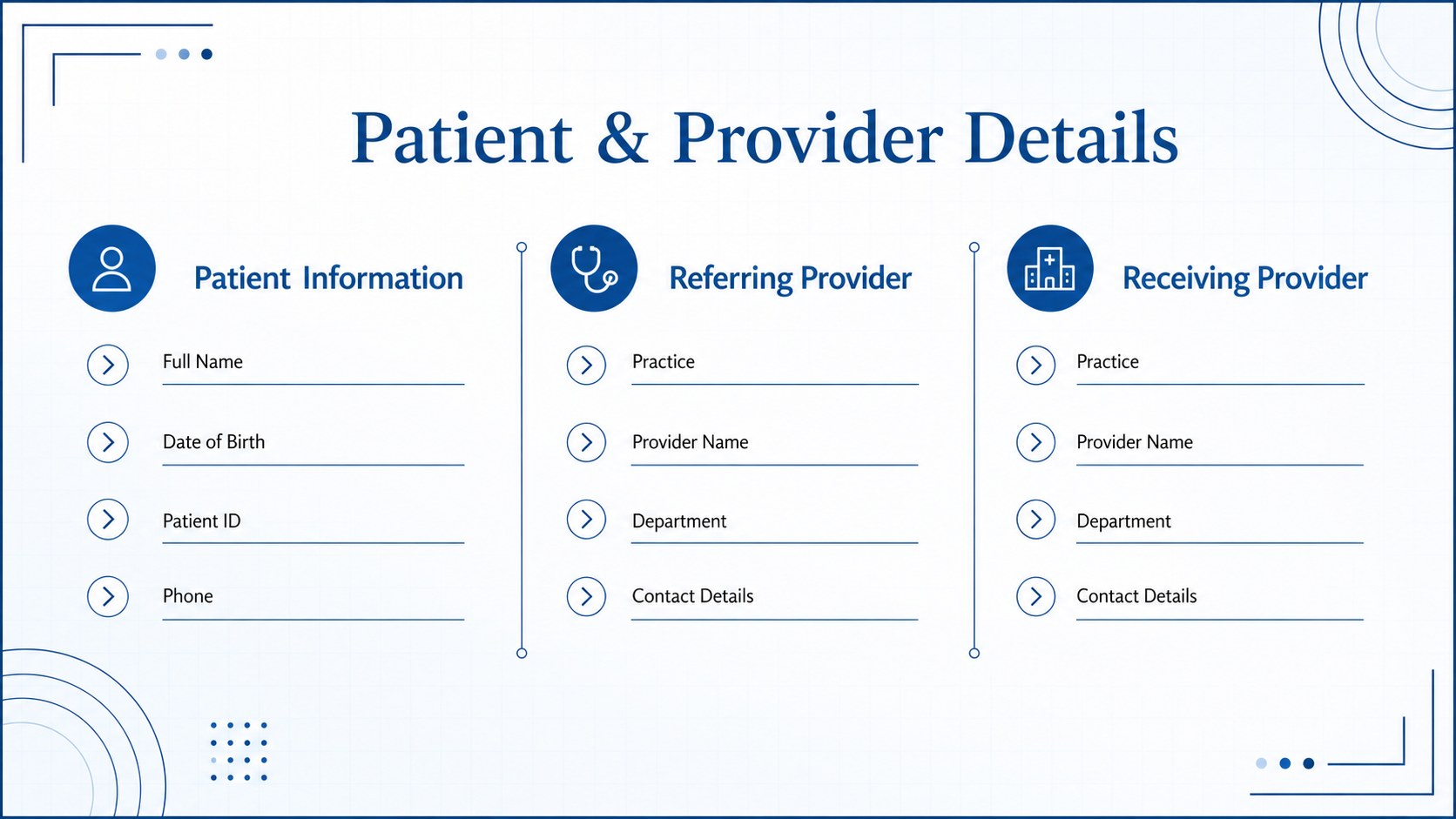
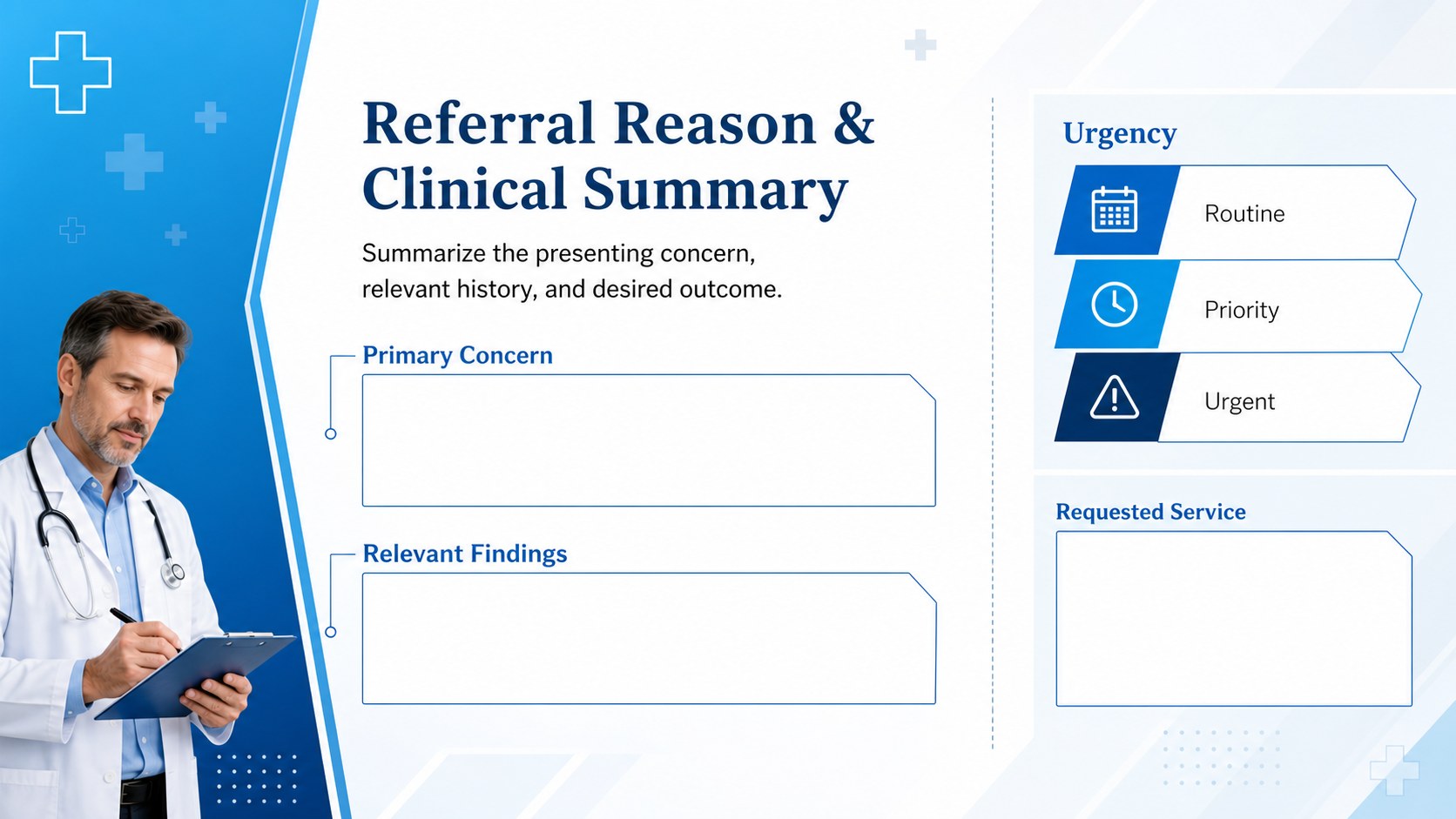
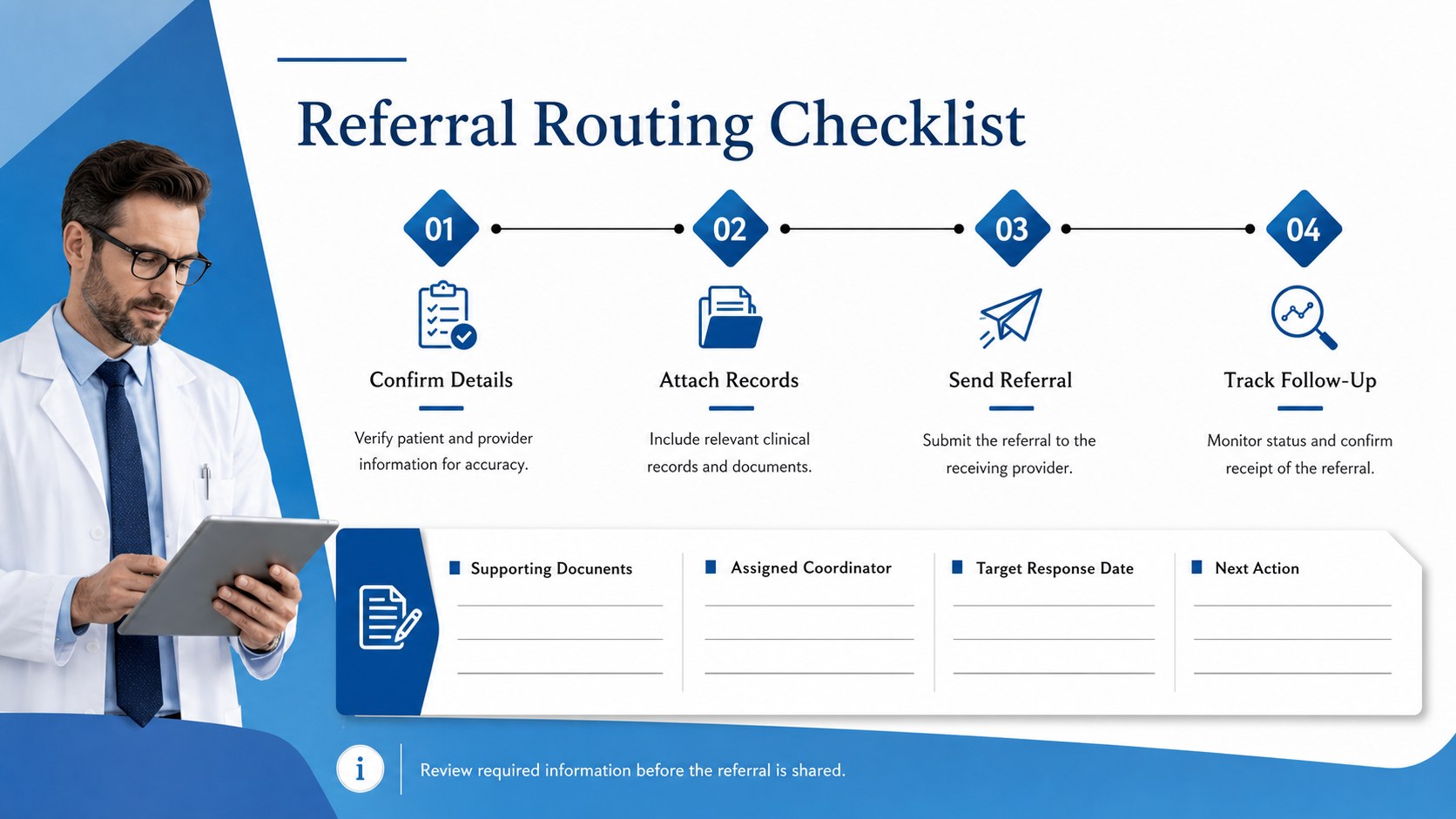
Clinical referral intake slides provide a clear, professional way to organize patient information before care is transferred to another provider. The modern geometric design uses calming blue, crisp white, and black accents to make important details easy to scan. Structured sections help teams communicate consistently while maintaining a polished appearance across every referral.
Inside, you will find layouts for patient and provider details, referral reasons, clinical notes, urgency levels, requested services, and follow-up instructions. The deck can function as an editable clinical referral presentation, a patient referral workflow template, or a visual companion to an established intake process. Clearly labeled fields reduce ambiguity, while flexible text areas accommodate both concise summaries and more detailed care notes.
These healthcare provider handoff slides are suited to private practices, outpatient clinics, hospital departments, specialist offices, and care coordination teams. Staff can adapt the wording, rearrange fields, apply internal colors, and add practice contact information in PowerPoint or Google Slides. Use the layouts during referral preparation, multidisciplinary review, or administrative training. Before sharing completed slides, remove sample information, confirm required fields, and follow your organization’s privacy and record-handling policies.
Perfect for: specialist referral preparation; clinic intake coordination; hospital department handoff; provider workflow training; patient referral review.
Frequently asked questions
Can I edit every field in these referral slides? Yes. Headings, field labels, notes, colors, and contact details can be changed to match your referral process. You can also duplicate, remove, or rearrange sections for different specialties.
Practical details
Yes. Headings, field labels, notes, colors, and contact details can be changed to match your referral process. You can also duplicate, remove, or rearrange sections for different specialties.
The template is designed for PowerPoint and Google Slides. Minor differences in fonts or spacing may occur when moving between platforms, so review the final layout before presenting or exporting.
Yes. Replace the sample labels with department-specific requirements, apply your approved color scheme, and add the relevant provider contact fields. Keep the geometric blue, white, and black styling or adjust it to suit your organization.
Only enter patient information when your organization’s approved systems, privacy procedures, and sharing rules permit it. Remove all sample or sensitive data before presenting, exporting, or distributing the slides.
Keep exploring
15Promote classes with a yoga workshop marketing presentation featuring playful beige, pink, and purple illustrations for PowerPoint and Google Slides.
 15
15Build a clear breast cancer awareness bulletin with bold pink-and-red slides for campaign news, screening reminders, impact data, and community updates.
 15
15Build a clear World Cancer Day message with this global cancer awareness campaign deck, featuring editable blue-green layouts for PowerPoint and Google Slides.
 4
4Document wound findings, treatment decisions, and healing progress with clinical wound evaluation slides for nurses in PowerPoint and Google Slides.
 14
14Plan a clear donor campaign with this blood donation awareness presentation, featuring editable beige-and-red visuals for PowerPoint and Google Slides.
 15
15Build a Kidney Health Awareness Campaign Deck with blue illustrated slides for prevention tips, risk education, screening events, and outreach.
 15
15Build an actionable training session with this fitness program workshop deck, using energetic yellow geometry and editable PowerPoint and Google Slides layouts.
 15
15Equip health teams with this malaria prevention education deck for workshops, community outreach, and policy briefings in PowerPoint or Google Slides.