
 15
15presentation
Yoga Workshop Marketing Presentation
Promote classes with a yoga workshop marketing presentation featuring playful beige, pink, and purple illustrations for PowerPoint and Google Slides.
Google SlidesPowerPoint
presentation · English
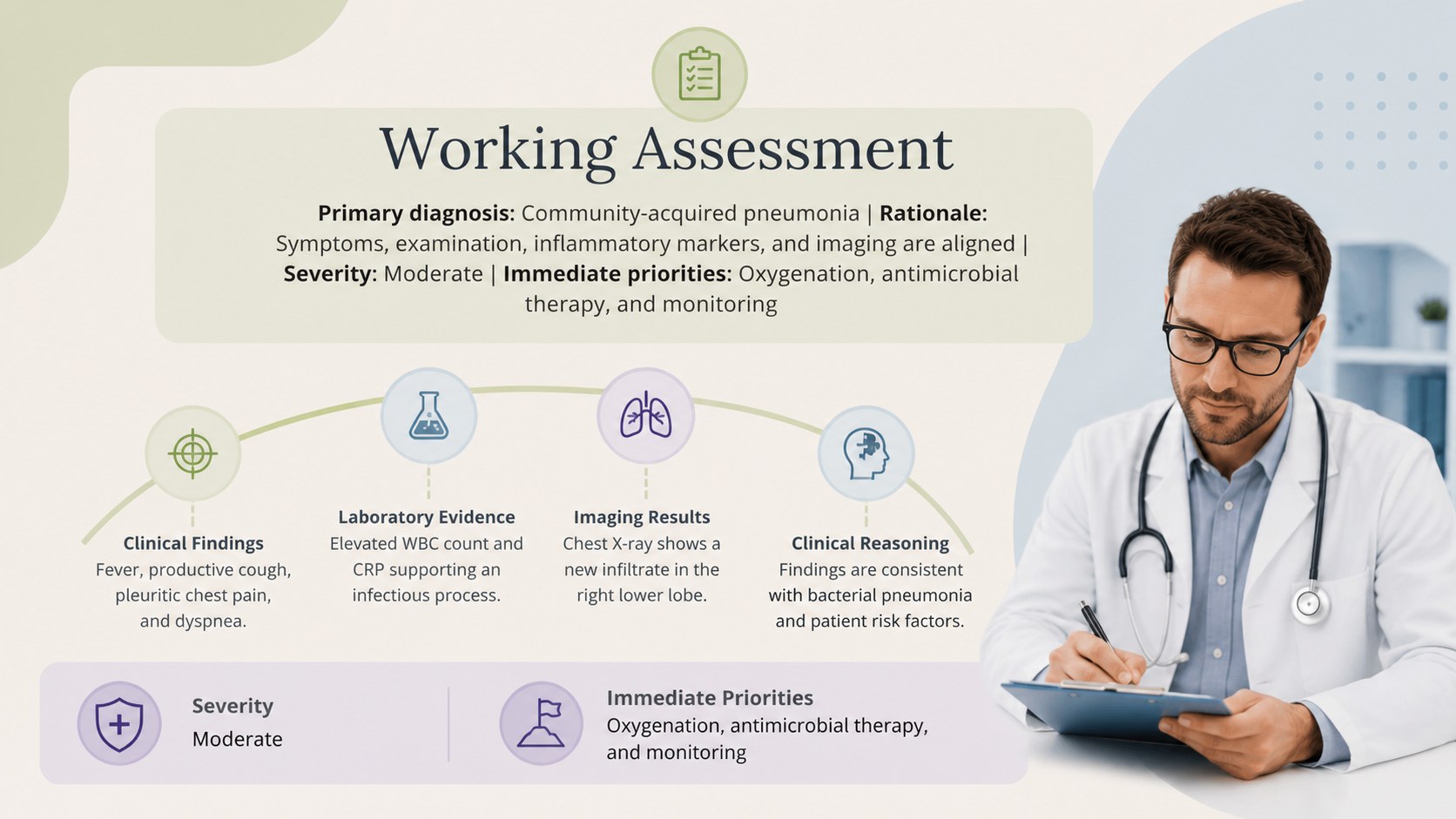
Build a clear clinical patient review presentation for rounds, conferences, or teaching with editable layouts for PowerPoint and Google Slides.
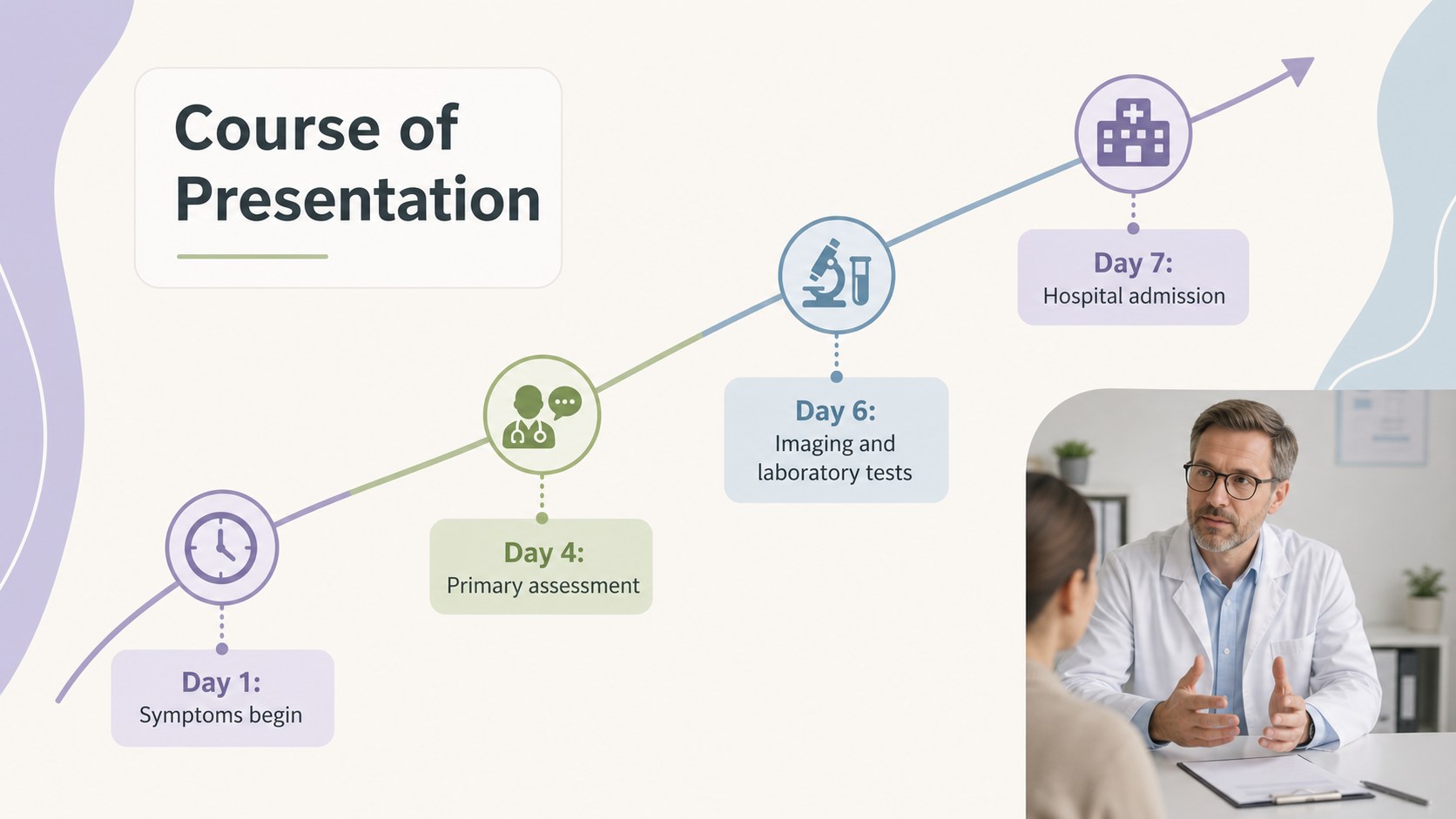
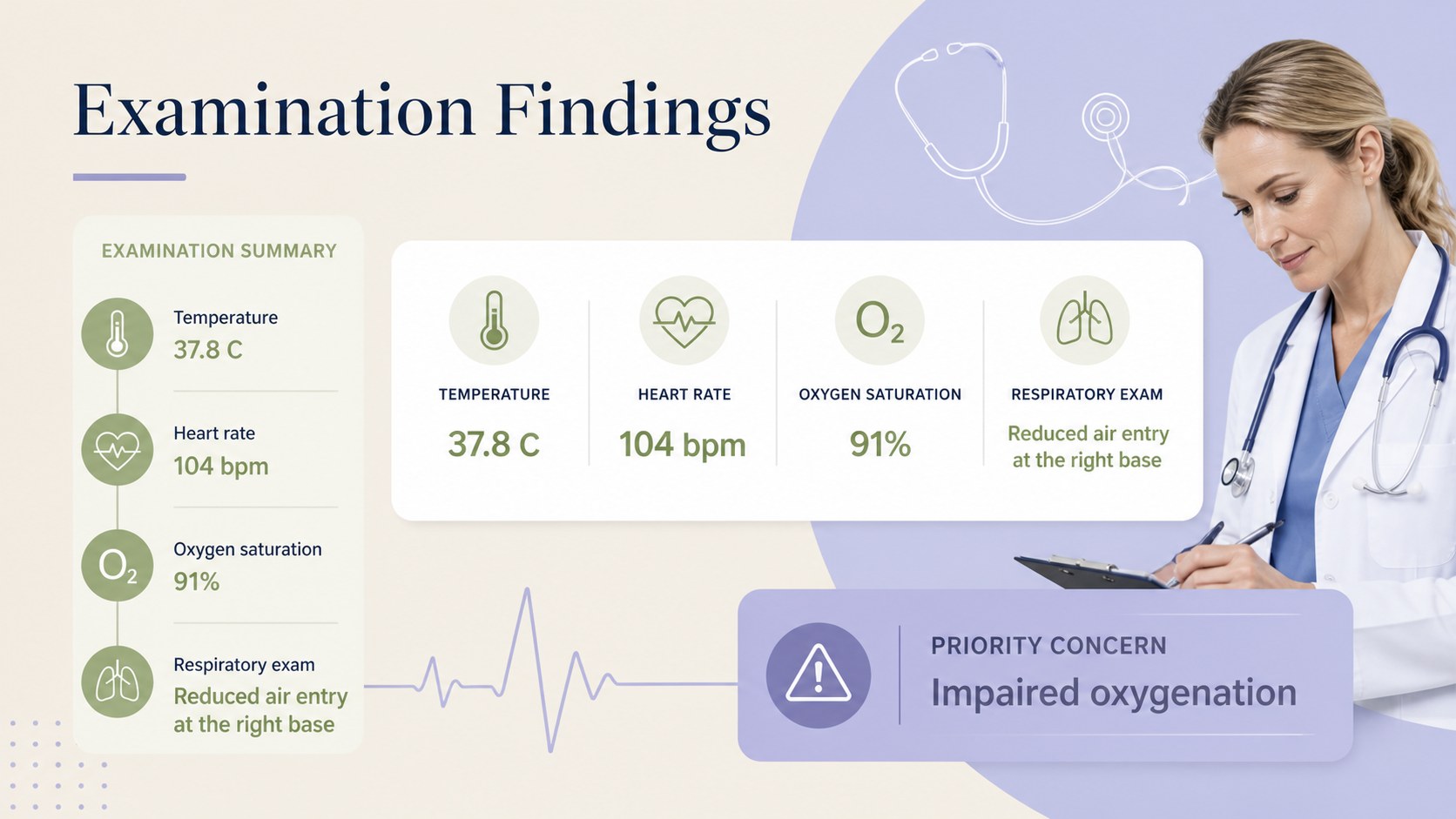
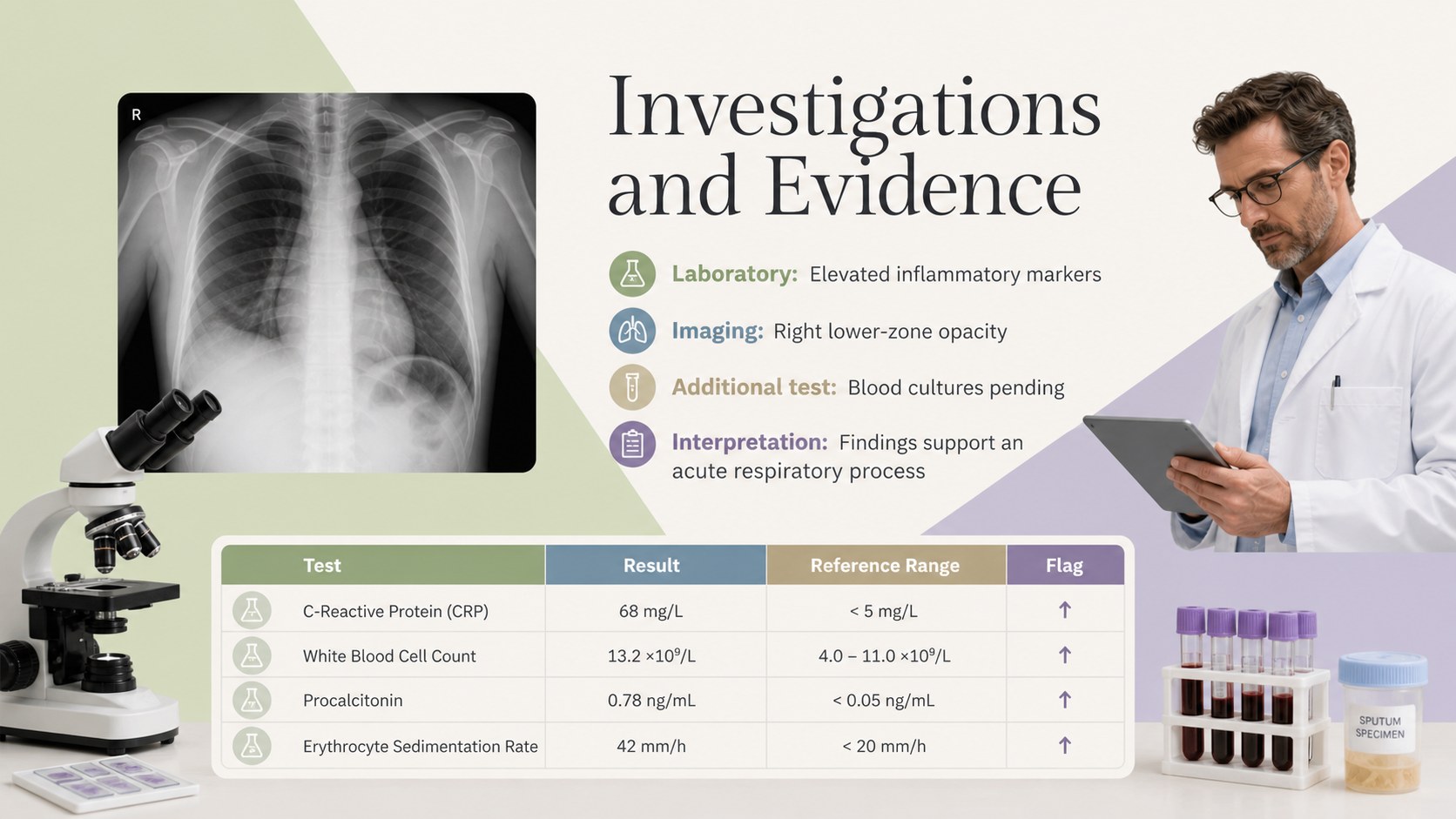
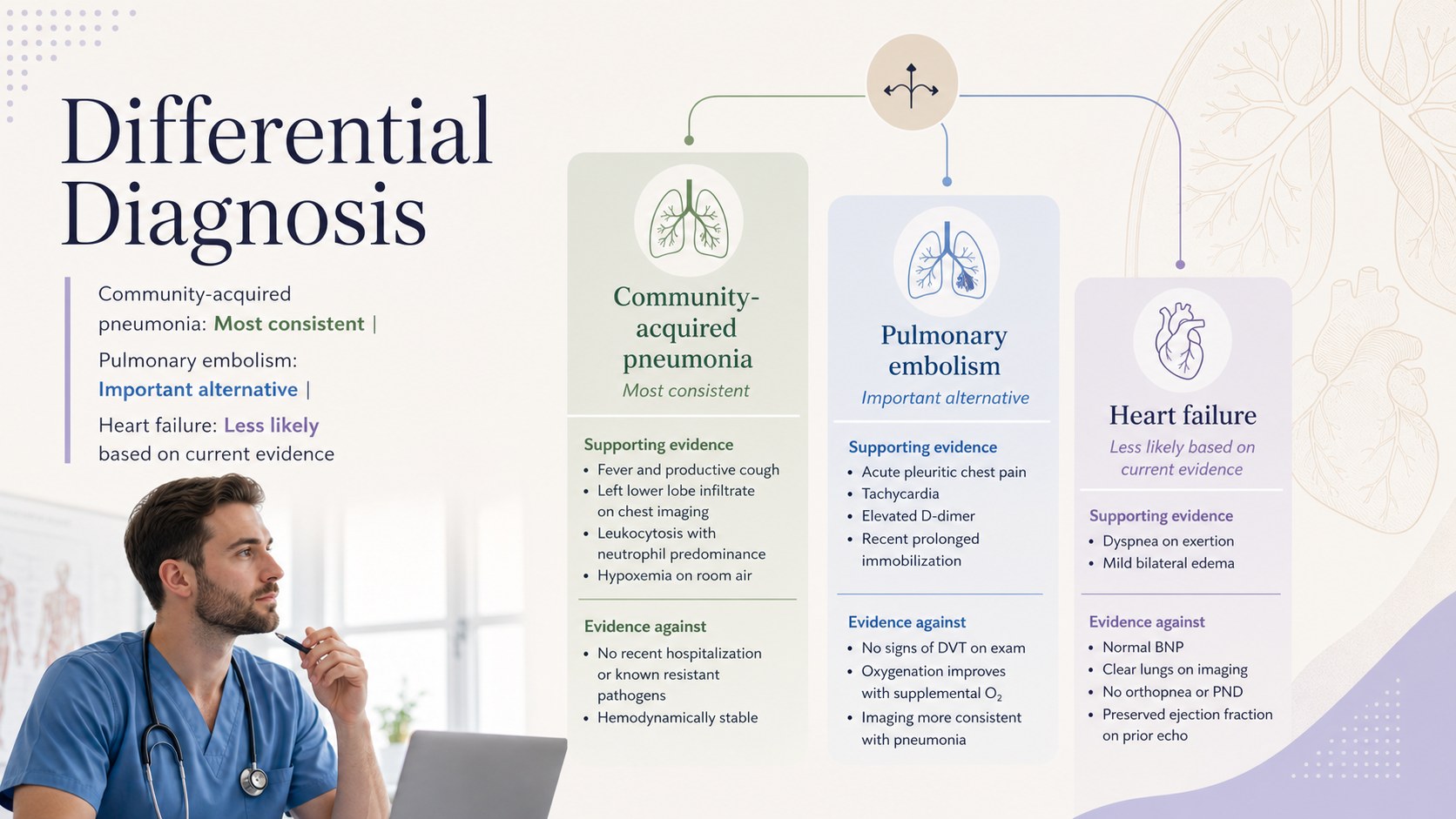
Design notes
Organize symptoms, evidence, decisions, and outcomes with this Clinical Patient Review Presentation. Its restrained visual system combines beige, green, blue, and purple accents with generous spacing, clear typography, and practical content structures. The result is a professional setting for discussing patient care without distracting from the clinical details.
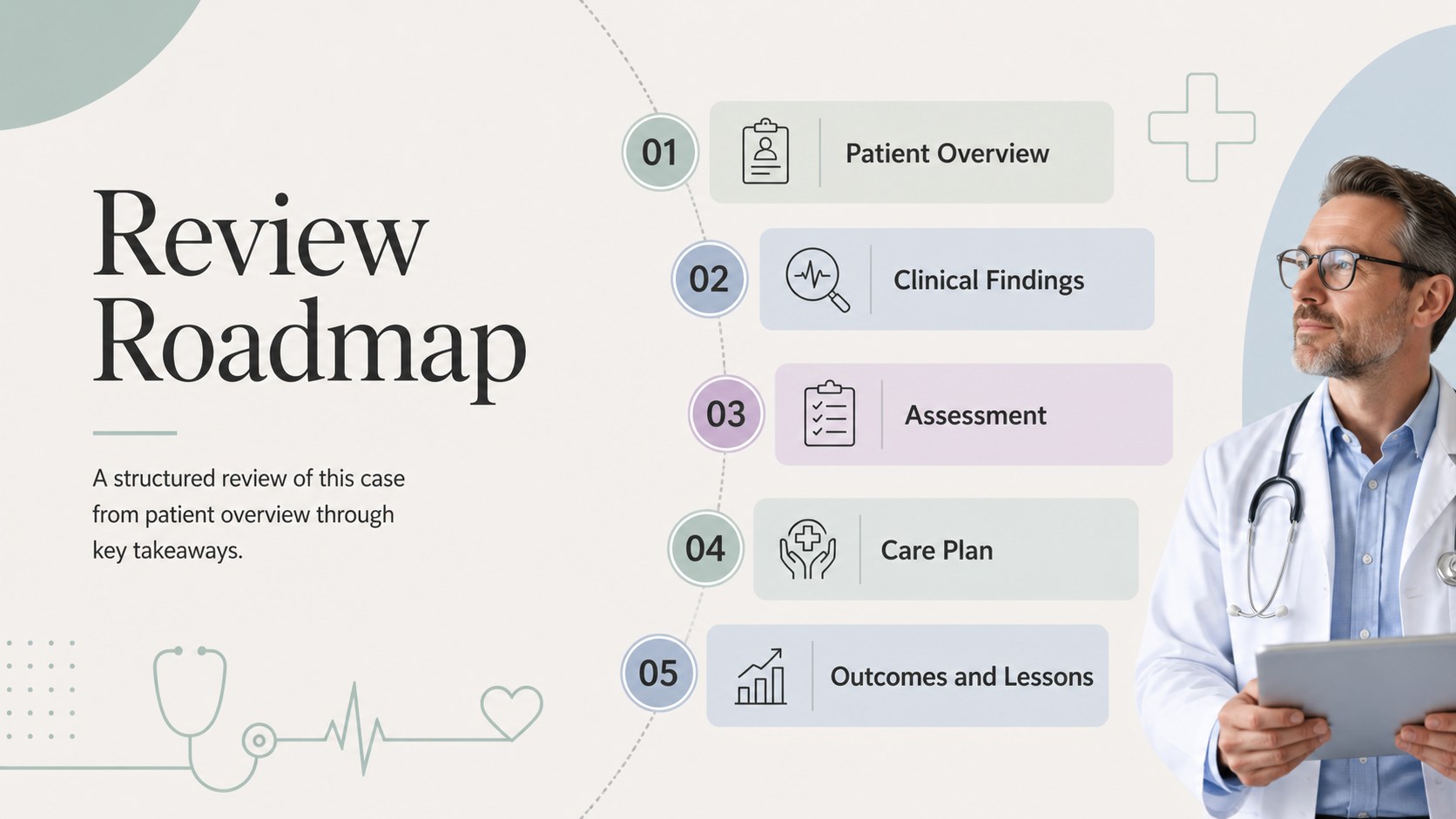
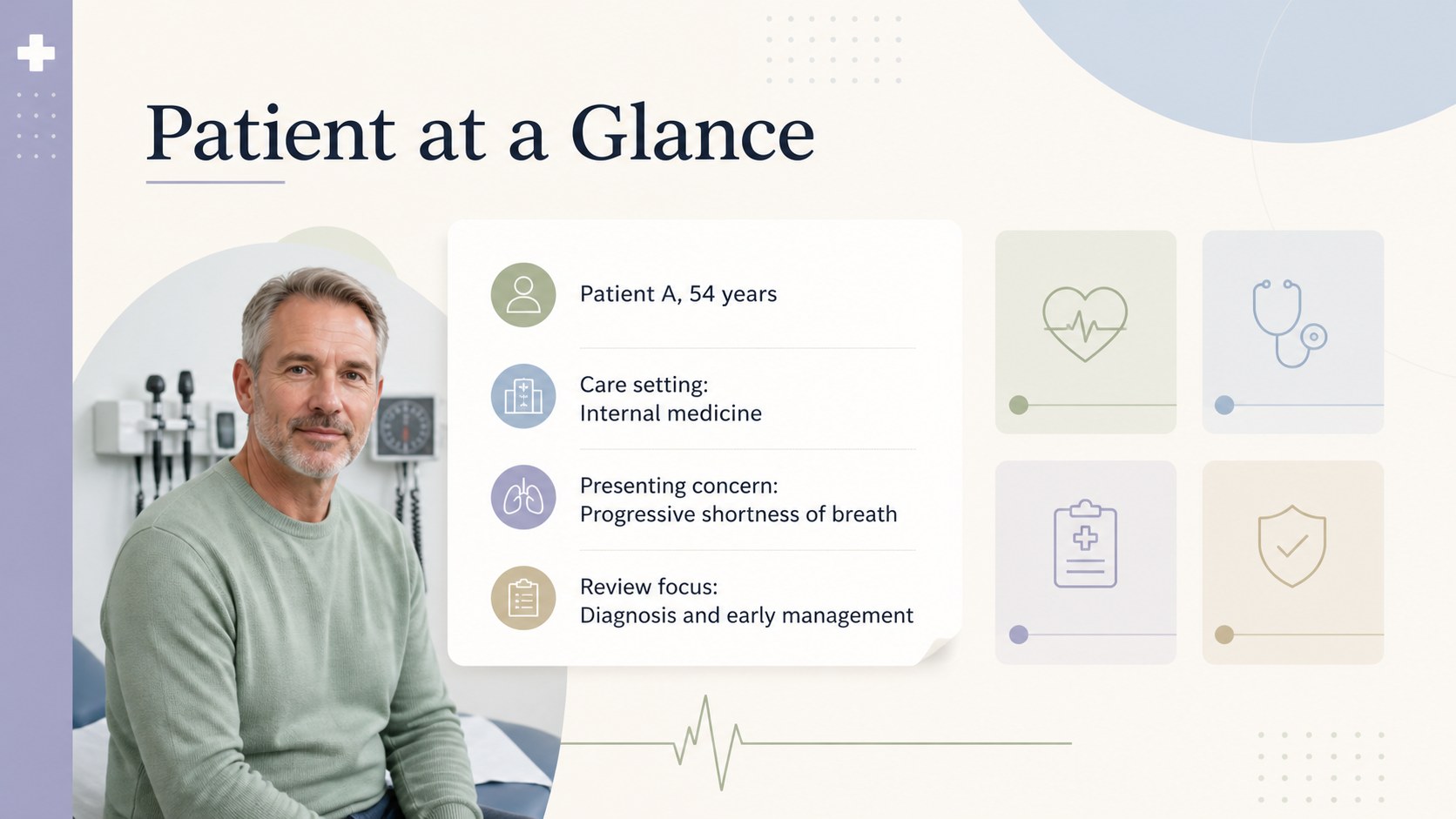
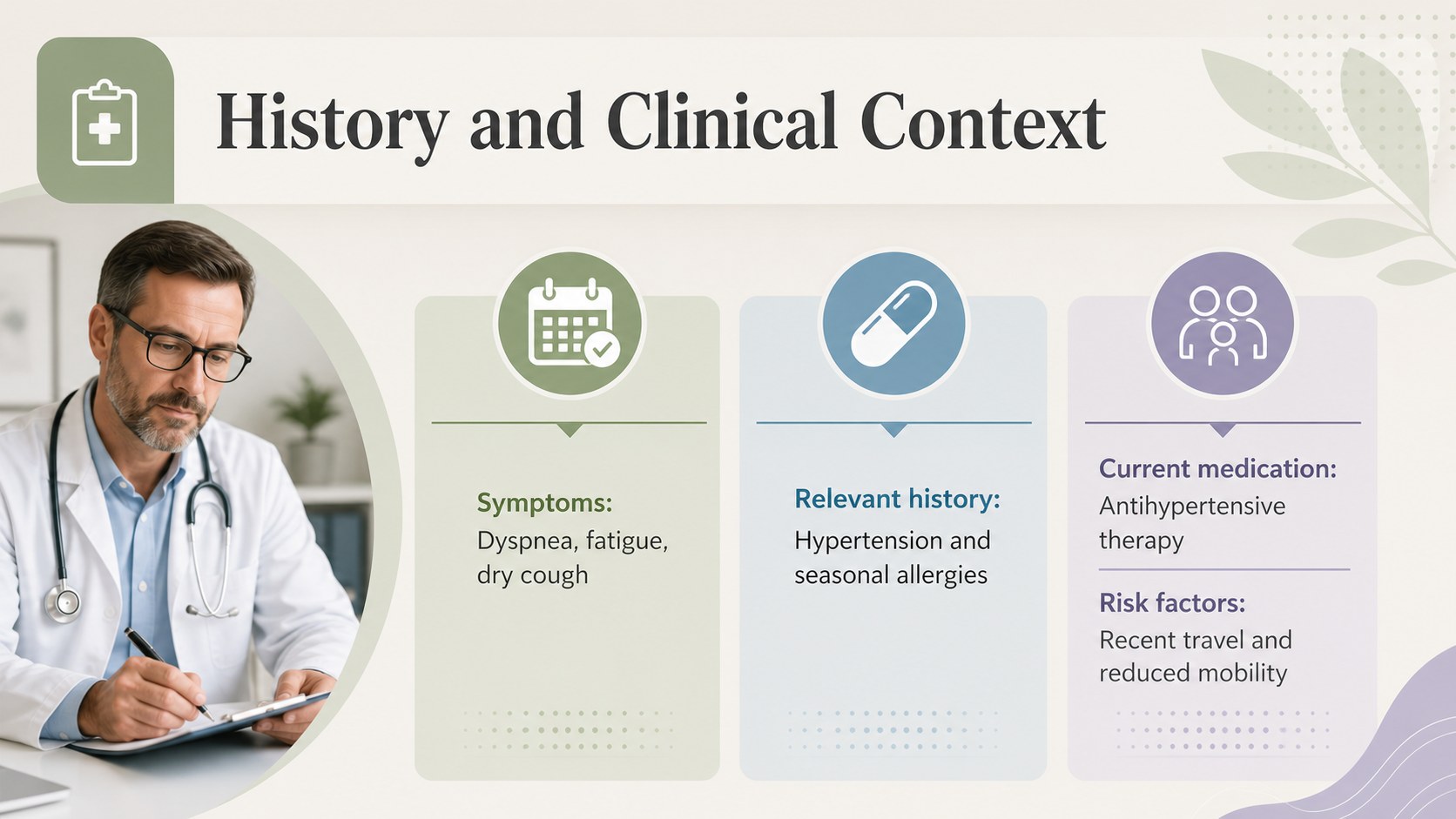
The 15-slide deck includes layouts for patient history and diagnosis slides, presenting concerns, examination findings, investigation results, differential diagnoses, treatment planning, progress monitoring, and key learning points. Timelines, comparison tables, charts, image placeholders, and concise summary pages help transform complex information into a logical story. Every element can be edited in PowerPoint or Google Slides, including text, colors, diagrams, data displays, and section order.
This clinical patient review presentation works well for physicians, residents, nurses, medical educators, allied health professionals, and healthcare students. Use it as a hospital case conference PowerPoint, a medical grand rounds presentation layout, or a structured teaching resource for classroom discussion. Before presenting, replace the sample wording with appropriately anonymized information and follow your institution's privacy requirements. The minimalist landscape format is suitable for departmental meetings, academic lectures, multidisciplinary reviews, and supervised clinical training.
Perfect for: hospital case conference; medical grand rounds; resident teaching session; multidisciplinary patient review; clinical classroom discussion.
Frequently asked questions
Can I edit the presentation in PowerPoint and Google Slides? Yes. The text, colors, diagrams, charts, and image placeholders can be customized in PowerPoint or Google Slides. Font availability and animation behavior may vary slightly between the two platforms.
Practical details
Yes. The text, colors, diagrams, charts, and image placeholders can be customized in PowerPoint or Google Slides. Font availability and animation behavior may vary slightly between the two platforms.
Replace the sample content with a concise clinical timeline, relevant findings, diagnostic reasoning, interventions, and outcomes. Remove identifying details and follow your organization's consent and privacy policies.
Yes. You can adjust the beige, green, blue, and purple palette to match a department or institution and rearrange sections to suit the case. Duplicate specialized layouts when additional findings or follow-up stages are needed.
Yes. The layouts support structured discussion of history, investigations, differential diagnosis, treatment decisions, and learning points. Educators can also add questions or reveal conclusions gradually during a session.
Keep exploring
15Promote classes with a yoga workshop marketing presentation featuring playful beige, pink, and purple illustrations for PowerPoint and Google Slides.
 15
15Build a clear breast cancer awareness bulletin with bold pink-and-red slides for campaign news, screening reminders, impact data, and community updates.
 15
15Build a clear World Cancer Day message with this global cancer awareness campaign deck, featuring editable blue-green layouts for PowerPoint and Google Slides.
 4
4Document wound findings, treatment decisions, and healing progress with clinical wound evaluation slides for nurses in PowerPoint and Google Slides.
 14
14Plan a clear donor campaign with this blood donation awareness presentation, featuring editable beige-and-red visuals for PowerPoint and Google Slides.
 15
15Build a Kidney Health Awareness Campaign Deck with blue illustrated slides for prevention tips, risk education, screening events, and outreach.
 15
15Build an actionable training session with this fitness program workshop deck, using energetic yellow geometry and editable PowerPoint and Google Slides layouts.
 15
15Equip health teams with this malaria prevention education deck for workshops, community outreach, and policy briefings in PowerPoint or Google Slides.