
 15
15presentation
Yoga Workshop Marketing Presentation
Promote classes with a yoga workshop marketing presentation featuring playful beige, pink, and purple illustrations for PowerPoint and Google Slides.
Google SlidesPowerPoint
document · English
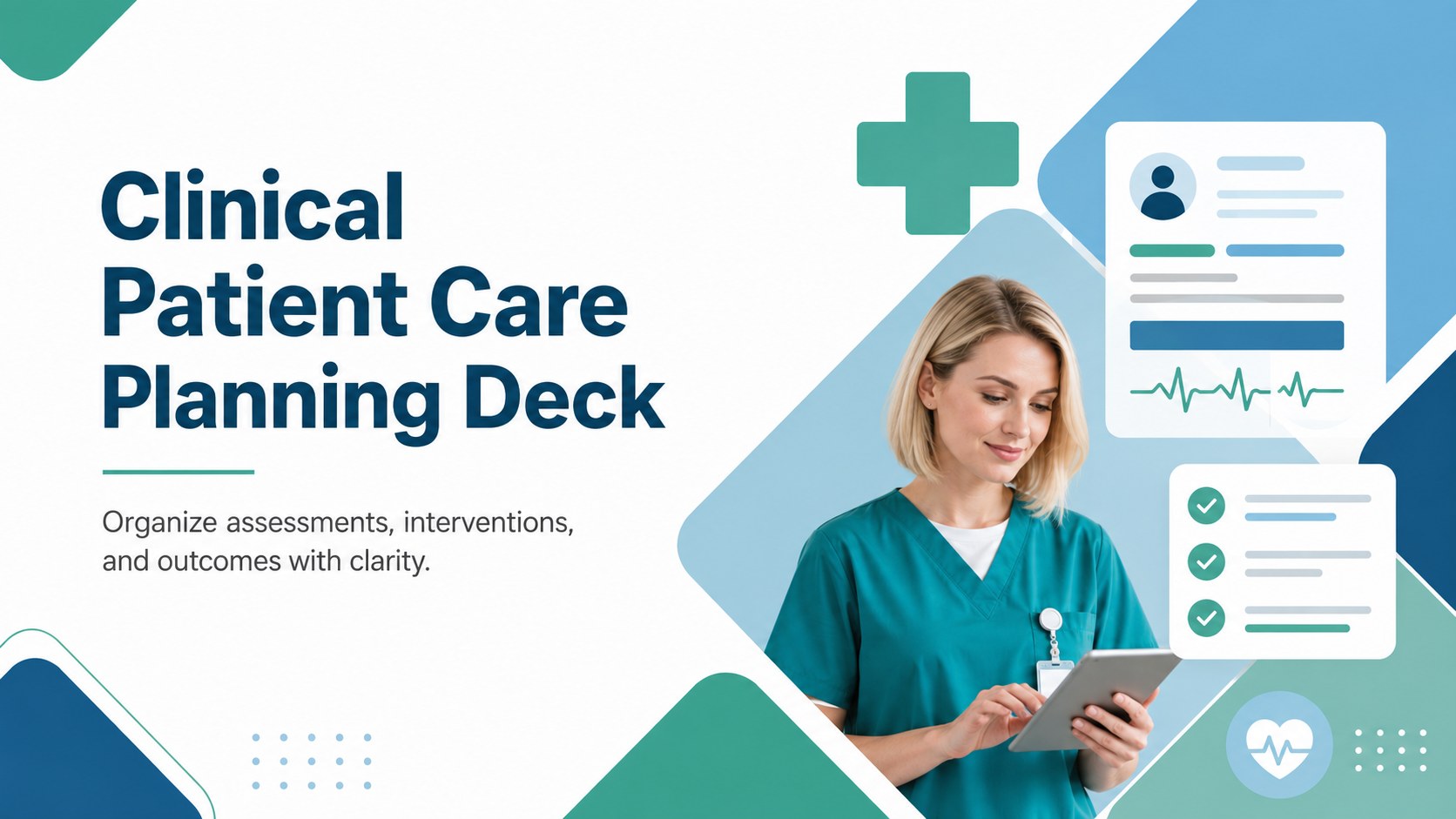
Build a clinical patient care planning deck with a clear geometric layout for diagnoses, interventions, outcomes, and organized nursing documentation.
Design notes
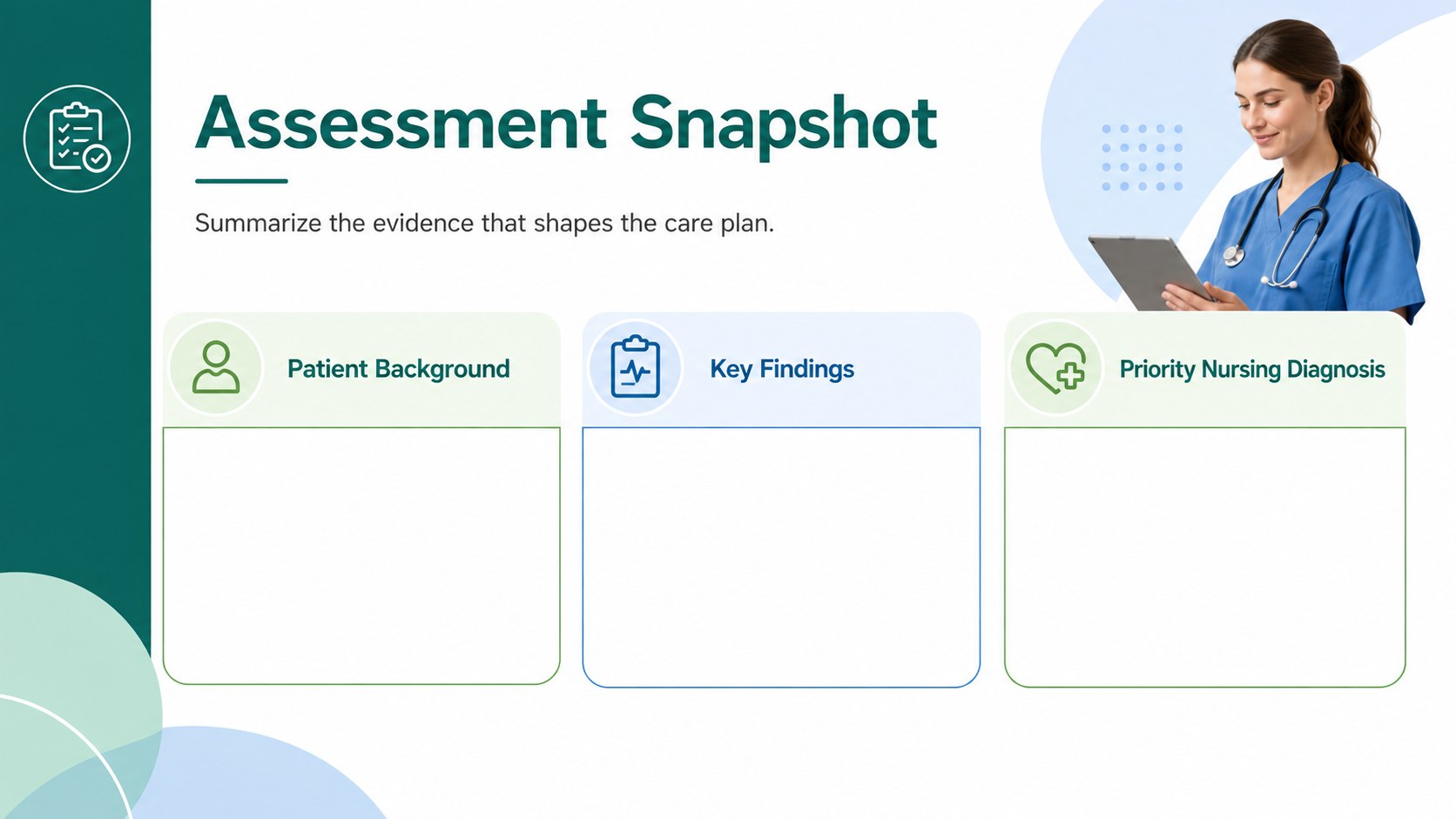
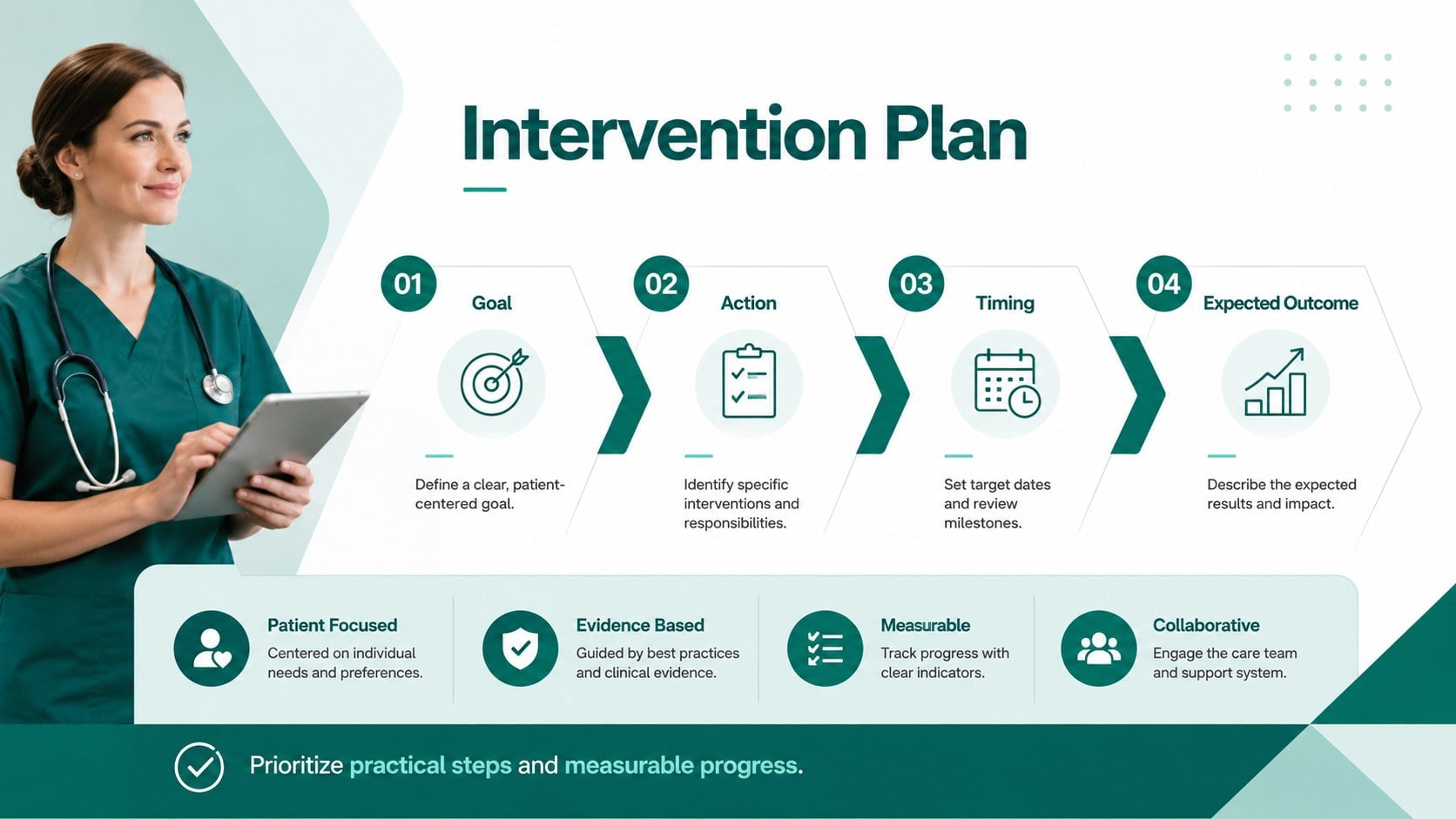
Create a clinical patient care planning deck for organizing patient assessments, nursing diagnoses, planned interventions, and measurable outcomes. Its modern geometric design combines green, blue, and white accents to support a calm, professional reading experience without overwhelming dense medical information.
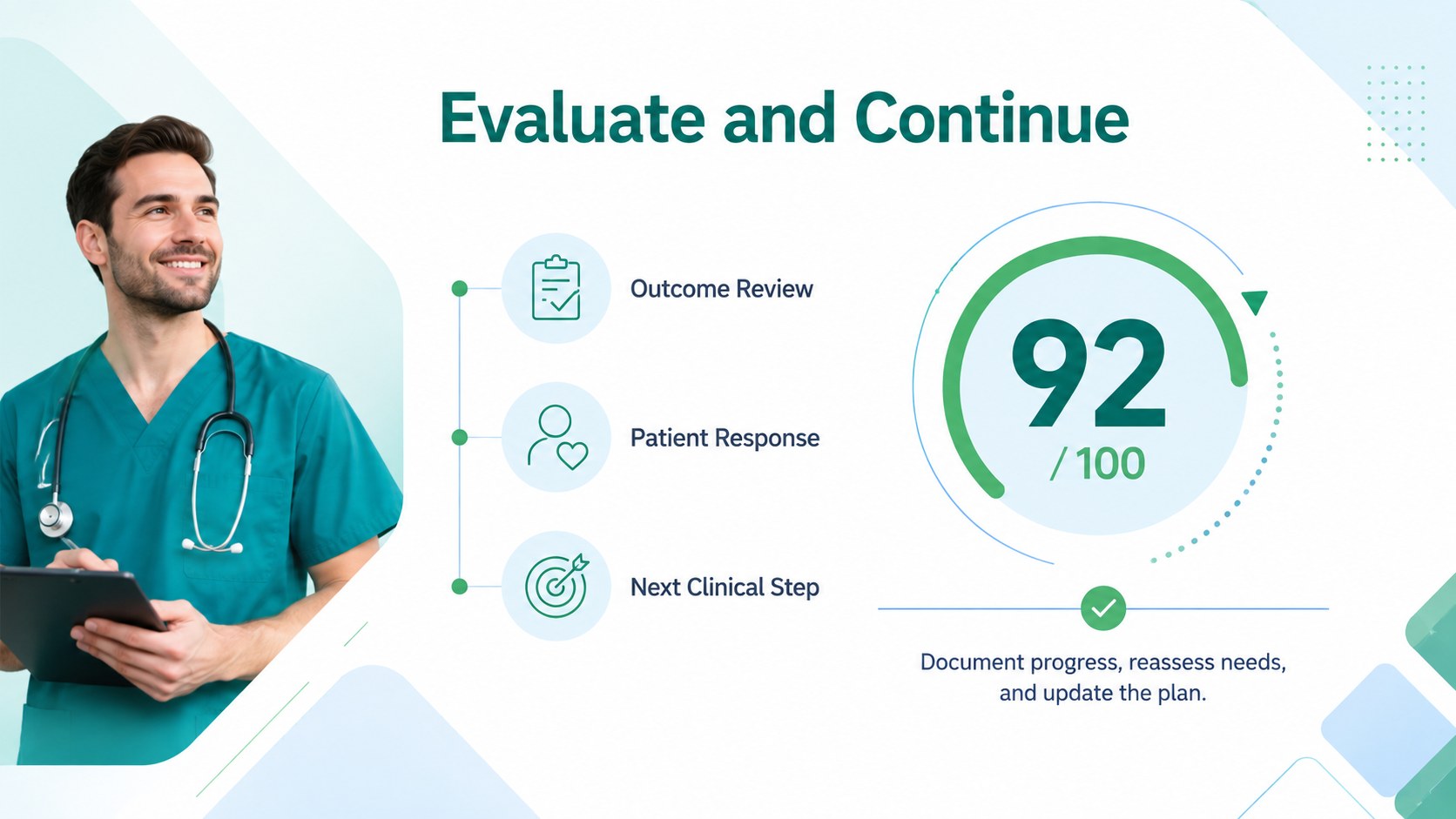
The template includes a patient overview, assessment summary, prioritized care concerns, intervention planning, evaluation notes, and a concise closing review. Structured text areas and table-ready layouts make it easier to build a nursing diagnosis presentation, compare expected and actual outcomes, and communicate the next steps in a patient care workflow. You can replace sample copy, adjust section labels, add charts or icons, and tailor the visual hierarchy to match your clinical setting.
This resource is suitable for nursing students preparing coursework, registered nurses presenting case reviews, clinical educators creating instruction materials, and healthcare teams documenting collaborative care plans. Use it for hospital handoffs, classroom demonstrations, care conference summaries, or patient-centered planning discussions. The files are designed for editing in Microsoft PowerPoint and Google Slides, allowing you to update content while keeping the polished geometric theme consistent.
Perfect for: nursing student care plan assignment; hospital case review; clinical handoff meeting; patient care conference; nursing education lesson.
Frequently asked questions
Can I edit this template in PowerPoint? Yes. The layout is compatible with Microsoft PowerPoint, where you can change text, colors, fonts, tables, and visual elements. Duplicate or remove sections to match the needs of your care plan.
Practical details
Yes. The layout is compatible with Microsoft PowerPoint, where you can change text, colors, fonts, tables, and visual elements. Duplicate or remove sections to match the needs of your care plan.
Yes, you can open and customize the presentation in Google Slides. Review font substitutions and spacing after import so the formatting remains consistent.
Use the sections for patient background, assessment findings, nursing diagnoses, interventions, goals, and evaluation notes. Avoid including identifiable patient information unless your workflow and privacy requirements permit it.
You can adjust the green, blue, and white palette, replace decorative shapes, and add approved medical icons or charts. Keep strong contrast and clear labels so clinical information remains easy to scan.
Keep exploring
15Promote classes with a yoga workshop marketing presentation featuring playful beige, pink, and purple illustrations for PowerPoint and Google Slides.
 15
15Build a clear breast cancer awareness bulletin with bold pink-and-red slides for campaign news, screening reminders, impact data, and community updates.
 15
15Build a clear World Cancer Day message with this global cancer awareness campaign deck, featuring editable blue-green layouts for PowerPoint and Google Slides.
 4
4Document wound findings, treatment decisions, and healing progress with clinical wound evaluation slides for nurses in PowerPoint and Google Slides.
 14
14Plan a clear donor campaign with this blood donation awareness presentation, featuring editable beige-and-red visuals for PowerPoint and Google Slides.
 15
15Build a Kidney Health Awareness Campaign Deck with blue illustrated slides for prevention tips, risk education, screening events, and outreach.
 15
15Build an actionable training session with this fitness program workshop deck, using energetic yellow geometry and editable PowerPoint and Google Slides layouts.
 15
15Equip health teams with this malaria prevention education deck for workshops, community outreach, and policy briefings in PowerPoint or Google Slides.