
 15
15presentation
Yoga Workshop Marketing Presentation
Promote classes with a yoga workshop marketing presentation featuring playful beige, pink, and purple illustrations for PowerPoint and Google Slides.
Google SlidesPowerPoint
presentation · English
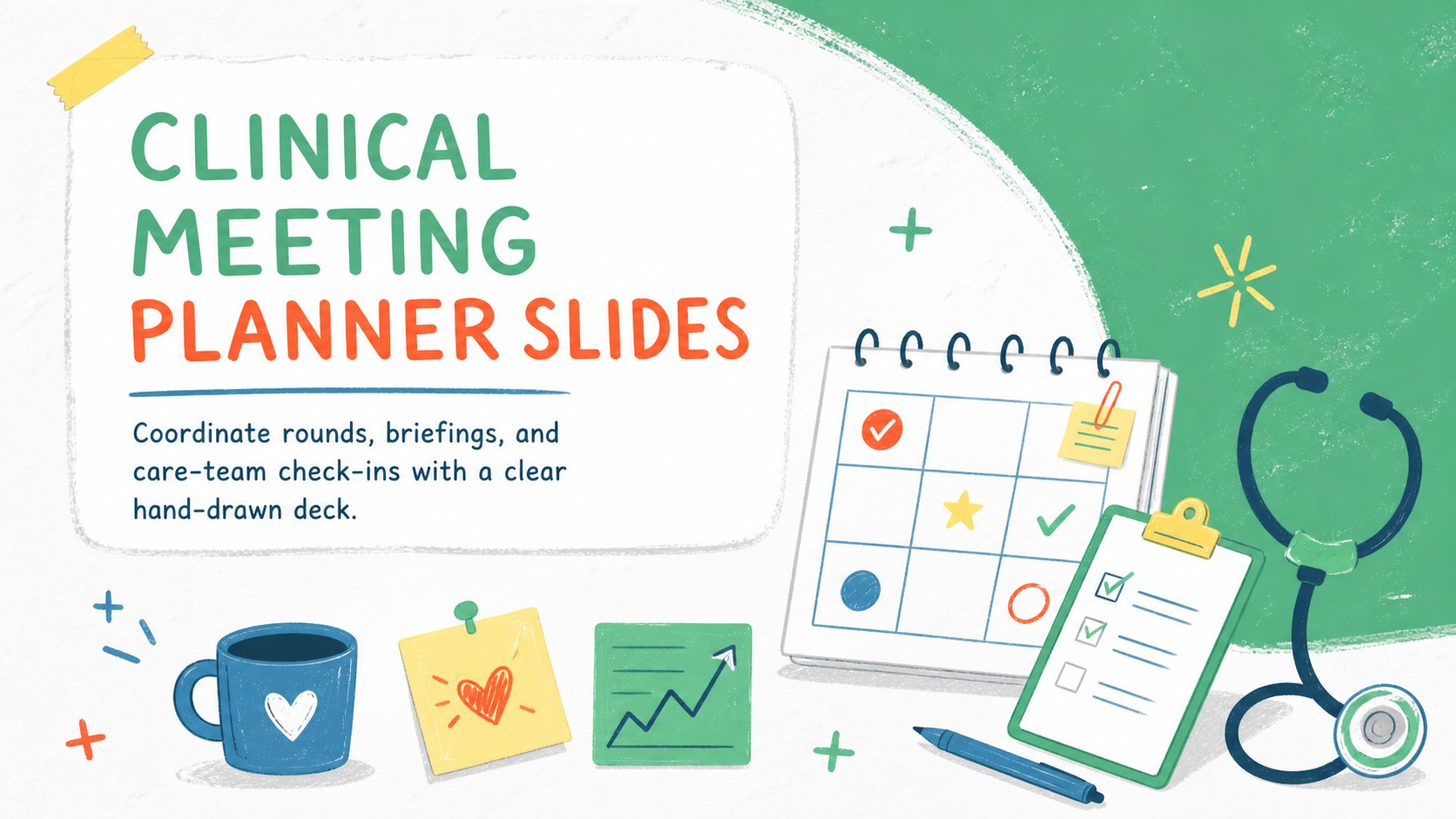
Plan rounds and care-team briefings with Clinical Meeting Planner Slides, a hand-drawn green, red, and yellow deck for PowerPoint and Google Slides.
Design notes
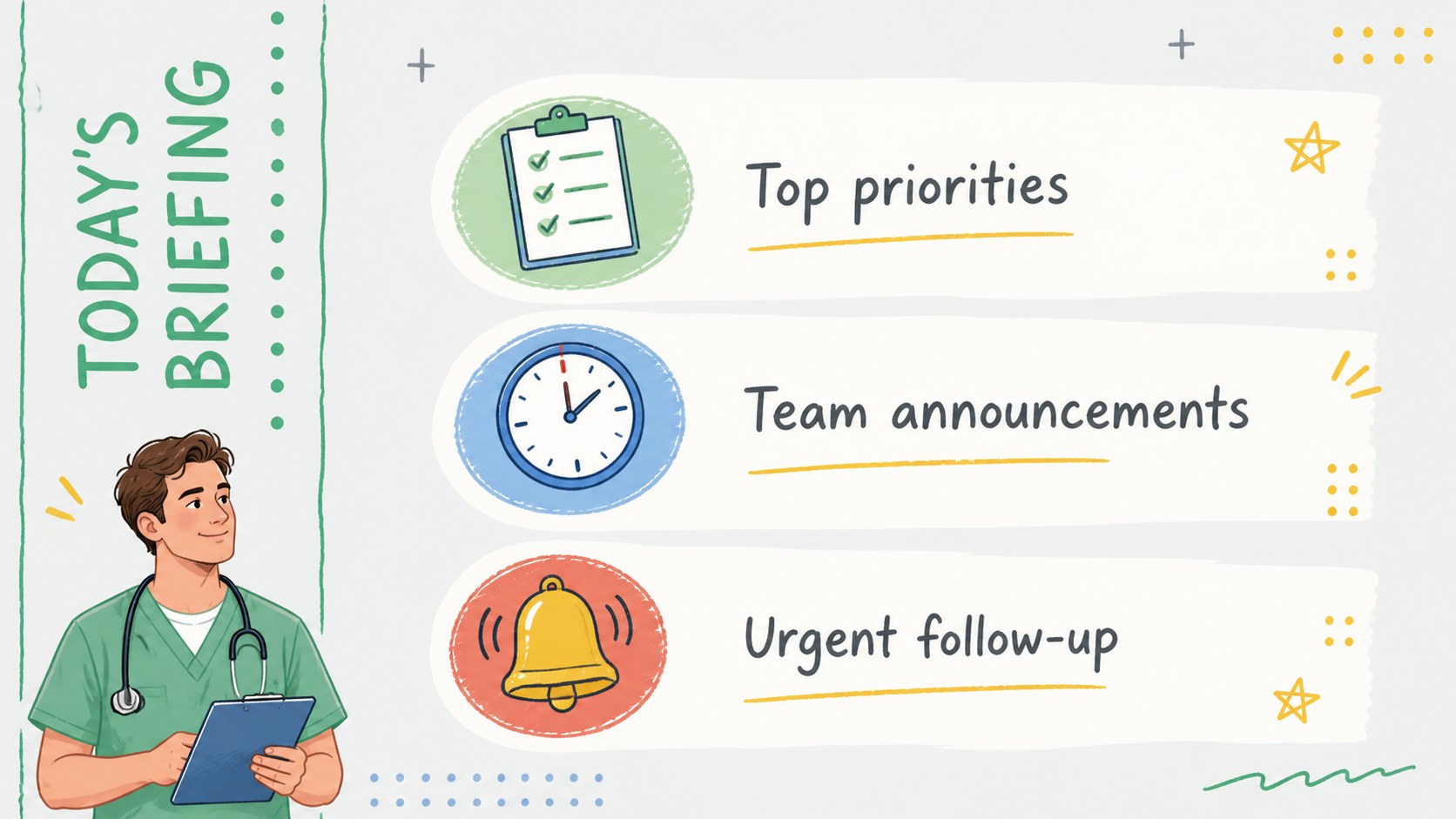
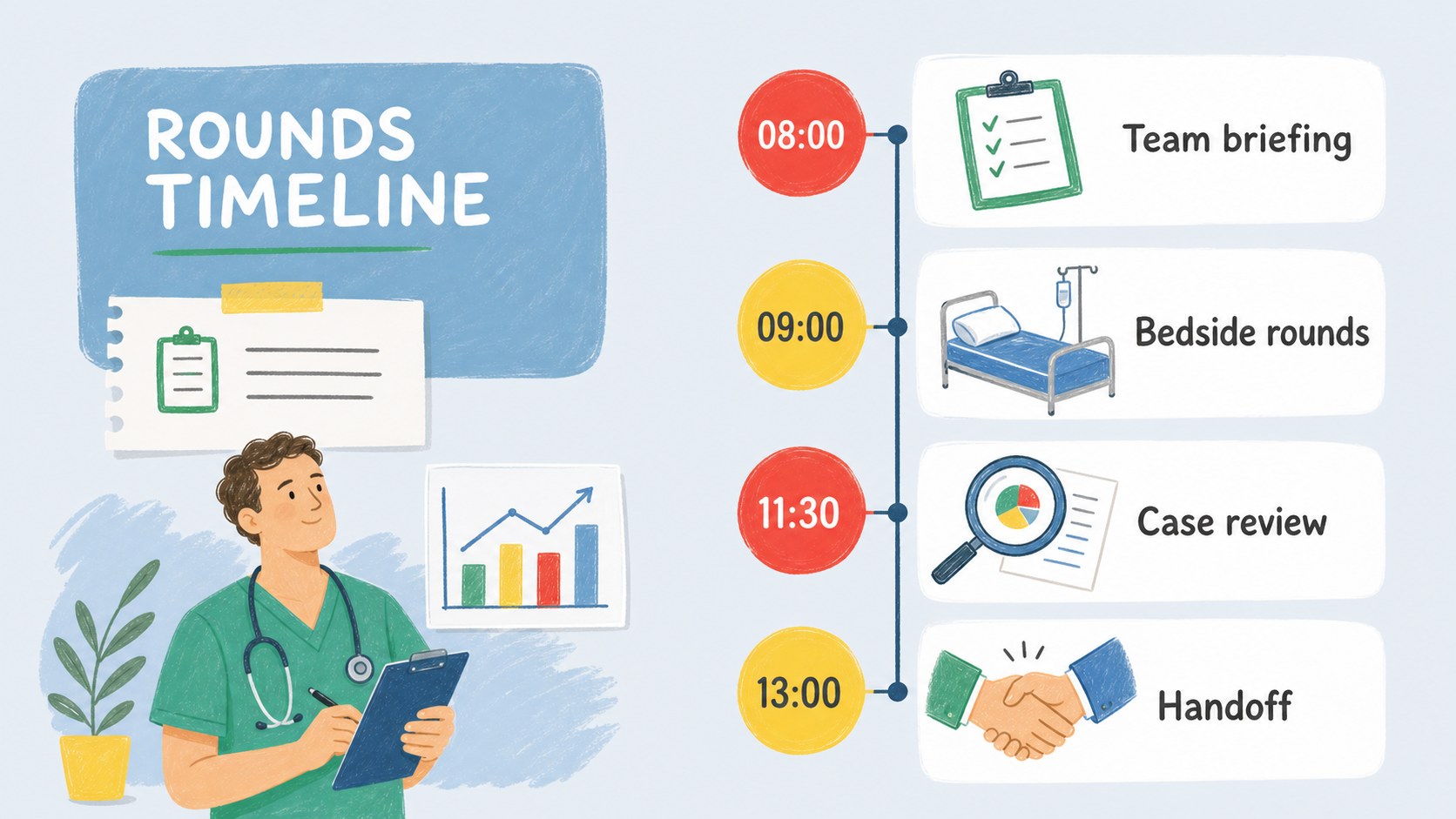
Clinical Meeting Planner Slides give healthcare teams a clear, approachable way to organize conversations, responsibilities, and next steps. The hand-drawn design combines green, red, yellow, blue, gray, and white for a clinical look that feels friendly without losing professionalism. Use this medical team briefing slides resource to keep essential information visible during fast-paced discussions.
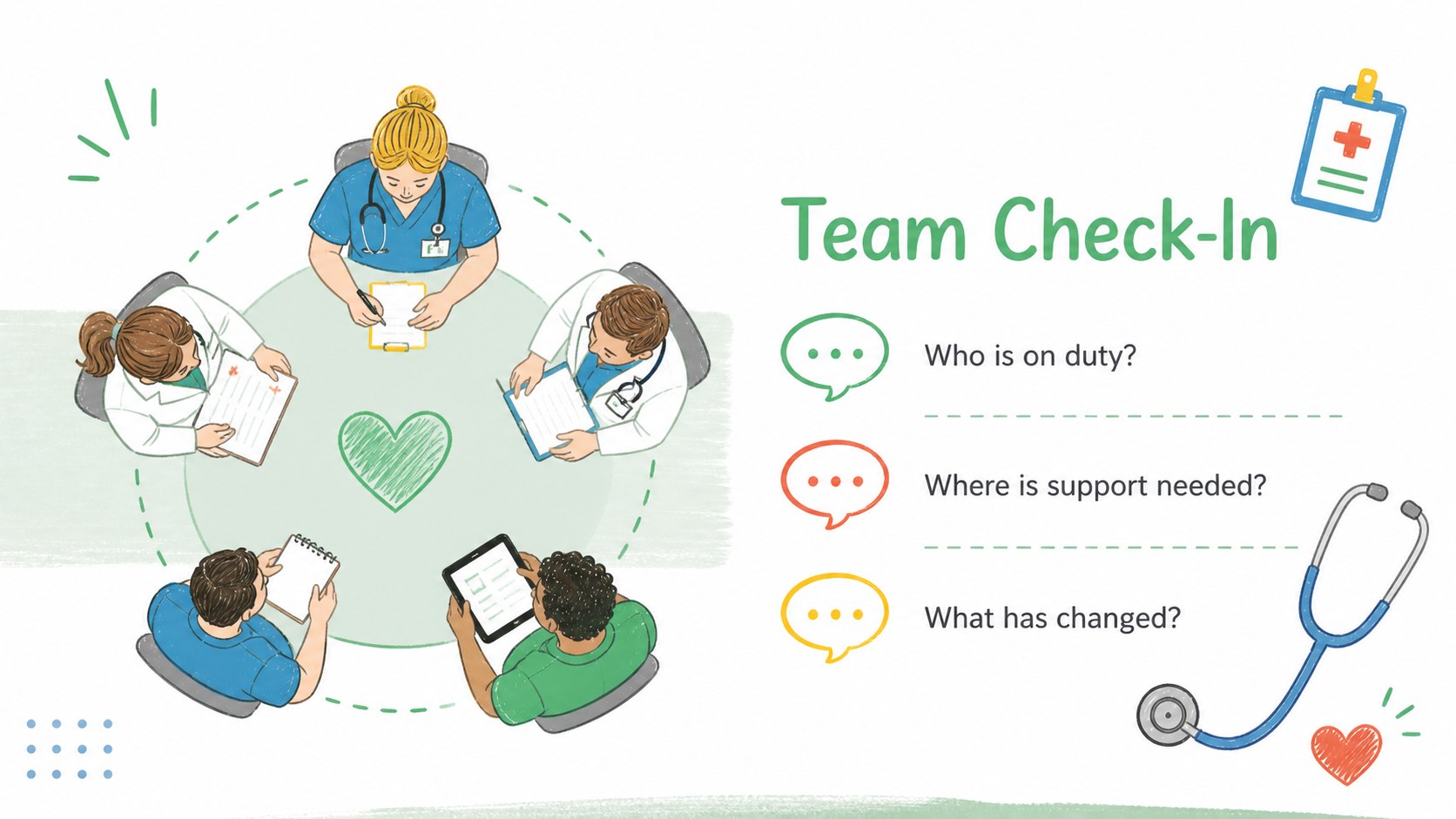
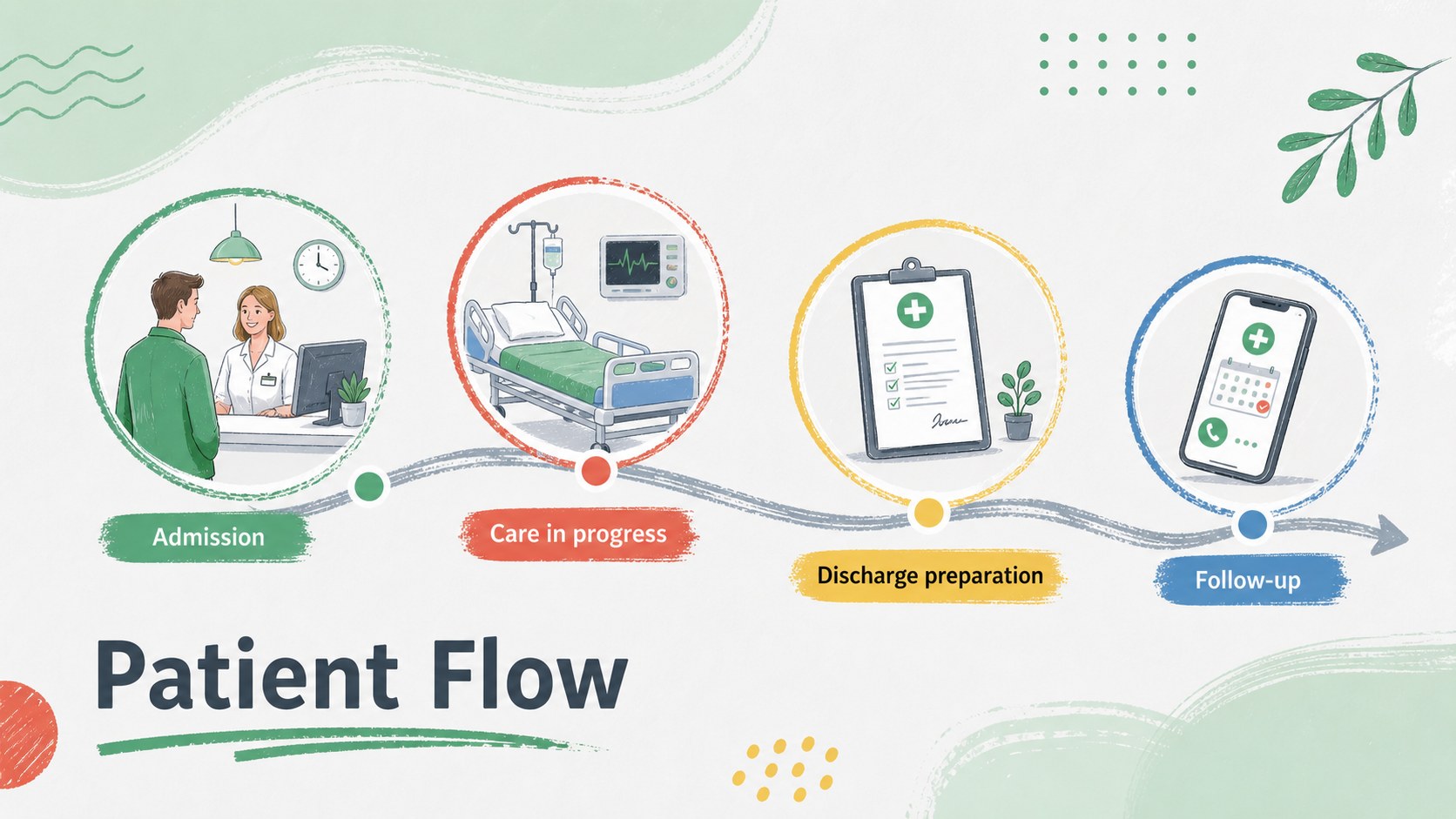
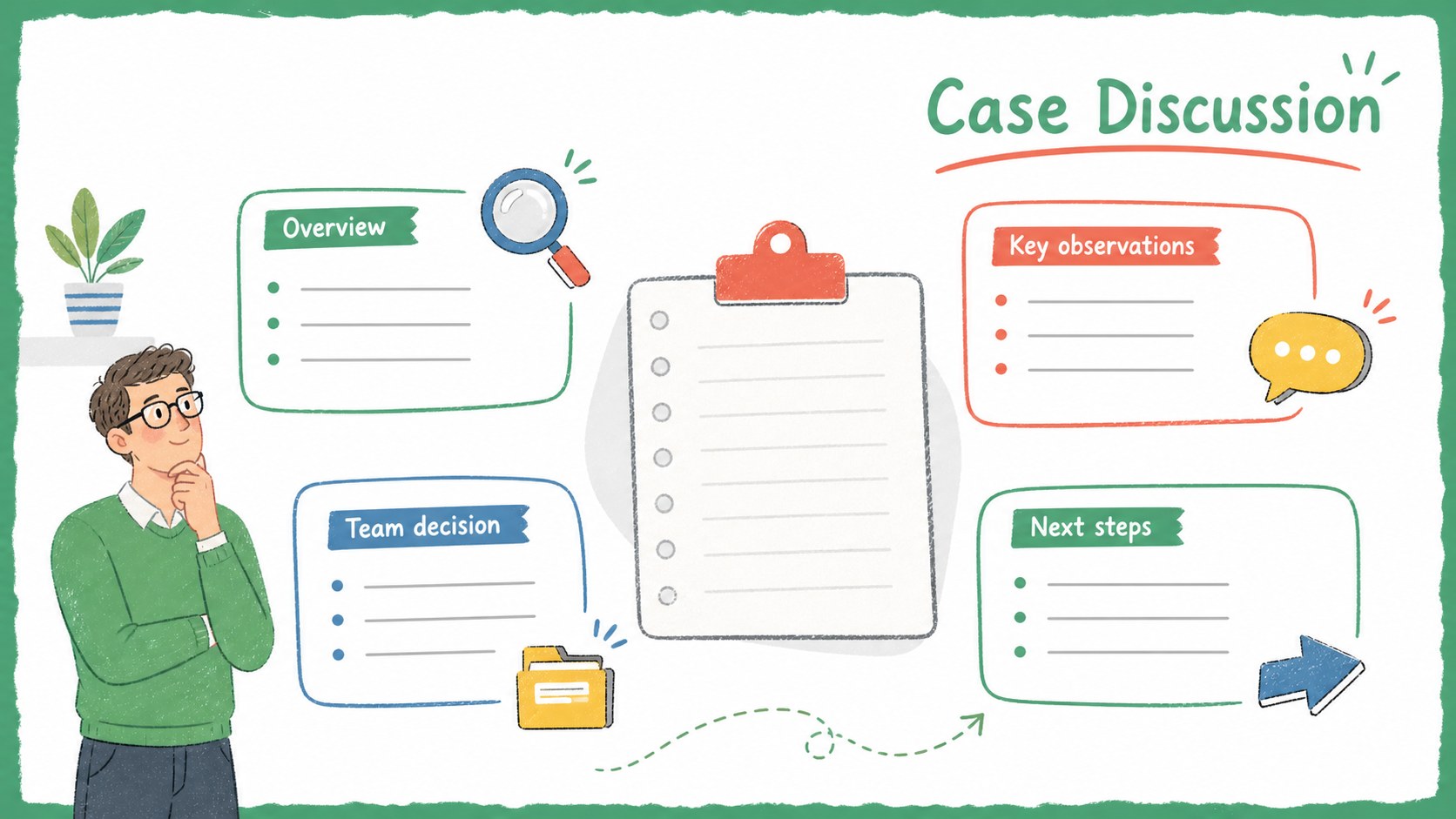
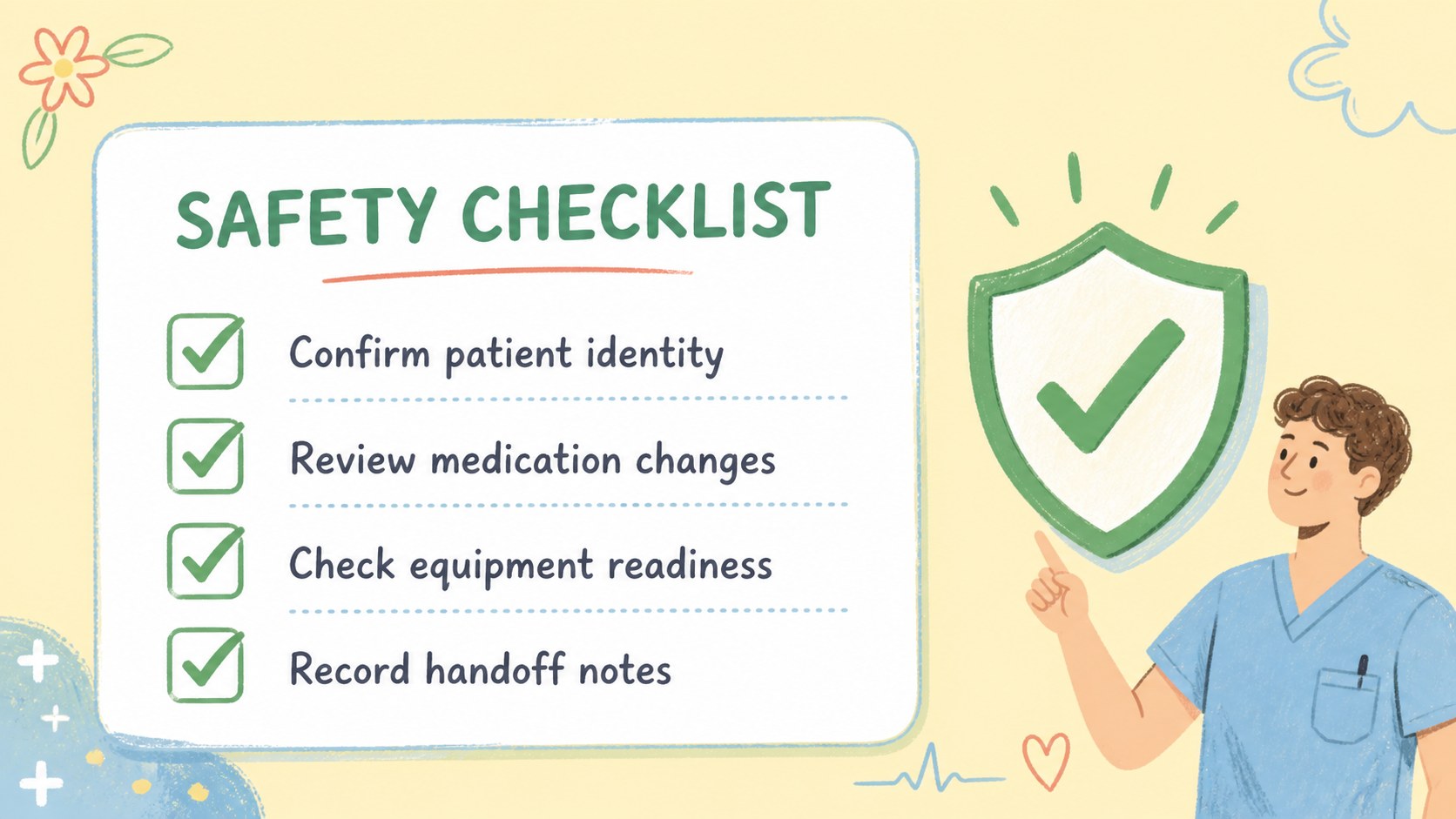
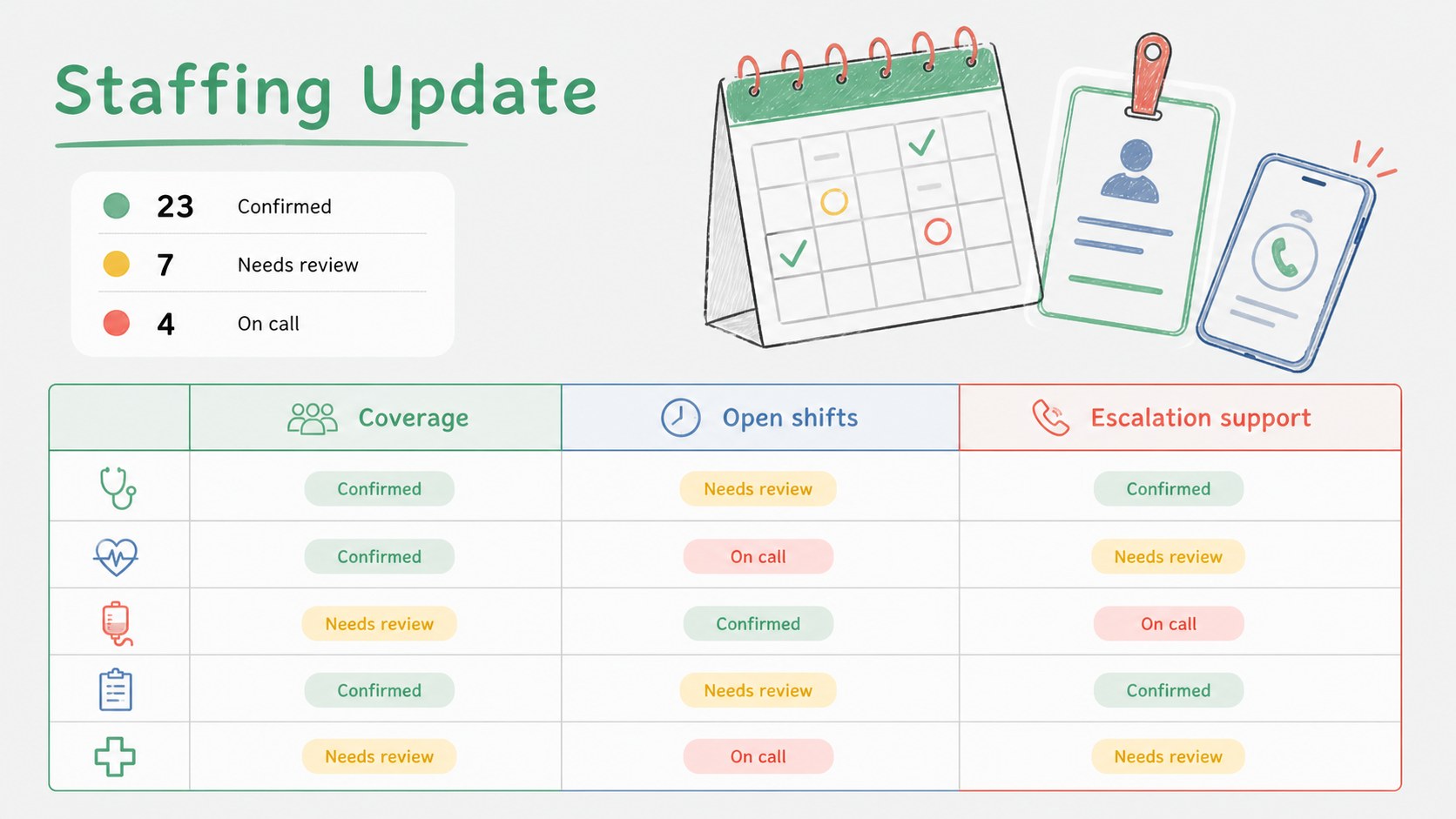
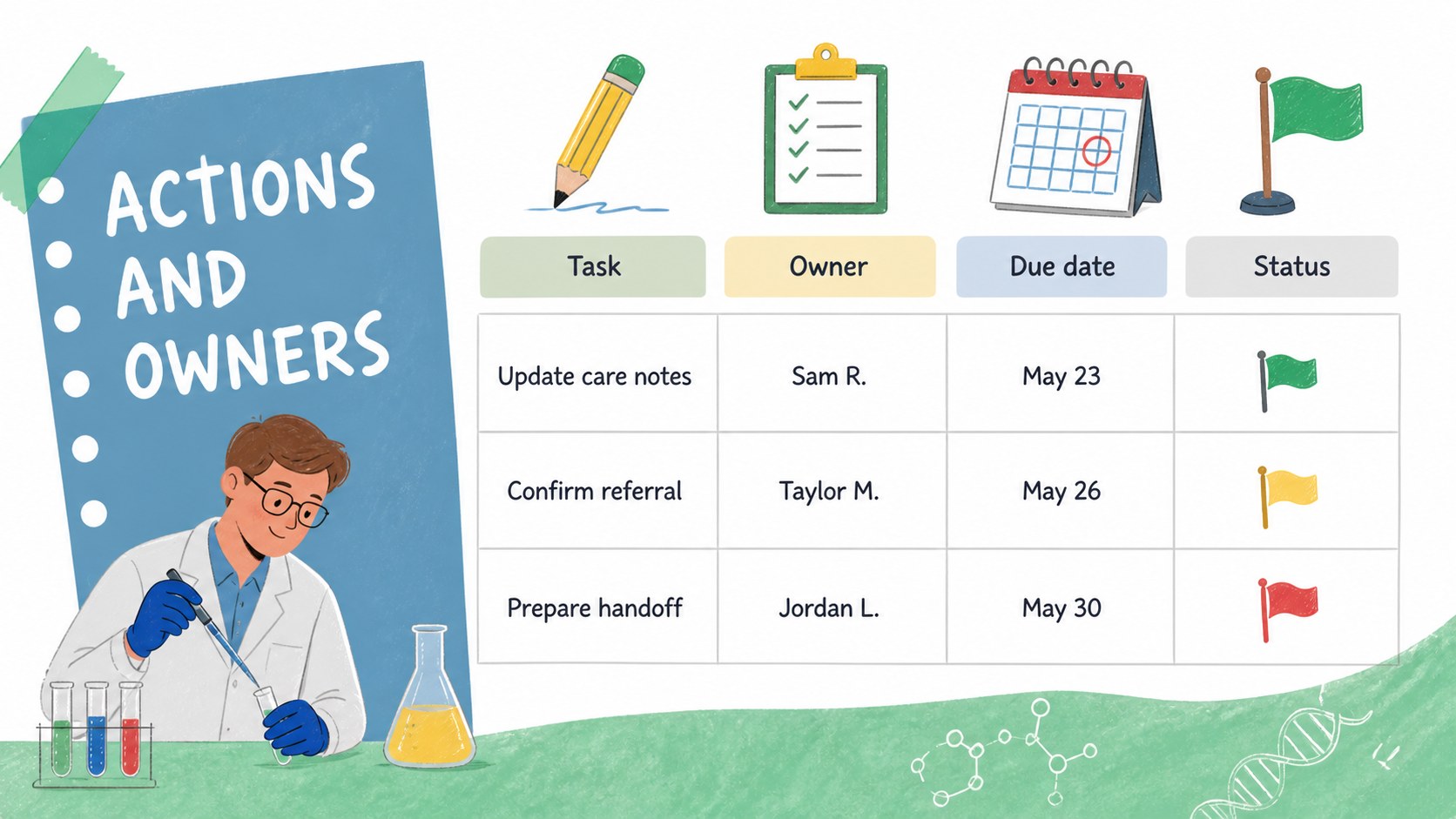
The deck includes 14 coordinated layouts for daily priorities, team check-ins, patient flow, rounds schedules, case discussions, safety reminders, staffing updates, action owners, weekly planning, process steps, notes, and performance indicators. Timelines, checklists, tables, diagrams, and editable text areas help presenters turn scattered details into a structured hospital staff meeting agenda template. Every layout can be adapted to match a department, specialty, or recurring meeting format.
Designed for doctors, nurses, medical students, clinic coordinators, department leads, and hospital administrators, this clinical rounds presentation template works in both PowerPoint and Google Slides. Update the wording, rearrange sections, apply local terminology, or adjust the palette while preserving the illustrated style. It is suitable for morning huddles, multidisciplinary reviews, training sessions, operational briefings, and planning meetings where teams need a practical visual record of decisions and follow-up tasks.
Perfect for: hospital morning huddle; clinical rounds planning; multidisciplinary case review; clinic operations meeting; medical student briefing; patient flow review.
Frequently asked questions
Can I edit these slides in PowerPoint and Google Slides? Yes. The layouts, text, colors, shapes, and diagrams are editable in PowerPoint and Google Slides. Some fonts or spacing may vary slightly between the two platforms.
Practical details
Yes. The layouts, text, colors, shapes, and diagrams are editable in PowerPoint and Google Slides. Some fonts or spacing may vary slightly between the two platforms.
Replace the sample headings with your department's terminology, then adjust the timeline, role labels, and checklist items. You can also apply approved colors while retaining the hand-drawn clinical illustration style.
Yes. Duplicate the daily agenda, action tracker, or weekly overview layouts for repeated sessions. Updating dates, owners, priorities, and status markers creates a consistent record from one meeting to the next.
Yes. The case discussion, process pathway, notes, and indicator layouts can be adapted for teaching or multidisciplinary review. Remove identifying patient information before presenting or sharing the file.
Keep exploring
15Promote classes with a yoga workshop marketing presentation featuring playful beige, pink, and purple illustrations for PowerPoint and Google Slides.
 15
15Build a clear breast cancer awareness bulletin with bold pink-and-red slides for campaign news, screening reminders, impact data, and community updates.
 15
15Build a clear World Cancer Day message with this global cancer awareness campaign deck, featuring editable blue-green layouts for PowerPoint and Google Slides.
 4
4Document wound findings, treatment decisions, and healing progress with clinical wound evaluation slides for nurses in PowerPoint and Google Slides.
 14
14Plan a clear donor campaign with this blood donation awareness presentation, featuring editable beige-and-red visuals for PowerPoint and Google Slides.
 15
15Build a Kidney Health Awareness Campaign Deck with blue illustrated slides for prevention tips, risk education, screening events, and outreach.
 15
15Build an actionable training session with this fitness program workshop deck, using energetic yellow geometry and editable PowerPoint and Google Slides layouts.
 15
15Equip health teams with this malaria prevention education deck for workshops, community outreach, and policy briefings in PowerPoint or Google Slides.