
 15
15presentation
Yoga Workshop Marketing Presentation
Promote classes with a yoga workshop marketing presentation featuring playful beige, pink, and purple illustrations for PowerPoint and Google Slides.
Google SlidesPowerPoint
presentation · English
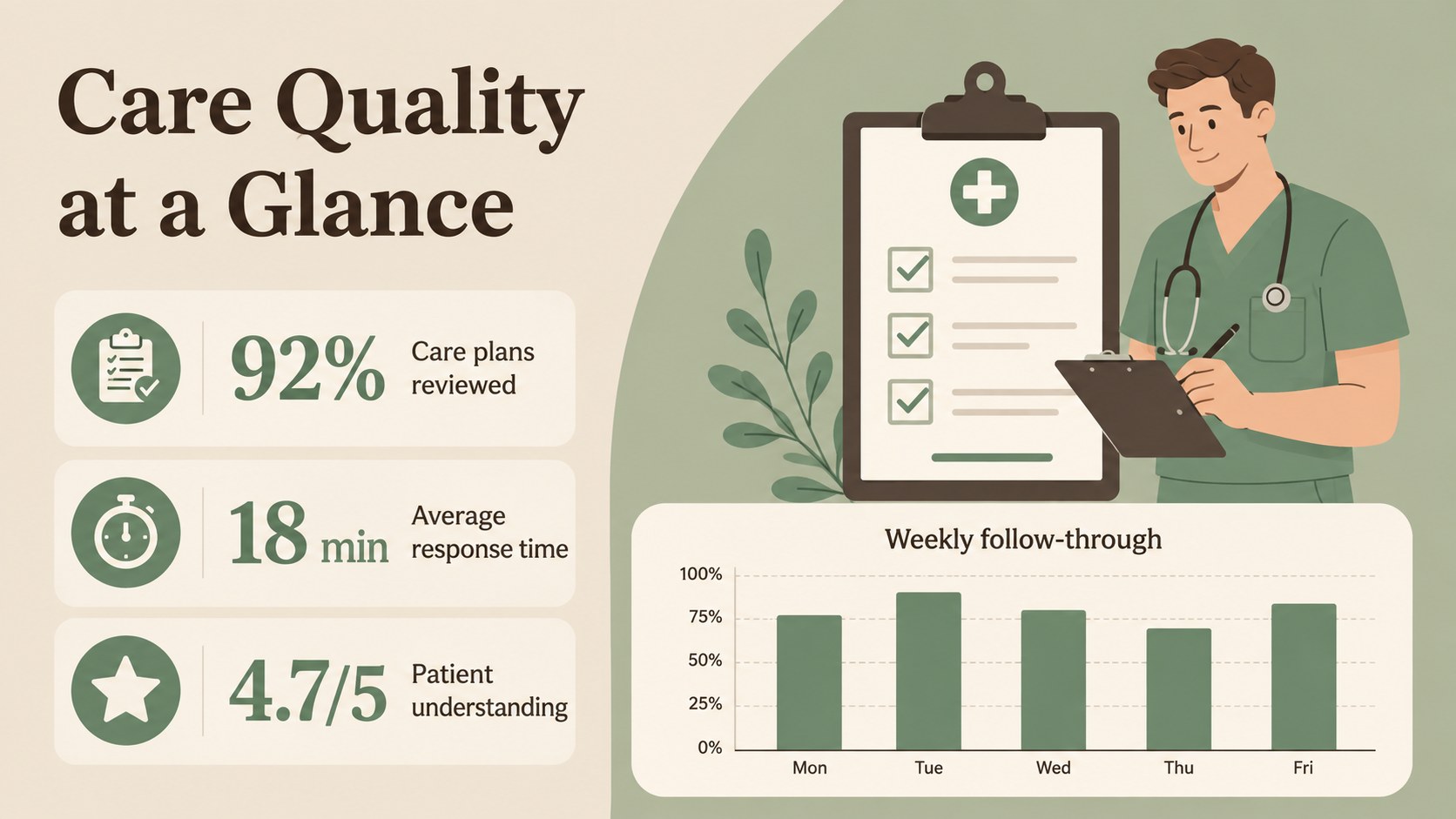
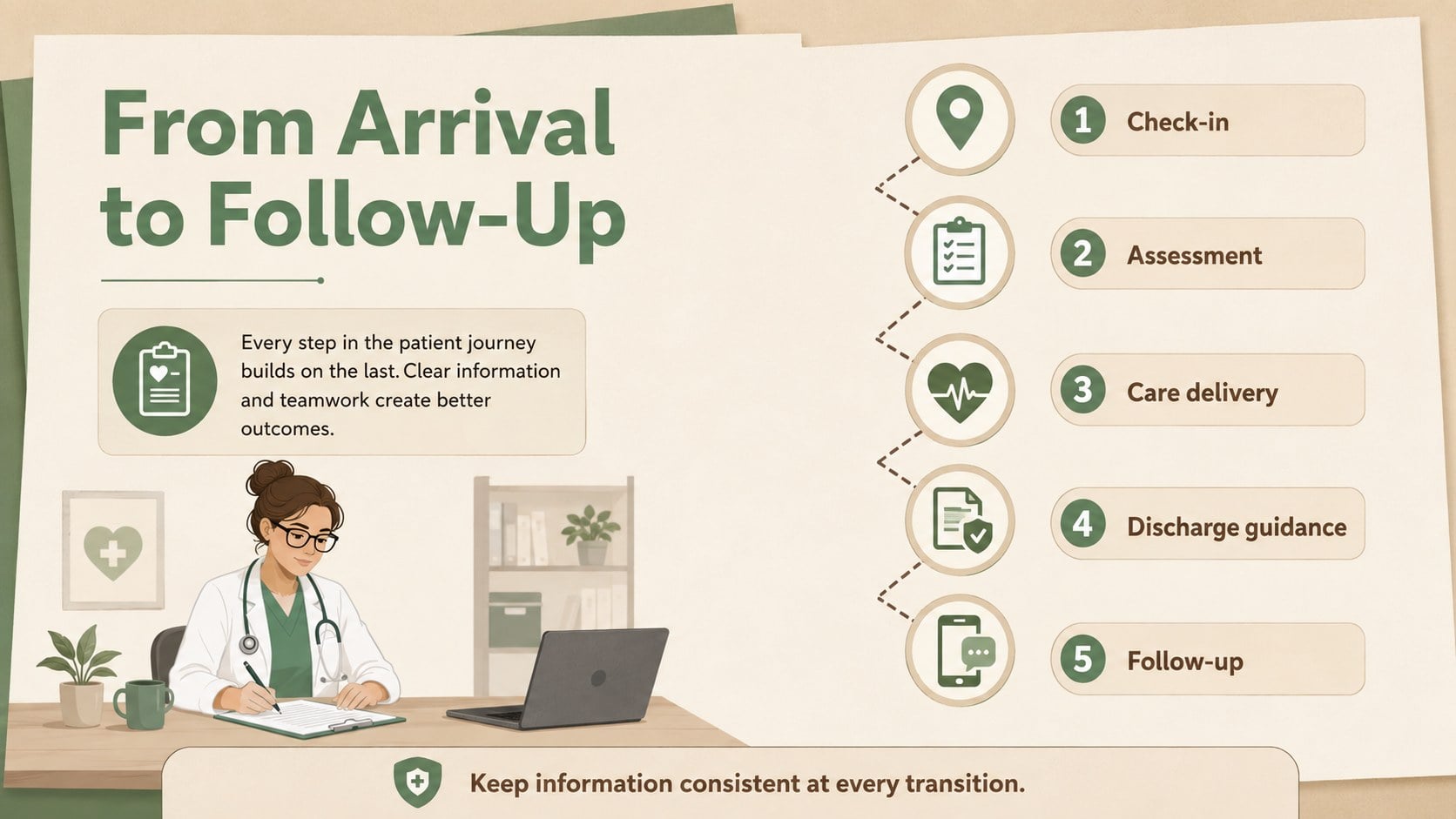
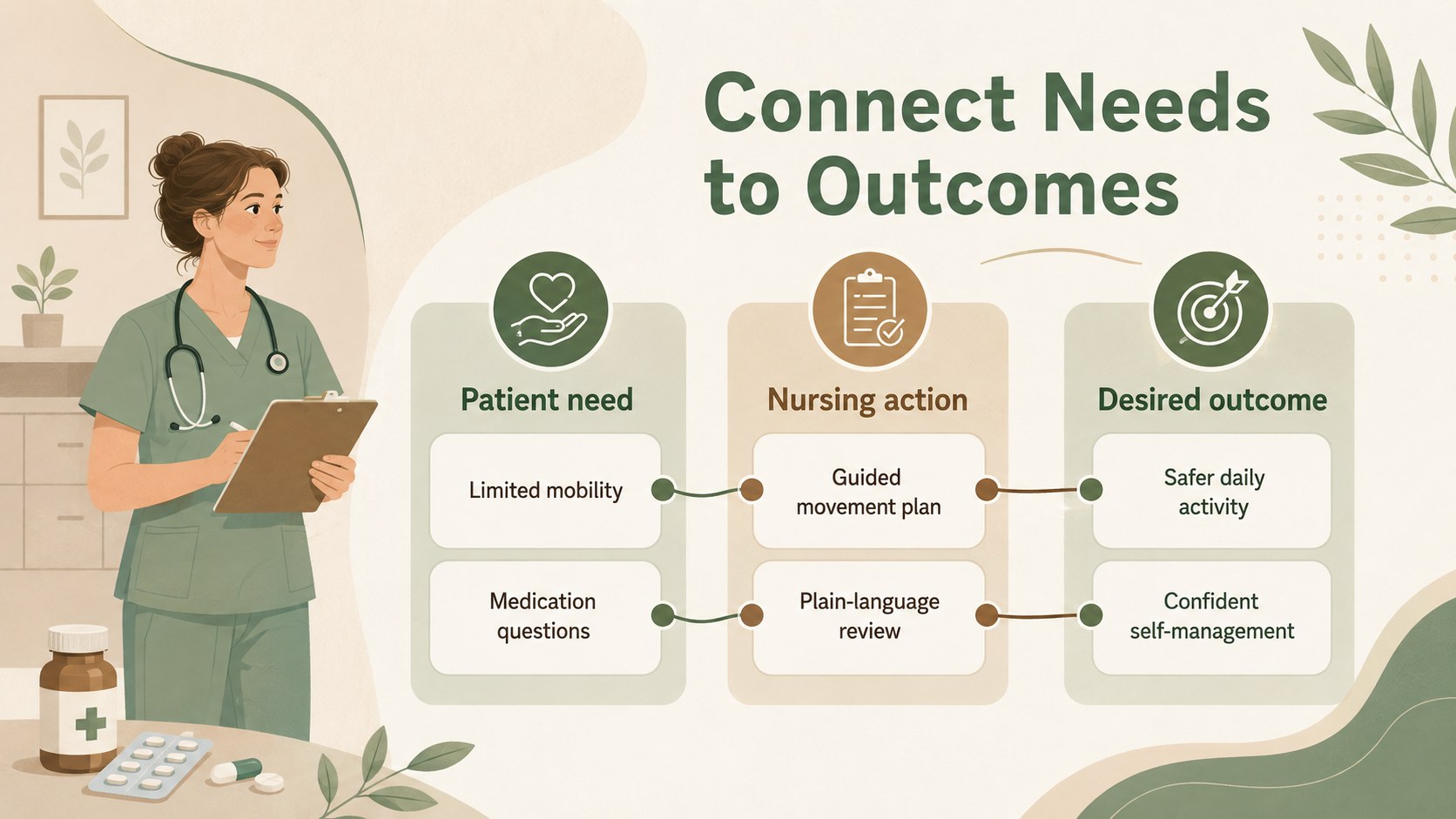
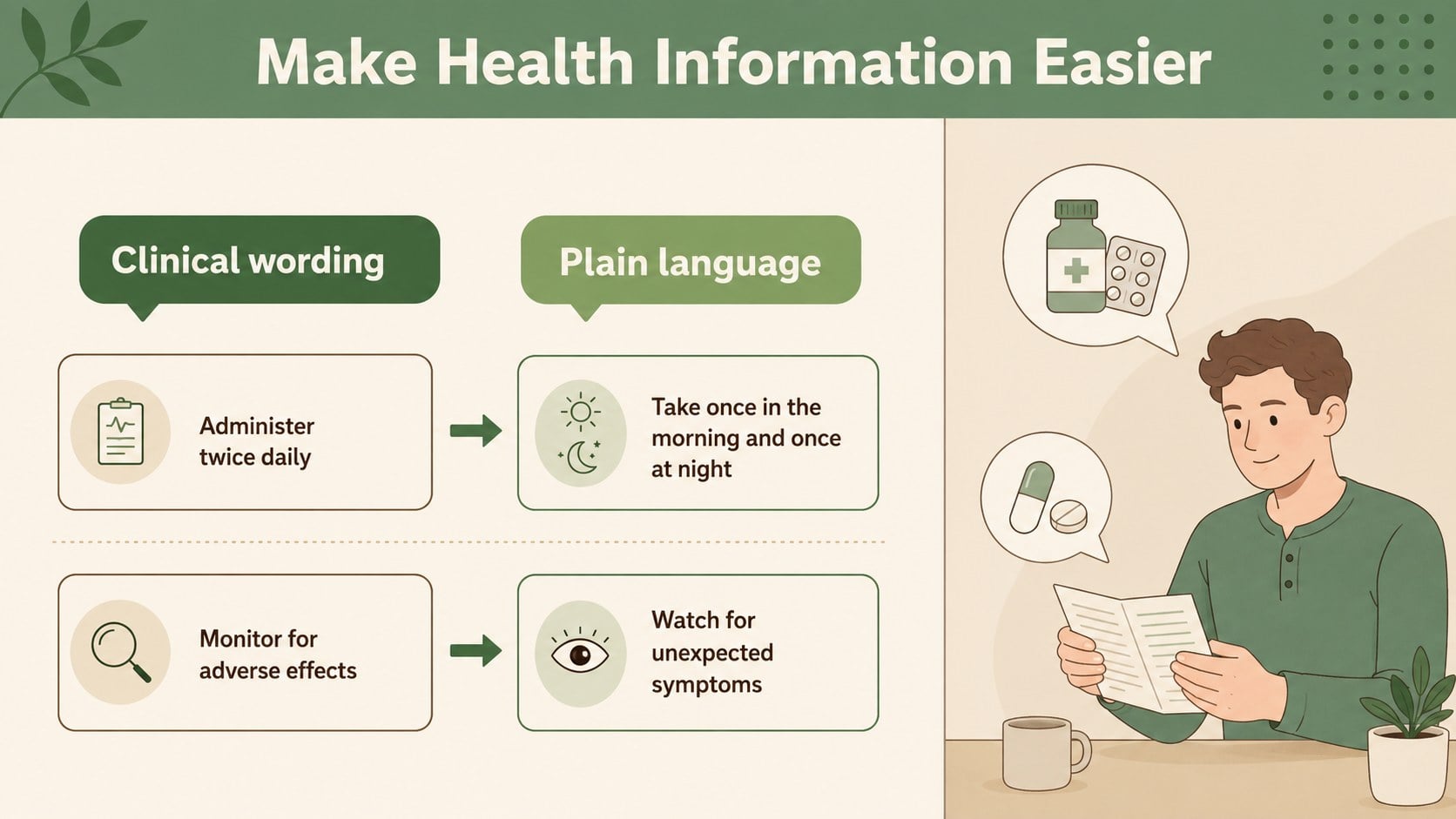
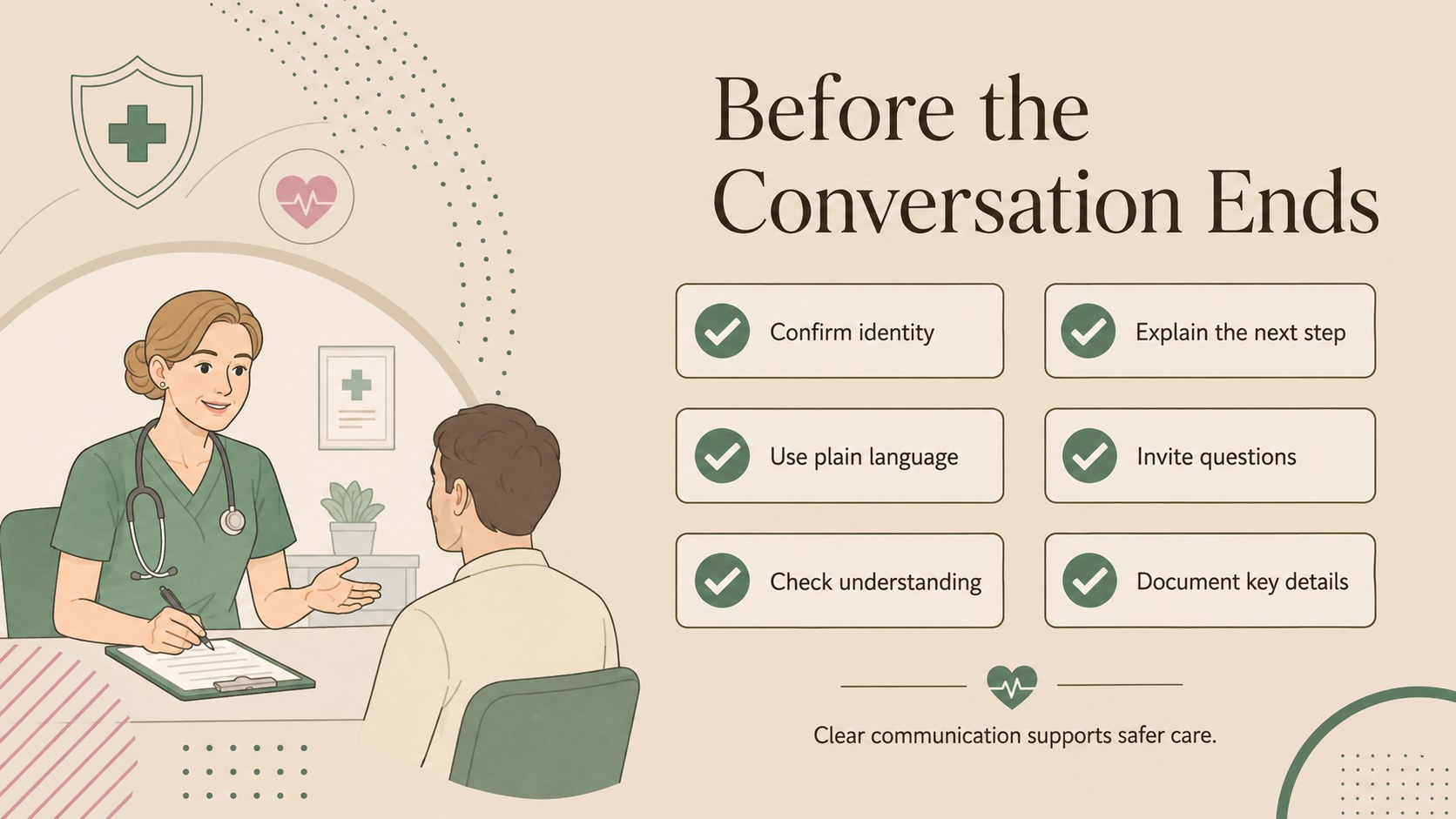
Turn patient-care facts into clear visuals with a clinical care infographic deck for nurse training, hospital briefings, and health education sessions.
Design notes
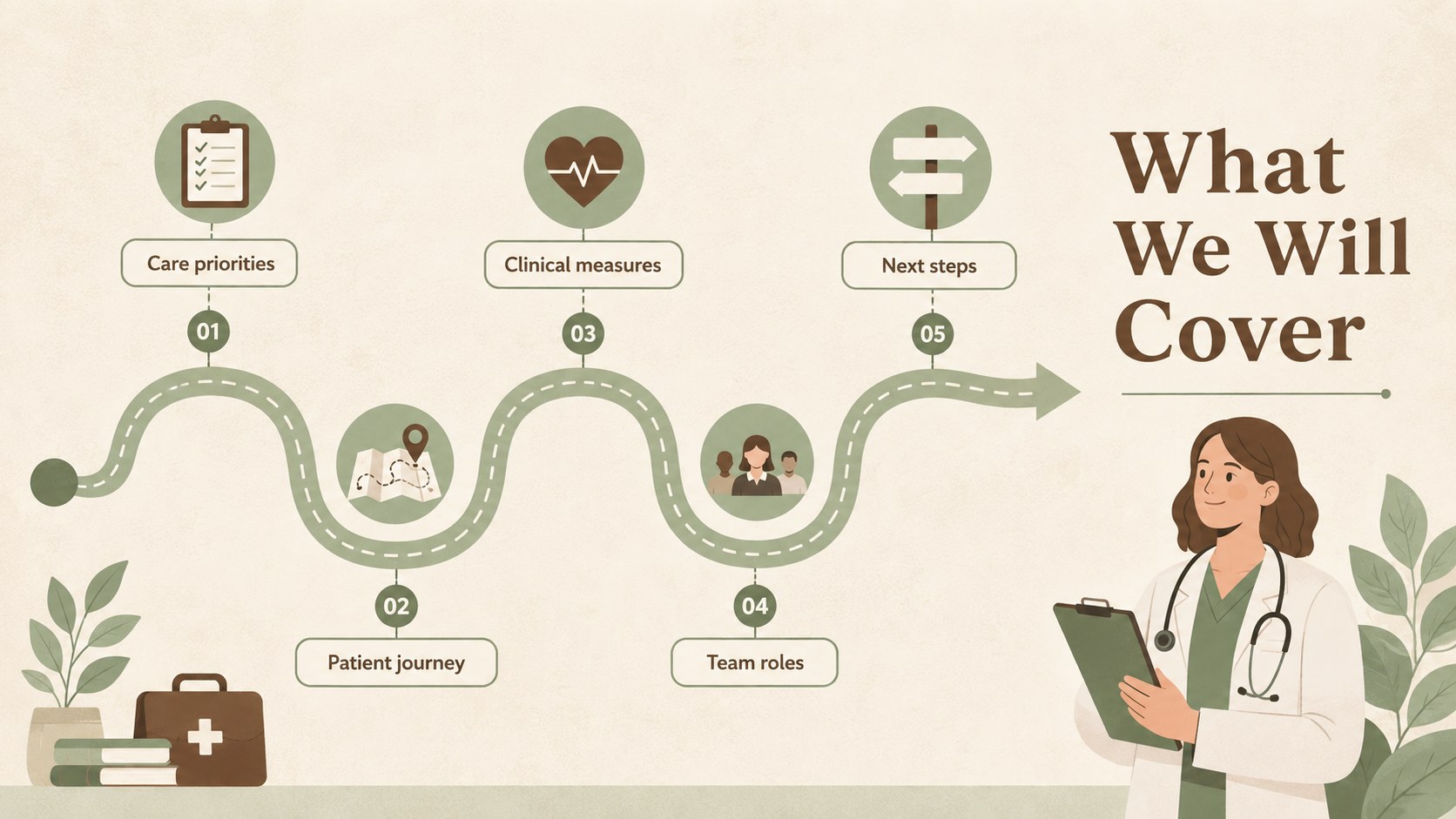
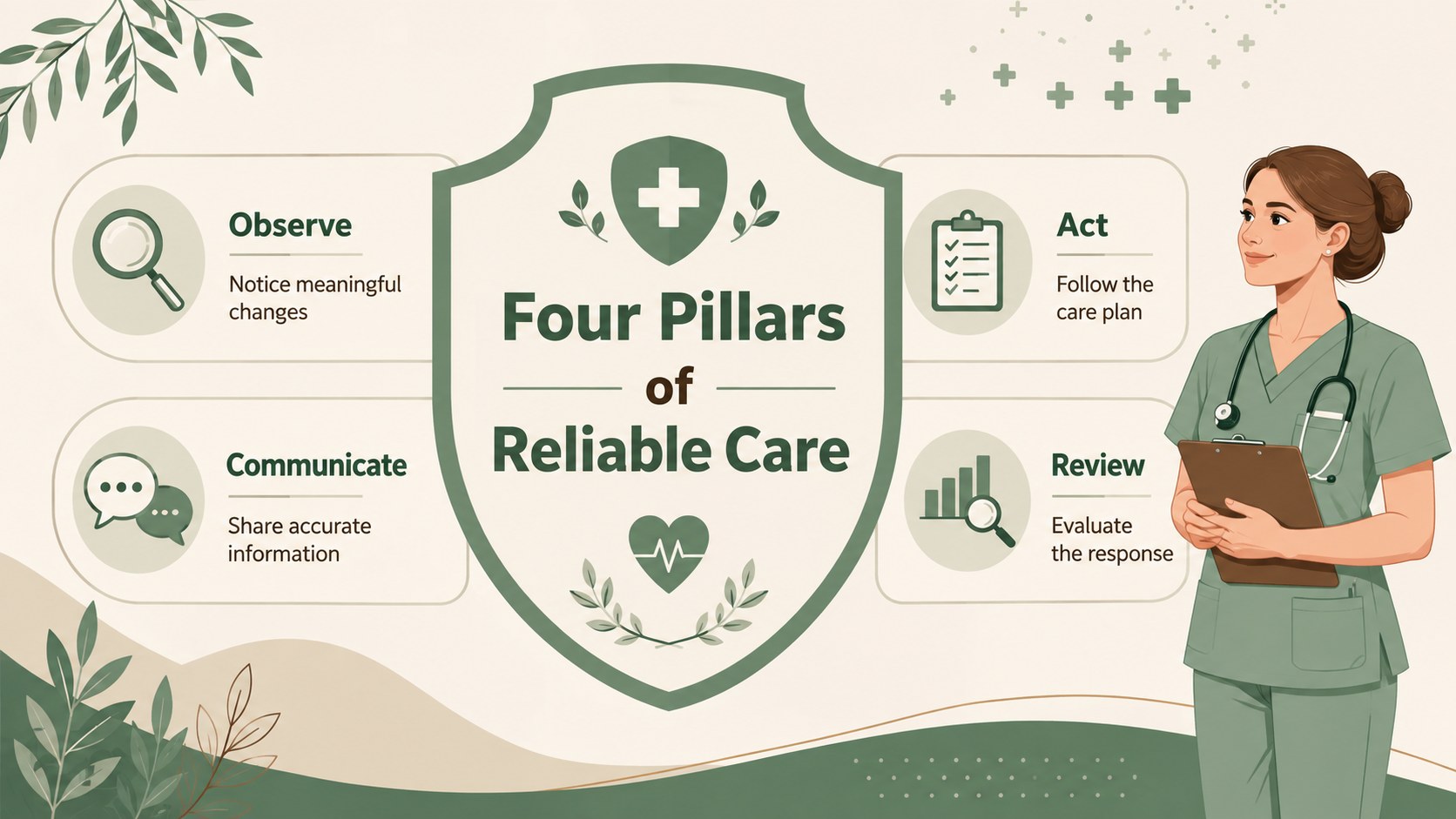
The clinical care infographic deck gives nurses, educators, and healthcare teams a polished way to explain data without crowding the screen. Its soft beige, green, and brown palette creates a calm professional tone, while friendly flat illustrations make technical subjects feel approachable. Use it for staff development, classroom instruction, conference talks, patient communication, or internal hospital updates.
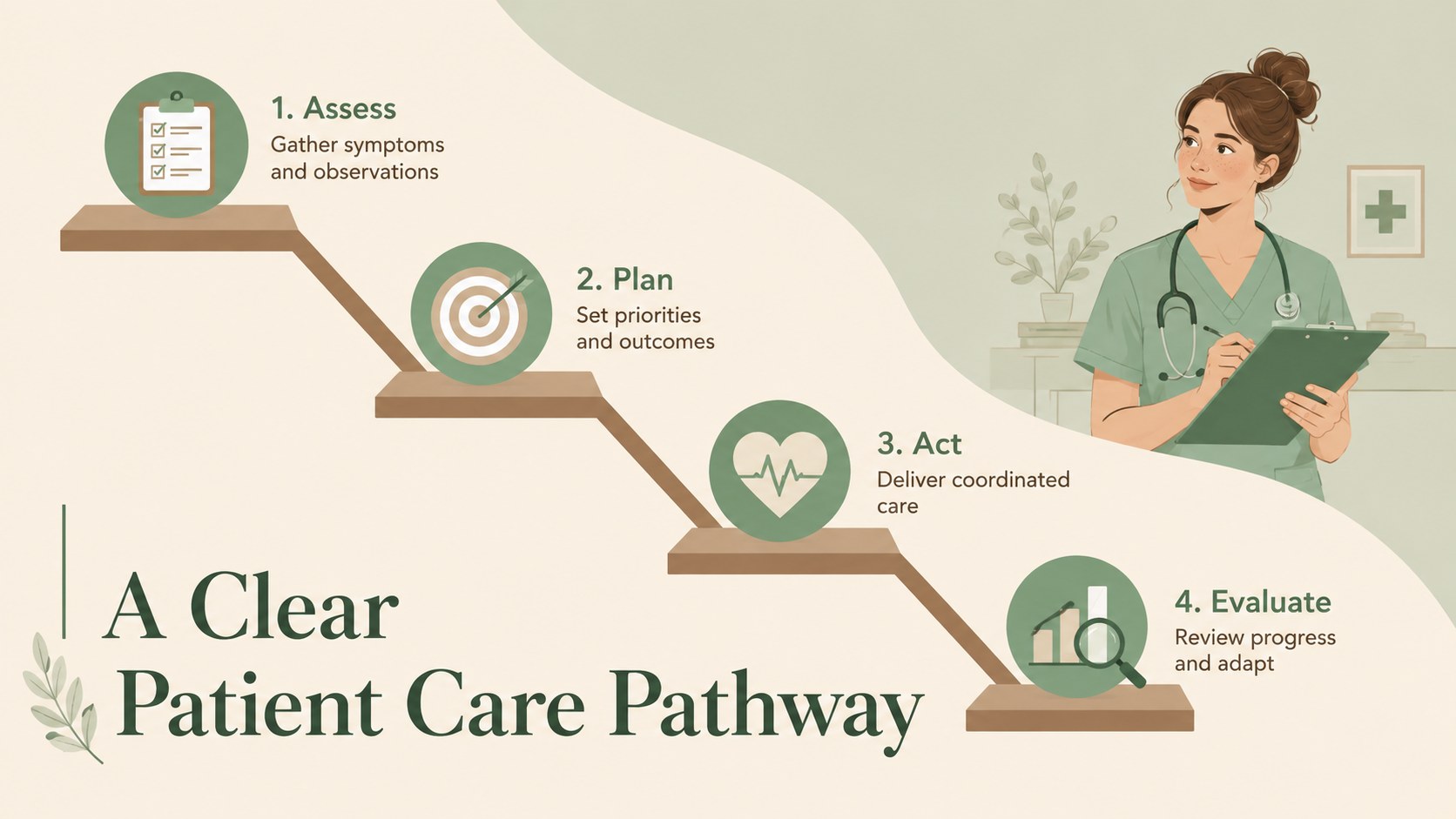
Inside are 15 customizable 16:9 layouts covering care pathways, key statistics, timelines, comparisons, checklists, process cycles, team responsibilities, and patient guidance. The nursing data visualization template balances concise labels with charts, icons, and structured information areas, helping presenters highlight essential findings at a glance. Patient education infographic slides are also included for turning practical instructions into clear, memorable steps.
Every layout can be edited in PowerPoint or Google Slides. Change the wording, reorder sections, replace icons, adjust chart values, or apply your organization’s typography while retaining the understated illustrated style. The deck works especially well as a clinical workflow presentation template for nurse onboarding, quality-improvement reporting, community health programs, and continuing education. With flexible visual formats and consistent styling, it supports both quick briefings and more detailed teaching sessions.
Perfect for: nurse onboarding workshop; patient education session; hospital quality briefing; clinical conference presentation; community health training.
Frequently asked questions
Can I edit the charts and infographic labels? Yes. Chart values, labels, icons, colors, and text areas can be customized to match your clinical topic and source data. Keep labels concise so the visual hierarchy remains easy to scan.
Practical details
Yes. Chart values, labels, icons, colors, and text areas can be customized to match your clinical topic and source data. Keep labels concise so the visual hierarchy remains easy to scan.
The template is designed for PowerPoint and Google Slides. Both platforms support editing the text, shapes, diagrams, colors, and slide order.
Yes. Replace technical language with plain-language instructions and use the process, checklist, and comparison layouts to explain care steps. Review all medical content according to your organization’s clinical standards before presenting.
Update the theme fonts and accent colors, then add your approved logo in the presentation software. The neutral beige, green, and brown foundation can accommodate many institutional color systems.
Keep exploring
15Promote classes with a yoga workshop marketing presentation featuring playful beige, pink, and purple illustrations for PowerPoint and Google Slides.
 15
15Build a clear breast cancer awareness bulletin with bold pink-and-red slides for campaign news, screening reminders, impact data, and community updates.
 15
15Build a clear World Cancer Day message with this global cancer awareness campaign deck, featuring editable blue-green layouts for PowerPoint and Google Slides.
 4
4Document wound findings, treatment decisions, and healing progress with clinical wound evaluation slides for nurses in PowerPoint and Google Slides.
 14
14Plan a clear donor campaign with this blood donation awareness presentation, featuring editable beige-and-red visuals for PowerPoint and Google Slides.
 15
15Build a Kidney Health Awareness Campaign Deck with blue illustrated slides for prevention tips, risk education, screening events, and outreach.
 15
15Build an actionable training session with this fitness program workshop deck, using energetic yellow geometry and editable PowerPoint and Google Slides layouts.
 15
15Equip health teams with this malaria prevention education deck for workshops, community outreach, and policy briefings in PowerPoint or Google Slides.