
 15
15presentation
Yoga Workshop Marketing Presentation
Promote classes with a yoga workshop marketing presentation featuring playful beige, pink, and purple illustrations for PowerPoint and Google Slides.
Google SlidesPowerPoint
presentation · English
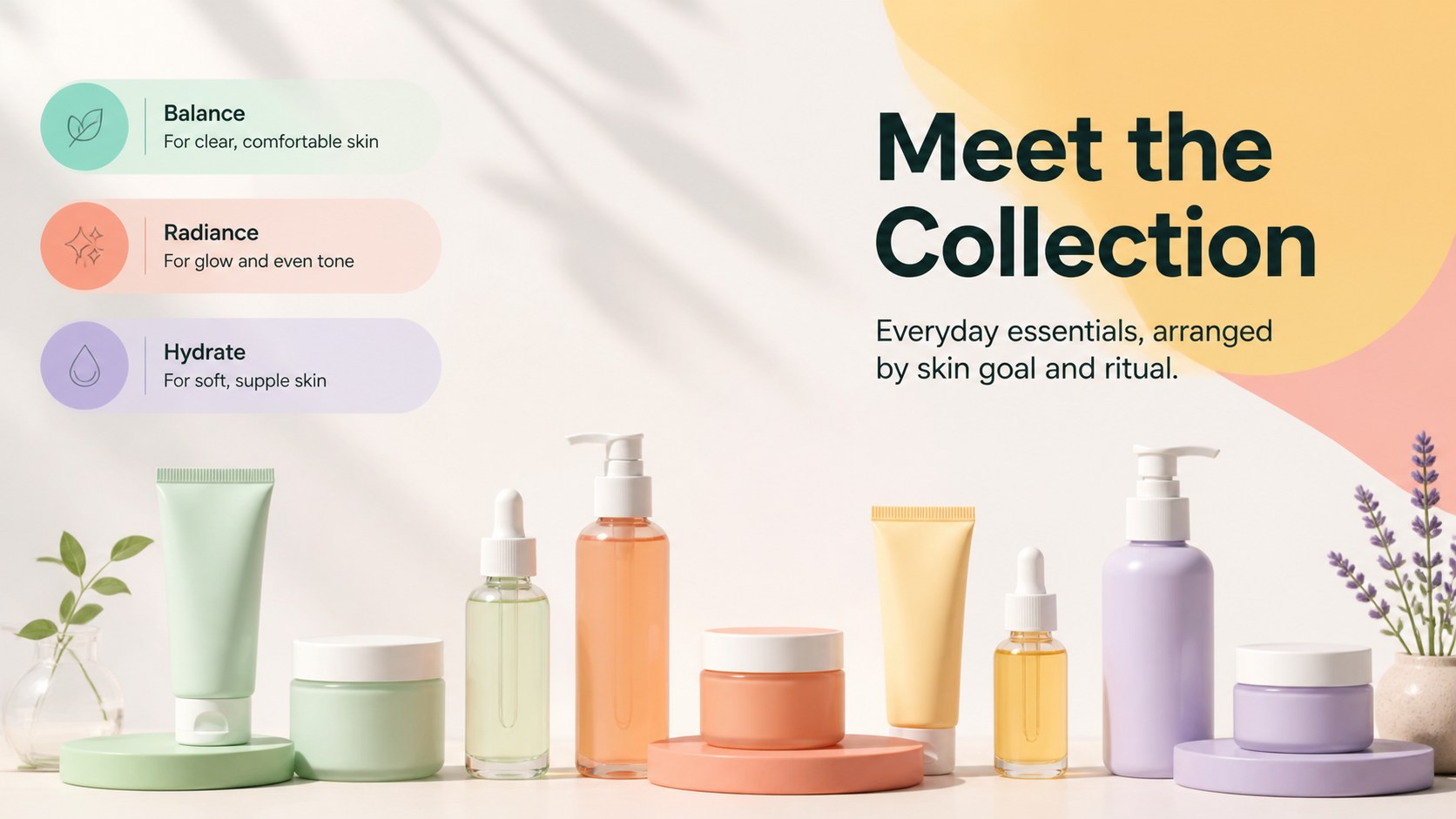
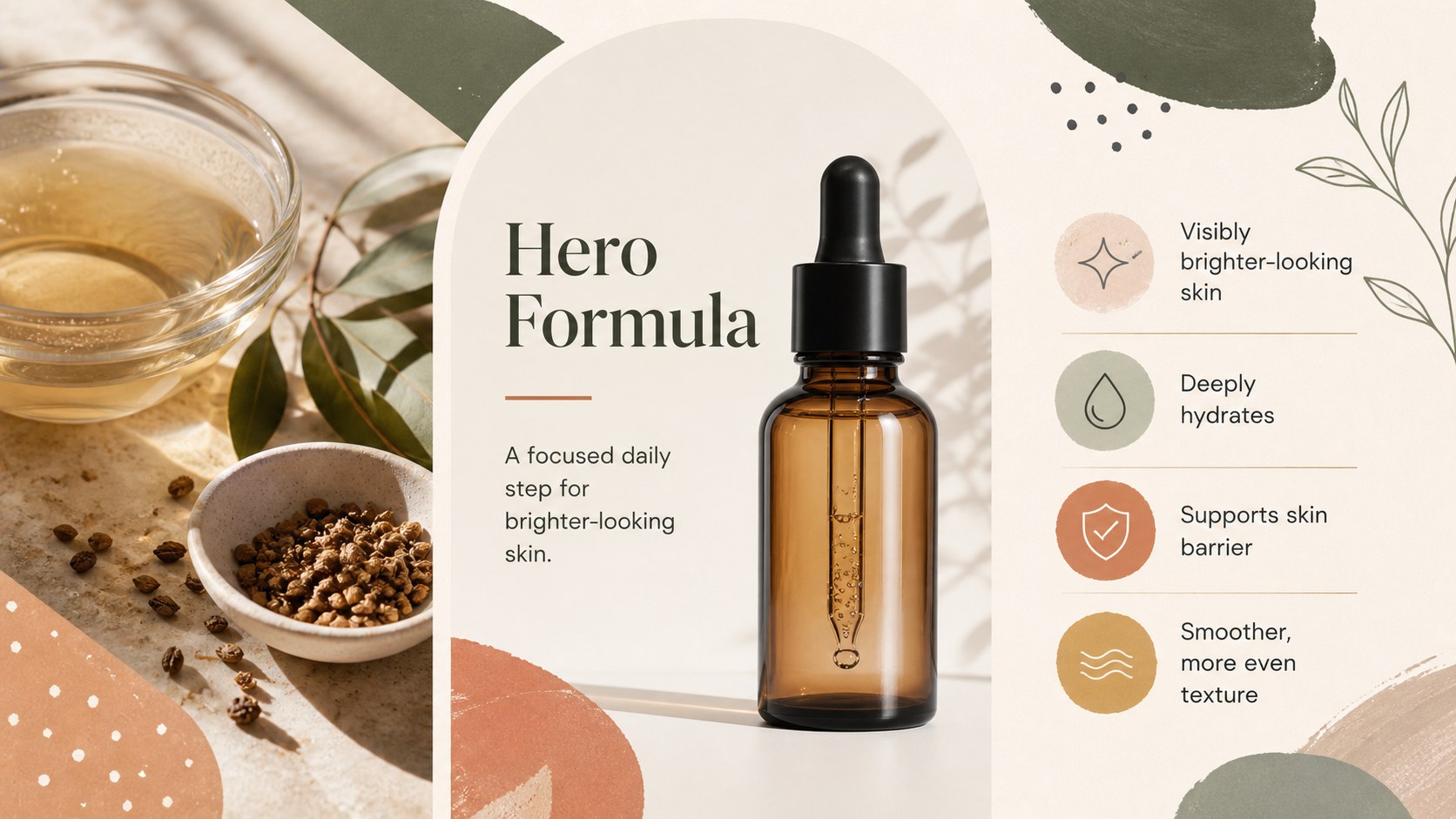
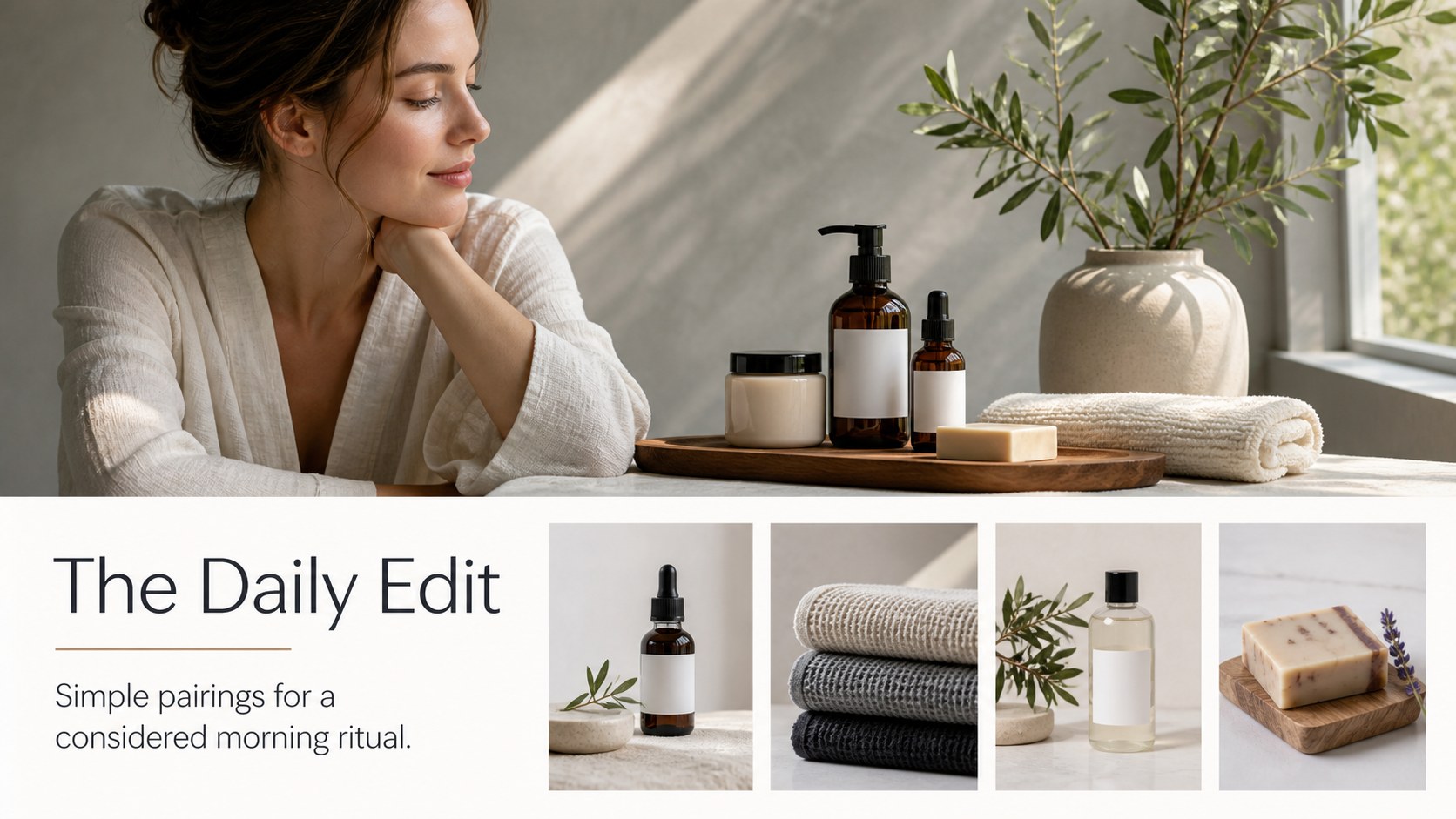
Build a polished skincare product showcase with colorful layouts, editorial photography, pricing pages, and editable slides for beauty brands.


Design notes
Skincare Product Showcase presentation template for Google Slides and PowerPoint
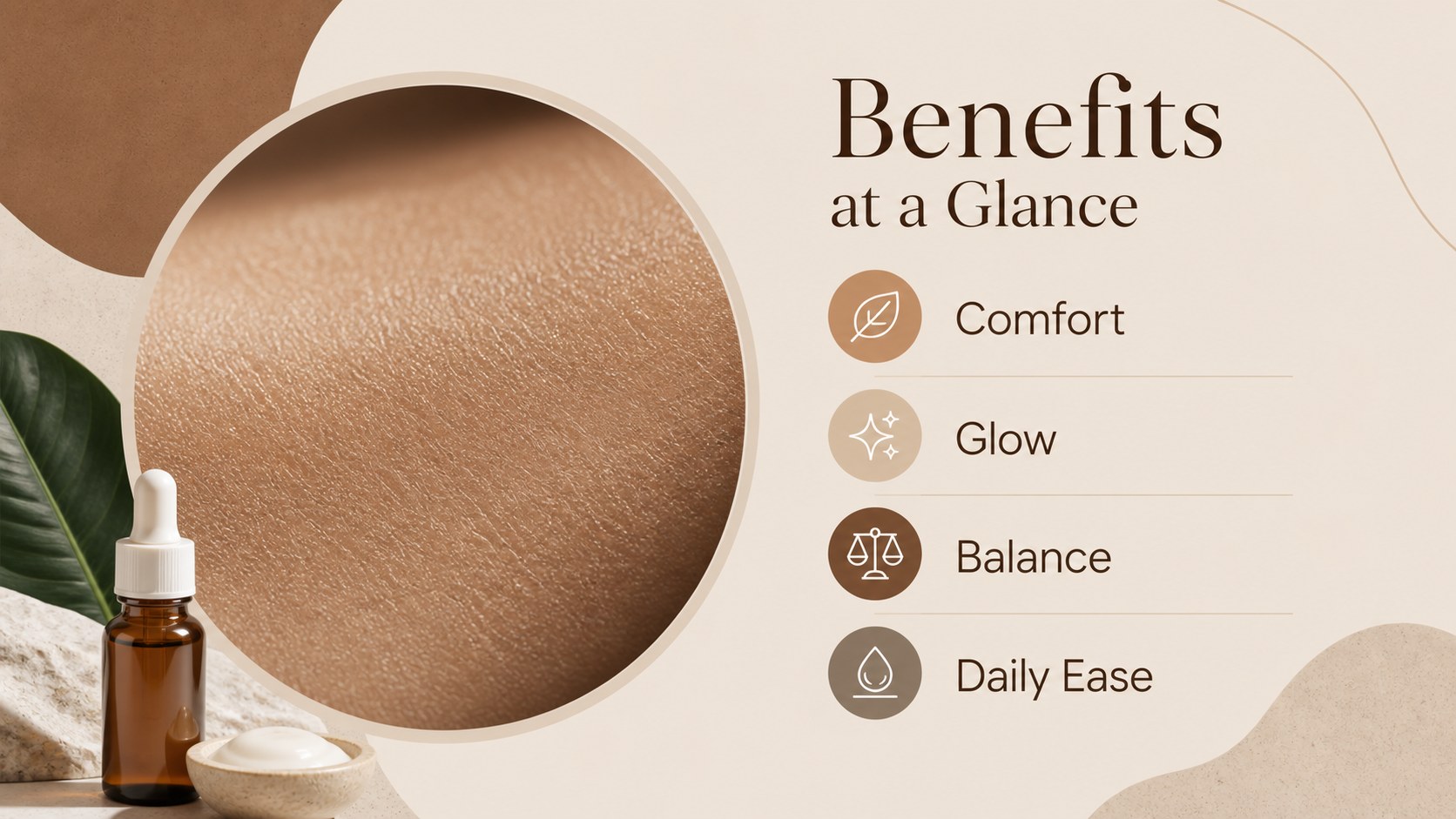
Give a beauty collection a polished visual story with this colorful, photo-led deck. Designed for skincare founders, retail teams, aestheticians, and wellness marketers, it combines clean typography with bold multicolor accents and generous product imagery. Use the layout system to introduce a new range, explain ingredients, compare formulas, or prepare a persuasive buyer presentation.
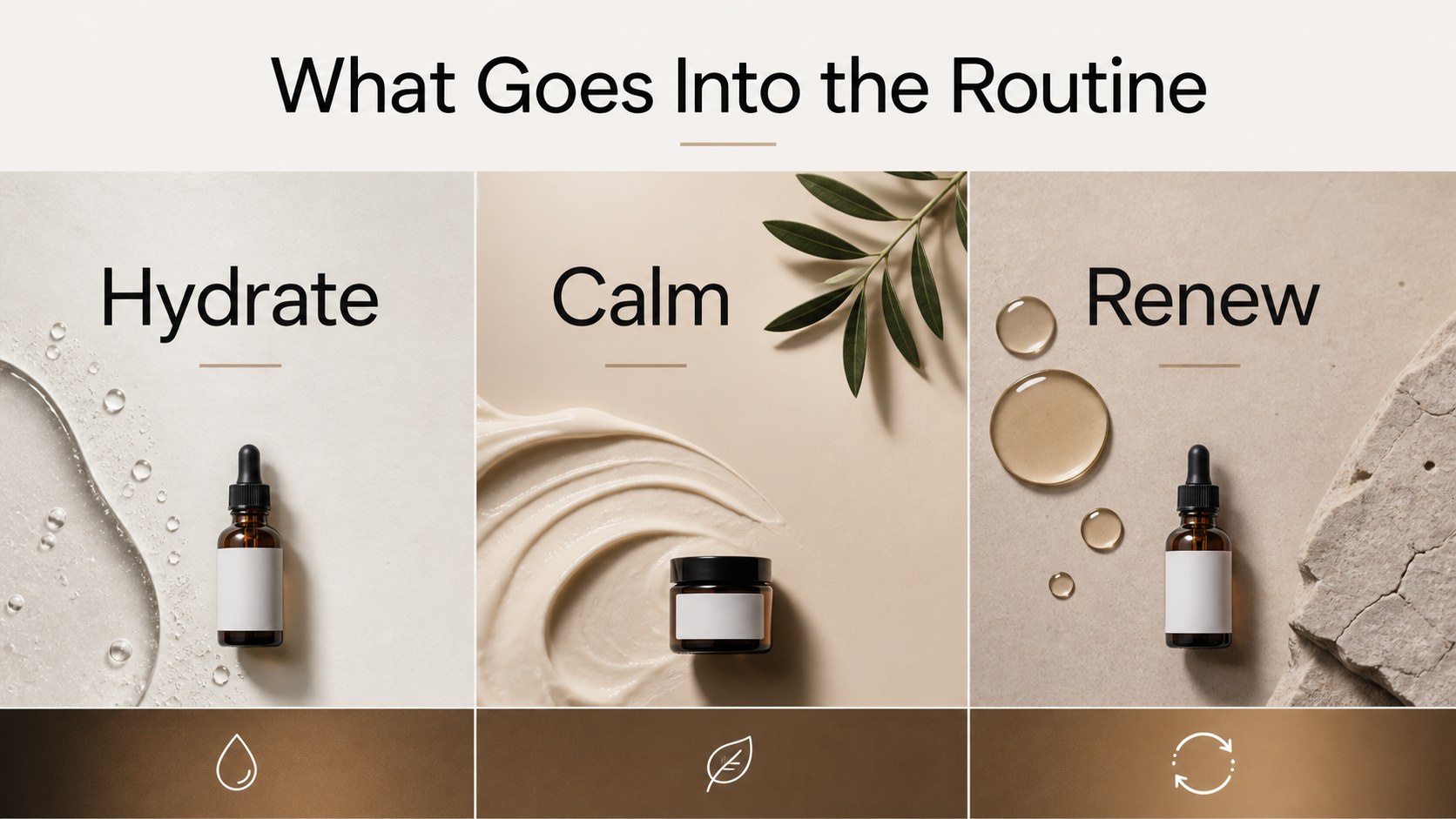
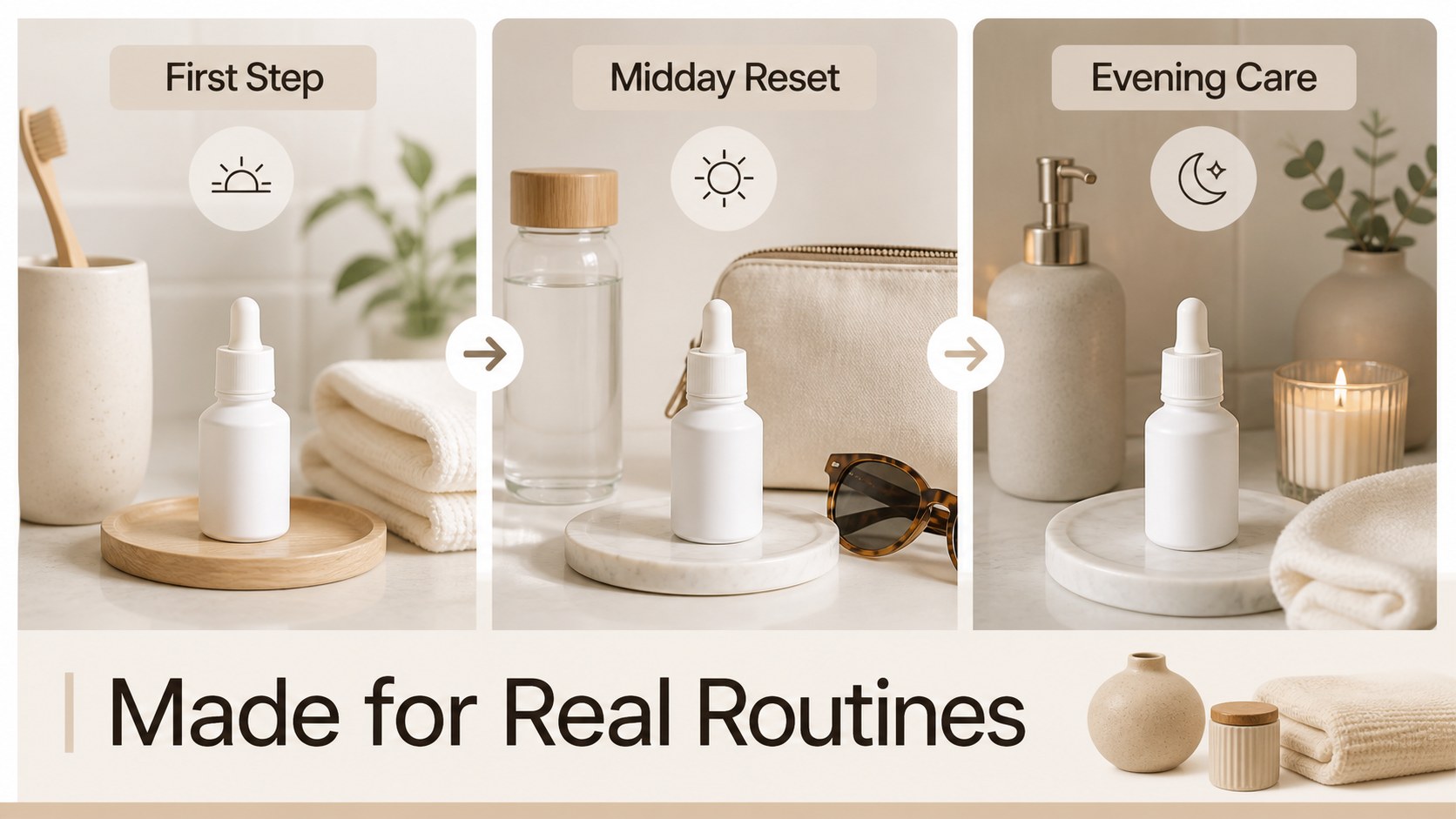
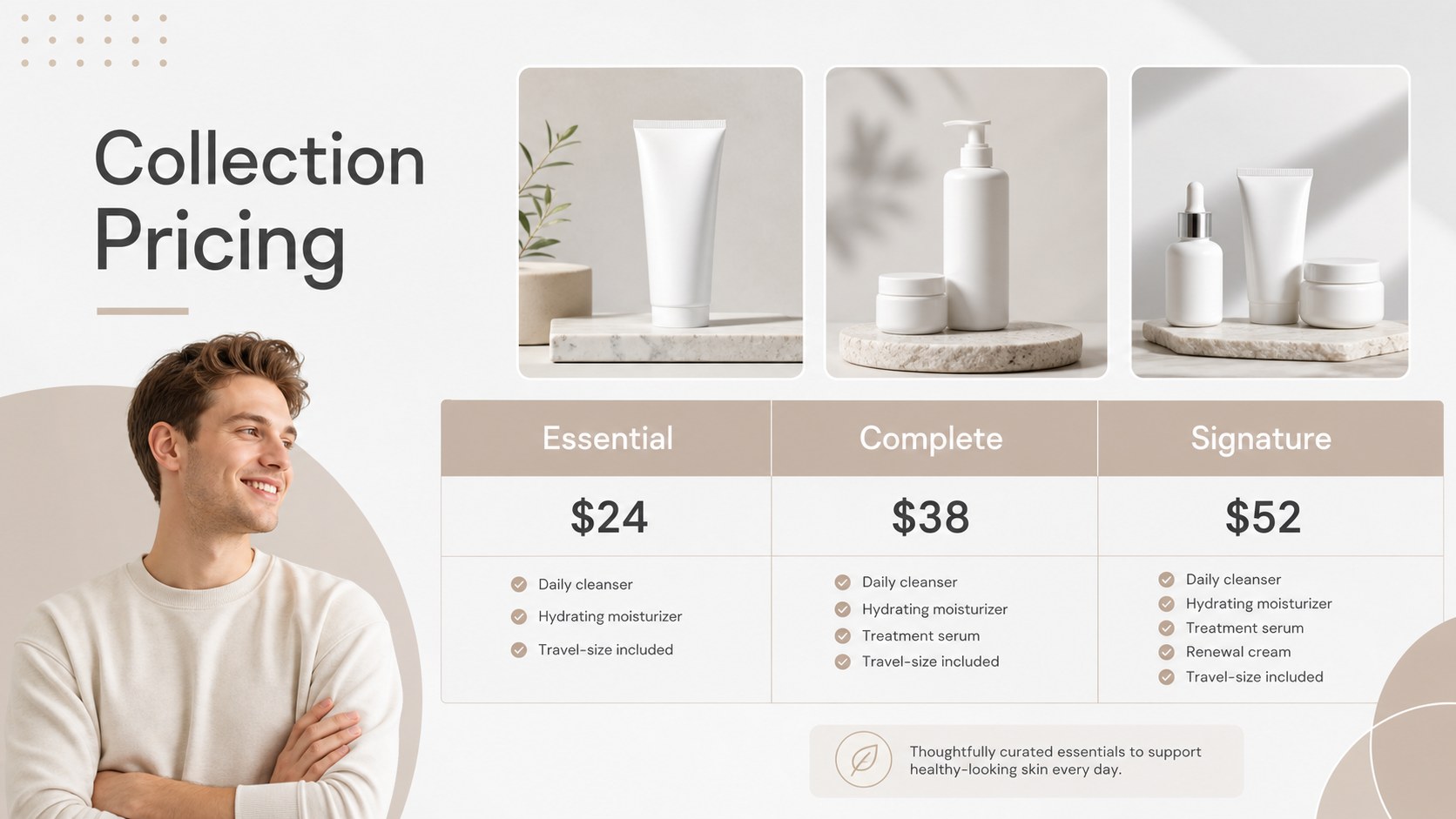
Inside, you will find 13 editable 16:9 slides for a skincare line overview, hero product moments, ingredient callouts, routine steps, customer benefits, pricing, retail distribution, and a closing contact page. The flexible structure also works for a beauty product launch presentation, an online shop lookbook, or a salon training session. Add your own photography, adjust the color palette, and rearrange sections without rebuilding the design.
The files work across Google Slides and PowerPoint, with editable text, images, shapes, charts, and diagrams. Presenters can also add animation, speaker notes, and branded graphics to create a confident, memorable skincare story for investors, stockists, clients, or internal teams.
Perfect for: beauty product launch; retail buyer meeting; skincare investor pitch; salon staff training; online shop lookbook.
Frequently asked questions
Practical details
Yes. The template is designed for as well as Google Slides and PowerPoint. You can replace text, photography, colors, icons, and product details directly in the editor.
Yes. The slide sequence includes space for a collection introduction, hero products, benefits, ingredient details, pricing, and a closing call to action. Rearrange or duplicate slides to match the launch story.
The layouts, text boxes, image areas, shapes, and visual accents are editable. Replace the sample visuals with your own approved product photography and brand assets before presenting.
You can work with the template in Google Slides or PowerPoint. The deck uses a widescreen 16:9 format suitable for meetings, webinars, and screen sharing.
Keep exploring
15Promote classes with a yoga workshop marketing presentation featuring playful beige, pink, and purple illustrations for PowerPoint and Google Slides.
 15
15Build a clear breast cancer awareness bulletin with bold pink-and-red slides for campaign news, screening reminders, impact data, and community updates.
 15
15Build a clear World Cancer Day message with this global cancer awareness campaign deck, featuring editable blue-green layouts for PowerPoint and Google Slides.
 4
4Document wound findings, treatment decisions, and healing progress with clinical wound evaluation slides for nurses in PowerPoint and Google Slides.
 14
14Plan a clear donor campaign with this blood donation awareness presentation, featuring editable beige-and-red visuals for PowerPoint and Google Slides.
 15
15Build a Kidney Health Awareness Campaign Deck with blue illustrated slides for prevention tips, risk education, screening events, and outreach.
 15
15Build an actionable training session with this fitness program workshop deck, using energetic yellow geometry and editable PowerPoint and Google Slides layouts.
 15
15Equip health teams with this malaria prevention education deck for workshops, community outreach, and policy briefings in PowerPoint or Google Slides.