
 14
14presentation
2036 Dragon Year Celebration Theme
Plan a memorable Lunar New Year campaign with the 2036 Dragon Year Celebration Theme, featuring bold red-and-yellow slides for lessons and events.
Google SlidesPowerPoint
presentation · English
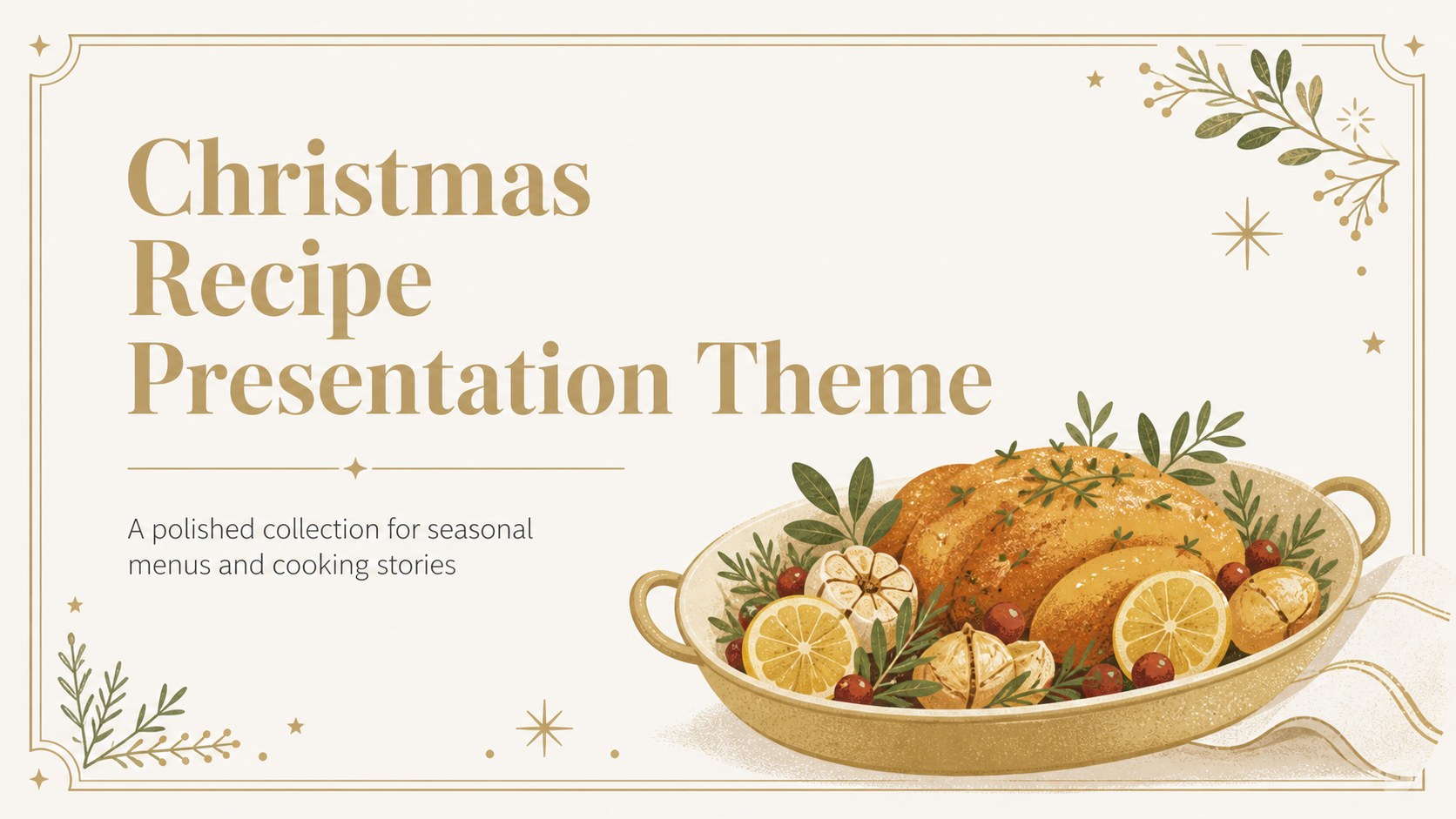
Build a polished Christmas recipe presentation theme for menus, cooking lessons, and holiday food stories with gold illustrations for PowerPoint and Google…
Design notes
Create a warm seasonal deck with this Christmas recipe presentation theme, designed for clear storytelling and elegant food communication. Its gold-and-white palette, refined serif accents, and friendly illustrated details give holiday content a polished look without making the recipes difficult to read.
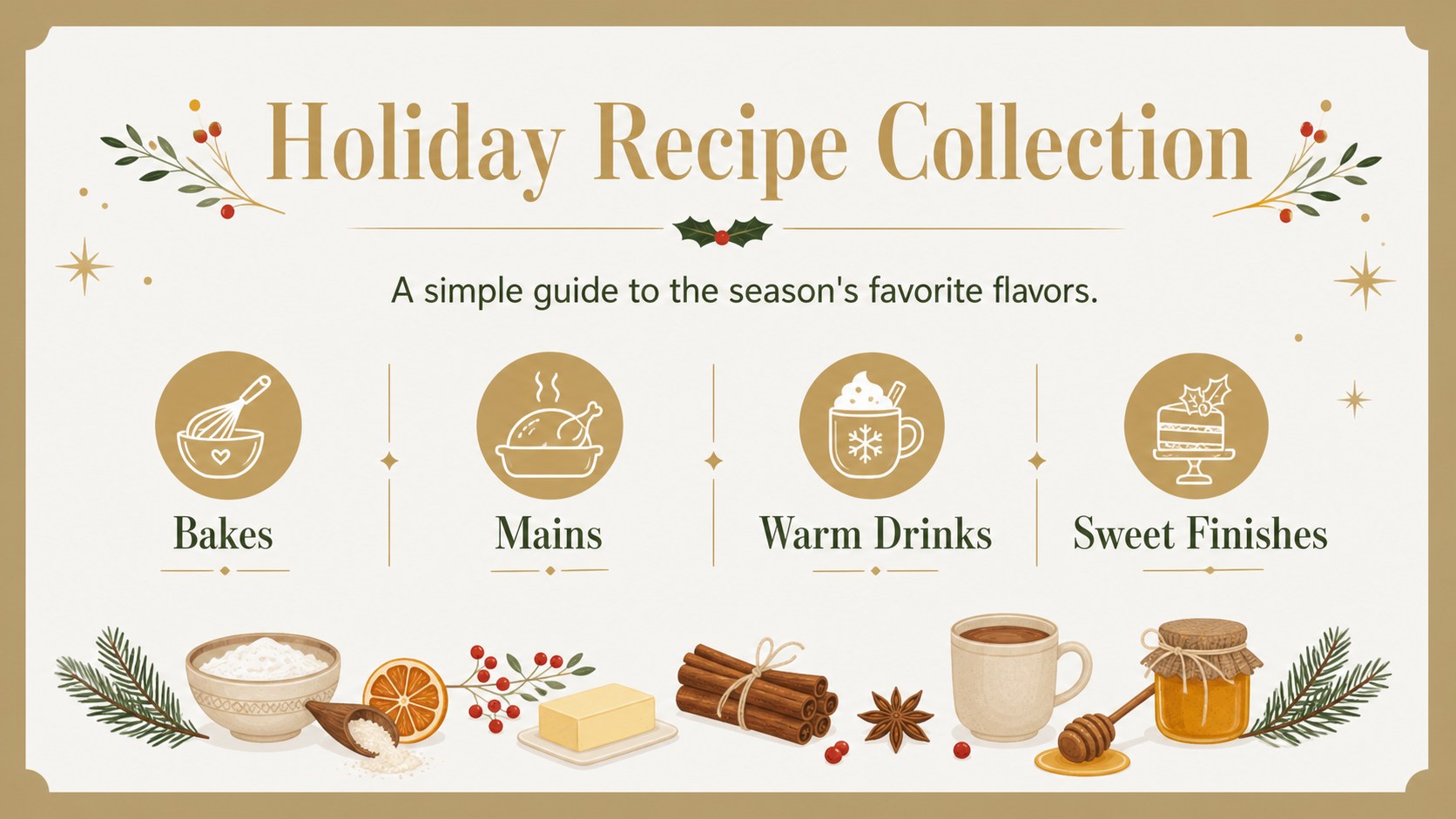
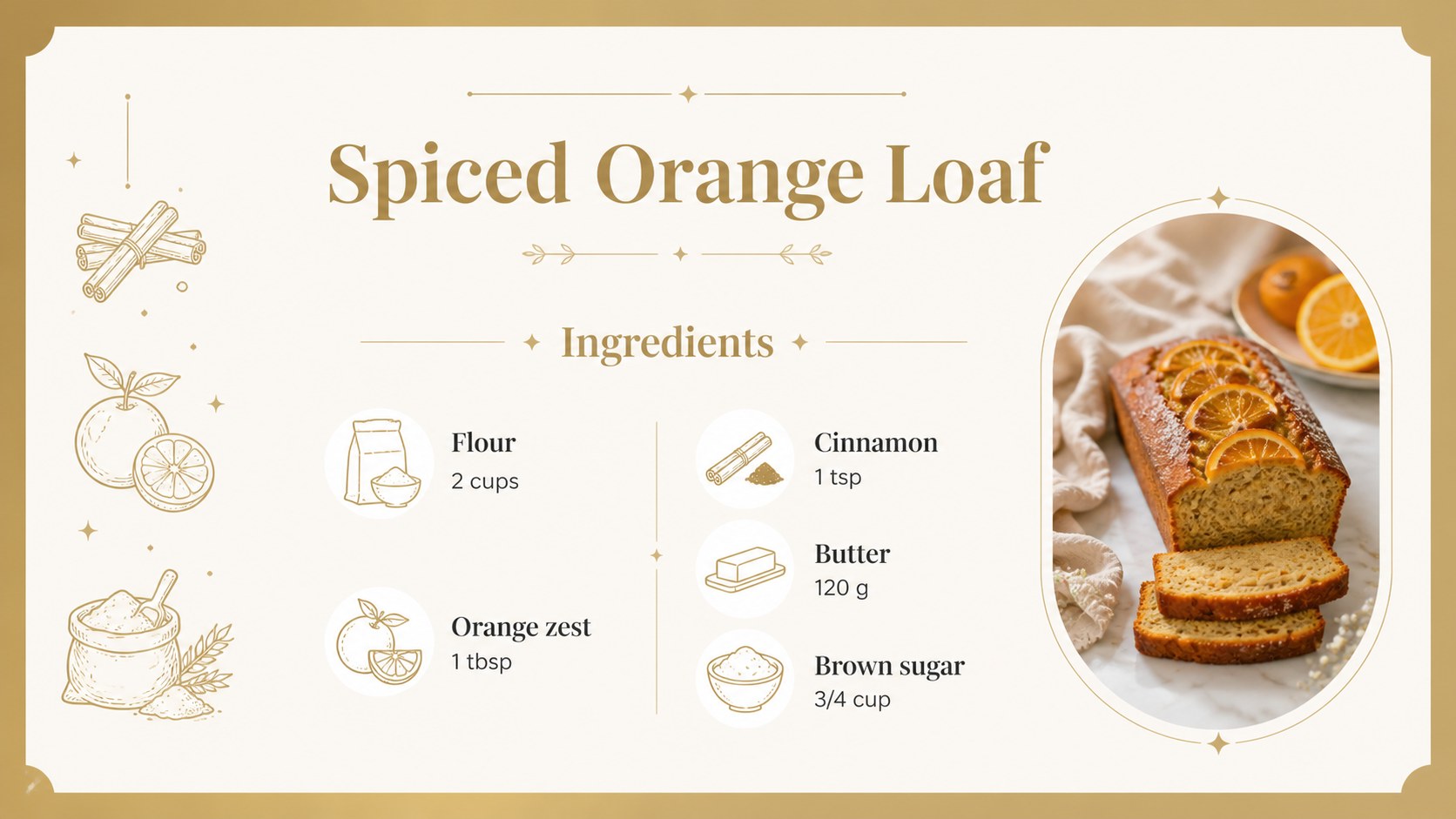
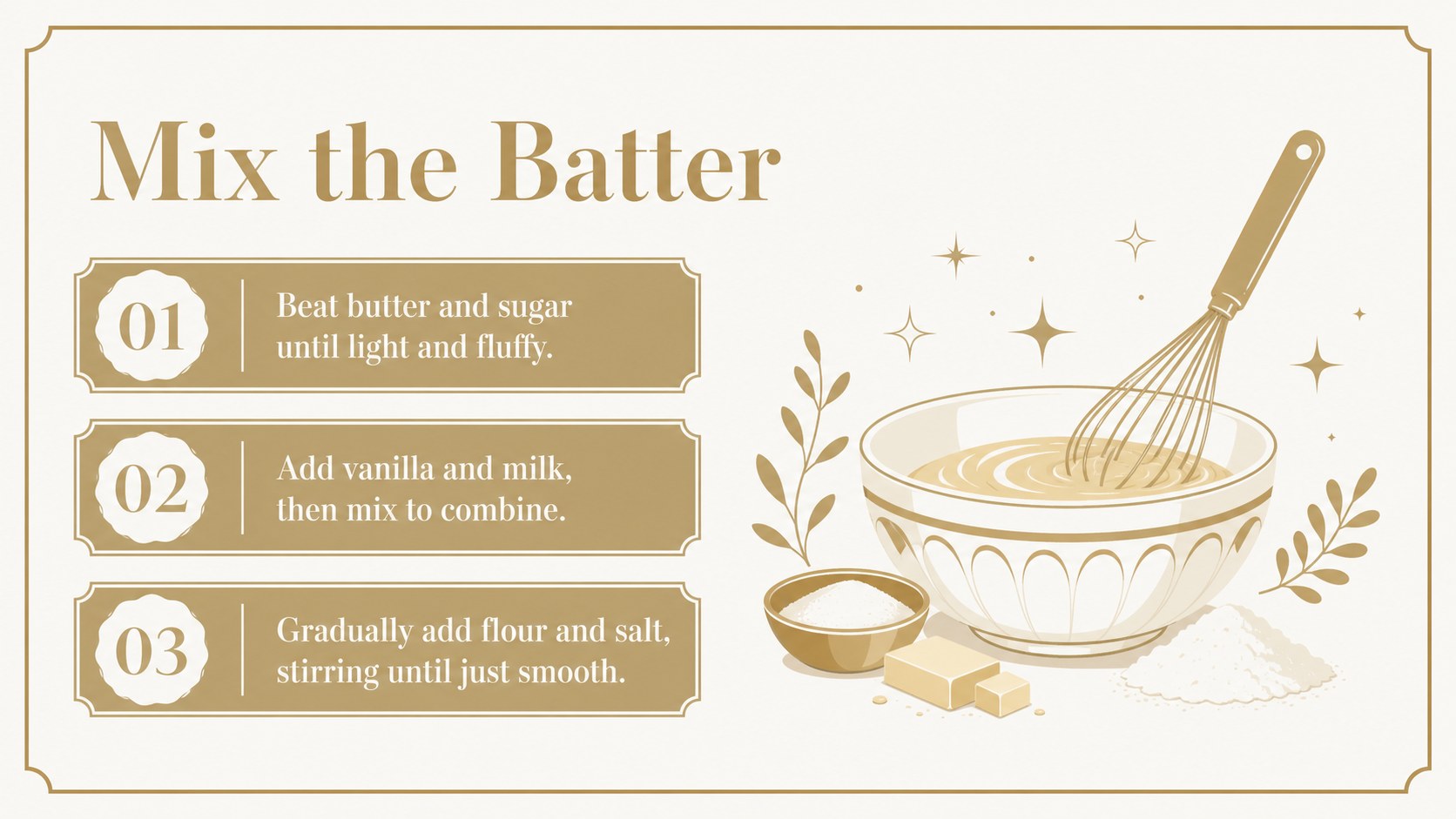
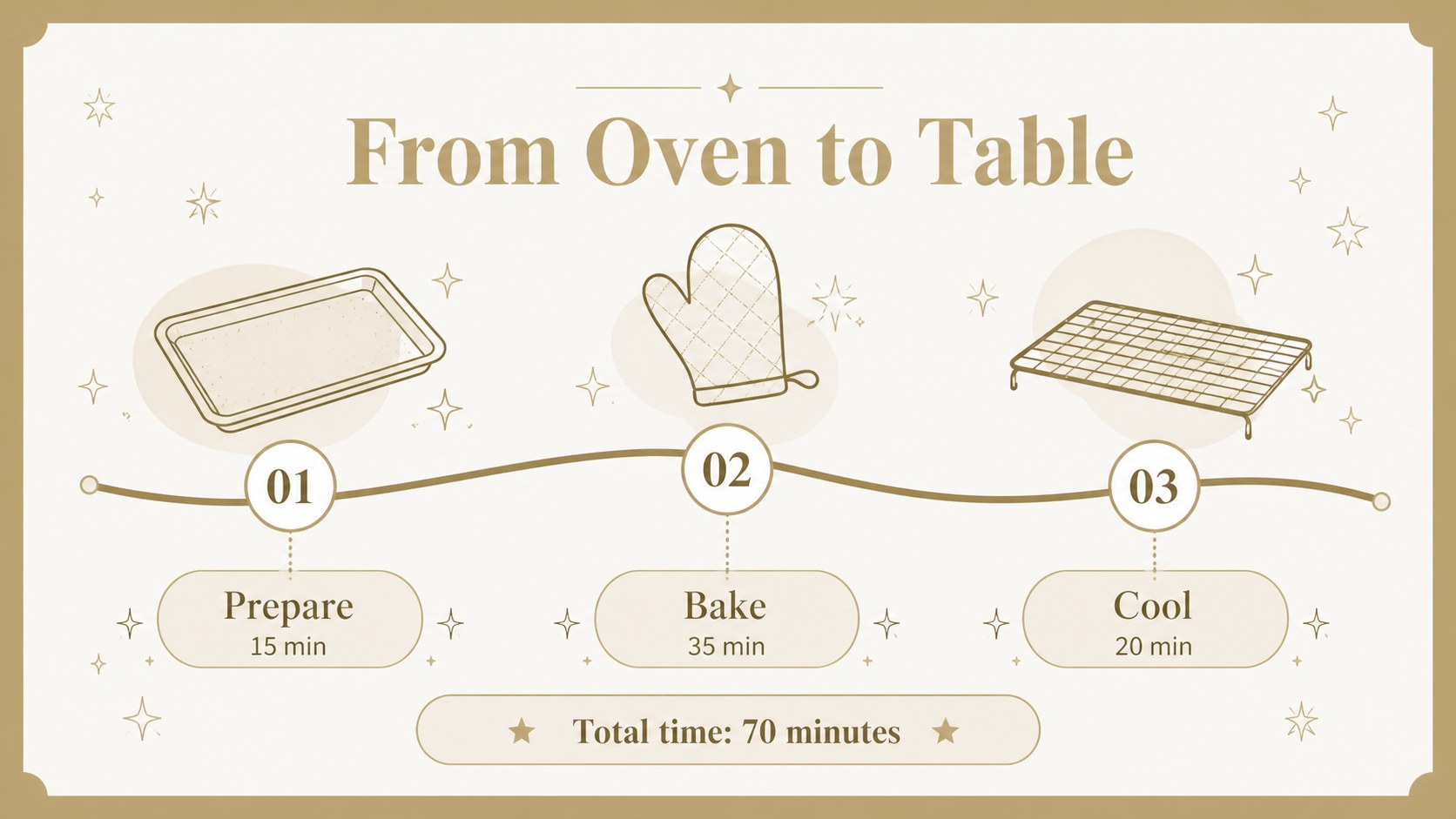
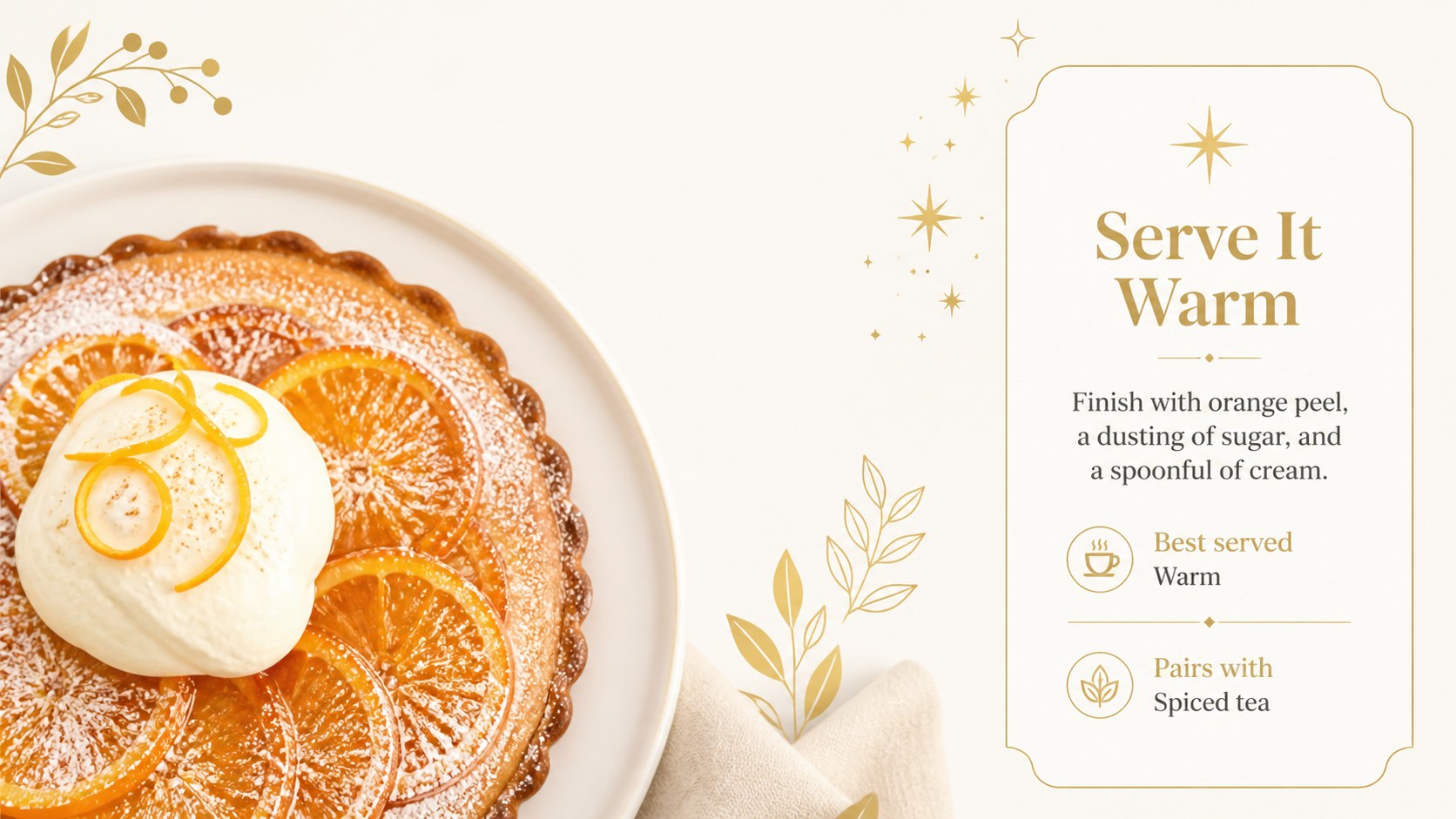
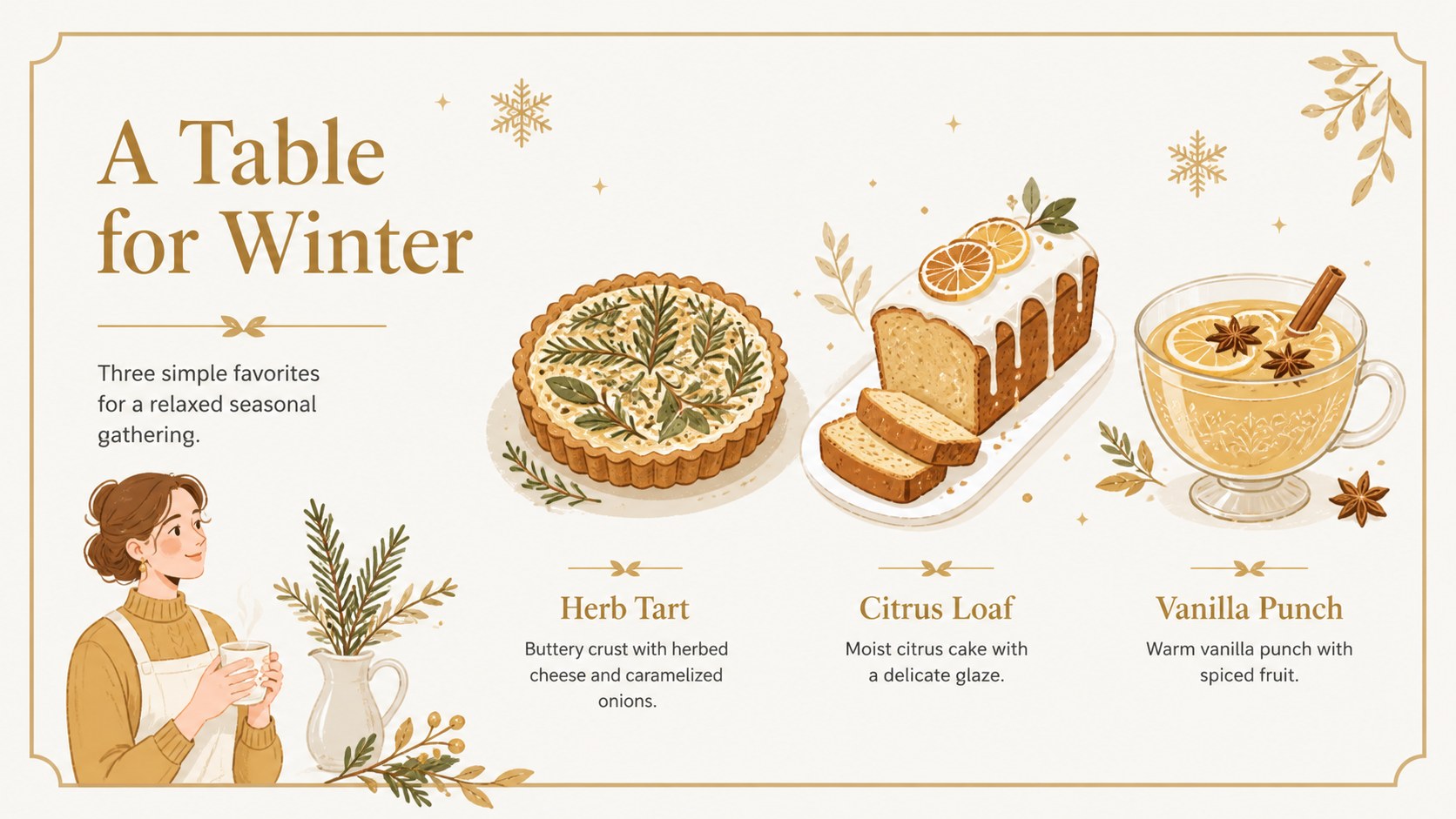
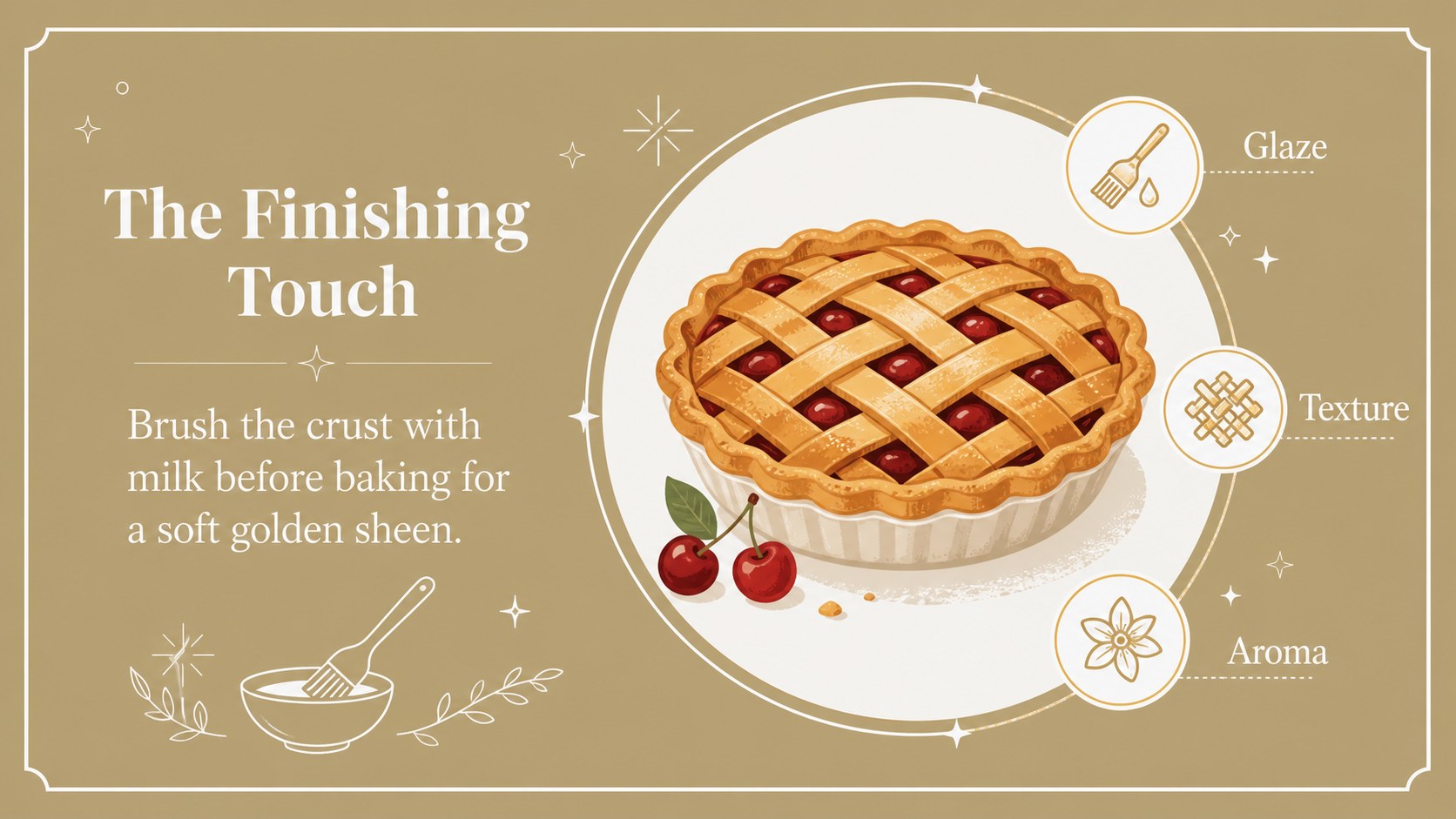
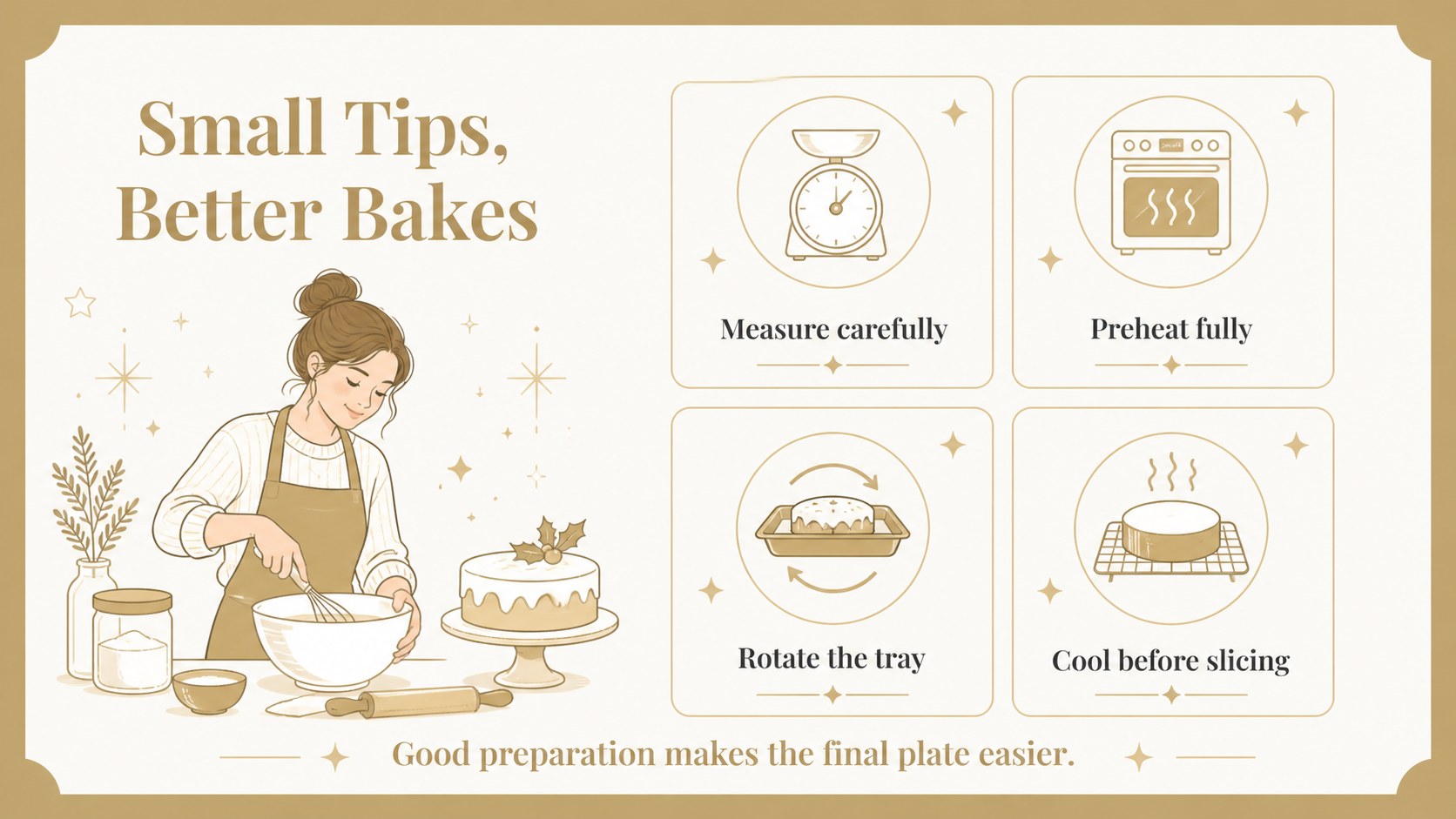
Inside, you’ll find layouts for a cover, recipe index, ingredient lists, step-by-step instructions, preparation notes, serving suggestions, menu highlights, comparison tables, photo-led features, and a closing message. The flexible structure also works as a holiday menu presentation, a classroom cooking lesson, or a digital family cookbook. Replace the sample text, adjust the typography, and add your own food photography or illustrations to match the occasion.
This deck is suitable for restaurants, food bloggers, culinary students, teachers, event planners, and families preparing a seasonal recipe collection. Use it to explain a signature dish, present a Christmas catering menu, document a baking project, or share festive cooking ideas with an audience. The templates are editable in PowerPoint and Google Slides, with organized elements that make customization straightforward. The result is a cohesive recipe story that feels festive, useful, and ready to present.
Perfect for: restaurant holiday menu; festive cooking lesson; family digital cookbook; Christmas catering pitch; food blog recipe feature.
Frequently asked questions
Can I edit this Christmas recipe presentation theme in PowerPoint? Yes. The layouts are designed for PowerPoint editing, including text, colors, illustrations, charts, and image areas. Replace the sample recipes with your own content while keeping the existing visual system.
Practical details
Yes. The layouts are designed for PowerPoint editing, including text, colors, illustrations, charts, and image areas. Replace the sample recipes with your own content while keeping the existing visual system.
Yes, the deck can be used in Google Slides as well as PowerPoint. Import the presentation, then update the copy, images, ingredient quantities, and page order directly in your browser.
You can adapt the recipe layouts for seasonal menu presentations, catering proposals, and signature dish spotlights. Add pricing, serving information, dietary notes, or booking details to the provided content areas.
Edit the theme colors and font settings to align the deck with your brand or classroom style. You can also replace the decorative food illustrations and image placeholders while preserving the clean holiday atmosphere.
Keep exploring
14Plan a memorable Lunar New Year campaign with the 2036 Dragon Year Celebration Theme, featuring bold red-and-yellow slides for lessons and events.
 15
15Build playful lessons and party stories with a kid-friendly zombie celebration theme in purple, green and pastel blue for PowerPoint and Google Slides.
 15
15Build eerie lessons, campaigns, and story pitches with an undead survival scenario theme featuring editable slides for PowerPoint and Google Slides.
 3
3Share festive messages with a Lunar Horse New Year Wishes Theme, featuring bold red-and-yellow layouts for PowerPoint and Google Slides celebrations.
 15
15Bring zodiac traditions to life with a Lunar Snake Festival Presentation featuring 15 cheerful red illustrated slides for PowerPoint and Google Slides.
 6
6Honor teams and individuals with an Orange Year-End Recognition Certificate Set featuring six editable designs for PowerPoint and Google Slides.
 14
14Honor the people behind the headlines with a World Sports Press Appreciation Deck for PowerPoint and Google Slides, styled in crisp, modern green.
 15
15Teach, inspire, and celebrate with our Plant-Powered Vegetarian Day Lesson Deck, featuring cheerful editable visuals for PowerPoint and Google Slides.