
 14
14presentation
2036 Dragon Year Celebration Theme
Plan a memorable Lunar New Year campaign with the 2036 Dragon Year Celebration Theme, featuring bold red-and-yellow slides for lessons and events.
Google SlidesPowerPoint
presentation · English
Build a joyful holiday countdown with christmas advent planner slides for family activities, classroom planning, or seasonal campaigns in PowerPoint and…


Design notes
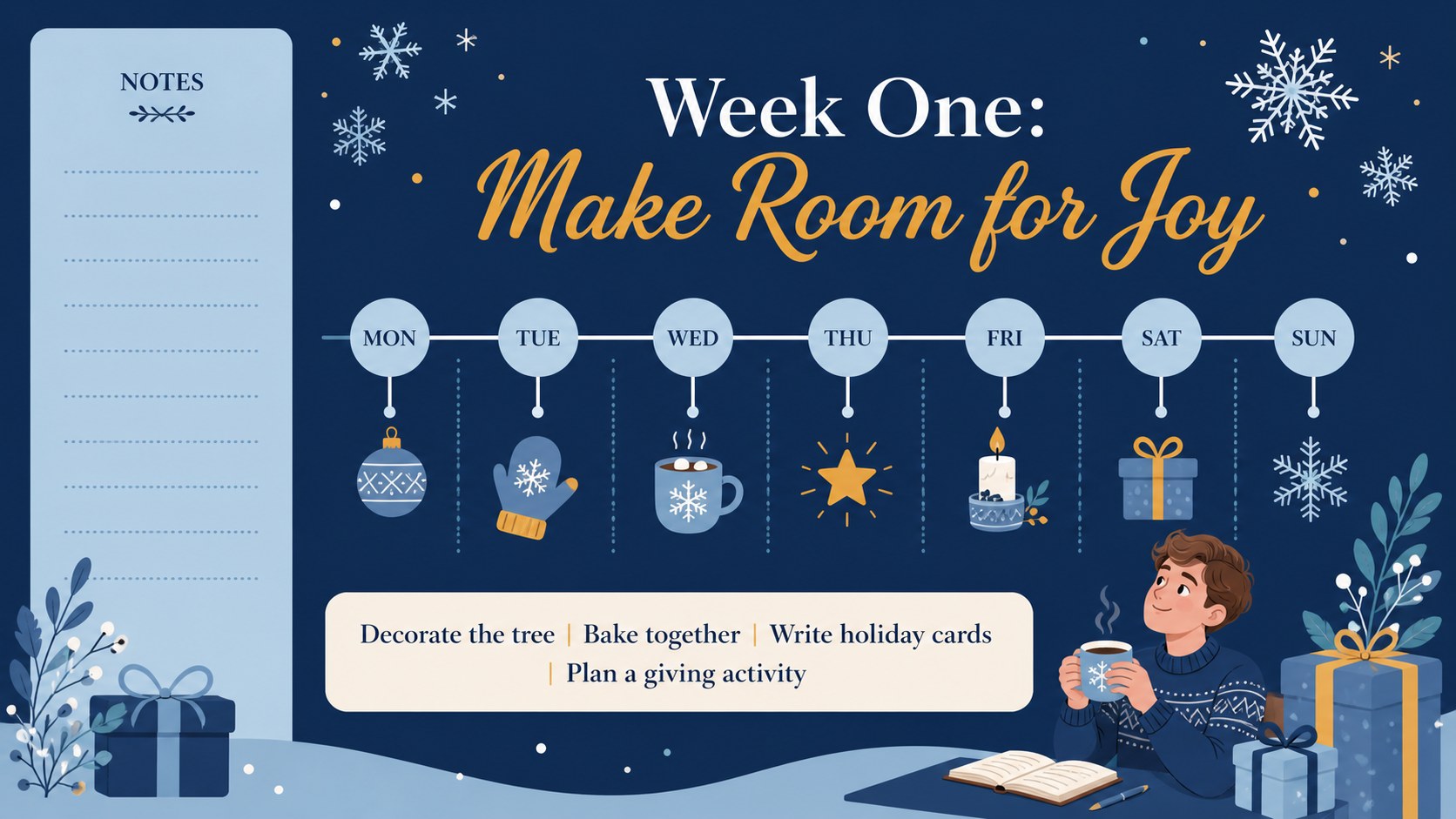
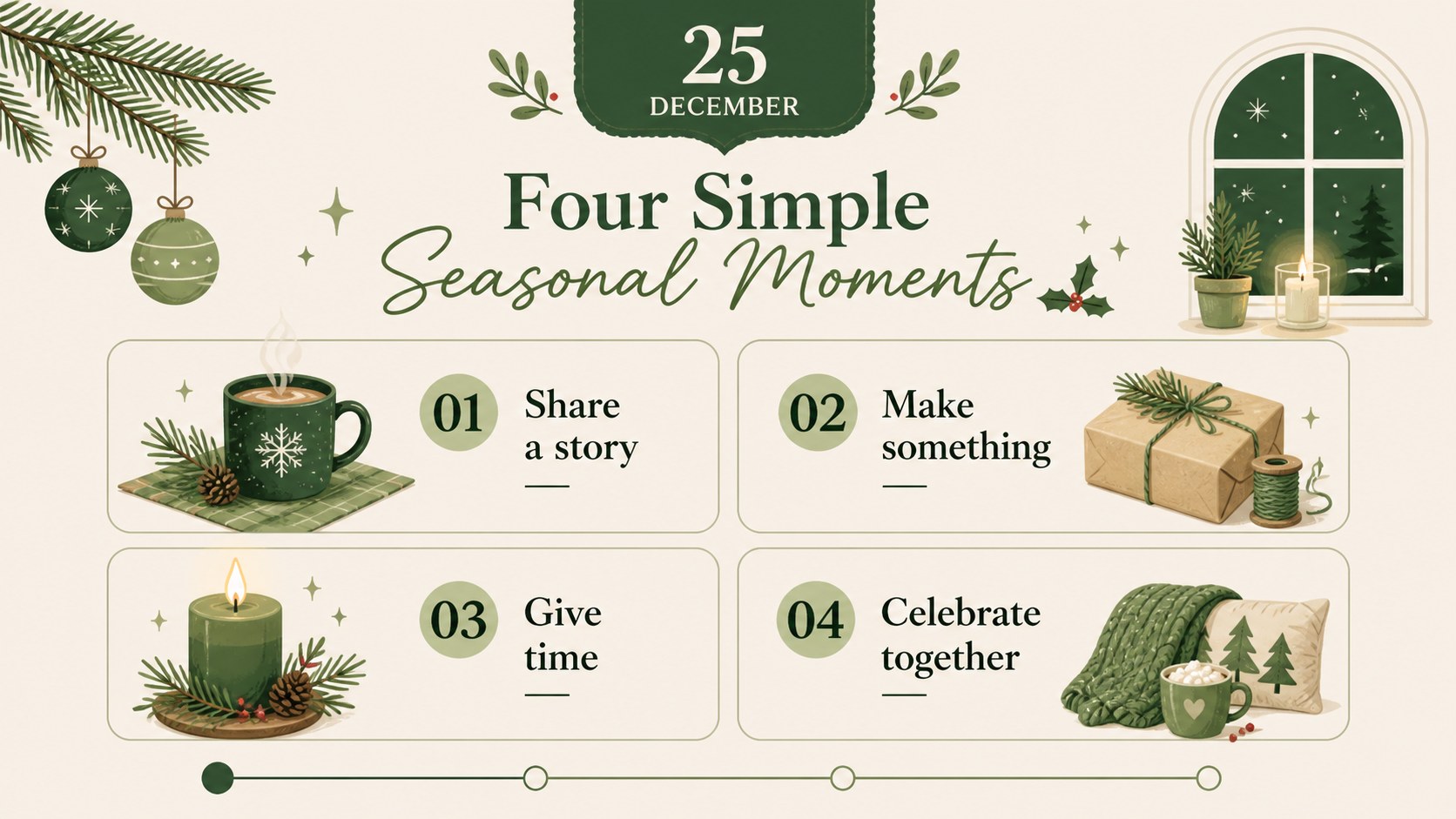
Christmas advent planner slides bring structure and seasonal charm to the weeks leading up to Christmas. Designed in a fresh green palette with minimalist illustrations, this editable deck helps families, teachers, community organizers, and marketing teams turn a countdown into a practical visual plan. Use it to map daily activities, coordinate holiday content, or share festive plans with a group.
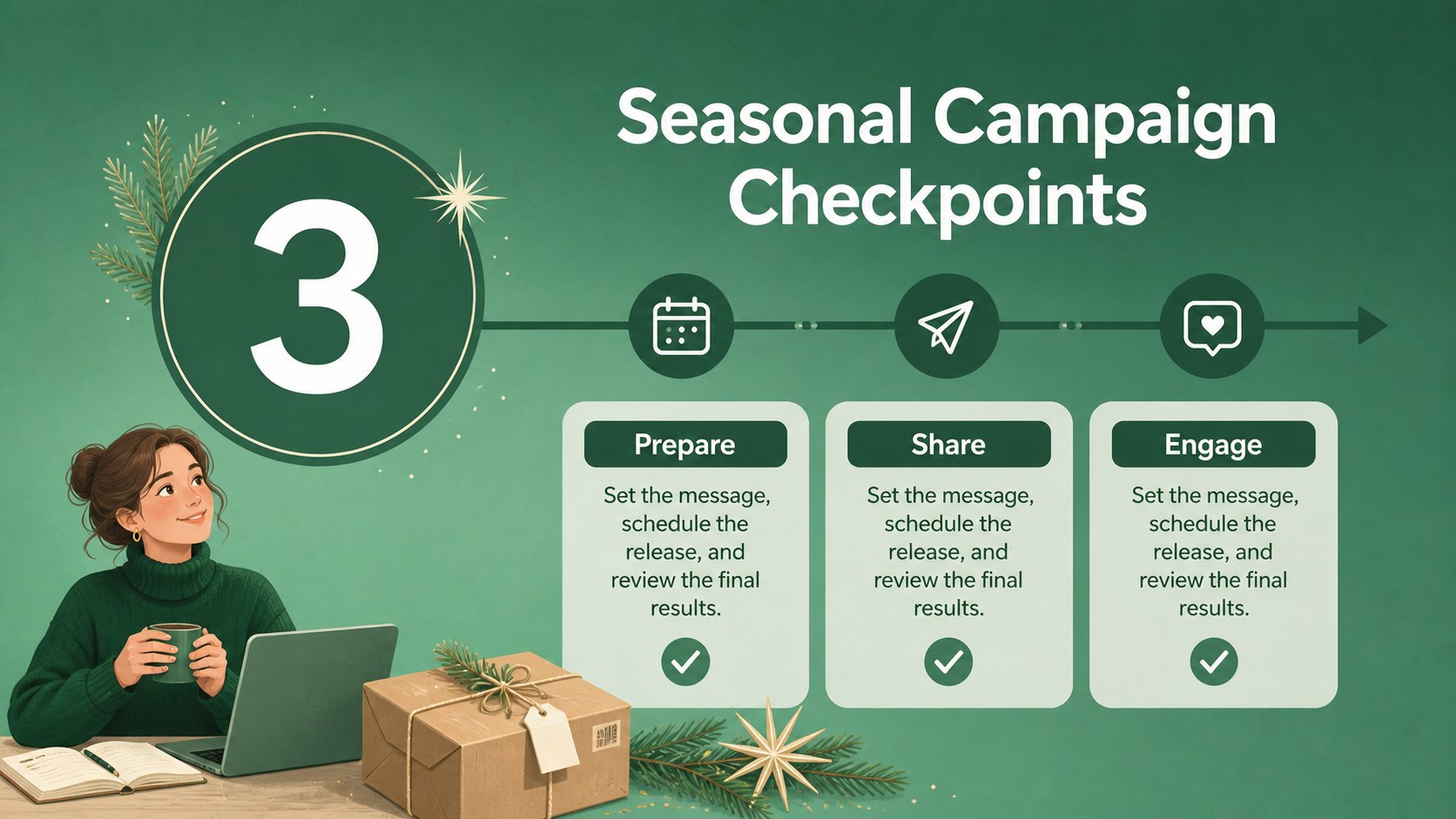
Inside, you’ll find five A4-inspired planner layouts that can be adapted for weekly schedules, daily prompts, campaign checkpoints, gift planning, classroom events, or family traditions. The clean composition leaves room for dates, notes, icons, checklists, and short announcements while keeping the countdown easy to scan. Charts, frames, lines, and shapes support additional planning and presentation needs, and animation and transition options can add movement when the deck is presented onscreen.
These holiday countdown presentation slides work in both PowerPoint and Google Slides, making them useful for remote collaboration, printable planning, and live sharing. Adjust the text, colors, illustrations, and typography to match your event or brand. The design combines Cinzel Decorative and Poppins with a dominant green color for a friendly, polished Christmas planning experience.
Perfect for: family advent activity planning; classroom holiday schedule; seasonal marketing campaign; community Christmas event coordination; team gift and celebration planning.
Frequently asked questions
Can I edit these Christmas advent planner slides in PowerPoint? Yes. The presentation is compatible with PowerPoint and can be customized by changing text, colors, shapes, illustrations, and layout elements. You can also export finished pages for printing or sharing.
Practical details
Yes. The presentation is compatible with PowerPoint and can be customized by changing text, colors, shapes, illustrations, and layout elements. You can also export finished pages for printing or sharing.
Yes, the template is designed for Google Slides as well as PowerPoint. Upload or open the presentation in Google Slides, then edit the planner pages directly in your browser.
Add daily activities, family traditions, classroom tasks, campaign deadlines, event reminders, or gift-planning notes. The flexible layouts also support checklists, short announcements, and weekly milestones.
Yes. Replace the green accents with your preferred colors while keeping the illustrated structure and typography. You can also adjust the Cinzel Decorative and Poppins text styles to suit a more formal or playful audience.
Keep exploring
14Plan a memorable Lunar New Year campaign with the 2036 Dragon Year Celebration Theme, featuring bold red-and-yellow slides for lessons and events.
 15
15Build playful lessons and party stories with a kid-friendly zombie celebration theme in purple, green and pastel blue for PowerPoint and Google Slides.
 15
15Build eerie lessons, campaigns, and story pitches with an undead survival scenario theme featuring editable slides for PowerPoint and Google Slides.
 3
3Share festive messages with a Lunar Horse New Year Wishes Theme, featuring bold red-and-yellow layouts for PowerPoint and Google Slides celebrations.
 15
15Bring zodiac traditions to life with a Lunar Snake Festival Presentation featuring 15 cheerful red illustrated slides for PowerPoint and Google Slides.
 6
6Honor teams and individuals with an Orange Year-End Recognition Certificate Set featuring six editable designs for PowerPoint and Google Slides.
 14
14Honor the people behind the headlines with a World Sports Press Appreciation Deck for PowerPoint and Google Slides, styled in crisp, modern green.
 15
15Teach, inspire, and celebrate with our Plant-Powered Vegetarian Day Lesson Deck, featuring cheerful editable visuals for PowerPoint and Google Slides.