
 15
15presentation
Yoga Workshop Marketing Presentation
Promote classes with a yoga workshop marketing presentation featuring playful beige, pink, and purple illustrations for PowerPoint and Google Slides.
Google SlidesPowerPoint
presentation · English
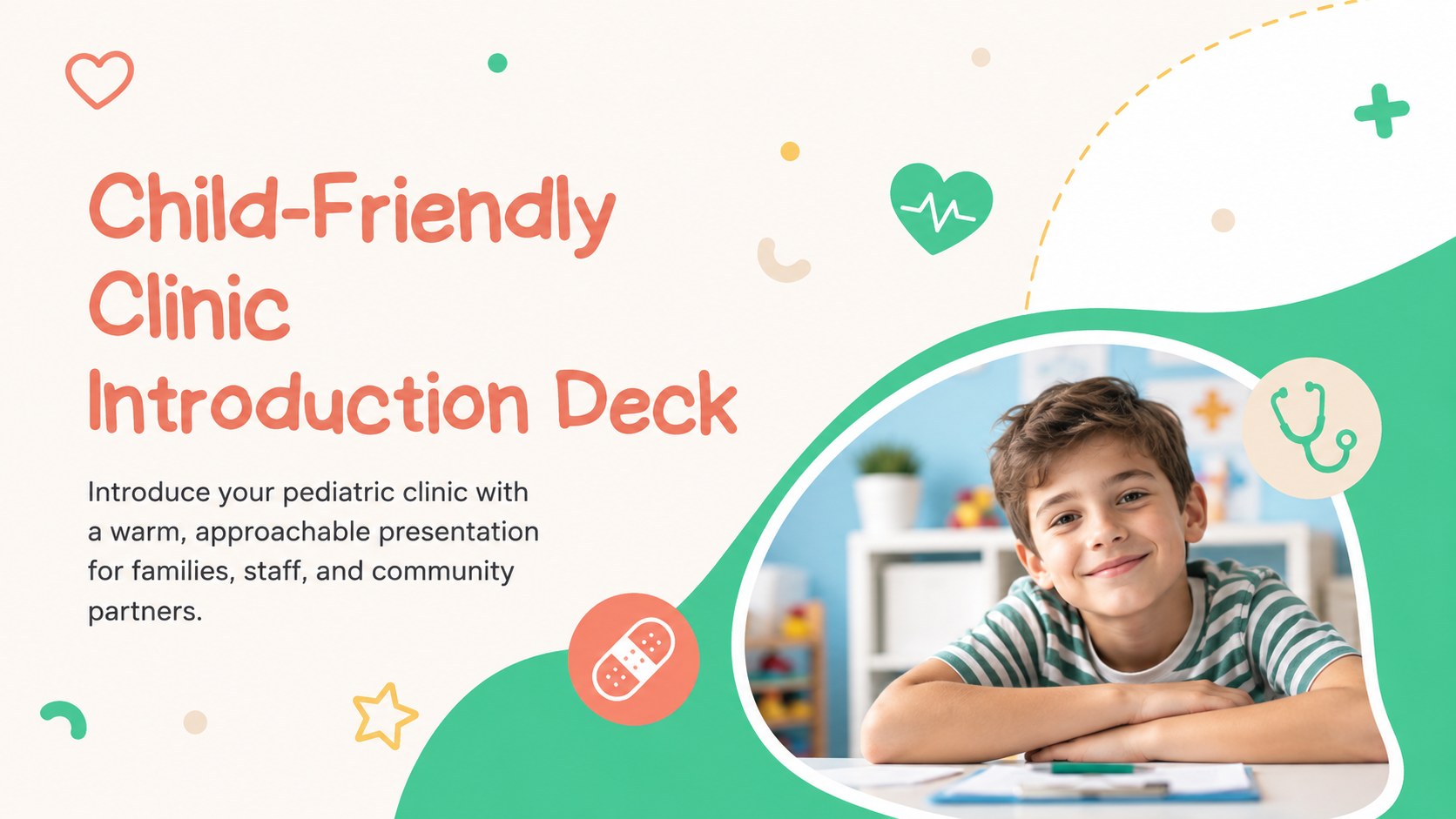
Present services, staff, and family care clearly with a child-friendly clinic introduction deck built for PowerPoint and Google Slides.

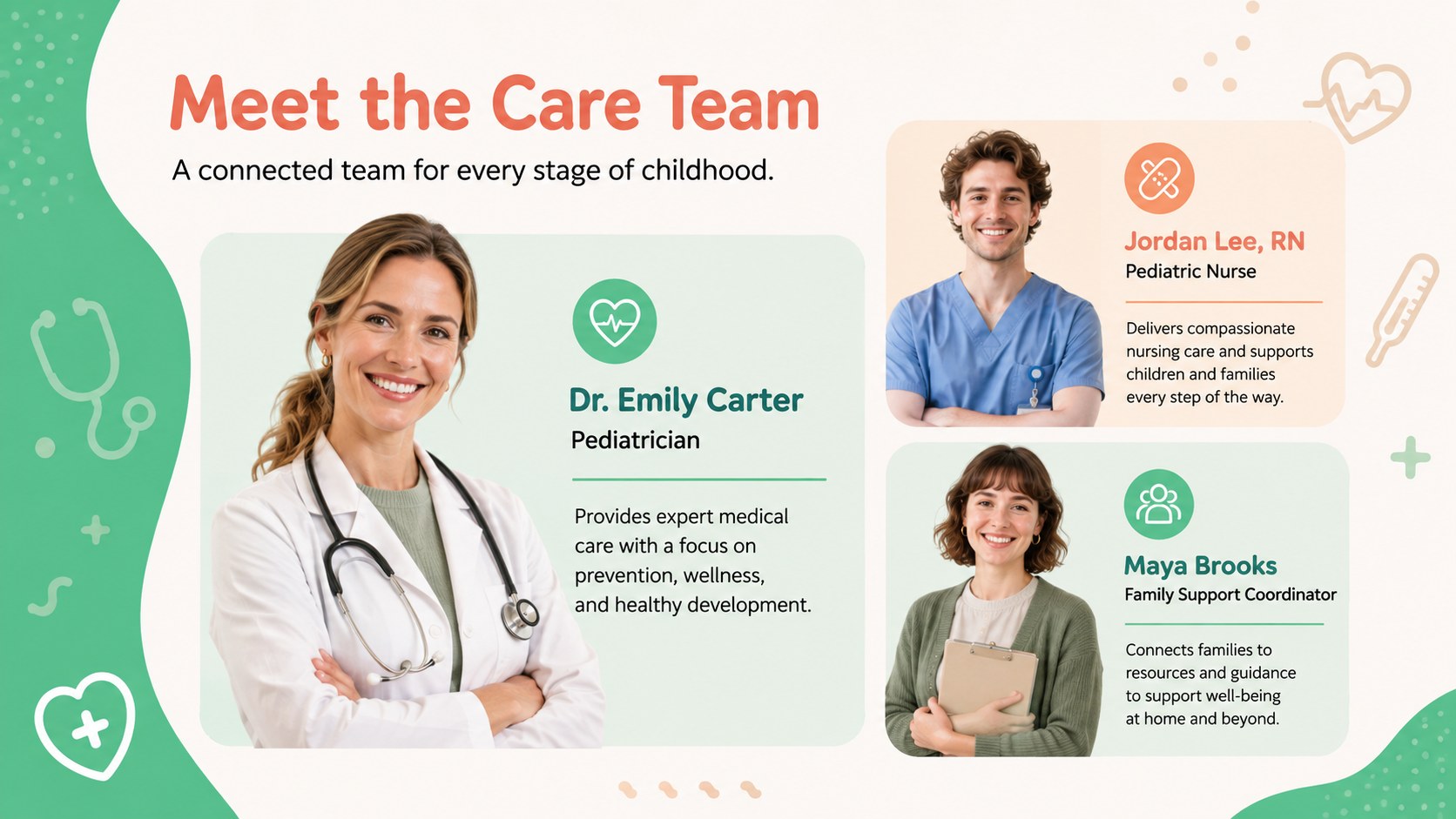
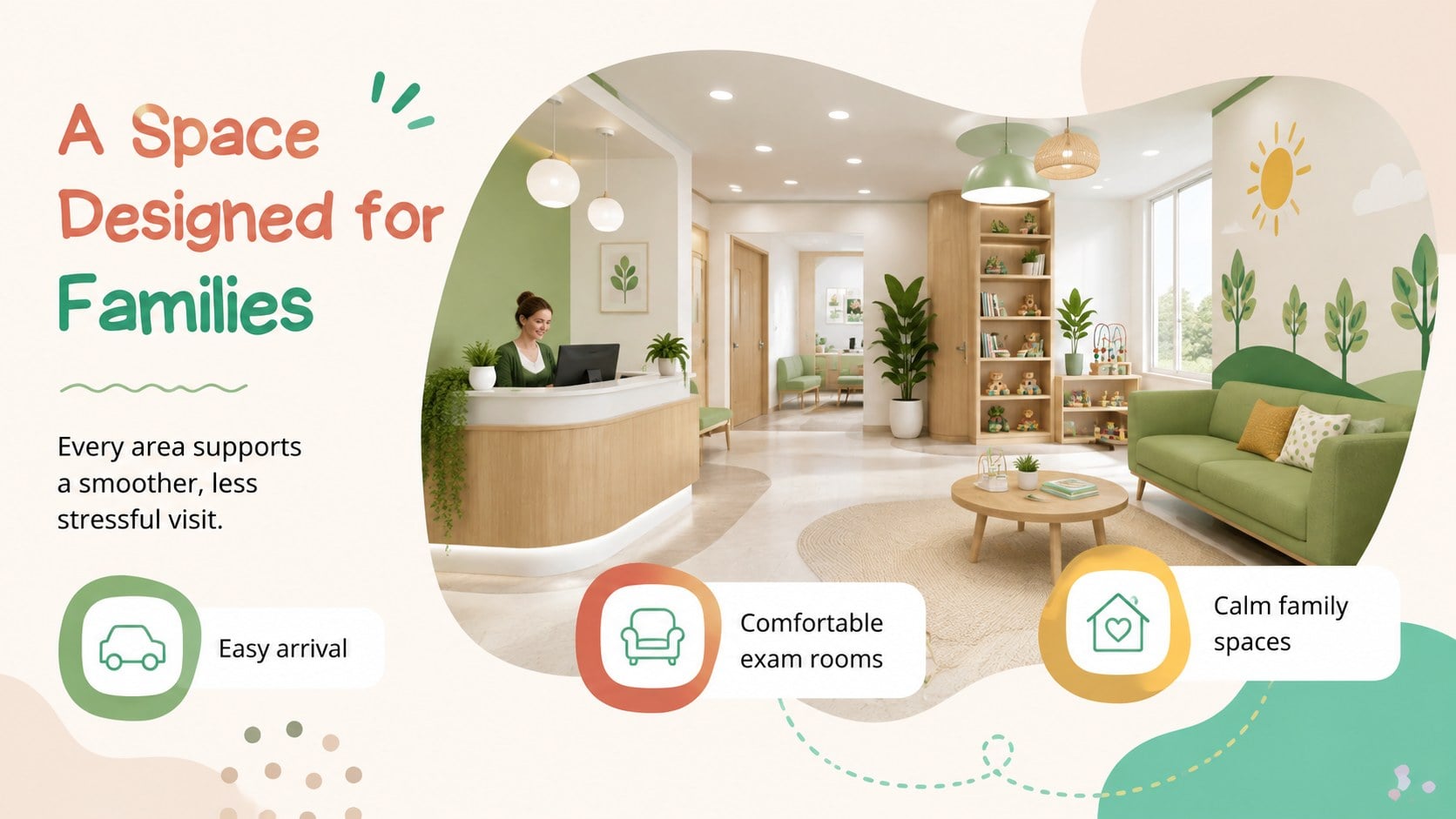
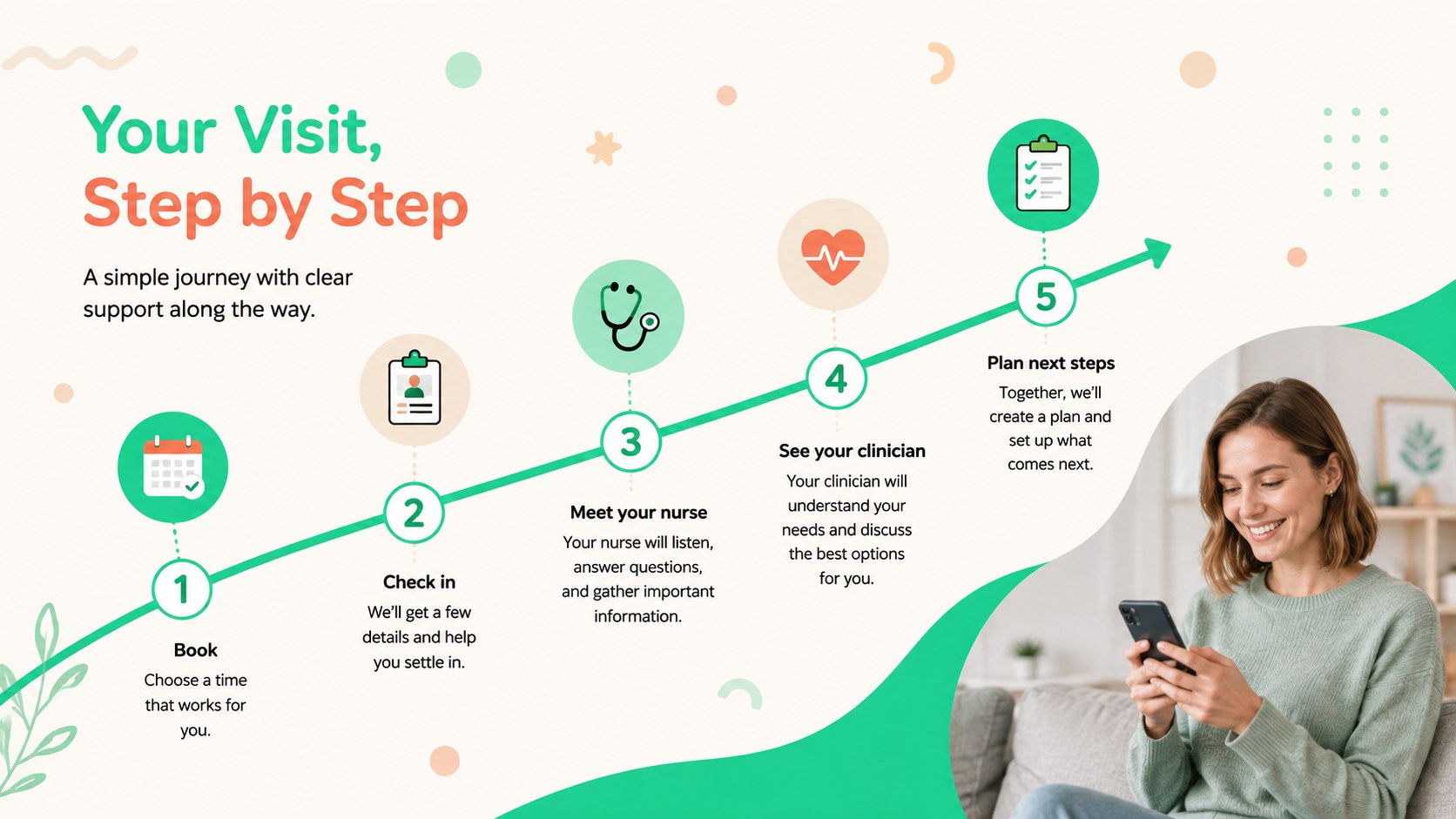
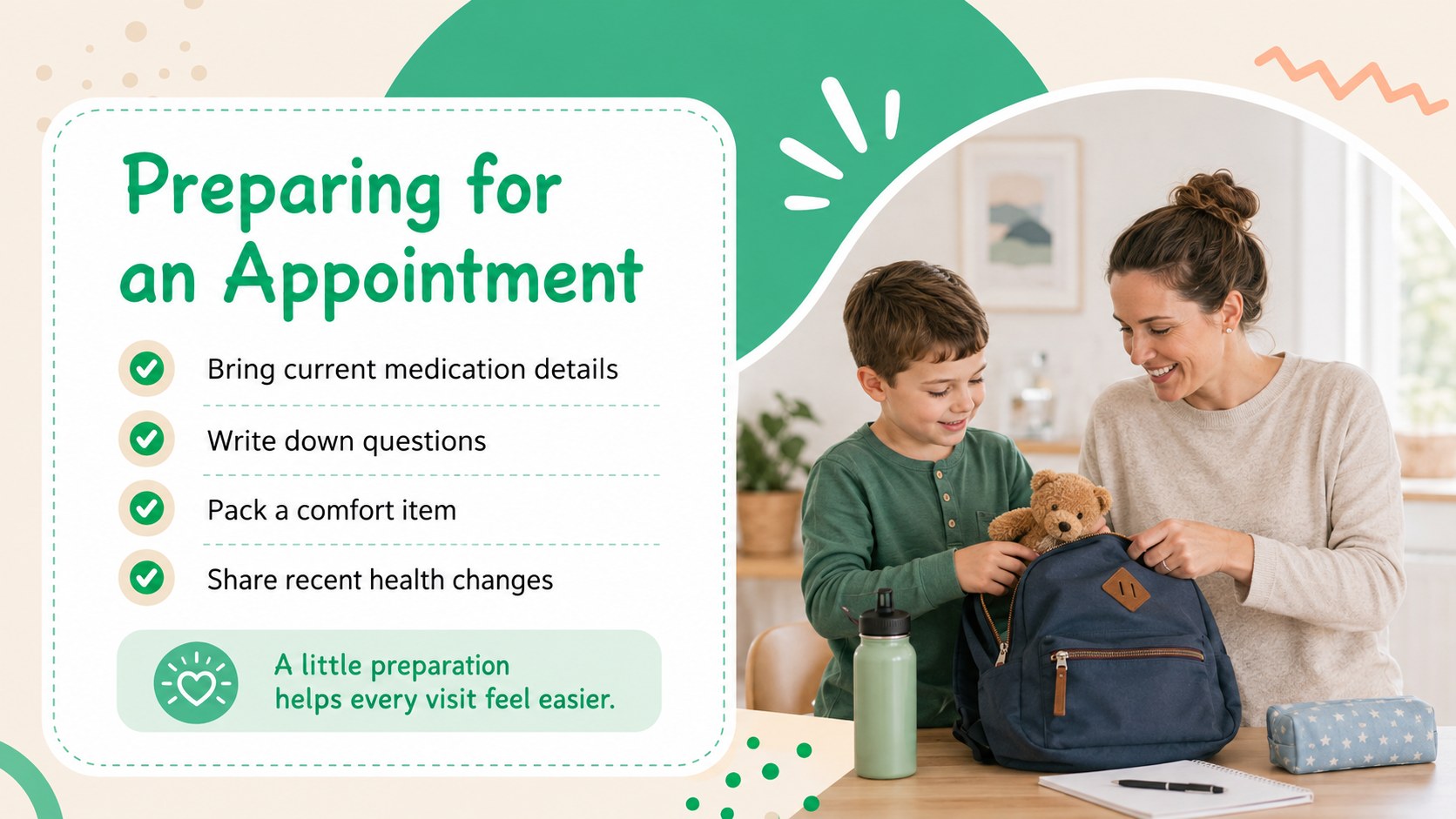
Design notes
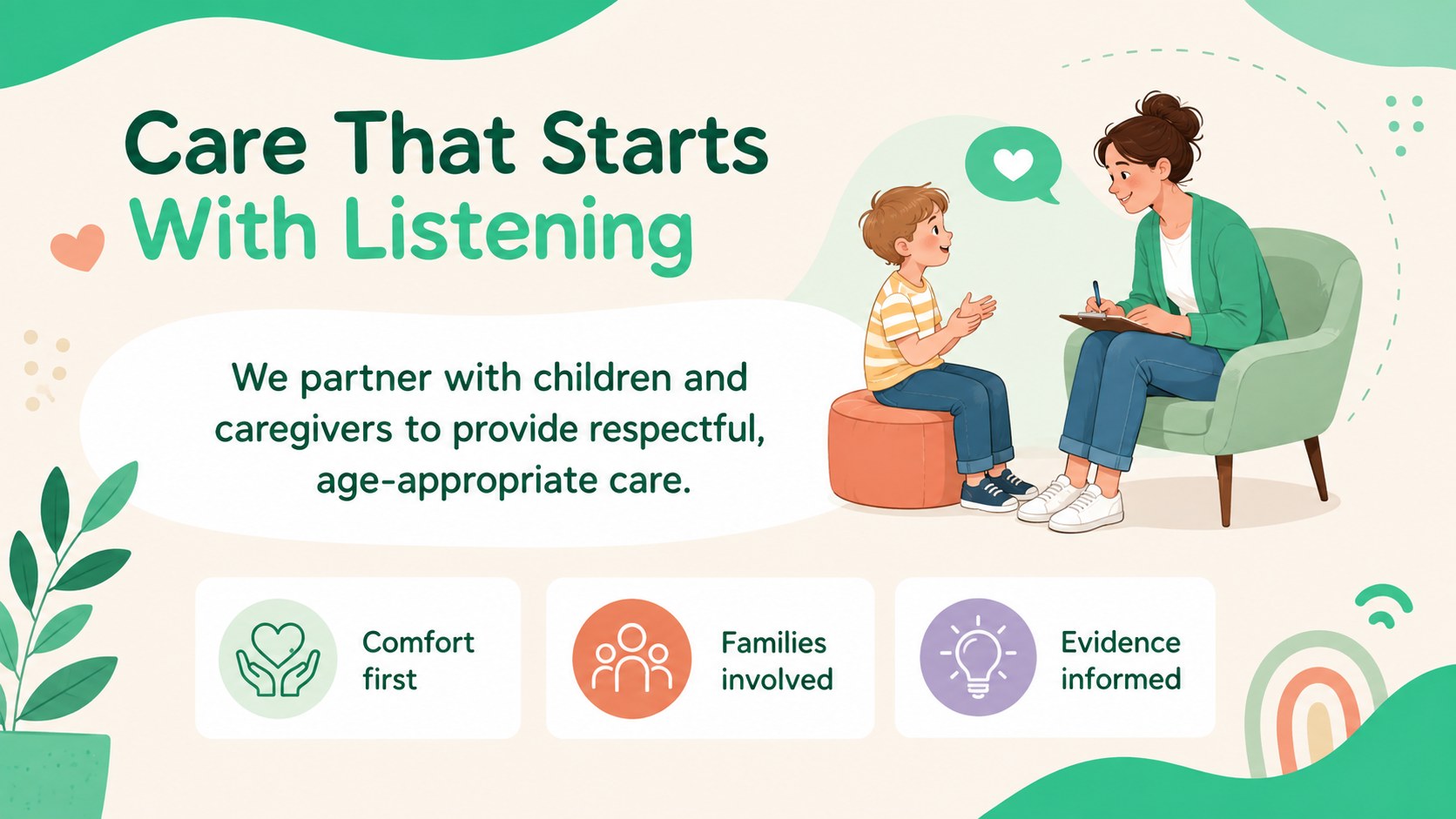
Build trust with families from the first meeting using this child-friendly clinic introduction deck. Its cheerful green, beige, white, and colorful design creates a reassuring atmosphere while keeping medical information clear and professional. Edit the full presentation in PowerPoint or Google Slides to match your clinic's identity and communication goals.
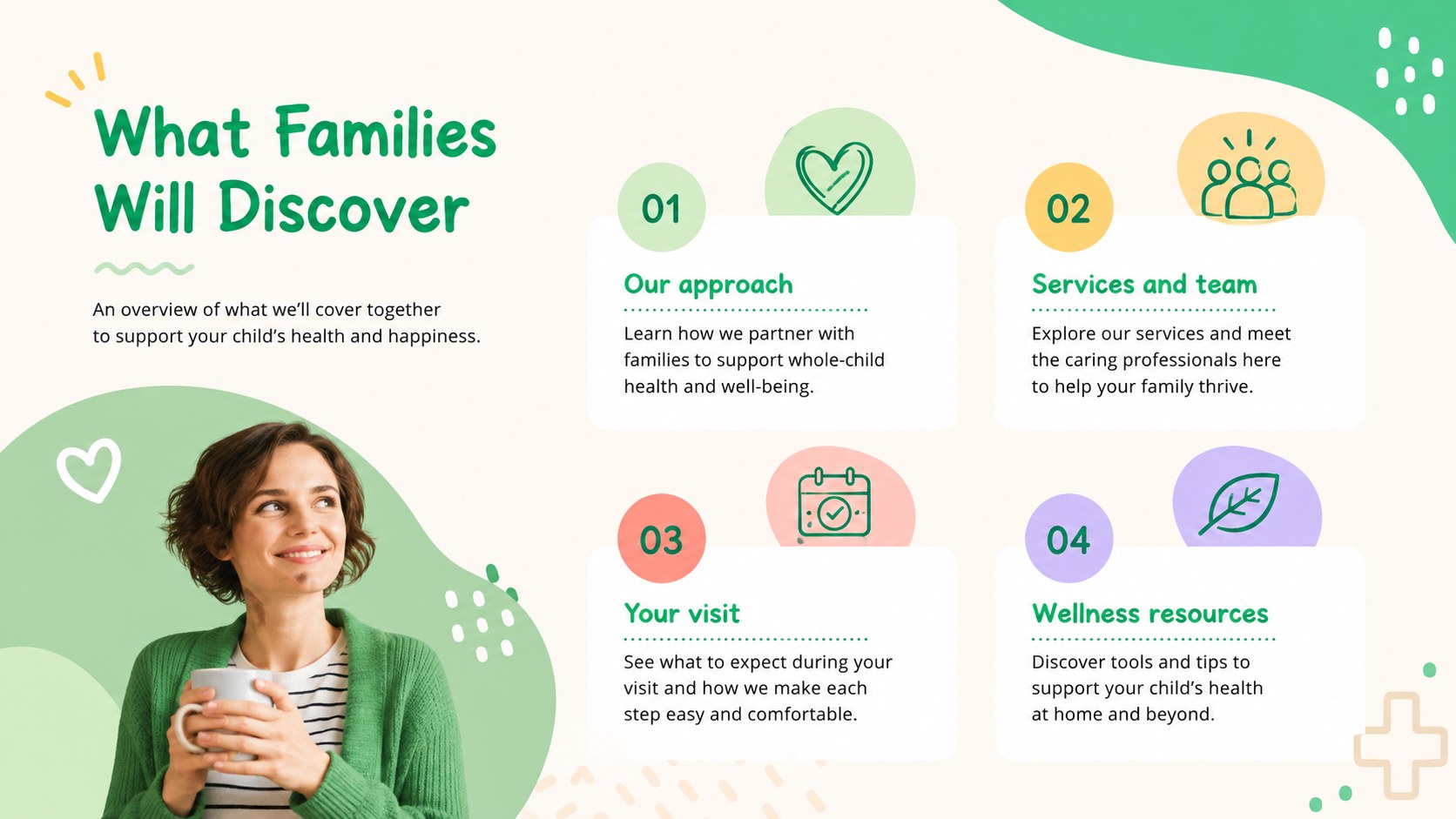
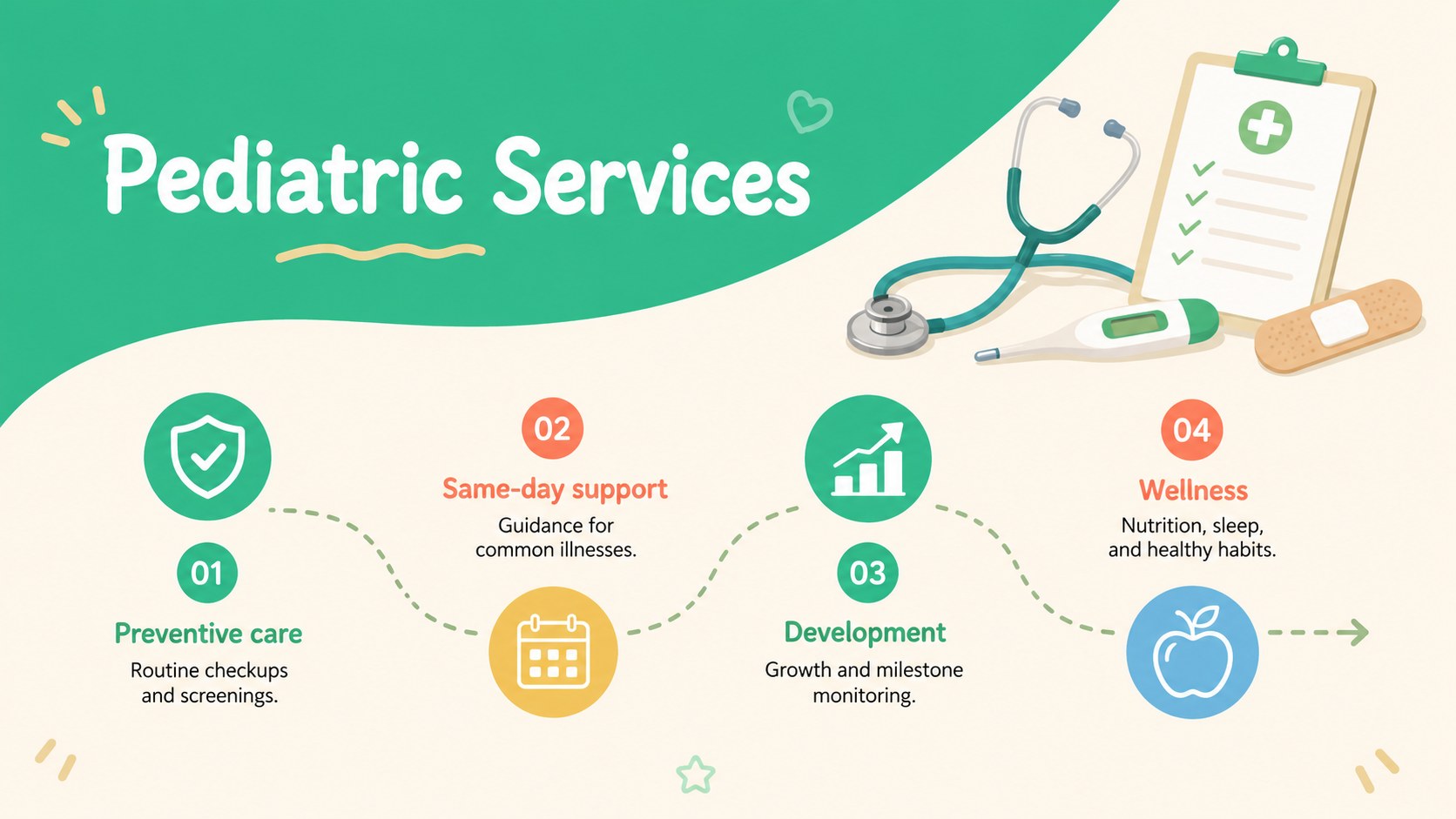
The deck provides flexible layouts for an overview, care philosophy, pediatric services, clinical team profiles, facilities, appointment steps, patient journeys, wellness guidance, testimonials, and contact details. Use the visual timeline, service comparison, statistics, and process pages to turn detailed information into an accessible pediatric healthcare services presentation. Illustrations, icons, photographs, charts, colors, and typography can be replaced or adjusted throughout.
Designed for pediatricians, practice managers, children's medical centers, hospital departments, and healthcare educators, these family centered clinic slides work for orientation sessions, community outreach, partnership meetings, and internal training. They can also become a children's medical office PowerPoint for introducing new providers or explaining what families should expect during a visit. The balanced layouts keep the tone playful without sacrificing clinical credibility, helping teams communicate compassionate care to parents, caregivers, and young patients.
Perfect for: new family orientation; pediatric practice introduction; community health outreach; clinical team onboarding; hospital department overview.
Frequently asked questions
Can I edit this presentation in PowerPoint and Google Slides? Yes. The layouts, text, colors, images, icons, and charts can be edited in both PowerPoint and Google Slides. Some font spacing may vary slightly between platforms, so review the final deck before presenting.
Practical details
Yes. The layouts, text, colors, images, icons, and charts can be edited in both PowerPoint and Google Slides. Some font spacing may vary slightly between platforms, so review the final deck before presenting.
Yes. Replace the sample content with your services, team details, photographs, contact information, and clinic policies. You can also update the green, beige, white, and accent colors while preserving the friendly visual style.
The approachable illustrations and clear content hierarchy are designed for family-facing communication. Keep clinical language concise and adapt the level of detail to the ages and needs of your audience.
Use the deck to explain services, introduce staff, outline appointment steps, share wellness guidance, and describe the patient journey. It also includes formats suitable for testimonials, key statistics, facilities, and contact details.
Keep exploring
15Promote classes with a yoga workshop marketing presentation featuring playful beige, pink, and purple illustrations for PowerPoint and Google Slides.
 15
15Build a clear breast cancer awareness bulletin with bold pink-and-red slides for campaign news, screening reminders, impact data, and community updates.
 15
15Build a clear World Cancer Day message with this global cancer awareness campaign deck, featuring editable blue-green layouts for PowerPoint and Google Slides.
 4
4Document wound findings, treatment decisions, and healing progress with clinical wound evaluation slides for nurses in PowerPoint and Google Slides.
 14
14Plan a clear donor campaign with this blood donation awareness presentation, featuring editable beige-and-red visuals for PowerPoint and Google Slides.
 15
15Build a Kidney Health Awareness Campaign Deck with blue illustrated slides for prevention tips, risk education, screening events, and outreach.
 15
15Build an actionable training session with this fitness program workshop deck, using energetic yellow geometry and editable PowerPoint and Google Slides layouts.
 15
15Equip health teams with this malaria prevention education deck for workshops, community outreach, and policy briefings in PowerPoint or Google Slides.