
 14
14presentation
2036 Dragon Year Celebration Theme
Plan a memorable Lunar New Year campaign with the 2036 Dragon Year Celebration Theme, featuring bold red-and-yellow slides for lessons and events.
Google SlidesPowerPoint
presentation · English
Plan a polished gathering with this chic Valentine celebration invite suite, featuring editable pink and purple layouts for PowerPoint and Google Slides.






Design notes
Set the tone for a memorable gathering with the chic Valentine celebration invite suite, a coordinated collection created for hosts who want modern romance without fussy design. Its clean typography, playful illustrations, and vivid pink and purple palette work equally well for intimate dinners, lively parties, and friendship-focused events.
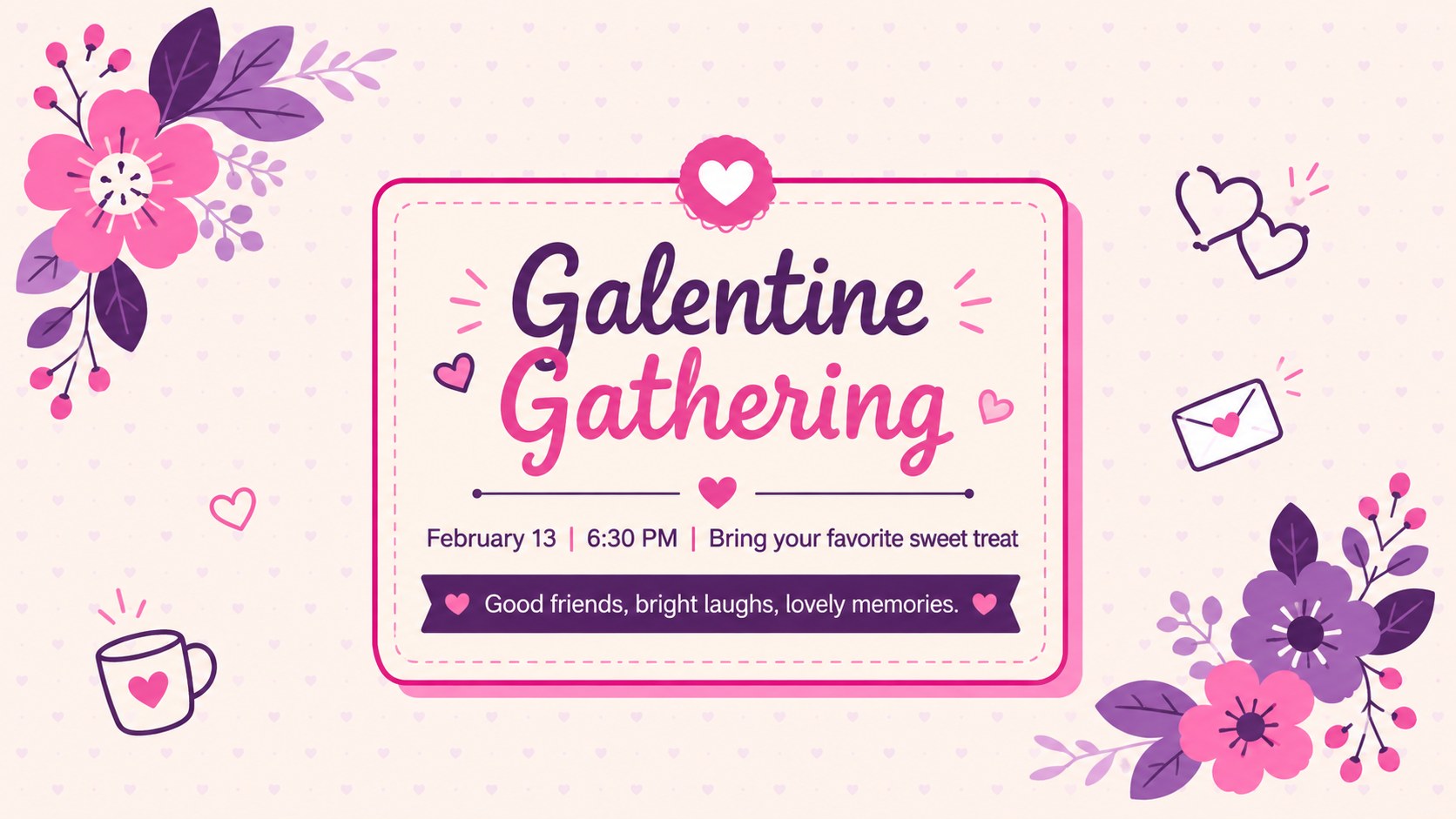
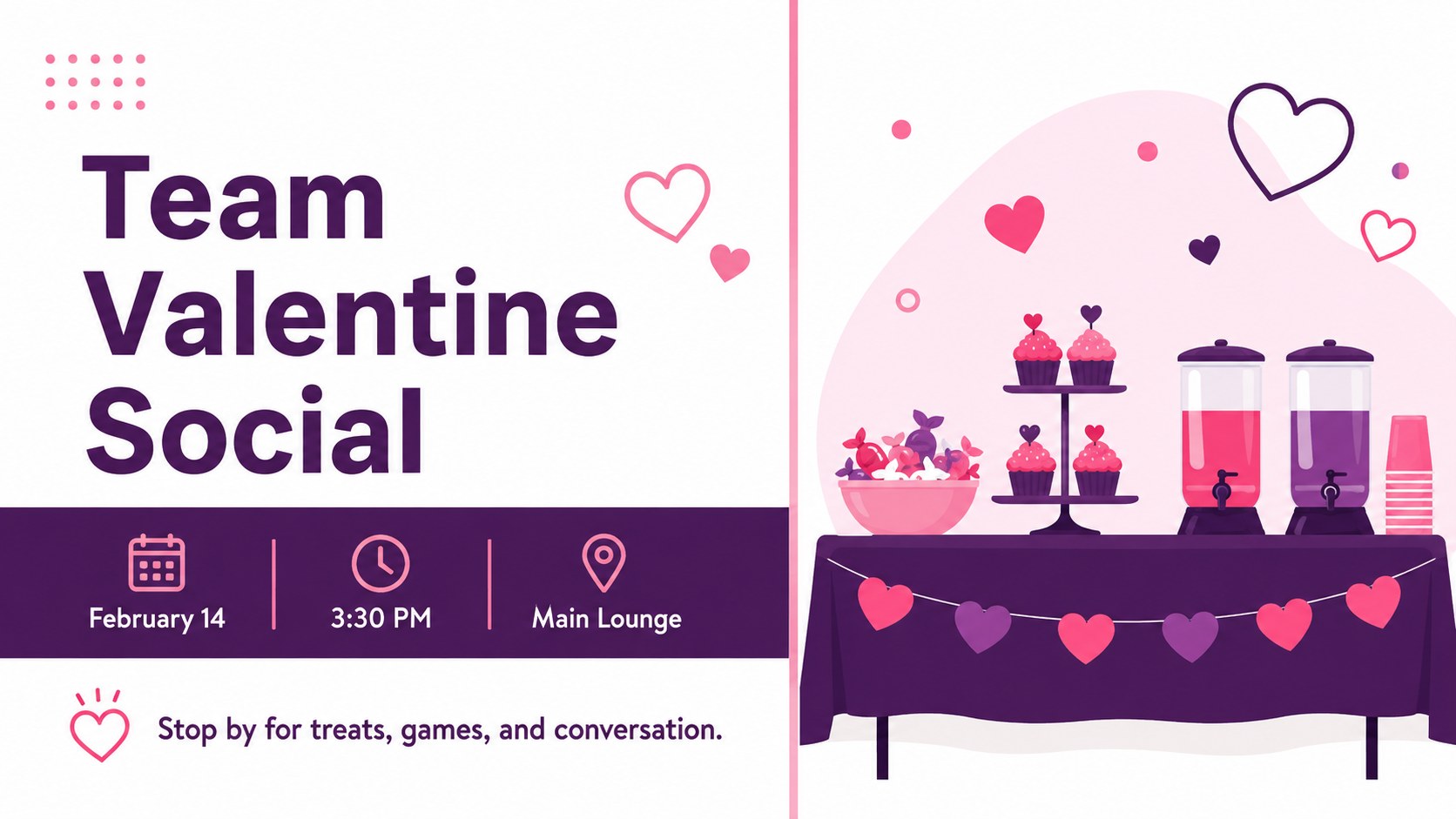
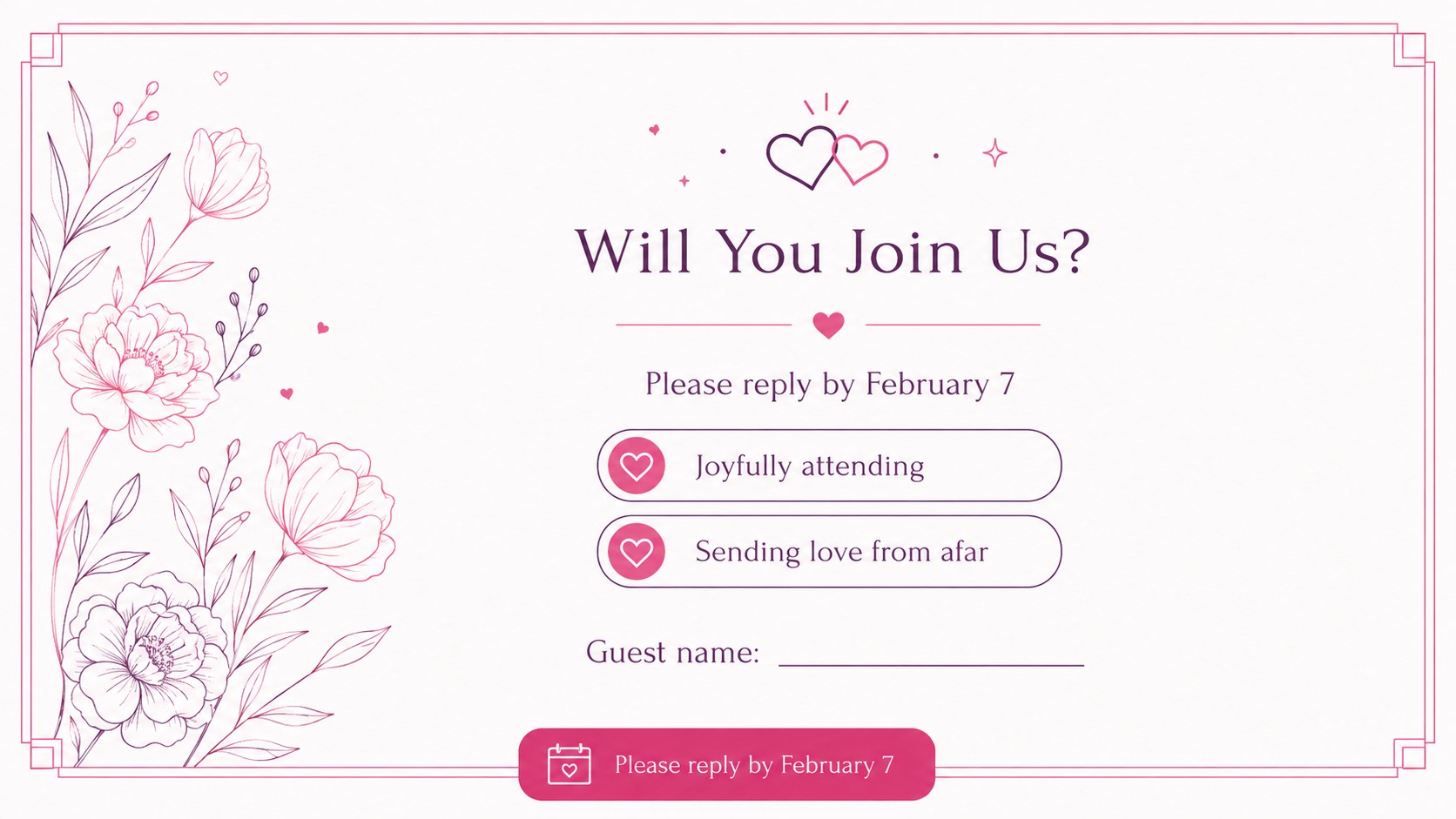
Inside, you will find editable Valentine invitation slides for announcing the date, sharing event details, presenting a schedule, collecting RSVPs, and sending a final thank-you. The varied compositions include dinner invitations, Galentine gatherings, brunch announcements, movie nights, office socials, and family-friendly celebrations. Decorative hearts, flowers, envelopes, and festive accents give each layout personality while preserving a polished minimalist look.
Use this pink and purple party invitation template in PowerPoint or Google Slides to replace wording, adjust colors, add photographs, and personalize logistical details. Every slide uses a widescreen 16:9 format that is ready to present digitally, export, or share with guests.
The romantic event invite deck is especially useful for party hosts, event coordinators, restaurants, community groups, educators, and workplace teams. Choose one invitation as a standalone announcement or combine several layouts into a complete event communication set covering the invitation, schedule, venue guidance, menu, and RSVP information.
Perfect for: Valentine dinner invitation; Galentine party announcement; Sweetheart brunch invite; Workplace Valentine social; Romantic event schedule; Digital RSVP card.
Frequently asked questions
Practical details
Yes. All headlines, dates, locations, RSVP details, and supporting text can be replaced in PowerPoint or Google Slides. You can also duplicate a layout to create matching versions for different guest groups.
The slides are designed for Microsoft PowerPoint and Google Slides. Both platforms support the widescreen layouts, editable text, shapes, colors, and image placeholders used throughout the suite.
Yes. Update the theme colors or select individual design elements to match your venue, organization, or preferred Valentine palette. Check text contrast after changing background colors to keep every invitation easy to read.
Yes. After personalizing a slide, export it in a suitable image or document format using PowerPoint or Google Slides. Review the exported invitation at full size before distributing it to confirm that small details remain legible.
Keep exploring
14Plan a memorable Lunar New Year campaign with the 2036 Dragon Year Celebration Theme, featuring bold red-and-yellow slides for lessons and events.
 15
15Build playful lessons and party stories with a kid-friendly zombie celebration theme in purple, green and pastel blue for PowerPoint and Google Slides.
 15
15Build eerie lessons, campaigns, and story pitches with an undead survival scenario theme featuring editable slides for PowerPoint and Google Slides.
 3
3Share festive messages with a Lunar Horse New Year Wishes Theme, featuring bold red-and-yellow layouts for PowerPoint and Google Slides celebrations.
 15
15Bring zodiac traditions to life with a Lunar Snake Festival Presentation featuring 15 cheerful red illustrated slides for PowerPoint and Google Slides.
 6
6Honor teams and individuals with an Orange Year-End Recognition Certificate Set featuring six editable designs for PowerPoint and Google Slides.
 14
14Honor the people behind the headlines with a World Sports Press Appreciation Deck for PowerPoint and Google Slides, styled in crisp, modern green.
 15
15Teach, inspire, and celebrate with our Plant-Powered Vegetarian Day Lesson Deck, featuring cheerful editable visuals for PowerPoint and Google Slides.