
 15
15presentation
Yoga Workshop Marketing Presentation
Promote classes with a yoga workshop marketing presentation featuring playful beige, pink, and purple illustrations for PowerPoint and Google Slides.
Google SlidesPowerPoint
presentation · English
Build a clear CBC root cause analysis slides deck with red medical visuals, editable diagrams, and layouts for lab reviews, team meetings, and clinical…
Design notes
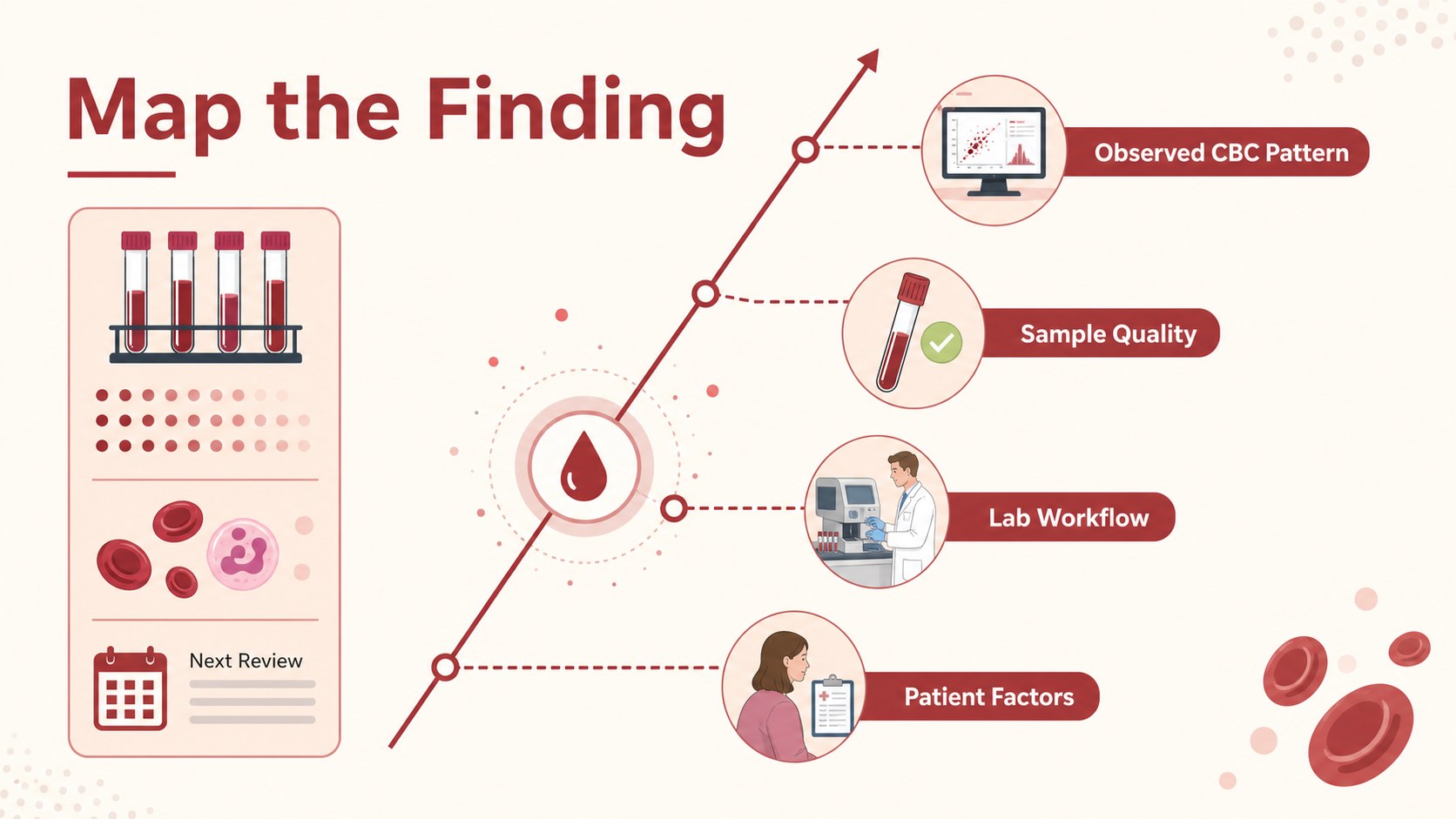
CBC Root Cause Analysis Slides provide a structured way to connect blood-count findings with possible contributing factors. The illustrated red design gives medical, laboratory, and business teams a focused visual framework for explaining relationships without overwhelming the audience with dense text. Use the deck to organize observations, group causes, and highlight actions that deserve further review.
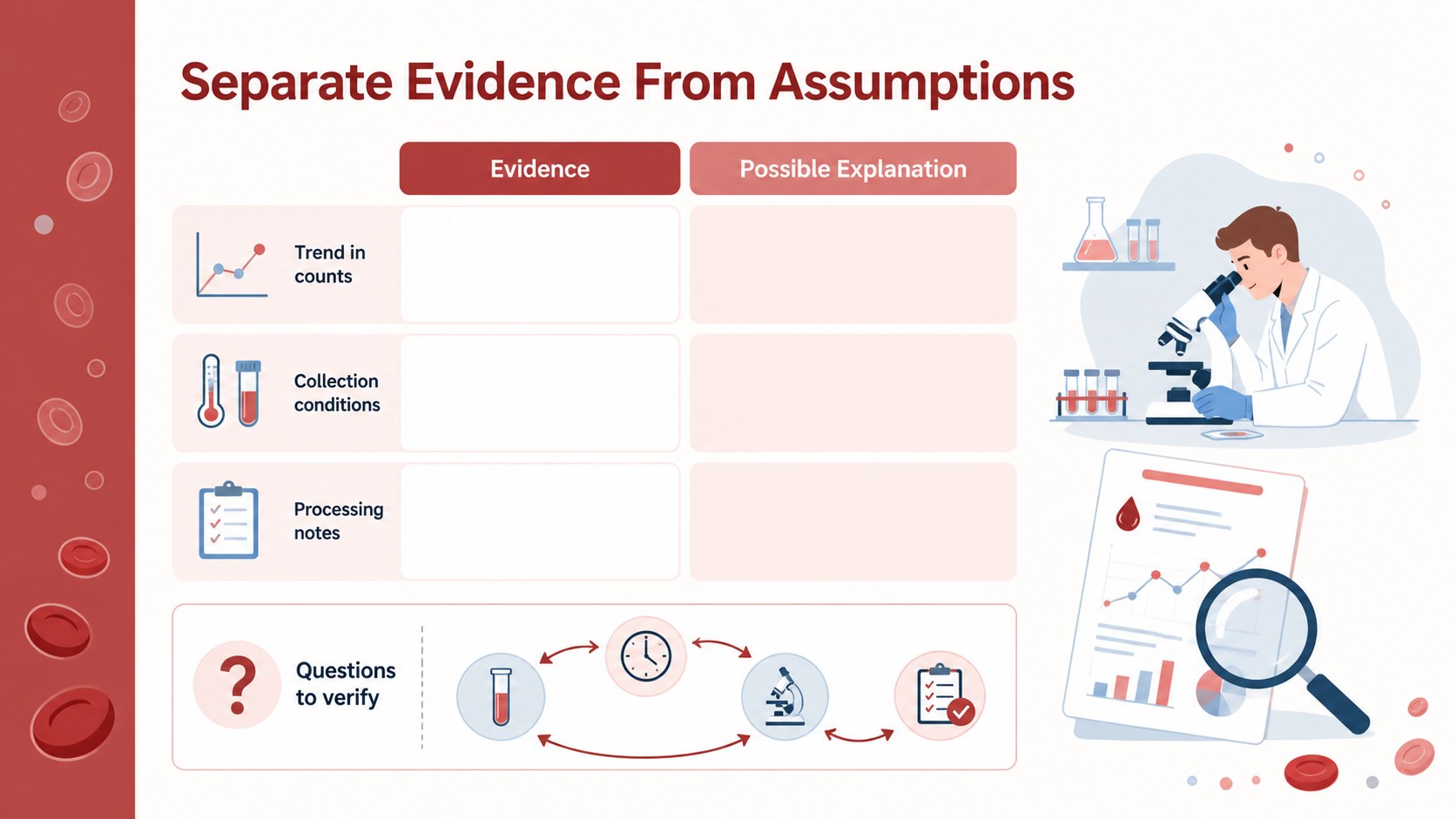
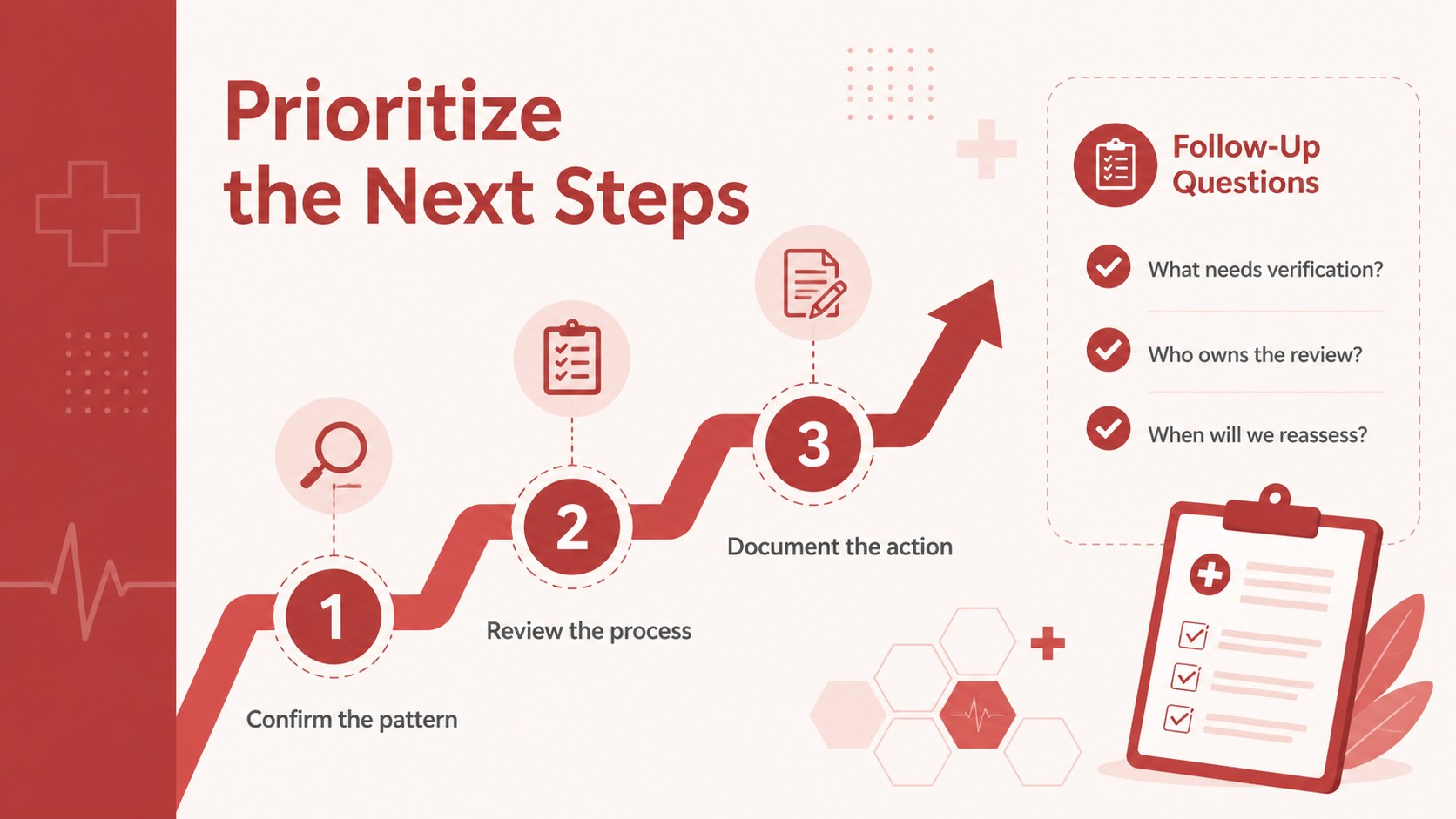
Inside, you’ll find four editable 16:9 layouts built around fishbone-style analysis, supporting labels, callouts, comparison areas, and visual connectors. The slides work well for a complete blood count analysis template, a medical root cause presentation, or a fishbone diagram for lab results. Adjust the wording, categories, colors, shapes, and supporting data to match your project or case discussion. Inter is used throughout, while the red palette creates a consistent, high-contrast visual identity.
This template is designed for PowerPoint and Google Slides. It can support laboratory quality reviews, clinical education, diagnostic workflow discussions, project retrospectives, and structured team meetings. Presenters can use the layouts to summarize evidence, explore process issues, and finish with practical recommendations. The result is a concise, professional deck for audiences that need to understand both the finding and the reasoning behind it.
Perfect for: laboratory quality review; clinical workflow discussion; diagnostic team meeting; medical education session; project retrospective; process improvement briefing.
Frequently asked questions
Can I edit these CBC Root Cause Analysis Slides in PowerPoint? Yes. The layouts are designed for PowerPoint and can be customized with your own text, labels, colors, shapes, and data. You can also resize or rearrange the diagram elements to fit a specific analysis.
Practical details
Yes. The layouts are designed for PowerPoint and can be customized with your own text, labels, colors, shapes, and data. You can also resize or rearrange the diagram elements to fit a specific analysis.
Yes, the presentation can be used in Google Slides. After importing it, you can update the wording, replace visual elements, and collaborate with your team online.
The layouts can group possible causes behind CBC findings, laboratory process issues, workflow delays, or quality concerns. Add evidence, observations, responsible teams, and proposed actions to make the discussion more specific.
Yes. The red palette, typography, diagram shapes, and supporting accents are editable. Keep the red highlights for emphasis or adapt the colors to your organization’s presentation system.
Keep exploring
15Promote classes with a yoga workshop marketing presentation featuring playful beige, pink, and purple illustrations for PowerPoint and Google Slides.
 15
15Build a clear breast cancer awareness bulletin with bold pink-and-red slides for campaign news, screening reminders, impact data, and community updates.
 15
15Build a clear World Cancer Day message with this global cancer awareness campaign deck, featuring editable blue-green layouts for PowerPoint and Google Slides.
 4
4Document wound findings, treatment decisions, and healing progress with clinical wound evaluation slides for nurses in PowerPoint and Google Slides.
 14
14Plan a clear donor campaign with this blood donation awareness presentation, featuring editable beige-and-red visuals for PowerPoint and Google Slides.
 15
15Build a Kidney Health Awareness Campaign Deck with blue illustrated slides for prevention tips, risk education, screening events, and outreach.
 15
15Build an actionable training session with this fitness program workshop deck, using energetic yellow geometry and editable PowerPoint and Google Slides layouts.
 15
15Equip health teams with this malaria prevention education deck for workshops, community outreach, and policy briefings in PowerPoint or Google Slides.