
 15
15presentation
Yoga Workshop Marketing Presentation
Promote classes with a yoga workshop marketing presentation featuring playful beige, pink, and purple illustrations for PowerPoint and Google Slides.
Google SlidesPowerPoint
document · English
Build a cardiac patient management deck for organized clinical discussions, with editable PowerPoint and Google Slides layouts in a red, black, and grey…
Design notes
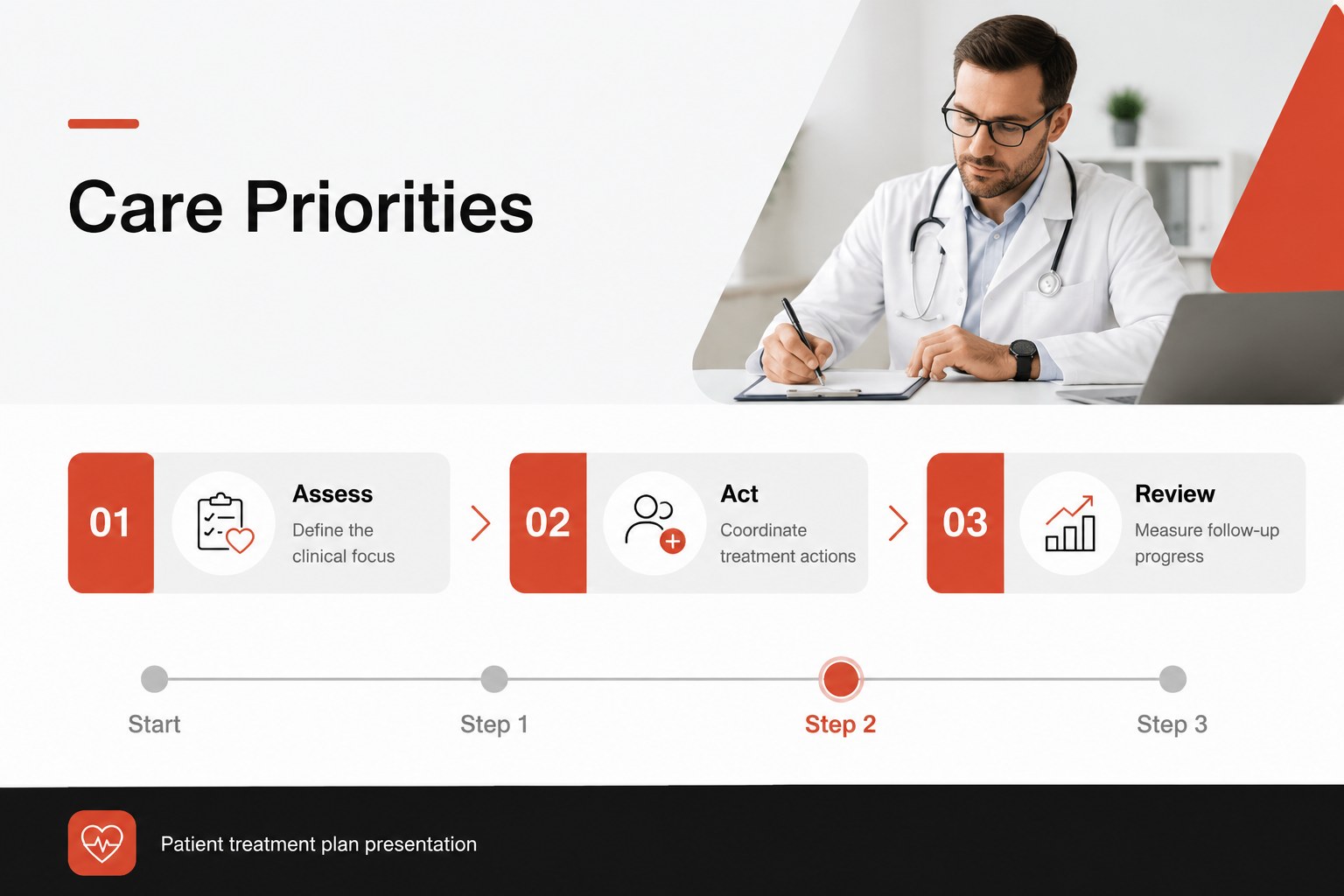
Create a cardiac patient management deck for presenting care priorities, treatment actions, and follow-up information in a clear, professional format. Designed for healthcare professionals, this editable presentation helps teams organize clinical discussions without losing sight of the patient journey. Its minimalist red, black, and grey palette gives important details visual emphasis while maintaining a calm, focused medical aesthetic.
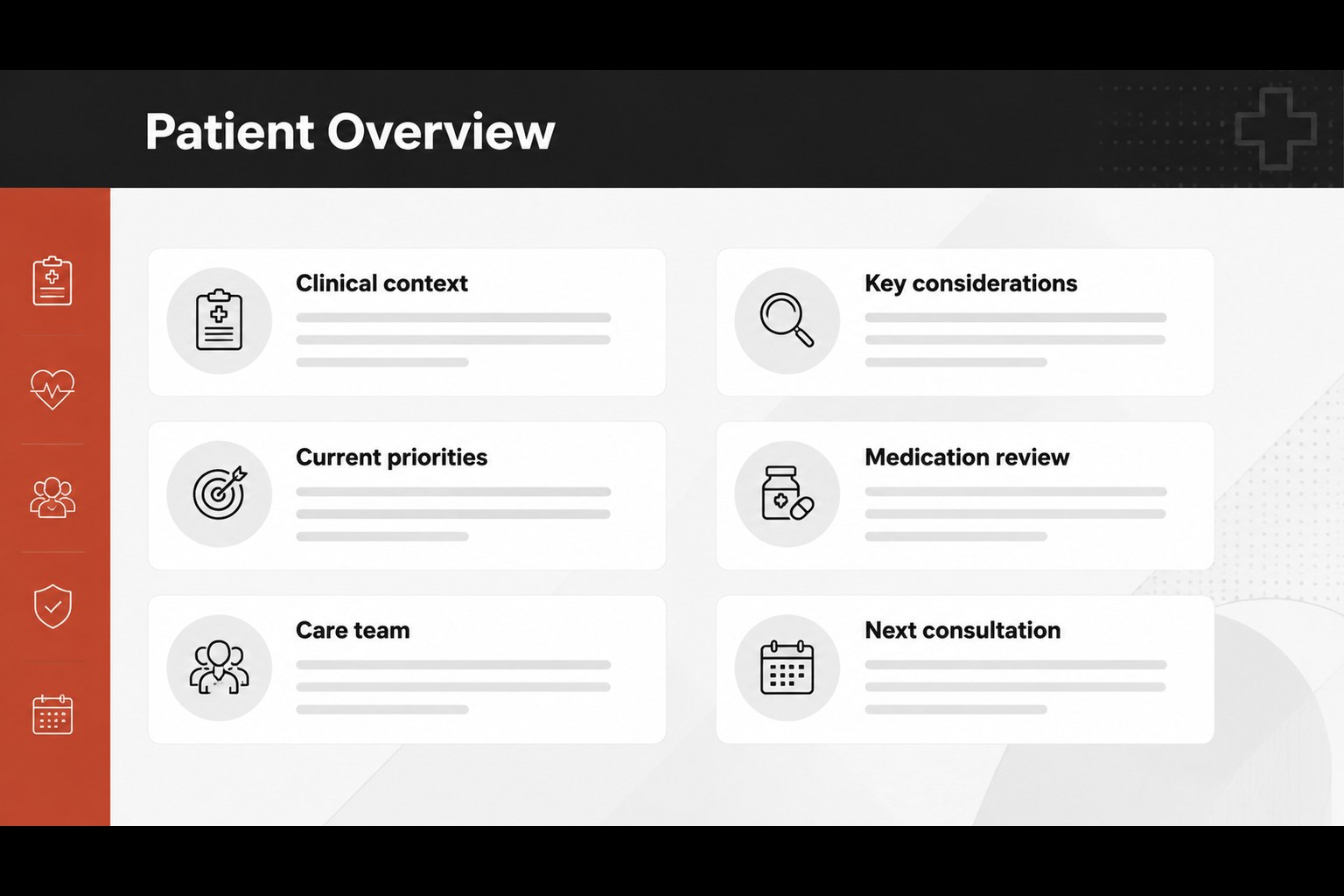
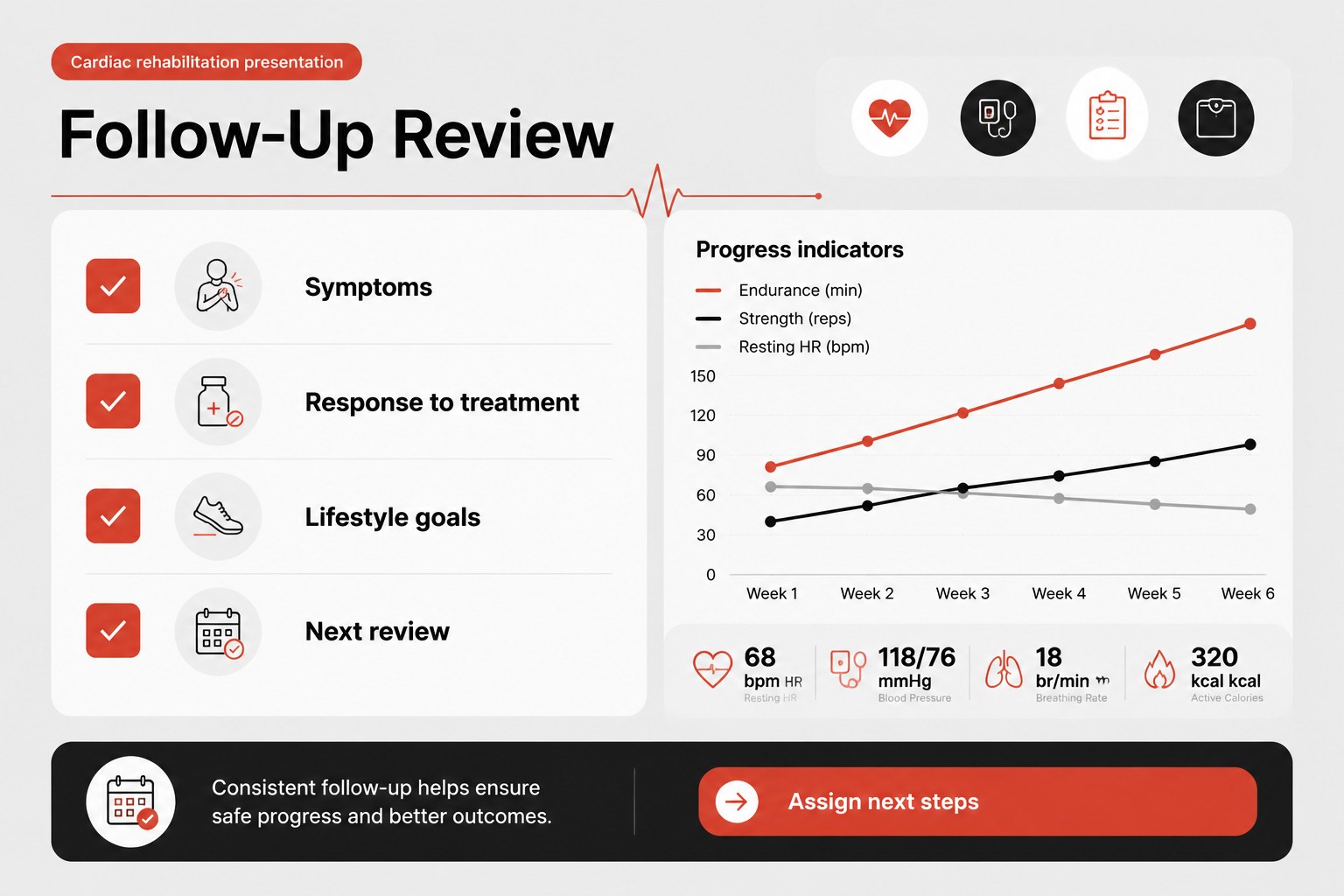
What's inside: a title slide, patient overview layout, care priorities and treatment plan section, and follow-up monitoring slide. Use the structured layouts to summarize medical context, document goals, assign next steps, and prepare concise updates for consultations or multidisciplinary meetings. The deck can also support a cardiac rehabilitation presentation, outpatient review, or care coordination briefing.
This template is suitable for cardiologists, nurses, case managers, clinical coordinators, rehabilitation specialists, and healthcare educators. Edit the content in PowerPoint or Google Slides, replace placeholder text, adjust tables and charts, and apply your own clinical terminology. The flexible format works for individual patient reviews as well as repeatable team workflows, helping turn complex information into an accessible patient treatment plan presentation.
Perfect for: cardiology case review; cardiac rehabilitation briefing; multidisciplinary care meeting; outpatient follow-up consultation; clinical team handover.
Frequently asked questions
Can I edit this deck in PowerPoint? Yes. The layouts are designed for PowerPoint editing, including text, tables, charts, colors, and spacing. Replace the sample clinical content with your own approved information.
Practical details
Yes. The layouts are designed for PowerPoint editing, including text, tables, charts, colors, and spacing. Replace the sample clinical content with your own approved information.
Yes, the presentation can be opened and customized in Google Slides. Check each imported layout after conversion to confirm that fonts, tables, and chart elements display as expected.
You can adjust the red, black, and grey colors to match your department or organization. Keep strong contrast between headings, supporting text, and data so the presentation remains easy to review.
Use it for patient context, care priorities, treatment actions, monitoring notes, and follow-up responsibilities. Avoid entering identifiable patient data unless your organization has approved the presentation workflow and storage method.
Keep exploring
15Promote classes with a yoga workshop marketing presentation featuring playful beige, pink, and purple illustrations for PowerPoint and Google Slides.
 15
15Build a clear breast cancer awareness bulletin with bold pink-and-red slides for campaign news, screening reminders, impact data, and community updates.
 15
15Build a clear World Cancer Day message with this global cancer awareness campaign deck, featuring editable blue-green layouts for PowerPoint and Google Slides.
 4
4Document wound findings, treatment decisions, and healing progress with clinical wound evaluation slides for nurses in PowerPoint and Google Slides.
 14
14Plan a clear donor campaign with this blood donation awareness presentation, featuring editable beige-and-red visuals for PowerPoint and Google Slides.
 15
15Build a Kidney Health Awareness Campaign Deck with blue illustrated slides for prevention tips, risk education, screening events, and outreach.
 15
15Build an actionable training session with this fitness program workshop deck, using energetic yellow geometry and editable PowerPoint and Google Slides layouts.
 15
15Equip health teams with this malaria prevention education deck for workshops, community outreach, and policy briefings in PowerPoint or Google Slides.