
 15
15presentation
Yoga Workshop Marketing Presentation
Promote classes with a yoga workshop marketing presentation featuring playful beige, pink, and purple illustrations for PowerPoint and Google Slides.
Google SlidesPowerPoint
presentation · English
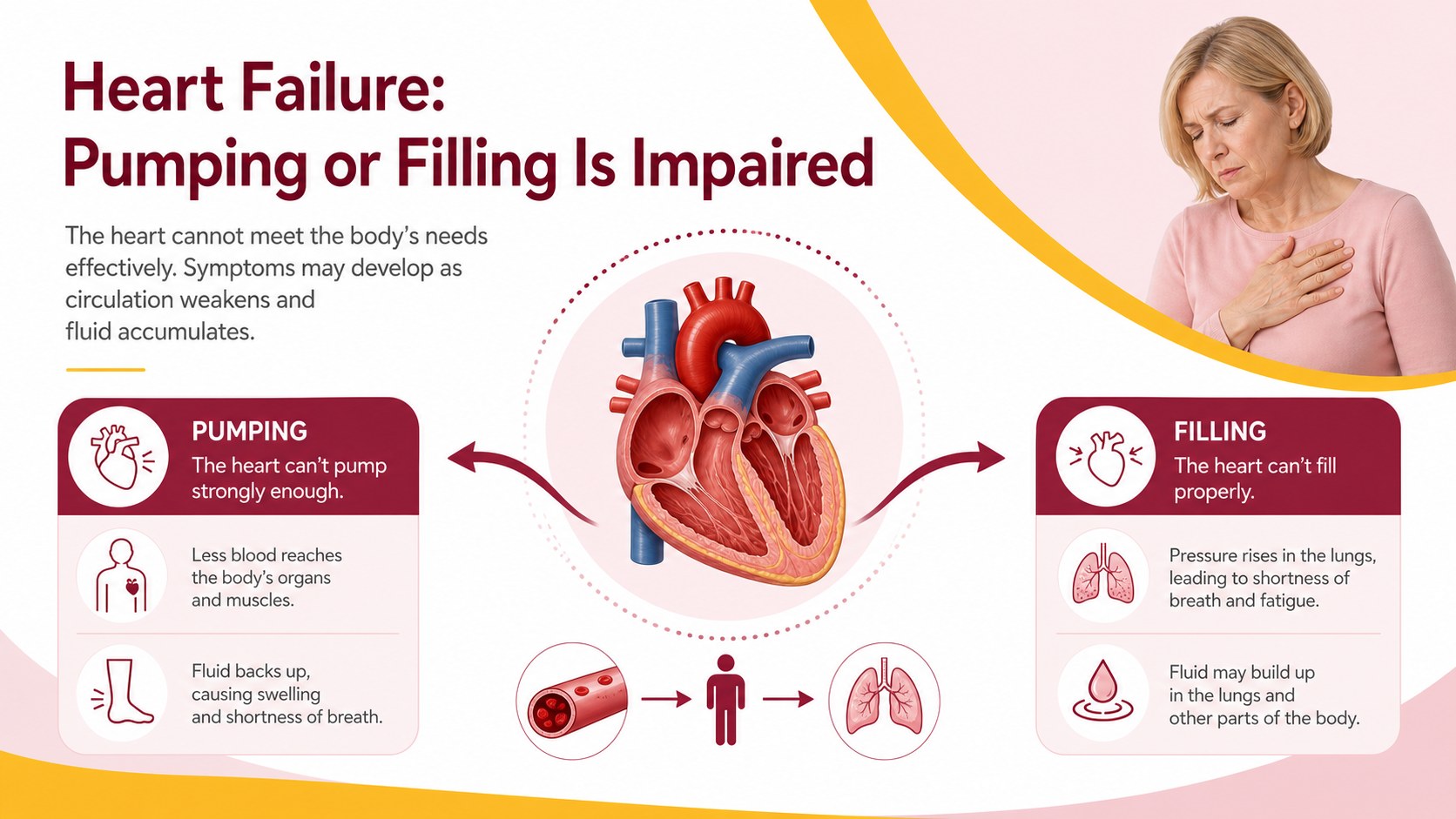
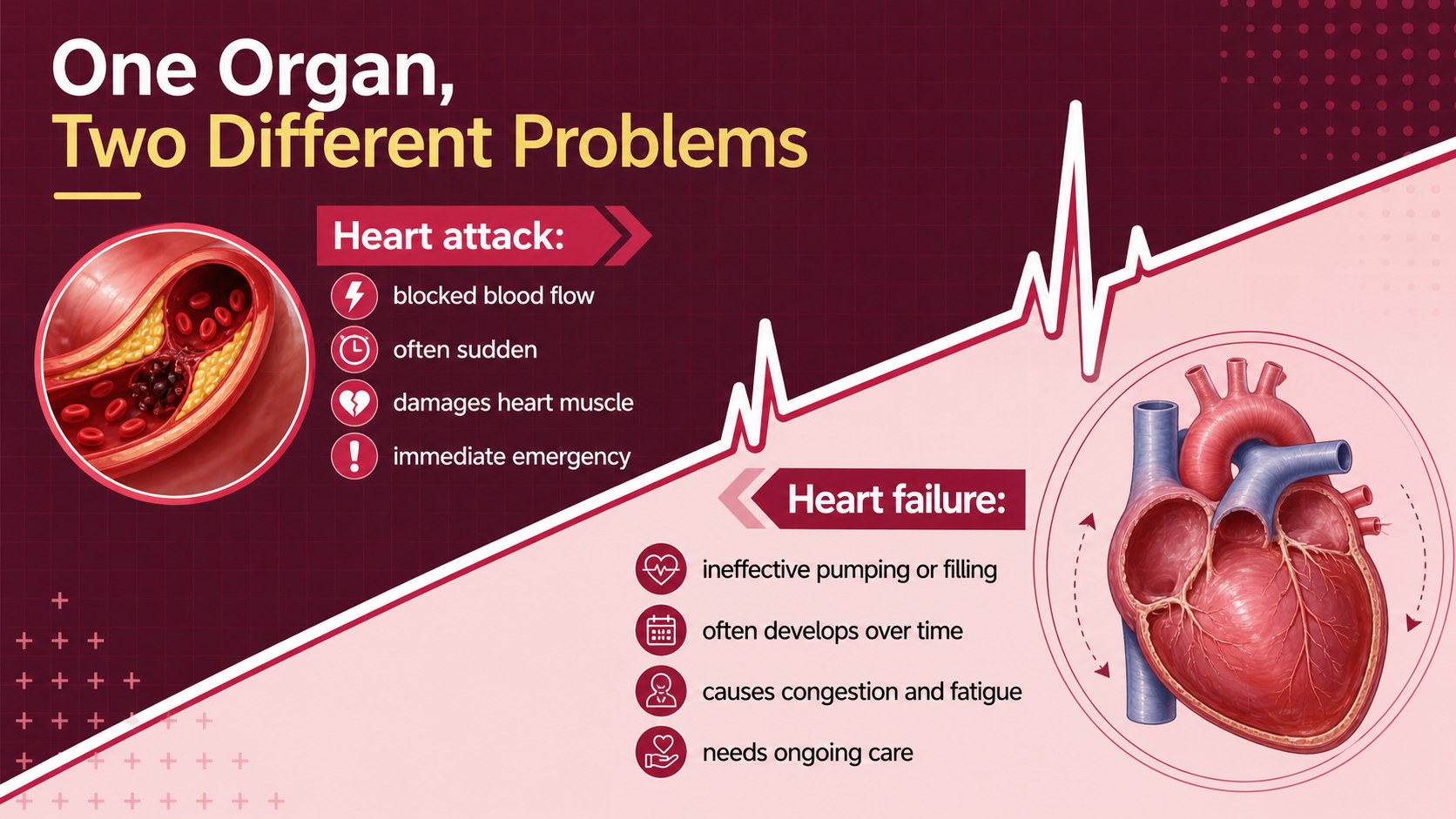
Build a Cardiac Conditions Comparison Lesson that explains heart attacks and heart failure through editable PowerPoint and Google Slides visuals.
Design notes
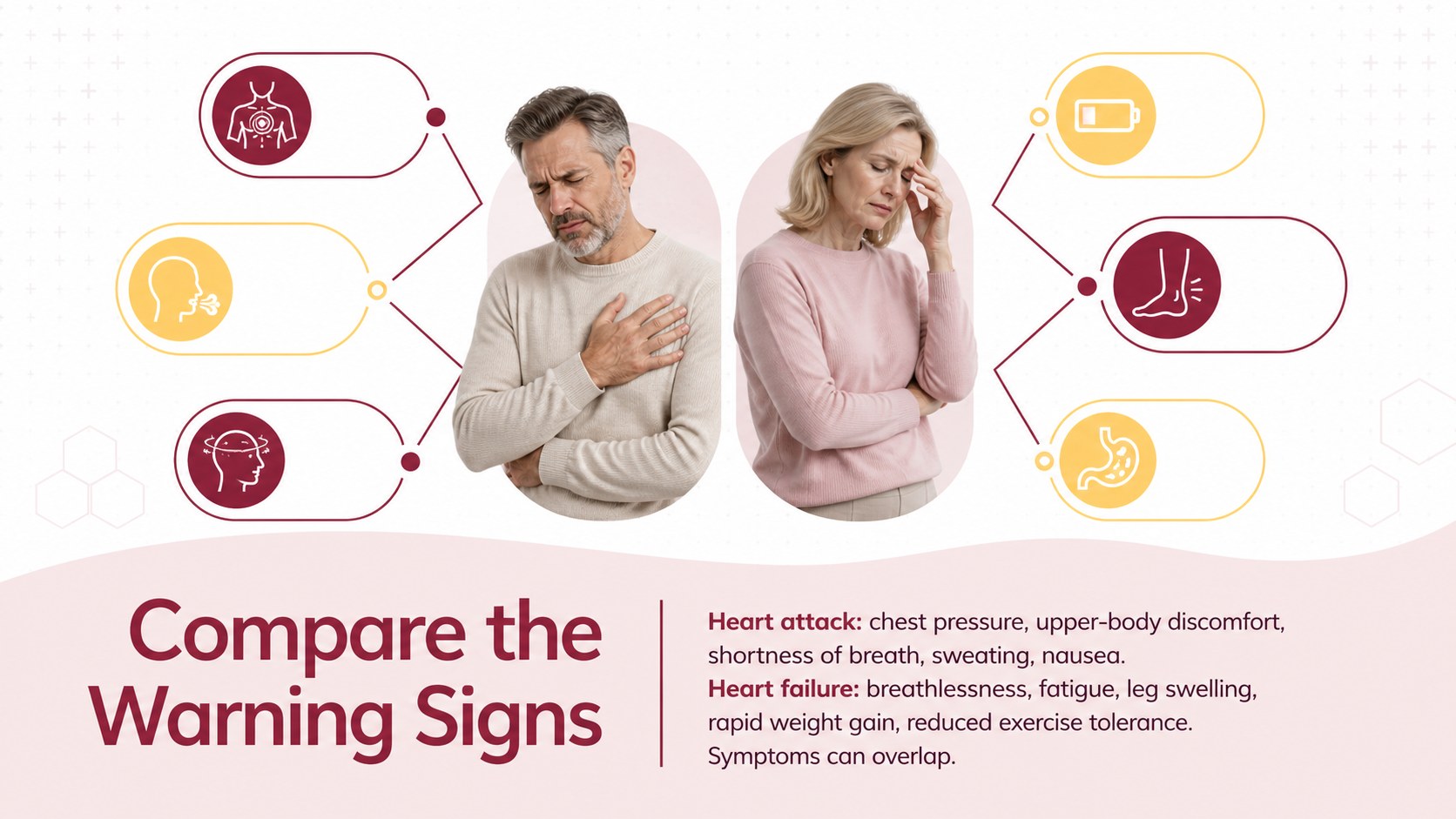
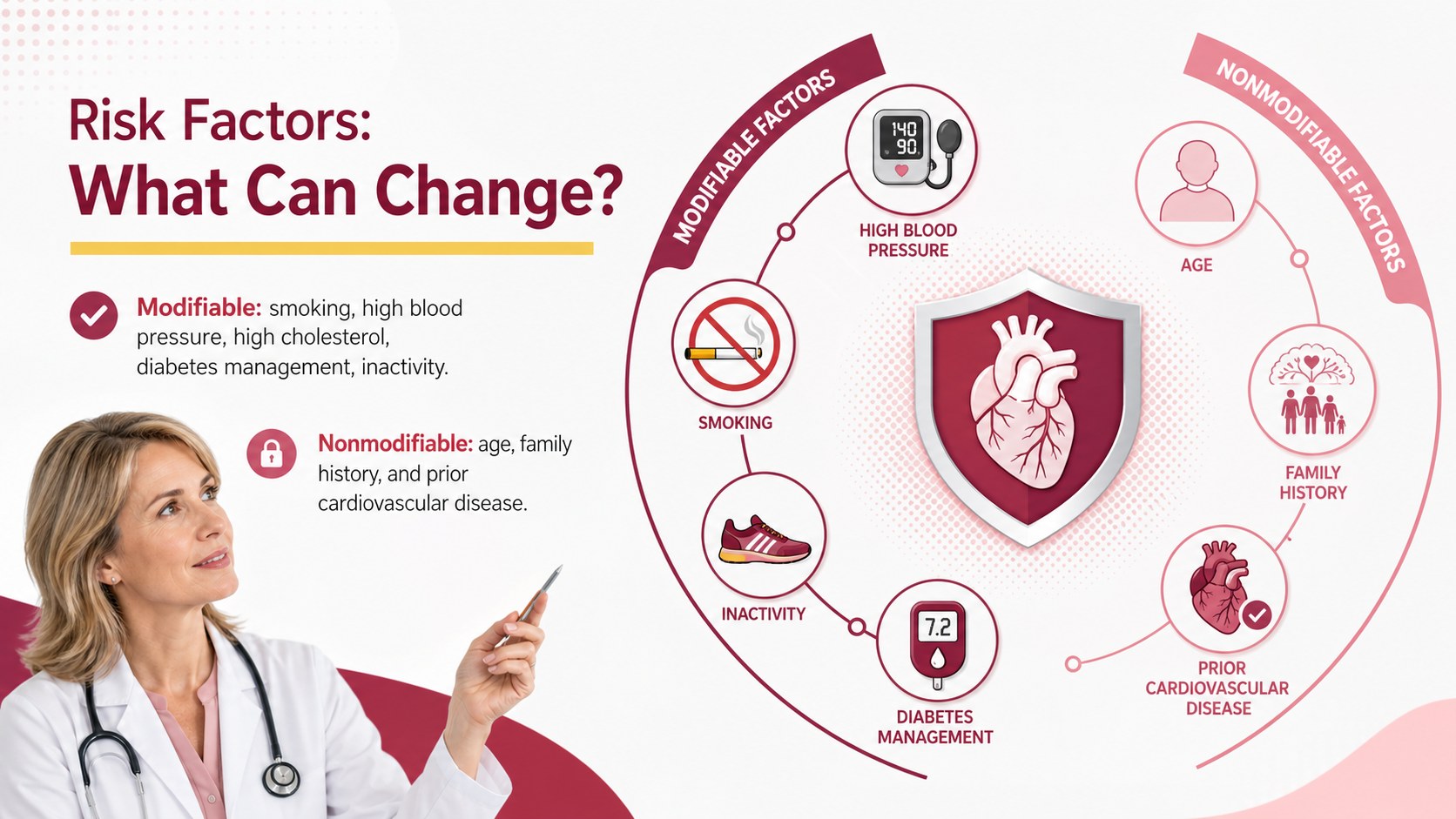
Use this Cardiac Conditions Comparison Lesson to explain how a heart attack differs from heart failure without overwhelming learners with clinical detail. Designed for clear instruction, the deck separates causes, warning signs, physiological effects, diagnostic methods, and treatment priorities through concise text and structured visuals. Its red, pink, white, and yellow palette creates a professional medical look while keeping key distinctions easy to scan.
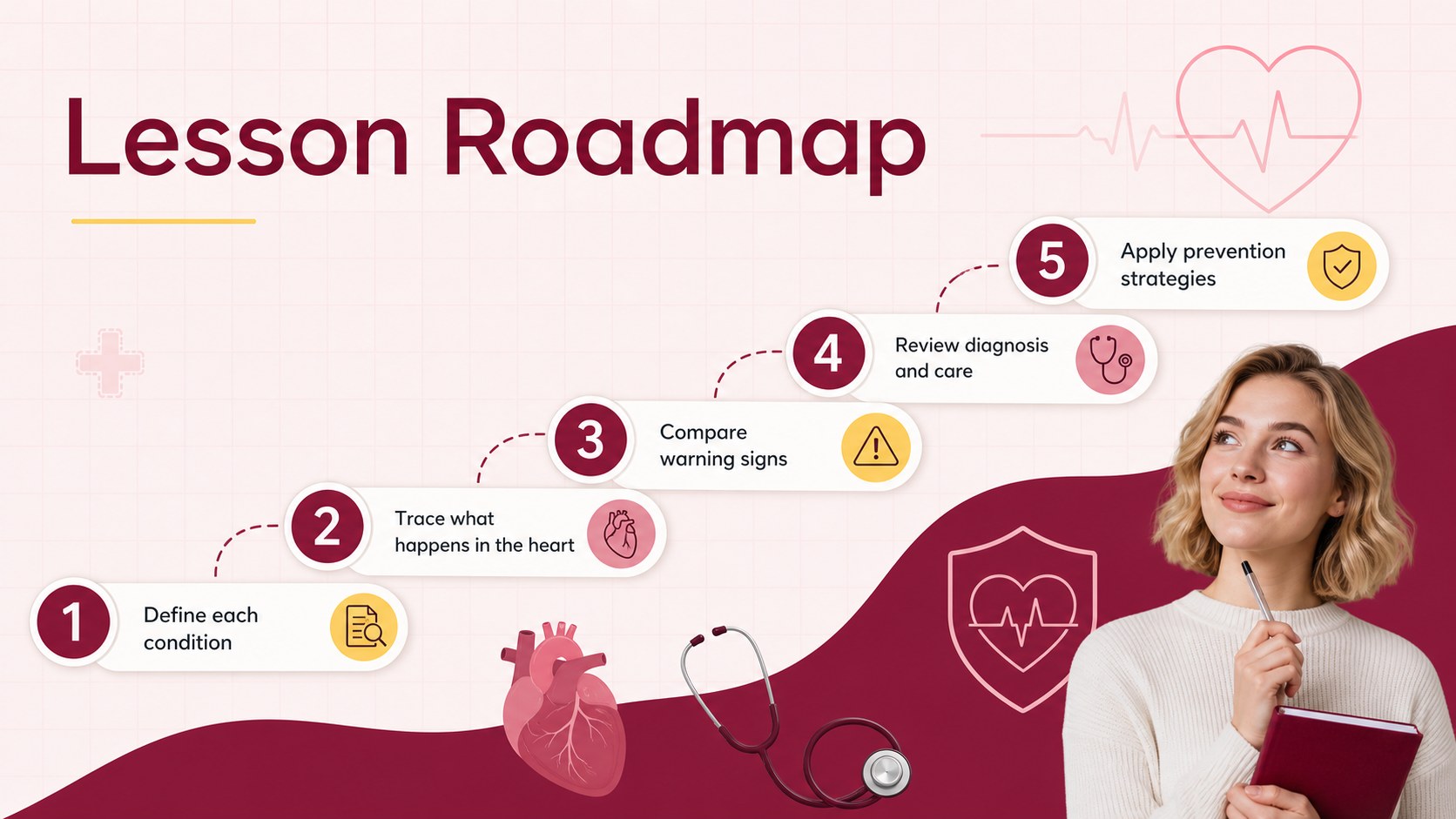
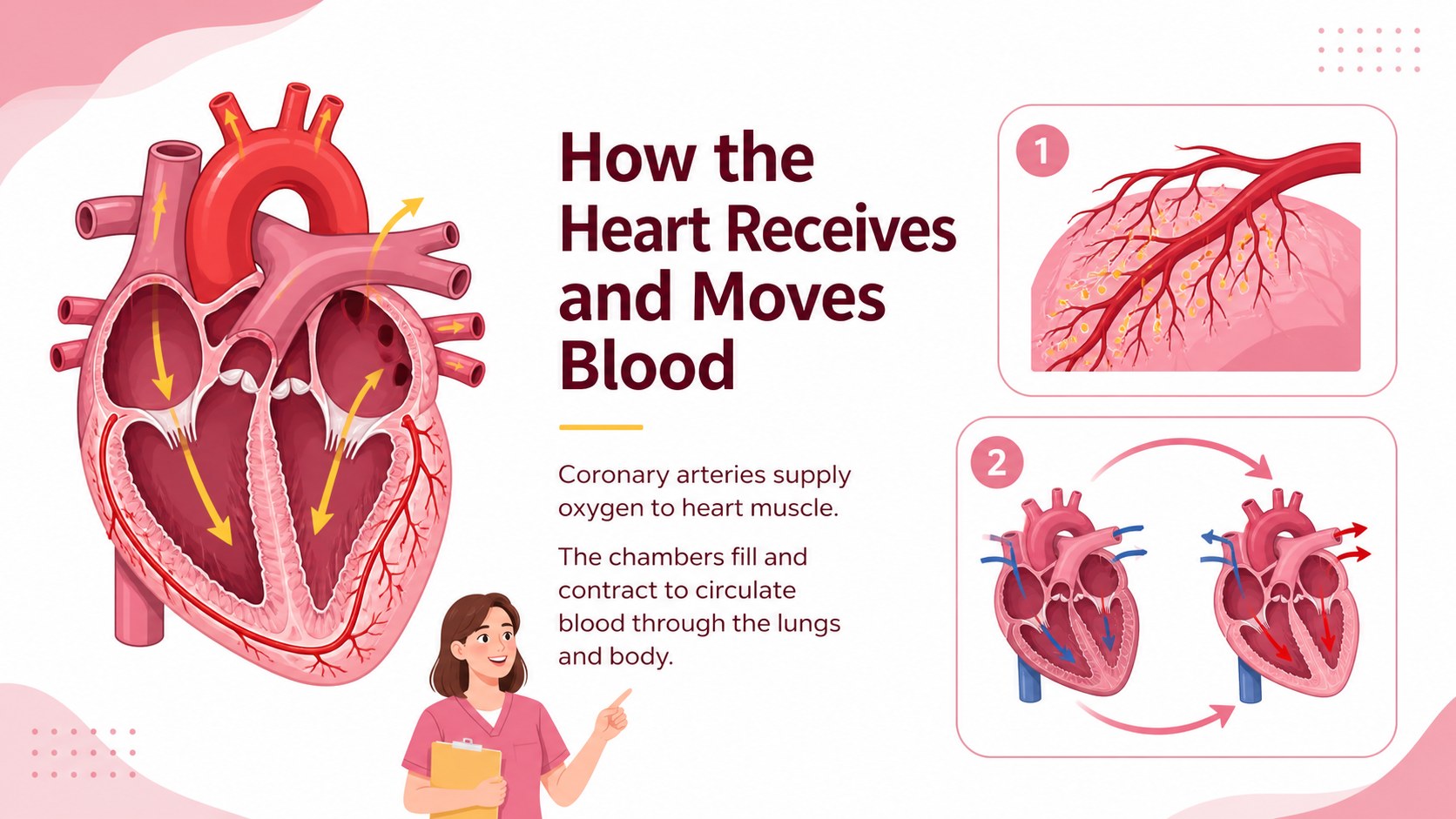
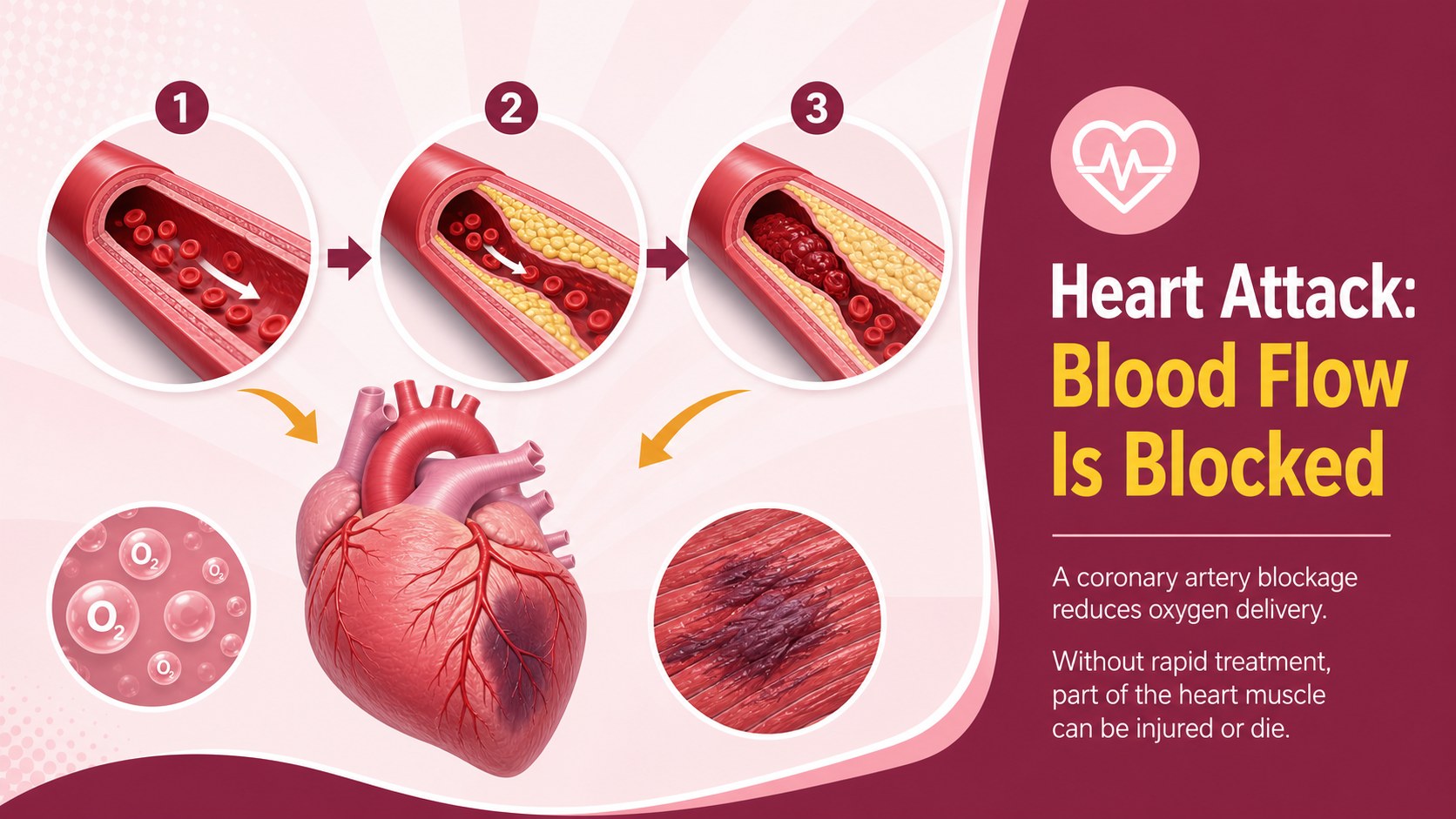
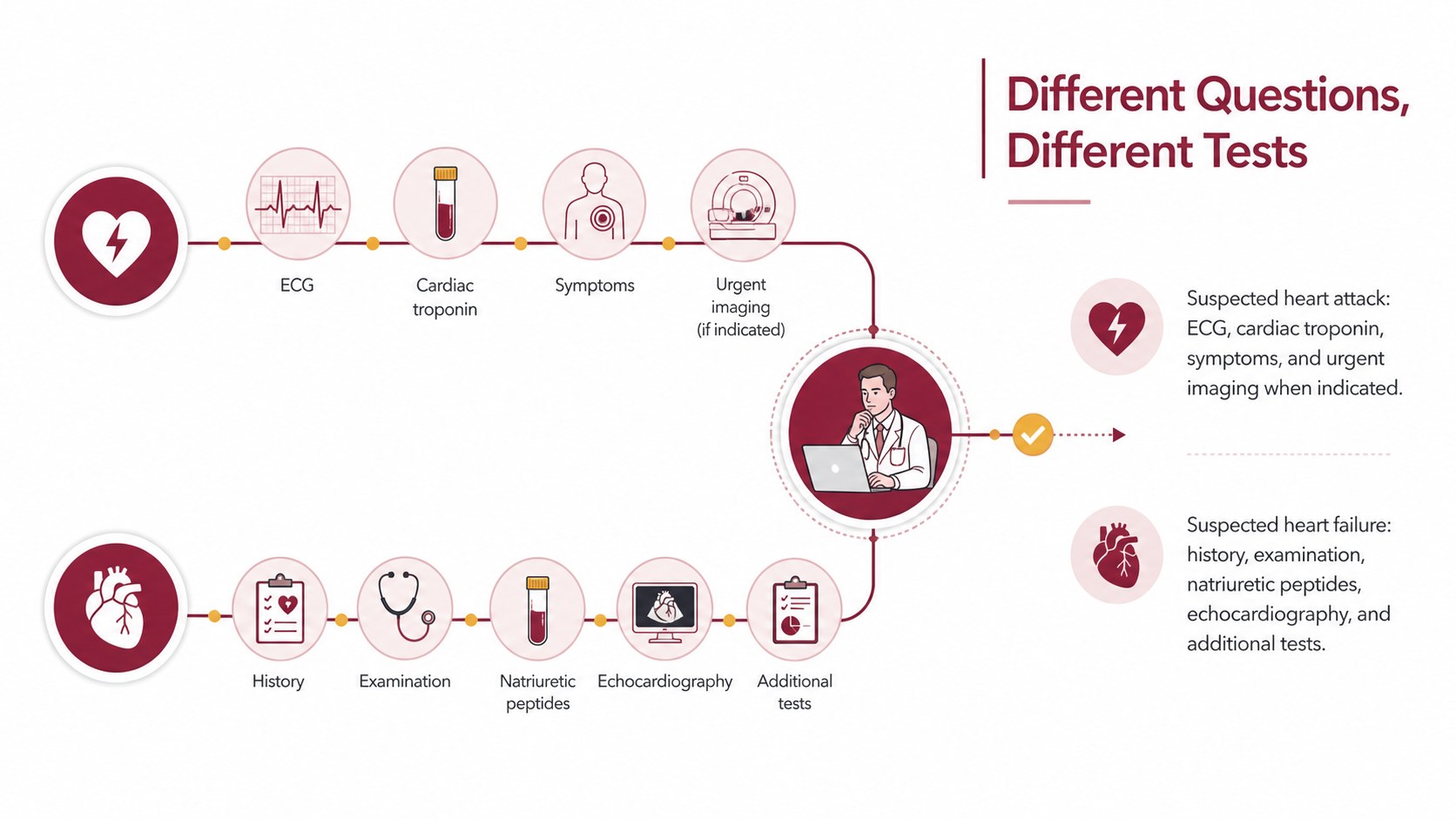
The 14-slide deck includes an opening overview, cardiovascular anatomy recap, heart attack process, heart failure process, symptom comparison, risk factors, diagnostic pathways, treatment approaches, prevention guidance, and a knowledge check. A heart attack versus heart failure chart supports side-by-side teaching, while the myocardial infarction and heart failure lesson sequence helps educators move from definitions to practical scenarios. Editable diagrams, tables, timelines, and summary layouts can be adapted to match different course levels.
This cardiac health education presentation is suited to nursing instructors, anatomy teachers, public health educators, workplace wellness teams, and healthcare trainers. Use it for classroom lectures, patient education workshops, clinical orientation, or community awareness sessions. Every slide is formatted in 16:9 and can be customized in PowerPoint or Google Slides, including colors, typography, icons, charts, and speaker notes.
Perfect for: nursing classroom lecture; cardiology training session; patient education workshop; anatomy and physiology lesson; community heart health seminar.
Frequently asked questions
Can I edit the medical diagrams and comparison tables? Yes. The diagrams, labels, tables, colors, and text can be adjusted to suit your curriculum or audience. Review all clinical wording against your institution's current guidance before presenting.
Practical details
Yes. The diagrams, labels, tables, colors, and text can be adjusted to suit your curriculum or audience. Review all clinical wording against your institution's current guidance before presenting.
The deck is designed for Microsoft PowerPoint and Google Slides. Both platforms support editing the text, layout, colors, and visual elements.
Yes. Replace technical terminology with plain-language explanations and add locally approved emergency guidance. You can also simplify the diagnostic and treatment slides for a general audience.
The slide plan includes symptom comparisons and an emergency-response reminder. Presenters should customize that guidance for their location and emphasize that suspected cardiac emergencies require immediate professional help.
Keep exploring
15Promote classes with a yoga workshop marketing presentation featuring playful beige, pink, and purple illustrations for PowerPoint and Google Slides.
 15
15Build a clear breast cancer awareness bulletin with bold pink-and-red slides for campaign news, screening reminders, impact data, and community updates.
 15
15Build a clear World Cancer Day message with this global cancer awareness campaign deck, featuring editable blue-green layouts for PowerPoint and Google Slides.
 4
4Document wound findings, treatment decisions, and healing progress with clinical wound evaluation slides for nurses in PowerPoint and Google Slides.
 14
14Plan a clear donor campaign with this blood donation awareness presentation, featuring editable beige-and-red visuals for PowerPoint and Google Slides.
 15
15Build a Kidney Health Awareness Campaign Deck with blue illustrated slides for prevention tips, risk education, screening events, and outreach.
 15
15Build an actionable training session with this fitness program workshop deck, using energetic yellow geometry and editable PowerPoint and Google Slides layouts.
 15
15Equip health teams with this malaria prevention education deck for workshops, community outreach, and policy briefings in PowerPoint or Google Slides.