
 15
15presentation
Yoga Workshop Marketing Presentation
Promote classes with a yoga workshop marketing presentation featuring playful beige, pink, and purple illustrations for PowerPoint and Google Slides.
Google SlidesPowerPoint
spreadsheet · English
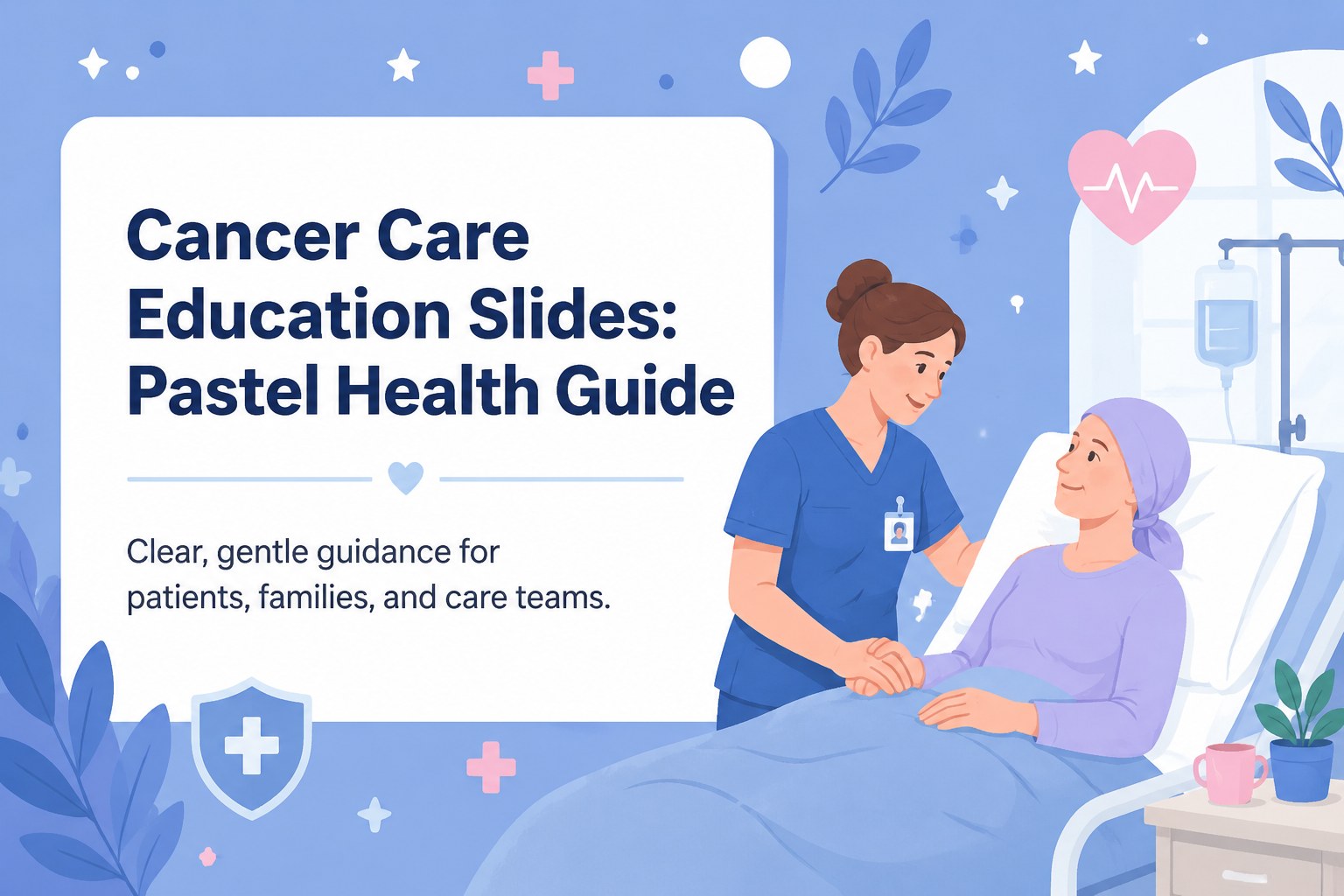
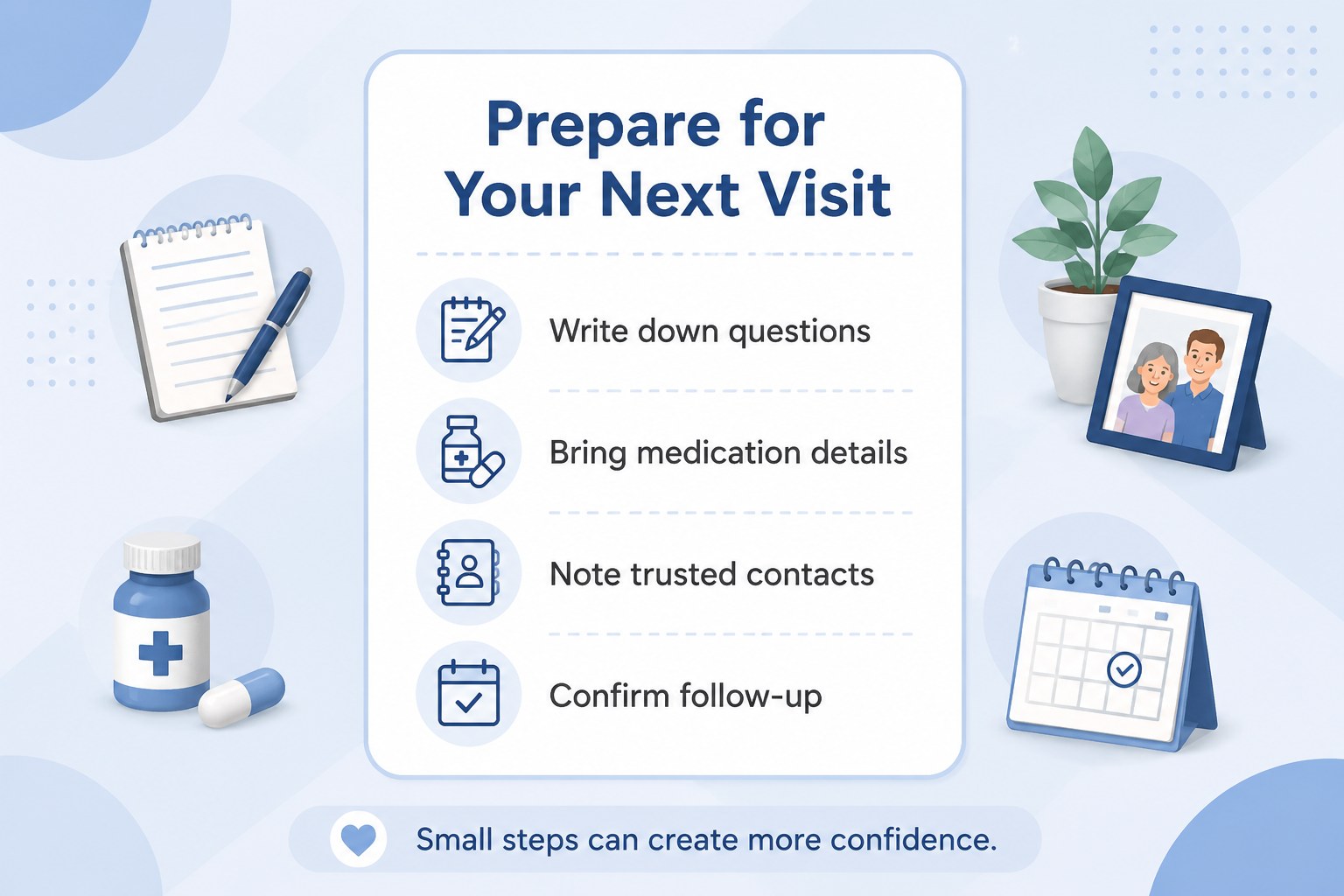
Build a gentle cancer care education presentation with pastel blue visuals, clear treatment explainers, and editable slides for patients, families, and…
Design notes
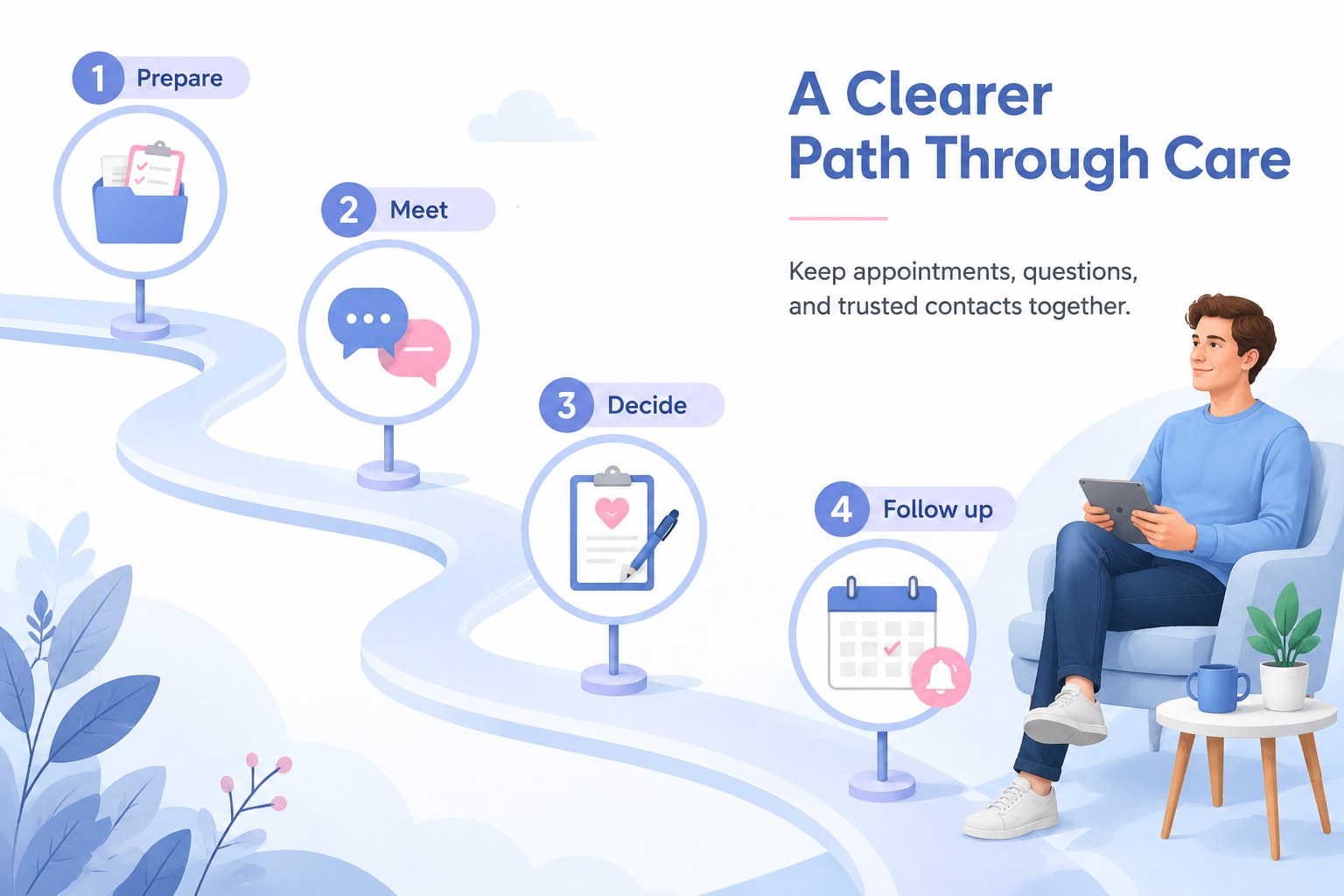
Cancer care education slides can make difficult medical information easier to understand without losing warmth or clarity. This pastel blue presentation theme combines friendly illustrations, organized information blocks, and approachable visual storytelling for treatment guidance, support programs, and health communication. The overall style is gentle, optimistic, and suitable for audiences that may feel overwhelmed by complex terminology.
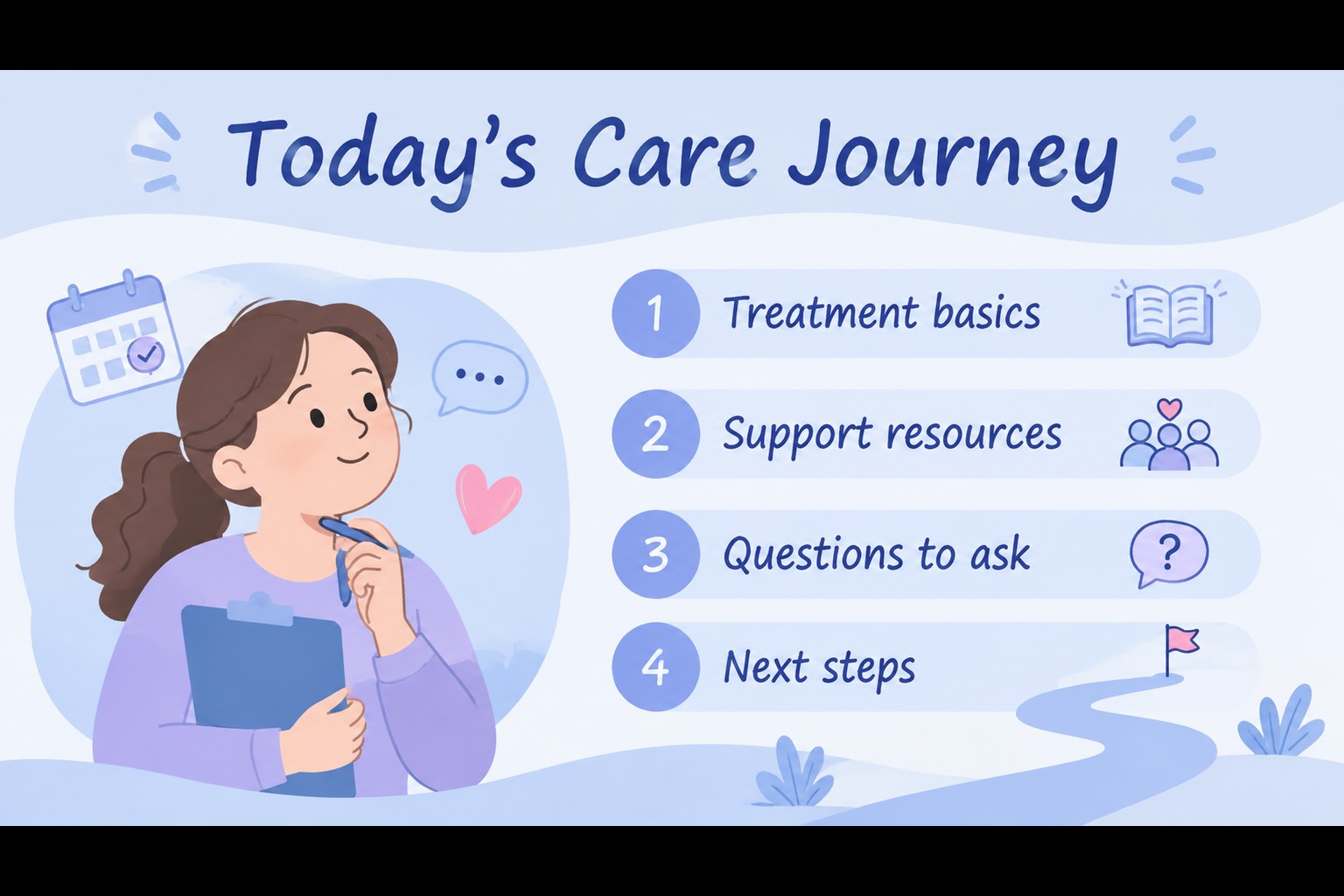
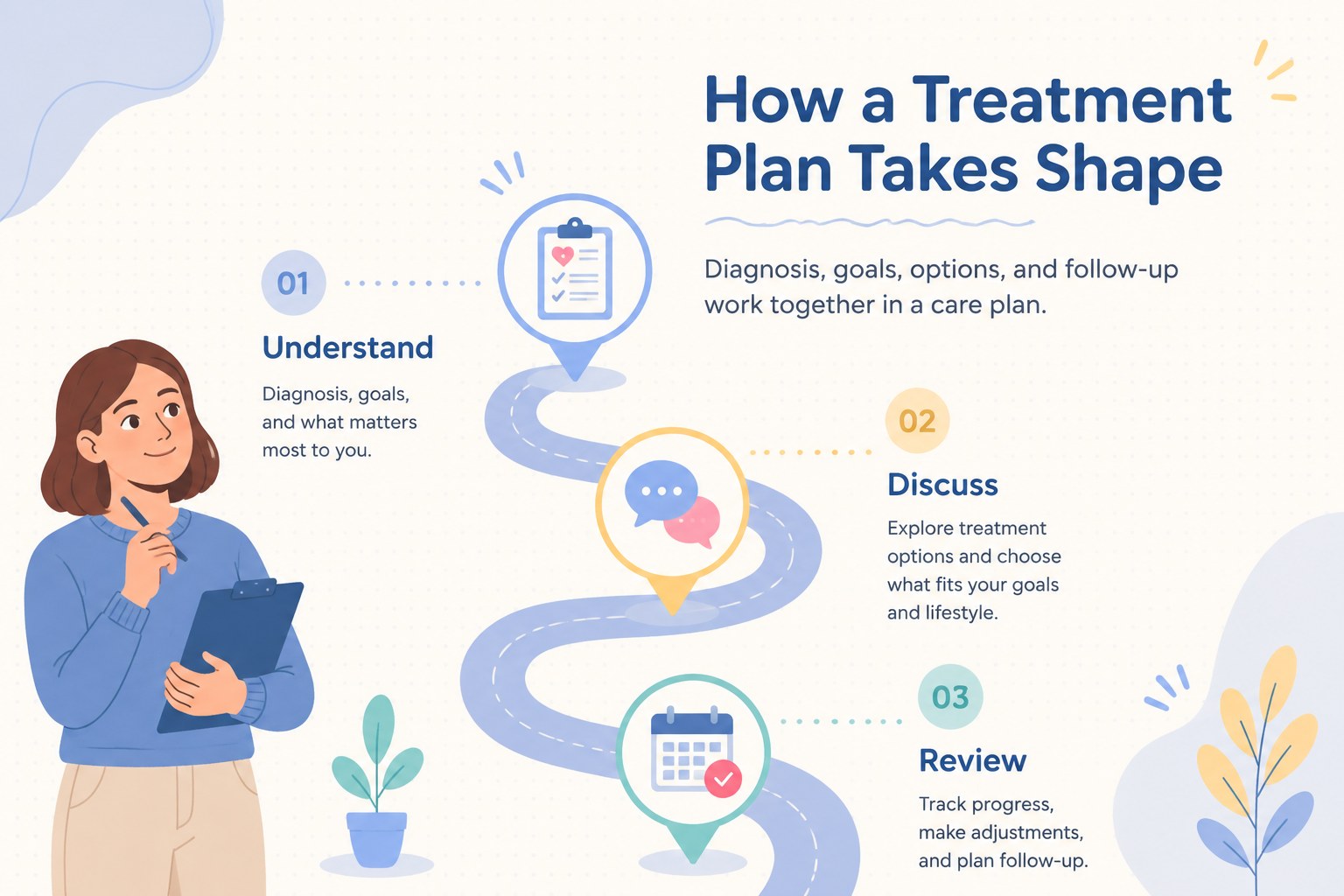
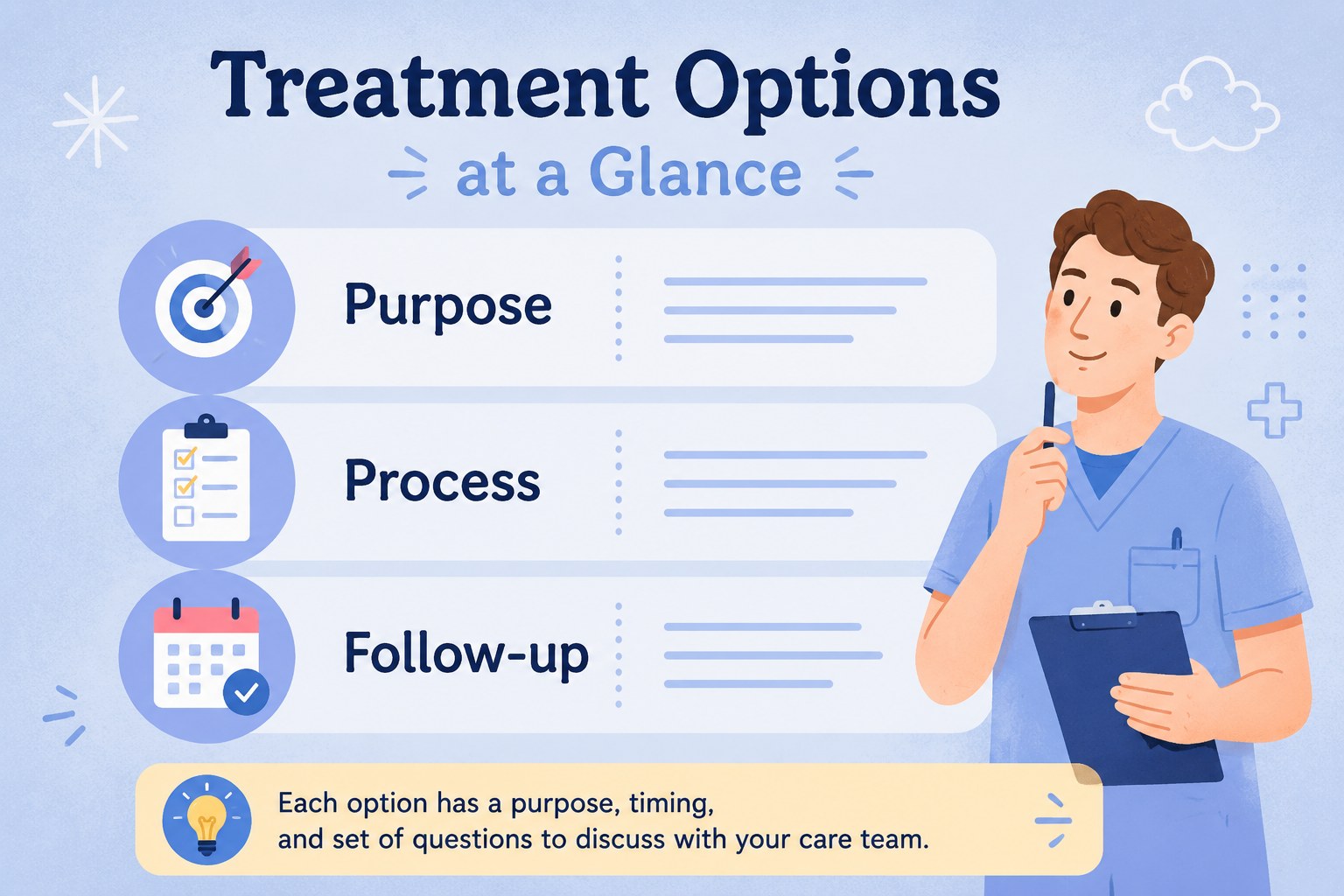
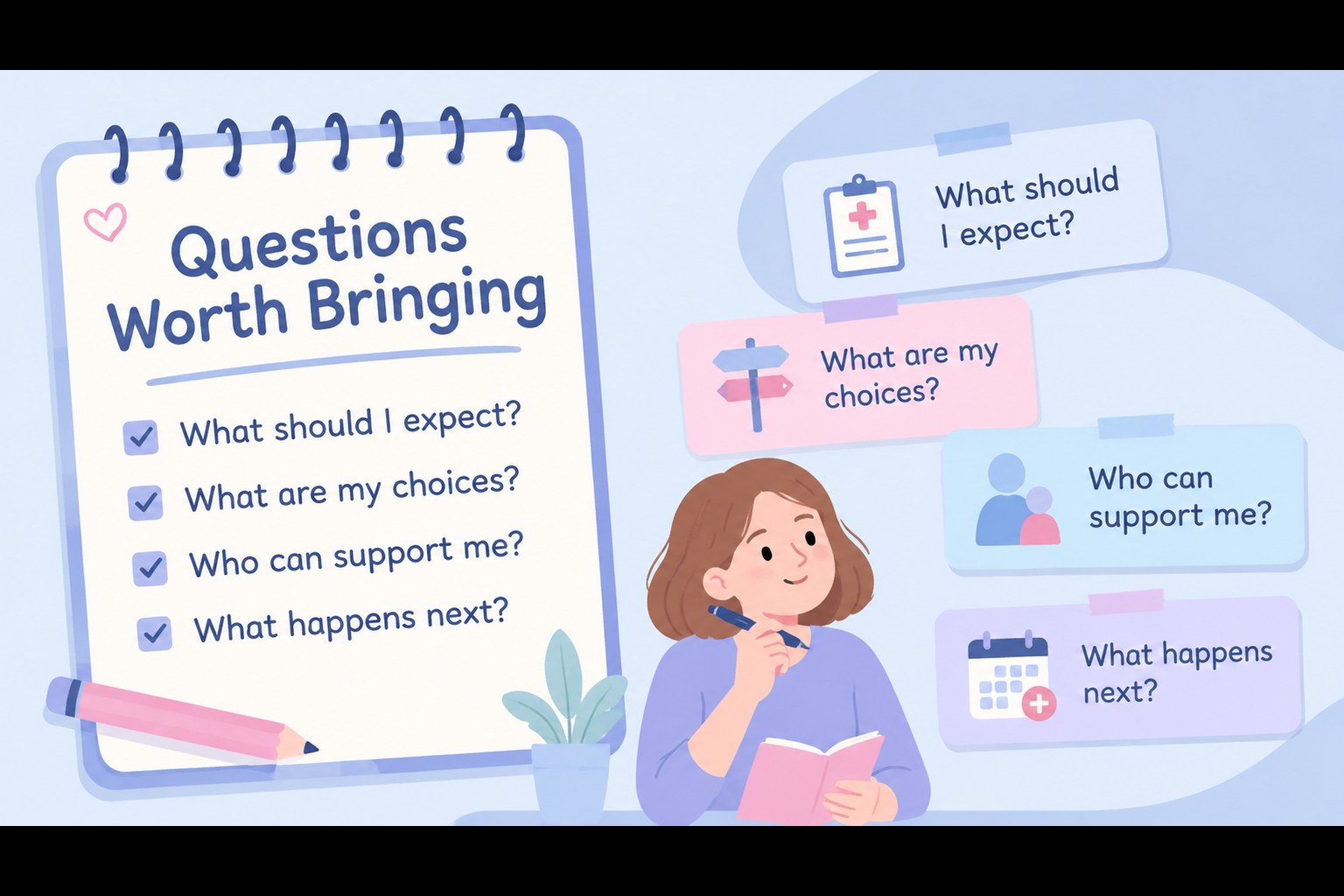
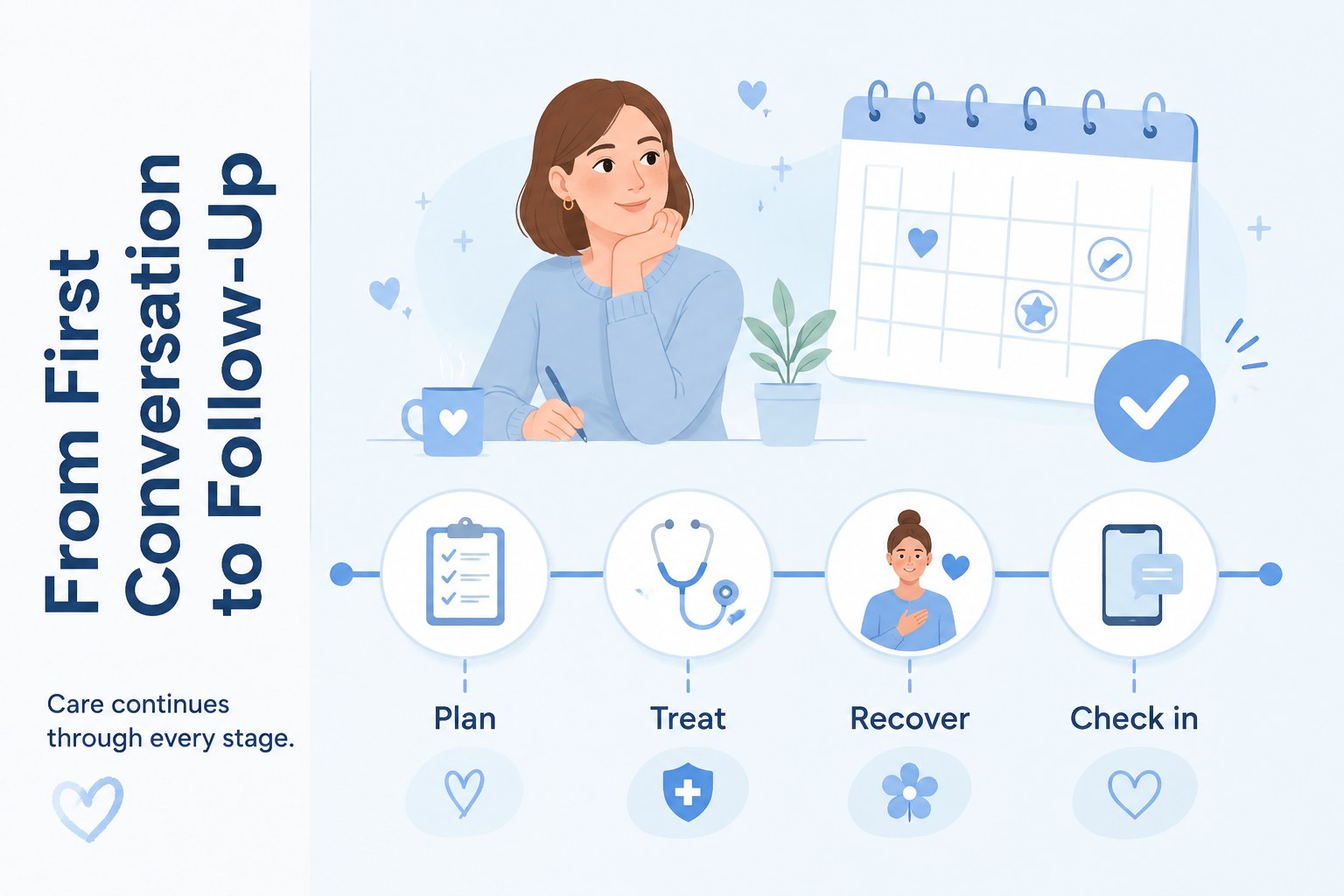
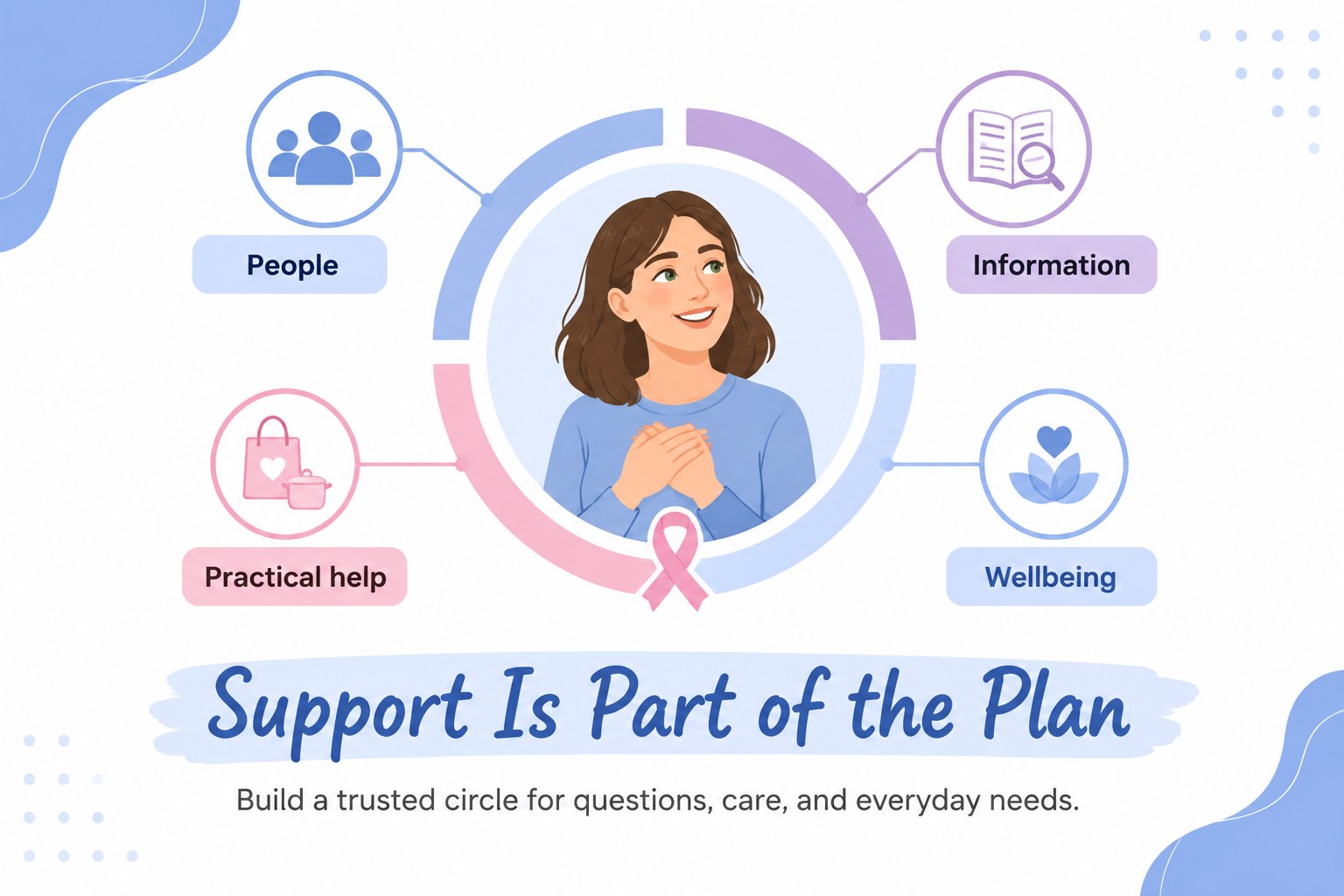
Inside, you will find editable layouts for explaining treatment paths, comparing care options, presenting common questions, mapping support resources, and summarizing next steps. Use the visual hierarchy to turn clinical details into a clear cancer treatment explainer, or adapt the layouts into a patient navigation presentation for hospitals, charities, wellness teams, and community educators. Charts, timelines, comparison panels, callouts, and infographic elements help you present facts in a more memorable way.
The deck works well for oncology outreach, caregiver workshops, hospital information sessions, fundraising campaigns, and classroom-safe health education. Edit the text, colors, illustrations, and data in PowerPoint or Google Slides to match your organization and audience. Always review medical content with a qualified professional before publishing.
Perfect for: hospital patient information session; caregiver support workshop; oncology outreach campaign; cancer charity fundraising briefing; community health education class.
Frequently asked questions
Can I edit these slides in PowerPoint? Yes. The layouts are designed for editing in PowerPoint, including text, colors, shapes, illustrations, and charts. Replace the sample medical copy with information approved by your healthcare team.
Practical details
Yes. The layouts are designed for editing in PowerPoint, including text, colors, shapes, illustrations, and charts. Replace the sample medical copy with information approved by your healthcare team.
Yes, you can use the deck in Google Slides and adjust the editable text and graphic elements there. Check fonts and spacing after importing to ensure the presentation matches the intended layout.
You can customize the presentation for hospitals, charities, support groups, or public health programs by adding approved logos, contact details, and local resources. Keep the visual system consistent for a clear and reassuring result.
The layouts can cover treatment stages, care pathways, support services, common questions, and follow-up actions. Have all clinical statements reviewed by a qualified medical professional before sharing them publicly.
Keep exploring
15Promote classes with a yoga workshop marketing presentation featuring playful beige, pink, and purple illustrations for PowerPoint and Google Slides.
 15
15Build a clear breast cancer awareness bulletin with bold pink-and-red slides for campaign news, screening reminders, impact data, and community updates.
 15
15Build a clear World Cancer Day message with this global cancer awareness campaign deck, featuring editable blue-green layouts for PowerPoint and Google Slides.
 4
4Document wound findings, treatment decisions, and healing progress with clinical wound evaluation slides for nurses in PowerPoint and Google Slides.
 14
14Plan a clear donor campaign with this blood donation awareness presentation, featuring editable beige-and-red visuals for PowerPoint and Google Slides.
 15
15Build a Kidney Health Awareness Campaign Deck with blue illustrated slides for prevention tips, risk education, screening events, and outreach.
 15
15Build an actionable training session with this fitness program workshop deck, using energetic yellow geometry and editable PowerPoint and Google Slides layouts.
 15
15Equip health teams with this malaria prevention education deck for workshops, community outreach, and policy briefings in PowerPoint or Google Slides.