
 15
15presentation
Yoga Workshop Marketing Presentation
Promote classes with a yoga workshop marketing presentation featuring playful beige, pink, and purple illustrations for PowerPoint and Google Slides.
Google SlidesPowerPoint
presentation · English
Build calmer decisions with a calm choice pathway slides template in blue and white, featuring editable diagrams for wellness talks, coaching, and teams.
Design notes
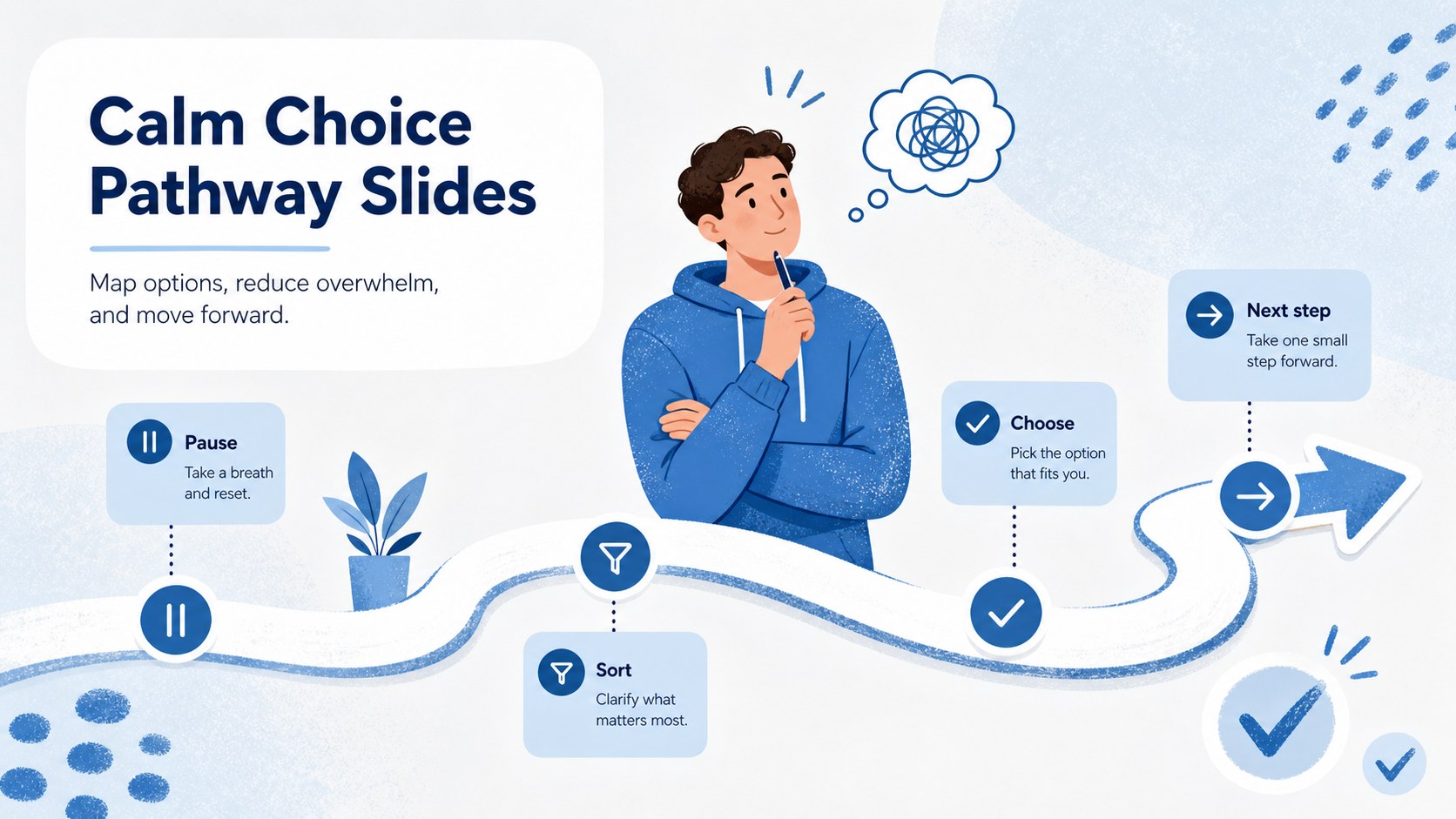
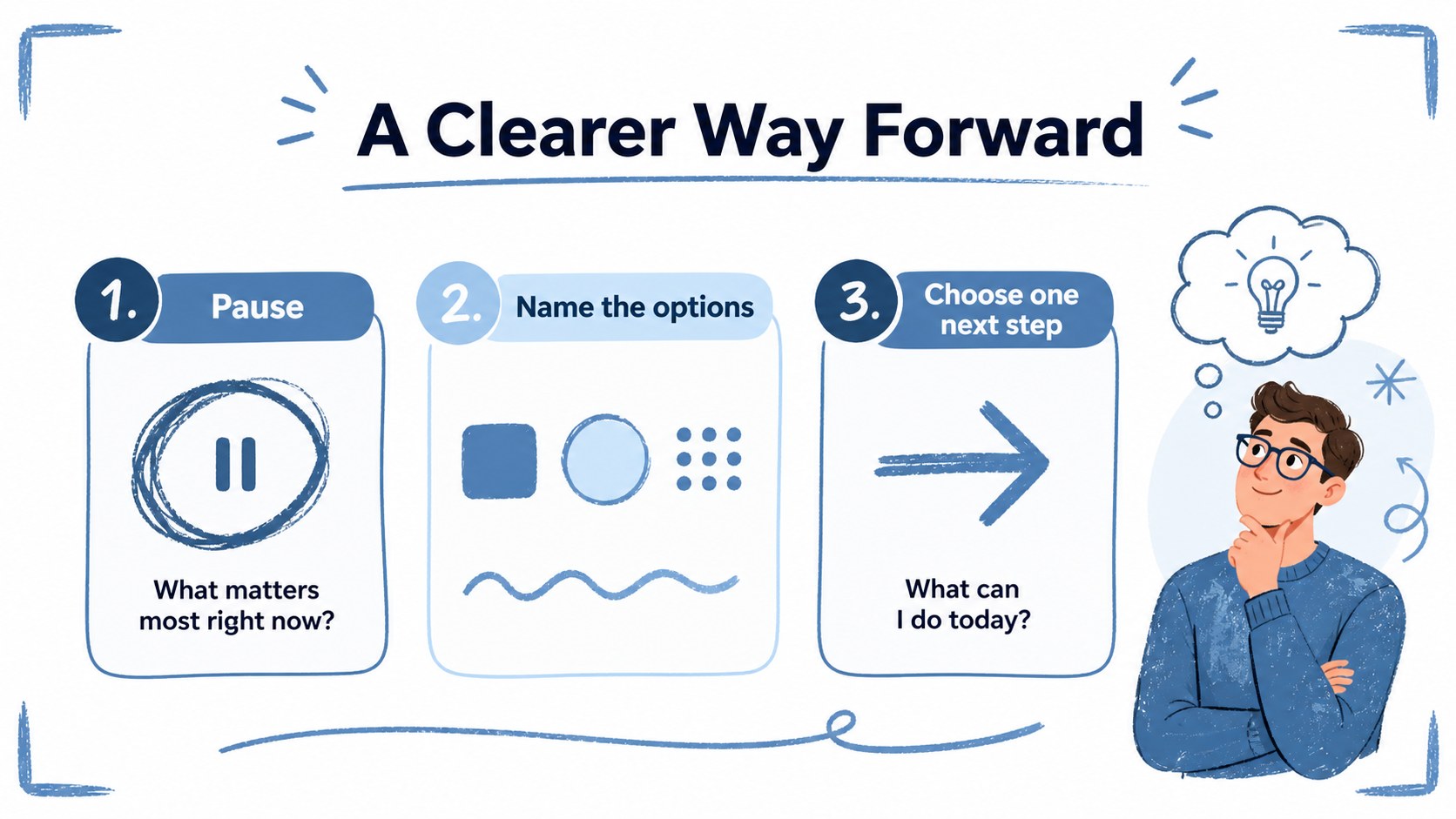
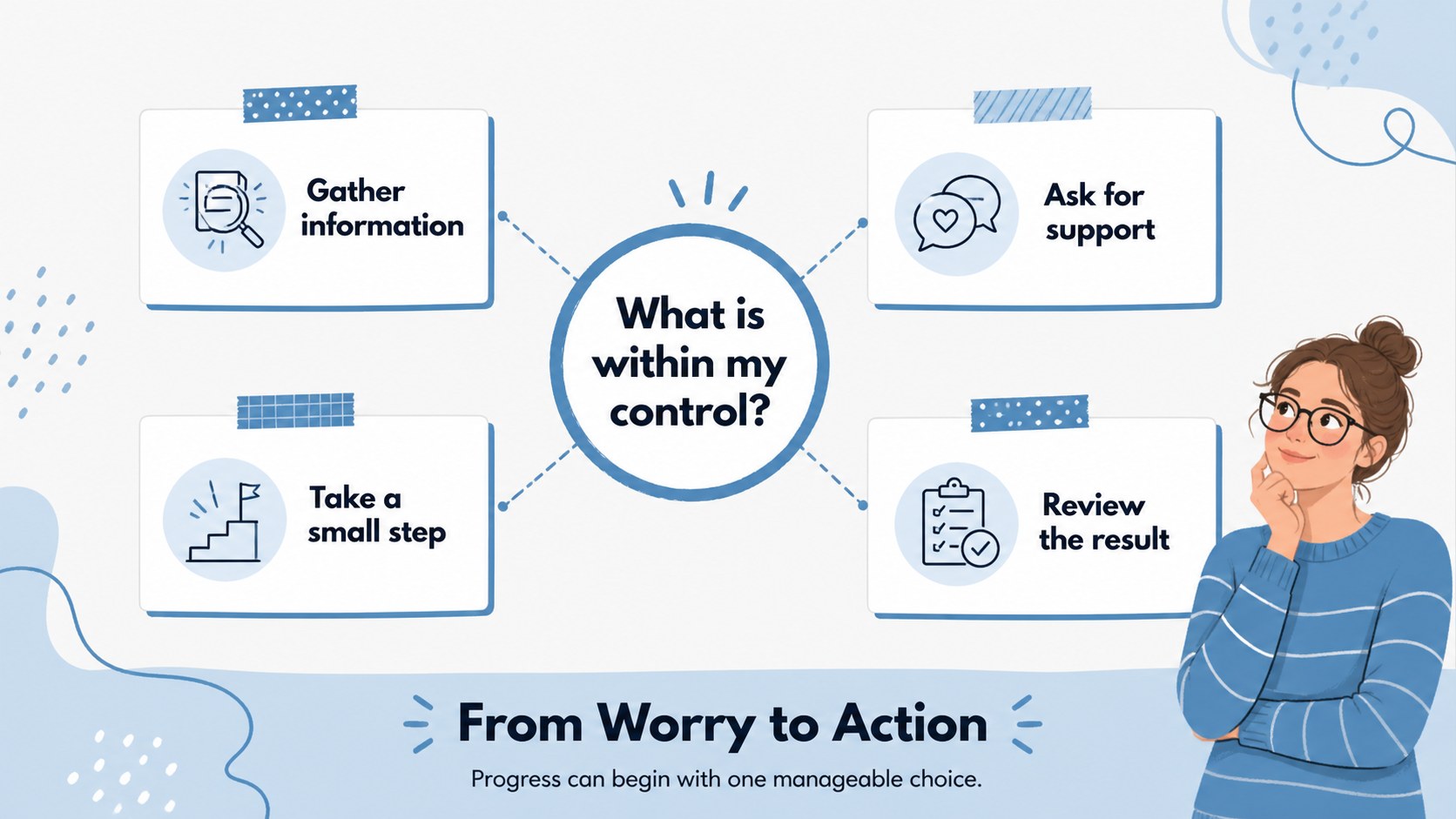
Calm Choice Pathway Slides helps audiences pause, sort through competing options, and identify a practical next step. Its clean blue-and-white palette, hand-drawn accents, and approachable visual language make difficult conversations feel structured without becoming clinical or overly formal. Use the deck to explain a decision process, support reflection, or create a stress management presentation for teams.
Inside are three editable infographic slides built around branching paths, question prompts, and step-by-step choices. Rework the labels, colors, illustrations, and typography, then add transitions to create a smooth animated flow. The layouts can also support an anxiety coping flowchart, a coaching exercise, a classroom wellbeing activity, or a workplace check-in. includes drag-and-drop editing, image and icon libraries, charts, frames, audio, notes, collaboration tools, and presentation practice features.
This template is designed for wellness educators, counselors, coaches, teachers, HR professionals, and business presenters who need a simple way to make choices visible. Export the finished design for PowerPoint or Google Slides, share it online, or print the infographics as handouts. The result is a flexible visual aid for turning worry into organized action.
Perfect for: workplace wellbeing workshop; stress management presentation; wellness coaching session; classroom reflection activity; counseling decision exercise.
Frequently asked questions
Can I edit the slides? Yes. The layouts, text, illustrations, colors, and typography can be customized using drag-and-drop tools. You can also add your own graphics, photos, icons, and notes.
Practical details
Yes. The layouts, text, illustrations, colors, and typography can be customized using drag-and-drop tools. You can also add your own graphics, photos, icons, and notes.
Yes. After opening the template, use Share and choose PowerPoint or Google Drive from the available options. This creates an editable PPTX file or a copy saved to Google Drive.
The version supports editable page animations and transitions. You can change or remove these effects depending on whether you are presenting live, sharing digitally, or exporting the slides.
It suits coaches, counselors, teachers, HR teams, wellness educators, and presenters discussing stressful choices. The diagrams can be adapted for personal reflection, team conversations, or structured learning activities.
Keep exploring
15Promote classes with a yoga workshop marketing presentation featuring playful beige, pink, and purple illustrations for PowerPoint and Google Slides.
 15
15Build a clear breast cancer awareness bulletin with bold pink-and-red slides for campaign news, screening reminders, impact data, and community updates.
 15
15Build a clear World Cancer Day message with this global cancer awareness campaign deck, featuring editable blue-green layouts for PowerPoint and Google Slides.
 4
4Document wound findings, treatment decisions, and healing progress with clinical wound evaluation slides for nurses in PowerPoint and Google Slides.
 14
14Plan a clear donor campaign with this blood donation awareness presentation, featuring editable beige-and-red visuals for PowerPoint and Google Slides.
 15
15Build a Kidney Health Awareness Campaign Deck with blue illustrated slides for prevention tips, risk education, screening events, and outreach.
 15
15Build an actionable training session with this fitness program workshop deck, using energetic yellow geometry and editable PowerPoint and Google Slides layouts.
 15
15Equip health teams with this malaria prevention education deck for workshops, community outreach, and policy briefings in PowerPoint or Google Slides.