
 14
14presentation
2036 Dragon Year Celebration Theme
Plan a memorable Lunar New Year campaign with the 2036 Dragon Year Celebration Theme, featuring bold red-and-yellow slides for lessons and events.
Google SlidesPowerPoint
presentation · English
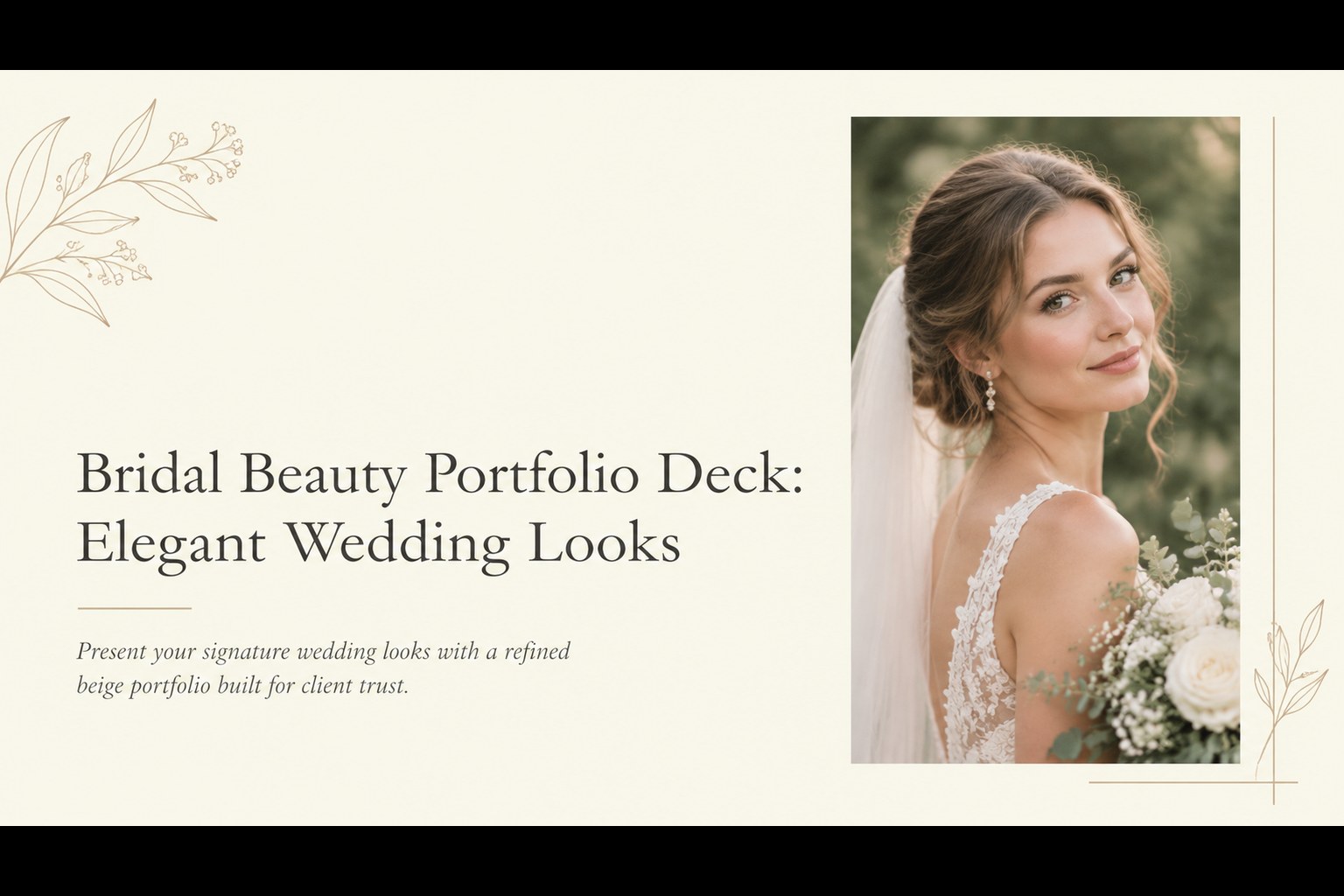
Build a bridal beauty portfolio deck for wedding clients, consultations, and beauty showcases with refined beige layouts for PowerPoint and Google Slides.


Design notes
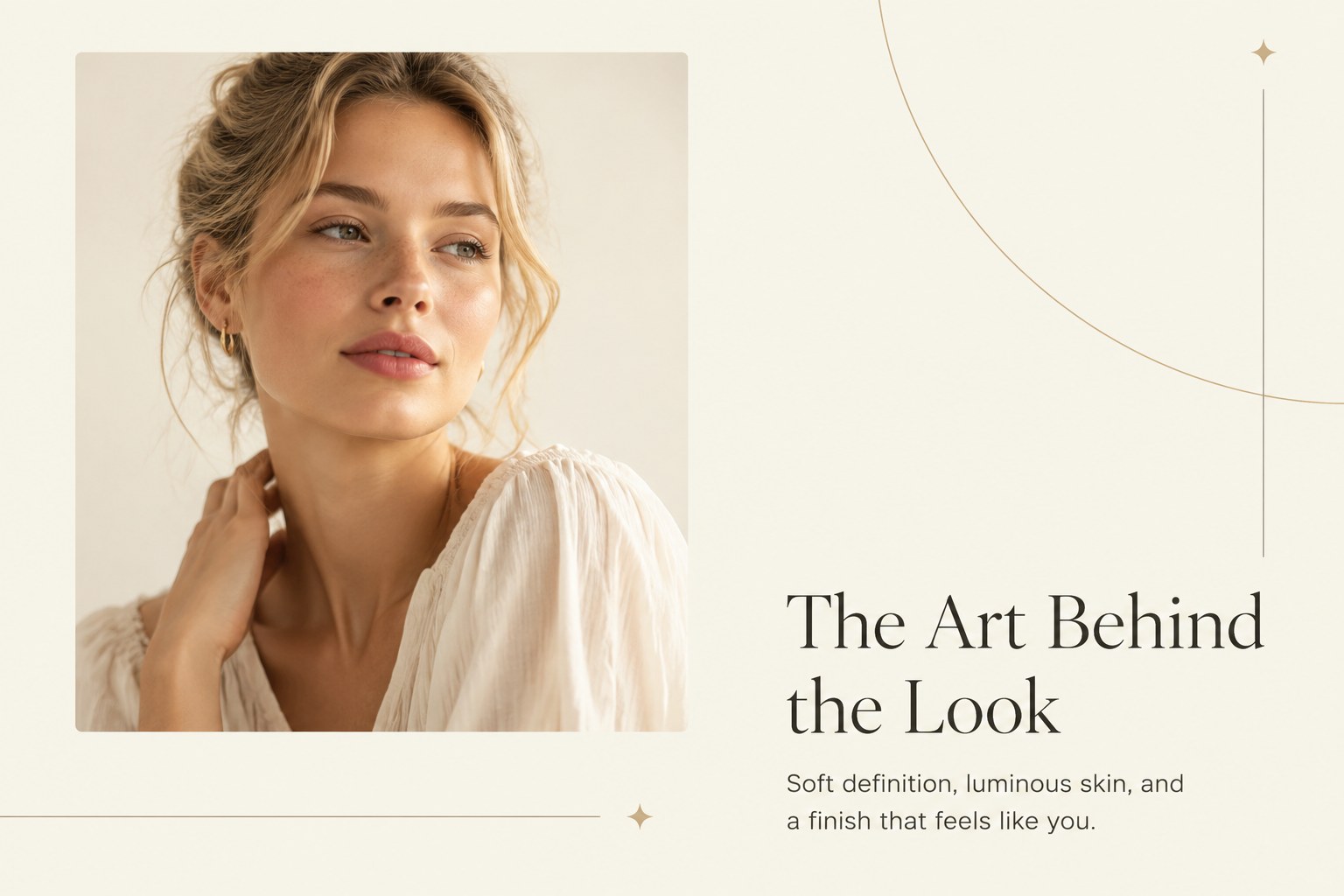
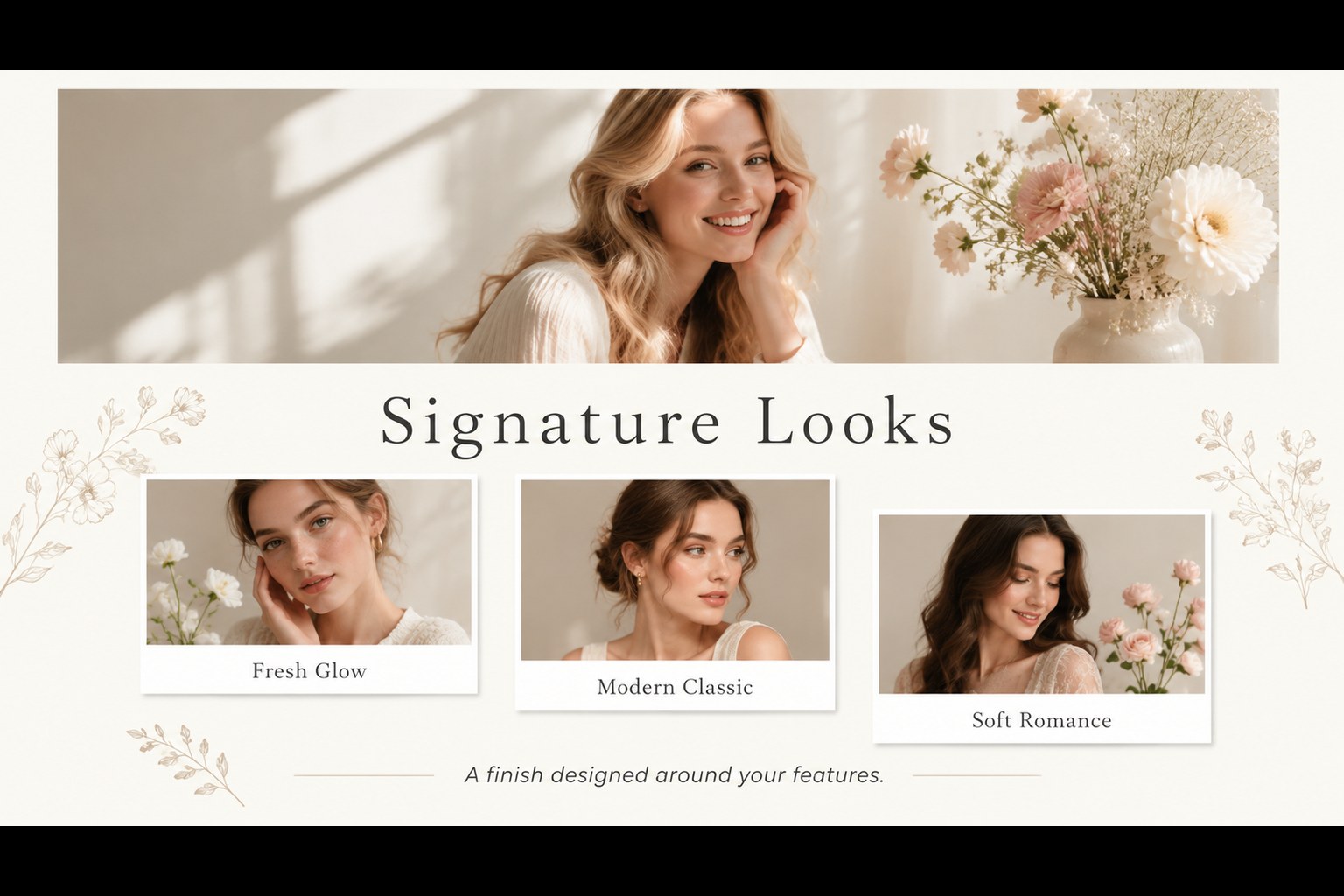
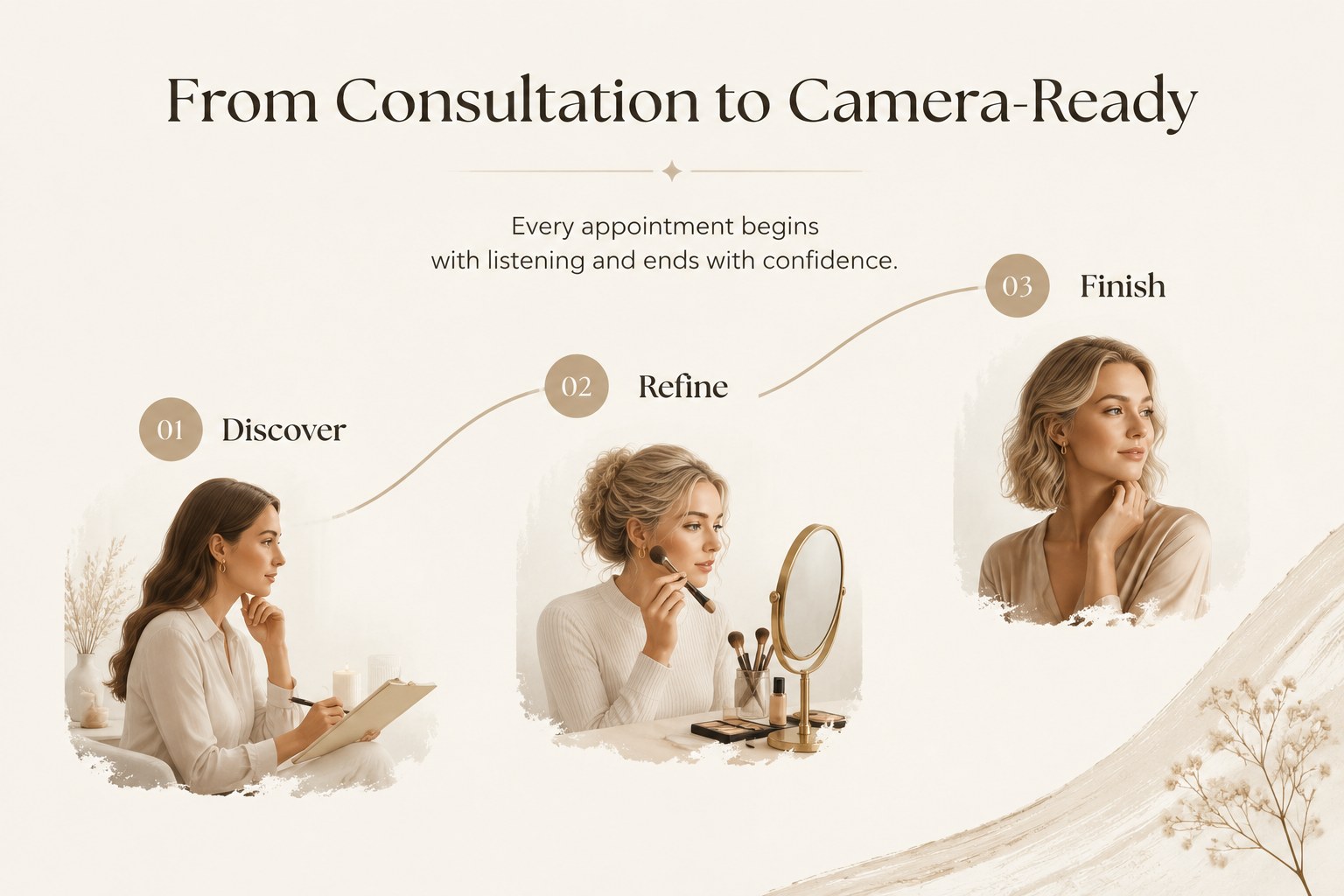
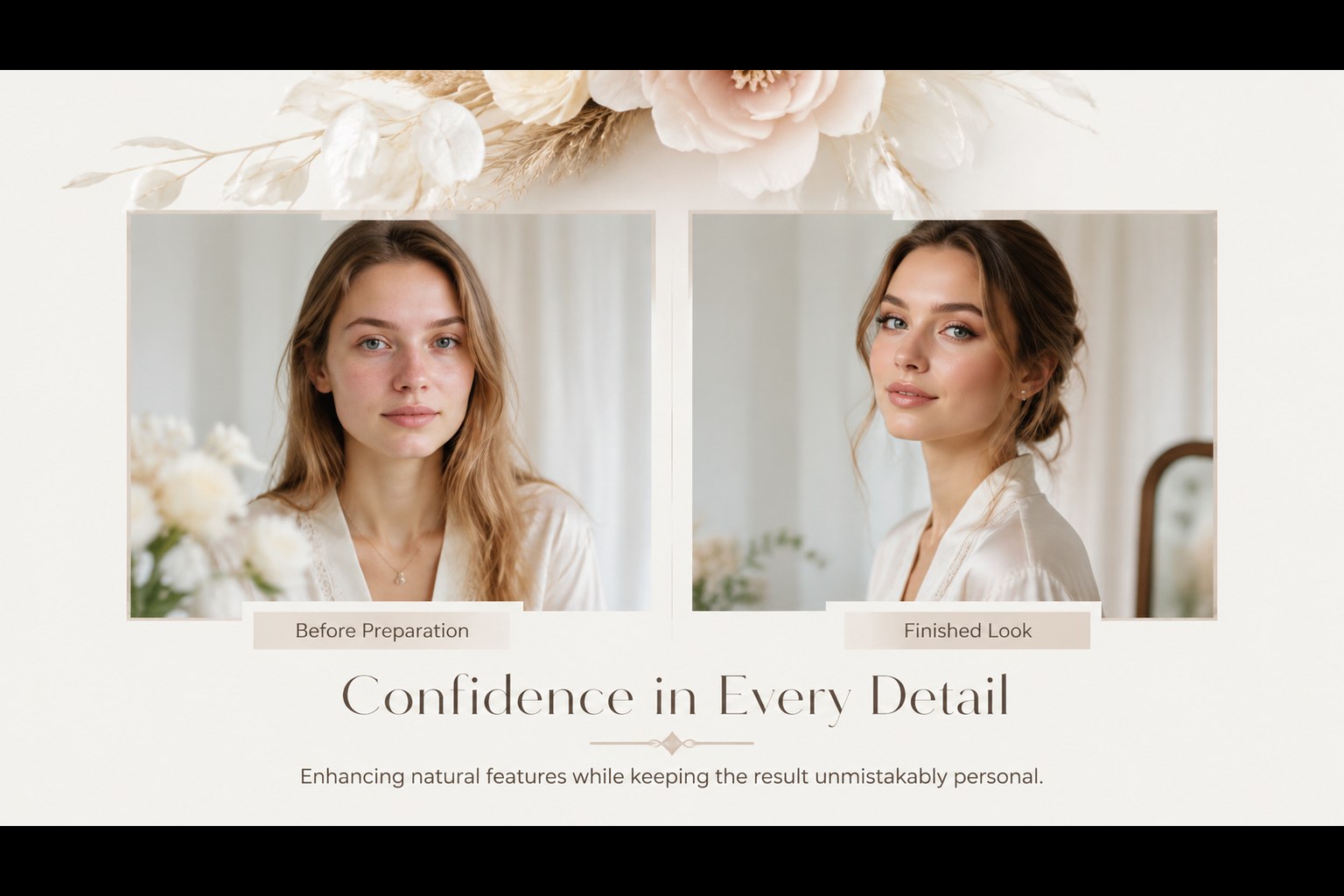
Make a polished first impression with a bridal beauty portfolio deck designed to put your artistry and wedding looks at the center. Its quiet beige-and-white palette, refined typography, and spacious editorial layouts create a premium setting for before-and-after images, signature styles, and thoughtful service details. Use it to guide a wedding makeup client consultation, share your creative process, or present your work to planners and photographers.
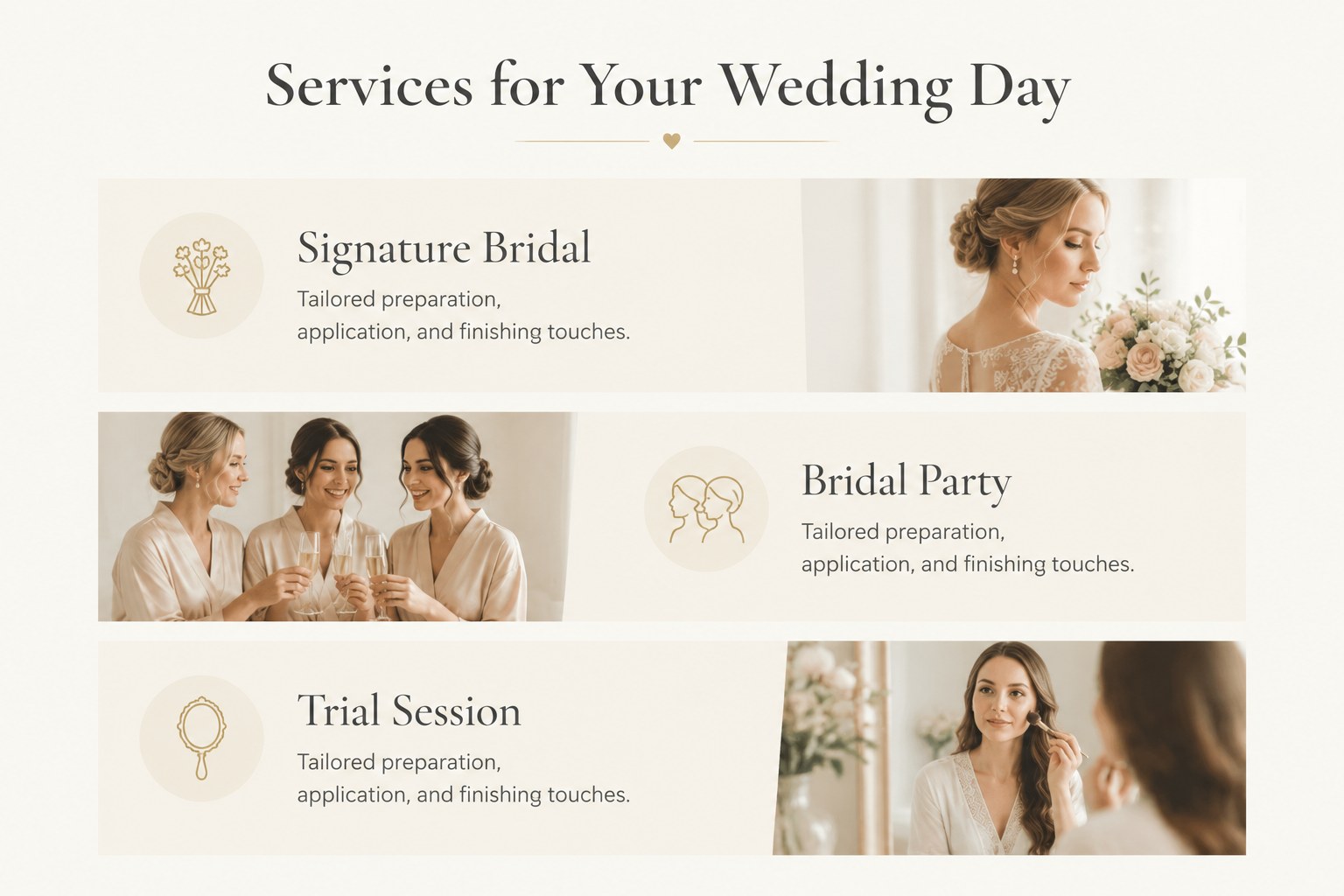
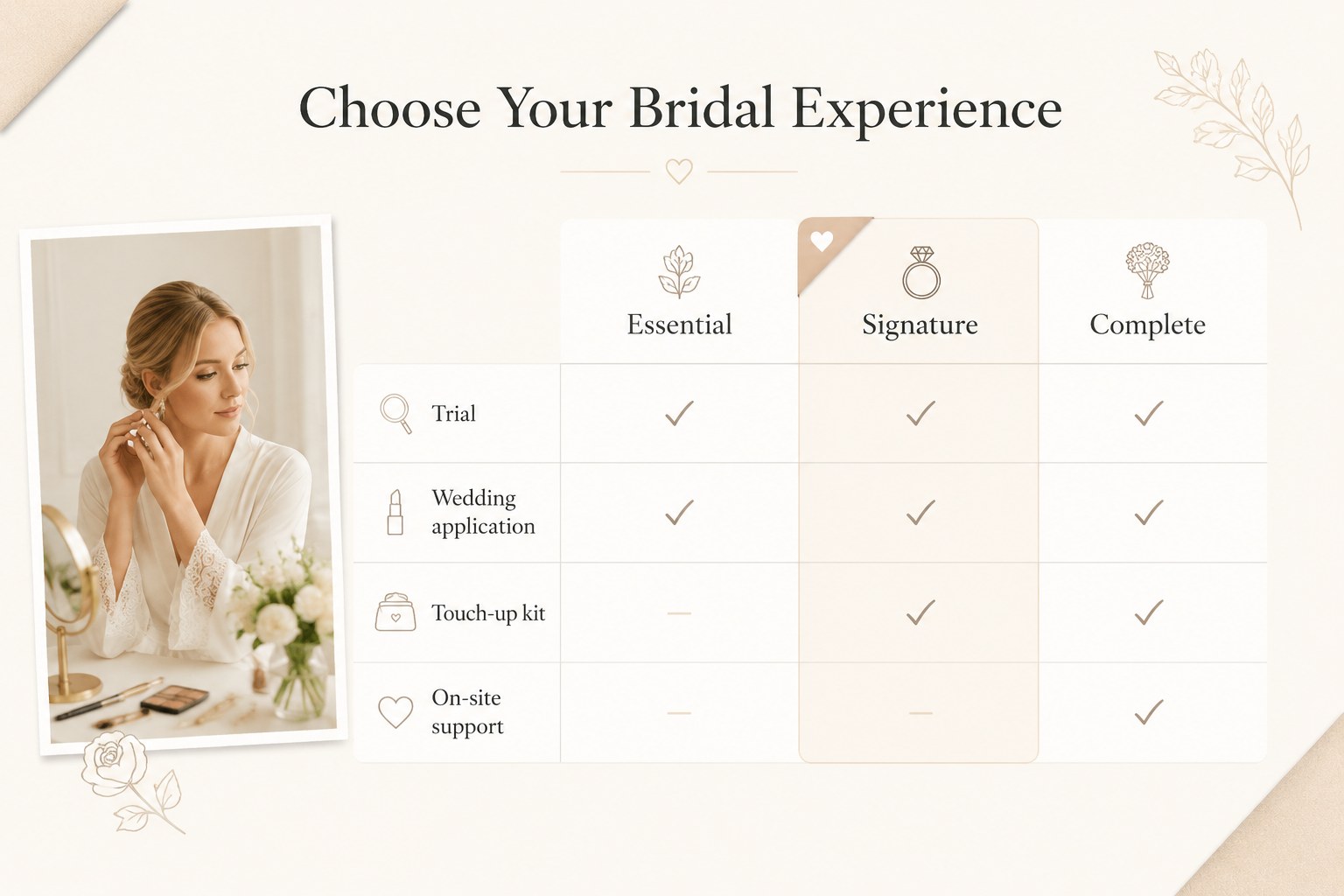
Inside, you’ll find 15 adaptable 16:9 slides for a cover, brand introduction, service menu, style gallery, client journey, testimonials, package comparison, booking details, and a closing contact page. Clean image frames, simple charts, editable shapes, and presentation-friendly spacing make it easy to replace sample content with your own photographs and copy. The structure also works well as a beauty artist service menu or a bridal makeup portfolio presentation for digital sharing and in-person meetings.
The template suits independent makeup artists, boutique beauty studios, wedding professionals, and educators preparing a bridal masterclass. Edit every element in PowerPoint or Google Slides, adjust the palette to match your visual identity, and export a client-ready deck when your portfolio is complete.
Perfect for: wedding makeup client consultation; independent artist portfolio review; bridal beauty service menu; planner and photographer collaboration; bridal makeup masterclass; beauty studio booking presentation.
Frequently asked questions
Can I edit this template in PowerPoint? Yes. The slides are editable in PowerPoint, including text, images, colors, shapes, and layouts. Replace the sample photographs with your own portfolio work and update the contact details before presenting.
Practical details
Yes. The slides are editable in PowerPoint, including text, images, colors, shapes, and layouts. Replace the sample photographs with your own portfolio work and update the contact details before presenting.
Yes, you can open and customize the presentation in Google Slides. The main layouts and editable elements are designed to remain practical across both supported platforms.
Swap in your own bridal images, revise the service descriptions, and add your packages or booking process. You can also adjust the beige and white palette and update the typography to align with your studio identity.
Show signature looks, client transformations, testimonials, service packages, preparation guidance, and clear booking information. A concise style gallery and a focused consultation page can help potential clients understand your approach quickly.
Keep exploring
14Plan a memorable Lunar New Year campaign with the 2036 Dragon Year Celebration Theme, featuring bold red-and-yellow slides for lessons and events.
 15
15Build playful lessons and party stories with a kid-friendly zombie celebration theme in purple, green and pastel blue for PowerPoint and Google Slides.
 15
15Build eerie lessons, campaigns, and story pitches with an undead survival scenario theme featuring editable slides for PowerPoint and Google Slides.
 3
3Share festive messages with a Lunar Horse New Year Wishes Theme, featuring bold red-and-yellow layouts for PowerPoint and Google Slides celebrations.
 15
15Bring zodiac traditions to life with a Lunar Snake Festival Presentation featuring 15 cheerful red illustrated slides for PowerPoint and Google Slides.
 6
6Honor teams and individuals with an Orange Year-End Recognition Certificate Set featuring six editable designs for PowerPoint and Google Slides.
 14
14Honor the people behind the headlines with a World Sports Press Appreciation Deck for PowerPoint and Google Slides, styled in crisp, modern green.
 15
15Teach, inspire, and celebrate with our Plant-Powered Vegetarian Day Lesson Deck, featuring cheerful editable visuals for PowerPoint and Google Slides.