
 15
15presentation
Yoga Workshop Marketing Presentation
Promote classes with a yoga workshop marketing presentation featuring playful beige, pink, and purple illustrations for PowerPoint and Google Slides.
Google SlidesPowerPoint
presentation · English
Make complex pathology easier to teach with a bone tumor teaching deck featuring editable 3D visuals for PowerPoint and Google Slides.




Design notes
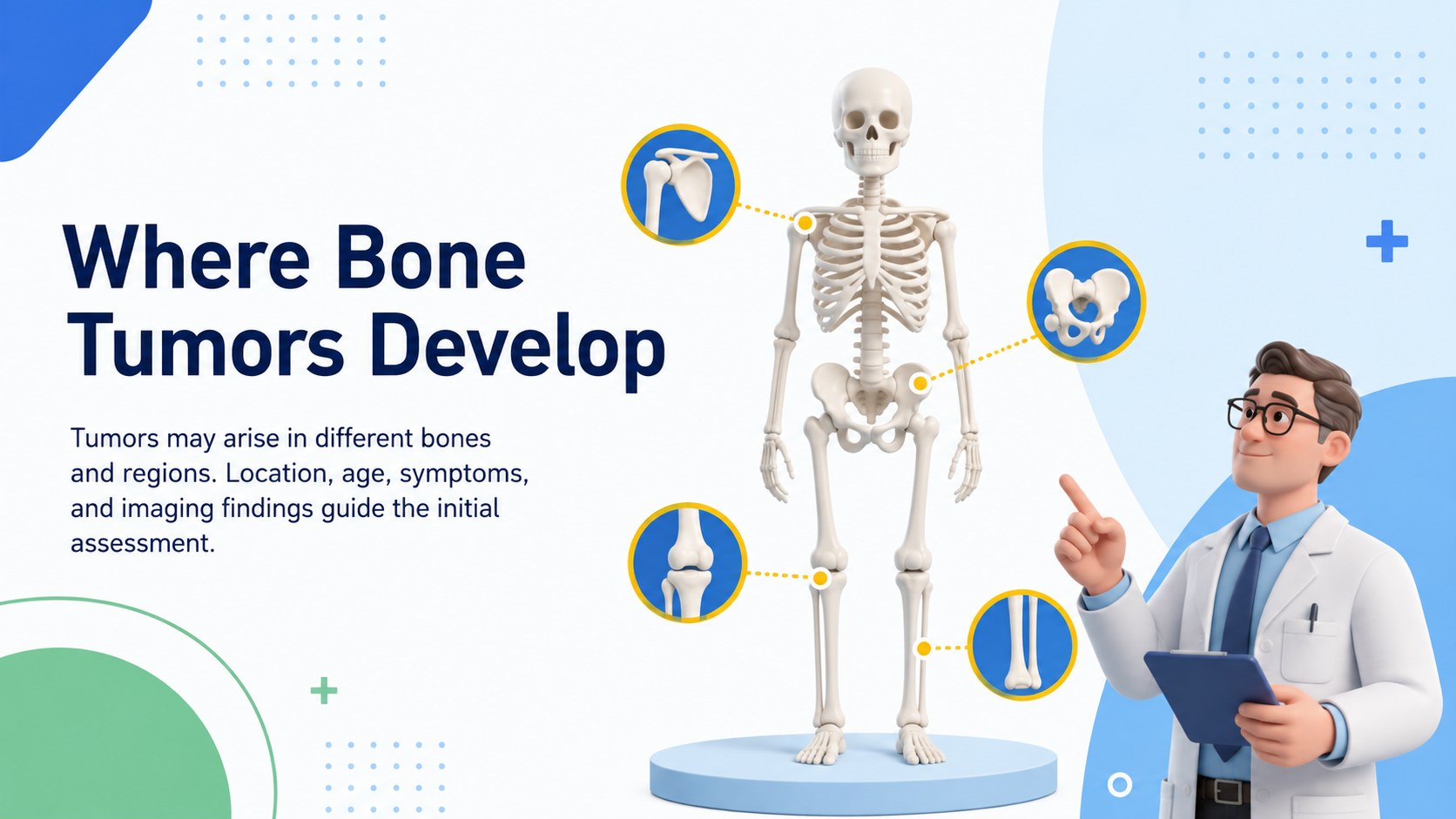
Make a challenging medical topic easier to navigate with this Bone Tumor Teaching Deck. Designed for structured classroom instruction, it pairs clean typography with modern 3D elements and a focused white, blue, yellow, and green palette. The organized layouts help educators introduce essential terminology without overwhelming learners.
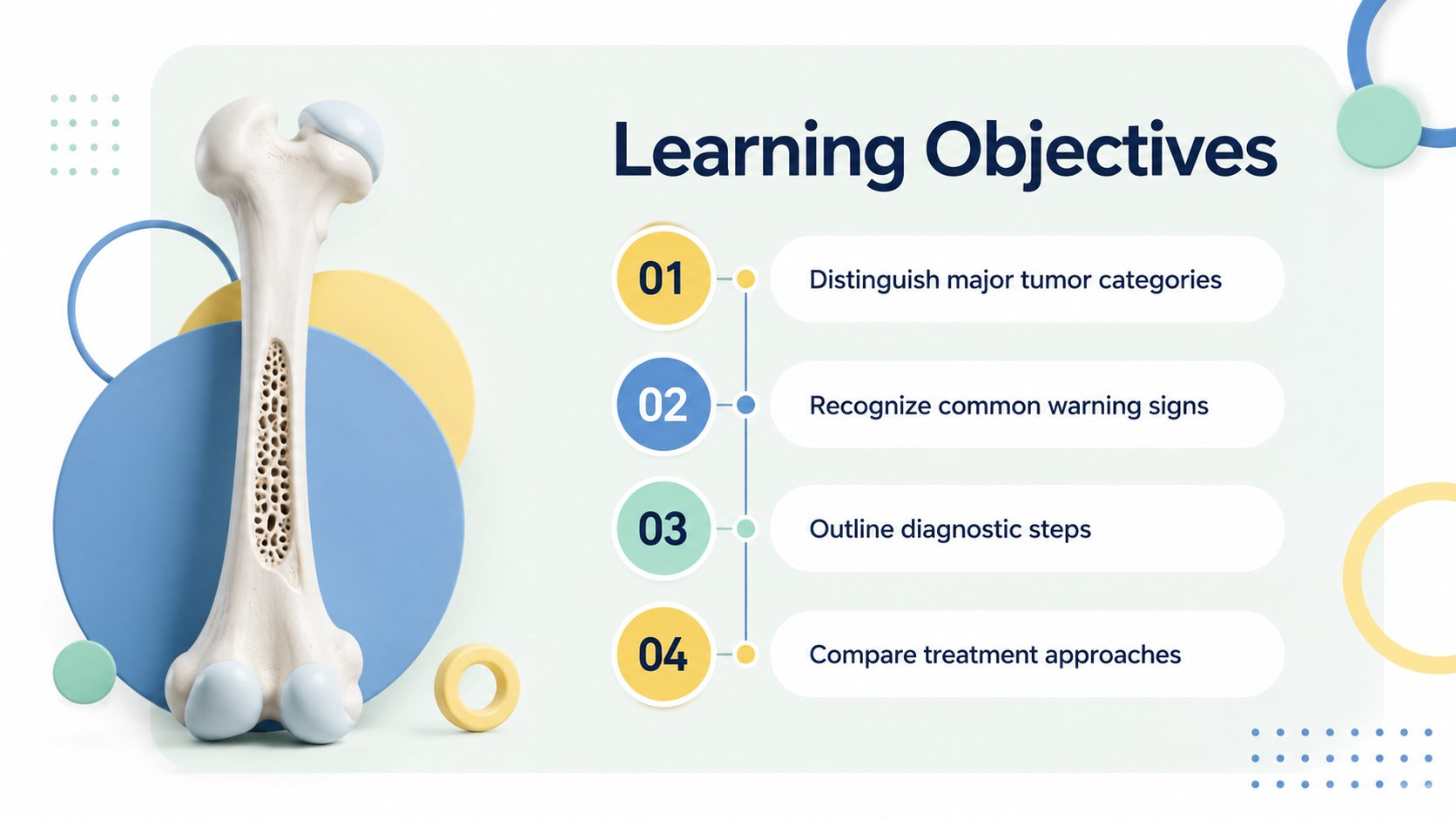
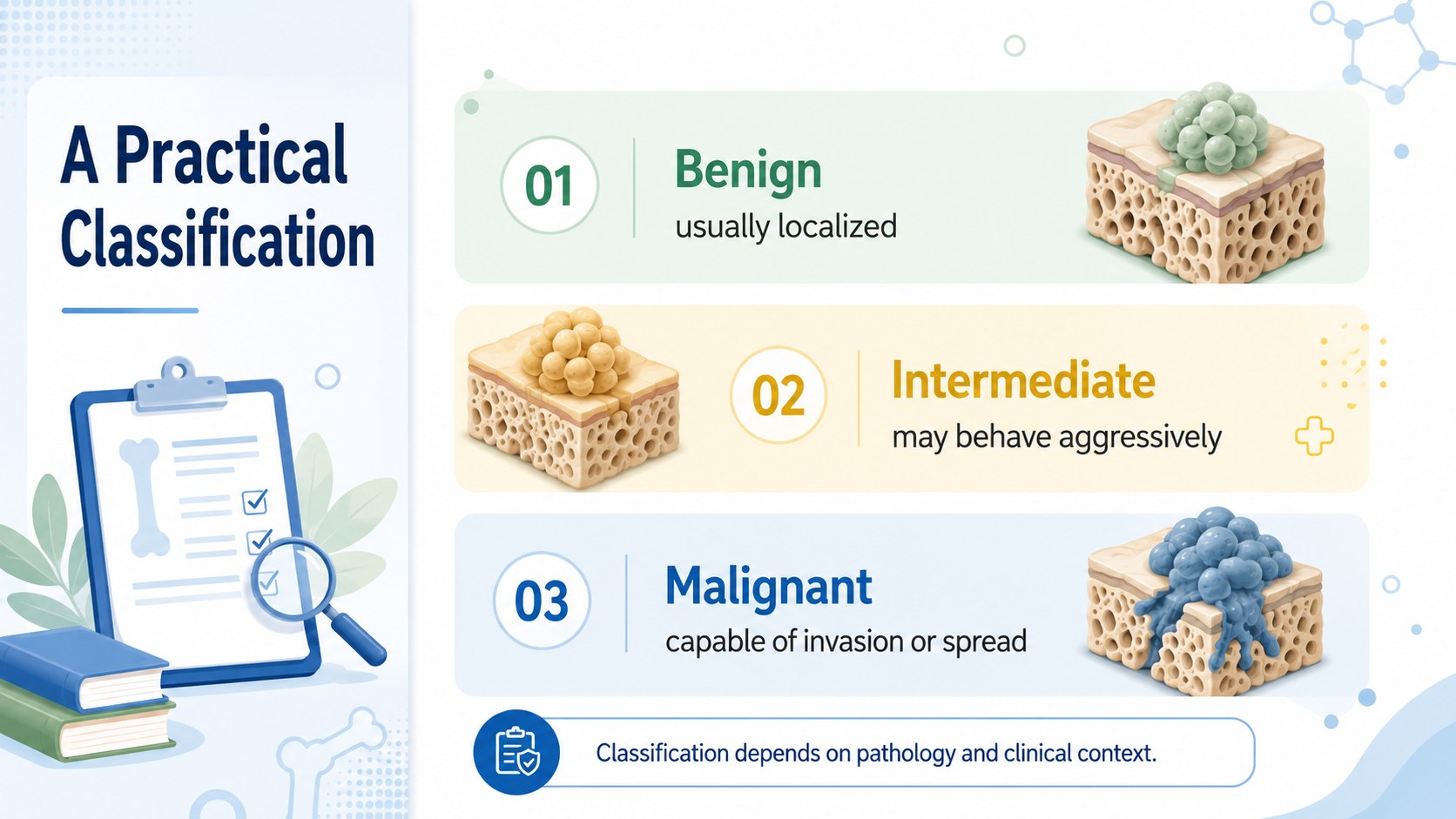
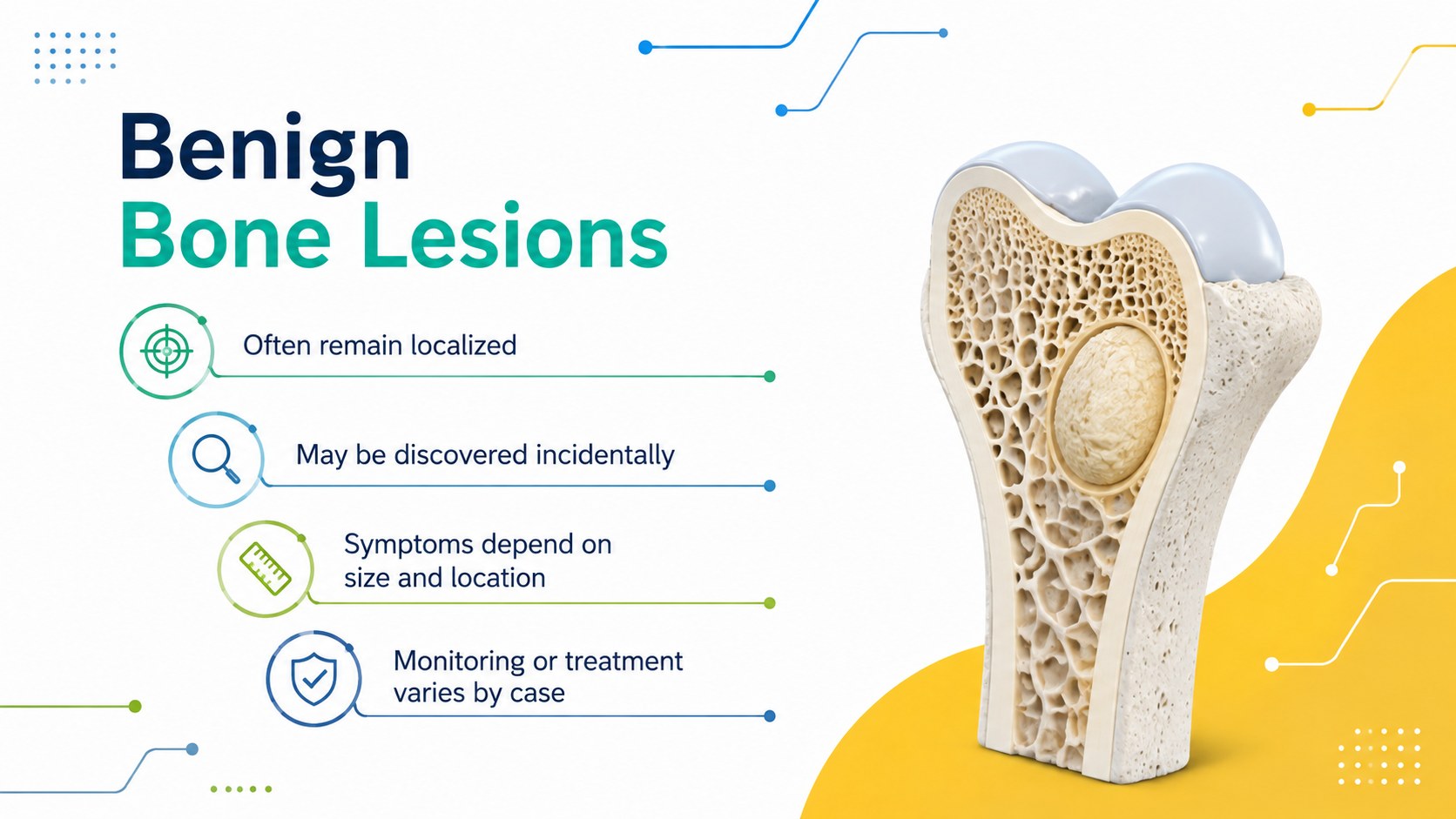
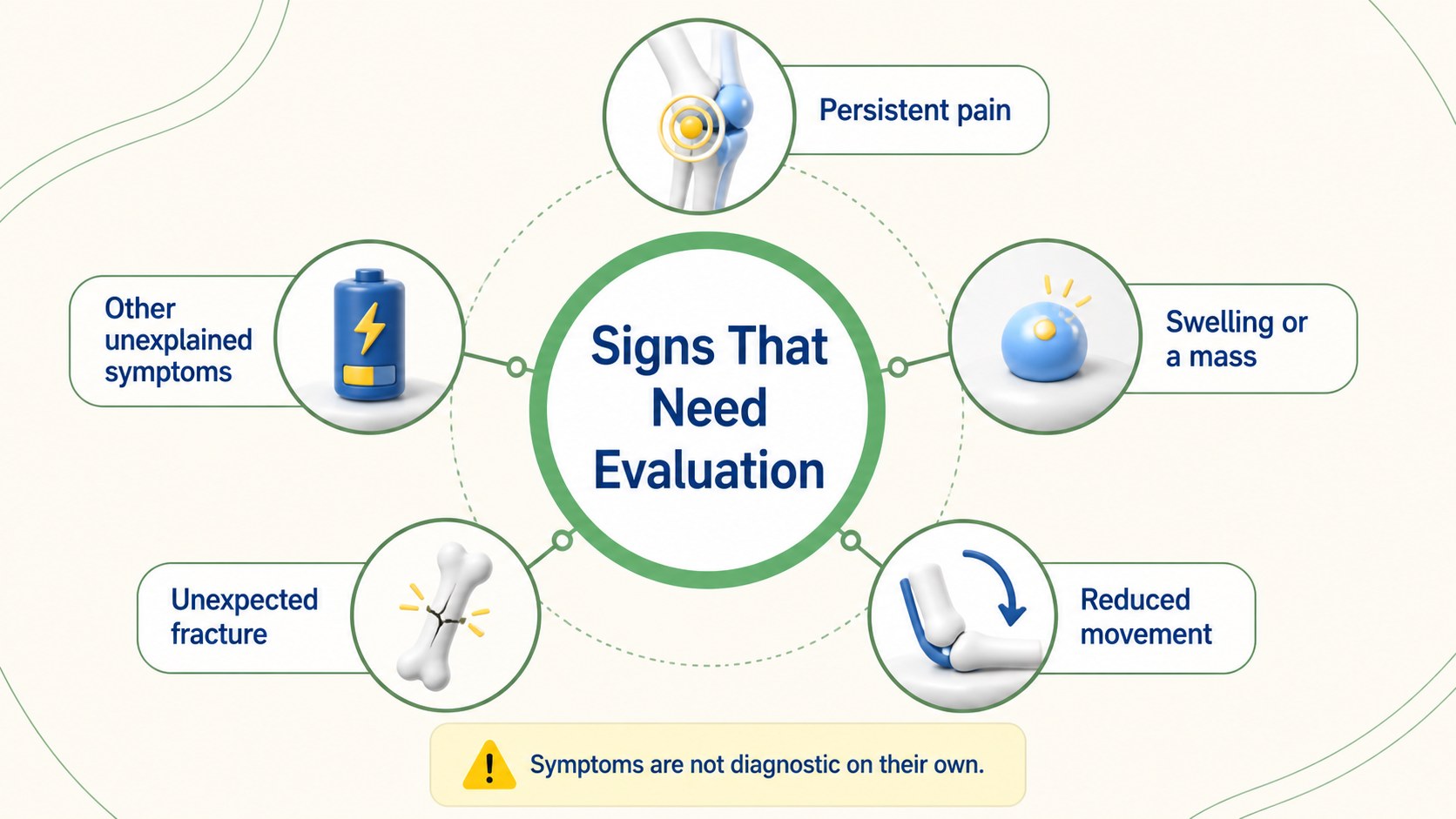
Inside, you will find 15 editable slides covering learning objectives, benign and malignant classifications, common warning signs, diagnostic steps, imaging discussions, biopsy and staging concepts, multidisciplinary care, and treatment approaches. A case study, knowledge check, and recap provide useful opportunities for discussion and assessment. Use the deck as a bone tumor lesson presentation or adapt its visual framework for broader skeletal pathology topics.
This resource is suitable for medical educators, nursing instructors, health science teachers, and students preparing peer-led seminars. It can also support introductory orthopedic oncology classroom slides and a concise bone cancer education template for workshops. Every layout can be customized in PowerPoint or Google Slides, including colors, text, diagrams, charts, and 3D-style graphics. The material is intended for education and should be reviewed against current clinical guidance before use in professional training.
Perfect for: medical school pathology lesson; nursing oncology seminar; health science classroom lecture; orthopedic training workshop; student case study presentation.
Frequently asked questions
Can I edit every slide in this deck? Yes. Text, colors, diagrams, charts, and graphic elements can be adjusted to match your lesson plan or institution's visual style.
Practical details
Yes. Text, colors, diagrams, charts, and graphic elements can be adjusted to match your lesson plan or institution's visual style.
The template is designed for PowerPoint and Google Slides. Some fonts or effects may render slightly differently between platforms, so review the final deck before presenting.
Yes. The layouts are flexible enough for updated terminology, local teaching standards, or different skeletal pathology topics. Clinical details should be checked against current evidence and institutional guidance.
It can be simplified for general audiences by reducing technical language and adding appropriate context. A qualified healthcare professional should review patient-facing information before it is shared.
Keep exploring
15Promote classes with a yoga workshop marketing presentation featuring playful beige, pink, and purple illustrations for PowerPoint and Google Slides.
 15
15Build a clear breast cancer awareness bulletin with bold pink-and-red slides for campaign news, screening reminders, impact data, and community updates.
 15
15Build a clear World Cancer Day message with this global cancer awareness campaign deck, featuring editable blue-green layouts for PowerPoint and Google Slides.
 4
4Document wound findings, treatment decisions, and healing progress with clinical wound evaluation slides for nurses in PowerPoint and Google Slides.
 14
14Plan a clear donor campaign with this blood donation awareness presentation, featuring editable beige-and-red visuals for PowerPoint and Google Slides.
 15
15Build a Kidney Health Awareness Campaign Deck with blue illustrated slides for prevention tips, risk education, screening events, and outreach.
 15
15Build an actionable training session with this fitness program workshop deck, using energetic yellow geometry and editable PowerPoint and Google Slides layouts.
 15
15Equip health teams with this malaria prevention education deck for workshops, community outreach, and policy briefings in PowerPoint or Google Slides.