
 15
15presentation
Yoga Workshop Marketing Presentation
Promote classes with a yoga workshop marketing presentation featuring playful beige, pink, and purple illustrations for PowerPoint and Google Slides.
Google SlidesPowerPoint
presentation · English
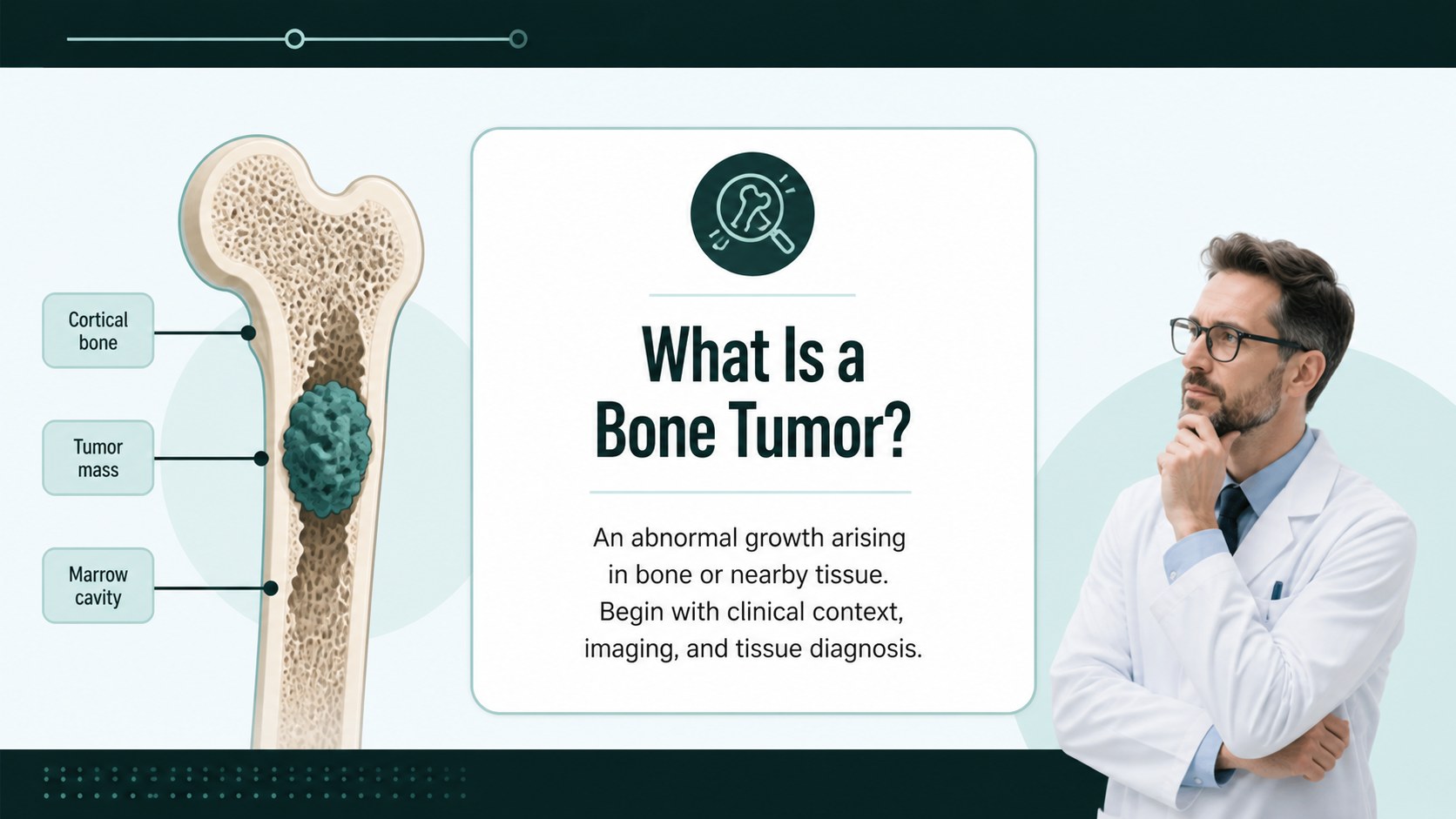
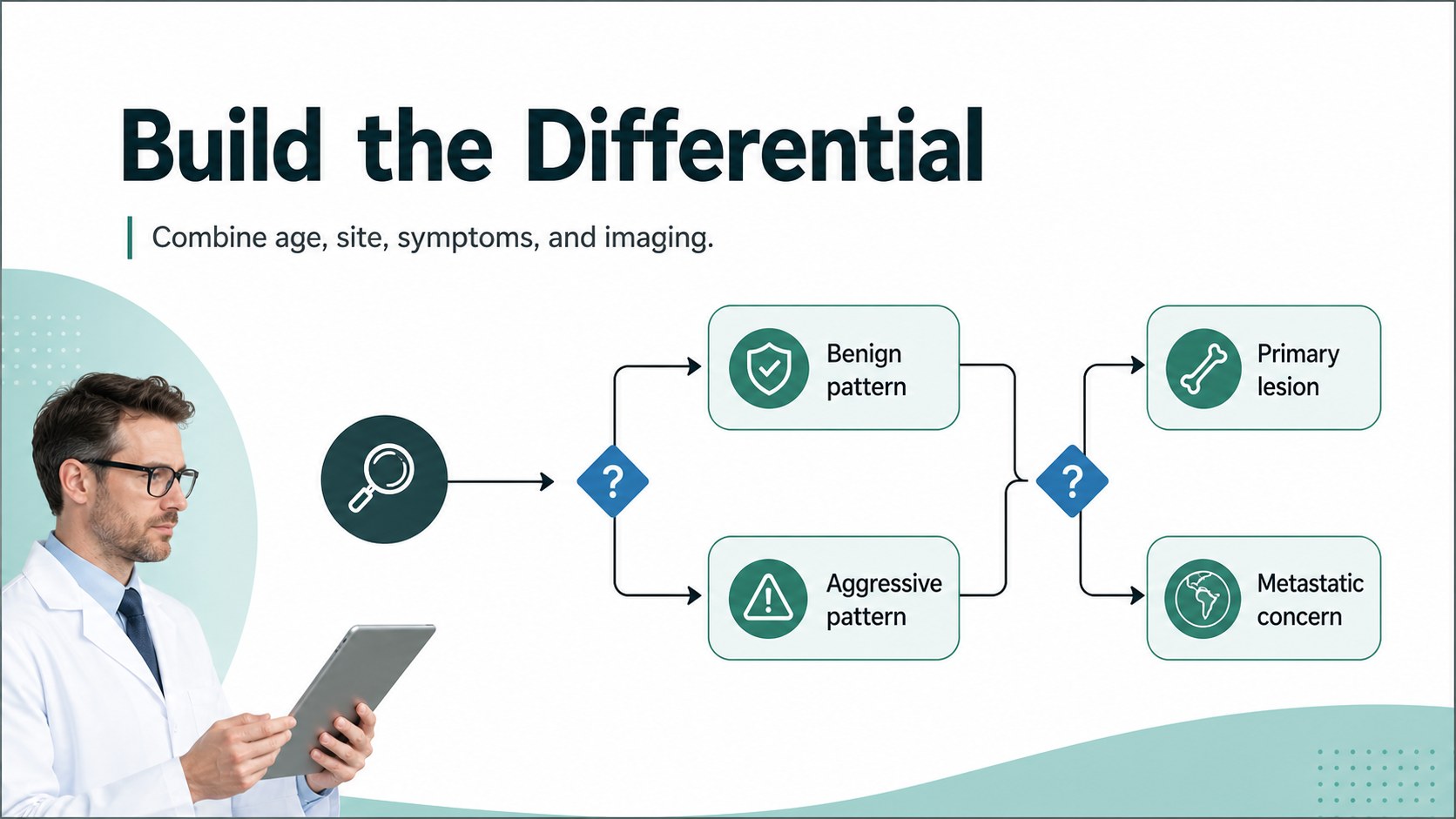
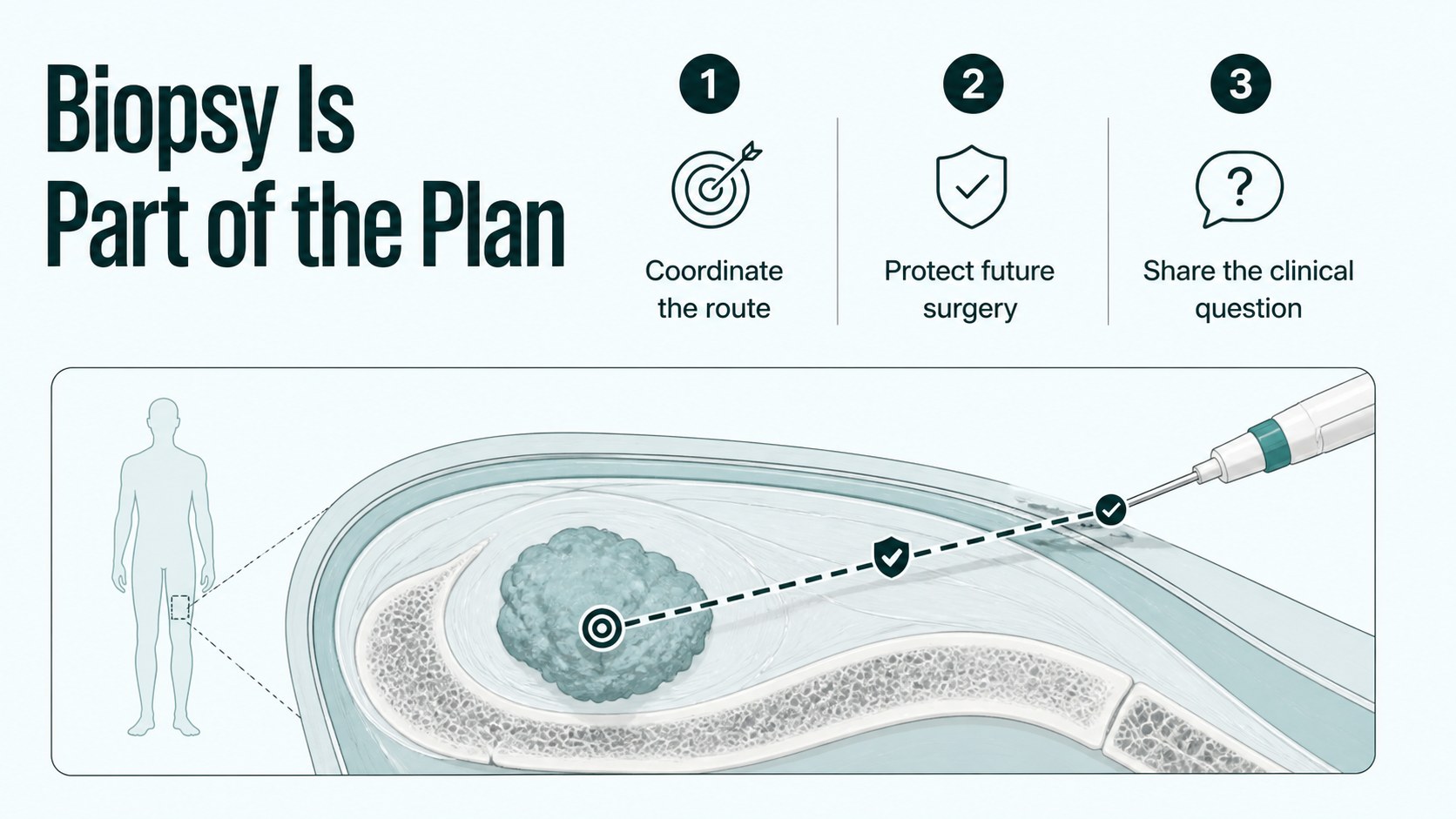
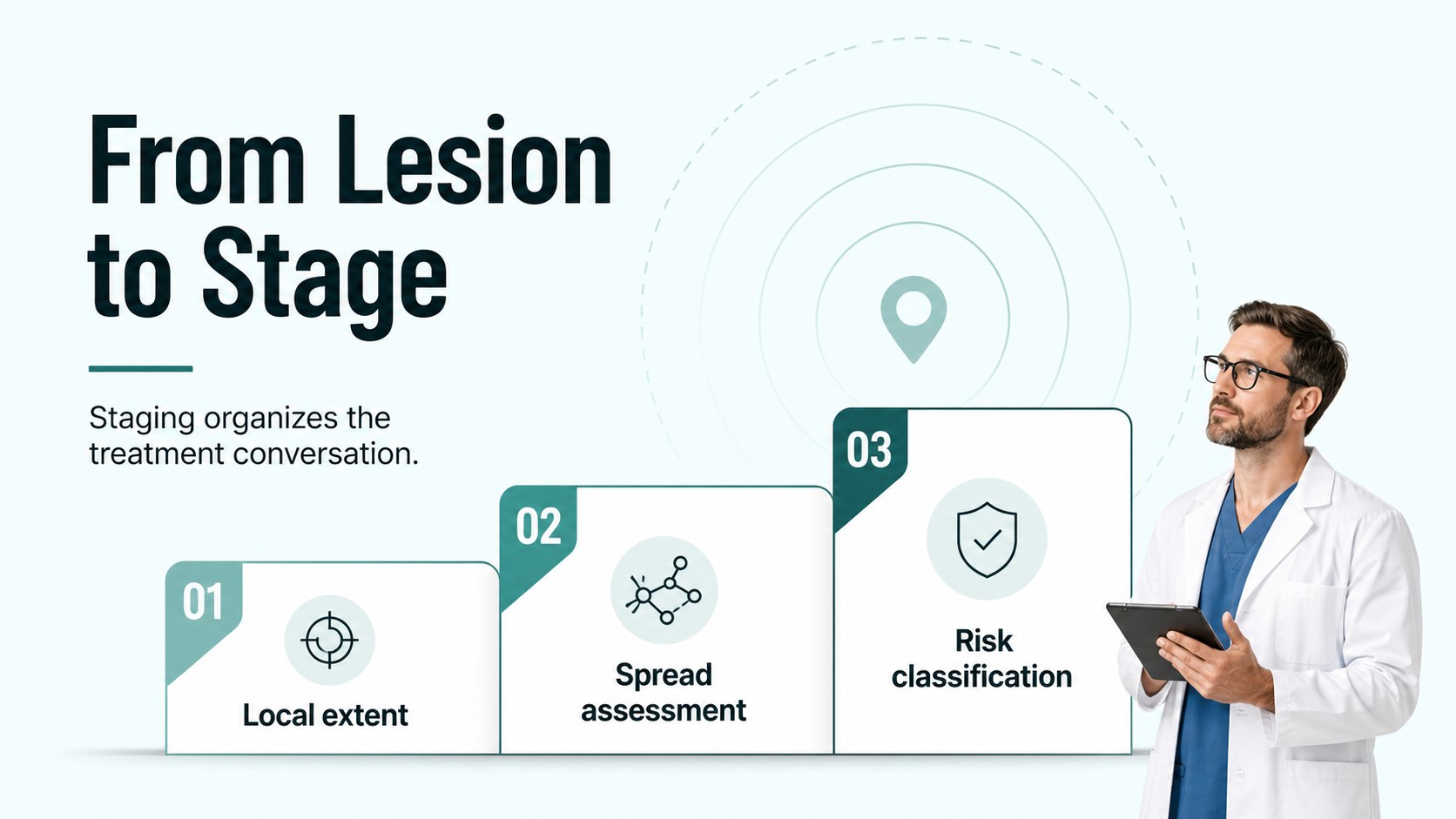
Build a clear bone tumor evaluation teaching deck for medical students and clinical teams, with editable slides for imaging, diagnosis, staging, and care.



Design notes
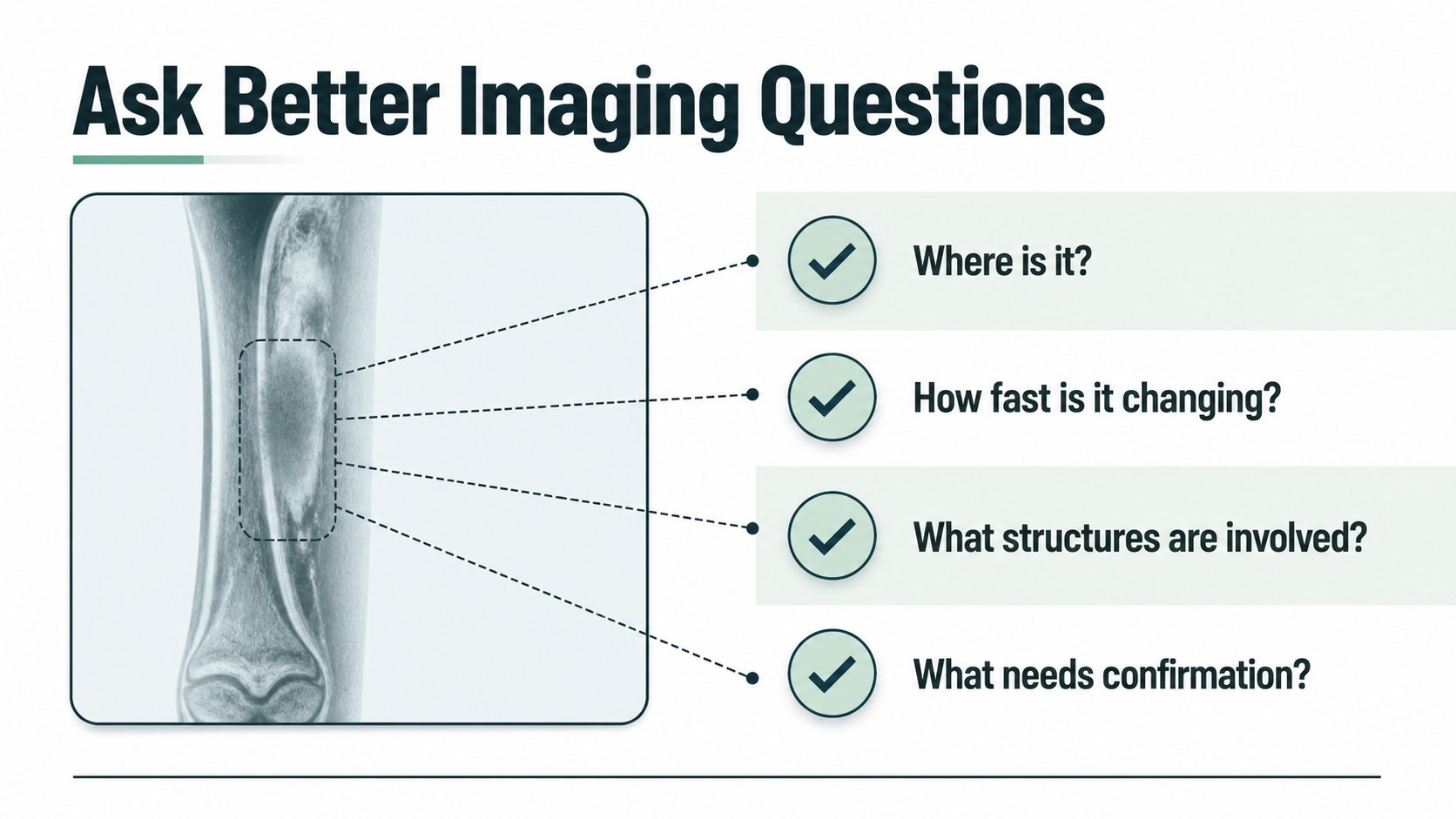
Make complex orthopedic oncology lessons easier to follow with the Bone Tumor Evaluation Teaching Deck. Designed for educators, medical students, residents, and clinical teams, this presentation provides a calm, organized visual framework for explaining how bone tumors are assessed and managed.
The 15-slide set can support a classroom lecture, case conference, resident teaching session, or patient-facing education with appropriate edits. It includes space for clinical definitions, symptom review, imaging interpretation, differential diagnosis, biopsy considerations, staging, treatment pathways, and key takeaways. The layouts are intentionally flexible, so you can add radiographs, diagrams, tables, references, and speaker notes without rebuilding the presentation from scratch. Use it as a bone tumor differential diagnosis slides resource or adapt it for an orthopedic oncology lecture deck.
Edit every element, PowerPoint, or Google Slides. The design combines green, blue, white, and black with Bebas Neue and Inter typography, creating a focused medical look that remains readable on screens and in lecture rooms. Charts, shapes, frames, transitions, and editable text make it practical for both quick updates and detailed instruction. Customize the clinical examples, terminology, and treatment information to match your institution, audience, and current medical guidance.
Perfect for: medical student lecture; orthopedic oncology case conference; resident teaching session; clinical staff training; patient education workshop.
Frequently asked questions
Can I edit this deck? Yes. The presentation is designed for PowerPoint and Google Slides. You can change text, colors, images, charts, and layouts to suit your course or clinical presentation.
Practical details
Yes. The presentation is designed for PowerPoint and Google Slides. You can change text, colors, images, charts, and layouts to suit your course or clinical presentation.
Yes, it is structured for lessons covering evaluation, imaging, differential diagnosis, staging, and treatment planning. Review and update all clinical content so it reflects current guidance and your institution's standards.
Yes. Replace the visual placeholders with approved radiographs, scans, diagrams, or case images. Add captions, citations, and speaker notes to provide the context your audience needs.
The deck uses a 16:9 landscape format and includes 15 editable slides. It can be exported or shared through the supported presentation platforms in common formats.
Keep exploring
15Promote classes with a yoga workshop marketing presentation featuring playful beige, pink, and purple illustrations for PowerPoint and Google Slides.
 15
15Build a clear breast cancer awareness bulletin with bold pink-and-red slides for campaign news, screening reminders, impact data, and community updates.
 15
15Build a clear World Cancer Day message with this global cancer awareness campaign deck, featuring editable blue-green layouts for PowerPoint and Google Slides.
 4
4Document wound findings, treatment decisions, and healing progress with clinical wound evaluation slides for nurses in PowerPoint and Google Slides.
 14
14Plan a clear donor campaign with this blood donation awareness presentation, featuring editable beige-and-red visuals for PowerPoint and Google Slides.
 15
15Build a Kidney Health Awareness Campaign Deck with blue illustrated slides for prevention tips, risk education, screening events, and outreach.
 15
15Build an actionable training session with this fitness program workshop deck, using energetic yellow geometry and editable PowerPoint and Google Slides layouts.
 15
15Equip health teams with this malaria prevention education deck for workshops, community outreach, and policy briefings in PowerPoint or Google Slides.