
 14
14presentation
2036 Dragon Year Celebration Theme
Plan a memorable Lunar New Year campaign with the 2036 Dragon Year Celebration Theme, featuring bold red-and-yellow slides for lessons and events.
Google SlidesPowerPoint
presentation · English
Turn milestone photos and party plans into a first birthday memory book deck with playful blue-and-white layouts for PowerPoint and Google Slides.



Design notes
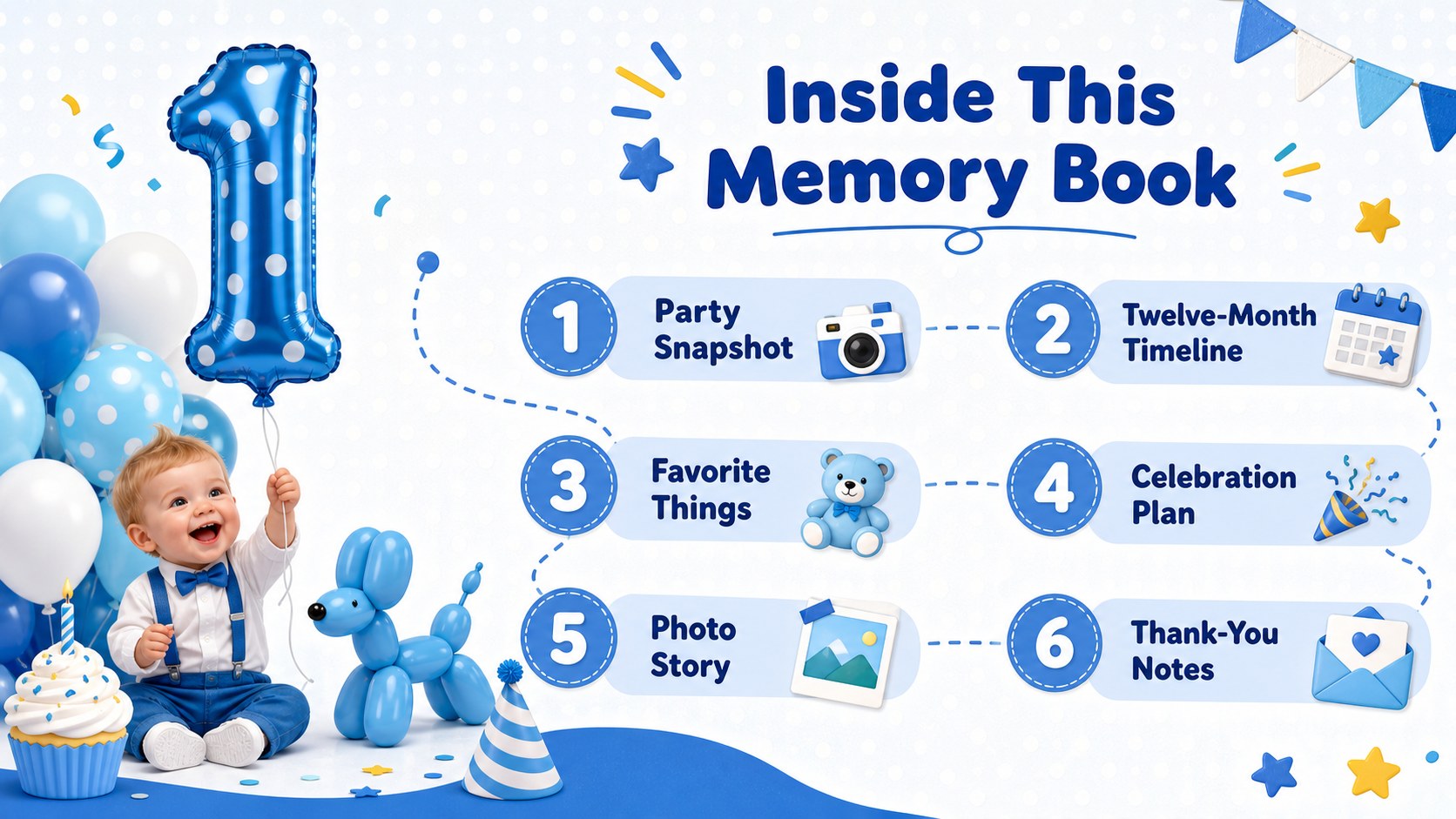
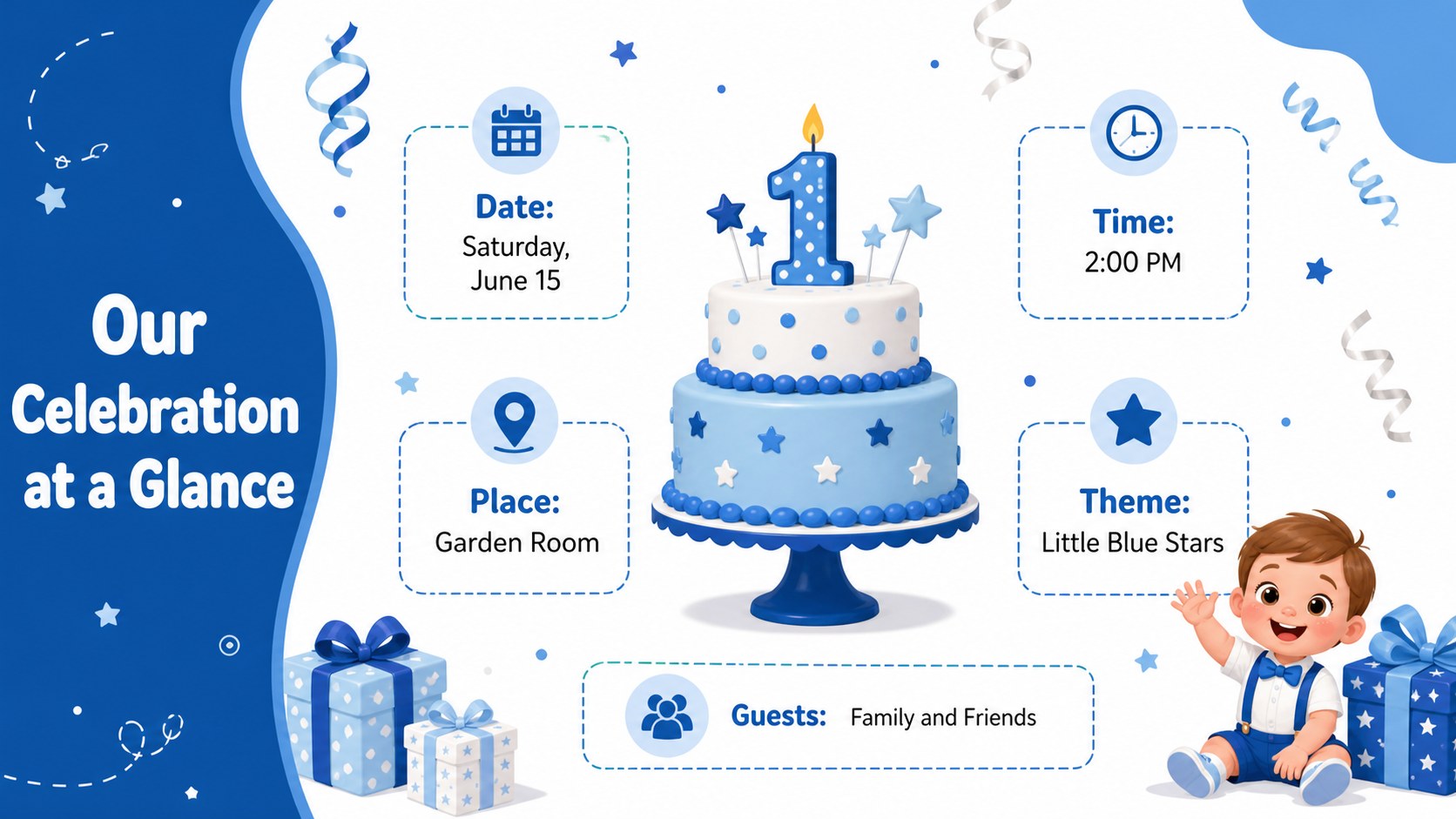
Create a keepsake that is useful before, during, and after the celebration with this first birthday memory book deck. Playful blue-and-white pages combine cheerful illustrations with flexible spaces for photographs, captions, schedules, and party information. Every layout can be adapted in PowerPoint or Google Slides to suit your child, event, and family style.
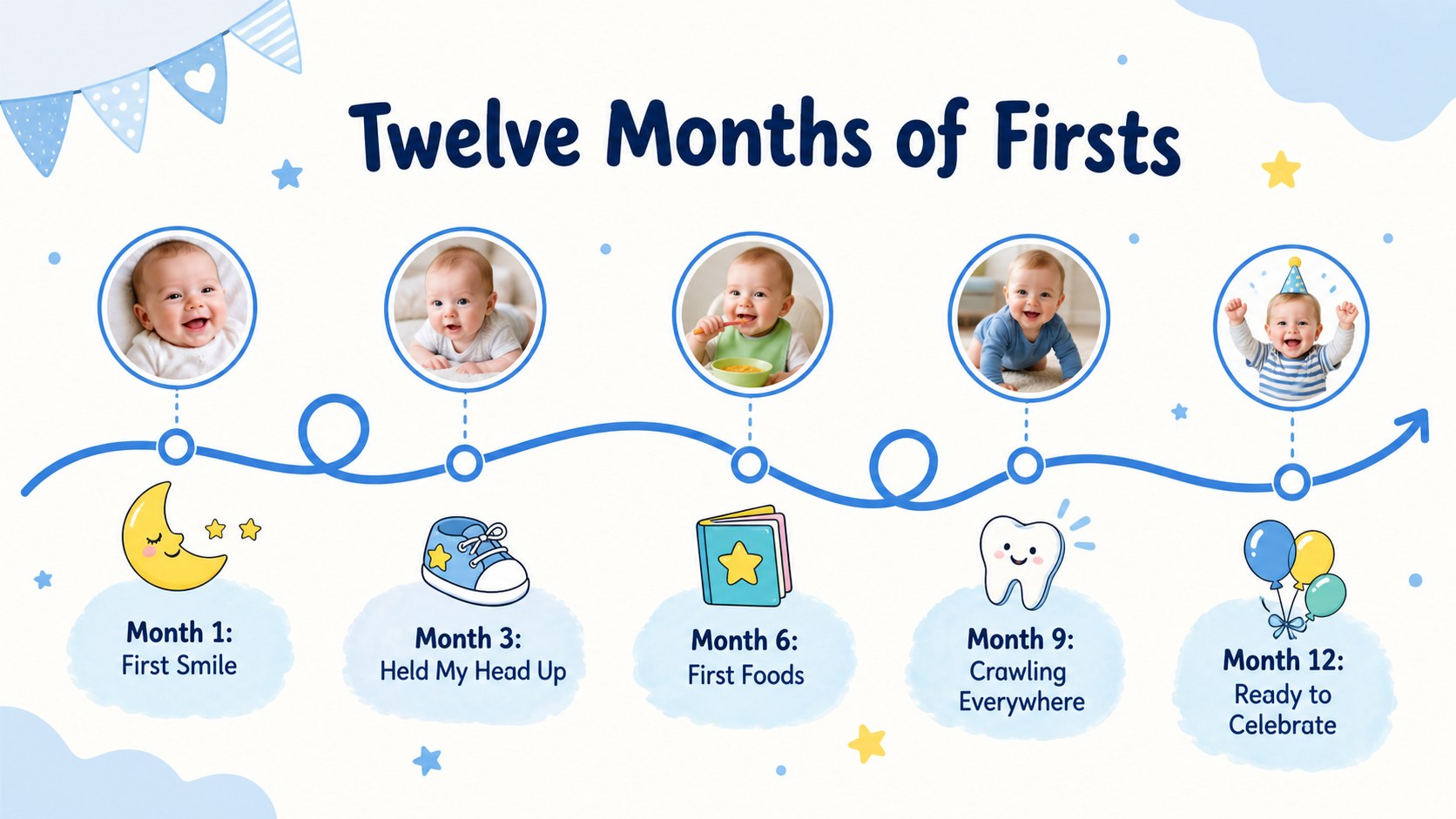
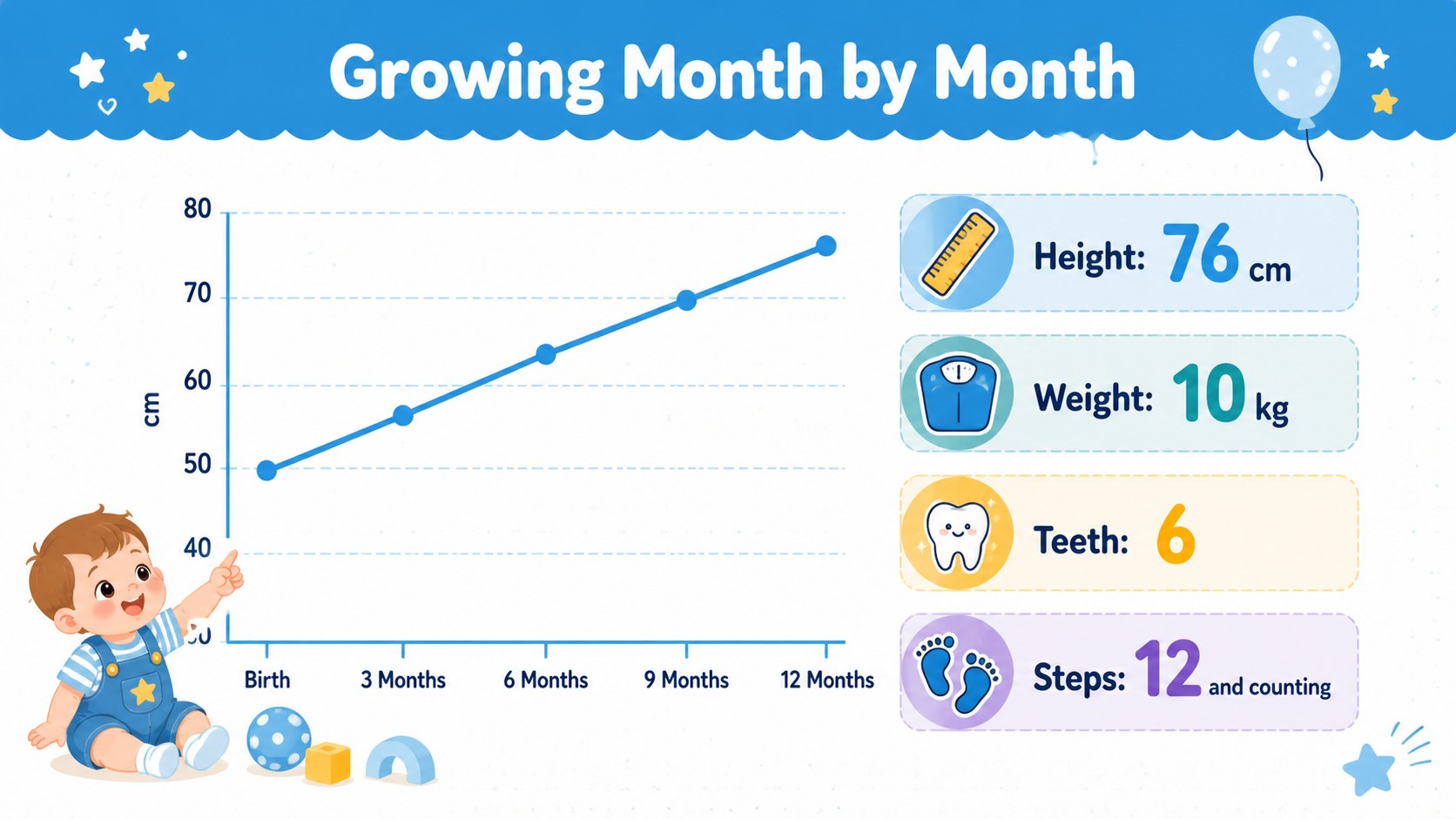
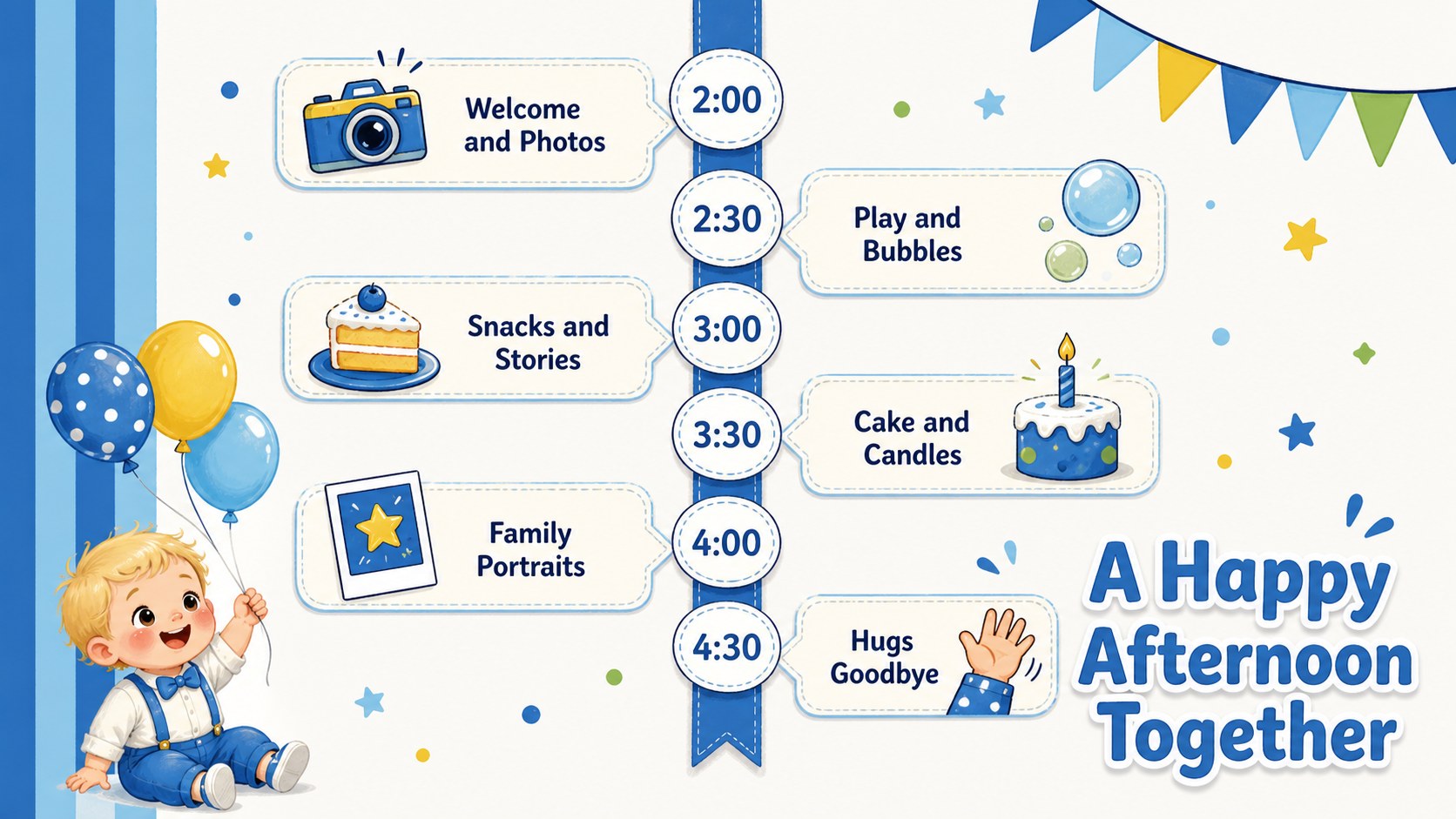
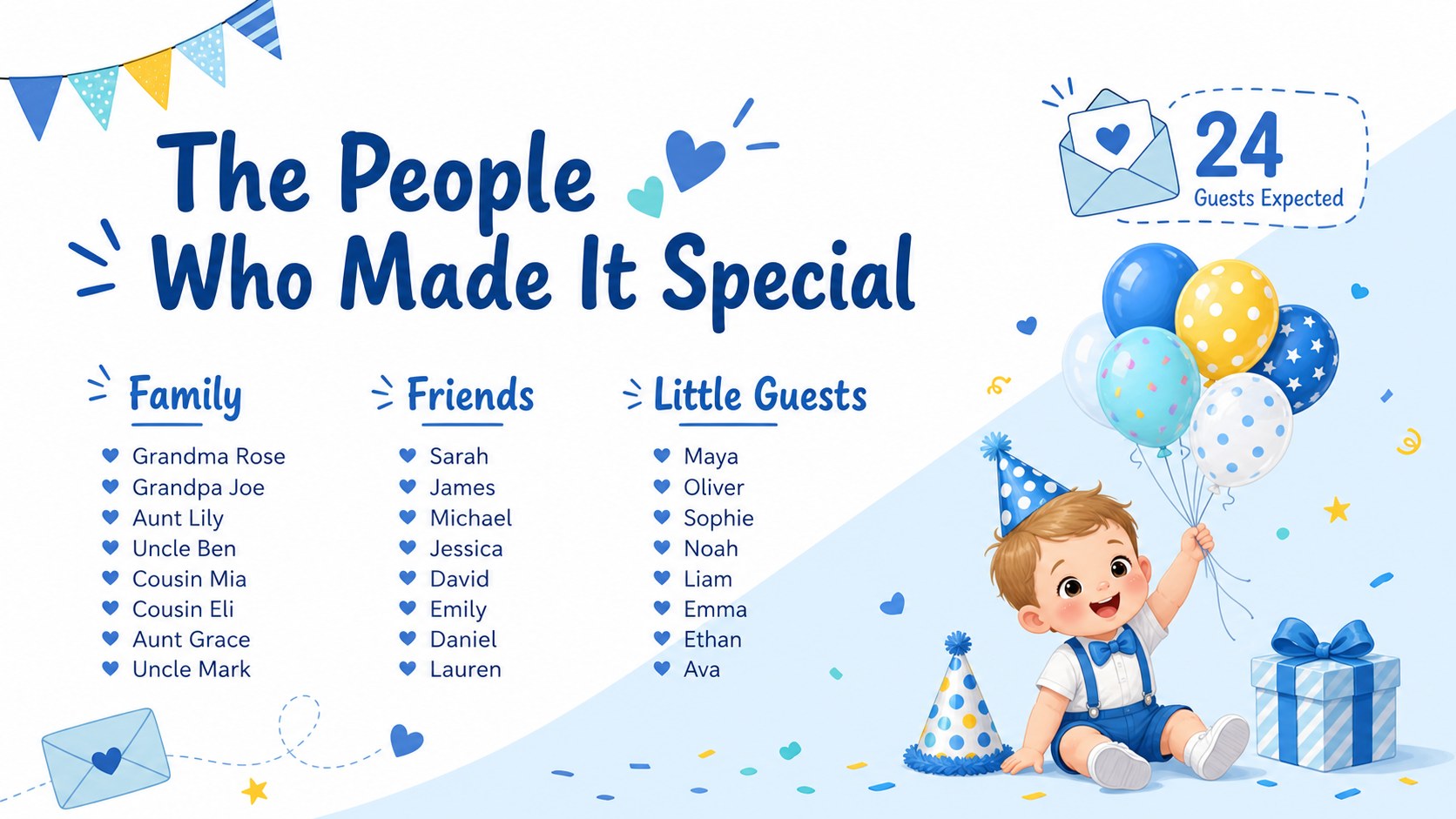
The deck includes a party overview, milestone timeline, guest list, celebration schedule, photo collage, favorite-things page, growth highlights, menu, activity plan, and thank-you message. Use it as a blue first birthday photo album for documenting the first twelve months, or turn the layouts into a first birthday party planning presentation for coordinating decorations, food, games, and important timings. Simple charts and organized content blocks also make it easy to record monthly growth or memorable firsts.
Designed for parents, relatives, event planners, and photographers, this illustrated first birthday slideshow balances practical planning with warm storytelling. Replace the sample wording, insert personal photographs, adjust the blue accents, and rearrange visual elements without changing the friendly character of the design. Present it on a screen during the party, share it privately with family, or export selected pages as printable keepsakes. The result is a polished record of a milestone day that can be revisited long after the candles are gone.
Perfect for: first birthday party planning; baby milestone photo album; celebration screen slideshow; first year family keepsake; birthday photographer preview.
Frequently asked questions
Can I add my own baby photos to the deck? Yes. Replace the sample images with personal photographs, then crop or resize them to fit the provided frames in PowerPoint or Google Slides.
Practical details
Yes. Replace the sample images with personal photographs, then crop or resize them to fit the provided frames in PowerPoint or Google Slides.
The template is designed for PowerPoint and Google Slides. Fonts or spacing may vary slightly between platforms, so review the finished deck before presenting or exporting it.
Yes. Edit the background, accent, text, and illustration colors to coordinate with your party decorations while preserving readable contrast.
Yes. Add your photographs and captions, then export selected slides as PDF pages for printing. Check image resolution and printer margins before producing the final keepsake.
Keep exploring
14Plan a memorable Lunar New Year campaign with the 2036 Dragon Year Celebration Theme, featuring bold red-and-yellow slides for lessons and events.
 15
15Build playful lessons and party stories with a kid-friendly zombie celebration theme in purple, green and pastel blue for PowerPoint and Google Slides.
 15
15Build eerie lessons, campaigns, and story pitches with an undead survival scenario theme featuring editable slides for PowerPoint and Google Slides.
 3
3Share festive messages with a Lunar Horse New Year Wishes Theme, featuring bold red-and-yellow layouts for PowerPoint and Google Slides celebrations.
 15
15Bring zodiac traditions to life with a Lunar Snake Festival Presentation featuring 15 cheerful red illustrated slides for PowerPoint and Google Slides.
 6
6Honor teams and individuals with an Orange Year-End Recognition Certificate Set featuring six editable designs for PowerPoint and Google Slides.
 14
14Honor the people behind the headlines with a World Sports Press Appreciation Deck for PowerPoint and Google Slides, styled in crisp, modern green.
 15
15Teach, inspire, and celebrate with our Plant-Powered Vegetarian Day Lesson Deck, featuring cheerful editable visuals for PowerPoint and Google Slides.