
 14
14presentation
2036 Dragon Year Celebration Theme
Plan a memorable Lunar New Year campaign with the 2036 Dragon Year Celebration Theme, featuring bold red-and-yellow slides for lessons and events.
Google SlidesPowerPoint
presentation · English
Design a birthday greeting slide deck with cheerful blue and red artwork, editable layouts, and party-ready pages for PowerPoint and Google Slides.



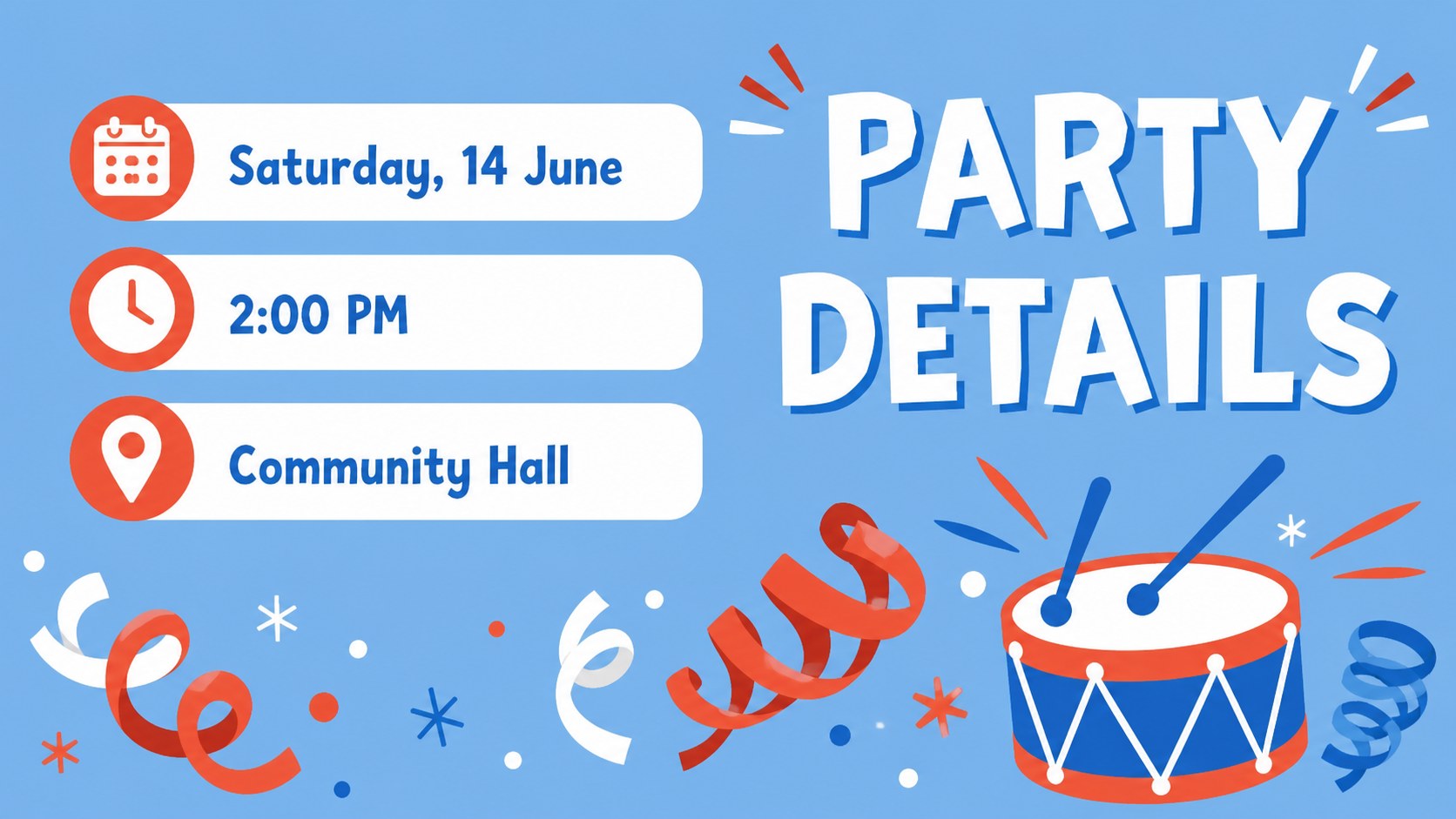

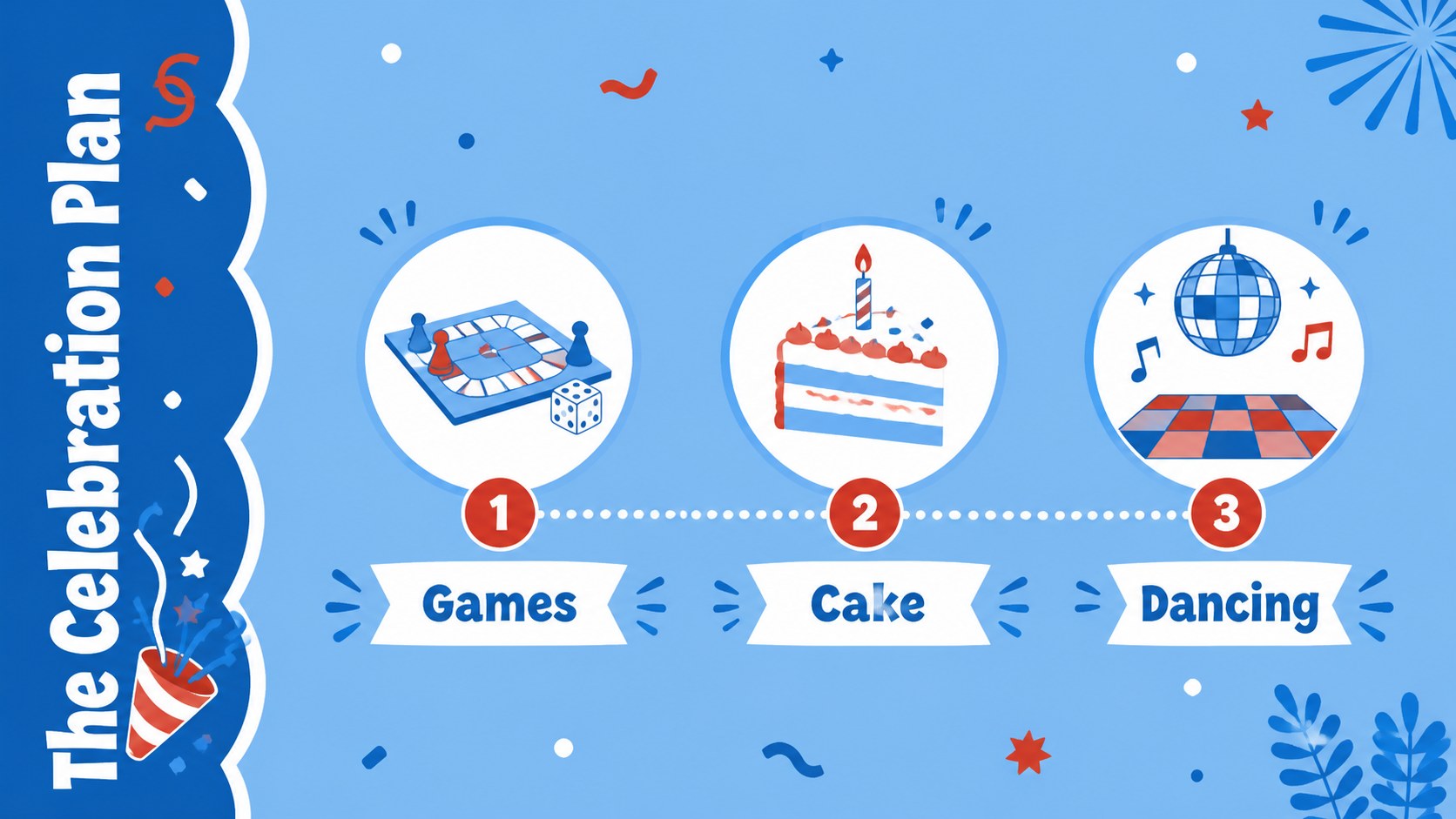


Design notes
Turn a birthday message into a lively visual keepsake with cheerful layouts for invitations, greetings, and party announcements. This birthday greeting slide deck pairs friendly illustrated artwork with a bright blue and red palette, making it easy to create a warm celebration that feels personal and polished.
Inside, you will find more than 25 editable presentation layouts for welcome messages, event details, photo moments, gift notes, party schedules, and closing wishes. Mix and match colorful frames, shapes, lines, charts, and decorative elements to build a birthday invitation slideshow, a family celebration presentation, or a digital greeting for friends and coworkers. Each page uses the Atkinson Hyperlegible font for clear, accessible reading and includes space for short copy, images, and playful visual accents.
The deck is designed for parents, teachers, event organizers, marketers, and anyone preparing a memorable birthday presentation. Use it for a classroom birthday announcement, a children's party welcome screen, a social celebration recap, or a personalized greeting shared online. Download an editable PowerPoint file or open the layout in Google Slides, then adjust the wording and imagery to match the guest of honor.
Perfect for: children's party welcome screen; classroom birthday announcement; family celebration recap; digital greeting for a friend; birthday invitation slideshow.
Frequently asked questions
Can I edit this birthday greeting slide deck in PowerPoint? Yes. Download the PowerPoint version and replace the sample wording, images, and details directly in the editable slides. The layouts are suitable for invitations, announcements, and celebration recaps.
Practical details
Yes. Download the PowerPoint version and replace the sample wording, images, and details directly in the editable slides. The layouts are suitable for invitations, announcements, and celebration recaps.
Yes, the presentation can be opened and edited in Google Slides. You can update text, move design elements, add photos, and share the finished greeting online.
You can change the text, background treatments, accent colors, and images to fit the guest of honor or event theme. The original blue and red palette can also be retained for a consistent illustrated look.
Use the layouts for invitations, schedules, welcome notes, photo collages, gift messages, party games, and final thank-you pages. Short headlines and concise details work best with the playful visual style.
Keep exploring
14Plan a memorable Lunar New Year campaign with the 2036 Dragon Year Celebration Theme, featuring bold red-and-yellow slides for lessons and events.
 15
15Build playful lessons and party stories with a kid-friendly zombie celebration theme in purple, green and pastel blue for PowerPoint and Google Slides.
 15
15Build eerie lessons, campaigns, and story pitches with an undead survival scenario theme featuring editable slides for PowerPoint and Google Slides.
 3
3Share festive messages with a Lunar Horse New Year Wishes Theme, featuring bold red-and-yellow layouts for PowerPoint and Google Slides celebrations.
 15
15Bring zodiac traditions to life with a Lunar Snake Festival Presentation featuring 15 cheerful red illustrated slides for PowerPoint and Google Slides.
 6
6Honor teams and individuals with an Orange Year-End Recognition Certificate Set featuring six editable designs for PowerPoint and Google Slides.
 14
14Honor the people behind the headlines with a World Sports Press Appreciation Deck for PowerPoint and Google Slides, styled in crisp, modern green.
 15
15Teach, inspire, and celebrate with our Plant-Powered Vegetarian Day Lesson Deck, featuring cheerful editable visuals for PowerPoint and Google Slides.