
 14
14presentation
2036 Dragon Year Celebration Theme
Plan a memorable Lunar New Year campaign with the 2036 Dragon Year Celebration Theme, featuring bold red-and-yellow slides for lessons and events.
Google SlidesPowerPoint
presentation · English
Share a meaningful holiday story with this Bethlehem star Christmas deck for PowerPoint and Google Slides, featuring blue paper-art scenes and editable…

Design notes
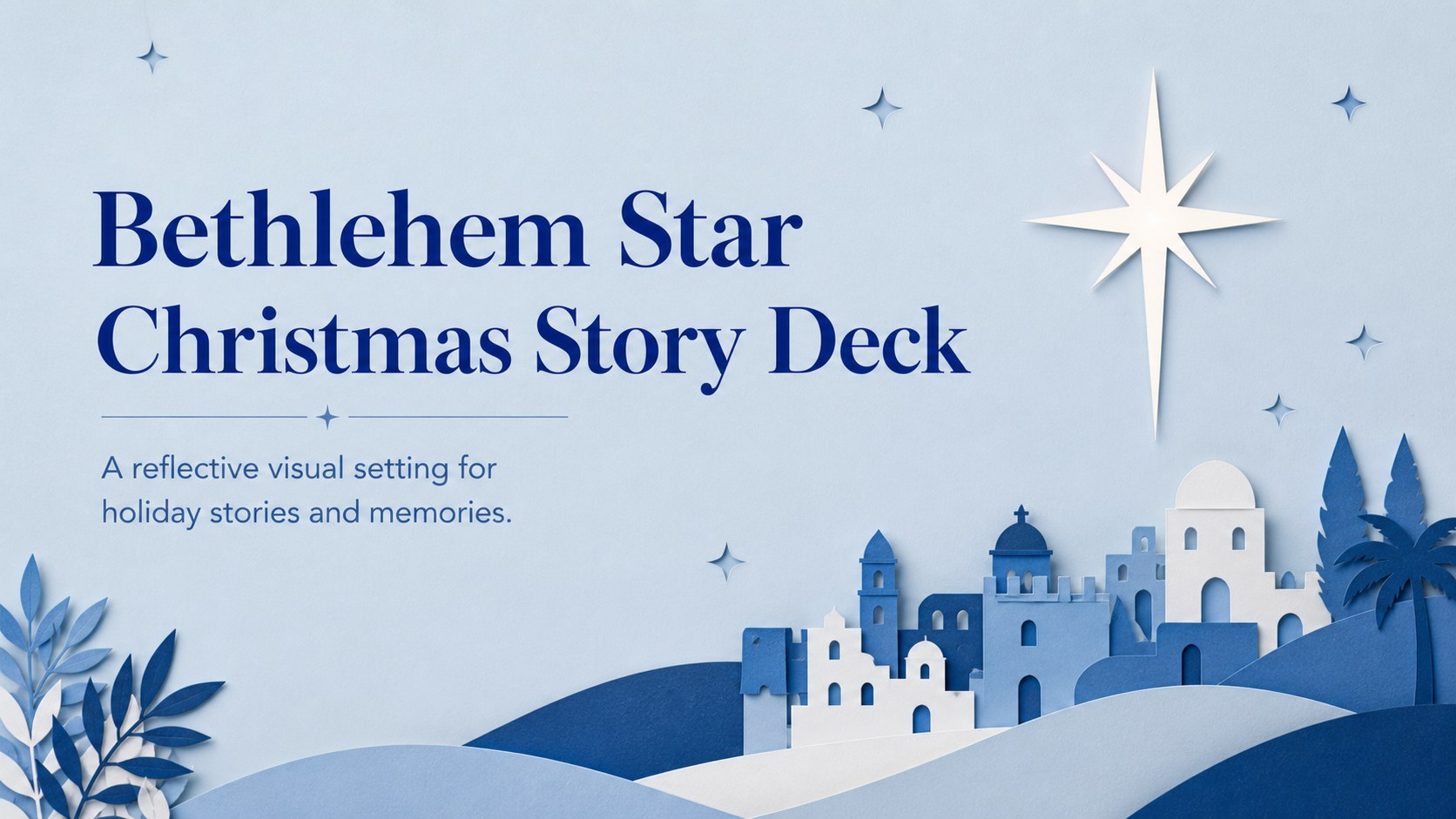
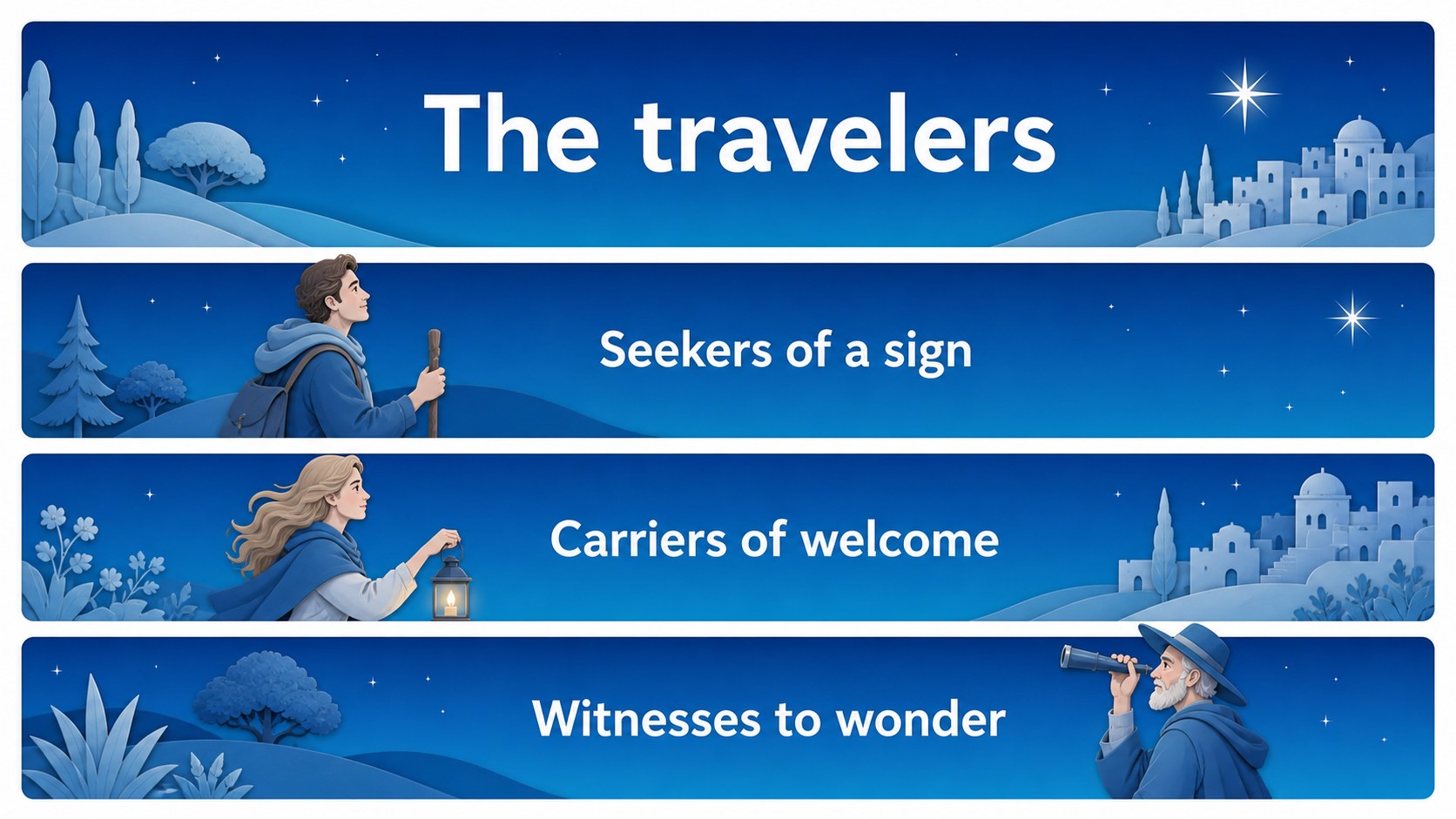
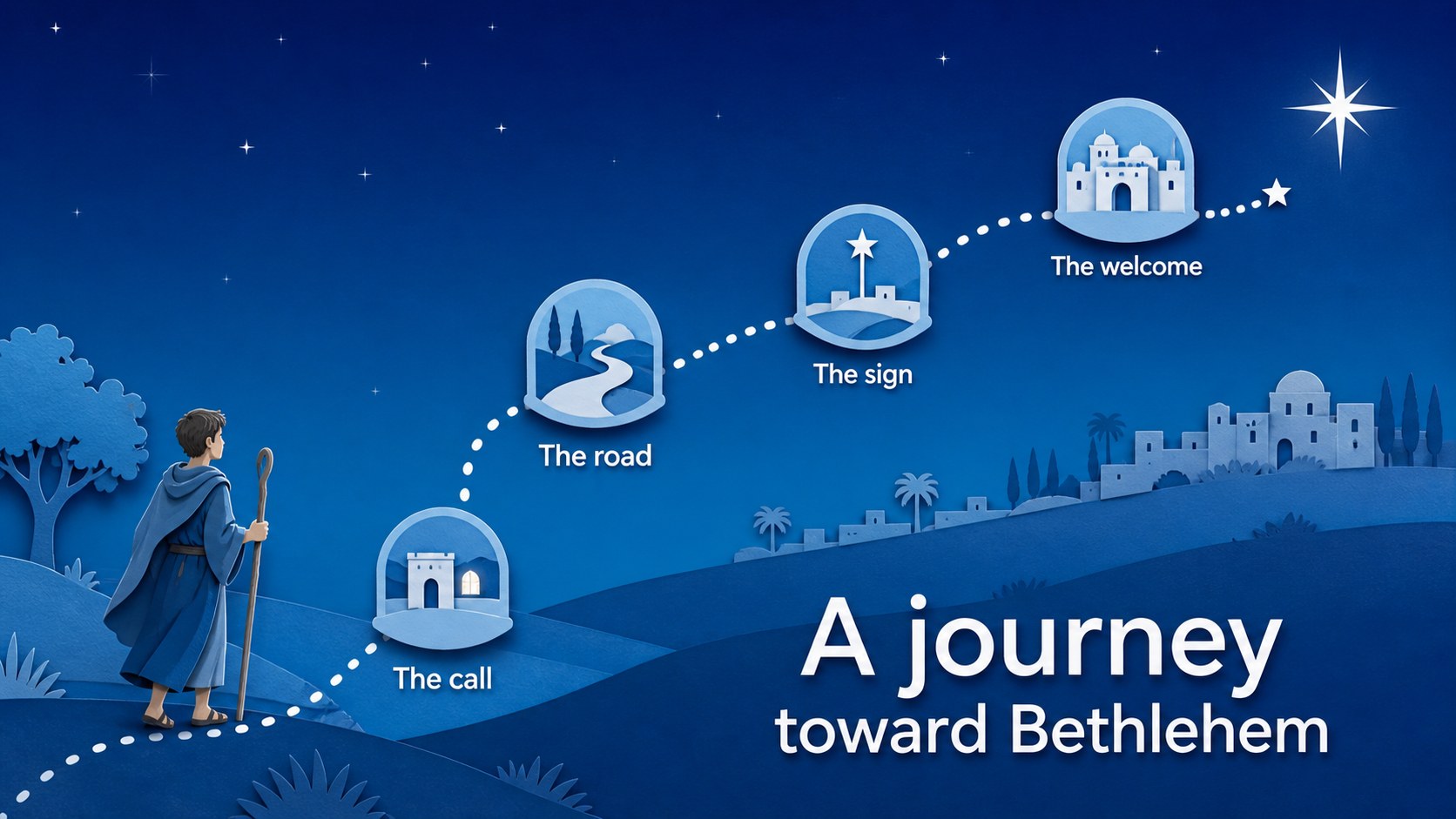
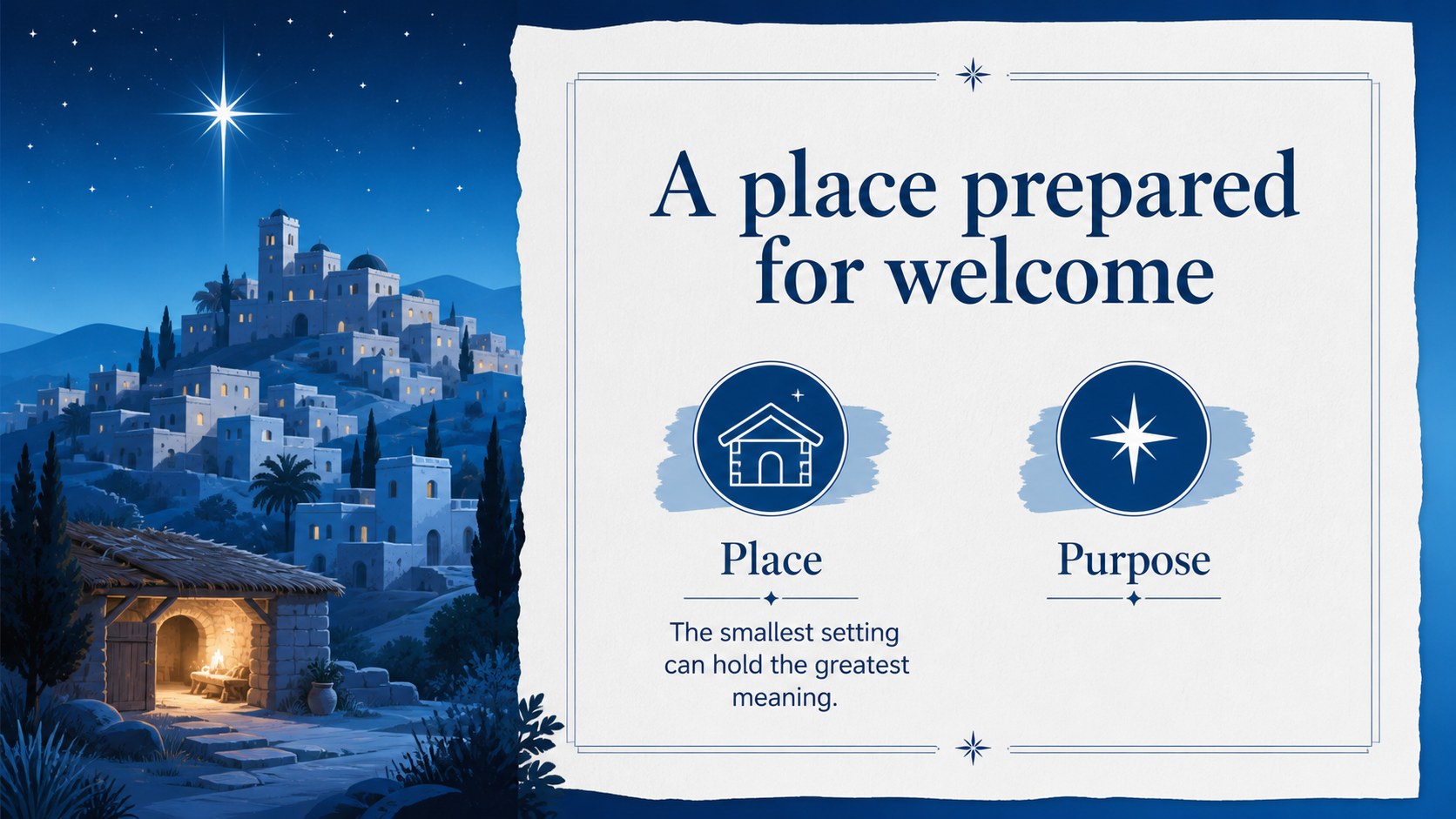
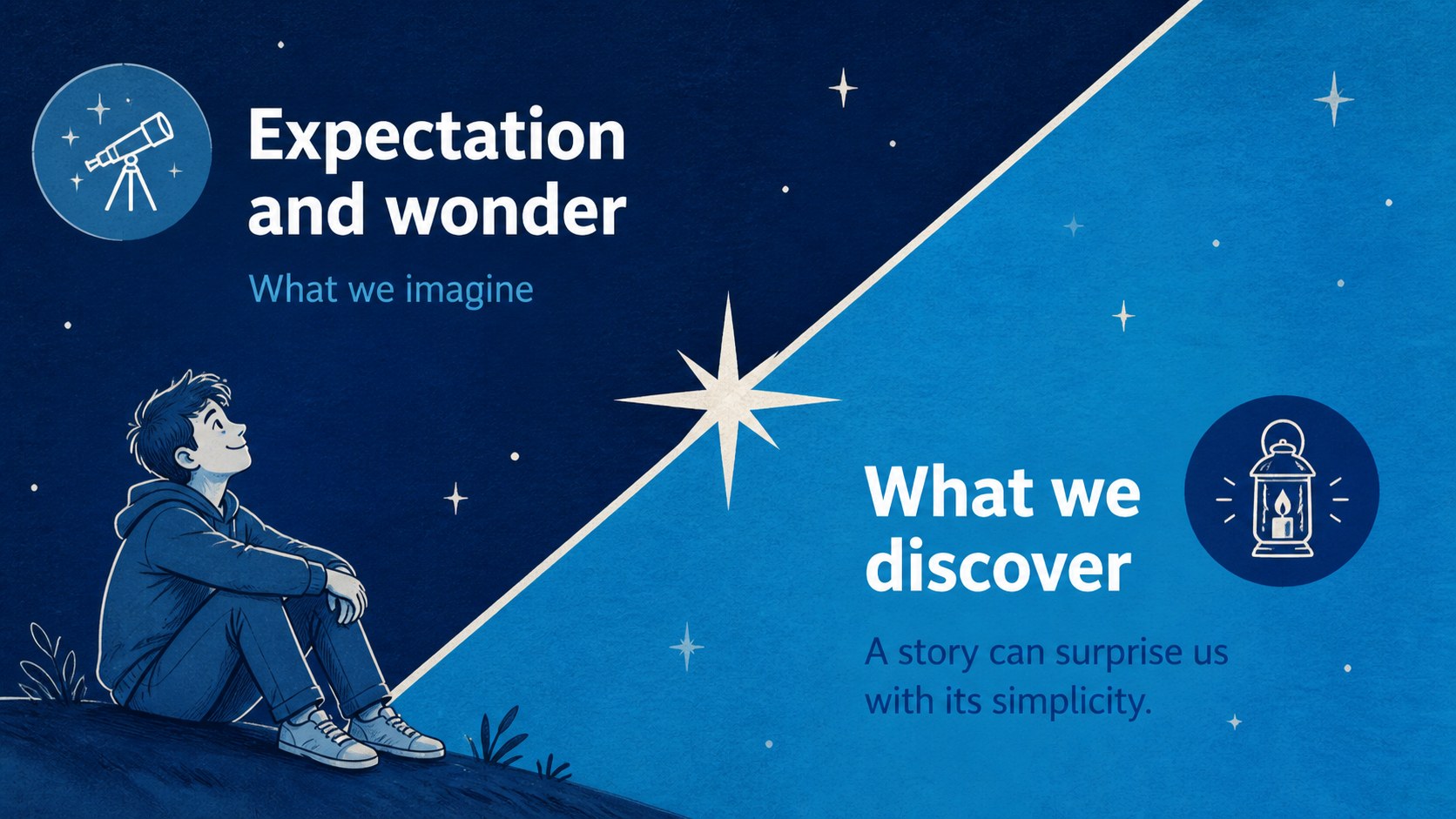
Bethlehem Star Christmas Story Deck gives holiday presentations a calm, storybook atmosphere. Its blue paper-art scenes, starry details, and layered cut-paper shapes create a thoughtful setting for retelling the Christmas story, sharing family memories, or preparing a seasonal message. The visual language feels warm and handcrafted while leaving enough space for clear, readable content.
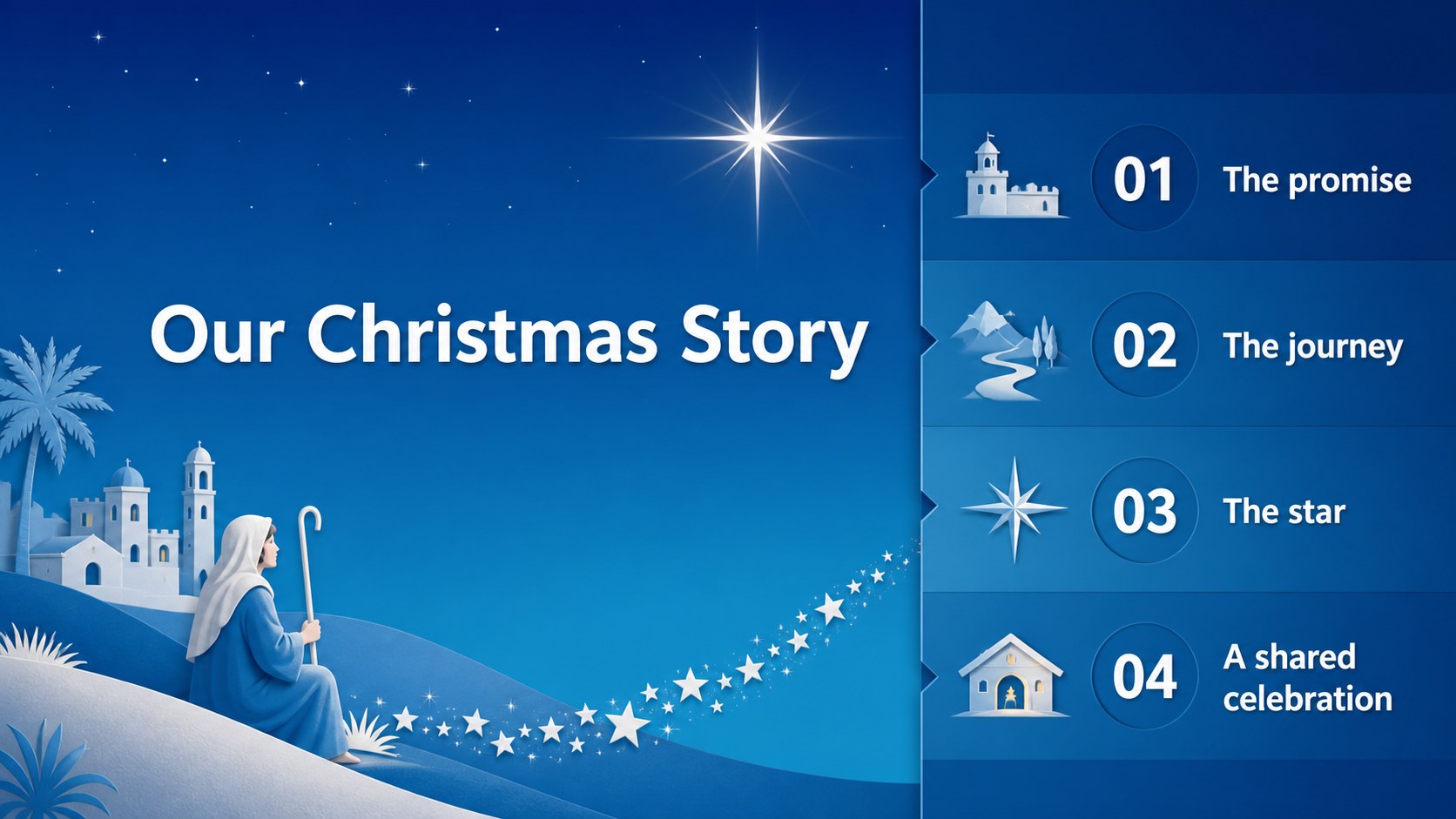
Inside are 16:9 layouts for an opening story, agenda, scripture or quote, character introduction, journey timeline, comparison, photo collage, data visualization, process steps, thank-you message, and closing greeting. Editable text, colors, photos, charts, tables, and decorative elements make the deck practical for different audiences. A coordinated set of Christmas icons and map graphics helps extend the visual system across your presentation.
Use this Bethlehem star Christmas deck for church announcements, Sunday school lessons, nonprofit holiday events, family photo slideshows, or classroom storytelling. It works as a Christmas story presentation for Google Slides and PowerPoint, and it can also support a holiday greeting slideshow or end-of-year reflection. The Cinzel and Nunito font pairing adds a classic headline style with approachable body text, while the blue palette keeps the overall mood peaceful. The template is fully editable and released under a public domain license, so the credits slide is optional.
Perfect for: church Christmas service; Sunday school lesson; family holiday slideshow; nonprofit seasonal event; classroom Christmas story; holiday greeting presentation.
Frequently asked questions
Can I edit this Bethlehem Star Christmas deck in PowerPoint? Yes. Download the PowerPoint version and change the text, colors, photos, icons, charts, and slide order directly on your computer. The layouts are designed for widescreen 16:9 presentations.
Practical details
Yes. Download the PowerPoint version and change the text, colors, photos, icons, charts, and slide order directly on your computer. The layouts are designed for widescreen 16:9 presentations.
Yes, it can be used as a Google Slides theme. Upload or open the presentation in Google Slides, then customize the editable elements for your event, lesson, or slideshow.
Yes. The story sequence, quote layout, timeline, and character introduction slides can support a Sunday school lesson. Replace the sample copy with your chosen readings, discussion prompts, or teaching notes.
You can adjust the background colors, text, photos, and many decorative elements while keeping the paper-art direction intact. For the best visual consistency, use the included Cinzel and Nunito font pairing.
Keep exploring
14Plan a memorable Lunar New Year campaign with the 2036 Dragon Year Celebration Theme, featuring bold red-and-yellow slides for lessons and events.
 15
15Build playful lessons and party stories with a kid-friendly zombie celebration theme in purple, green and pastel blue for PowerPoint and Google Slides.
 15
15Build eerie lessons, campaigns, and story pitches with an undead survival scenario theme featuring editable slides for PowerPoint and Google Slides.
 3
3Share festive messages with a Lunar Horse New Year Wishes Theme, featuring bold red-and-yellow layouts for PowerPoint and Google Slides celebrations.
 15
15Bring zodiac traditions to life with a Lunar Snake Festival Presentation featuring 15 cheerful red illustrated slides for PowerPoint and Google Slides.
 6
6Honor teams and individuals with an Orange Year-End Recognition Certificate Set featuring six editable designs for PowerPoint and Google Slides.
 14
14Honor the people behind the headlines with a World Sports Press Appreciation Deck for PowerPoint and Google Slides, styled in crisp, modern green.
 15
15Teach, inspire, and celebrate with our Plant-Powered Vegetarian Day Lesson Deck, featuring cheerful editable visuals for PowerPoint and Google Slides.